1. Pengenalan
This manual provides essential information for setting up, operating, and maintaining your Aiwa AW50RKQ 50-inch QLED 4K Ultra HD Roku TV. Please read these instructions carefully before using the product to ensure safe and optimal performance.
The Aiwa AW50RKQ is designed to deliver a powerful streaming experience and superior image quality with its QLED panel and 3840 x 2160 pixel (4K) resolution. It features Roku TV for quick access to applications and streaming channels, along with Dolby Digital sound and a slim design.
2. Kandungan Pakej
Sahkan bahawa semua item yang disenaraikan di bawah disertakan dalam pakej anda:
- Aiwa AW50RKQ 50-inch QLED 4K Ultra HD Roku TV
- Alat Kawalan Jauh
- Pendirian TV
- Skru untuk Pemasangan Stand
- Kabel Kuasa
- Penyesuai Kuasa
- Manual Pengguna (dokumen ini)
- Kad Waranti
3. Persediaan
3.1 Memasang Stand TV
Carefully place the TV screen-down on a soft, clean surface to prevent scratches. Align the TV stand with the mounting holes on the bottom of the TV. Secure the stand using the provided screws.
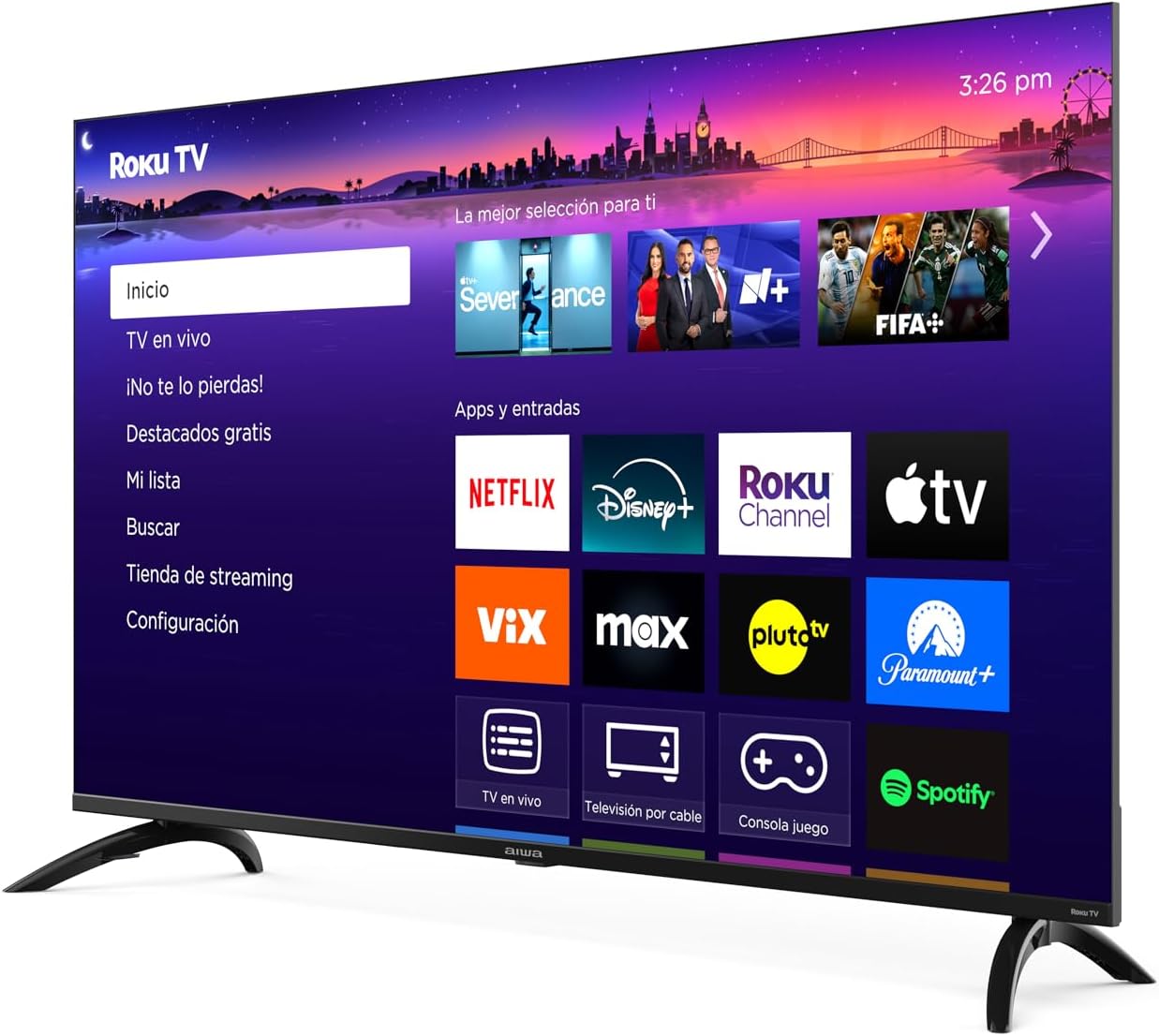
Imej: Depan view of the Aiwa AW50RKQ 50-inch QLED 4K Ultra HD Roku TV with its stand attached, displaying the Roku TV interface.
3.2 Kuasa Penyambung
Connect the power cable to the TV's power input and then plug it into a wall outlet. Ensure the power adapter is securely connected if provided separately.
3.3 Menyambung Peranti Luaran
Your Aiwa AW50RKQ TV offers various connectivity options:
- HDMI: Connect up to 4 HDMI devices (e.g., Blu-ray player, game console, cable box). One HDMI port supports eARC for enhanced audio return channel functionality.
- USB: Connect a USB drive for media playback.
- Composite A/V: For older devices, use the composite audio/video input.
- Output Digital Optik: Sambung ke bar bunyi atau sistem teater rumah untuk audio digital.
- Output Fon Kepala: Sambungkan fon kepala untuk mendengar secara peribadi.

Imej: Belakang view of the Aiwa AW50RKQ TV, showing the various input and output ports including HDMI, USB, and audio connections.
3.4 Initial Power On and Roku TV Setup
Press the power button on the remote control or the TV. Follow the on-screen instructions to complete the initial setup, including connecting to your Wi-Fi network and activating your Roku account.
4. Arahan Operasi
4.1 Alat Kawalan Jauh
The included remote control provides access to all TV functions. Familiarize yourself with the buttons for power, volume, channel selection, navigation, and dedicated app buttons.
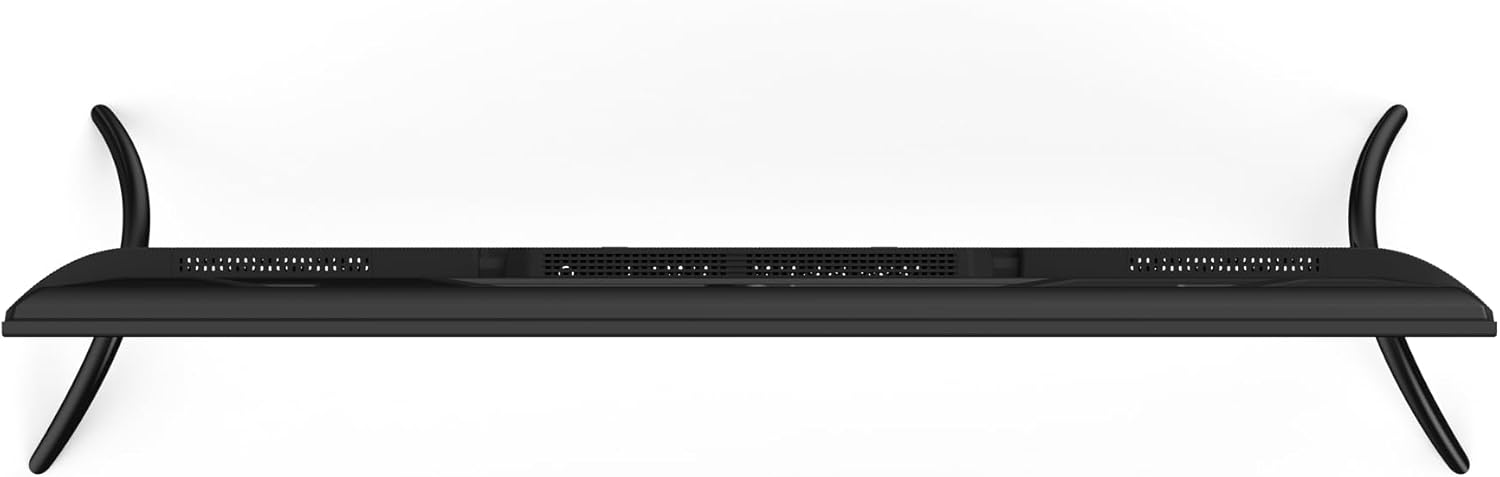
Image: Close-up of the Aiwa AW50RKQ TV remote control, showing its buttons and layout.
4.2 Antara Muka TV Roku
The Roku TV operating system provides a simple and fluid navigation experience. From the home screen, you can access:
- Saluran penstriman: Browse and add thousands of free or paid streaming apps.
- TV langsung: Access over-the-air broadcasts via the integrated ATSC tuner.
- Input: Switch between connected HDMI and other input sources.
- Cari: Find movies, shows, and actors across various streaming services.
- tetapan: Laraskan tetapan gambar, bunyi, rangkaian dan sistem.
4.3 Pembantu Suara
The TV supports a compatible voice assistant for convenient control. Refer to the Roku TV on-screen guide for specific instructions on enabling and using voice commands.
5. Ciri dan Spesifikasi
5.1 Paparan
- Saiz Skrin: 50 inci
- Jenis Panel: QLED
- Resolusi: 3840 x 2160 (4K UHD)
- Nisbah Aspek: 16:9
- Kecerahan: 330 nits (minimum)
- Nisbah Kontras: 1200: 1 (biasa)
- Viewsudut: 178 ° mendatar / 178 ° menegak
- Kadar Segar Semula: 60 Hz
- Sokongan HDR: ya
5.2 Audio
- Kuasa Output Audio: 2 x 10 W
- Teknologi Bunyi: Dolby Digital
5.3 Ketersambungan
- Input HDMI: 4 (1 with eARC)
- Input USB: 1
- Composite A/V Input: ya
- Output Digital Optik: ya
- Output Fon Kepala: ya
- Kesambungan Tanpa Wayar: Wi-Fi 802.11 b/g/n/ac, Bluetooth
5.4 Internal Hardware
- Pemproses: CPU CA55 x4
- GPU: Mali 470 MP3
- RAM: 1.5 GB
- Storan Dalaman: 16 GB eMMC
- Sistem pengendalian: Roku TV
5.5 Ciri-ciri Fizikal
- Dimensions without Stand: 1118 x 652 x 70 mm
- Dimensi dengan Stand: 1118 x 735 x 210 mm
- Berat: 12.1 kg
- Penggunaan Kuasa: 90 W
- Penggunaan siap sedia: Kurang daripada 0.5 W
6. Penyelenggaraan
Untuk memastikan jangka hayat dan prestasi optimum TV anda, ikut garis panduan penyelenggaraan ini:
- Membersihkan Skrin: Use a soft, lint-free cloth specifically designed for electronics. Do not use abrasive cleaners or solvents. Lightly dampbasahkan kain dengan air jika perlu, dan lap perlahan-lahan.
- Membersihkan Kabinet: Wipe the TV cabinet with a soft, dry cloth. Avoid using harsh chemicals.
- Pengudaraan: Pastikan bukaan pengudaraan di bahagian belakang TV tidak disekat. Benarkan ruang yang mencukupi di sekeliling TV untuk aliran udara yang betul.
- Kord Kuasa: Periksa kord kuasa secara berkala untuk sebarang kerosakan. Jika rosak, hubungi khidmat pelanggan untuk penggantian.
- Storan: If storing the TV for an extended period, disconnect it from power and cover it to protect against dust.
7. Penyelesaian masalah
Jika anda menghadapi masalah dengan TV anda, rujuk kepada penyelesaian biasa berikut:
| Masalah | Kemungkinan Punca | Penyelesaian |
|---|---|---|
| Tiada kuasa | Power cable disconnected or no power from outlet. | Ensure power cable is securely connected and the outlet is functional. Try a different outlet. |
| Tiada gambar, tetapi bunyi hadir | Incorrect input source selected or external device issue. | Press the "Input" button on the remote to select the correct source. Check the external device's power and connections. |
| Tiada bunyi, tetapi ada gambar | Volume muted or too low, or audio settings incorrect. | Increase volume. Check if mute is active. Verify audio output settings in the TV menu. |
| Tidak dapat menyambung ke Wi-Fi | Incorrect password, router issue, or TV too far from router. | Semak semula kata laluan Wi-Fi. Mulakan semula penghala anda. Alihkan TV lebih dekat dengan penghala atau gunakan pemanjang Wi-Fi. |
| Alat kawalan jauh tidak berfungsi | Bateri mati atau halangan. | Gantikan bateri. Pastikan tiada halangan antara alat kawalan jauh dan penderia IR TV. |
For further assistance, please refer to the official Aiwa support webtapak atau hubungi perkhidmatan pelanggan.
8. Waranti dan Sokongan
Your Aiwa AW50RKQ TV comes with a standard manufacturer's warranty. Please refer to the included warranty card for details on coverage, terms, and conditions. Keep your proof of purchase for warranty claims.
For technical support, service, or additional product information, please visit the official Aiwa website or contact their customer support line. Contact information can typically be found on the warranty card or the manufacturer's webtapak.


