1. Pengenalan
Thank you for choosing the OTVOC V10 10.5-inch Android Tablet. This manual provides essential information for setting up, operating, and maintaining your device. Please read it carefully to ensure optimal performance and a satisfying user experience.
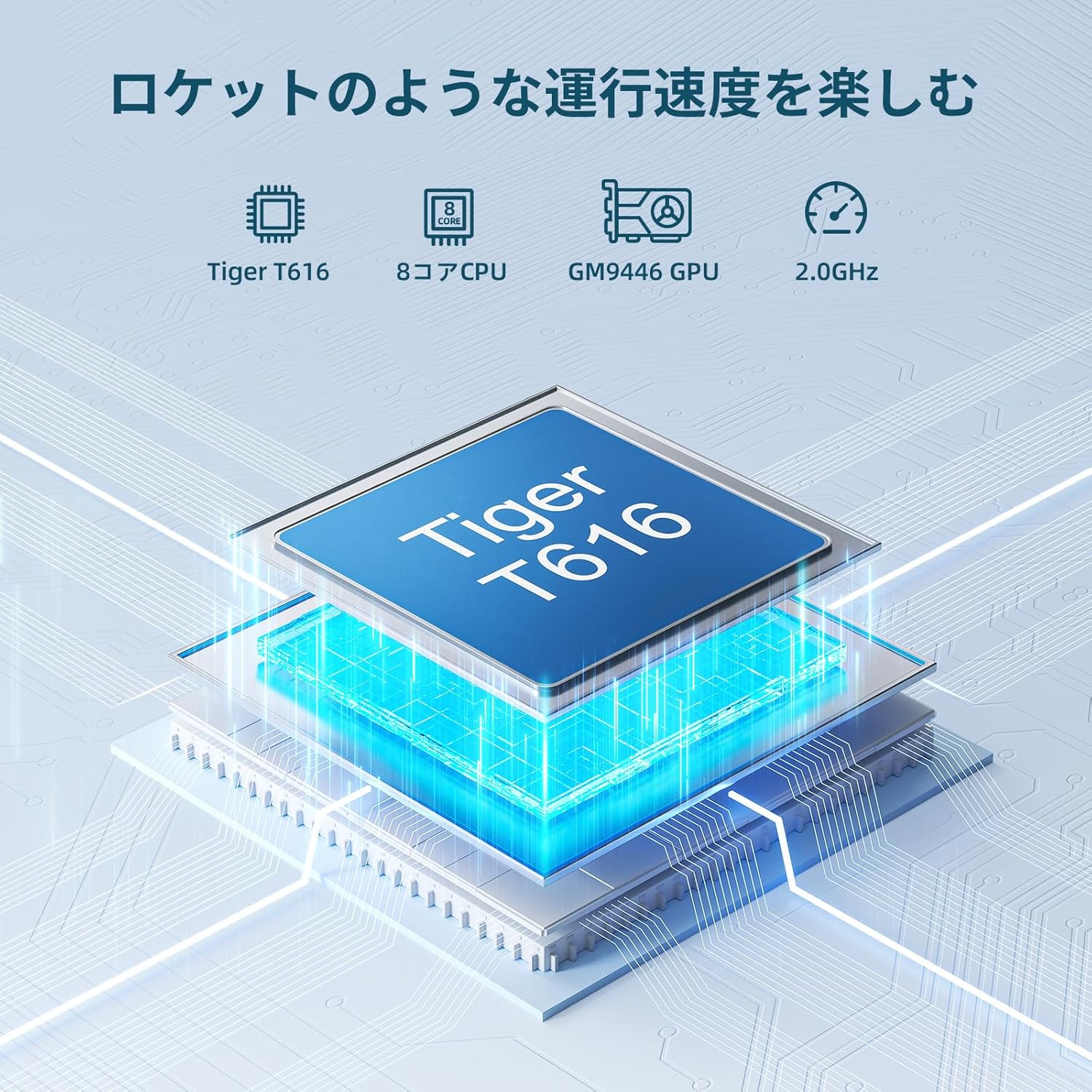
Image: OTVOC V10 Tablet, showcasing reka bentuknya yang anggun.
2. Produk Lebihview
2.1 Kandungan Pakej

Image: OTVOC Brand Logo.
The OTVOC V10 package typically includes:
- OTVOC V10 Tablet
- Kabel Jenis-C USB
- Penyesuai Kuasa
- Manual Pengguna
- Kad Waranti
- Pin Kad SIM
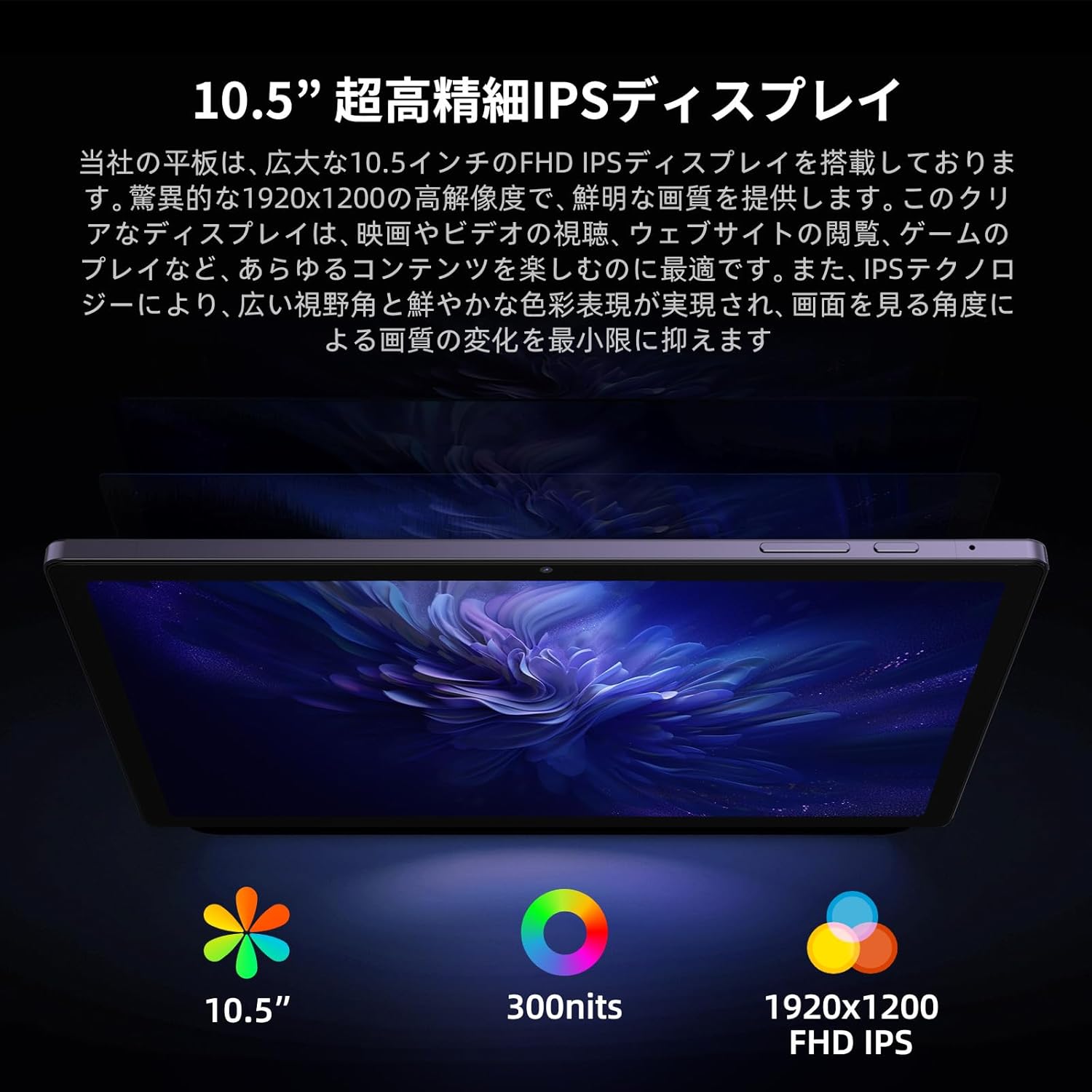
Image: The OTVOC V10 tablet and its included accessories, such as the charging cable, power adapter, user manual, and warranty card.
2.2 Ciri-ciri Utama
- Sistem pengendalian: Android 13 for enhanced customization, privacy, and accessibility.
- paparan: 10.5-inch FHD+ (1920x1200) In-Cell display with 400cd/m² brightness and 178° wide viewsudut ing.
- Pemproses: High-performance Unisoc T616 8-core CPU (up to 1.8GHz, 12nm process) and Mali-G57 GPU for smooth multitasking and graphics.
- Memori & Storan: 8GB RAM (4GB LPDDR4 + 4GB virtual RAM) and 64GB internal storage, expandable up to 1TB via microSD card.
- Bateri: 6000mAh large capacity battery, providing over 6 hours of continuous video playback.
- Ketersambungan: 4G LTE SIM support (bands 1/3/8/18/19/26/28/40/41), 5G WiFi, Bluetooth 5.0, OTG, Wireless Projection, Split Screen, FM Radio.
- Kamera: 8MP front camera and 13MP rear camera for clear photos and video calls.
- Multimedia: Widevine L1 support for HD streaming on platforms like Amazon Prime Video, Netflix, YouTube, and Disney+.

Image: Diagram illustrating the Unisoc T616 8-core processor, highlighting its performance capabilities.

Image: The 10.5-inch FHD+ display of the OTVOC V10, emphasizing its high resolution and wide viewing angles for various uses like document creation, video watching, and online classes.

Image: Visual representation of the tablet's 8GB RAM (4GB physical + 4GB virtual) and 64GB internal storage, with support for up to 1TB microSD expansion.

Image: Close-up of the tablet's rear camera module, indicating its 13MP resolution, and mentioning the 8MP front camera.

Image: A user interacting with the tablet, showcasing various Android 13 features like customizable home screen, privacy controls, and face recognition.
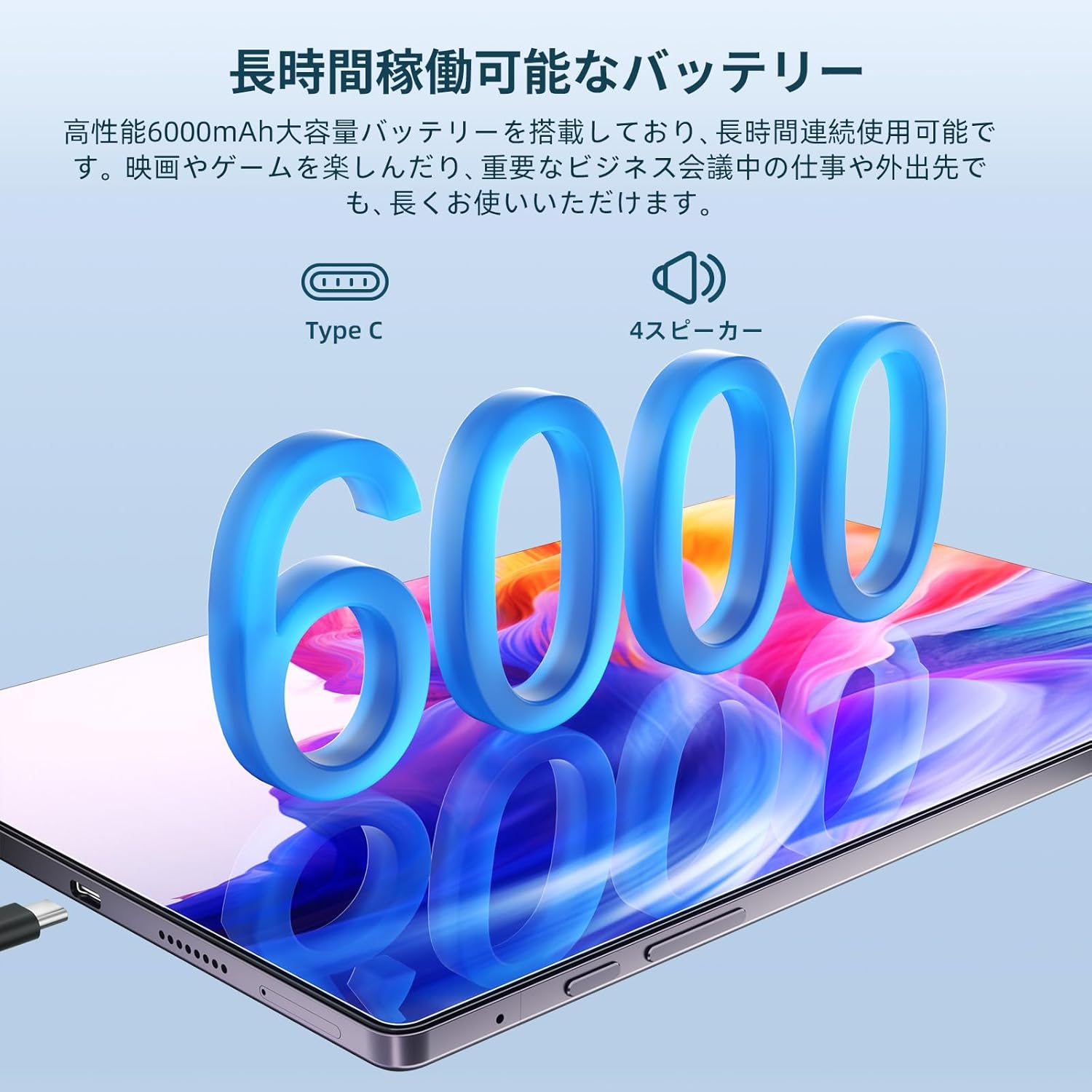
Image: The OTVOC V10 tablet connected to a Type-C charger, emphasizing its 6000mAh battery and long usage time.

Image: A collage demonstrating the tablet's connectivity options including 4G LTE, Bluetooth 5.0, 5G WiFi, and GPS/Glonass/Beidou, shown in various usage scenarios.
3. Persediaan
3.1 Kuasa Awal Hidup
- Tekan dan tahan butang Butang Kuasa (located on the side) until the OTVOC logo appears on the screen.
- Ikut gesaan pada skrin untuk memilih bahasa pilihan anda.
- Sambung ke rangkaian Wi-Fi.
- Set up your Google account or skip for later.
- Configure screen lock (PIN, pattern, password, or face unlock).
3.2 Inserting SIM/MicroSD Card
Locate the SIM/microSD card tray on the side of the tablet. Use the provided SIM ejector tool to open the tray. Insert your 4G LTE SIM card and/or microSD card into the designated slots, ensuring correct orientation. Close the tray securely.

Image: A close-up of the tablet's side, showing the SIM/microSD card slot and other ports.
4. Arahan Operasi
4.1 Navigasi Asas
- Hidupkan/Mati Kuasa: Tekan dan tahan butang Kuasa.
- Kawalan Kelantangan: Gunakan butang Kelantangan Naik/Turun.
- Skrin Utama: Ketik ikon Laman Utama untuk kembali ke skrin utama.
- Apl Terbaharu: Ketik ikon Apl Terkini untuk view dan bertukar antara aplikasi terbuka.
- Belakang: Tap the Back icon to go back to the previous screen.
4.2 Ciri-ciri Android 13
The OTVOC V10 runs on Android 13, offering enhanced features:
- Penyesuaian: Personalize your home screen with shortcuts and widgets.
- Privasi & Keselamatan: Mudah semulaview access history for location, camera, and microphone. Face recognition allows for quick and secure device unlocking.
- Skrin Pisah: Use two apps simultaneously by activating split-screen mode.
- Unjuran Tanpa Wayar: Share your tablet screen wirelessly to compatible displays.

Image: The OTVOC V10 display showing the Android home screen with various app icons.
Image: A user demonstrating the split-screen feature on the OTVOC V10, with two applications open side-by-side.
4.3 Multimedia and Connectivity
- Penstriman Video: With Widevine L1 support, enjoy HD streaming from popular services.
- Audio: The tablet features a 3.5mm audio jack, allowing you to use headphones while charging.
- Fungsi OTG: Connect external devices via OTG for expanded functionality.
Image: The OTVOC V10 display showing a streaming service interface, indicating Widevine L1 support for high-definition content.
5. Penyelenggaraan
5.1 Penjagaan Am
- Keep the tablet away from extreme temperatures, direct sunlight, and liquids.
- Bersihkan skrin dengan kain lembut dan tidak berbulu. Elakkan pembersih yang kasar.
- Lindungi skrin dengan pelindung skrin dan gunakan sarung pelindung.
5.2 Penjagaan Bateri
- Elakkan menyahcas sepenuhnya bateri dengan kerap.
- Jangan biarkan tablet dicas untuk tempoh yang lama selepas ia dicas sepenuhnya.
- Gunakan hanya pengecas dan kabel asal yang disediakan bersama peranti.
6. Penyelesaian masalah
6.1 Isu dan Penyelesaian Biasa
| Isu | Penyelesaian yang Mungkin |
|---|---|
| Tablet tidak dapat dihidupkan | Ensure the battery is charged. Connect to charger for at least 30 minutes. Try a forced restart by holding the Power button for 10-15 seconds. |
| Prestasi perlahan | Close unnecessary background apps. Clear cache. Restart the tablet. Check for system updates. |
| Isu sambungan Wi-Fi | Restart the tablet and your Wi-Fi router. Forget the network and reconnect. Check Wi-Fi settings. |
| Apl ranap | Clear the app's cache and data (Settings > Apps). Update the app. Reinstall the app. |
Jika anda menghadapi masalah berterusan yang tidak diliputi di sini, sila hubungi khidmat pelanggan.
7. Spesifikasi
| Ciri | Perincian |
|---|---|
| Jenama | OTVOC |
| Nama Model | V10 |
| Sistem Operasi | Android 13 |
| Saiz Skrin | 10.5 Inci |
| Resolusi Paparan | 1920 x 1200 (FHD+) |
| Jenama CPU | Unisoc T616 (8-core) |
| GPU Brand | ARM Mali-G57 |
| Kapasiti Penyimpanan Memori | 64 GB (boleh dikembangkan sehingga 1TB melalui microSD) |
| RAM | 8GB (4GB LPDDR4 + 4GB virtual) |
| Jenis Wayarles | 802.11ac (5G WiFi), Bluetooth 5.0 |
| Ketersambungan | 4G LTE SIM (Bands: 1/3/8/18/19/26/28/40/41) |
| Kapasiti Bateri | 6000 mAh |
| Berat Barang | 500 g |
| Dimensi Produk | 32 x 19.1 x 3.9 cm |
8. Waranti dan Sokongan
Your OTVOC V10 tablet comes with a manufacturer's warranty. Please refer to the included Warranty Card for details on coverage and duration. For technical support, troubleshooting assistance, or warranty claims, please contact OTVOC customer service through the official webtapak atau maklumat hubungan yang diberikan dalam dokumentasi produk anda.

Image: A representation of customer support, indicating assistance is available.


