1. Persediaan
1.1 Apa yang ada di dalam Kotak
- Alat Dengar Permainan Wayarles (1)
- Manual Pengguna (1)
- 2.4GHz USB Dongle (1)
- Kabel Pengecas Jenis-C (1)
1.2 Mengecas Alat Dengar
Before first use, fully charge your Krysenix KGH2 headset. Connect the supplied Type-C charging cable to the headset's Type-C port and the other end to a USB power source. The charging indicator light will show charging status.
- Masa Pengecasan: Lebih kurang 2.5 hingga 3 jam untuk cas penuh.
- Hayat Bateri: Up to 40 hours with RGB lighting off, or 30-35 hours with RGB lighting on.
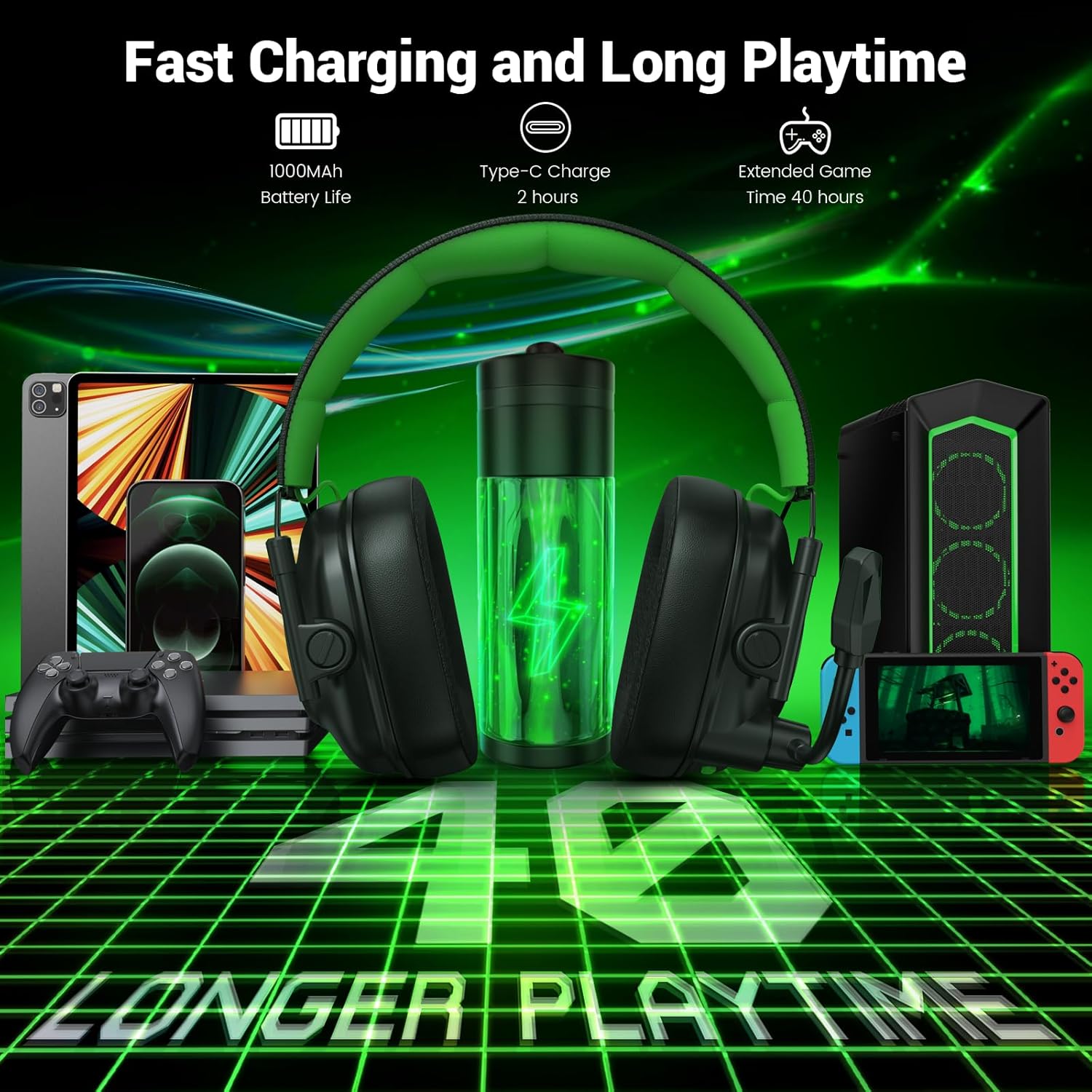
Image: The Krysenix KGH2 headset connected via its Type-C charging cable, highlighting its 1000mAh battery and up to 40 hours of playtime.
1.3 Menyambung Alat Dengar
The Krysenix KGH2 offers two primary connection modes: 2.4GHz Wireless and Bluetooth 5.4.
1.3.1 2.4GHz Wireless Mode (USB Dongle)
This mode provides ultra-low latency audio (≤20ms) for optimal gaming performance.
- Insert the 2.4GHz USB dongle into an available USB port on your PC, PS4, PS5, or Mac.
- Power on your headset by long-pressing the Power button. The headset will automatically connect to the dongle.
- On some devices, you may need to select the headset as the audio output/input device in your system settings.
Nota: Microphone functionality is not supported when connected to Nintendo Switch via 2.4GHz dongle. Not compatible with any Xbox series consoles.
1.3.2 Mod Bluetooth 5.4
Ideal for connecting to mobile devices, tablets, and Nintendo Switch for audio playback.
- Hidupkan set kepala anda.
- Long-press the 'M' (Mode) button for 3 seconds to enter Bluetooth pairing mode. The LED indicator will flash.
- On your mobile device, tablet, or Nintendo Switch, go to Bluetooth settings and select "Krysenix KGH2" from the list of available devices.
- Setelah dipasangkan, penunjuk LED akan menunjukkan cahaya yang stabil.
Nota: Microphone functionality is not supported when connected to Nintendo Switch via Bluetooth. Not compatible with PS4/PS5 via Bluetooth. Not compatible with any Xbox series consoles.

Image: A detailed compatibility chart for the Krysenix KGH2 headset, outlining device support for both 2.4GHz Dongle Mode and Bluetooth Mode, including microphone limitations.
2. Arahan Operasi
2.1 Kawalan Alat dengar
The Krysenix KGH2 headset features intuitive controls located on the earcups for easy access during use.

Image: A visual guide to the headset's controls, detailing the function of each button and dial for power, volume, microphone, RGB lighting, and mode selection.
| Kawalan | Fungsi |
|---|---|
| Butang Kuasa | Long press 3s for Power On, Long press 4s for Power Off. Single click for Play/Pause or Answer/End Call. Double click for Redial Last Call. Long press 2s to Reject Call. |
| Perlahankan suara (-) | Single click for Volume Down. Long press 2s for Previous Track. |
| Kelantangan Naik (+) | Single click for Volume Up. Long press 2s for Next Track. |
| Butang Mod (M) | Single click for RGB on/off. Double click to switch between Game Mode and Music Mode. Long press 3s for Bluetooth Re-Pair. |
| Butang Hidup/Mati Mikrofon | Klik sekali untuk menghidupkan/mematikan mikrofon. |
2.2 Penggunaan Mikrofon
The headset features an adjustable, noise-canceling microphone designed for clear communication.
- boleh laras: The long, flexible microphone can be adjusted up to 120° for optimal positioning.
- Pembatalan Bunyi: The microphone's technology effectively eliminates up to 95% of background noise, ensuring your voice is captured clearly during gameplay.
- Fungsi Redam: Use the dedicated Mic On/Off button on the earcup to quickly mute or unmute your microphone.
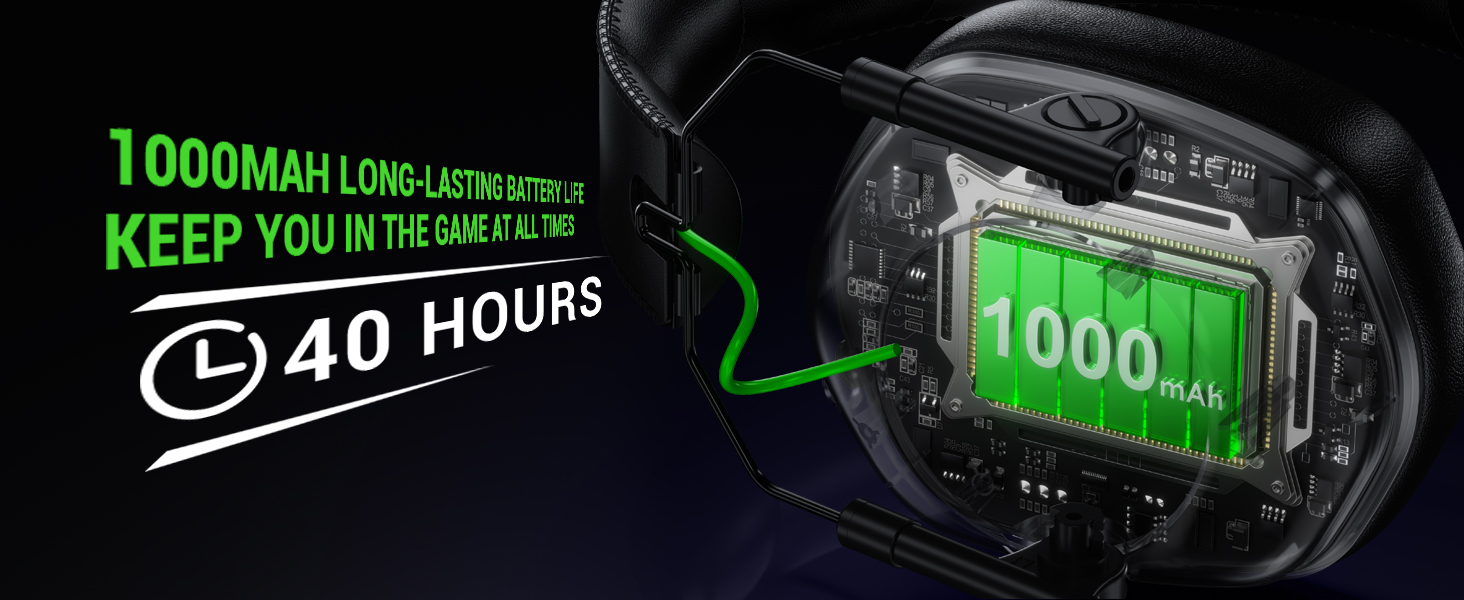
Image: A visual representation of the headset's noise-canceling microphone, highlighting its ability to filter out ambient sounds for clear voice communication.
2.3 Sound Modes (Game/Music)
Switch between Game Mode and Music Mode by double-clicking the 'M' (Mode) button to optimize audio for your current activity.
- Mod Permainan: Enhances in-game audio cues like footsteps and gunfire for a competitive edge.
- Mod Muzik: Menyediakan pro audio yang seimbangfile for an immersive music listening experience.

Image: The Krysenix KGH2 headset showcasing its distinct audio profiles for Game Mode and Music Mode, designed to enhance specific listening experiences.
2.4 Pencahayaan RGB
The headset features cool RGB lighting on the earcups. You can toggle the RGB lighting on or off with a single click of the 'M' (Mode) button.

Image: The Krysenix KGH2 headset emphasizing its ergonomic design, foldable earcups, ultra-soft ear cushions, and customizable RGB LED lighting.
3. Penyelenggaraan
3.1 Pembersihan
- Lap set kepala dengan kain lembut dan kering.
- Jangan gunakan bahan kimia yang keras atau bahan yang melelas.
- Keep the charging port and microphone clear of dust and debris.
3.2 Penyimpanan
The Krysenix KGH2 headset features a foldable design for easy storage and portability.
- Fold the earcups inward to minimize space when not in use or when traveling.
- Simpan alat dengar di tempat yang sejuk dan kering jauh dari cahaya matahari langsung dan suhu yang melampau.
3.3 Penjagaan Bateri
- Elakkan menyahcas sepenuhnya bateri dengan kerap untuk memanjangkan jangka hayatnya.
- Cas alat dengar secara berkala, walaupun tidak kerap digunakan, untuk mengekalkan kesihatan bateri.
4. Penyelesaian masalah
4.1 Isu Sambungan
- No connection via 2.4GHz dongle: Ensure the dongle is fully inserted and the headset is powered on. Try a different USB port.
- Kegagalan berpasangan Bluetooth: Ensure the headset is in pairing mode (LED flashing). Turn off and on Bluetooth on your device. Try re-pairing by long-pressing the 'M' button for 3 seconds.
- Sambungan terputus-putus: Move closer to your device/dongle to reduce interference. Ensure no other devices are causing interference on the same frequency.
4.2 Isu Audio
- Tiada bunyi: Check headset volume and device volume. Ensure the headset is selected as the default audio output device in your system settings.
- Kelantangan rendah: Increase volume on both the headset and the connected device.
- Mikrofon tidak berfungsi: Ensure the microphone is not muted (check Mic On/Off button). Verify microphone settings on your connected device. Note compatibility limitations for Switch and Xbox.
4.3 Isu Bateri
- Headset not charging: Ensure the charging cable is securely connected to both the headset and the power source. Try a different Type-C cable or USB power adapter.
- Hayat bateri pendek: Ensure the headset is fully charged before use. Reduce RGB lighting usage to extend battery life.
5. Spesifikasi
| Ciri | Perincian |
|---|---|
| Nama Model | KGH2 |
| Jenama | Krysenix |
| Teknologi Ketersambungan | Tanpa Wayar (2.4GHz, Bluetooth 5.4) |
| Jenis Pemacu Audio | Dynamic Driver (50mm Titanium-coated) |
| Kawalan Bunyi | Sound Isolation, Noise Cancellation (Microphone) |
| Hayat Bateri | Up to 40 Hours (RGB off), 30-35 Hours (RGB on) |
| Masa Mengecas | 2.5 - 3 Jam |
| Jack Fon Kepala | Jenis-C (untuk pengecasan) |
| Peranti Serasi | PC, PS5, PS4, Switch (audio only), Mac, Laptop, Mobile. Not compatible with Xbox series. |
| Jenis Kawalan | Button Control, Push Button |
| Ciri Khas | Lightweight, Microphone Included, Noise Cancellation, Noise Isolation, Volume Control, RGB Lighting, Foldable Design |
| Berat Barang | 12.3 auns |
| Dimensi Produk | 8.66 x 8.27 x 3.86 inci |
6. Waranti & Sokongan
6.1 Waranti Produk
The Krysenix KGH2 Wireless Gaming Headset comes with a 3-Year Warranty from the manufacturer, Shenzhen Xintaiyang Technology Co., Ltd. This warranty covers defects in materials and workmanship under normal use.
Sila simpan bukti pembelian anda untuk tuntutan waranti.
6.2 Sokongan Pelanggan
For technical assistance, troubleshooting, or warranty inquiries, please contact Krysenix customer support through the retailer's platform or the manufacturer's official webtapak.
