pengenalan
Thank you for choosing the EDYELL MBH-C2 Motorcycle Helmet Bluetooth Headset. This manual provides detailed instructions for the proper installation, operation, and maintenance of your device. Please read this manual thoroughly before use to ensure optimal performance and safety.
Kandungan Pakej
Sebelum meneruskan pemasangan, sila sahkan bahawa semua item yang disenaraikan di bawah ada di dalam pakej anda:
- Motorcycle Bluetooth Headset C2 (x1)
- Replaceable Hard Mic and Soft Micspeakers (x1)
- ClampPangkalan (x1)
- Pita Velcro Mikrofon (x2)
- Velcro Pembesar Suara (x2)
- Pelekat Penggalak (x2)
- Pita Velcro Berdiri (x1)
- Pita Bermuka Dua Tebal (x1)
- Manual Pengguna (x1)
- Kabel Pengecasan (x1)

Image: Contents of the EDYELL MBH-C2 package.
Persediaan
1. Pemasangan
The EDYELL MBH-C2 is designed for easy installation and is compatible with all types of helmets. Follow these steps to install the headset:
- Lampirkan clamping base to the side of your helmet using the provided screws or adhesive tape. Ensure it is securely fastened.
- Insert the main headset unit into the clamping base until it clicks into place.
- Position the speakers inside the helmet's ear pockets. Use the speaker Velcro to secure them. Ensure the speakers are aligned with your ears for optimal sound quality.
- Attach the microphone to a suitable location inside the helmet, near your mouth, using the microphone Velcro tape. Choose between the hard mic (for open-face helmets) or soft mic (for full-face helmets) as appropriate.
- Route all cables neatly within the helmet padding to avoid interference and ensure comfort.

Image: The MBH-C2 headset is compatible with various helmet types.
2. Mengecas Peranti
The C2 features a built-in 1000mAh rechargeable Li-ion battery. Before first use, fully charge the device.
- Connect the provided Type-C charging cable to the charging port on the headset and to a USB power source.
- Lampu penunjuk akan menunjukkan status pengecasan (contohnya, merah untuk pengecasan, biru untuk dicas penuh).
- Pengecasan penuh mengambil masa kira-kira 1.5 jam.
- Once fully charged, the device provides up to 25 hours of music playback or 50 hours of talk time.

Image: Charging and battery life indicators for the MBH-C2 headset.
3. Berpasangan Bluetooth
To connect your headset to a mobile device or another C2 unit:
- Pastikan alat dengar dimatikan.
- Press and hold the Power Button until the indicator light flashes red and blue, indicating pairing mode.
- On your mobile device, enable Bluetooth and search for available devices. Select "EDYELL C2" from the list.
- Sebaik sahaja disambungkan, lampu penunjuk akan bertukar menjadi biru pekat.
- For intercom pairing with another C2 unit, refer to the Group Communication section.
Arahan Operasi
1. Kawalan Ke Atasview
The EDYELL MBH-C2 features a unique scroll roller design for intuitive control, alongside dedicated buttons.

Image: EDYELL MBH-C2 control layout.
- Butang Kuasa (1): Press and hold to power on/off. Short press to play/pause music, answer/hang up calls.
- Roda Tatal (2): Rotate up/down to adjust volume. Press to switch function modes.
- Lampu Penunjuk (3): Memaparkan status peranti (berpasangan, disambungkan, dicas).
- Previous Song Button / Intercom Button (4): Short press for previous song. Long press to initiate/end intercom.
- Speaker/Microphone Interface (5): Connection point for speakers and microphone.
- Next Song Button / Music Sharing Button (6): Short press for next song. Long press to activate music sharing.
2. Group Communication System
The C2 supports group communication within a range of 200-520 meters. It allows universal pairing with other motorcycle helmet headsets for two-rider communication. For group chat functionality, pairing with EDYELL brand motorcycle helmet speakers is required.
- One-on-One Intercom: The C2 can pair with third-party helmet headsets for one-on-one communication.
- EDYELL Group Chat: For multi-rider group chat, pair with other EDYELL brand C2 motorcycle helmet speakers.
- Memulakan Interkom: Long press the Intercom Button (4 or 7) on both units to establish a connection.
- Julat: For optimal communication in areas with poor signal or at high speeds, it is recommended to maintain a communication distance within 200 meters.
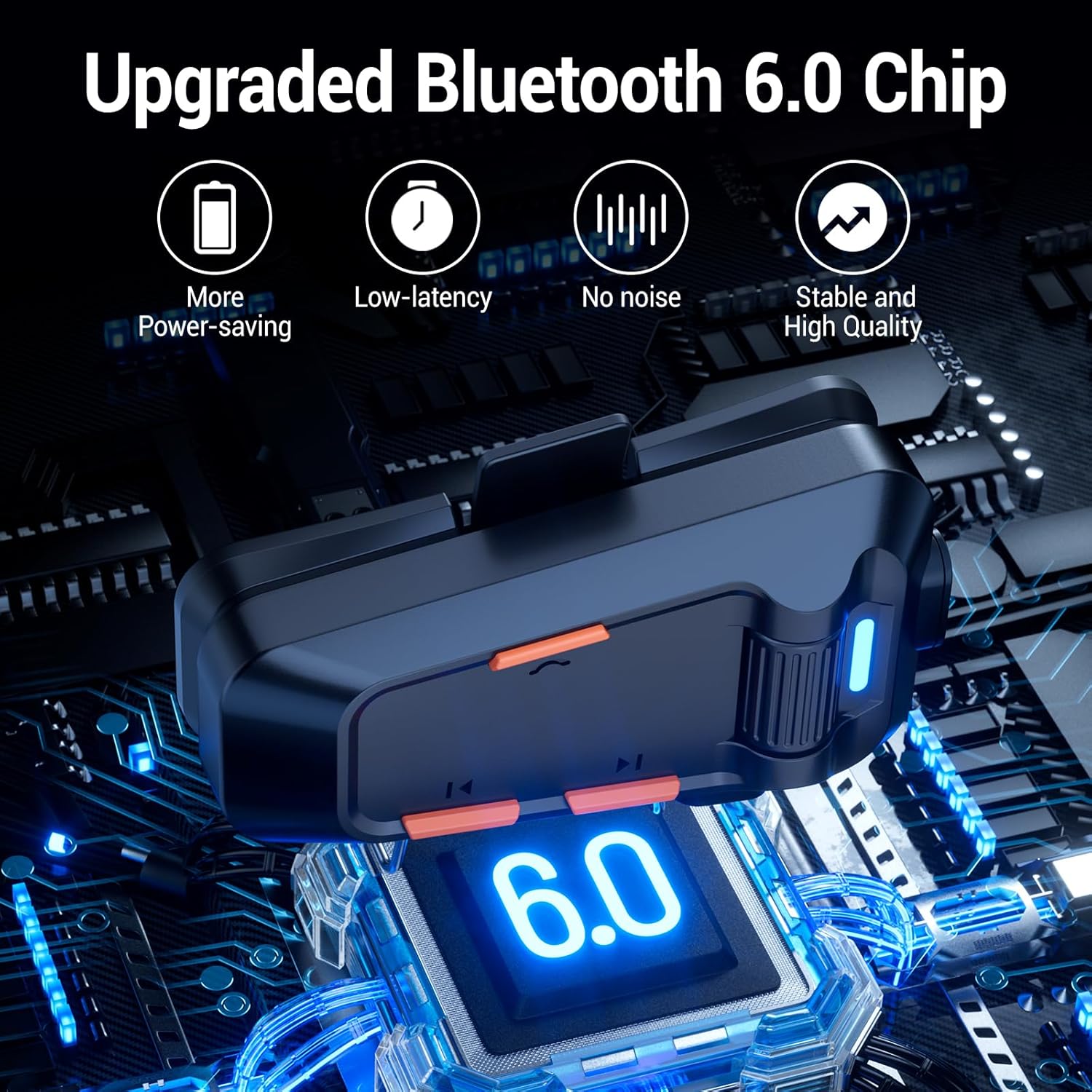
Image: EDYELL MBH-C2 Group Communication System in use.
3. Main Semula dan Perkongsian Muzik
Enjoy stereo music with Bluetooth 6.0 connectivity.
- Main/Jeda: Tekan Butang Kuasa (1) sebentar.
- Trek Seterusnya / Sebelumnya: Short press the Next Song Button (6) or Previous Song Button (4).
- Pelarasan Kelantangan: Rotate the Scroll Wheel (2) up or down.
- Perkongsian Muzik: Long press the Music Sharing Button (6) to share your audio with another paired EDYELL C2 unit.

Image: Music sharing between two EDYELL MBH-C2 users.
4. Fungsi Panggilan
The headset supports automatic call answering and features Enhanced Noise Cancellation (ENC) for clear voice calls.
- Jawab/Tamatkan Panggilan: Tekan Butang Kuasa (1) sebentar.
- Menjawab Automatik: The headset will automatically answer incoming calls after a few rings.
- Pembatalan Bunyi: The microphone's ENC technology reduces background noise from engine, wind, and traffic, ensuring your voice is heard clearly.
Penyelenggaraan
Proper maintenance ensures the longevity and performance of your EDYELL MBH-C2 headset.
- Pembersihan: Lap unit alat dengar dengan kain lembut,amp kain. Jangan gunakan bahan kimia yang keras atau pembersih yang kasar.
- Kalis Air dan Tahan Habuk: The device is IPX5 waterproof and dustproof, utilizing nano-coating technology. This design protects against dust and rain, ensuring reliable operation in various weather conditions and temperatures down to -50°F. While resistant, avoid prolonged submersion in water.
- Storan: Simpan set kepala di tempat yang sejuk dan kering apabila tidak digunakan. Elakkan suhu yang melampau.
- Penjagaan Bateri: Untuk mengekalkan hayat bateri, elakkan daripada menyahcas sepenuhnya bateri dengan kerap. Cas peranti dengan kerap, walaupun tidak digunakan secara berterusan.
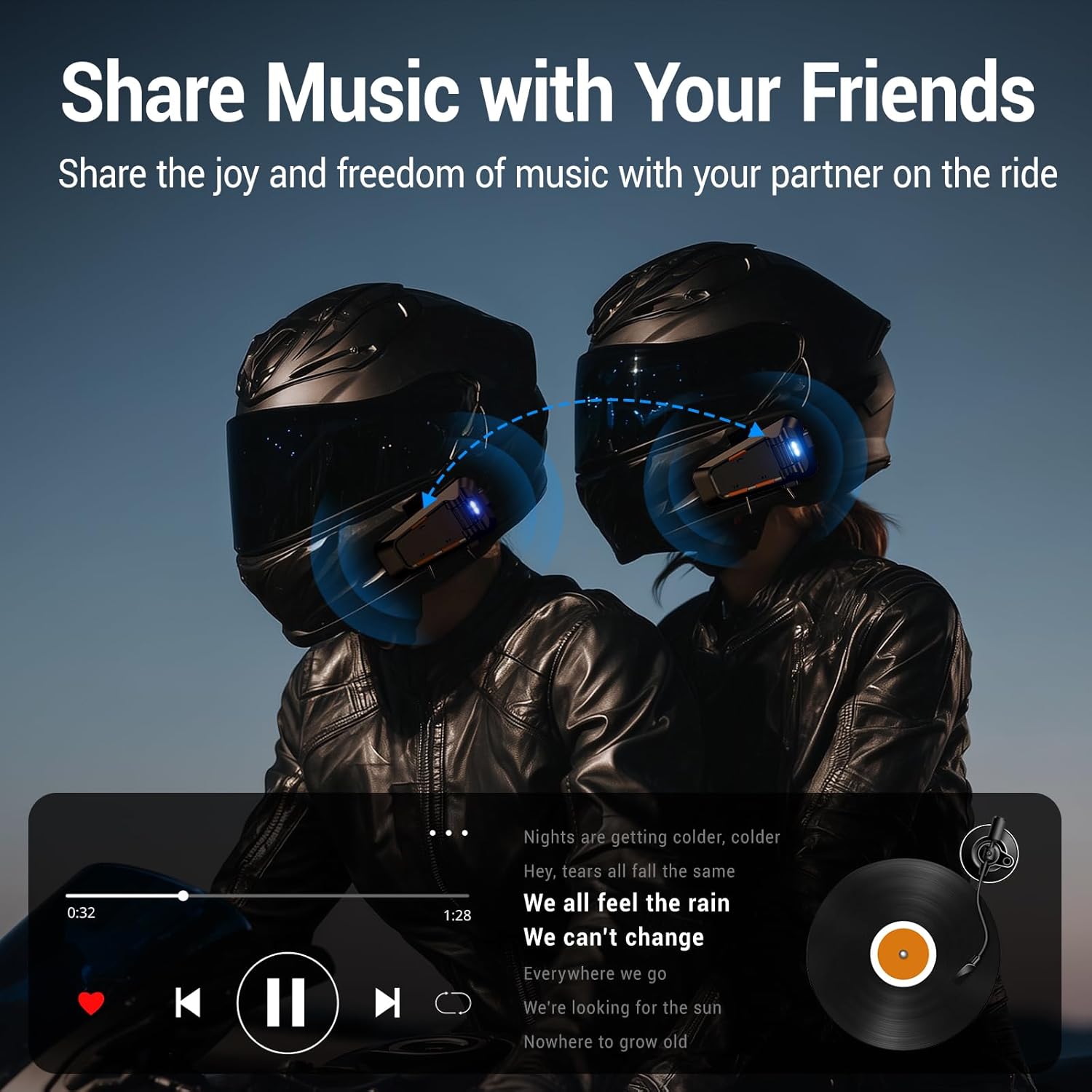
Image: EDYELL MBH-C2 IPX5 Waterproof and Dustproof features.
Menyelesaikan masalah
If you encounter issues with your EDYELL MBH-C2 headset, refer to the following common solutions:
| Masalah | Kemungkinan Punca | Penyelesaian |
|---|---|---|
| Peranti tidak dihidupkan | Bateri lemah; Kerosakan peranti | Cas peranti sepenuhnya. Jika masalah berterusan, hubungi sokongan. |
| Cannot pair with phone/another headset | Not in pairing mode; Bluetooth off on other device; Too far apart | Ensure headset is in pairing mode (flashing red/blue). Check Bluetooth on your device. Bring devices closer. Restart both devices. |
| Tiada suara atau kelantangan rendah | Volume too low; Speakers not positioned correctly; Loose connection | Increase volume using the scroll wheel. Adjust speaker position inside helmet. Check speaker/microphone interface connection. |
| Intercom connection unstable or short range | Obstructions; Exceeding range; Signal interference | Reduce distance between units. Avoid physical obstructions. Ensure clear line of sight if possible. |
| Poor call quality / excessive noise | Microphone not positioned correctly; High wind noise; ENC not active | Adjust microphone closer to your mouth. Ensure microphone is not obstructed. ENC is automatic; if issues persist, contact support. |
Spesifikasi
| Ciri | Perincian |
|---|---|
| Model | MBH-C2 |
| Teknologi Ketersambungan | Wayarles (Bluetooth 6.0) |
| Kawalan Bunyi | Passive Noise Cancellation, ENC Microphone |
| Kapasiti Bateri | 1000mAh Li-ion |
| Masa Mengecas | Approx. 1.5 Hours (Type-C) |
| Masa Main semula Muzik | Sehingga 25 Jam |
| Masa Berbual | Sehingga 50 Jam |
| Julat Interkom | 200-520 meters (EDYELL units) |
| Penilaian Kalis Air | IPX5 |
| Suhu Operasi | Turun hingga -50°F |
| Berat Barang | 150 Gram |
| Dimensi Produk | 14 x 9.5 x 6 cm |
| Negara Asal | China |
Waranti dan Sokongan
For warranty information, technical support, or customer service inquiries, please contact EDYELL INDIA directly.
- E-mel Penjagaan Pelanggan: support@fenman.in
- Telefon Penjagaan Pelanggan: +91 8882786235
Sila simpan bukti pembelian anda untuk sebarang tuntutan waranti.


