pengenalan
This manual provides detailed instructions for the LEXiBOOK DMW060DINO Dinosaur Digital Watch. Please read this guide carefully to ensure proper use and maintenance of your watch.
Maklumat Keselamatan
WARNING: Small parts. Choking hazard. Not suitable for children under 3 years.
This product is designed for children aged 3 years and up. Adult supervision is recommended during initial setup and use.
Persediaan
Membongkar
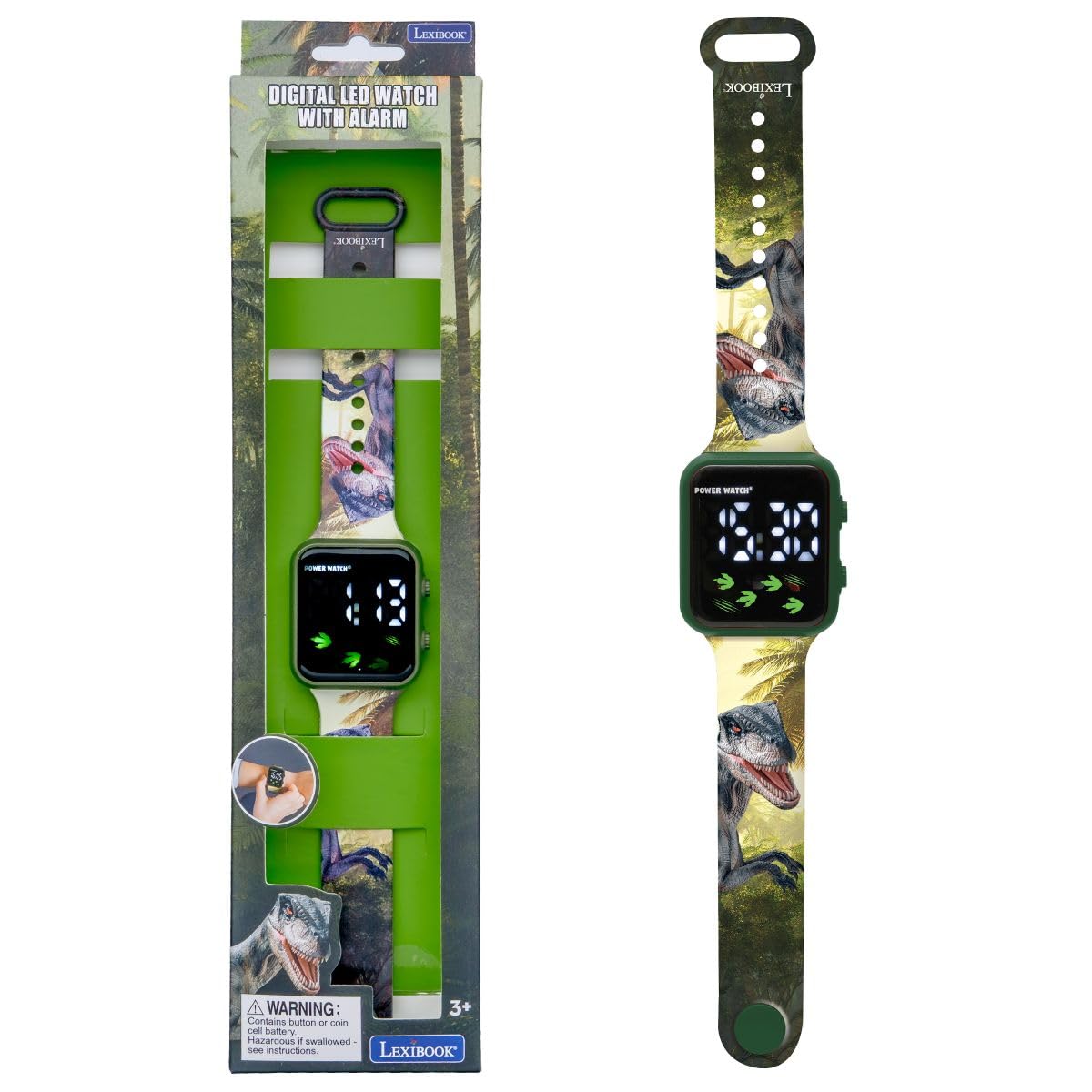
Carefully remove the watch from its packaging. Ensure all components, including the watch and user guide, are present.
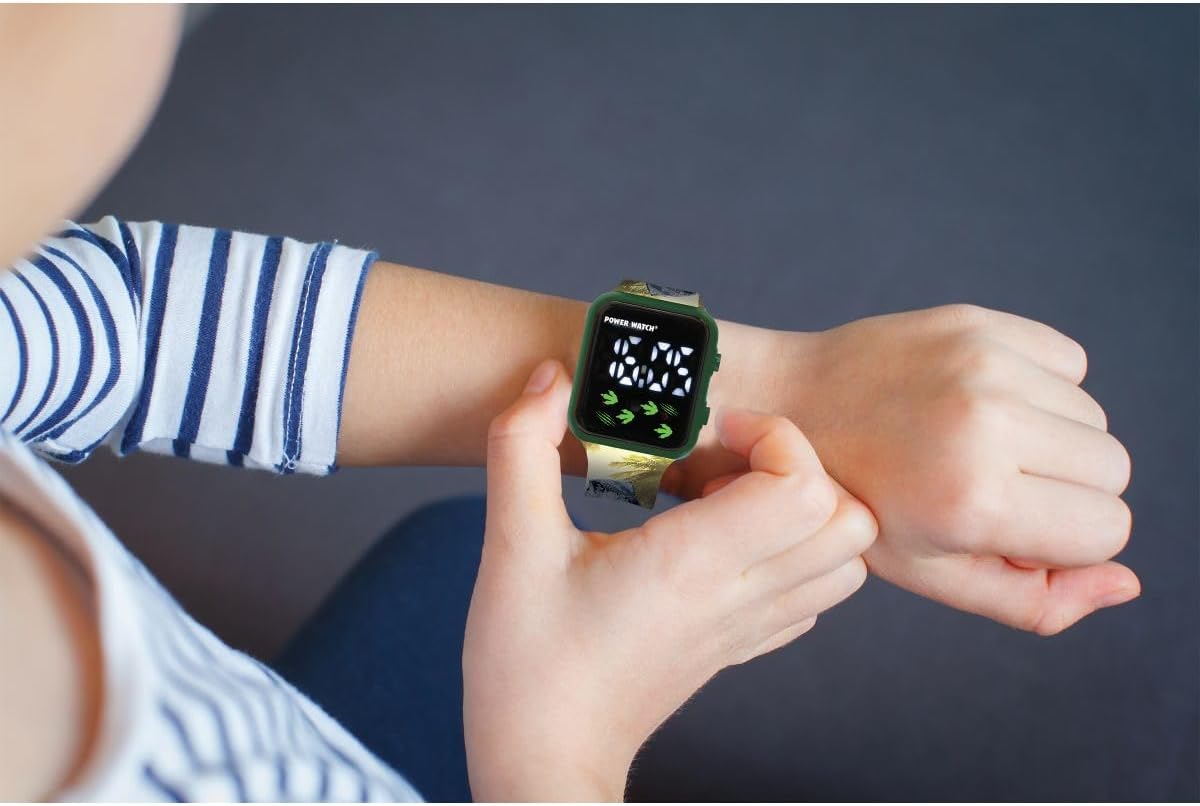
Image: The LEXiBOOK DMW060DINO Dinosaur Digital Watch displayed in its retail packaging, showing the watch face and dinosaur-themed strap.
Kuasa Awal Hidup / Bateri
The watch comes with a pre-installed battery. If the display is not active, press any button to activate it. If the watch does not turn on, the battery may need replacement. This watch uses a standard button cell battery. Consult a professional for battery replacement if needed.
Arahan Operasi
The LEXiBOOK DMW060DINO watch features a simple digital display with two buttons for operation, typically located on the right side of the watch case.
Imej: Dari dekat view of the LEXiBOOK DMW060DINO watch face, displaying the time "12:30" digitally, with dinosaur footprints and claw marks as decorative elements.
Menetapkan Masa
- Tekan ke MODE button (usually the bottom right button) repeatedly until the time display starts flashing.
- Gunakan SET button (usually the top right button) to adjust the hours. Each press will advance the hour.
- Tekan ke MODE button again to move to the minutes setting. The minutes display will flash.
- Gunakan SET butang untuk menyesuaikan minit.
- Tekan ke MODE button one more time to confirm the time and exit setting mode.

Image: A child's hand wearing the LEXiBOOK DMW060DINO watch, demonstrating how to interact with the side buttons.
12-Hour / 24-Hour Format
During the time setting process, when adjusting the hours, you can cycle between 12-hour (AM/PM) and 24-hour formats. Continue pressing the SET button past 12 AM/PM or 23:00 to switch formats.
Checking Date
Akhbar tunggal dari MODE button (when not in setting mode) will typically cycle through time, date, and possibly seconds. Press the button briefly to view tarikh.
Penyelenggaraan
Pembersihan
To clean the watch, gently wipe it with a soft, dry cloth. For stubborn dirt, a slightly damp kain boleh digunakan, diikuti dengan pengeringan segera. Elakkan penggunaan bahan kimia yang keras atau pembersih yang kasar.
Tahan Air
This watch is NOT water resistant. Avoid exposing it to water, moisture, or high humidity to prevent damage.
Penyimpanan
Simpan jam tangan di tempat yang sejuk dan kering jauh dari cahaya matahari langsung dan suhu yang melampau apabila tidak digunakan.
Menyelesaikan masalah
Isu dan Penyelesaian Biasa
- Paparan kosong: The battery may be depleted. Replace the battery or consult a service center.
- Masa tidak tepat: Re-set the time following the "Setting the Time" instructions.
- Butang tidak bertindak balas: Ensure the watch is not exposed to extreme temperatures or moisture. If the issue persists, the internal mechanism may be faulty.
If you encounter problems not listed here, please contact LEXiBOOK customer support.
Spesifikasi
| Ciri | Perincian |
|---|---|
| Nombor Model | DMW060DINO |
| Jenama | LEXiBOOK |
| Jenis Paparan | digital |
| Pergerakan | Kuarza |
| Bahan Kes | plastik |
| Bahan Band | plastik |
| Warna Band | Green with Dinosaur Pattern |
| Warna Dail | hijau |
| Tahap Ketahanan Air | Bukan Tahan Air |
| Jenis Genggam | gesper |
| Jenis Tali | Boleh laras |
| Dimensi Produk | 24 x 3.5 x 1.1 cm |
| Berat Barang | 24.95 g (lebih kurang 0.06 lbs) |
| Umur Disyorkan | 3 tahun dan ke atas |
| Komponen yang Disertakan | 1 Panduan Pengguna |
Waranti dan Sokongan
For warranty information and customer support, please refer to the documentation included with your purchase or visit the official LEXiBOOK webtapak. Simpan bukti pembelian anda untuk tuntutan waranti.
For further assistance, you may contact LEXiBOOK customer service through their official channels.


