pengenalan
Thank you for choosing the Monster Mission ANC200 Wireless Gaming Headset. This manual provides detailed instructions for setting up, operating, and maintaining your headset to ensure optimal performance and an immersive gaming experience. Please read this manual thoroughly before using the product.
Maklumat Keselamatan Penting
- Jangan dedahkan alat dengar kepada suhu, kelembapan atau persekitaran yang menghakis.
- Elakkan daripada menjatuhkan atau meletakkan set kepala kepada kesan yang kuat.
- Jangan buka atau cuba membaiki alat dengar sendiri. Ini akan membatalkan jaminan.
- Clean the headset with a soft, dry cloth. Do not use harsh chemicals or abrasive materials.
- Mendengar berpanjangan pada tahap kelantangan tinggi boleh menyebabkan kerosakan pendengaran. Laraskan kelantangan ke tahap yang selamat.
Kandungan Pakej
Sila pastikan semua item ada dalam pakej anda:
- Monster Mission ANC200 Wireless Gaming Headset
- 2.4GHz USB Wireless Transmitter
- Kabel Pengecas USB
- Kabel Audio 3.5mm
- Manual Pengguna (dokumen ini)
Produk Selesaiview
Familiarize yourself with the various parts and controls of your Monster Mission ANC200 headset.
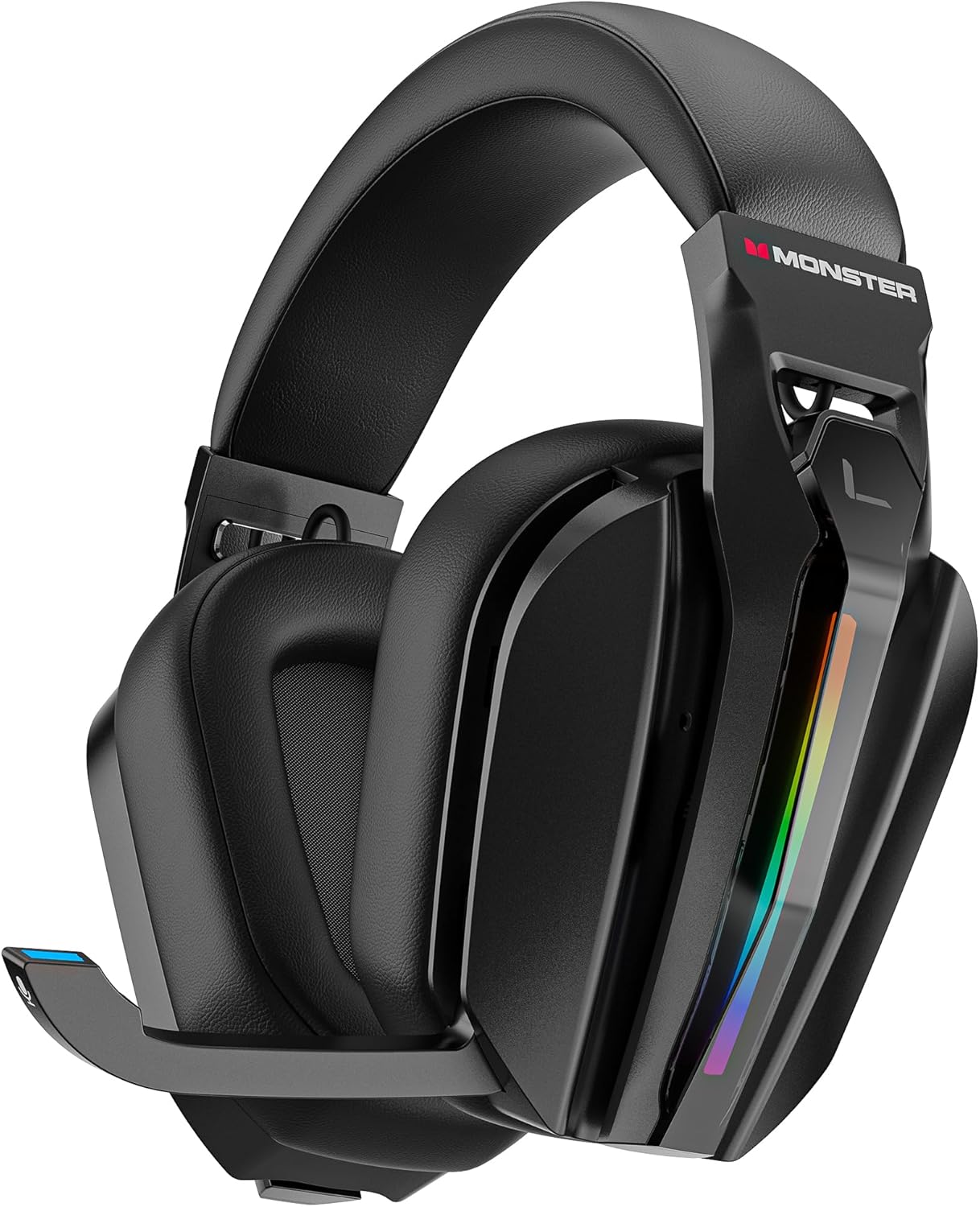
Imej: Depan view of the Monster Mission ANC200 Wireless Gaming Headset, showcasing its black design, padded earcups, and retractable microphone.
Komponen Alat dengar:
- Destar boleh laras: Untuk kesesuaian yang selesa.
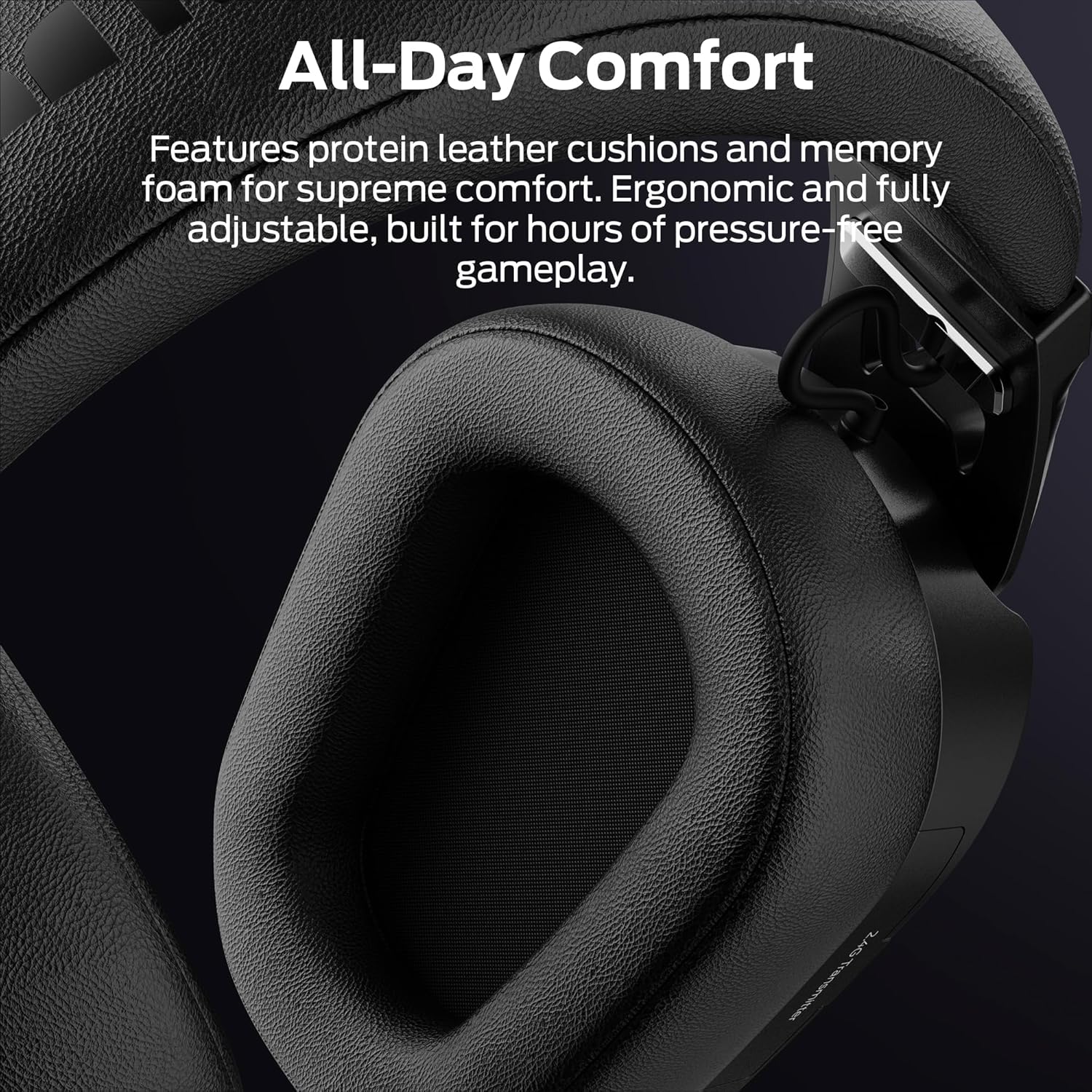
- Penutup Telinga Berpad: Protein leather cushions with memory foam for comfort.
- Mikrofon boleh ditarik balik: Stealth design, AI noise filtering.
- Pencahayaan RGB: Customizable light effects on earcups.
- Control Buttons/Dials: (Specific controls will be detailed in Operating Instructions)
- 2.4GHz USB Transmitter Storage: Integrated compartment for the wireless dongle.
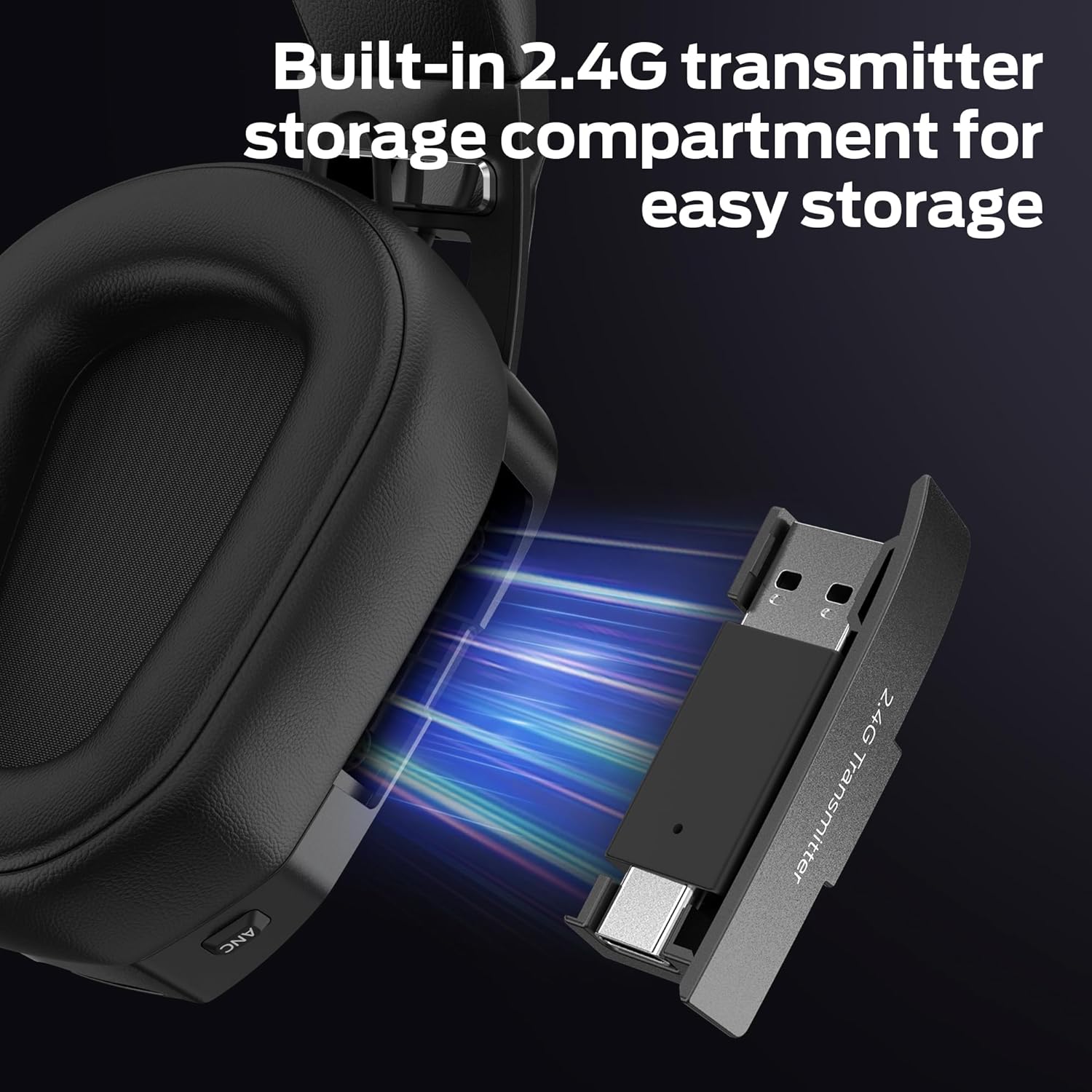
Imej: jarak dekat view of the headset's earcup, showing the built-in storage compartment for the 2.4GHz USB transmitter, with the transmitter partially inserted.
Panduan Persediaan
1. Mengecas Alat Dengar
- Connect the USB charging cable to the headset's charging port.
- Sambungkan hujung kabel USB yang satu lagi ke sumber kuasa (cth., port USB komputer, penyesuai dinding USB).
- The LED indicator on the headset will show charging status. A full charge takes approximately 3 hours.
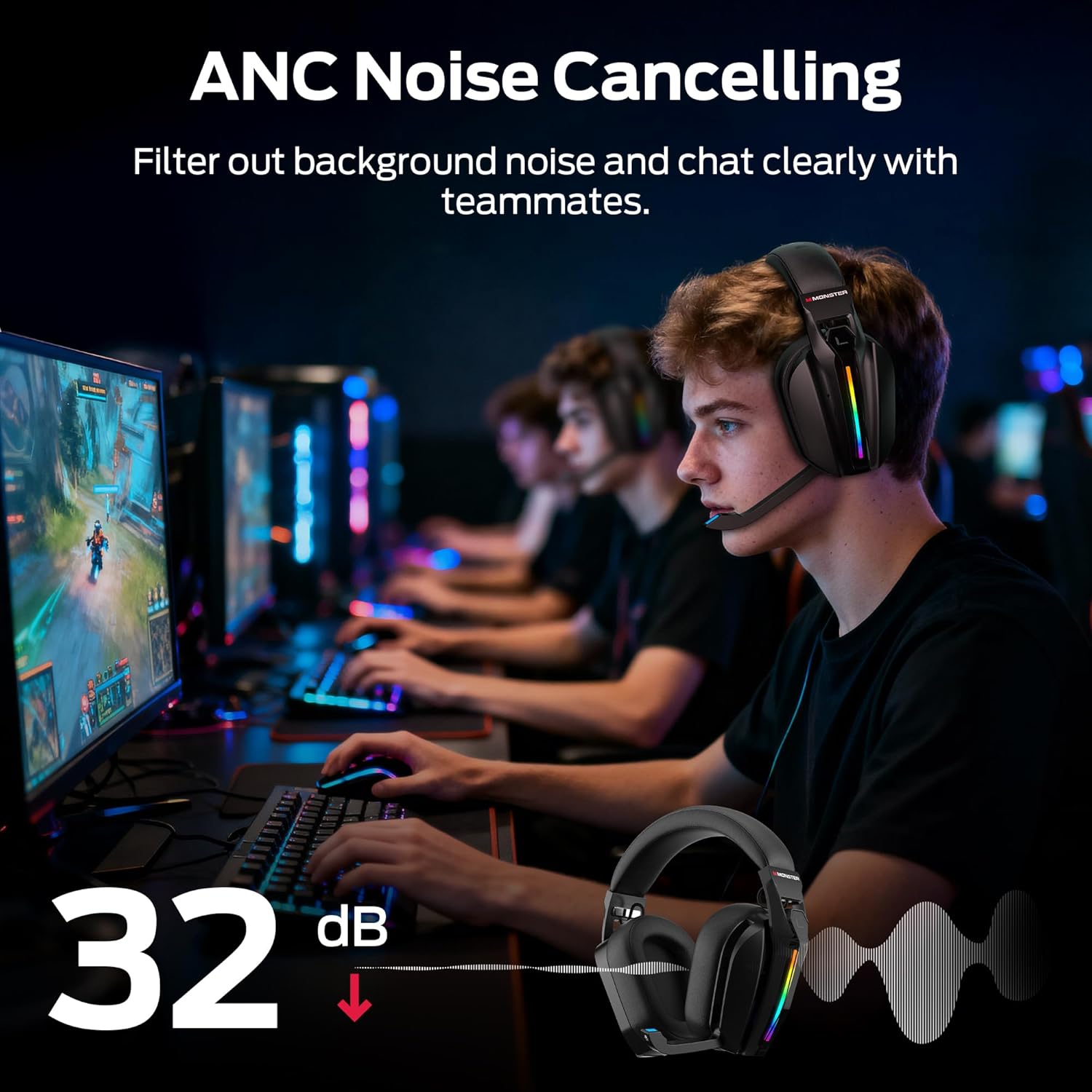
- A full charge provides up to 70 hours of gameplay (40 hours with RGB lighting active).
2. Connecting via 2.4GHz Wireless (PC, PS5, PS4, Laptop)
- Remove the 2.4GHz USB wireless transmitter from its storage compartment on the headset.
- Plug the USB transmitter into an available USB port on your PC, PS5, PS4, or laptop.
- Power on the headset. The headset will automatically attempt to connect to the transmitter.
- Once connected, the LED indicator on both the headset and transmitter will show a stable light.
- On your device, ensure the Monster Mission ANC200 is selected as the audio output and input device.

Imej: Illustration showing the 2.4GHz wireless connection setup, with the USB transmitter plugged into a device and the headset wirelessly connected, highlighting ultra-low latency.
3. Connecting via Bluetooth 6.0 (Mobile, Laptop, Switch)
- Pastikan alat dengar dihidupkan.
- Press and hold the Bluetooth pairing button (refer to Product Overview for exact location) until the LED indicator flashes, indicating pairing mode.
- On your device (mobile, laptop, Nintendo Switch), go to Bluetooth settings and search for available devices.
- Select "Monster Mission ANC200" from the list.
- Setelah dipasangkan, penunjuk LED pada set kepala akan menunjukkan cahaya yang stabil.
4. Connecting via 3.5mm AUX Cable (Universal Compatibility)
- Connect one end of the 3.5mm audio cable to the AUX port on the headset.
- Connect the other end of the 3.5mm audio cable to the audio jack of your device.
- The headset will operate in passive mode when connected via 3.5mm AUX, meaning some features like ANC or RGB lighting may not be available or require the headset to be powered on.
Imej: An illustration demonstrating the multiple connection methods (2.4GHz, Bluetooth, 3.5mm AUX) for the headset, showing compatibility with PC, mobile, laptop, PS4/PS5, and Nintendo Switch.
Arahan Operasi
1. Hidupkan/Mati Kuasa
- Hidupkan kuasa: Tekan dan tahan butang Kuasa selama lebih kurang 3 saat sehingga penunjuk LED menyala.
- Matikan: Tekan dan tahan butang Kuasa selama lebih kurang 3 saat sehingga penunjuk LED dimatikan.
2. Kawalan Kelantangan
- Use the Volume Up (+) and Volume Down (-) buttons/dial on the headset to adjust the audio output level.
3. Penggunaan Mikrofon
- Extend Microphone: Gently pull the retractable microphone out from the earcup. Position it near your mouth for optimal voice pickup.
- Retract Microphone: Gently push the microphone back into the earcup when not in use.
- Redam/Nyahredam: Press the Microphone Mute button (refer to Product Overview for exact location) to toggle microphone mute. The LED on the microphone tip may indicate mute status.
4. Pembatalan Bunyi Aktif (ANC)
- Press the ANC button (refer to Product Overview for exact location) to activate or deactivate Active Noise Cancellation.
- When ANC is active, the headset will reduce ambient background noise, allowing for greater focus.
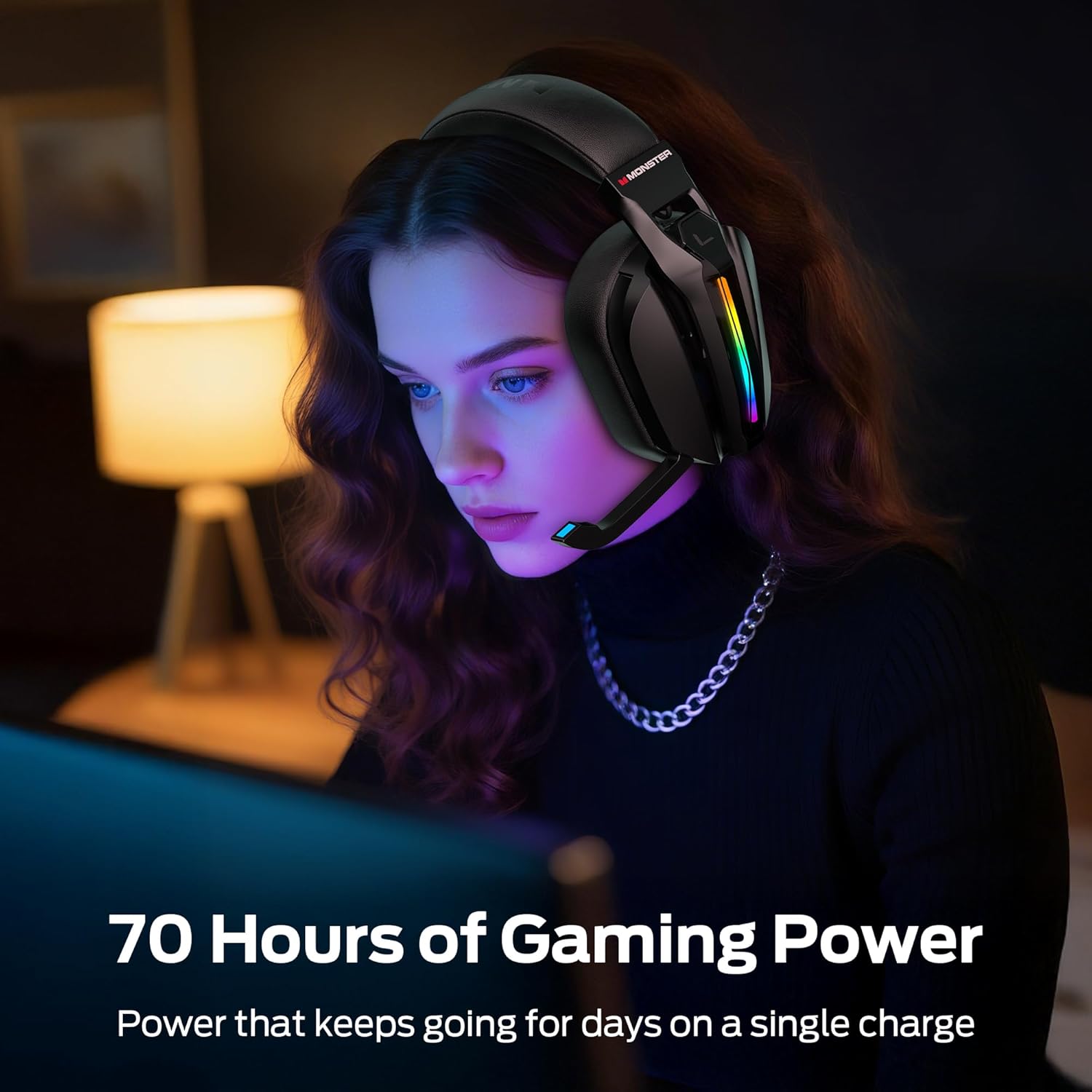
Imej: A visual representation of the Active Noise Cancellation (ANC) feature, showing how external noise is filtered out for clearer audio and communication.
5. EQ Modes (Game / Music)
- Press the EQ Mode button (refer to Product Overview for exact location) to switch between Game Mode and Music Mode.
- Game Mode (7.1 Virtual Surround Sound): Optimized for gaming, providing immersive surround sound for positional audio cues.
- Mod Muzik: Optimized for rich, detailed audio playback for music and other media.
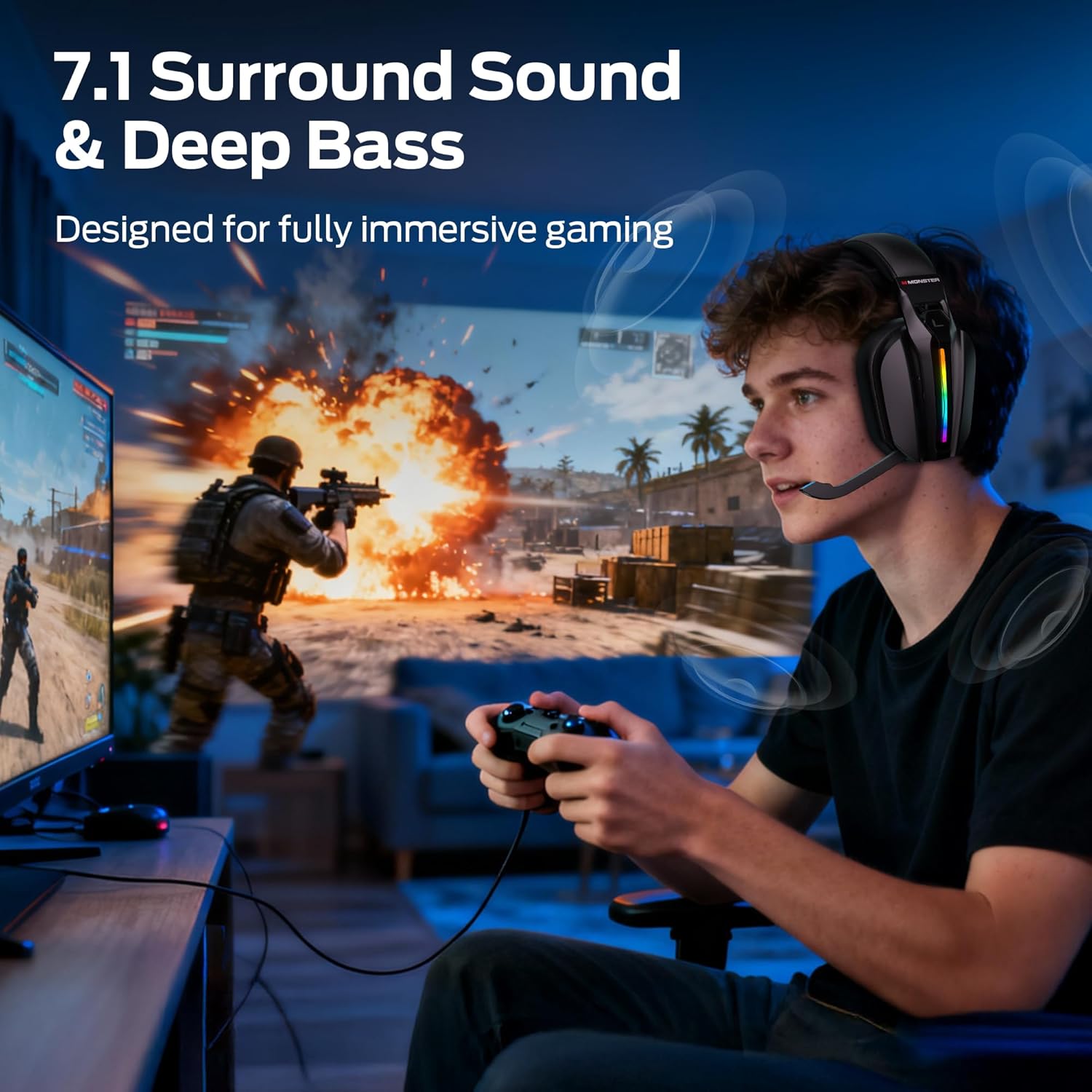
Imej: A gamer wearing the headset, illustrating the immersive experience provided by 7.1 surround sound and deep bass, designed for gaming.
6. Kawalan Pencahayaan RGB
- The headset features customizable RGB lighting. Refer to the specific button (if available) or combination of buttons for cycling through light effects or turning them off.
Imej: Close-up of the headset's earcup, showcasing the million-color RGB lighting with a gradient effect, labeled "Glow and Flow".
Penyelenggaraan
- Pembersihan: Wipe the headset with a soft, dry, lint-free cloth. Do not use liquid cleaners or sprays directly on the headset.
- Storan: Store the headset in a cool, dry place away from direct sunlight and extreme temperatures. When not in use, retract the microphone and store the 2.4GHz USB transmitter in its designated compartment.
- Penjagaan Bateri: Untuk memanjangkan hayat bateri, elakkan menyahcas sepenuhnya set kepala dengan kerap. Mengecasnya dengan kerap, walaupun tidak digunakan secara berterusan.
Menyelesaikan masalah
| Masalah | Penyelesaian yang Mungkin |
|---|---|
| Tiada bunyi dari set kepala. |
|
| Mikrofon tidak berfungsi. |
|
| Headset not connecting wirelessly. |
|
| ANC not functioning. |
|
Spesifikasi
| Nama Model: | Monster Mission ANC200 (MH22240) |
| Teknologi Ketersambungan: | 2.4GHz Wireless, Bluetooth 6.0, 3.5mm AUX Wired |
| Komunikasi Tanpa Wayar: | Bluetooth, 2.4GHz |
| Ciri-ciri audio: | 7.1 Virtual Surround Sound (Game Mode), Dual EQ Modes (Game/Music) |
| Kawalan Bunyi: | Active Noise Cancellation (ANC), AI Noise Filtering for Microphone |
| mikrofon: | Stealth Retractable Mic |
| Hayat Bateri: | Up to 70 hours (without RGB), 40 hours (with RGB) |
| Masa Pengecasan: | Lebih kurang 3 jam |
| Latensi: | Ultra-low latency (under 20ms via 2.4GHz) |
| Peletakan Telinga: | Atas Telinga |
| Bahan: | Plastic, Protein Leather Cushions, Memory Foam |
| warna: | Hitam |
| Nombor Model Item: | MH22240 |
| Dimensi: | 25.2 x 24.89 x 11.1cm; 608g |
Waranti dan Sokongan
Monster products are designed to provide reliable performance. For warranty information, technical support, or customer service inquiries, please refer to the official Monster webtapak atau hubungi sokongan pelanggan mereka secara langsung.
- Sokongan dalam talian: Visit the official Monster webtapak untuk Soalan Lazim, muat turun pemacu dan sumber sokongan.
- Hubungi Khidmat Pelanggan: Refer to your product packaging or the Monster weblaman web untuk maklumat hubungan.


