pengenalan
This manual provides essential information for the safe and efficient operation of your Blackview XPLORE 2 rugged smartphone. Please read this manual thoroughly before using the device to ensure proper functionality and longevity.

Imej: Depan dan belakang view daripada Hitamview XPLORE 2 rugged smartphone, showcasinreka bentuk dan modul kameranya yang teguh.
Persediaan
1. Unboxing dan Pemeriksaan Awal
Carefully remove all items from the packaging. Verify that all components listed in the "What's in the Box" section are present and undamaged.
Apa yang ada di dalam Kotak:
- Hitamview XPLORE 2 Smartphone
- Kabel USB
2. Pemasangan Kad SIM dan Kad Memori
Locate the SIM card tray on the side of the device. Use the provided SIM ejector tool (if included) to open the tray. Insert your Nano-SIM card(s) and/or microSD card into the designated slots. Ensure the tray is securely closed to maintain water and dust resistance.
3. Caj Permulaan
Before first use, fully charge the device using the provided USB cable and a compatible power adapter. The device supports 120W fast charging.

Imej: Si Hitamview XPLORE 2 smartphone connected to a charger, illustrating the charging process.
Mengendalikan Peranti Anda
1. Hidupkan/Mati dan Mulakan Semula
To power on, press and hold the Power button until the Blackview logo appears. To power off, press and hold the Power button, then select "Power off" from the options. To restart, select "Restart".
2. Ciri Paparan
The XPLORE 2 features a 6.73-inch 3.2K AMOLED display with a 120Hz dynamic refresh rate. Adjust brightness and display settings in the "Display" menu within Settings for optimal viewing.

Image: A visual representation of the Blackview XPLORE 2's display specifications, highlighting its 3.2K resolution and 120Hz refresh rate.
3. Penggunaan Kamera
The device is equipped with a 50MP main camera and a 20MP night vision camera. Open the Camera app to access various modes including panorama, portrait, beauty, and night vision.
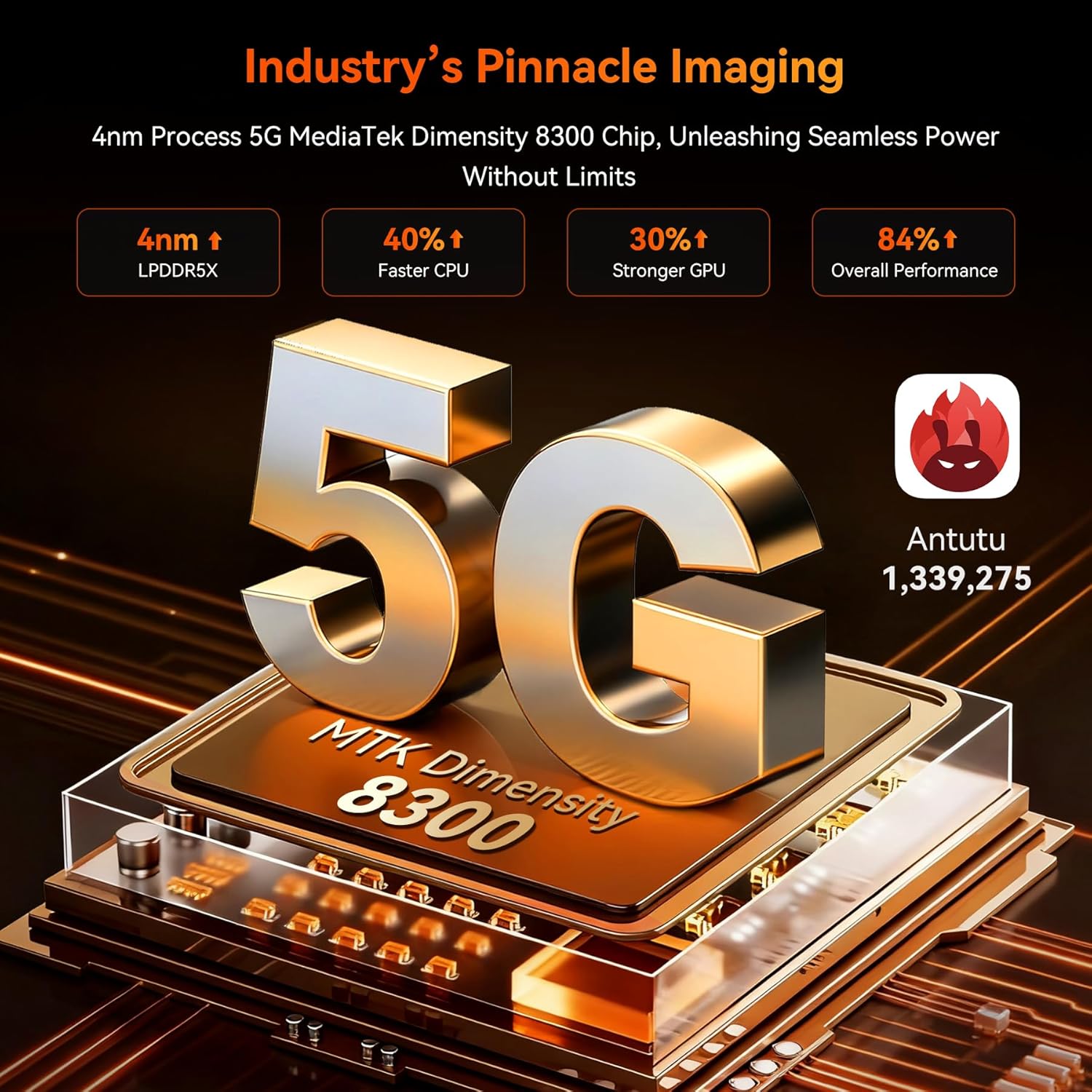
Image: Close-up of the Blackview XPLORE 2's rear camera module, detailing the 50MP main camera and 20MP night vision lens.
4. Doke AI Smart Assistant
Utilize the integrated Doke AI Smart Assistant for various tasks, including answering questions and providing information. Access it through the dedicated app or voice commands.
Video: A demonstration of the Doke AI Smart Assistant providing information on how to choose a camptapak.
5. Projector Function
The XPLORE 2 features a built-in high-precision projector. To activate, locate the projector settings in the device menu. It supports up to 100-inch projection with 100-lumen brightness.
Video: Tayangan videoasing the Blackview XPLORE 2's features, including its built-in projector, large battery, and ruggedness.
Penyelenggaraan
1. Membersihkan Peranti Anda
Use a soft, lint-free cloth to clean the screen and body of the device. For stubborn dirt, a slightly damp kain boleh digunakan. Elakkan bahan kimia yang keras atau bahan yang melelas.
2. Kemas Kini Perisian
Semak kemas kini sistem secara berkala untuk memastikan prestasi dan keselamatan yang optimum. Navigasi ke Settings > System > System updates untuk menyemak dan memasang kemas kini yang tersedia.
Video: A step-by-step guide on how to check for and install system updates on the device.
3. Peluasan Ingatan
The device supports RAM expansion technology. To expand virtual RAM, go to Settings > About phone > RAM and adjust the memory expansion size. A restart is required for changes to take effect.
Video: Instructions on how to expand the RAM memory of the device through the settings.
Menyelesaikan masalah
Isu dan Penyelesaian Biasa
- Device is slow or freezing: Close background applications, uninstall unused apps, and restart the device.
Video: A short video demonstrating steps to resolve device lagging or freezing issues, such as closing background apps and restarting.
- Tiada isyarat rangkaian: Ensure your SIM card is correctly inserted and activated. Check network settings or contact your carrier.
- Bateri cepat habis: Kurangkan kecerahan skrin, lumpuhkan ciri yang tidak diperlukan (Wi-Fi, Bluetooth, GPS) apabila tidak digunakan dan tutup aplikasi latar belakang.
- Kemasukan Air/Habuk: Ensure all port covers are securely closed. If water or dust enters, follow the cleaning instructions and allow the device to dry completely before use.
For further assistance, refer to the "Warranty and Support" section.
Spesifikasi
- model: XPLORE2
- Sistem pengendalian: Android 15
- Pemproses: Dimensity 8300 AI 5G Octa-core CPU
- RAM: Sehingga 36GB (12GB fizikal + 24GB maya)
- Storan: 256GB ROM (expandable up to 2TB via TF card)
- paparan: 6.73-inch 3.2K AMOLED, 120Hz dynamic refresh rate, 2600 nits peak brightness
- Bateri: 20000mAh, 120W Fast Charging, 10W Reverse Charging
- Kamera Belakang: 50MP Main Camera, 20MP Night Vision Camera
- Kamera Depan: 32MP
- Ketahanan: IP68/IP69K Waterproof, Dustproof, MIL-STD-810H Drop-proof
- Ketersambungan: 5G, Wi-Fi 6E, Bluetooth 5.4, NFC, GPS (L1+L5 Dual-Frequency)
- Ciri Khas: Built-in Projector (100-inch, 100-lumen), Doke AI Smart Assistant, Customized Shortcut Button, 467LM CampCahaya
- Dimensi: 186 × 87.8 × 29 mm
- Berat: 645g
Waranti dan Sokongan
Hitam Andaview XPLORE 2 smartphone comes with a Waranti 2 tahun. Hitamview also offers lifetime technical support.
For warranty claims, technical assistance, or service inquiries, please contact Blackview sokongan pelanggan melalui rasmi mereka webtapak atau maklumat hubungan yang diberikan bersama pembelian anda.
Keserasian Rangkaian
This device supports 5G networks and is compatible with GSM carriers such as T-Mobile, Speedtalk, Mint Mobile, BTC, MetroPCS, H2O, Movistar, Telcel, Tigo, Claro, Ultra Mobile, Tello, Bell Wireless, Rogers Wireless, Chatr, Telus, Fido, and FIZZ.
Important: Not compatible with CDMA carriers such as AT&T, Cricket Wireless, Verizon, Straight Talk, or U.S. Cellular.
Supported Network Bands:
- 4G FDD: B2/B3/B4/B5/B7/B12/B13/B17/B26/B66/B28A/B28B
- TDD 4G: B40/B41
- 3G WCDMA: B2/B3/B4/B5
- 2G GSM: 850/900/1800/1900 (B2/B3/B5/B8)


