1. Pengenalan
Thank you for choosing the Retevis MateTalk P3 DMR Two-Way Radio. This professional-grade digital radio is designed for reliable and clear communication in various commercial and professional environments. Featuring advanced Digital Mobile Radio (DMR) technology, AES256 encryption, and fast charging capabilities, the MateTalk P3 ensures efficient and secure team coordination. This manual provides essential information for the proper setup, operation, and maintenance of your device.

Imej: Selesaiview of the Retevis MateTalk P3 Professional Radio highlighting its key features.
2. Apa yang ada di dalam Kotak
Your Retevis MateTalk P3 package includes the following items:
- MateTalk P3 Walkie Talkie (x4)
- Pengecas Asas (x4)
- Alat dengar (x4)
- Klip Tali Pinggang (x4)
- Kabel Pengecas Jenis-C (x4)
- Use Manual (x1)

Imej: Belakang view of the Retevis MateTalk P3 radio, showing the model number and regulatory details.

Image: Visual representation of the complete package contents, including radios, chargers, earpieces, and cables.
3. Produk Lebihview dan Ciri
3.1. Digital Communication Clarity
The MateTalk P3 utilizes Digital Mobile Radio (DMR) technology to filter out background noise, providing crystal-clear audio quality comparable to face-to-face conversations. This is crucial in noisy environments like kitchens or construction sites, preventing miscommunication.

Image: Diagram illustrating DMR Digital Communication with features like Noise Suppression, High Fidelity, Echo Cancellation, and Error Correction.
Video: Demonstrates the clear digital communication capabilities of the Retevis MateTalk P3 radio.
3.2. Secure Communication with AES256
For sensitive communications, the MateTalk P3 supports AES256 encryption, ensuring your conversations remain private and secure. This feature is compatible with Motorola DM4600/XPR5000 and Retevis NR30D/RT29D/RT81 radios.

Image: Visual representation of AES256 Secure Communication, showing a padlock icon over the radio.
3.3. Extended Range and Power
Experience extended communication range with high power output, providing strong signals across large areas like warehouses and hotel campuses. The radio supports repeater connectivity for even greater coverage.
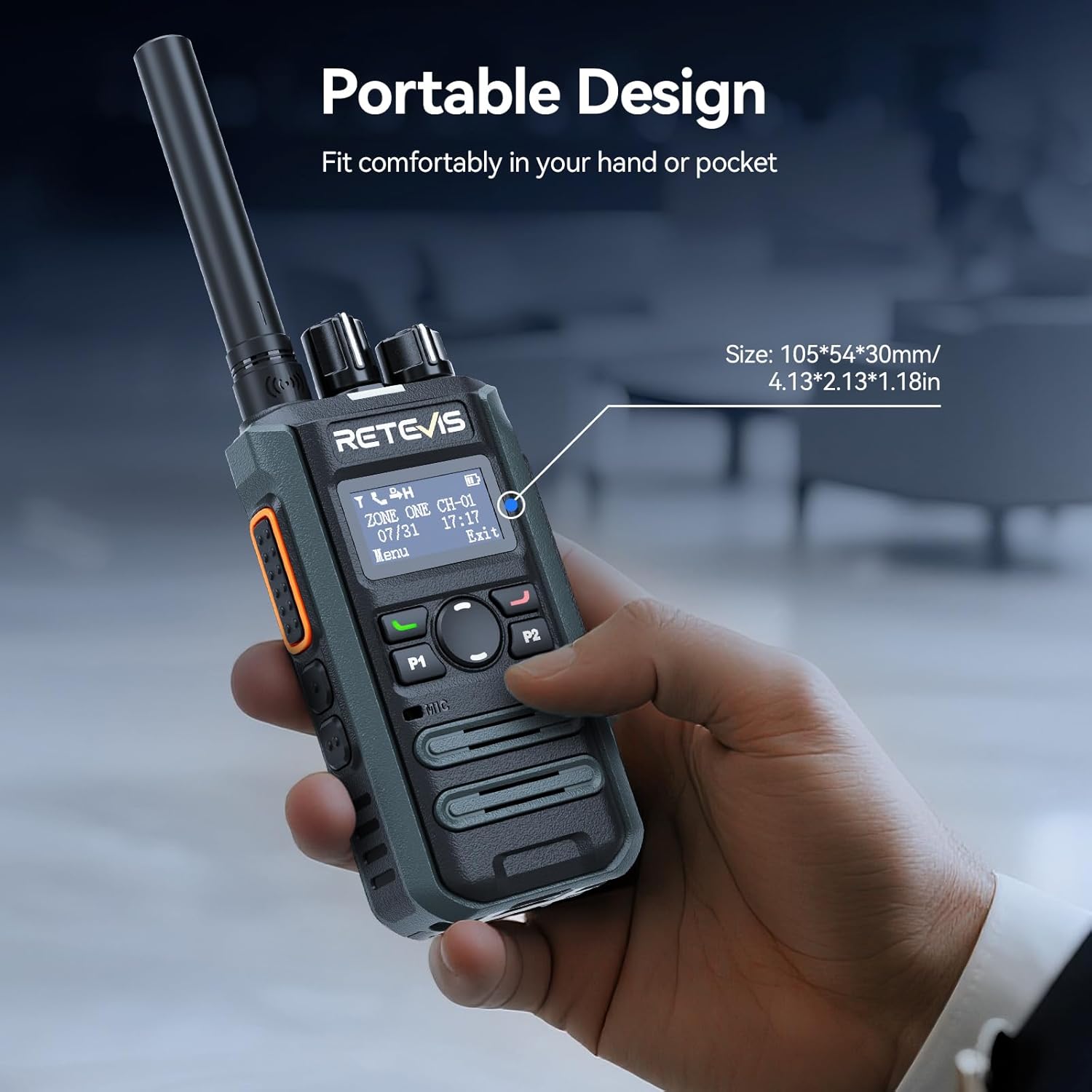
Image: Illustrates the long-range communication capabilities, showing coverage over a large area (350,000 sq.ft or 30 floors).
3.4. Efficient Team Management
With 2 zones and 32 channels, the MateTalk P3 allows for dedicated channel assignments to different teams (e.g., security, housekeeping, maintenance) for organized and efficient collaboration. It supports Single, Group, and All Call modes.
Image: Depicts the Single, Group, and All Call functionalities, showing how different communication types can be tailored.
3.5. Bateri Tahan Lama dan Pengecasan Pantas
Equipped with a 2000 mAh battery, the radio provides up to 15 hours of use (5% transmit, 5% receive, 90% standby) and 70 hours of standby time. The 2.5-hour fast-charge capability ensures quick power-ups during breaks for all-day operation.
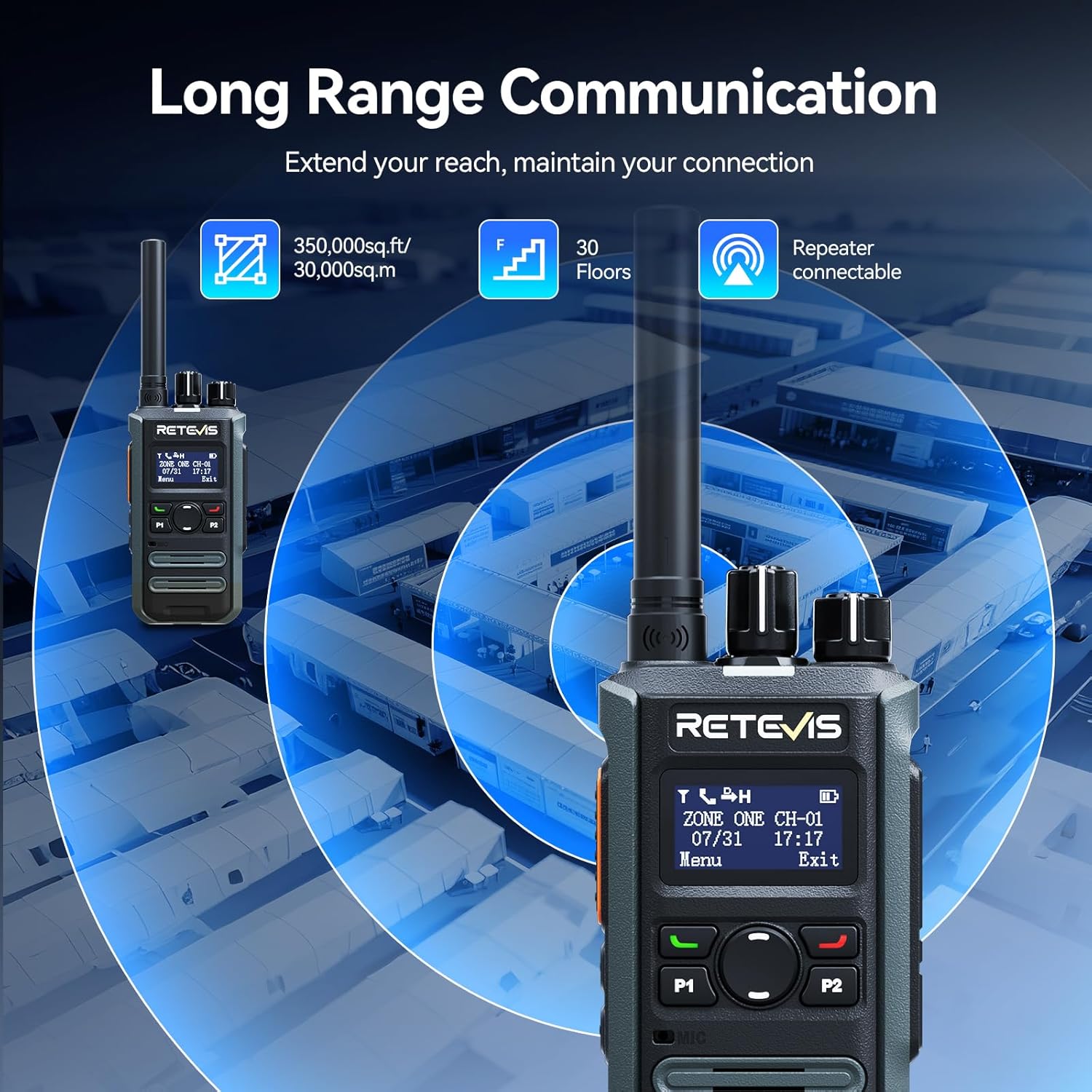
Image: Highlights the fast charging feature, indicating a full charge in 150 minutes.
3.6. Reka Bentuk Kompak dan Mudah Alih
Designed for mobile professionals, the lightweight body of the MateTalk P3 clips easily to a belt or fits into a shirt pocket, allowing for effortless carry in crowded workplaces.
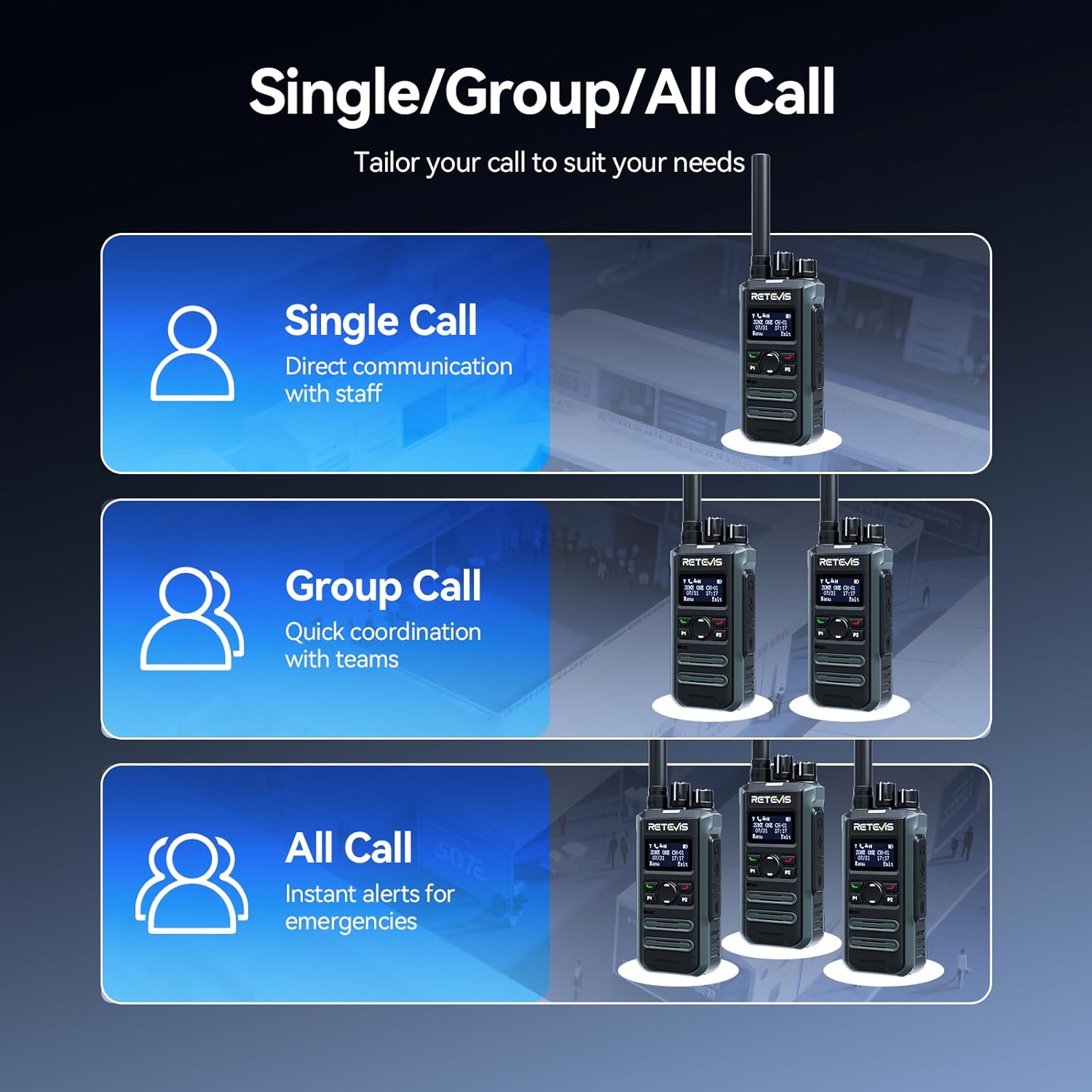
Image: Demonstrates the portable design, showing the radio comfortably held in a hand with its dimensions.
3.7. Intuitive LCD Screen
The clear LCD screen provides easy access to essential information, including time, date, channel information, battery status, and quick menu access for settings and call logs.

Image: Close-up of the LCD screen, detailing its intuitive display of information like time, date, and channel.
3.8. Ciri-ciri Keselamatan
The radio includes safety features such as Lone Worker mode and a One-key Emergency Alarm, providing added peace of mind for users in potentially hazardous situations.

Image: Illustrates the safety features, including Lone Worker and Emergency Alarm functions.
4. Persediaan
4.1. Mengecas Bateri
- Connect the Type-C charging cable to the base charger and a suitable USB power adapter (not included).
- Place the MateTalk P3 radio into the charging cradle. Ensure the charging contacts on the radio align with those on the cradle.
- The charging indicator on the radio will show the charging status. A full charge typically takes 2.5 hours.
4.2. Memasang Antena
Screw the provided rubber duck antenna clockwise onto the antenna connector at the top of the radio until it is finger-tight. Do not overtighten.
4.3. Memasang Belt Clip
Sejajarkan klip tali sawat dengan lubang skru di bahagian belakang radio dan pasangkannya dengan skru yang disediakan.
5. Arahan Operasi
5.1. Hidupkan/Mati Kuasa dan Kawalan Kelantangan
Untuk menghidupkan radio, putar tombol Kuasa/Kelantangan mengikut arah jam. Teruskan berputar untuk melaraskan kelantangan. Untuk mematikan radio, putar tombol lawan arah jam sehingga ia berbunyi klik.
5.2. Pemilihan Saluran
Rotate the Channel knob at the top of the radio to select your desired channel. The LCD screen will display the current channel information.
5.3. Menghantar dan Menerima
- Untuk menghantar, tekan dan tahan butang Push-To-Talk (PTT) di sisi radio. Bercakap dengan jelas ke dalam mikrofon.
- Lepaskan butang PTT untuk menerima.
- Ensure you are on the correct channel and within range for effective communication.
5.4. Call Modes (Single, Group, All Call)
The MateTalk P3 supports various call modes for flexible communication:
- Panggilan Tunggal: Direct communication with an individual radio.
- Panggilan Kumpulan: Berkomunikasi dengan kumpulan radio yang telah ditetapkan.
- Semua Panggilan: Broadcast a message to all radios within the current zone.
5.5. Navigasi Menu
Use the Menu key and Up/Down keys to navigate through the radio's settings and features displayed on the LCD screen. The Exit key allows you to return to the previous screen or the main display.
6. Penyelenggaraan
- Pastikan radio bersih dengan mengelapnya dengan kain lembutamp kain. Elakkan bahan kimia yang keras.
- Pastikan sentuhan pengecas bersih dan bebas daripada serpihan untuk pengecasan yang optimum.
- Simpan radio di tempat yang sejuk dan kering apabila tidak digunakan.
- Do not attempt to disassemble the radio; this will void the warranty.
7. Penyelesaian masalah
7.1. Tiada Kuasa
- Periksa sama ada bateri dipasang dan dicas dengan betul.
- Ensure the Power/Volume knob is rotated clockwise to turn on the radio.
7.2. Tidak Boleh Menghantar atau Menerima
- Verify that the radio is on the correct channel.
- Periksa sama ada antena dipasang dengan kukuh.
- Pastikan anda berada dalam julat komunikasi yang berkesan.
- Sahkan bahawa bateri mempunyai cas yang mencukupi.
7.3. Kualiti Audio Tidak Baik
- Laraskan tahap kelantangan.
- Move to an area with fewer obstructions or interference.
- Pastikan mikrofon dan pembesar suara tidak tersumbat.
8. Spesifikasi
| Ciri | Spesifikasi |
|---|---|
| Berat Barang | 410 Gram (14.5 auns) |
| Dimensi Pakej | 13.6 x 9.4 x 4.4 inci |
| Nombor Model Item | MateTalk P3 |
| Bateri | 4 Nonstandard Battery batteries required. |
| Bilangan Saluran | 64 |
| Ciri Khas | AES256, Fast charge, Long Range |
| Julat Kekerapan | 440-461.9Mhz, 468-470Mhz |
| Tahap Ketahanan Air | Bukan Tahan Air |
| Pengeluar | Retevis |
9. Waranti dan Sokongan
Retevis menyediakan a Waranti 2 tahun untuk badan radio dan a Waranti 1 tahun untuk aksesori. Selain itu, terdapat Polisi pemulangan tanpa sebab 30 hari. Even beyond the warranty period, we offer maintenance services, with buyers responsible for corresponding costs. For any support or service inquiries, please contact us on Amazon, and we will respond within 12 hours.


