pengenalan
This manual provides detailed instructions for the setup, operation, and maintenance of your Ordtop GS400 Ultra Wireless Gaming Headset. Please read this manual thoroughly before using the product to ensure proper functionality and longevity.
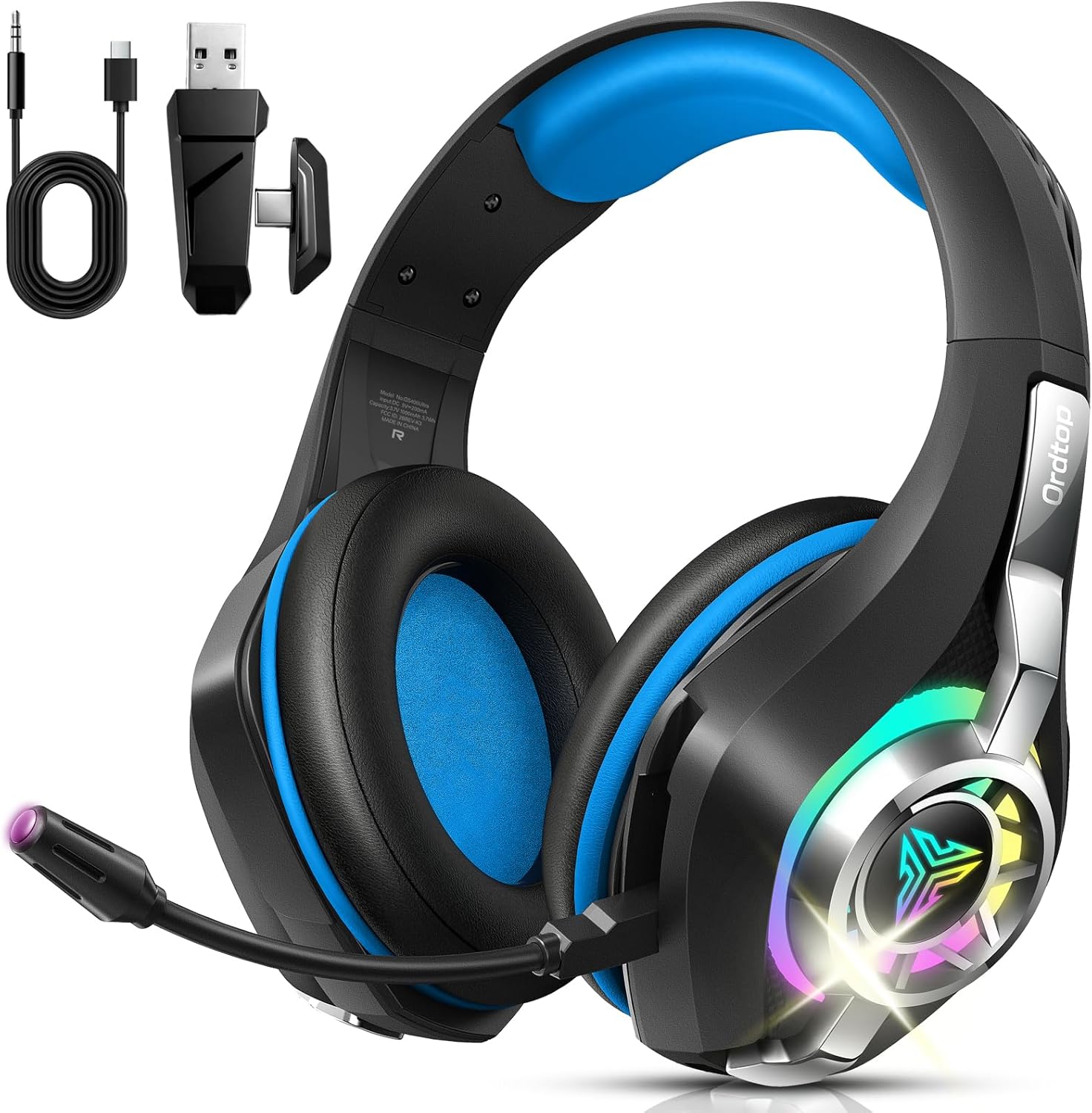
Image: The Ordtop GS400 Ultra Wireless Gaming Headset, showcasing its design and included accessories like the USB dongle and charging cable.
Kandungan Pakej
Sahkan bahawa semua item terdapat dalam pakej:
- Fon Kepala Permainan Bluetooth
- USB & Type-C Plug (2.4GHz wireless dongle)
- Kabel Audio 3.5mm
- Kabel Pengecasan Jenis-C
- Manual Pengguna (dokumen ini)
Persediaan dan Sambungan
The Ordtop GS400 Ultra headset offers multiple connection options for various devices.
1. Mengecas Alat Dengar
Before first use, fully charge the headset. Connect the Type-C charging cable to the headset's charging port and to a USB power source. A full charge takes approximately 2 hours.
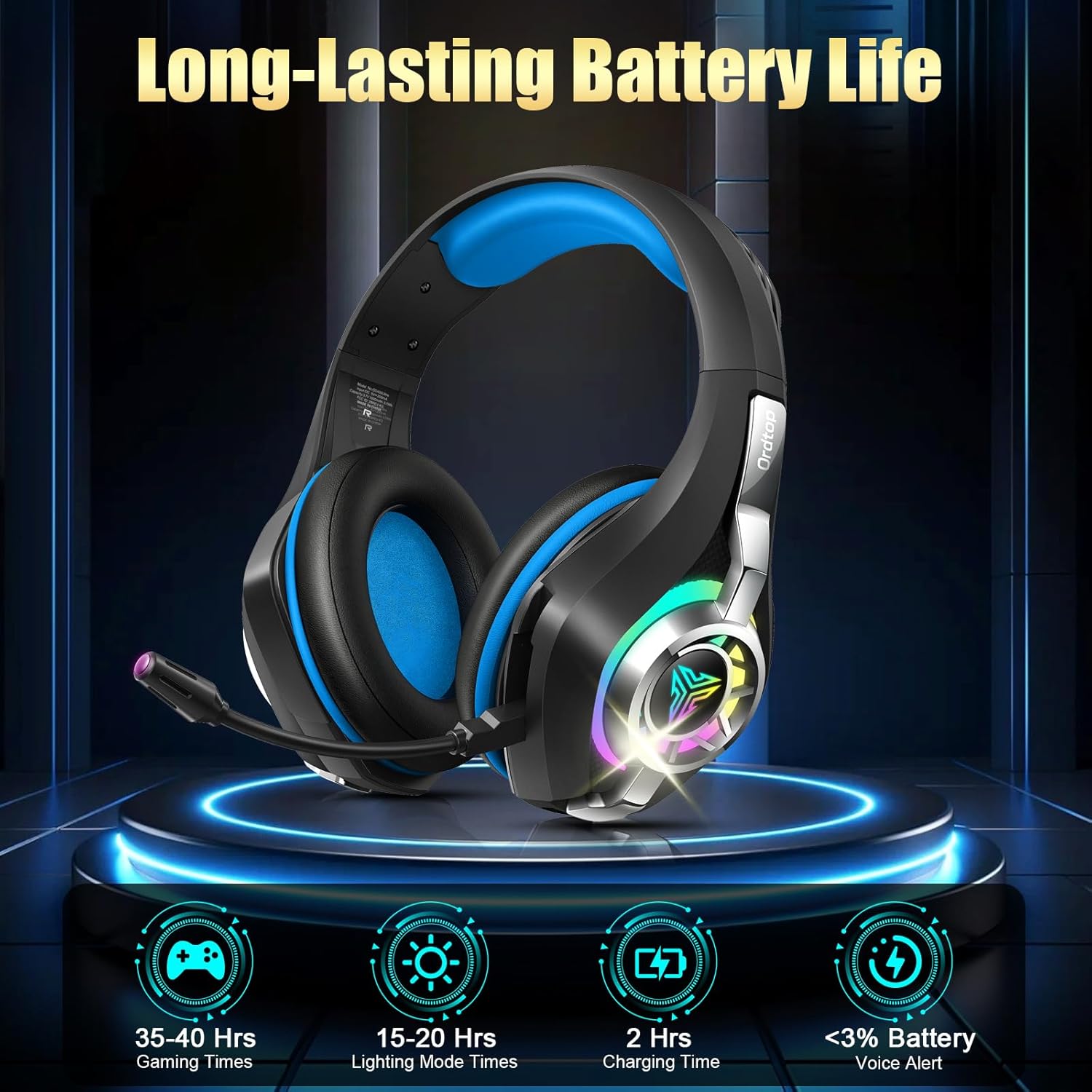
Image: Battery life information, indicating 35-40 hours of gaming time, 15-20 hours with RGB lighting, and a 2-hour charging time.
2. Mod Sambungan
The headset supports 2.4GHz wireless, Bluetooth, and 3.5mm wired connections.
2.1. 2.4GHz Wireless Mode (for PC, Mac, PS4, PS5, Laptop)
- Pastikan alat dengar dimatikan.
- Insert the USB & Type-C plug (dongle) into an available USB port on your device (PC, Mac, PS4, PS5, Laptop).
- Press and hold the Power button and Volume+ button on the headset simultaneously for 6 seconds to initiate pairing.
- Alat dengar akan bersambung secara automatik ke dongle.
- To switch to 2.4GHz mode from another mode, use the dedicated slider on the earcup.
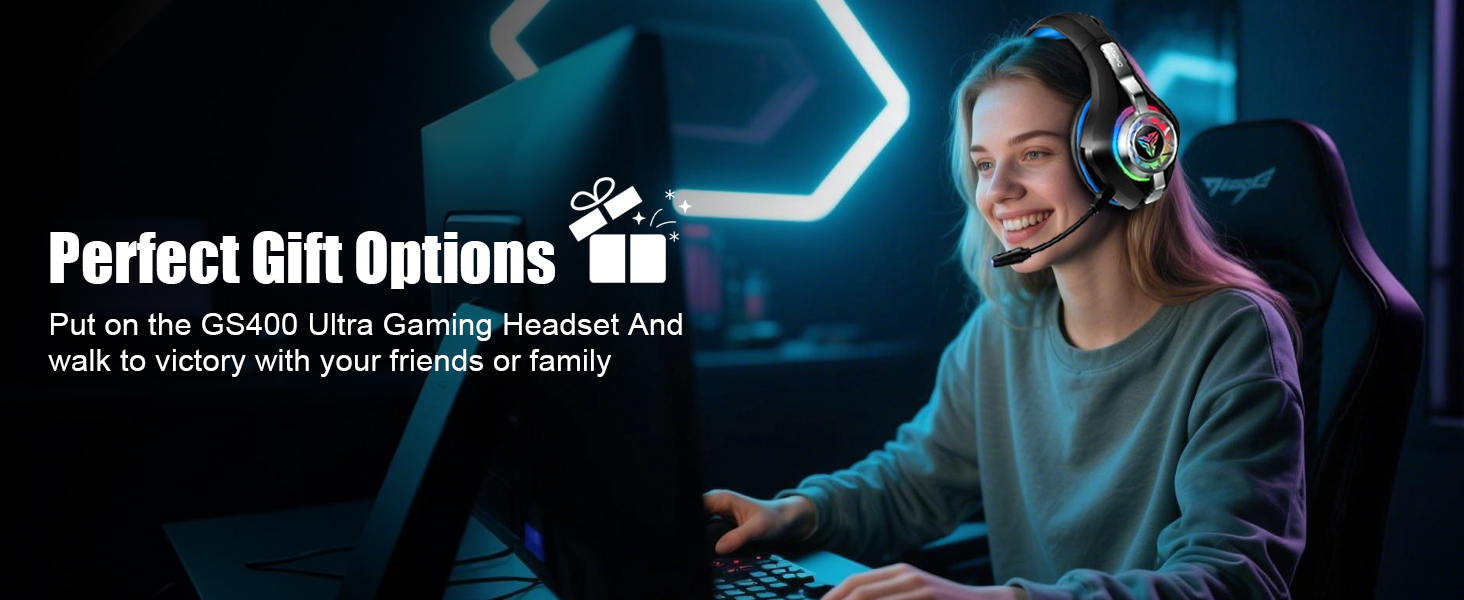
Image: A visual representation of the headset's multi-platform wireless support, detailing compatibility for 2.4GHz mode (PC, Mac, PS4, PS5, Laptop, Xbox Line-in) and Bluetooth mode (PC, Mac, Tablets, Mobile Phone, Switch).

Image: The USB and Type-C plug (dongle) demonstrating its compatibility with different devices such as PS4, PS5, PC, Mac, Laptops, phones, tablets, and Nintendo Switch.
2.2. Bluetooth Mode (for PC, Mac, Tablets, Mobile Phone, Switch)
- Pastikan alat dengar dihidupkan.
- Slide the dedicated switch on the earcup to Bluetooth mode.
- On your device, enable Bluetooth and search for "GS400 Ultra" (or similar).
- Select the headset to pair.
- Note: Microphone functionality is not supported in Bluetooth mode for Nintendo Switch. Bluetooth is not compatible with PS5 or PS4.
2.3. Sambungan Berwayar 3.5mm
For devices supporting a 3.5mm audio jack, connect the included 3.5mm audio cable to the headset and your device. This mode does not require battery power.
Arahan Operasi
1. Kawalan Ke Atasview
All essential controls are located on the earcup for easy access.

Image: Detailed diagram illustrating the location and function of controls on the headset earcup, including Volume +, Play/Pause, Power On/Off, Volume -, Mic Mute, 2.4GHz/Bluetooth mode switch, and Type-C port for charging or 3.5mm wired connection.
- Hidupkan/Mati Kuasa: Tekan lama selama 2 saat.
- Jilid +: Satu klik untuk meningkatkan volum.
- Jilid -: Satu klik untuk mengurangkan volum.
- Main/Jeda: Single click.
- Jawab / Tutup / Tolak Panggilan: Single click to answer/hang up, long press to reject.
- Bisukan Mik: Double click the Volume - button.
- Pencahayaan RGB: Double-tap to switch RGB lighting on or off.
- Suis Mod: Use the dedicated slider to switch between 2.4GHz Wireless Mode and Bluetooth Mode.
2. Penggunaan Mikrofon
The external microphone features Environmental Noise Cancellation (ENC) technology to reduce background noise during communication.

Image: A visual comparison demonstrating the effectiveness of the ENC Noise Cancelling Mic, showing clearer voice transmission and environmental sound details after activation.
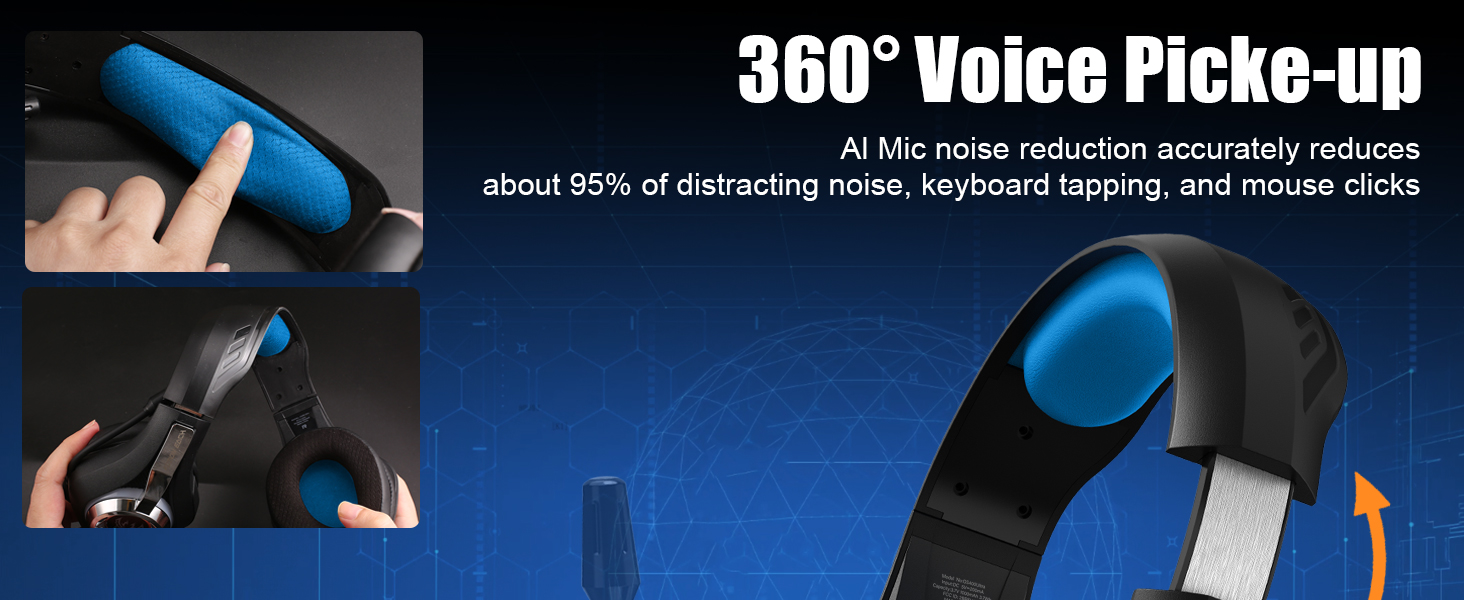
Image: Illustration of the microphone's 360-degree voice pickup capability and its adjustable design, highlighting AI noise reduction for clear communication.
3. Pengalaman Audio
The headset is equipped with 40mm dynamic drivers and supports virtual 7.1 surround sound for an immersive audio experience.
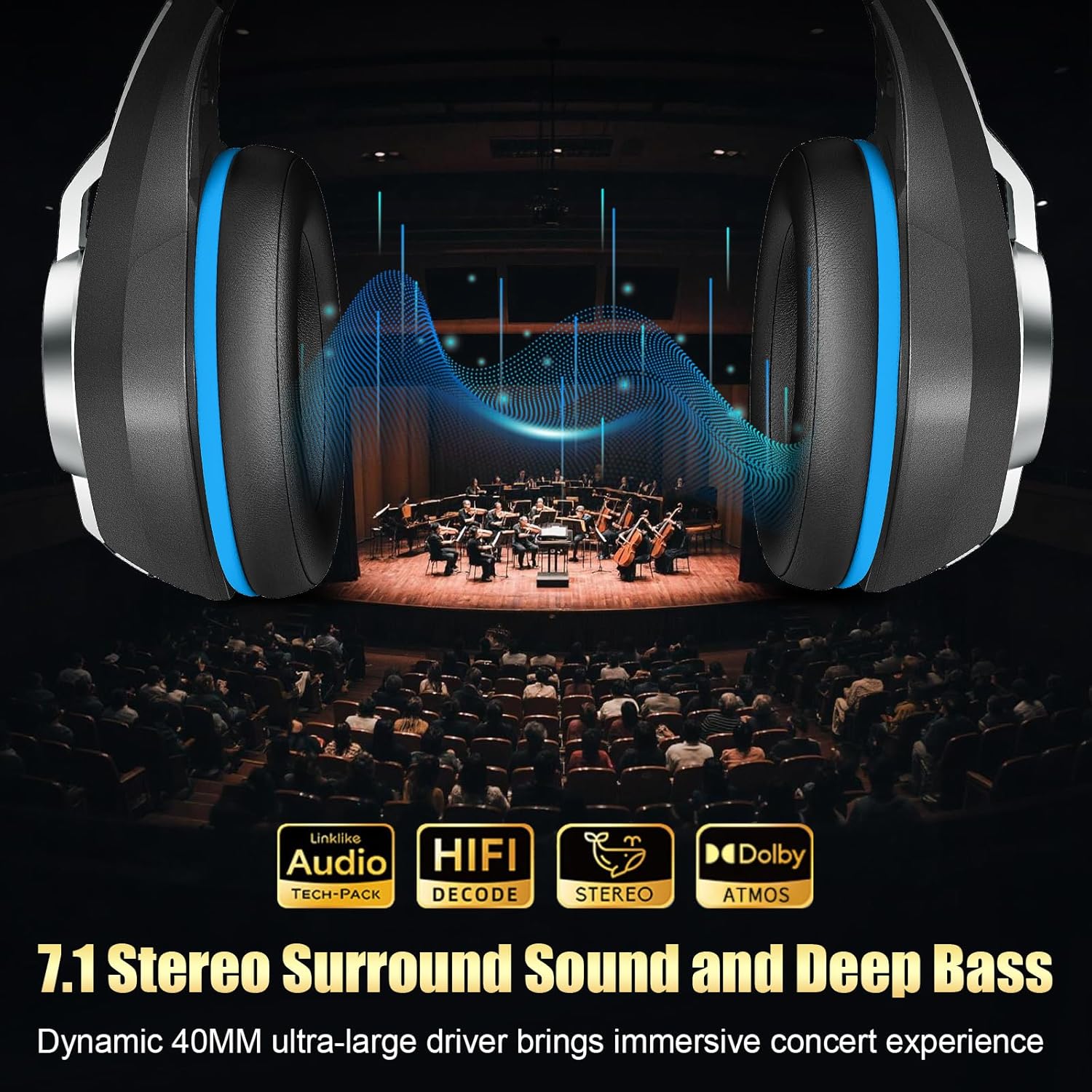
Image: The headset with a graphic overlay illustrating 7.1 Stereo Surround Sound and Deep Bass, emphasizing the dynamic 40mm drivers for an immersive audio experience.
Penyelenggaraan
- Bersihkan set kepala dengan kerap menggunakan kain lembut dan kering.
- Elakkan daripada mendedahkan alat dengar kepada suhu, kelembapan atau cahaya matahari langsung yang melampau.
- Do not attempt to disassemble the headset, as this may void the warranty and cause damage.
- Simpan set kepala di tempat yang sejuk dan kering apabila tidak digunakan.
Menyelesaikan masalah
| Masalah | Kemungkinan Punca | Penyelesaian |
|---|---|---|
| Tiada bunyi dari set kepala | Headset not powered on, low battery, incorrect connection mode, device volume too low. | Ensure headset is charged and powered on. Verify correct connection mode (2.4GHz, Bluetooth, or wired). Check device volume settings. Re-pair if using wireless modes. |
| Mikrofon tidak berfungsi | Microphone muted, incorrect input device selected on computer/console, Bluetooth mode on Switch. | Double click Volume - to unmute mic. Check audio input settings on your device. Note that mic is not supported on Switch in Bluetooth mode. |
| Connection unstable or laggy | Interference, distance from dongle/device, low battery. | Ensure headset is within range (up to 55 ft for 2.4GHz, 17 meters for Bluetooth). Minimize obstacles. Charge headset. Re-pair the connection. |
| Pencahayaan RGB tidak berfungsi | RGB feature turned off, low battery. | Double-tap to toggle RGB lighting. Charge headset (RGB lighting consumes more battery). |
Spesifikasi
| Nama Model | GS400 Ultra |
| Teknologi Ketersambungan | 2.4GHz Wireless, Bluetooth, 3.5mm Wired |
| Komunikasi Tanpa Wayar | Bluetooth |
| Saiz Pemacu Audio | Pemacu Dinamik 40mm |
| Latensi Audio | 20 Milliseconds (under 2.4GHz) |
| Julat Bluetooth | Sehingga 17 Meter |
| 2.4GHz Wireless Range | Sehingga 55 kaki |
| Ciri Kawalan Bunyi | Environmental Noise Cancellation (ENC) Microphone |
| Battery Life (Gaming) | 35-40 Hours (without RGB) |
| Hayat Bateri (RGB Dihidupkan) | 15-20 Jam |
| Masa Mengecas | Lebih kurang 2 Jam |
| Berat badan | 276g (lebih kurang 9.7 oz) |
| bahan | Polyurethane (PU) earcups |
| Peranti Serasi | PS5, PS4, PC, Nintendo Switch, Xbox (Line-in mode), Laptop, Tablet, iPad, Mobile Phone |
Waranti dan Sokongan
For warranty information and technical support, please refer to the official Ordtop webtapak atau hubungi perkhidmatan pelanggan mereka. Simpan resit pembelian anda untuk tuntutan waranti.
Kedai Jenama Rasmi: Ordtop Store on Amazon


