1. Pengenalan
Thank you for choosing the Baseus Mini Power Bank E0028P. This compact and powerful portable charger is designed to provide fast and efficient charging for a wide range of devices, including smartphones, tablets, and even laptops. With its 10000mAh capacity, 67W fast charging capability, built-in dual USB-C cables, and digital display, it is an ideal companion for travel and daily use.
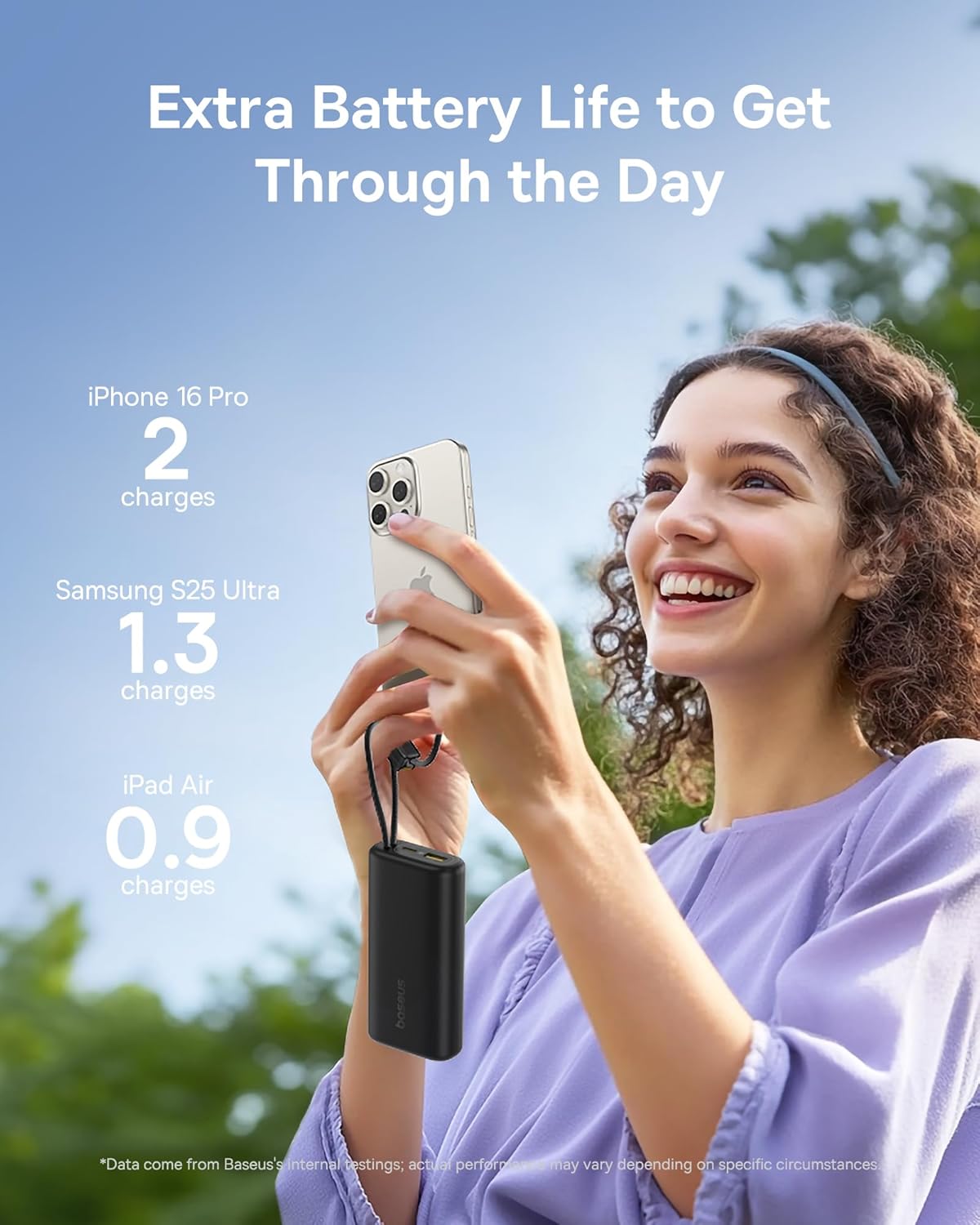
Image 1: The Baseus Mini Power Bank E0028P, a compact and portable charging solution.
2. Ciri-ciri Produk
- Pengecasan Cepat 67W: Delivers up to 67W power output, capable of fast charging compatible smartphones and laptops.
- Kapasiti Tinggi 10000mAh: Provides sufficient power for multiple charges of most smartphones and partial charges for tablets or small laptops.
- Built-in Dual USB-C Cables: Features two integrated USB-C braided cables for convenient charging without needing to carry extra cables. These cables also serve as a carrying strap.
- Paparan Digital: An intelligent digital display provides real-time battery level information, allowing you to monitor the power bank's status at a glance.
- Pengecasan Berbilang Peranti: Equipped with two built-in USB-C cables, one additional USB-C port, and one USB-A port, allowing simultaneous charging of up to four devices.
- Reka bentuk padat dan mudah alih: Designed to be small and lightweight, easily fitting into pockets or small bags, making it ideal for travel.
- Pengecasan Laluan: Supports charging devices while the power bank itself is being recharged.
- Syarikat Penerbangan Diluluskan: Complies with airline regulations for portable power banks, suitable for carry-on luggage.

Image 2: The power bank's 10000mAh capacity can provide multiple charges for your devices.

Image 3: Experience 67W rapid charging for quick power delivery to your devices.
3. Persediaan
3.1 Pengecasan Awal Bank Kuasa
Before first use, it is recommended to fully charge your Baseus Mini Power Bank. This ensures optimal performance and battery longevity.
- Connect one of the built-in USB-C cables or an external USB-C cable to the power bank's input port.
- Sambungkan hujung kabel yang satu lagi ke pengecas dinding USB yang serasi (tidak disertakan).
- The digital display will show the charging progress. The power bank is fully charged when the display shows 100%.
3.2 Menyambung Peranti untuk Mengecas
The power bank offers multiple ways to connect your devices:
- Menggunakan Kabel USB-C Terbina Dalam: Extend the built-in USB-C cables from their storage slots. Plug one end into your device's USB-C port.
- Menggunakan Kabel Luaran: For devices requiring USB-A or an additional USB-C connection, plug your own charging cable into the available USB-A or USB-C output ports on the power bank.
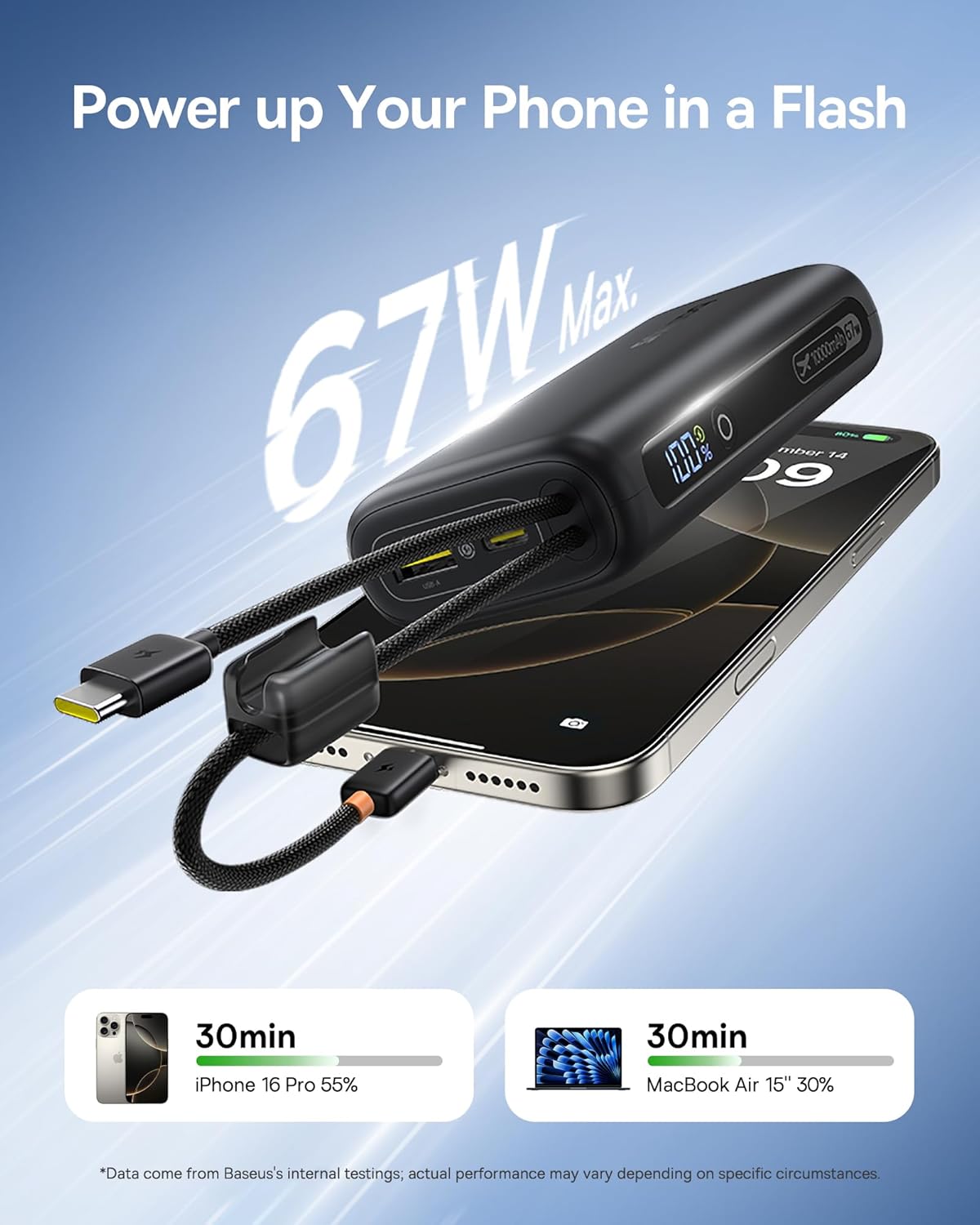
Image 4: The power bank features two convenient built-in USB-C cables.
4. Arahan Operasi
4.1 Mengecas Peranti Anda
- Connect your device(s) to the power bank using either the built-in USB-C cables or external cables plugged into the USB-A/USB-C output ports.
- Press the power button on the side of the power bank to initiate charging. The digital display will illuminate, showing the remaining battery percentage.
- Peranti anda sepatutnya mula mengecas secara automatik.
4.2 Menyemak Tahap Bateri
The integrated digital display provides an accurate percentage of the power bank's remaining charge. Simply press the power button once to activate the display.

Image 5: The digital display provides real-time battery status.
4.3 Mengecas semula Power Bank
When the power bank's battery level is low, recharge it using a USB wall adapter and a USB-C cable (either built-in or external). The digital display will indicate charging status.
4.4 Pengecasan Laluan
The Baseus Mini Power Bank supports pass-through charging, meaning you can charge your devices while the power bank itself is connected to a power source and recharging. This allows for continuous power delivery.

Image 6: Illustrates the pass-through charging capability, allowing simultaneous charging of the power bank and connected devices.
4.5 Mengecas Berbilang Peranti
Utilize the built-in USB-C cables, the additional USB-C port, and the USB-A port to charge up to four devices simultaneously. The power bank intelligently distributes power to connected devices.

Image 7: The power bank can charge up to four devices concurrently.
5. Penyelenggaraan
5.1 Pembersihan
To clean the power bank, gently wipe its surface with a soft, dry cloth. Avoid using harsh chemicals, abrasive cleaners, or getting moisture into the ports.
5.2 Penyimpanan
Store the power bank in a cool, dry place away from direct sunlight, extreme temperatures, and humidity. For long-term storage, ensure the power bank is charged to approximately 50-75% to preserve battery health.
5.3 Penjagaan Bateri
To maximize the lifespan of your power bank's battery:
- Elakkan menyahcas sepenuhnya bateri dengan kerap.
- Jangan dedahkan bank kuasa kepada haba atau sejuk yang melampau.
- Recharge the power bank at least once every three months if not in regular use.
6. Penyelesaian masalah
| Masalah | Kemungkinan Punca | Penyelesaian |
|---|---|---|
| Peranti tidak dicas | Power bank battery is empty; Cable is faulty or not properly connected; Device is incompatible. | Recharge the power bank; Check cable connections and try a different cable; Verify device compatibility. |
| Pengecasan perlahan | Device not supporting fast charging; Multiple devices connected; Cable quality. | Ensure your device supports 67W fast charging; Disconnect other devices; Use high-quality cables. |
| Paparan digital tidak berfungsi | Bank kuasa dimatikan; Tidak berfungsi. | Press the power button to activate the display; If issue persists, contact customer support. |
| Power bank not recharging | Charging adapter is faulty; Cable is faulty; Power bank is already full. | Try a different wall adapter; Check cable connections and try a different cable; Check digital display for 100%. |
7. Spesifikasi
| Nombor Model | E0028P |
| Kapasiti Bateri | 10000 mAh |
| Output Kuasa Maks | 67W |
| Dimensi Produk | 4.33 x 0.98 x 2.16 inci |
| Berat Barang | 7.4 auns |
| Jenis Penyambung | 2x Built-in USB-C, 1x USB-C Port, 1x USB-A Port |
| Ciri Khas | Mini Design, 67W Laptop-Grade Fast Charging, Built-in Dual USB-C Cables, Digital Display, Pass-through Charging |
| Pengeluar | Shenzhen Baseus Technology Co., Ltd. |
8. Maklumat Keselamatan
Sila baca dan patuhi garis panduan keselamatan ini untuk mengelakkan kerosakan pada produk atau kecederaan pada diri anda:
- Jangan buka, ubah suai atau baiki peranti.
- Do not expose to fire, water, or extreme temperatures.
- Elakkan daripada menjatuhkan atau meletakkan bank kuasa kepada kesan yang kuat.
- Jauhkan daripada kanak-kanak.
- Gunakan hanya kabel pengecasan dan penyesuai yang serasi.
- If the power bank swells, overheats, or emits an unusual odor, discontinue use immediately.
9. Video Produk
Video 1: Tayangan video produk rasmicasing the built-in cables and pocket-size power of the Baseus Mini Power Bank.
10. Waranti dan Sokongan
Baseus products are manufactured by Shenzhen Baseus Technology Co., Ltd. For warranty information, technical support, or customer service inquiries, please refer to the official Baseus webtapak atau hubungi saluran sokongan pelanggan mereka. Simpan resit pembelian anda untuk tuntutan waranti.


