1. Pengenalan
This manual provides instructions for the PUSOKEI 4G LTE WiFi Router, a portable mobile hotspot designed to convert a 4G LTE signal into a WiFi network. This device supports up to 10 connected devices simultaneously and operates on a 2.4GHz wireless network frequency.
2. Kandungan Pakej
Sahkan bahawa semua item terdapat dalam pakej:
- 1 x Portable WiFi Hotspot (PUSOKEI 4G LTE WiFi Router)
- 1 x Kabel USB
- 1 x Manual Pengguna
3. Produk Lebihview
The PUSOKEI 4G LTE WiFi Router is a compact device that provides wireless internet connectivity. It features a standard SIM card slot and an integrated 10000mAh lithium-ion battery for extended use.
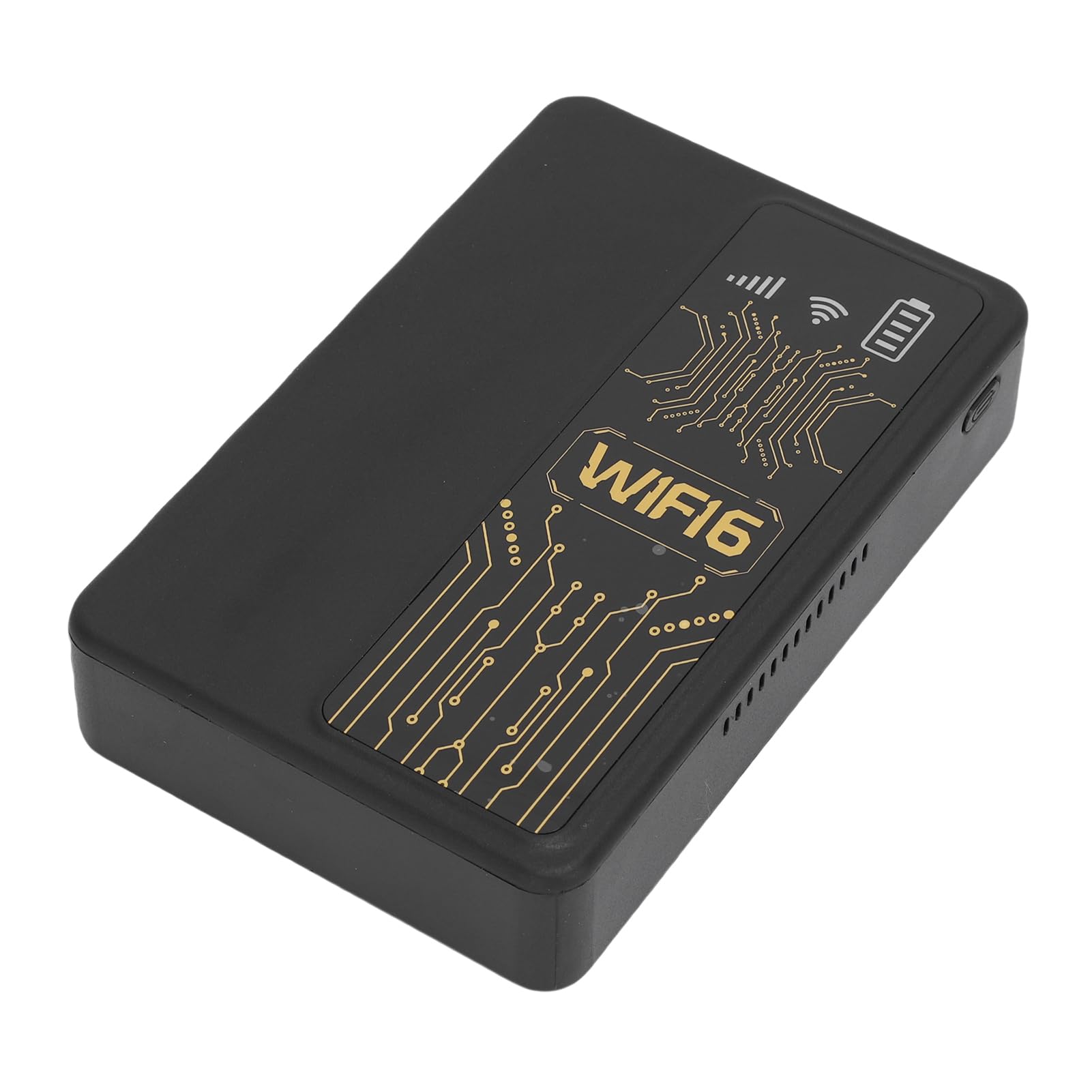
Rajah 3.1: Depan view of the PUSOKEI 4G LTE WiFi Router, showing the display and WiFi6 branding.
Ciri-ciri utama termasuk:
- 4G to WiFi Conversion: Converts 4G LTE signals into a WiFi network.
- Kadar penghantaran: Provides up to 300Mbps (2.4GHz) WiFi speeds.
- Kesambungan Peranti: Supports connection for up to 10 wireless devices simultaneously.
- Sokongan Rangkaian: Operates on 2.4GHz WiFi frequency.
- Bateri: Equipped with a 10000mAh lithium-ion battery.
4. Persediaan
Follow these steps to set up your PUSOKEI 4G LTE WiFi Router:
- Masukkan Kad SIM: Locate the SIM card slot on the side of the device. Insert a standard small SIM card into the slot. Ensure the SIM card is correctly oriented.
- Hidupkan kuasa: Press and hold the power button until the device powers on. The device will automatically detect the 4G network signal.
- Ketersediaan Rangkaian: Once powered on, the device will establish a wireless network. You can then connect your WiFi-enabled devices to this network.

Rajah 4.1: Sisi view of the router, highlighting the SIM card slot.

Figure 4.2: The router powered on and ready to provide internet access.
5. Arahan Operasi
To use your PUSOKEI 4G LTE WiFi Router:
- Sambungkan Peranti: On your WiFi-enabled device (e.g., smartphone, laptop), search for available WiFi networks. Select the network name (SSID) broadcast by your PUSOKEI router.
- Masukkan Kata Laluan: Enter the WiFi password (usually found on a label inside the device or in the quick start guide) when prompted.
- Akses internet: Once connected, your device will have internet access via the 4G LTE network. The router provides a stable connection for various online activities.
- Berbilang Peranti: The router can support up to 10 devices simultaneously, making it suitable for sharing internet access in various environments.
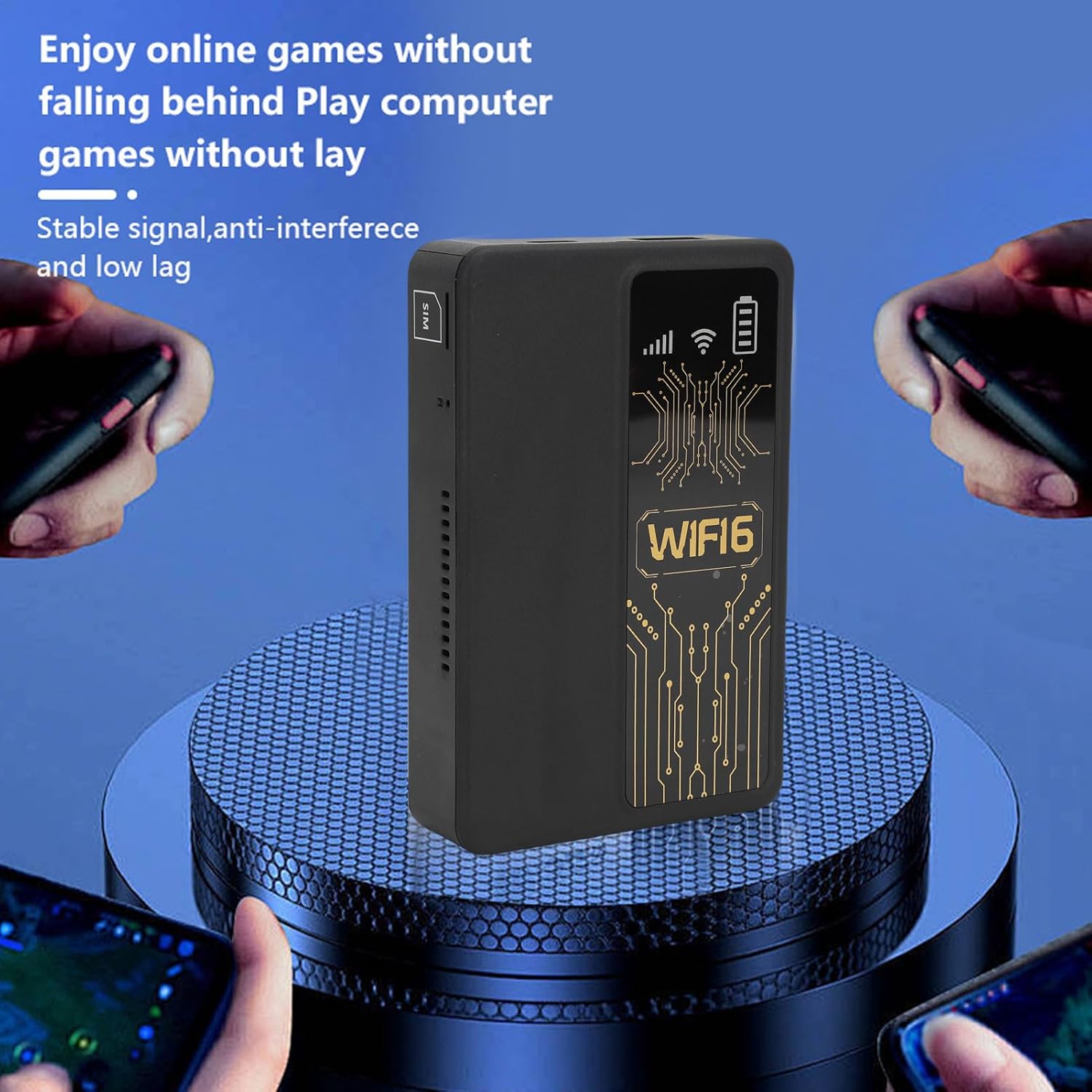
Figure 5.1: A smartphone connected to the router, showing network performance metrics.
6. Penyelenggaraan
Proper maintenance ensures the longevity and optimal performance of your router:
- Pembersihan: Gunakan kain lembut dan kering untuk membersihkan bahagian luar peranti. Elakkan menggunakan pembersih cecair atau bahan yang melelas.
- Penjagaan Bateri: The router includes a 10000mAh lithium-ion battery. For optimal battery life, avoid extreme temperatures and fully discharge and recharge the battery periodically.
- Storan: Apabila tidak digunakan untuk tempoh yang lama, simpan peranti di tempat yang sejuk dan kering.
- Kemas kini Firmware: Semak pengeluar weblaman web secara berkala untuk sebarang kemas kini perisian tegar yang tersedia bagi memastikan prestasi dan keselamatan yang optimum.
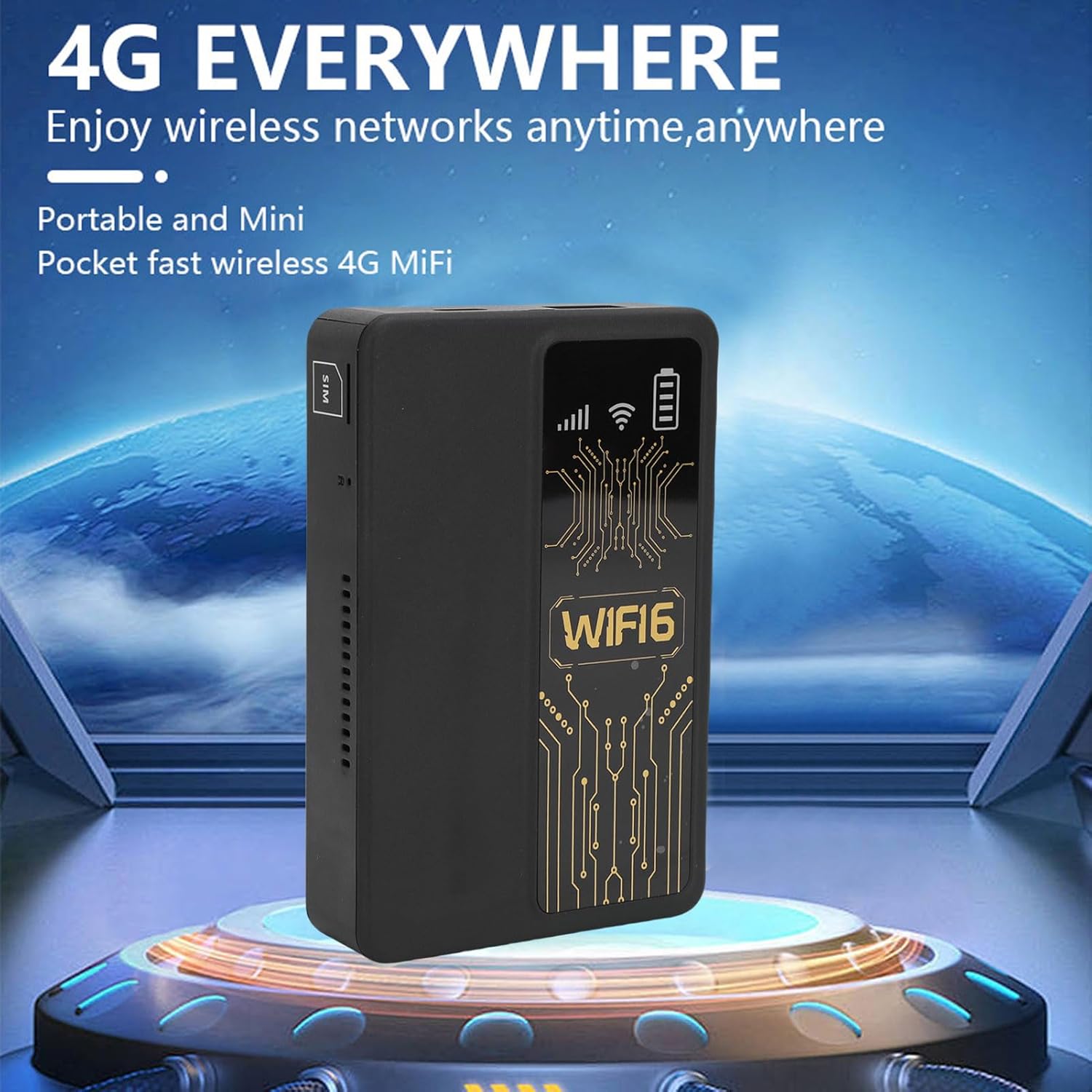
Figure 6.1: The router's internal 10000mAh battery provides extended usage time.
7. Penyelesaian masalah
Jika anda menghadapi masalah dengan penghala anda, rujuk masalah dan penyelesaian biasa berikut:
- Tiada sambungan internet:
- Pastikan kad SIM dimasukkan dengan betul dan aktif.
- Check if your local SIM card or 4G bands are supported (FDD-LTE B1 B3 B5 B7 B8 B20 TDD-LTE B38 B40 B41).
- Mulakan semula penghala dan peranti anda yang disambungkan.
- Sahkan bahawa kad SIM anda mempunyai pelan data aktif.
- Kelajuan Sambungan Perlahan:
- Move to an area with better 4G signal reception.
- Kurangkan bilangan peranti yang disambungkan.
- Pastikan tiada aplikasi yang menggunakan lebar jalur yang berlebihan.
- Peranti Tidak Menyambung ke WiFi:
- Confirm you are entering the correct WiFi password.
- Ensure the router is powered on and broadcasting its WiFi signal.
- Restart both the router and the device attempting to connect.
- Router Only Displays '4G' Network:
- The device is designed to display '4G' regardless of whether a 4G or 5G SIM card is inserted. This is normal operation and does not indicate a fault.
8. Spesifikasi
| Ciri | Spesifikasi |
|---|---|
| Jenis Item | Portable WiFi Hotspot |
| bahan | ABS |
| Applicable Region | Eropah |
| Kekerapan Rangkaian | FDD-LTE B1 B3 B5 B7 B8 B20 TDD- B38 B40 B41 |
| Rangkaian | 4G |
| Kadar Penghantaran | 300Mbps |
| Sokongan Protokol | 802.11ac |
| Frekuensi Rangkaian Tanpa Wayar | 2.4GHz |
| Firewall terbina dalam | ya |
| Bateri Terbina dalam | 1 x 10000mAh Lithium Ion Battery |
| Slot Kad SIM | Small SIM Card (Not Included) |
| Berat Barang | 8.9 auns |
| Dimensi Pakej | 5.91 x 3.54 x 1.57 inci |
9. Maklumat Waranti
Please refer to the warranty card included with your product or contact the retailer for specific warranty terms and conditions. Keep your proof of purchase for warranty claims.
10. Sokongan Pelanggan
For technical assistance or further inquiries, please contact PUSOKEI customer support through the contact information provided on the product packaging or the official PUSOKEI webtapak.