1. Pengenalan
Welcome to your new NIMO 15.6" IPS FHD Student Laptop, Model N154. This manual provides essential information to help you get started, operate, and maintain your device. Designed for both home and business use, this laptop combines performance with user-friendly features to enhance your productivity and entertainment experience.
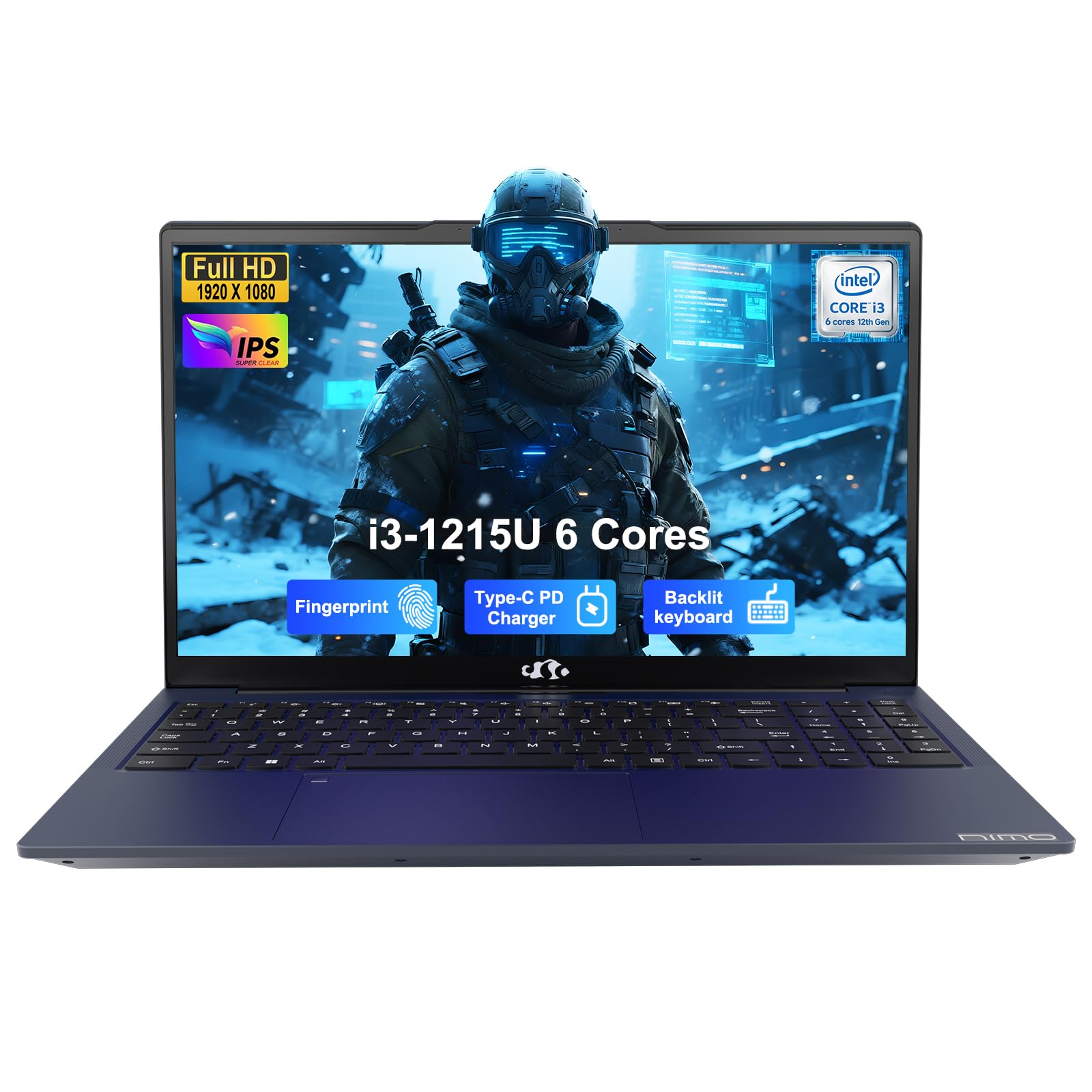
Image: The NIMO 15.6-inch IPS FHD Student Laptop, showcasing reka bentuknya yang anggun.
2. Apa yang ada di dalam Kotak
Sila semak kandungan pakej untuk memastikan semua item ada:
- 1 x NIMO N154 Laptop
- 1 x Type-C 65W PD Fast Charger
- 1 x Manual Pengguna (dokumen ini)
- Windows 11 Home (pre-installed)
3. Persediaan Awal
3.1. Charging the Laptop
Before first use, fully charge your NIMO laptop using the included 65W USB-C PD Fast Charger. Connect the charger to the Type-C port on your laptop and a power outlet. The charging indicator light will illuminate.

Image: The 65W USB-C PD Fast Charger, capable of charging the laptop, tablet, and smartphone.
3.2. Menghidupkan dan Konfigurasi Awal
Press the power button to turn on your laptop. Follow the on-screen instructions to complete the Windows 11 Home setup, including language selection, network connection, and user account creation.
4. Mengendalikan Komputer Riba Anda
4.1. Paparan
Your laptop features a 15.6-inch Full HD (1920x1080) IPS anti-glare display. This screen provides clear visuals and reduces eye strain during extended use. The 180° open angle allows for flexible viewkedudukan.
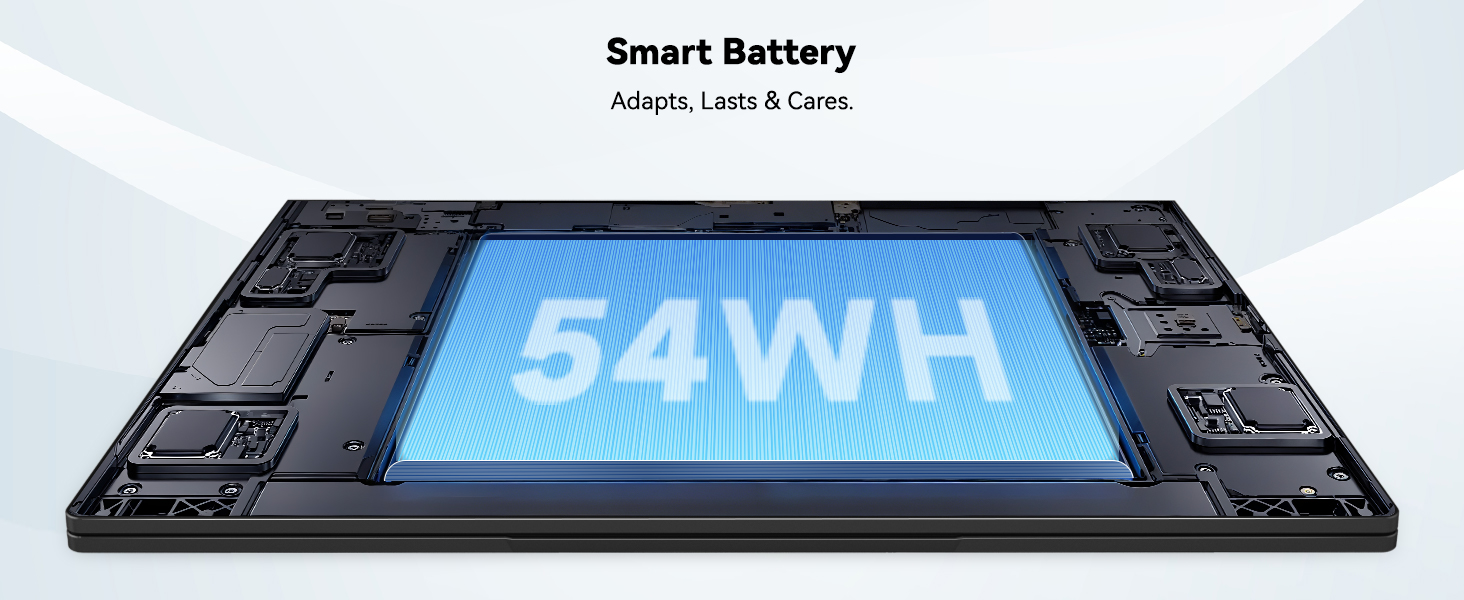
Image: The laptop's 15.6-inch Full HD IPS display with vibrant colors.
4.2. Papan Kekunci dan Pad Sentuh
The ergonomic backlit keyboard allows for comfortable typing in various lighting conditions, with adjustable brightness. The touchpad includes an integrated fingerprint sensor for secure, one-touch login.

Image: Features of the laptop's input, including backlit keyboard, webcam shield, fingerprint sensor, and numeric keypad.
4.3. Fingerprint Login
Utilize the fingerprint sensor on the touchpad for quick and secure access to your laptop. Configure your fingerprint in the Windows settings for enhanced security.

Image: Close-up of the integrated fingerprint scanner on the touchpad for secure login.
4.4. Pelabuhan dan Ketersambungan
The NIMO N154 laptop offers a variety of ports for versatile connectivity:
- Port USB 2.0: 1
- Port USB 3.0: 3
- Port HDMI: Untuk sambungan paparan luaran.
- Pelabuhan Jenis-C: Supports 65W Power Delivery for charging and data transfer.
- Slot Kad Mikro SD: Untuk mengembangkan storan atau pemindahan files.
- Headphone Combo Jack: Untuk input/output audio.
- Slot Kunci Kensington: Untuk keselamatan fizikal.
The laptop also features Wi-Fi 6 for fast and reliable wireless internet access.

Image: Diagram illustrating the various ports available on the NIMO laptop, including USB, HDMI, Type-C, Micro SD, headphone jack, and Kensington lock.
4.5. Audio dan Webcam
Integrated speakers provide clear audio for video calls, online classes, and media consumption. The 2.0MP webcam is suitable for video conferencing, complemented by a privacy switch for enhanced security.

Image: Details on the 1080p FHD camera and privacy camera convenience features.
4.6. Pemproses dan Prestasi
Powered by the 6-Core Intel i3-1215U processor, your laptop is designed for efficient multitasking, handling numerous browser tabs, spreadsheets, and video calls without significant slowdowns.
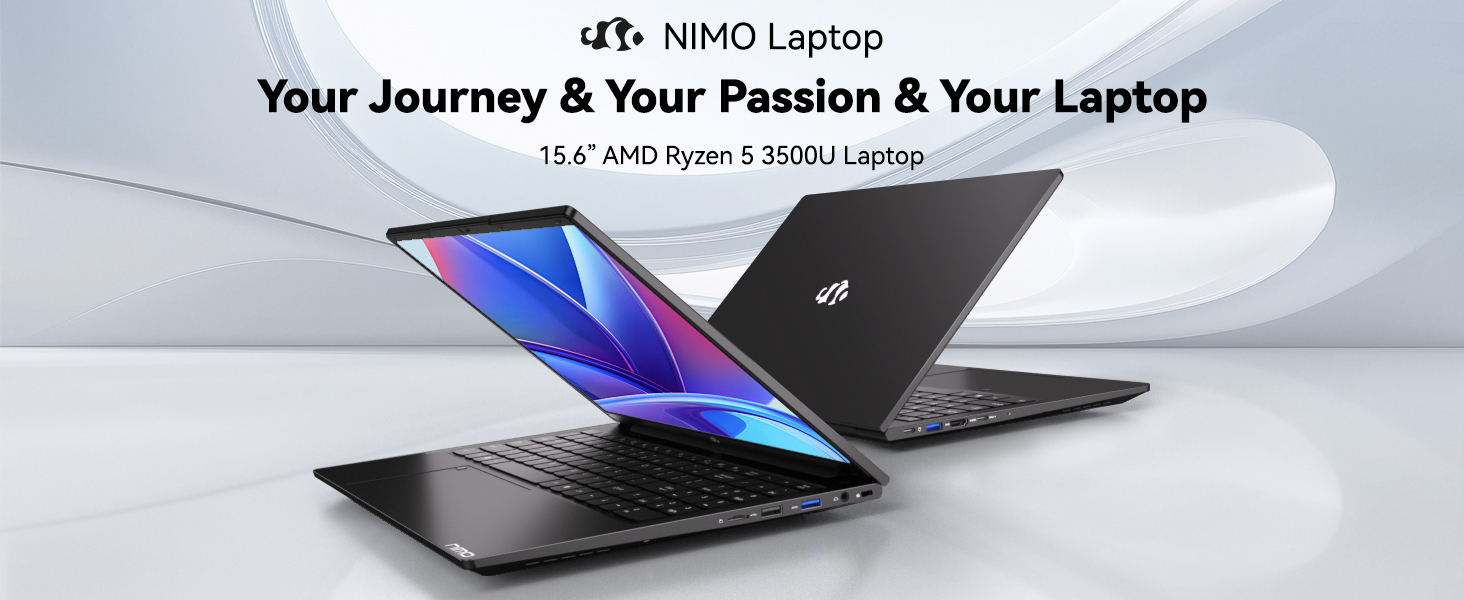
Image: Visual representation of the 12th Gen Intel Core i3-1215U Processor, highlighting its 6 cores, 8 threads, 15W power consumption, and 3.7 GHz Turbo Boost.
5. Penyelenggaraan
5.1. Pembersihan
Regularly clean your laptop to ensure optimal performance and longevity. Use a soft, lint-free cloth for the screen and exterior. For stubborn marks, dampen the cloth with a small amount of water or a screen-safe cleaner. Avoid harsh chemicals.
5.2. Kemas Kini Perisian
Keep your operating system and drivers updated to benefit from the latest security patches and performance improvements. Windows Update can be accessed through the Settings menu.
5.3. Penjagaan Bateri
To maximize battery life, avoid extreme temperatures and fully discharging the battery frequently. For long-term storage, charge the battery to around 50-70%.

Image: An illustration of the laptop's internal battery, labeled 54WH, emphasizing smart battery management.
6. Penyelesaian masalah
6.1. Laptop Not Powering On
- Pastikan pengecas disambungkan dengan selamat pada komputer riba dan soket kuasa yang berfungsi.
- Periksa sama ada penyesuai kuasa berfungsi dengan betul.
- Cuba tahan butang kuasa selama 10-15 saat untuk melakukan tetapan semula keras.
6.2. Isu Ketersambungan Wi-Fi
- Sahkan bahawa Wi-Fi didayakan dalam tetapan Windows.
- Mulakan semula penghala dan modem anda.
- Ensure your Wi-Fi drivers are up to date.
6.3. Prestasi Perlahan
- Tutup aplikasi yang tidak perlu berjalan di latar belakang.
- Semak dan pasang sebarang kemas kini Windows yang belum selesai.
- Ensure your storage (SSD) has sufficient free space.
Untuk bantuan lanjut, sila rujuk bahagian Waranti dan Sokongan.
7. Spesifikasi
| Ciri | Spesifikasi |
|---|---|
| Nama Model | NIMO N154 |
| Saiz Skrin | 15.6 Inci |
| Resolusi Skrin | 1920 x 1080 piksel (HD Penuh) |
| Pemproses | Intel Core i3-1215U (6 Teras, sehingga 4.4 GHz) |
| RAM | 8 GB DDR4 (3200 MHz) |
| Pemacu Keras | 512 GB SSD |
| Pemproses bersama Grafik | Grafik Bersepadu |
| Sistem Operasi | Windows 11 Home |
| Jenis Wayarles | Wi-Fi 6 (802.11a/b/g/n/ac) |
| Port USB 2.0 | 1 |
| Port USB 3.0 | 3 |
| Purata Hayat Bateri | 9 Jam |
| Berat Barang | 3.75 paun |
| Dimensi Produk | 14.07 x 8.98 x 0.76 inci |
| Ciri Khas | Fingerprint Reader, HD Audio, Memory Card Slot, Numeric Keypad |
8. Waranti dan Sokongan
NIMO is committed to providing quality products and excellent customer service.
8.1. Maklumat Waranti
Your NIMO N154 laptop comes with a comprehensive Waranti 2 tahun, covering manufacturing defects and hardware malfunctions under normal use. This warranty ensures your investment is protected.

Image: Text indicating '2-Year Support' for Nimo products.
8.2. Polisi Pemulangan
Kami menawarkan a Polisi pemulangan 90 hari from the date of purchase. If you are not satisfied with your product, you may return it within this period according to the terms and conditions.

Image: Text indicating '90-Day Return' for Nimo products.
8.3. Hubungi Sokongan
Our dedicated US-based support team is available to assist you with any questions or issues. You can reach us via email at service@nimopc.com. We aim to provide professional and high-quality customer service.

Image: A customer service representative wearing a headset, representing professional customer assistance.


