1. Pengenalan
Terima kasih kerana membeliasing the LG 43 inch UHD AI UA73 4K Smart TV. This television combines stunning 4K Ultra High Definition visuals with advanced Artificial Intelligence features and the intuitive webOS25 platform. Enjoy vibrant colors, sharp details, and smart functionalities including AI-powered search and voice control. This manual provides essential information for setting up, operating, and maintaining your new television.
2. Maklumat Keselamatan
Sila baca semua arahan keselamatan dengan teliti sebelum menggunakan TV anda. Simpan manual ini untuk rujukan masa hadapan.
2.1 Keselamatan Elektrik
- Jangan membebankan saluran keluar dinding atau kord sambungan.
- Pastikan kord kuasa dipasang dengan selamat ke dalam TV dan salur keluar dinding.
- Jangan sentuh palam kuasa dengan tangan yang basah.
2.2 Penempatan
- Place the TV on a stable, level surface or mount it securely to a wall using a compatible VESA mount.
- Pastikan pengudaraan yang mencukupi di sekeliling TV untuk mengelakkan terlalu panas.
- Jauhkan TV daripada cahaya matahari langsung, sumber haba dan kelembapan.
2.3 Pembersihan
- Cabut plag TV sebelum membersihkan.
- Use a soft, dry cloth to clean the screen and exterior. Do not use liquid cleaners or sprays directly on the TV.
3. Kandungan Pakej
Sahkan bahawa semua item terdapat dalam kotak:
- LG 43 inch UHD AI 4K Smart TV (Model 43UA73006LA)
- AI Magic Remote Control
- Kord Kuasa
- Penyangga TV (2 keping) dan Skru
- User Manual and Regulatory Information
- Bateri untuk Kawalan Jauh (AA x 2)
4. Persediaan
4.1 Unpacking and Stand Installation
- Keluarkan TV dari pembungkusannya dengan berhati-hati. Adalah disyorkan untuk mempunyai dua orang untuk langkah ini.
- Letakkan skrin TV ke bawah pada permukaan yang lembut dan rata untuk mengelakkan kerosakan.
- Attach the stand pieces to the TV using the provided screws, ensuring they are securely fastened. Refer to the diagram in the quick setup guide for specific screw locations.
- Alternatively, if wall-mounting, follow the instructions provided with your VESA-compatible wall mount kit.
4.2 Menyambung Peranti
Connect external devices such as Blu-ray players, game consoles, or soundbars to the appropriate ports on the back of the TV.
- Port HDMI: Untuk video dan audio definisi tinggi.
- Port USB: Untuk menyambungkan peranti storan USB.
- Input Antena/Kabel: Untuk menyambungkan antena atau TV kabel.
- Audio Digital Optik Keluar: Untuk menyambung ke bar bunyi atau penerima audio.
4.3 Kuasa Awal Hidup dan Sambungan Rangkaian
- Palamkan kord kuasa ke dalam TV dan kemudian ke soket dinding.
- Tekan butang kuasa pada alat kawalan jauh atau pada TV.
- Follow the on-screen instructions for the initial setup wizard. This will guide you through language selection, time zone, and network connection.
- Select your Wi-Fi network and enter the password, or connect an Ethernet cable for a wired connection.
5. Operasi
5.1 AI Magic Remote Control
The AI Magic Remote allows for intuitive control of your TV, including point-and-click navigation and voice commands.
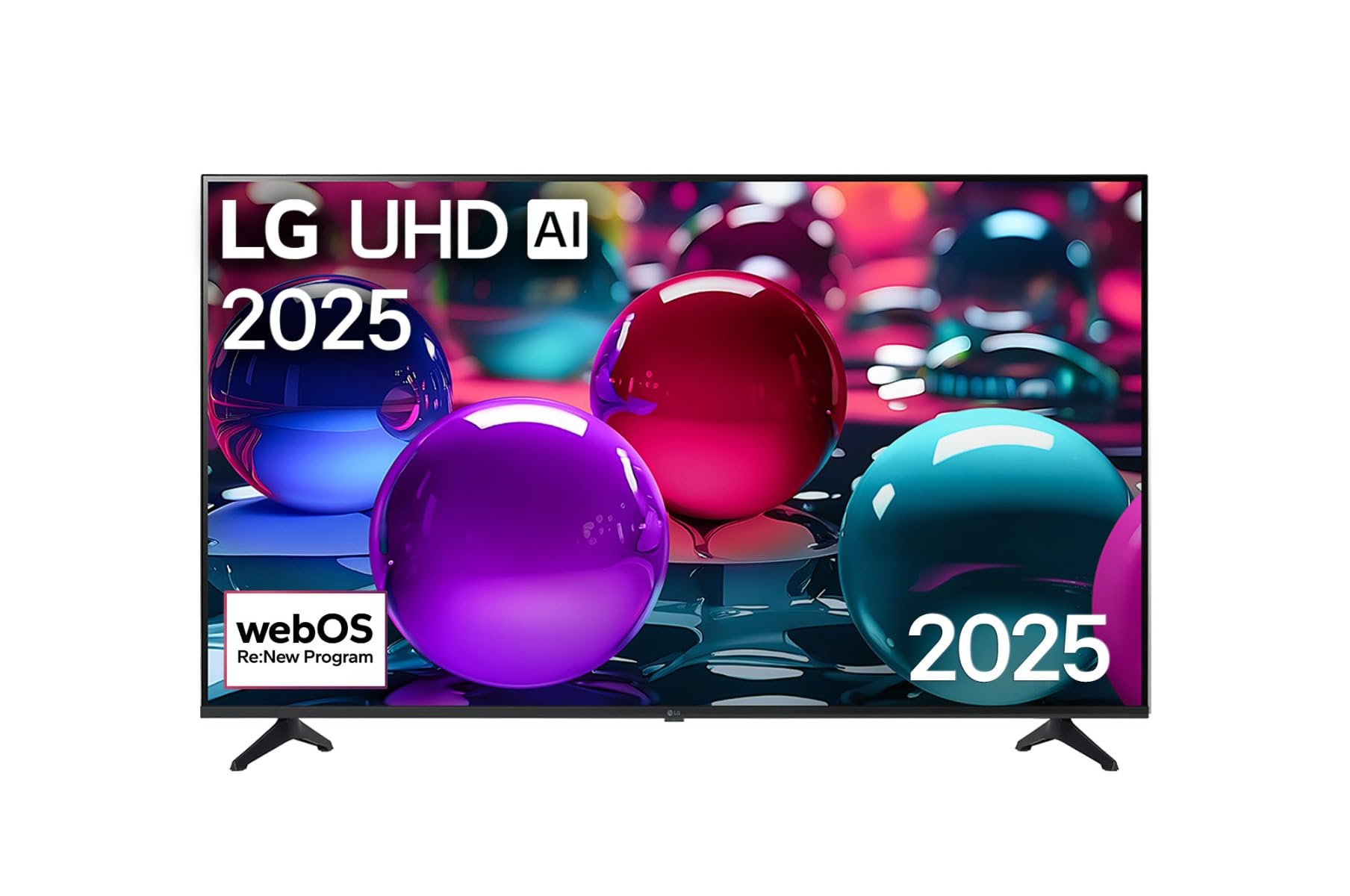
This image displays the LG 43 inch UHD AI 4K Smart TV, highlighting its webOS Re:New Program and Artificial Intelligence features. The accompanying AI Magic Remote is shown with a speech bubble indicating 'Just speak!', emphasizing its voice control capabilities.
- Butang Kuasa: Menghidupkan atau mematikan TV.
- Butang Roda Tatal/OK: Menavigasi menu dan mengesahkan pilihan.
- Butang Perintah Suara: Press and hold to activate AI Search, AI Chatbot, or AI Concierge. Speak your command into the remote.
- Butang rumah: Mengakses ke webSkrin Utama OS.
- Butang Belakang: Kembali ke skrin sebelumnya.
- Kelantangan Naik/Turun: Melaraskan kelantangan.
- Saluran Atas/Bawah: Menukar saluran.
5.2 webAntara Muka Sistem Operasi
The webOS Home screen provides quick access to apps, inputs, and settings. Use the Magic Remote to point and click on desired options or navigate with the directional buttons.
- Pelancar Aplikasi: Customize and access your favorite streaming services and applications.
- Pemilih Input: Switch between HDMI inputs, USB, or live TV.
- tetapan: Adjust picture, sound, network, and general TV settings.
5.3 Ciri AI
Leverage the power of AI for enhanced TV experience:
- Carian AI: Use voice commands to find content, information, or apps quickly.
- Bot Sembang AI: Interact with the TV for assistance or information.
- AI Concierge: Receive personalized content recommendations and smart home integration.
6. Penyelenggaraan
6.1 Membersihkan TV Anda
Untuk mengekalkan penampilan dan prestasi TV:
- Sentiasa cabut plag TV sebelum membersihkan.
- Gunakan kain lembut dan tidak berbulu untuk mengelap skrin dengan lembut. Untuk kesan degil, sedikitampbasahkan kain dengan air, kemudian lap sehingga kering dengan segera.
- Bersihkan bingkai TV dan berdiri dengan kain lembut dan kering.
- Do not use abrasive cleaners, alcohol, benzene, or thinners, as these can damage the screen or finish.
6.2 Kemas Kini Perisian
Your LG Smart TV periodically receives software updates to improve performance and add new features. Ensure your TV is connected to the internet to receive these updates automatically. You can also manually check for updates in the TV's settings menu.
7. Penyelesaian masalah
Jika anda menghadapi masalah dengan TV anda, rujuk kepada penyelesaian biasa berikut:
| Masalah | Penyelesaian yang Mungkin |
|---|---|
| Tiada kuasa | Check if the power cord is securely plugged in. Try a different power outlet. |
| Tiada gambar, tetapi bunyi hadir | Pastikan sumber input yang betul dipilih. Semak sambungan kabel ke peranti luaran. |
| Tiada bunyi, tetapi ada gambar | Check volume levels and mute settings. Verify audio output settings in the TV menu. |
| Alat kawalan jauh tidak berfungsi | Replace batteries. Ensure there are no obstructions between the remote and the TV. Re-pair the Magic Remote if necessary (refer to TV settings). |
| Tidak dapat menyambung ke Wi-Fi | Restart your router and modem. Check Wi-Fi password. Ensure the TV is within range of the router. |
| Isu kualiti gambar (cth, kabur, herot) | Check the resolution of the input source. Adjust picture settings in the TV menu. |
If the problem persists, please contact LG customer support.
8. Spesifikasi
| Ciri | Perincian |
|---|---|
| Jenama | LG |
| Nama Model | 43UA73006LA |
| Saiz Skrin | 43 Inci |
| Teknologi Paparan | LED |
| Resolusi | 4K UHD (3840 x 2160) |
| Nisbah Aspek | 16:9 |
| Sistem Operasi | webOS25 |
| Ciri Khas | AI Processor, AI Magic Remote, HDR10, Sleep Timer |
| warna | Hitam |
| Berat Barang | 6.8 Kilogram (14.96 paun) |
| Dimensi Produk | 37.68 x 37.68 x 21.97 inci |
| Tarikh Mula-mula Tersedia | 28 November 2025 |
9. Waranti & Sokongan
9.1 Waranti Produk
Your LG 43 inch UHD AI UA73 4K Smart TV is covered by a limited manufacturer's warranty. Please refer to the warranty card included in your package for specific terms, conditions, and duration of coverage. Keep your proof of purchase for warranty claims.
9.2 Sokongan Pelanggan
For technical assistance, troubleshooting beyond this manual, or warranty service, please contact LG Customer Support:
- Webtapak: Lawati sokongan LG rasmi website for FAQs, downloads, and service requests.
- telefon: Rujuk kad jaminan anda atau maklumat rasmi LG webtapak untuk nombor hubungan serantau.