1. Pengenalan
This manual provides essential information for the safe and efficient use of your realme 14 Pro Lite Smartphone. Please read it carefully before using your device.
Kandungan Pakej:
Selepas membongkar, pastikan semua item ada:
- realme 14 Pro Lite Smartphone
- Kabel USB
- 45W Adapter
- Kes Pelindung
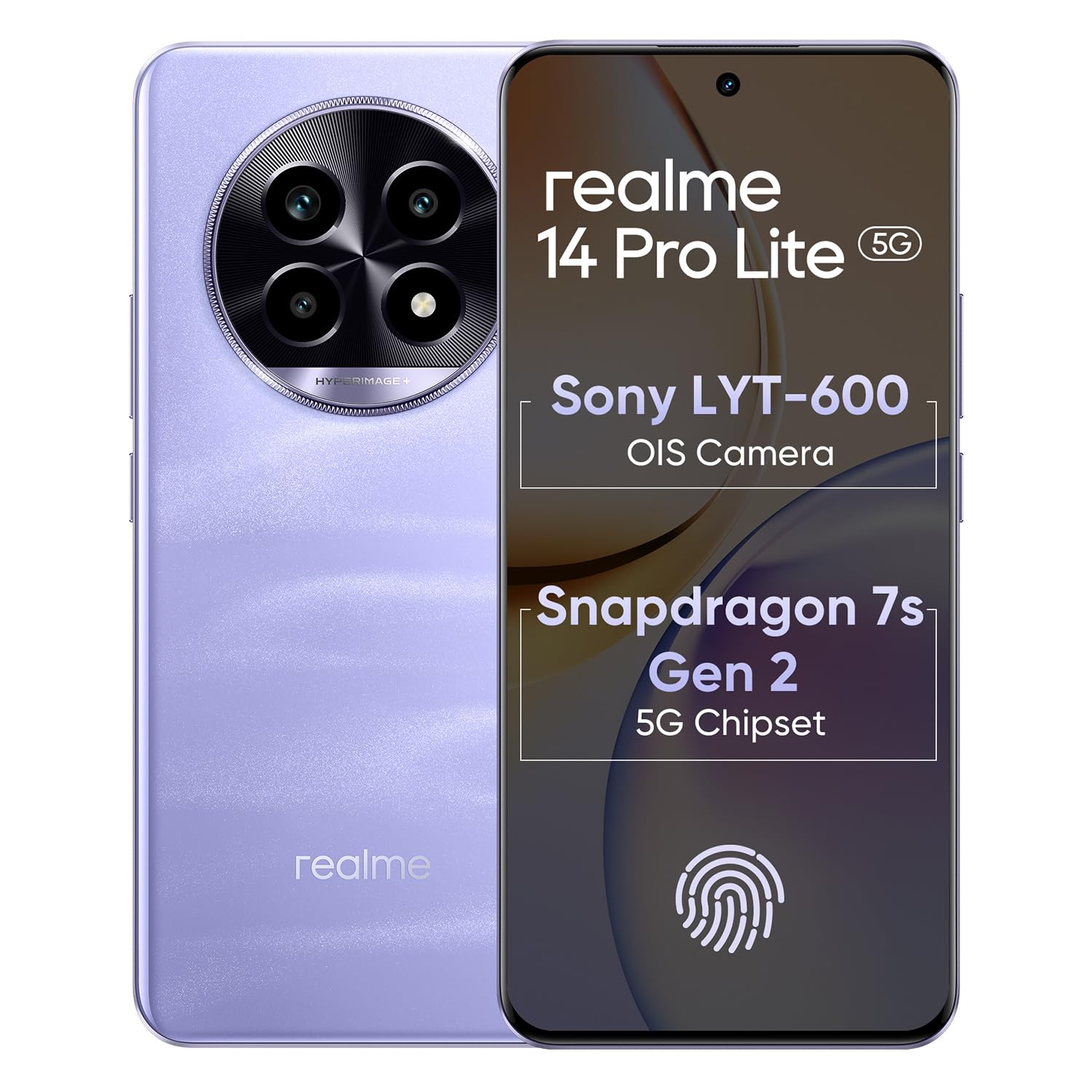
Image 1.1: The realme 14 Pro Lite Smartphone, showcasing reka bentuknya.
2. Persediaan
2.1. Pemasangan Kad SIM dan Kad MicroSD
- Cari dulang kad SIM di sisi peranti anda.
- Masukkan alat ejektor SIM ke dalam lubang kecil di sebelah dulang dan tolak perlahan-lahan sehingga dulang terkeluar.
- Letakkan kad Nano-SIM anda (sehingga dua) dan/atau kad microSD ke dalam slot yang ditetapkan pada dulang. Pastikan kenalan emas menghadap ke bawah.
- Masukkan semula dulang dengan berhati-hati ke dalam telefon sehingga ia berbunyi klik pada tempatnya.
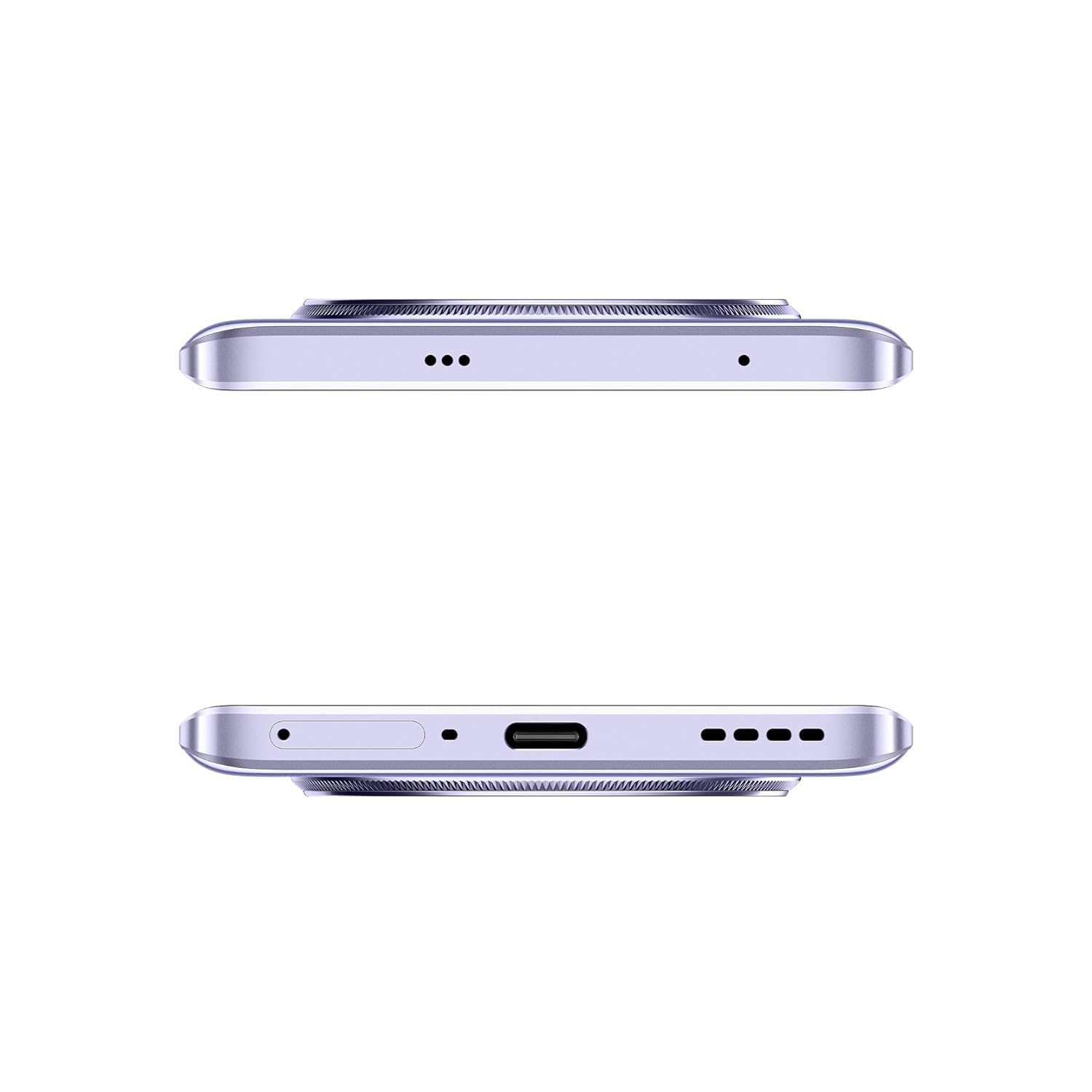
Imej 2.1: Sisi view of the realme 14 Pro Lite, indicating the SIM card tray position.
2.2. Mengecas Peranti
Connect the 45W adapter to a power outlet and the USB cable to the phone's charging port. The device supports 45W SuperVOOC fast charging. It is recommended to fully charge the device before first use.
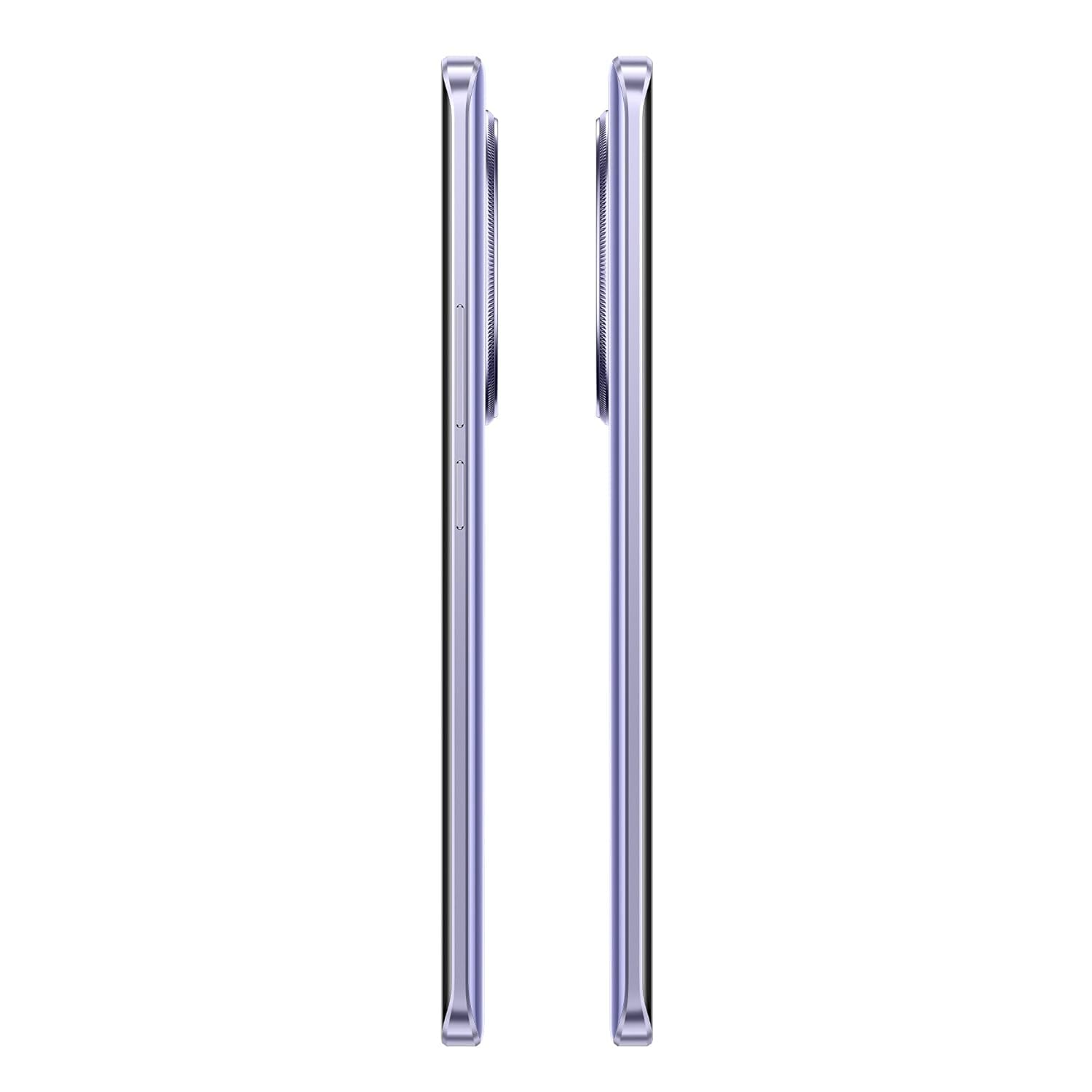
Imej 2.2: Bawah view of the realme 14 Pro Lite, highlighting the USB-C charging port.
2.3. Menghidupkan dan Persediaan Awal
Press and hold the Power button located on the side of the device until the realme logo appears. Follow the on-screen instructions to select your language, connect to Wi-Fi, and set up your Google account.
3. Arahan Operasi
3.1. Paparan dan Navigasi
Your realme 14 Pro Lite features a 6.7-inch OLED Flow Display with a 120Hz refresh rate for smooth visuals and a 2000Hz instant touch sampling rate for responsive interaction. Navigate the Android 14 operating system with realme UI 5.0 using gestures or on-screen buttons.
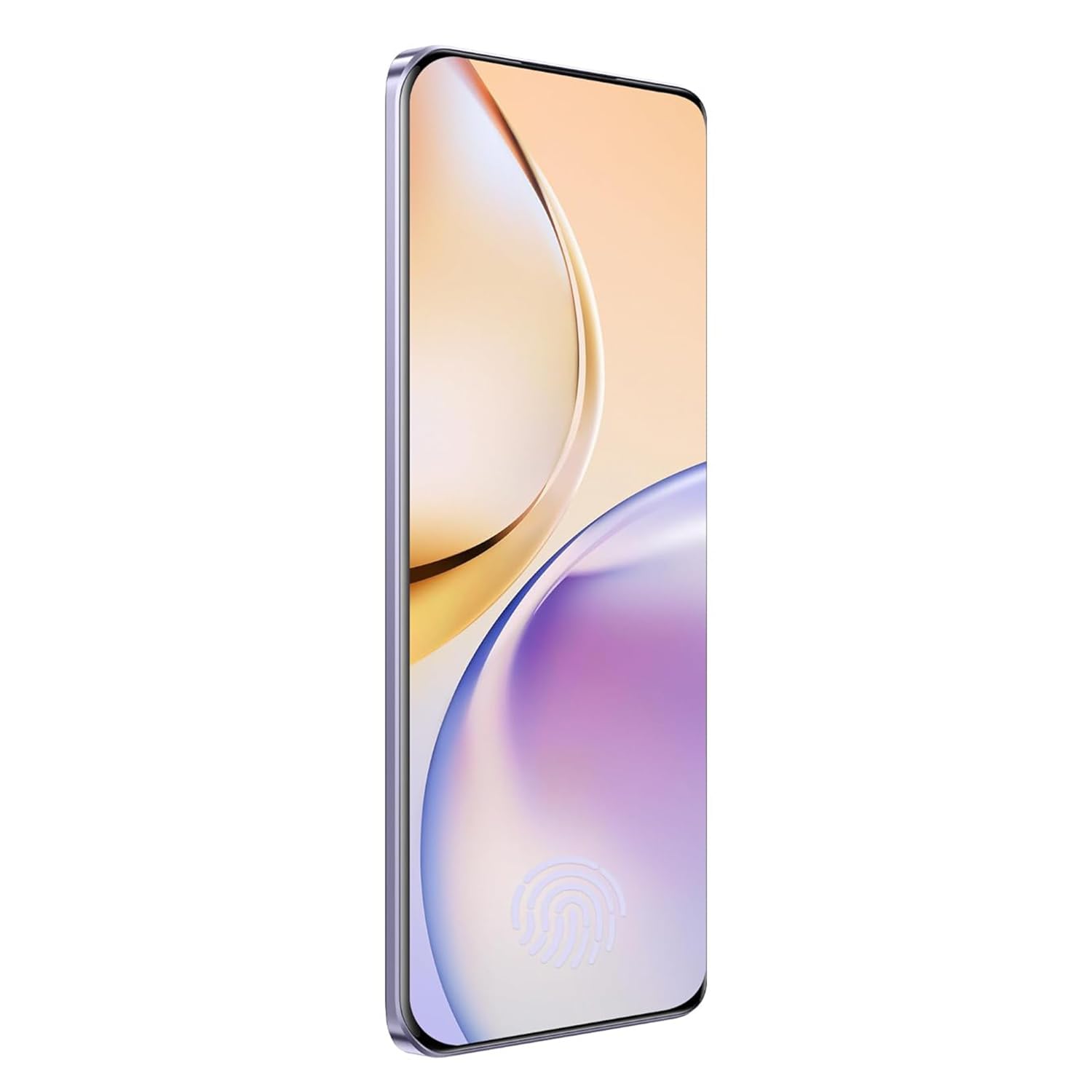
Imej 3.1: Depan view of the realme 14 Pro Lite, showcasing paparannya.
3.2. Prestasi dan Ketersambungan
The device is powered by a Snapdragon 7s Gen 2 4nm 5G Chipset, ensuring efficient performance for various tasks. Connectivity options include Bluetooth, USB, and Wi-Fi. For 5G network access, ensure you have a compatible SIM card and service plan.
3.3. Penggunaan Kamera
Utilize the integrated camera system for photography and videography. Open the Camera application from your home screen or app drawer. Select modes such as Photo, Video, Portrait, or Night mode as desired. Tap the shutter button to capture images or start/stop video recording.

Imej 3.2: Belakang view of the realme 14 Pro Lite, highlighting the camera module.
4. Penyelenggaraan
4.1. Penjagaan Bateri
- Elakkan daripada mendedahkan peranti kepada suhu yang melampau.
- Use only the provided 45W adapter and USB cable for charging.
- Jangan biarkan peranti dicas untuk tempoh yang lama selepas ia mencapai 100%.
4.2. Kemas Kini Perisian
Semak dan pasang kemas kini perisian secara kerap untuk memastikan prestasi optimum, keselamatan dan akses kepada ciri baharu. Navigasi ke Settings > About device > realme UI version untuk menyemak kemas kini.
4.3. Membersihkan Peranti Anda
Use a soft, lint-free cloth to clean the screen and body of the phone. Avoid using harsh chemicals or abrasive materials. Do not immerse the device in water.
5. Penyelesaian masalah
5.1. Peranti Tidak Dihidupkan
- Pastikan bateri dicas. Sambungkan pengecas dan tunggu beberapa minit sebelum cuba menghidupkan semula.
- Tekan dan tahan butang Kuasa selama sekurang-kurangnya 10-15 saat untuk memaksa mulakan semula.
5.2. Isu Kesambungan (Wi-Fi/Bluetooth)
- Togol Wi-Fi atau Bluetooth secara automatik dan hidupkan semula.
- Mulakan semula peranti anda.
- Forget the network/device and attempt to reconnect.
5.3. Apl Ranap atau Membeku
- Kosongkan cache dan data untuk aplikasi yang bermasalah melalui Tetapan > Apl > [Nama Apl] > Storan.
- Nyahpasang dan pasang semula apl.
- Pastikan perisian peranti anda dikemas kini.
6. Spesifikasi
| Ciri | Perincian |
|---|---|
| Nama Model | realme 14 Pro Lite |
| Sistem Operasi | Android 14 (with realme UI 5.0) |
| Pemproses | Snapdragon 7s Gen 2 4nm 5G Chipset |
| Paparan | 6.7-inch OLED Flow Display, 120Hz Refresh Rate, 2412x1080 Resolution |
| RAM | 8GB |
| Storan Dalaman | 128GB (expandable up to 1TB with microSD) |
| Kapasiti Bateri | 5200mAh |
| Mengecas | 45W SuperVOOC Charge |
| Ketersambungan | 5G, Bluetooth, USB, Wi-Fi, GPS |
| Dimensi (LxWxH) | 16.13 x 7.39 x 0.82 cm |
| Berat badan | 183 g |
7. Waranti dan Sokongan
7.1. Maklumat Waranti
Your realme 14 Pro Lite Smartphone comes with a standard manufacturer's warranty. Please refer to the warranty card included in your package or visit the official realme webtapak untuk terma dan syarat terperinci mengenai perlindungan dan tempoh waranti.
7.2. Sokongan Pelanggan
For technical assistance, service, or further inquiries, please contact realme customer support. You can find contact details, FAQs, and support resources on the official realme webtapak:
8. Video Produk Rasmi
No official product videos from the seller were found in the provided data. Please visit the official realme website or authorized channels for any available video guides or demonstrations.


