pengenalan
The LDNIO SW03 Smart Watch is designed to provide comprehensive health monitoring, communication features, and fitness tracking. This manual provides instructions for setting up, operating, maintaining, and troubleshooting your device to ensure optimal performance and user experience.
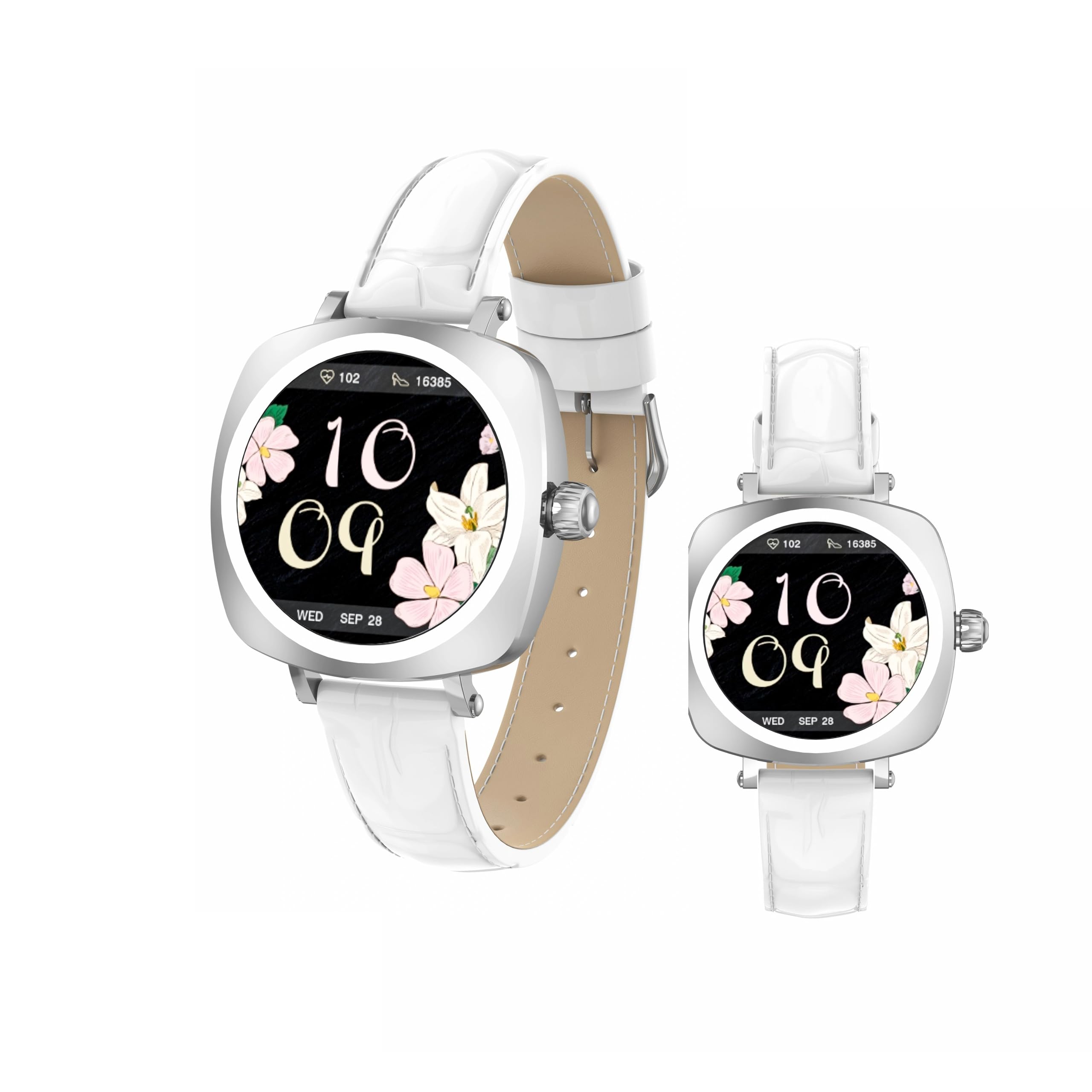
Image: LDNIO SW03 Smart Watch displaying a floral watch face.
Bermula
1. Mengecas Peranti
Before initial use, fully charge your LDNIO SW03 Smart Watch. The device uses a magnetic charging method for convenience.
- Connect the magnetic charging cable to a standard USB power adapter (DC5V ≥ 500mA).
- Align the magnetic end of the cable with the charging contacts on the back of your smartwatch. The magnets will secure the connection.
- Paparan jam tangan akan menunjukkan status pengecasan. Cas penuh biasanya mengambil masa 2-3 jam.
2. Menghidupkan/Mematikan
- Hidupkan kuasa: Long press the side button until the screen illuminates.
- Matikan: Navigate to the power off option in the watch settings or long press the side button and select 'Power Off' when prompted.
3. Pemasangan Apl dan Berpasangan
To unlock the full functionality of your smartwatch, install the DaFit app on your smartphone and pair the devices.
- Muat turun DaFit aplikasi daripada gedung aplikasi telefon pintar anda (serasi dengan Android 5.0+ dan iOS 9.0+).
- Pastikan Bluetooth didayakan pada telefon pintar anda.
- Open the DaFit app and follow the on-screen instructions to add your device. The app will search for available smartwatches.
- Select 'SW03' from the list of found devices to initiate pairing. Confirm the pairing request on both your watch and smartphone.
Mengendalikan Jam Tangan Pintar Anda
1. Paparan dan Navigasi
The LDNIO SW03 features a 1.19-inch AMOLED display with 390x390 resolution for clear visuals. Navigate the watch using touch gestures and the side button.
- Leret Kiri/Kanan: Enter the main menu or return to the previous interface.
- Quickly Press Twice (Side Button): Switch freely between multiple menus or watch faces.
- Long Press (Side Button): Hidupkan/matikan peranti.

Image: Visual guide to the button functions: long press for power, quick double press for menu switching, and swipe for navigation.
2. Ciri-ciri Komunikasi
Stay connected by making and receiving calls and texts directly from your wrist via Bluetooth V5.4 connection to your smartphone.
- Membuat Panggilan: Access the dialer or contact list on your watch to initiate calls.
- Menerima Panggilan: Answer or reject incoming calls directly from the watch display.
- Pemberitahuan: Receive notifications for messages, social media alerts, and other app updates.
3. Penjejakan Kesihatan dan Kecergasan
The SW03 Smart Watch offers comprehensive monitoring capabilities to support your health and fitness goals.
- Pemantauan Denyut Jantung: Continuously tracks your heart rate with off-hand detection.
- Analisis Tidur: Provides 24-hour sleep monitoring, analyzing sleep quality and patterns.
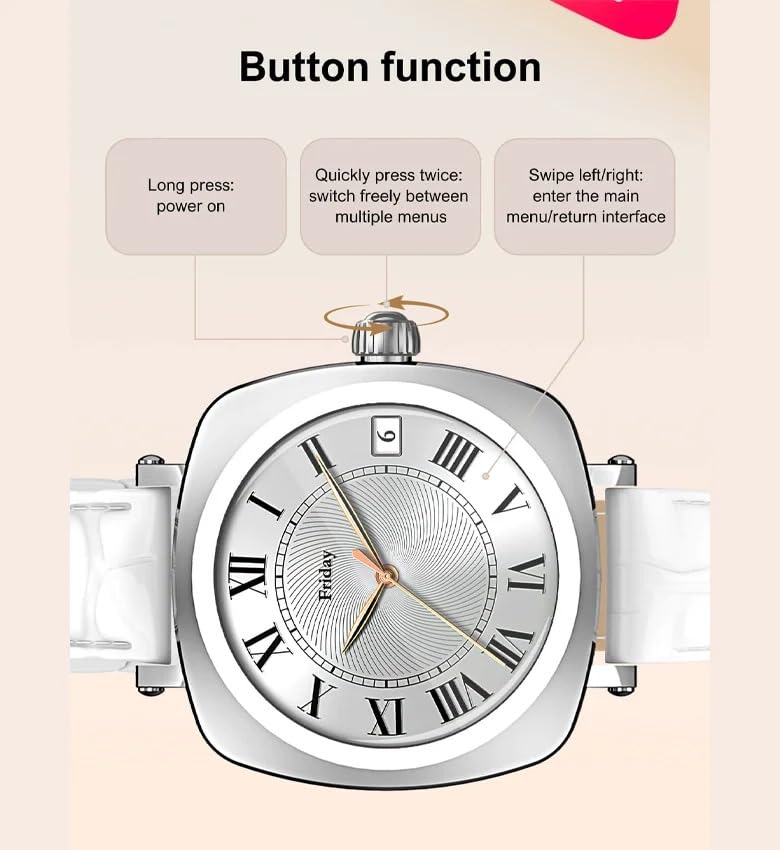
Image: The smartwatch screen showing sleep duration and analysis, worn by a user.
- Penjejakan Aktiviti: Counts daily steps, calories burned, and distance covered.
- Mod Senaman: Supports multiple sports modes including running, cycling, and yoga.
- Pengurusan Kesihatan Wanita: Features for scientifically recording and predicting menstrual periods and supporting pregnancy preparation.
4. Tahan Air
The LDNIO SW03 Smart Watch has an IP68 waterproof and dustproof rating, making it suitable for daily wear and various activities.
- It can withstand immersion in water up to 1.5 meters for up to 30 minutes.
- Suitable for swimming, showering, and exposure to rain.
- Avoid hot water, steam, or prolonged exposure to high-velocity water.
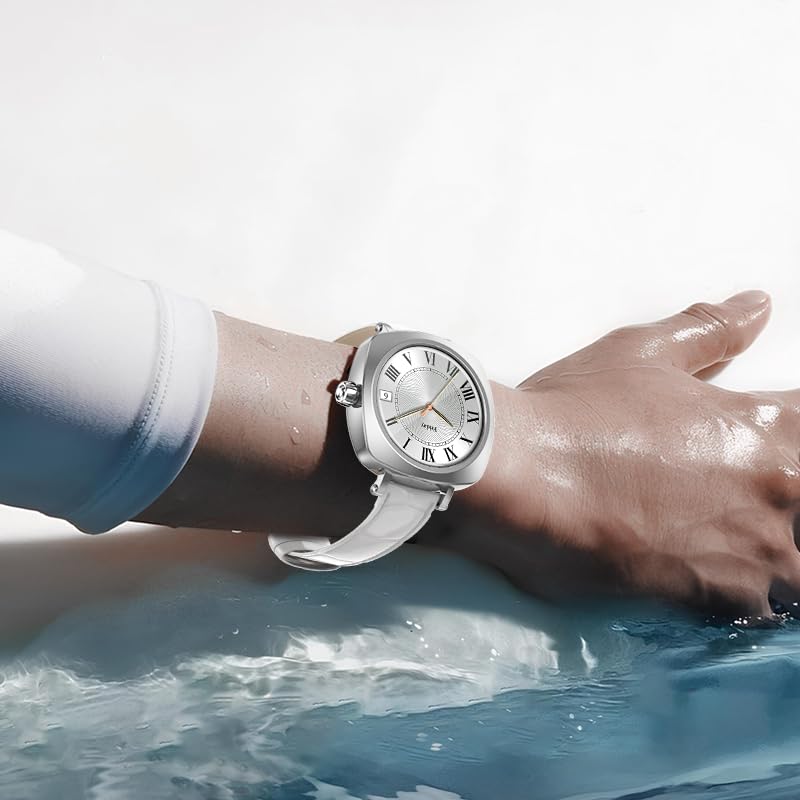
Image: The smartwatch on a user's wrist, partially submerged in water, demonstrating its water resistance.
5. Penyesuaian
Personalize your smartwatch experience with various watch faces and settings.
- Tonton Wajah: Choose from a selection of pre-installed watch faces or download more via the DaFit app.
- tetapan: Adjust brightness, vibration, notification preferences, and other settings through the watch interface or the DaFit app.
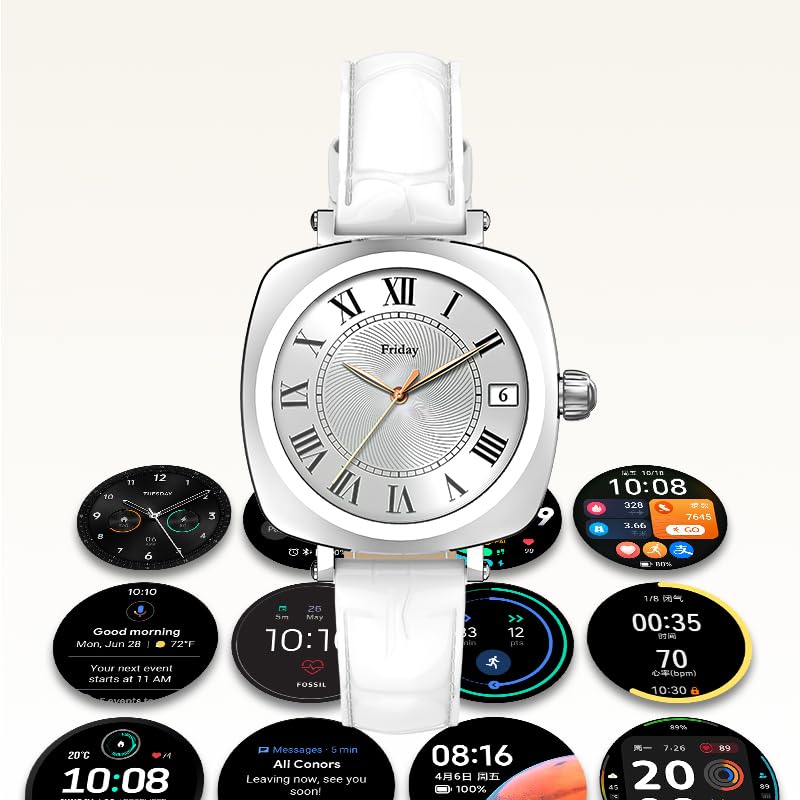
Image: A collection of different watch faces and functional widgets available on the LDNIO SW03 Smart Watch.
Penyelenggaraan
1. Pembersihan
- Wipe the watch screen and strap regularly with a soft, dry, lint-free cloth.
- Untuk kotoran degil, sedikit dampen kain dengan air. Elakkan menggunakan bahan kimia yang keras atau bahan yang melelas.
- Pastikan sesentuh pengecasan bersih dan kering sebelum mengecas.
2. Maklumat Bateri
- The watch is powered by a 180mAh Polymer rechargeable lithium battery.
- Typical usage provides 5 to 10 days of battery life on a single charge, depending on usage patterns and enabled features.
- To prolong battery life, reduce screen brightness, limit notifications, and disable unnecessary features.
Menyelesaikan masalah
- Tonton tidak dihidupkan: Pastikan jam tangan dicas sepenuhnya. Sambungkannya ke pengecas selama sekurang-kurangnya 30 minit.
- Tidak dapat dipasangkan dengan telefon pintar: Make sure Bluetooth is enabled on both devices. Restart both the watch and the smartphone. Ensure the DaFit app is updated to the latest version.
- Data kesihatan tidak tepat: Ensure the watch is worn snugly on your wrist, not too tight or too loose. Keep the sensor clean.
- Pemberitahuan tidak diterima: Check app permissions in your smartphone settings to ensure the DaFit app has access to notifications. Verify notification settings within the DaFit app.
Spesifikasi
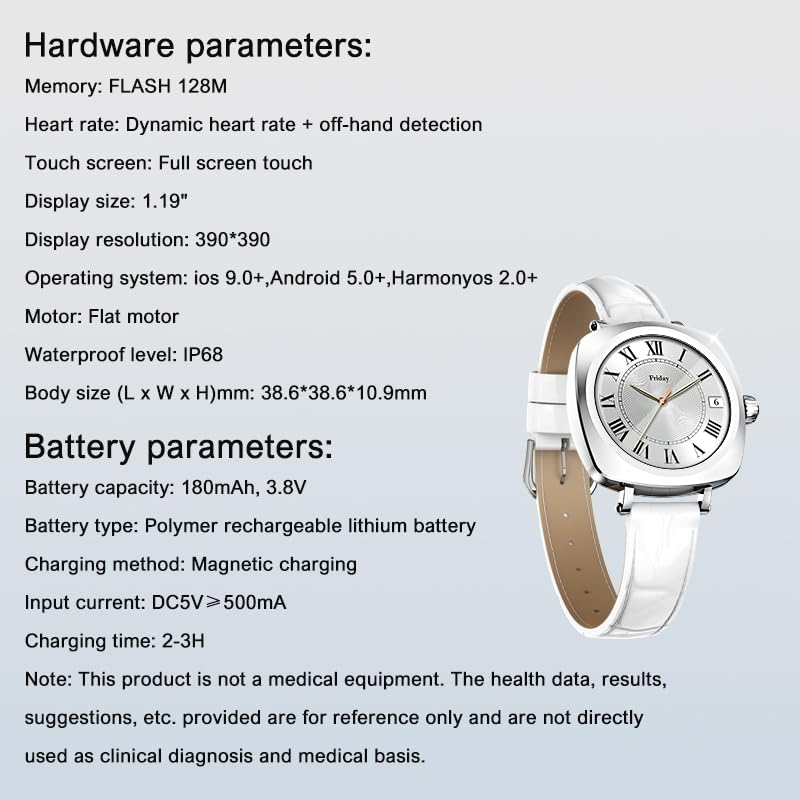
Image: Detailed specifications for the LDNIO SW03 Smart Watch, including hardware and battery parameters.
| Ciri | Perincian |
|---|---|
| Model | SW03 |
| Paparan | 1.19-inch AMOLED, 390×390 resolution |
| Memory (FLASH) | 128 MB |
| Pengesanan Denyutan Jantung | Dynamic heart rate + off-hand detection |
| Skrin Sentuh | Sentuhan skrin penuh |
| Keserasian Sistem Pengendalian | iOS 9.0+, Android 5.0+, HarmonyOS 2.0+ |
| Motor | Flat motor |
| Tahap Kalis Air | IP68 |
| Body Size (L x W x H) | 38.6 x 38.6 x 10.9 mm |
| Kapasiti Bateri | 180mAh, 3.8V |
| Jenis Bateri | Bateri litium boleh dicas semula polimer |
| Kaedah Pengecasan | Pengecasan magnetik |
| Input Arus | DC5V ≥ 500mA |
| Masa Mengecas | 2-3 jam |
| Teknologi Ketersambungan | Bluetooth V5.4 |
| Ciri Khas | Fitness Monitoring, Call/Text Functionality |
Nota: This product is not a medical equipment. The health data, results, and suggestions provided are for reference only and are not directly used as clinical diagnosis or medical basis.
Waranti dan Sokongan
For warranty information and technical support, please refer to the documentation provided with your purchase or contact LDNIO customer service. Keep your proof of purchase for warranty claims.


