
1. Pengenalan
This manual provides essential information for the safe and efficient use of your URAO 14-inch Android 15 Tablet, model G140L. Please read this manual thoroughly before operating the device to ensure proper setup and functionality. Keep this manual for future reference.
2. Kandungan Pakej
Sahkan bahawa semua item terdapat dalam pakej:
- URAO 14-inch Android 15 Tablet (G140L)
- Papan Kekunci Bluetooth
- Bluetooth Mouse (Note: Batteries not included)
- Pen Stylus
- Kes Pelindung
- Fon kepala
- Kabel Pengecasan USB Jenis-C
- Penyesuai Kuasa (Pengecas)

Image: A visual representation of the URAO G140L tablet, highlighting its ports and buttons, alongside all standard accessories provided in the retail package.
3. Persediaan
3.1 Kuasa Awal Hidup
- Press and hold the Power ON/OFF button located on the side of the tablet until the screen illuminates.
- Ikut gesaan pada skrin untuk memilih bahasa anda, menyambung ke rangkaian Wi-Fi dan menyediakan akaun Google anda.
3.2 Mengecas Tablet
Before first use, fully charge the tablet. Use the provided USB Type-C charging cable and power adapter.
- Sambungkan kabel USB Jenis-C ke port pengecasan tablet.
- Palamkan penyesuai kuasa ke salur keluar dinding.
- The battery indicator on the screen will show charging status. A full charge typically takes approximately 2.5 hours with the 30W fast charging capability.
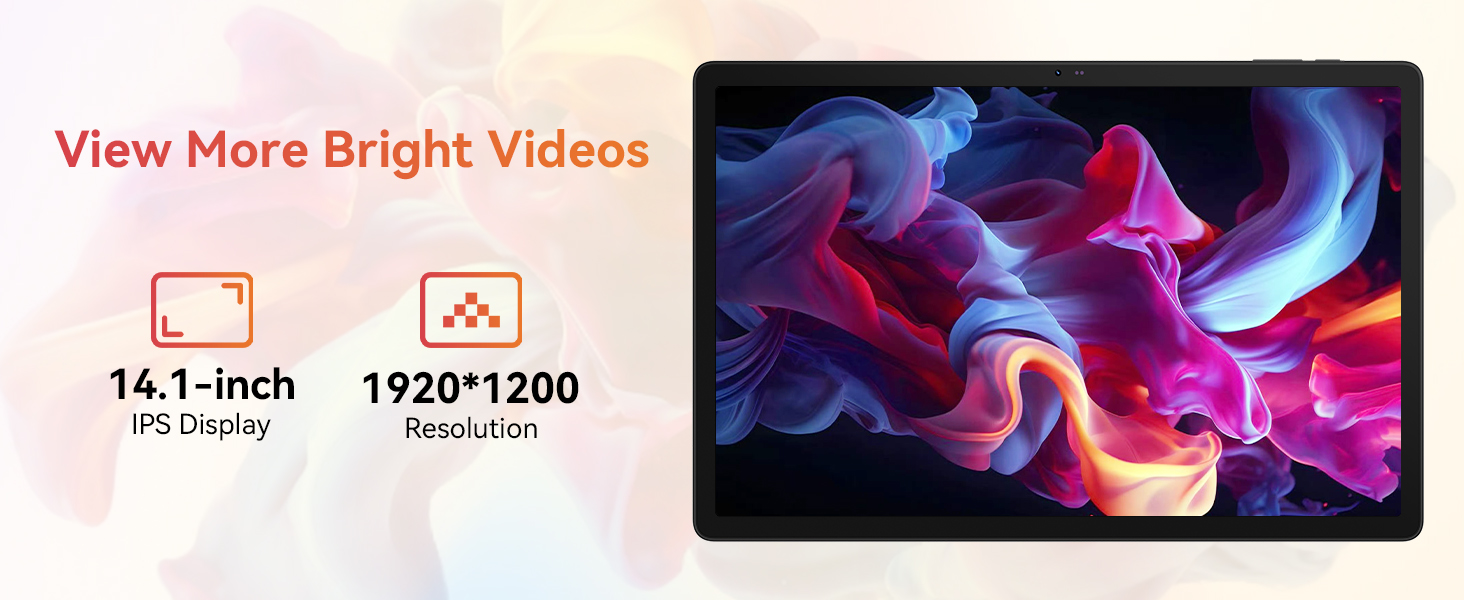
Image: The URAO tablet connected to a charger via its Type-C port, illustrating the 10000mAh battery and 30W fast charging feature.
3.3 Connecting Peripherals (Keyboard, Mouse, Stylus)
The included keyboard, mouse, and stylus connect via Bluetooth.
- Pergi ke tetapan > Peranti yang disambungkan > Bluetooth pada tablet anda.
- Pastikan Bluetooth dihidupkan On.
- Put the keyboard, mouse, or stylus into pairing mode (refer to each accessory's individual instructions for specific pairing steps).
- Select the accessory from the list of available devices on your tablet to pair.
3.4 Sambungan Rangkaian (Wi-Fi)
Sambung ke rangkaian Wi-Fi untuk akses internet.
- Pergi ke tetapan > Rangkaian & internet > Internet.
- pusing Wi-Fi pada.
- Select your desired Wi-Fi network from the list and enter the password if required. The tablet supports Wi-Fi 6 (802.11ax) for faster and more stable connections.
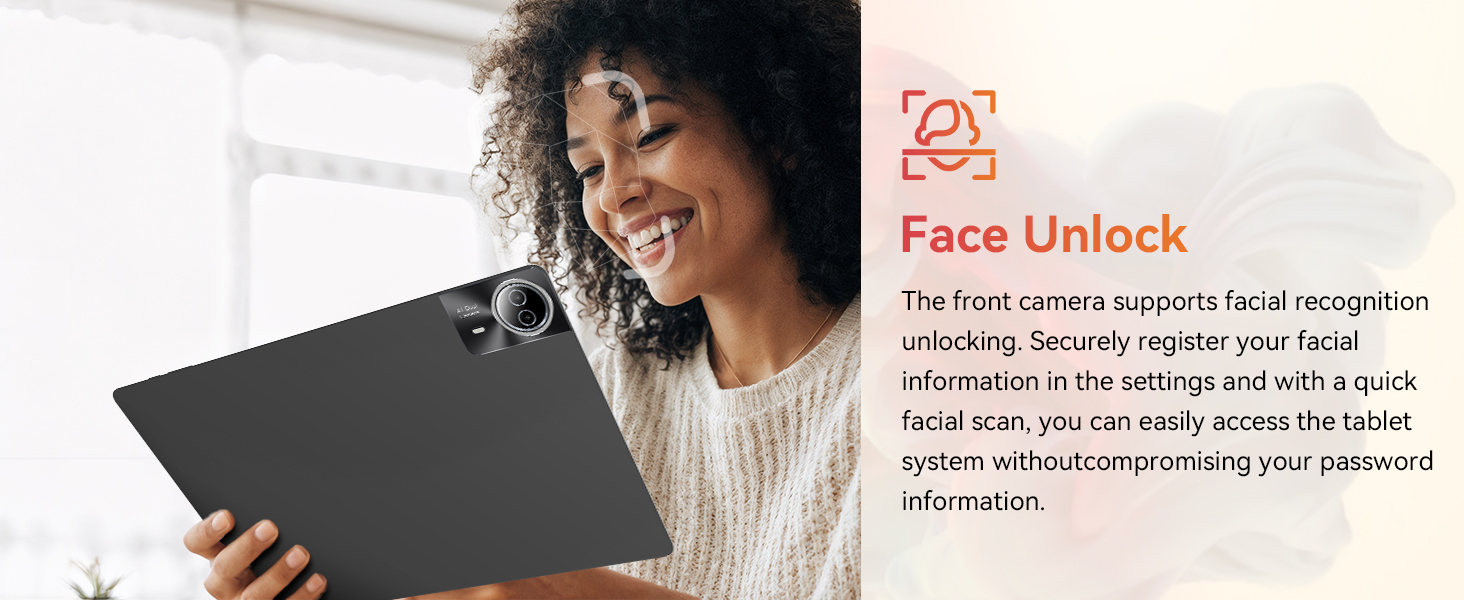
Image: The URAO tablet screen showing icons for dual-band Wi-Fi (2.4G+5G) and Bluetooth 5.4, indicating its connectivity features.
4. Arahan Operasi
4.1 Navigasi Asas (Android 15)
Your tablet runs on Android 15, offering an intuitive user interface. Use touch gestures for navigation:
- Ketik: Pilih item.
- Leret: Tatal melalui halaman atau senarai.
- Cubit: Zum masuk atau keluar pada imej dan web muka surat.
- Tekan lama: Akses menu kontekstual atau alihkan ikon.
4.2 Tetapan Paparan
The 14.1-inch IPS FHD display offers a resolution of 1920x1200 pixels for clear visuals. Adjust display settings via tetapan > Paparan.
- Tahap Kecerahan: Laraskan kecerahan skrin.
- Tema Gelap: Enable for reduced eye strain in low light.
- Mod Perlindungan Mata: Mengurangkan pelepasan cahaya biru.
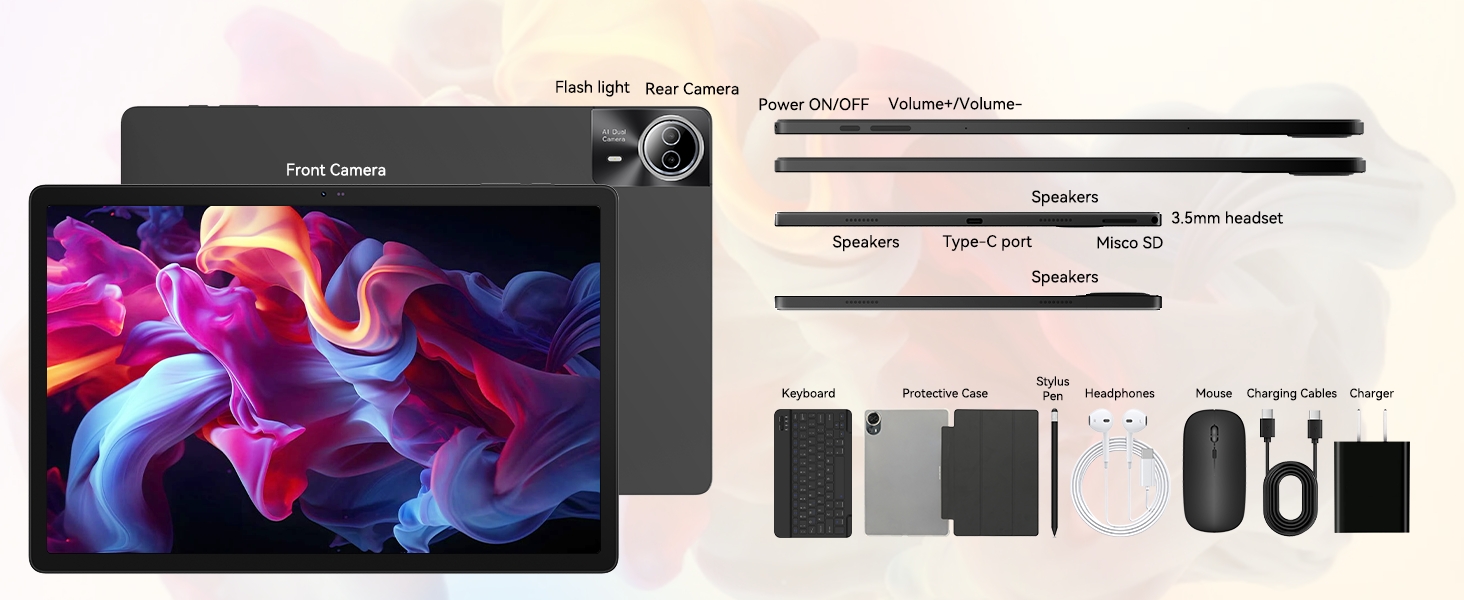
Image: The URAO tablet displaying a high-resolution image, emphasizing its 14.1-inch IPS display and 1920x1200 pixel resolution for bright and clear visuals.
4.3 Penggunaan Kamera
The tablet features a 5MP front camera and an 8MP rear camera.
- Buka Kamera aplikasi daripada skrin utama atau laci aplikasi.
- Ketik ikon kamera untuk bertukar antara kamera hadapan dan belakang.
- Ketik butang pengatup untuk mengambil foto atau memulakan/menghentikan rakaman video.
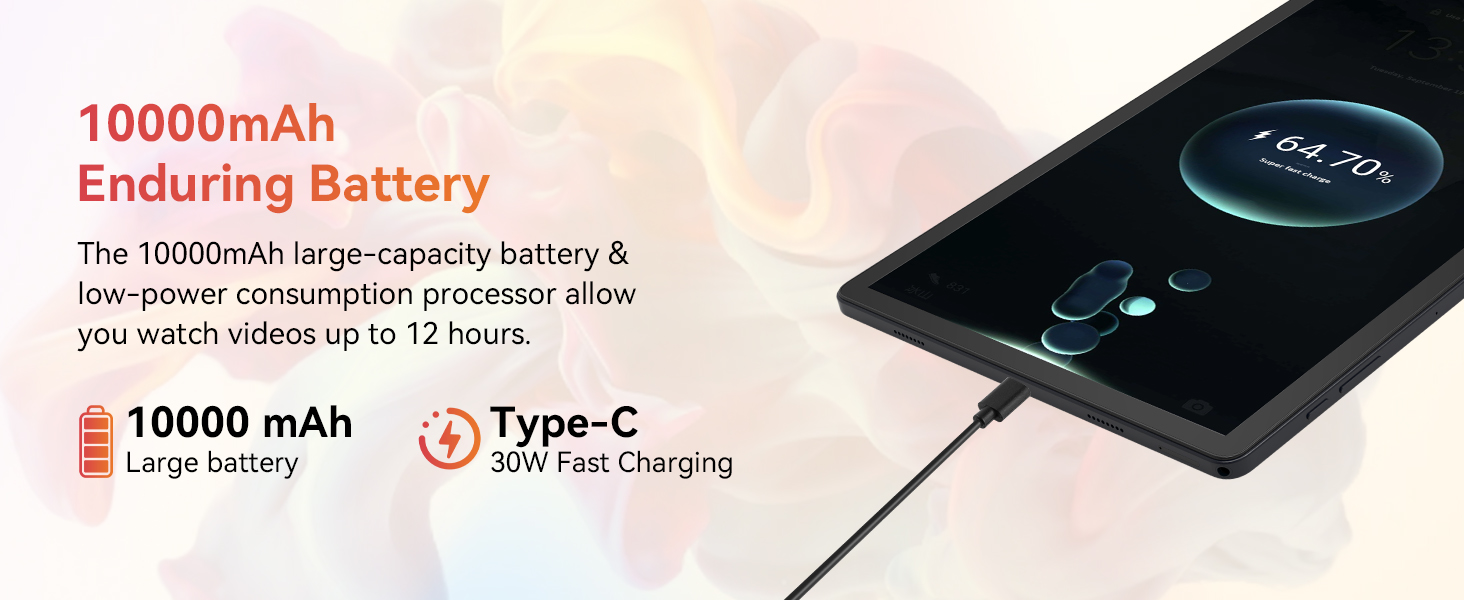
Image: A collage demonstrating the photo capabilities of the URAO tablet, featuring images taken with its 8MP rear camera and 5MP front camera, suitable for video calls and capturing moments.
4.4 Audio
The tablet is equipped with Stereo 4 Speakers for an immersive audio experience. Volume can be adjusted using the Volume +/- buttons on the side of the tablet or through the on-screen controls.
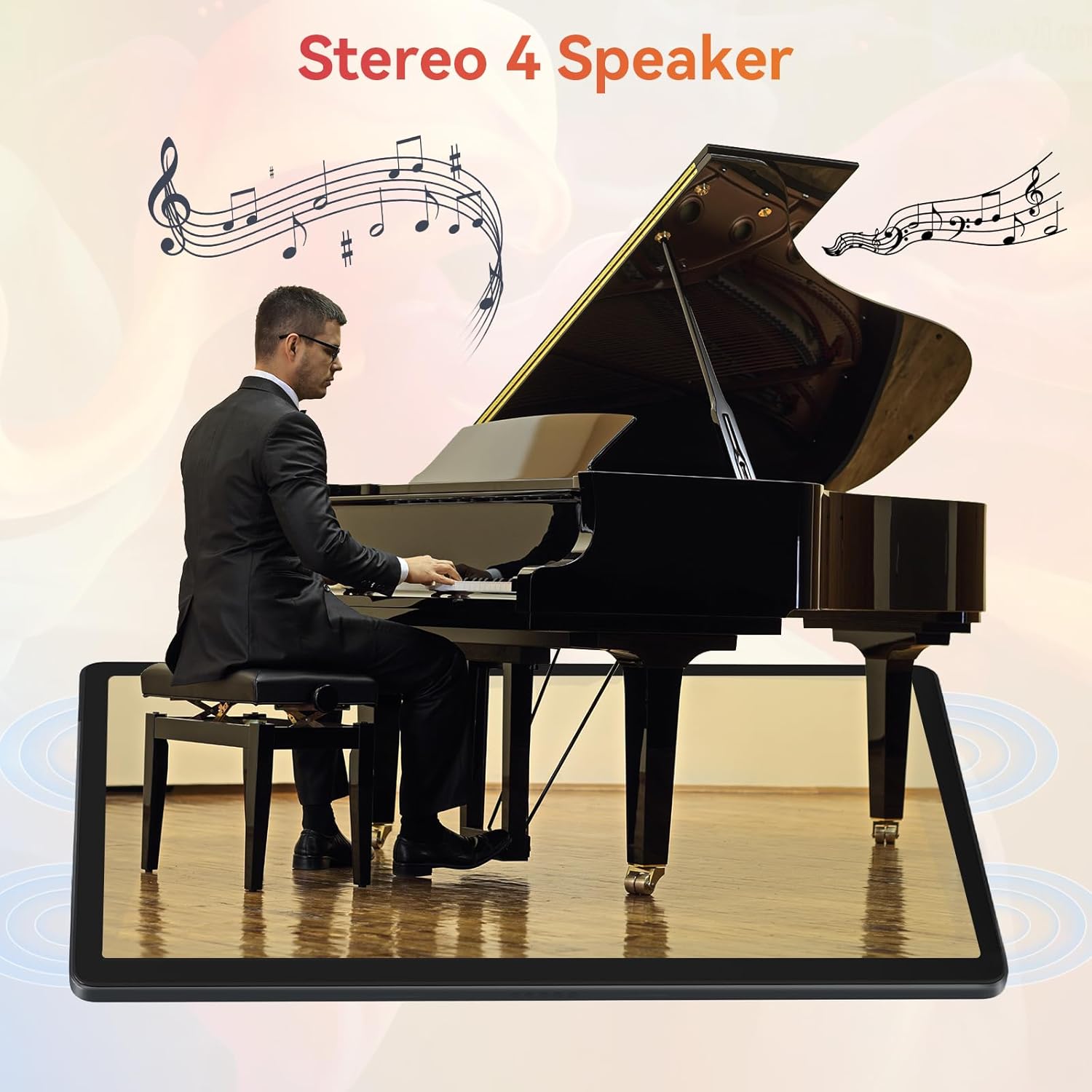
Image: The URAO tablet positioned in front of a piano player, with a graphic overlay indicating the presence of Stereo 4 Speakers for enhanced sound.
4.5 Pengurusan Storan
Your tablet comes with 256GB of internal storage and 30GB of RAM (6GB physical + 24GB virtual expansion). Storage can be expanded up to 1TB using a TF (Micro SD) card (not included).
- To insert a TF card, locate the card slot on the side of the tablet and gently push the card in until it clicks.
- Manage storage via tetapan > Penyimpanan.
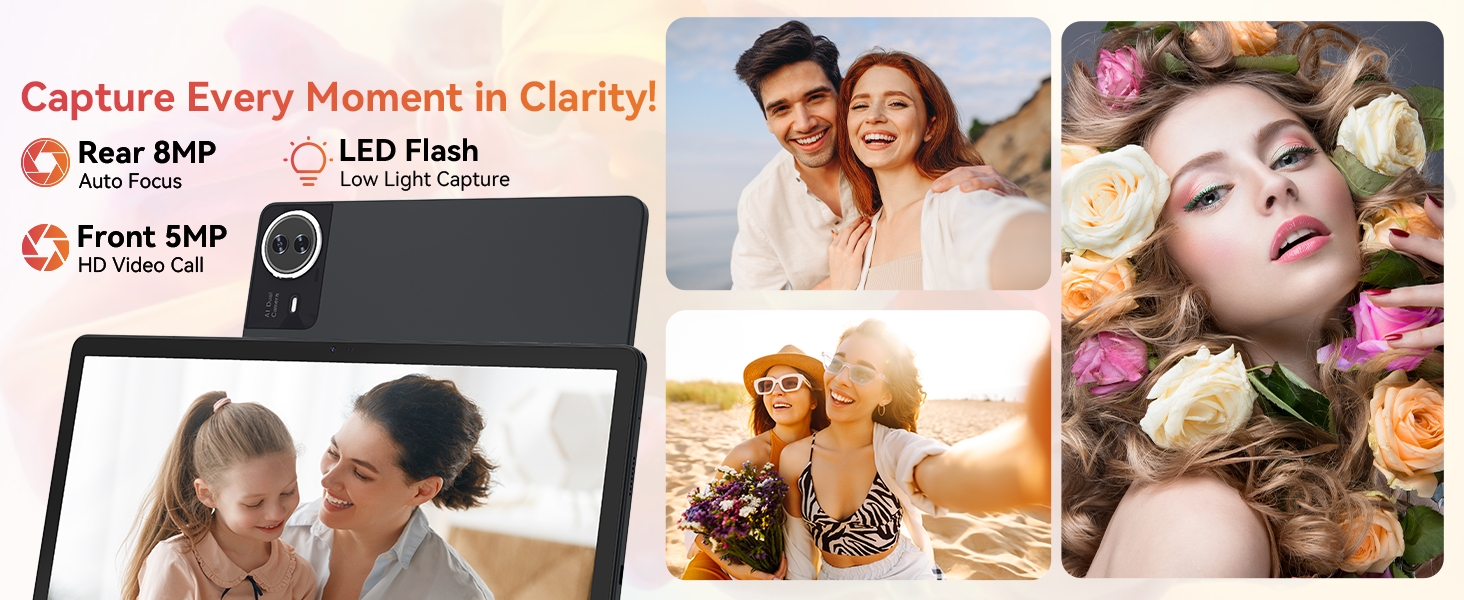
Image: The URAO tablet displaying multiple application icons, with graphics indicating its 30GB RAM (6+24GB), 256GB ROM, and support for up to 1TB external storage.
4.6 Mod 2-dalam-1
Transform your tablet into a laptop-like experience by connecting the Bluetooth keyboard and mouse. The protective case can also function as a stand.

Image: A multi-panel image showing the URAO tablet in different usage scenarios, including note-taking with a stylus, typing with the keyboard and mouse, and watching videos, demonstrating its versatility.
4.7 Pengecaman Muka
The front camera supports facial recognition for convenient unlocking.
- Pergi ke tetapan > Keselamatan & privasi > Buka kunci muka.
- Follow the on-screen instructions to register your facial data.
- Setelah disediakan, anda boleh membuka kunci tablet anda hanya dengan melihat kamera hadapan.
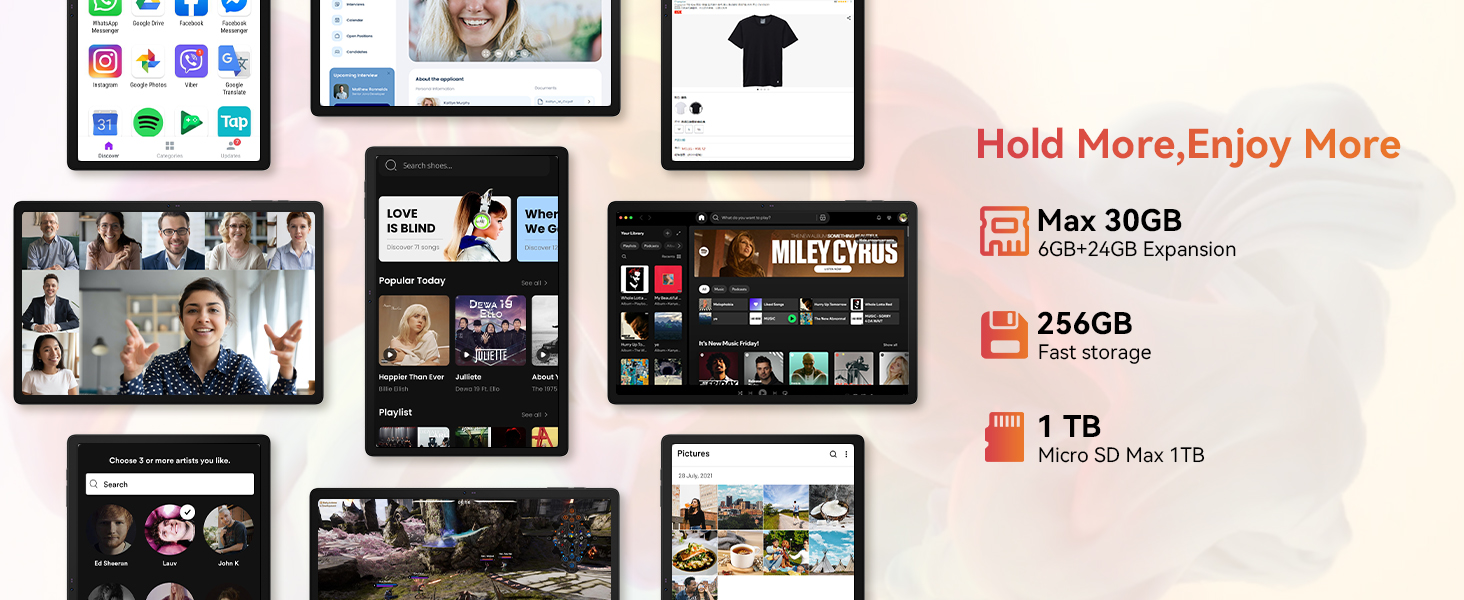
Image: A woman demonstrating the face unlock feature of the URAO tablet, with an icon indicating facial recognition technology.
5. Penyelenggaraan
5.1 Membersihkan Peranti
- Gunakan kain lembut dan tidak berbulu untuk membersihkan skrin dan badan tablet.
- Elakkan menggunakan bahan kimia yang keras atau bahan yang melelas.
- Do not spray cleaners directly onto the screen.
5.2 Kemas Kini Perisian
Periodically check for system updates to ensure optimal performance and security.
- Pergi ke tetapan > Sistem > Kemas kini sistem.
- Ikut arahan pada skrin untuk memuat turun dan memasang sebarang kemas kini yang tersedia.
5.3 Penjagaan Bateri
Untuk memanjangkan hayat bateri:
- Elakkan daripada mendedahkan tablet kepada suhu yang melampau.
- Jangan biarkan bateri dicas sepenuhnya dengan kerap.
- Gunakan hanya pengecas dan kabel yang disediakan.
6. Penyelesaian masalah
6.1 Peranti Tidak Dihidupkan
- Ensure the tablet is sufficiently charged. Connect it to the charger for at least 30 minutes.
- Press and hold the Power ON/OFF button for 10-15 seconds to perform a forced restart.
6.2 Isu Sambungan Wi-Fi
- Mulakan semula penghala Wi-Fi anda dan tablet.
- Pastikan anda berada dalam lingkungan isyarat Wi-Fi.
- Sahkan kata laluan Wi-Fi dimasukkan dengan betul.
6.3 Peripherals Not Connecting (Keyboard/Mouse/Stylus)
- Ensure Bluetooth is enabled on the tablet and the accessory is in pairing mode.
- Check if the accessory has sufficient battery (e.g., replace mouse batteries).
- Unpair and re-pair the accessory from the tablet's Bluetooth settings.
6.4 Touchscreen Unresponsiveness
- Mulakan semula tablet.
- Pastikan skrin bersih dan bebas daripada serpihan atau cecair.
- If the issue persists, a factory reset may be necessary (back up your data first).
7. Spesifikasi
Technical Specifications for URAO G140L Tablet:
| Model | G140L |
| Sistem Operasi | Android 15 |
| Saiz Skrin | 14.1 Inci |
| Resolusi Skrin | 1920 x 1200 pixels (FHD IPS) |
| Pemproses | 2.0 GHz Octa-teras |
| RAM | 30GB (6GB fizikal + 24GB maya) |
| Storan Dalaman (ROM) | 256GB |
| Storan Boleh Dikembangkan | Up to 1TB (TF card, not included) |
| Kapasiti Bateri | 10000mAh |
| Mengecas | Pengecasan Pantas 30W, USB Jenis-C |
| Purata Hayat Bateri | Up to 12 hours (mixed use) |
| Kesambungan Wayarles | Wi-Fi 6 (802.11ax), Bluetooth 5.4 |
| Kamera Depan | 5MP |
| Kamera Belakang | 8MP |
| Audio | Stereo 4 Speakers |
| Penderia | Penderia Pecutan Graviti |
| Dimensi (LxWxH) | 12.8 x 8.39 x 0.39 inci |
| Berat Barang | 4.29 paun |
8. Waranti dan Sokongan
8.1 Maklumat Waranti
Your URAO G140L Tablet is covered by a manufacturer's warranty. Please refer to the warranty card included in your package for specific terms and conditions. Keep your proof of purchase for warranty claims.
8.2 Sokongan Pelanggan
For technical assistance, troubleshooting, or warranty inquiries, please contact URAO customer support through the retailer where the product was purchased or visit the official URAO webtapak untuk maklumat hubungan.

