pengenalan
The Acer Predator Helios Neo 16 AI Gaming Laptop is engineered for high-performance gaming and demanding tasks. Featuring an Intel Core Ultra 9 processor 275HX and NVIDIA GeForce RTX 5070 Ti Laptop GPU, it delivers exceptional performance with AI technology. This manual provides essential information for setting up, operating, maintaining, and troubleshooting your device.
Ciri-ciri Utama
- Desktop-Level Performance: Intel Core Ultra 9 275HX processor with up to 13 NPU TOPS for smooth gameplay and AI-driven task offloading.
- Game-Changing Realism: NVIDIA GeForce RTX 5070 Ti Laptop GPU with 992 AI TOPS, featuring Blackwell architecture for full ray tracing and cinematic visuals.
- Supreme Speed & Visuals with AI: DLSS 4 with Multi Frame Generation, enhanced Ray Reconstruction, and Super Resolution for boosted FPS and improved image quality.
- Paparan Imersif: 16-inch WQXGA (2560x1600) 240Hz G-SYNC display with 3ms overdrive response time and 100% DCI-P3 color accuracy.
- Advanced Thermal Solutions: Dual fans, including a 5th Gen AeroBlade 3D Metal Fan, and liquid metal thermal compound for peak performance.
- Ketersambungan: Intel Killer Ethernet E3100G and Killer Wi-Fi 6E AX1675, Thunderbolt 4, USB 3.2 Gen2, HDMI 2.1, and microSD Card Reader.
- PredatorSense and Experience Zone: Software for real-time system control, performance modes, fan speeds, RGB lighting customization, and AI-powered features like PurifiedView 2.0 and PurifiedVoice 2.0.
Apa yang ada dalam Kotak
Your Acer Predator Helios Neo 16 AI Gaming Laptop package includes the following items:
- Acer Predator Helios Neo 16 AI Gaming Laptop
- Penyesuai AC
- Kord Kuasa

Image: The product packaging box for the Acer Predator Helios Neo 16 AI Gaming Laptop.

Image: The included AC adapter and power cord, essential for charging and operating the laptop.
Fizikal Lebihview
Familiarize yourself with the various ports and features of your laptop.
Port Sisi Kiri
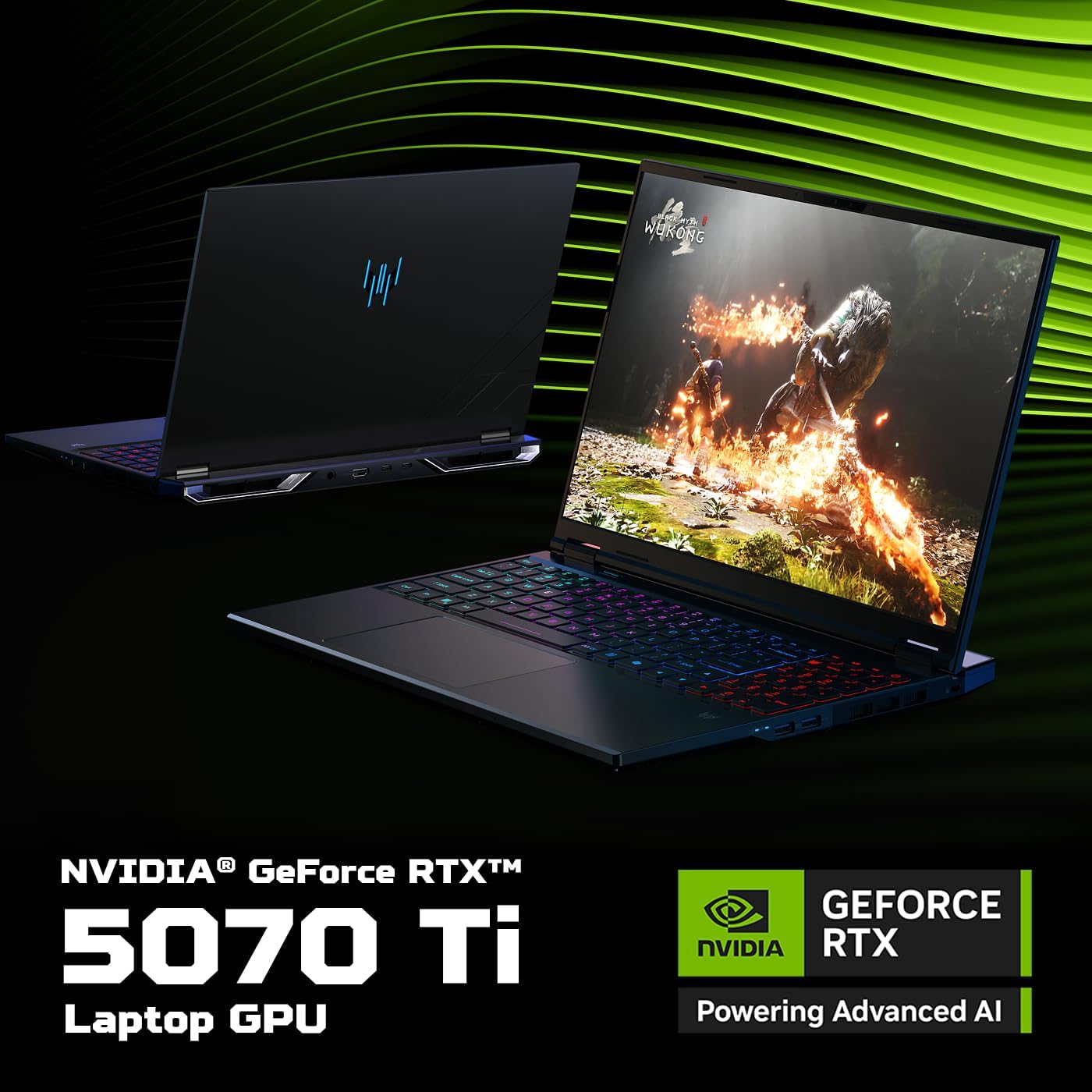
Image: The left side of the laptop featuring two USB 3.2 ports (one supporting offline charging) and a Kensington lock slot.
- Port USB 3.2 (x2): For connecting USB devices. One port supports power-off charging.
- Slot Kunci Kensington: Untuk mengamankan komputer riba anda dengan kunci yang serasi.
Port Sebelah Kanan

Image: The right side of the laptop showing the Ethernet port, a USB 3.2 port, a MicroSD card slot, and a headset jack.
- Port Ethernet (RJ-45): Untuk sambungan rangkaian berwayar.
- Port USB 3.2 (x1): Untuk menyambungkan peranti USB.
- Slot Kad MicroSD: For reading microSD memory cards.
- Bicu Alat dengar: For connecting headphones or a headset.
Pelabuhan Belakang
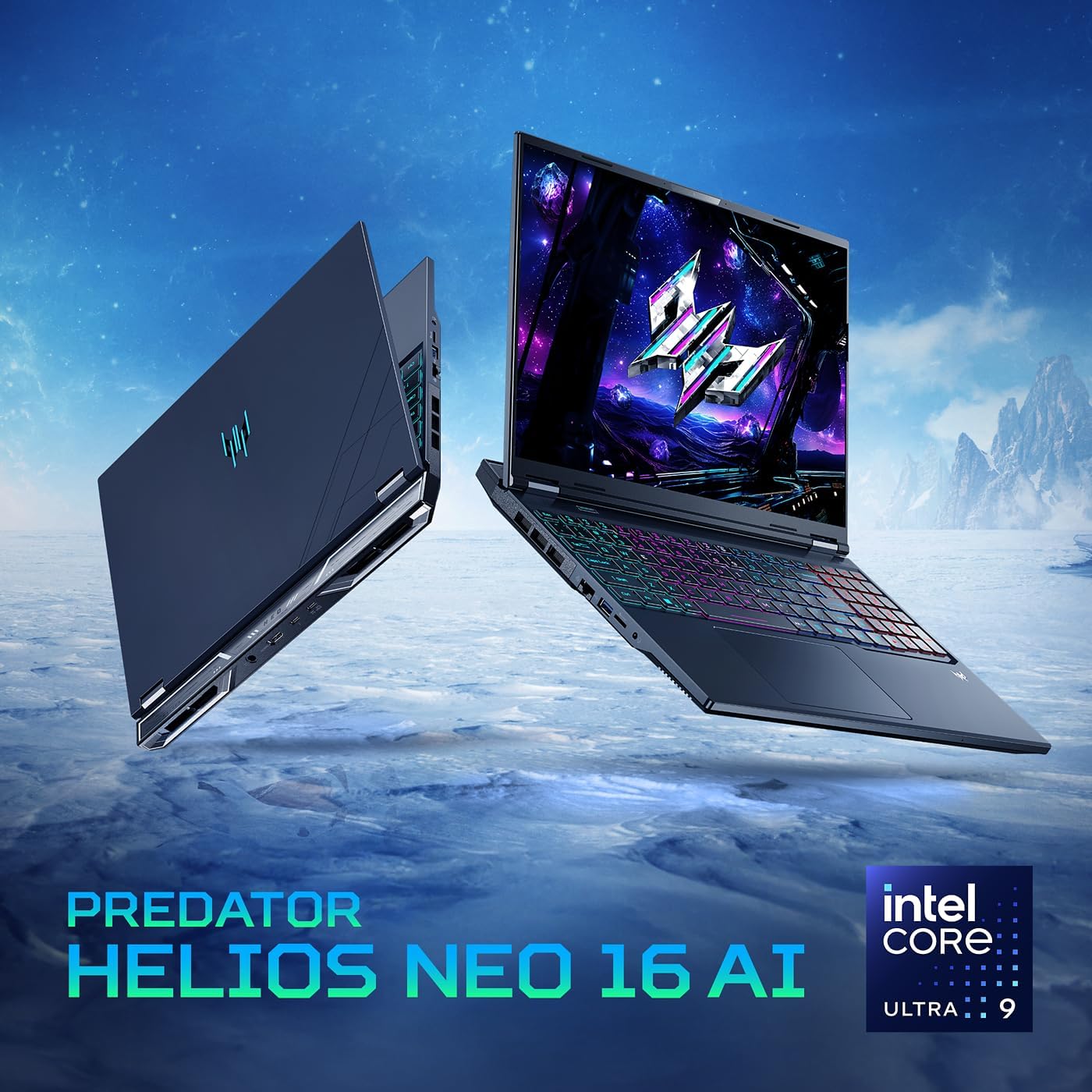
Image: The rear of the laptop, featuring the DC-in jack, HDMI 2.1 port, and two Type-C Thunderbolt 4 ports.
- Bicu DC-in: Untuk menyambungkan penyesuai AC.
- Port HDMI 2.1: For connecting to external displays, supporting up to 10K resolution.
- Thunderbolt 4 Ports (x2): Versatile USB Type-C ports supporting high-speed data transfer, DisplayPort over USB Type-C, and USB charging (up to 90W).
Persediaan
Kuasa Awal Hidup
Before first use, ensure your laptop is connected to the AC adapter and power cord. Press the power button located on the keyboard to turn on the device. The system will guide you through the initial Windows setup process.
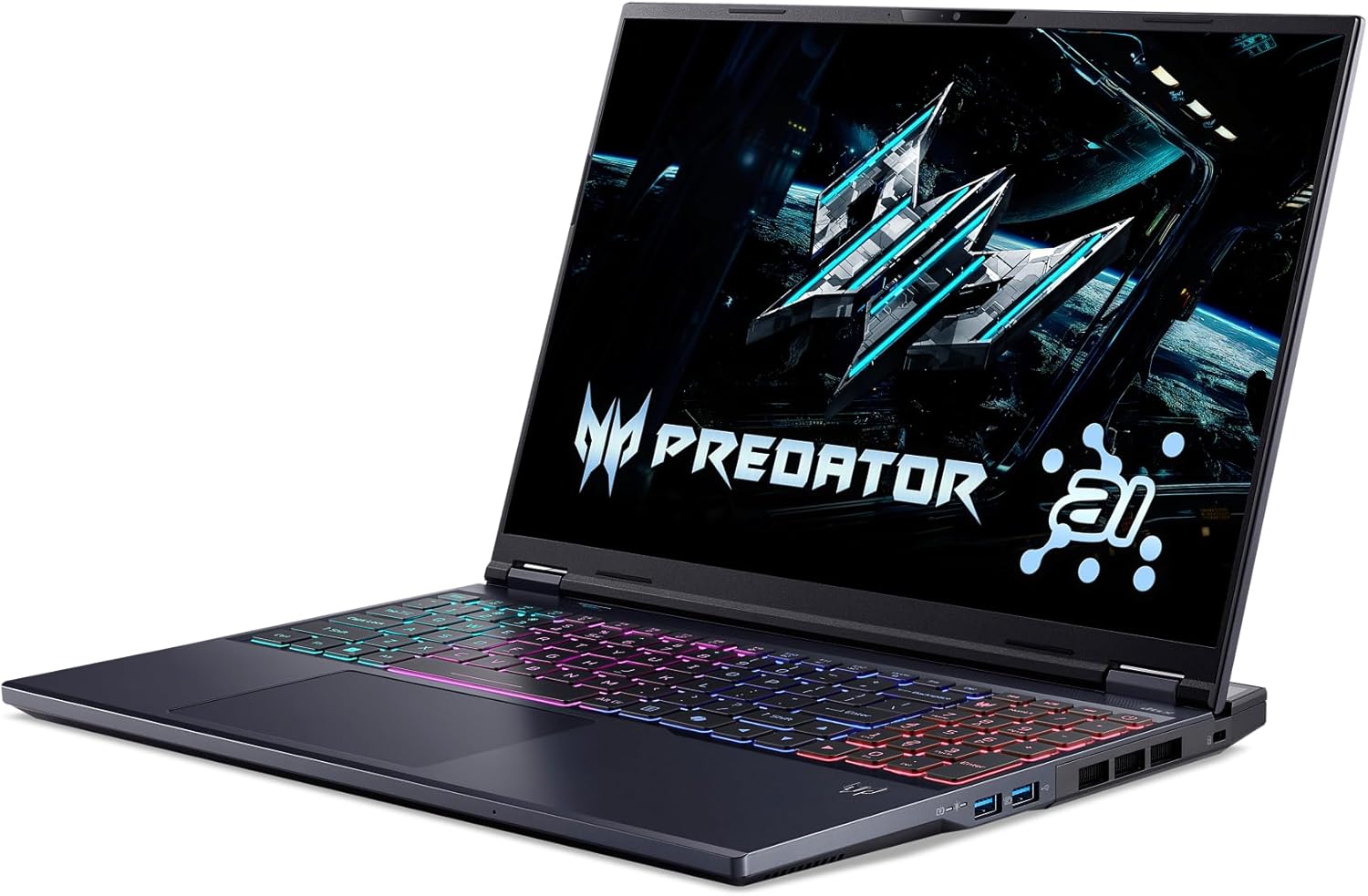
Image: The laptop screen displaying the Predator logo upon initial power-on, with the RGB keyboard illuminated.
Menyambung Peranti
Connect your mouse, keyboard, external monitor, and other peripherals to the appropriate ports as described in the 'Physical Overview' section. For optimal gaming performance, consider using a wired Ethernet connection.
Persediaan Sistem Pengendalian
Follow the on-screen instructions to complete the Windows 11 Home setup. This includes setting up your user account, connecting to a Wi-Fi network, and installing essential updates. Keep your laptop plugged in during this process to avoid interruptions.
Mengendalikan Komputer Riba Anda
Papan Kekunci dan Pad Sentuh
The laptop features a full-size keyboard with a numeric keypad and a responsive touchpad. The keyboard includes 4-zone RGB lighting, which can be customized via the PredatorSense software.

Image: The laptop's keyboard showcasing its customizable 4-zone RGB lighting, providing visual flair and functionality.
Ciri Paparan
Experience stunning visuals on the 16-inch WQXGA display with a 240Hz refresh rate and 3ms overdrive response time. NVIDIA G-SYNC and Advanced Optimus technologies ensure tear-free and smooth gameplay.
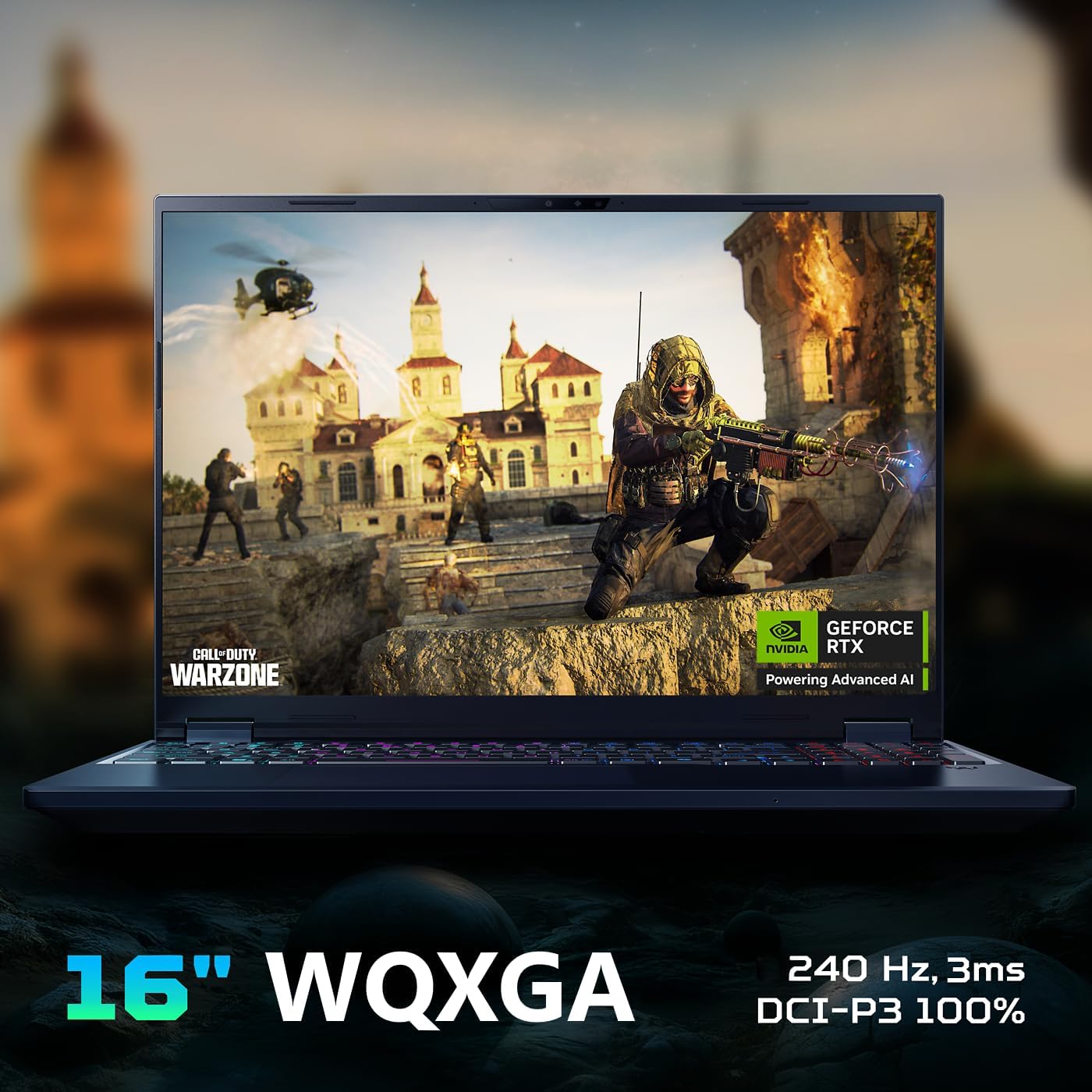
Image: The laptop's display highlighting its 16-inch WQXGA resolution, 240Hz refresh rate, and G-SYNC compatibility for superior gaming visuals.
Perisian PredatorSense
PredatorSense provides a centralized hub for monitoring system performance, adjusting fan speeds, customizing RGB lighting, and switching between performance modes. Access it by pressing the dedicated Predator key on the keyboard.

Image: A visual representation of the PredatorSense software interface, allowing users to monitor and customize laptop settings.
Ciri AI
Leverage the power of AI with the Intel Core Ultra 9 processor and NVIDIA GeForce RTX 5070 Ti GPU. Features like DLSS 4 enhance graphics, while PurifiedView 2.0 and PurifiedVoice 2.0 improve communication and streaming experiences.

Image: Visual highlighting the Intel Core Ultra 9 processor, central to the laptop's AI capabilities and gaming performance.

Image: Emphasizing the NVIDIA GeForce RTX 5070 Ti Laptop GPU, which powers advanced AI features and realistic graphics.

Image: Illustrating NVIDIA DLSS 4, a neural rendering technology that uses AI to boost frame rates and improve image quality.

Image: Depicting Acer PurifiedView 2.0, an AI-enhanced feature for automatic framing, background blur, and gaze correction during video calls.

Image: Showing Acer PurifiedVoice 2.0, which uses AI algorithms and a 3rd mic to suppress background noise for clear communication.
Video: Official product video for the Predator Helios Neo 16 AI, showcasing its design, performance, and key features.
Penyelenggaraan
Penyelenggaraan yang betul memastikan jangka hayat dan prestasi optimum komputer riba anda.
Pembersihan
- Bersihkan skrin secara berkala menggunakan kain lembut dan tidak berbulu serta larutan pembersih yang selamat untuk skrin.
- Gunakan udara termampat untuk membersihkan habuk daripada kekunci papan kekunci dan gril pengudaraan.
- Lap permukaan luar dengan iklanamp, kain lembut. Elakkan bahan kimia yang keras.
Pengurusan Terma
The laptop's advanced thermal solutions, including dual fans and liquid metal thermal compound, are designed to keep temperatures in check. Ensure proper airflow by not blocking the ventilation openings, especially during intensive gaming sessions.
Imej: Sisi view of the laptop, highlighting the ventilation grilles crucial for efficient thermal management.
Kemas Kini Perisian
Keep your operating system, drivers, and PredatorSense software updated to ensure stability, security, and optimal performance. Check for updates regularly through Windows Update and Acer's official support channels.
Menyelesaikan Masalah Isu Biasa
Bahagian ini menangani isu biasa yang mungkin anda hadapi dengan komputer riba anda.
- Komputer Riba Tidak Dihidupkan: Pastikan penyesuai AC disambungkan dengan selamat pada kedua-dua komputer riba dan salur keluar kuasa yang berfungsi. Periksa lampu penunjuk kuasa.
- Tiada Paparan: If the laptop powers on but the screen remains black, try connecting an external monitor to verify if the issue is with the laptop's display.
- Terlalu panas: Ensure ventilation grilles are clear of obstructions. Use PredatorSense to monitor temperatures and adjust fan speeds. Consider using a cooling pad for extended heavy use.
- Prestasi Lemah: Close unnecessary background applications. Update graphics drivers. Use PredatorSense to switch to a higher performance mode.
- Isu Kesambungan Wi-Fi: Check if Wi-Fi is enabled. Restart your router and laptop. Update Wi-Fi drivers.
- Keyboard/Touchpad Not Responding: Restart the laptop. Check for driver updates.
Spesifikasi Teknikal
| Ciri | Spesifikasi |
|---|---|
| Nama Model | Predator Helios Neo 16 AI |
| Nombor Model Item | PHN16-73-92B8 |
| Pemproses | Intel Core Ultra 9 275HX (2.1 GHz) |
| Pemproses bersama Grafik | NVIDIA GeForce RTX 5070 Ti (12 GB GDDR6 Dedicated) |
| RAM | 16GB DDR5 6400MHz (2 DDR5 Slots Total, Max 64GB) |
| Penyimpanan | 1TB PCIe Gen 4 SSD (2 x PCIe M.2 Slots, 1 Slot Available) |
| Saiz Skrin | 16 Inci |
| Resolusi Skrin | 2560 x 1600 piksel (WQXGA) |
| Resolusi Skrin Maks | 2560x1600 |
| Kadar Segar Semula | 240Hz |
| Sistem Operasi | Windows 11 Home |
| Jenis Wayarles | 802.11ax (Killer Wi-Fi 6E AX1675), Bluetooth |
| Pelabuhan | 1x Thunderbolt 4, 1x USB Type-C 3.2 Gen 2 (DisplayPort, 90W Charging), 2x USB 3.2 Gen 2 (1x Power-off Charging), 1x USB 3.2 Gen 1, 1x HDMI 2.1, 1x Headphone/Speaker/Line-out Jack, 1x Ethernet (RJ-45), 1x DC-in, 1x Kensington Lock Slot |
| Berat Barang | 5.95 paun |
| Dimensi Produk | 14.05 x 1.05 x 10.85 inci |
| Ciri Khas | Papan Kekunci Berlampu Belakang |
Waranti dan Sokongan
Your Acer Predator Helios Neo 16 AI Gaming Laptop comes with a limited warranty. For detailed information regarding warranty coverage and terms, please refer to the documentation included with your product or visit the official Acer support webtapak.
Pelan Perlindungan
Pelan perlindungan tambahan tersedia untuk pembelian untuk melanjutkan perlindungan melebihi jaminan standard:
- Pelan Perlindungan 2 Tahun: Melanjutkan perlindungan selama 24 bulan.
- Pelan Perlindungan 4 Tahun: Melanjutkan perlindungan selama 48 bulan.
- Perlindungan Lengkap: Pelan bulanan yang meliputi pembelian masa lalu dan masa hadapan yang layak.
Sokongan Pelanggan
For technical assistance, troubleshooting, or warranty claims, please contact Acer customer support. You can find more information and support resources on the official Kedai Acer atau saluran sokongan khusus mereka.


