1. Pengenalan
Thank you for choosing the Diydeg 4G LTE Mobile Hotspot. This portable device provides high-speed 3G/4G internet access, allowing you to connect up to 10 devices simultaneously. Its compact design makes it ideal for travel, business, and home use. This manual will guide you through the setup, operation, and maintenance of your mobile hotspot.

Image: The Diydeg 4G LTE Mobile Hotspot providing internet connectivity to a user's laptop.
2. Produk Lebihview
2.1 Ciri-ciri Utama
- High-Speed 4G LTE Connectivity: Provides fast internet access for various online activities.
- Sokongan Berbilang Pengguna: Connects up to 10 WiFi-enabled devices simultaneously.
- Bateri Tahan Lama: Equipped with a 2100mAh battery for extended standby time (up to 10 hours).
- Reka Bentuk Mudah Alih: Lightweight, thin, and compact for easy carrying.
- Keserasian Luas: Works with mobile phones, laptops, desktops, and tablets.
- Paparan Pintar LED: Easy-to-read display for operational status.
2.2 Kandungan Pakej
Sila semak pakej untuk item berikut:
- Diydeg 4G LTE Mobile Hotspot Device
- Bateri boleh dicas semula
- Kabel Pengecas USB
- Manual Pengguna (dokumen ini)

Image: The Diydeg Mobile Hotspot device shown alongside its USB charging cable.
3. Arahan Persediaan
3.1 Memasang Kad SIM dan Bateri
- Carefully remove the back cover of the mobile hotspot device.
- Insert your micro SIM card into the designated SIM card slot. Ensure the card is oriented correctly according to the diagram inside the device.
- Take out the battery and locate the yellow insulation tape. Gently tear off this insulation tape from the battery terminals.
- Insert the battery into the battery compartment, ensuring the contacts align properly.
- Pasang semula penutup belakang sehingga ia terpasang dengan selamat di tempatnya.

Image: A three-step visual guide showing how to remove the battery, peel off the insulation tape, and insert the battery into the device.
3.2 Menghidupkan Peranti
Press and hold the power button (usually located on the side) for a few seconds until the LED display illuminates. The device will begin searching for a network signal.

Imej: Sisi view of the Diydeg Mobile Hotspot, highlighting the power button location.
4. Arahan Operasi
4.1 Connecting to the WiFi Network
- Ensure your mobile hotspot is powered on and has established a network connection (indicated by the signal strength icon on the display).
- On your WiFi-enabled device (phone, laptop, tablet), open the WiFi settings.
- Look for the network name (SSID) displayed on your hotspot's screen or on a sticker inside the battery compartment.
- Select the hotspot's SSID from the list of available networks.
- Enter the WiFi password (Key) displayed on the hotspot's screen or sticker.
- Peranti anda kini sepatutnya disambungkan ke Internet.
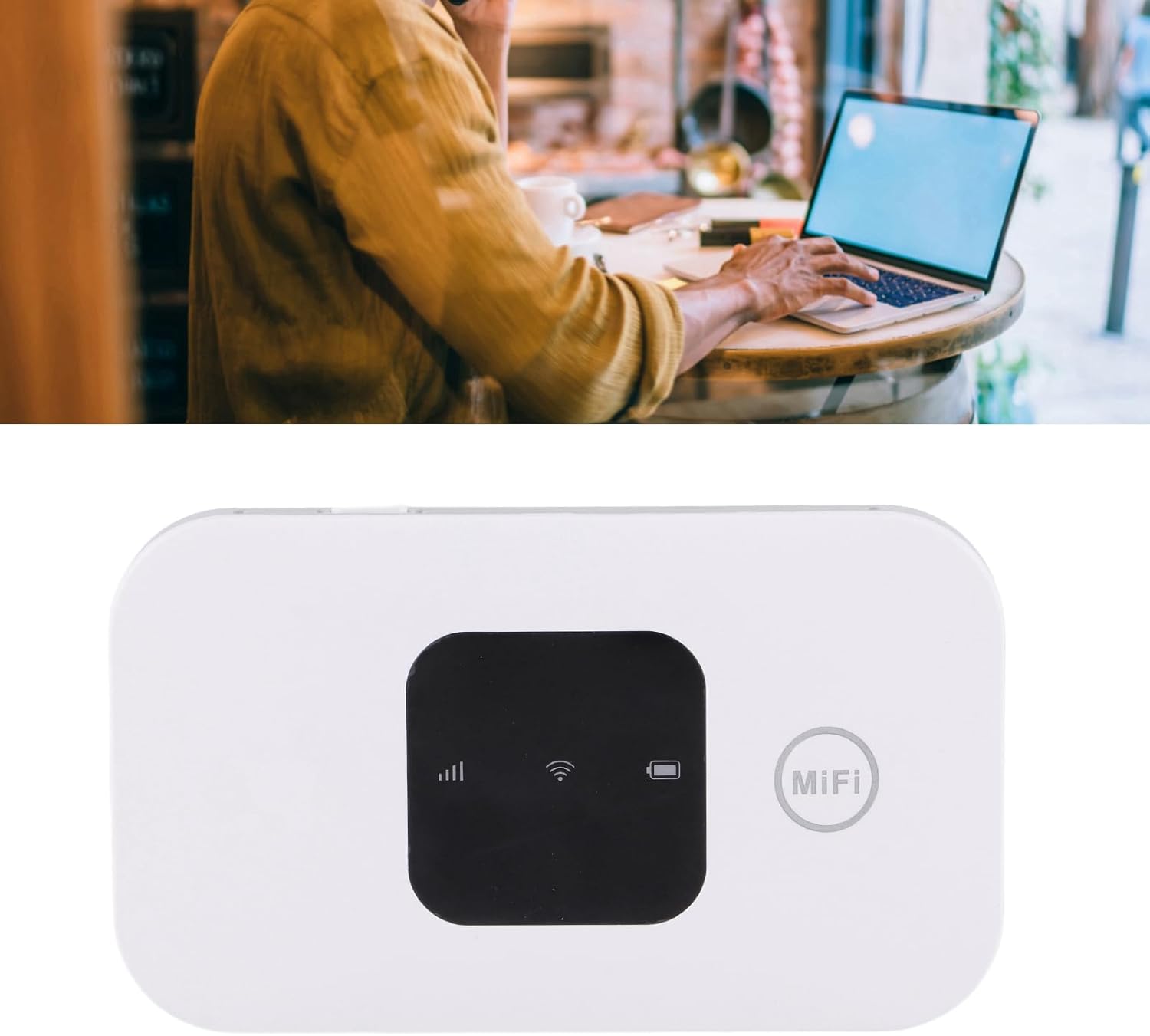
Image: A user working on a laptop, connected to the Diydeg Mobile Hotspot for internet access.
4.2 Mengecas Peranti
Connect the provided USB charging cable to the hotspot's charging port and plug the other end into a USB power adapter or a computer's USB port. The battery indicator on the display will show charging status.
4.3 Powering Off the Device
Press and hold the power button for a few seconds until the LED display turns off, indicating the device has shut down.
5. Penyelenggaraan
- Pastikan peranti kering dan jauh daripada lembapan.
- Elakkan suhu yang melampau.
- Bersihkan peranti dengan kain lembut dan kering. Jangan gunakan pembersih cecair.
- Jangan cuba membuka atau membaiki peranti sendiri.
- Untuk jangka hayat bateri yang optimum, elakkan daripada kerap mencas sepenuhnya bateri.
6. Penyelesaian masalah
6.1 Tiada Isyarat Rangkaian
- Pastikan kad SIM dimasukkan dengan betul dan diaktifkan.
- Check if you are in an area with 3G/4G network coverage.
- Mulakan semula peranti.
- Verify that your SIM card plan supports data usage.
6.2 Tidak Dapat Menyambung ke WiFi
- Confirm the WiFi password (Key) is entered correctly.
- Ensure the hotspot is powered on and broadcasting its WiFi signal.
- Check if too many devices are already connected (maximum 10).
- Restart both the hotspot and the device you are trying to connect.
6.3 Kelajuan Internet Perlahan
- Move to an area with better network signal strength.
- Kurangkan bilangan peranti yang disambungkan.
- Check your data plan for any speed limitations or data caps.
- Mulakan semula peranti.
7. Spesifikasi
| Ciri | Spesifikasi |
|---|---|
| Nombor Model | Diydeghebi7gopvf |
| Kapasiti Bateri | 2100mAh |
| Max WiFi Users | 10 |
| Wireless Connection Speed | Sehingga 150Mbps |
| Berat Barang | 3.88 auns |
| Dimensi Pakej | 4.33 x 3.15 x 1.57 inci |
| Pengeluar | Diydeg |
Nota: Spesifikasi tertakluk kepada perubahan tanpa notis terlebih dahulu.
8. Waranti dan Sokongan
Diydeg is committed to providing quality products and customer satisfaction. This product comes with:
- Respons 12 Jam: Our support team aims to respond to inquiries within 12 hours.
- Waranti Terhad 365 Hari: Meliputi kecacatan pembuatan selama satu tahun dari tarikh pembelian.
- Lifelong Unlimited Technical Support: Assistance with product usage and troubleshooting for the lifetime of the product.
For technical support or warranty claims, please contact Diydeg customer service through your purchase platform or visit our official webtapak.