1. Pengenalan
Selamat datang ke Hitamview Link 8 Android 15 Tablet user manual. This guide provides essential information for setting up, operating, and maintaining your device. Please read it carefully to ensure optimal performance and longevity of your tablet.
1.1 Kandungan Pakej
Sahkan bahawa semua item terdapat dalam pakej anda:
- Hitamview Link 8 Tablet
- Papan Kekunci Bluetooth
- Pen Stylus
- Kes Tablet
- Pelindung Skrin
- Tetikus Tanpa Wayar
- Charger & Type-C Cable
- Fon Telinga Berwayar

Imej: Si Hitamview Link 8 tablet and its included accessories: Bluetooth keyboard, stylus, tablet case, screen protector, wireless mouse, charger, Type-C cable, and wired earbuds.
2. Persediaan Awal
2.1 Menghidupkan/Mematikan
- Untuk Menghidupkan: Tekan dan tahan butang Kuasa sehingga warna Hitamview logo muncul.
- Untuk Mematikan: Tekan dan tahan butang Kuasa, kemudian pilih 'Matikan kuasa' daripada pilihan pada skrin.
- Untuk Mulakan Semula: Tekan dan tahan butang Kuasa, kemudian pilih 'Mulakan Semula' daripada pilihan.
2.2 Mengecas Tablet
Connect the provided Type-C cable to the tablet's charging port and the other end to the charger. Plug the charger into a power outlet. The tablet supports 18W fast charging. A full charge provides approximately 24 hours of average use.
2.3 Tatarajah Awal
Setelah dihidupkan buat kali pertama, ikuti arahan pada skrin untuk:
- Pilih bahasa anda.
- Connect to a Wi-Fi network (2.4G/5G WiFi supported).
- Log masuk dengan akaun Google anda atau buat yang baharu.
- Set up security features like PIN, pattern, or password.
3. Operasi Asas
3.1 Gerak isyarat skrin sentuh
Si Hitamview Link 8 tablet responds to standard Android gestures:
- Ketik: Pilih item atau buka aplikasi.
- Tekan lama: Akses menu kontekstual atau alihkan ikon.
- Leret: Navigasi melalui skrin, tatal senarai atau tutup pemberitahuan.
- Cubit-untuk-Zum: Zum masuk atau keluar pada imej dan web muka surat.
3.2 Connecting Accessories (Keyboard, Mouse, Pen)
Tablet ini dilengkapi dengan papan kekunci Bluetooth, tetikus tanpa wayar dan pen stylus untuk produktiviti yang dipertingkatkan.
- Papan Kekunci/Tetikus Bluetooth: Turn on the accessory and enable Bluetooth on your tablet (Settings > Connected devices > Bluetooth). Select the accessory from the list to pair.
- Pen Stylus: The stylus pen is typically ready for use upon activation or may require a simple pairing process via Bluetooth if it's an active stylus. Refer to the pen's specific instructions if pairing is needed.

Imej: Si Hitamview Link 8 tablet shown with its accompanying Bluetooth keyboard, wireless mouse, and stylus pen, illustrating its versatility as a 2-in-1 device.
3.3 Menggunakan Kamera
The tablet features a 16MP rear camera, a 2MP depth sensor, and a 13MP front camera. Open the Camera application to capture photos and videos.
- Kamera Belakang: Ideal for high-resolution photos and document scanning.
- Kamera Depan: Optimized for video calls and selfies.
- Penderia Kedalaman: Enhances portrait mode effects.
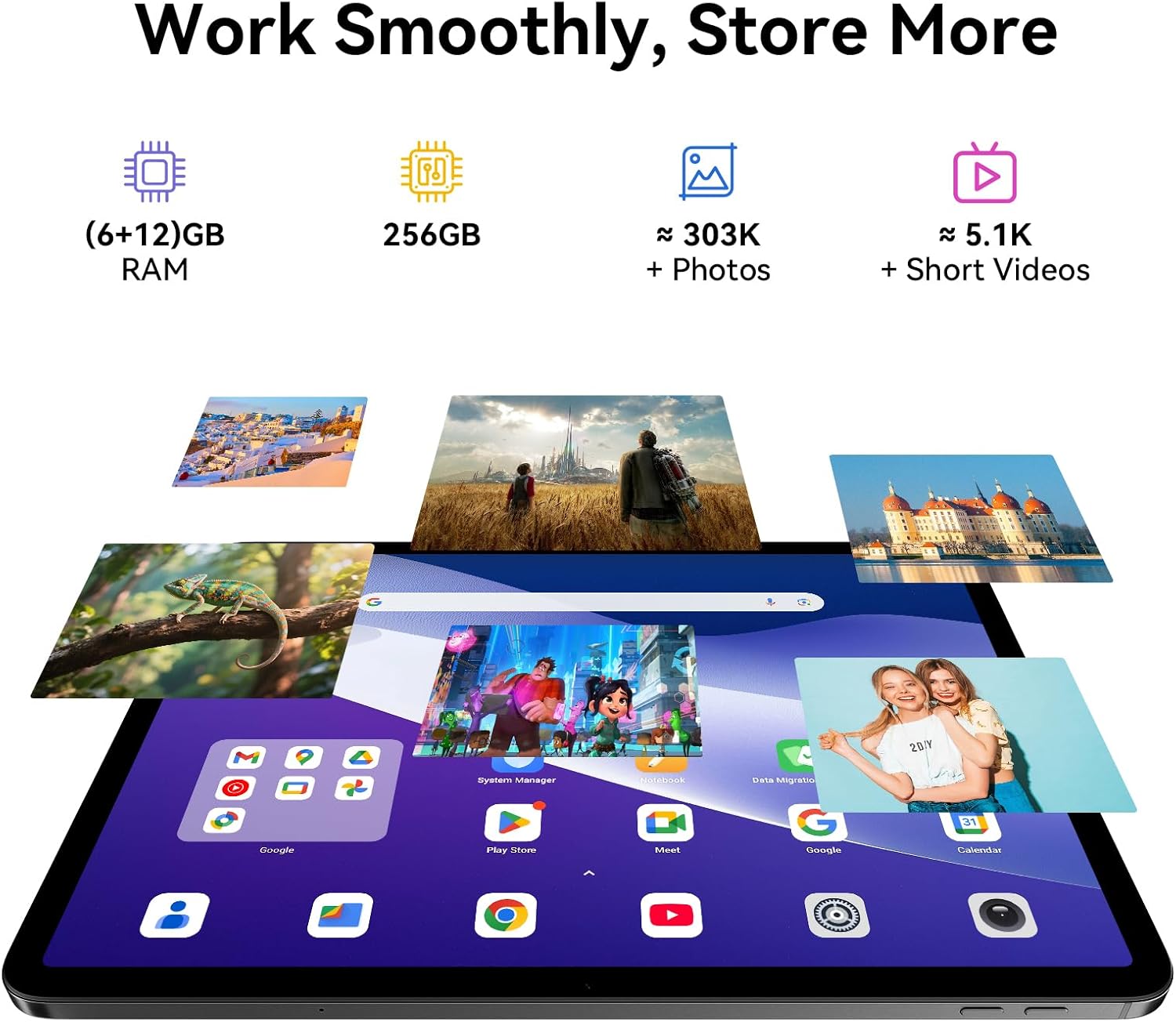
Image: A split image demonstrating the Blackview Link 8 tablet's camera capabilities, showing a person on a video call using the 13MP front camera and an illustration of the 16MP rear and 2MP depth cameras.
3.4 Ciri-ciri Produktiviti
- Split-Screen 2.0: Allows you to run two applications side-by-side for multitasking. Activate by long-pressing the recent apps button or dragging an app to the side of the screen.
- Pejabat WPS: Preloaded for document creation, editing, and viewing.
4. Ciri-ciri Utama
4.1 Immersive Display
Si Hitamview Link 8 features a 12.7-inch 2K+ (2160×1600) IPS display with a 90Hz refresh rate and 300 nits brightness. It supports Widevine L1 for high-definition streaming content. Four Smart-PA speakers provide cinematic surround sound.

Image: A family watching a movie on the Blackview Link 8 tablet, illustrating its 2K+ display, Widevine L1 support, 90Hz refresh rate, and 4-speaker audio for an immersive experience.
4.2 Prestasi
Powered by the 6nm Helio G100 octa-core processor (2.2GHz), the tablet offers smooth multitasking and enhanced gaming performance. An intelligent cooling system helps maintain stable operation during intensive tasks.

Image: Hands holding the Blackview Link 8 tablet while playing a racing game, demonstrating the smooth gaming performance powered by the Helio G100 processor.
4.3 Memori dan Penyimpanan
The tablet is equipped with 6GB physical RAM, expandable with 12GB virtual RAM (total 18GB), and 256GB of internal storage (ROM). This provides ampruang untuk aplikasi, foto dan video.
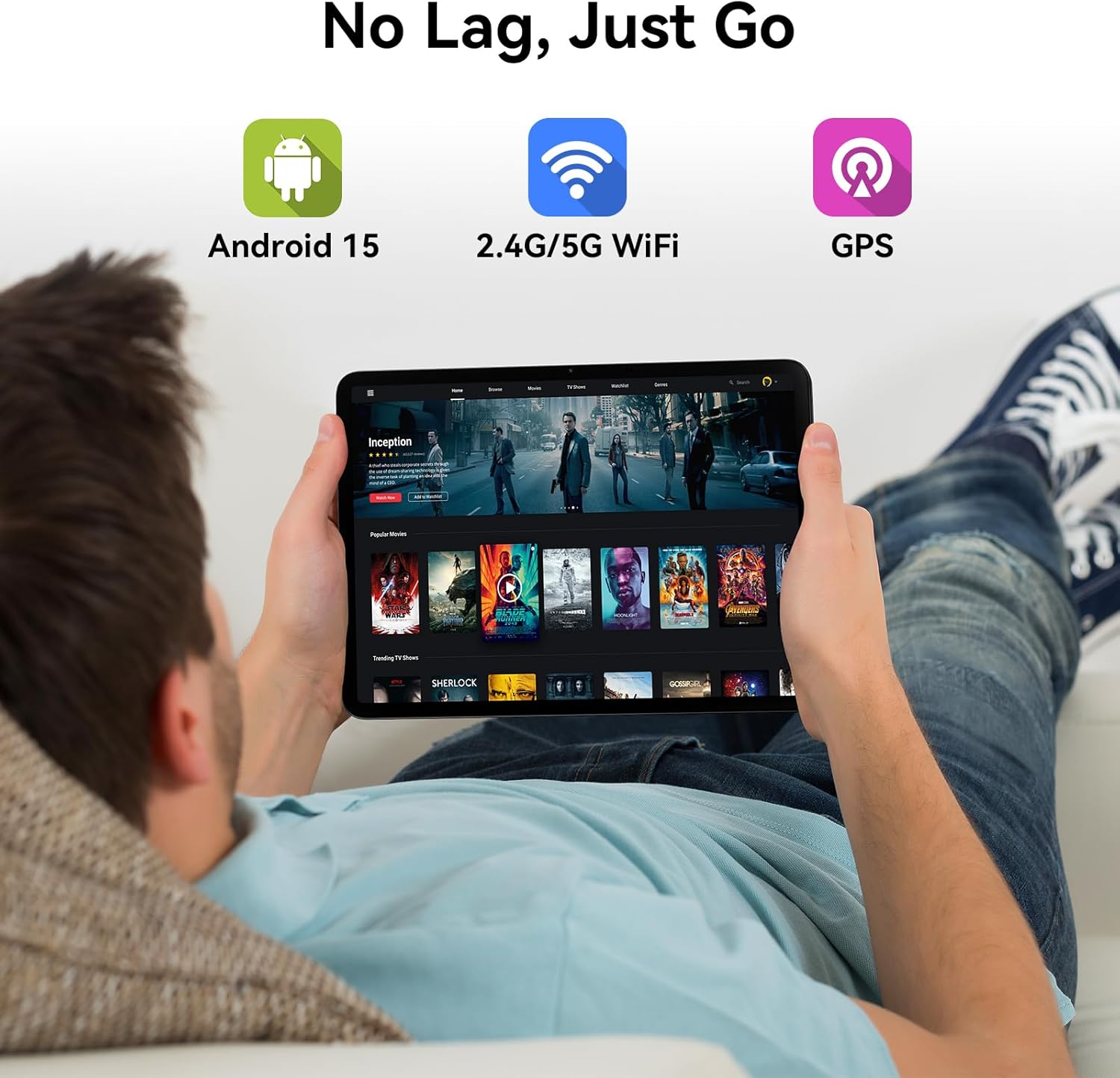
Image: Various apps and images displayed on the Blackview Link 8 tablet screen, representing smooth operation with 18GB RAM and ample 256GB storage for photos and videos.
4.4 Operating System and Connectivity
The tablet runs on Android 15 with DokeOS_P 4.2, offering a refined user interface, enhanced privacy tools, and AI optimization. Connectivity options include dual-band 2.4G/5G WiFi, Bluetooth 5.0, and comprehensive GPS support (GPS/GLONASS/Beidou/Galileo).

Image: A person relaxing on a couch, holding the Blackview Link 8 tablet displaying streaming content, emphasizing Android 15, 5G WiFi, and GPS capabilities.
4.5 Eye-Friendly Modes
Si Hitamview Link 8 is TÜV Rheinland certified for low blue light emission. It includes dedicated modes to reduce eye strain:
- Mod Bacaan: Adjusts the screen to a paper-like clarity.
- Mod Cahaya Malam: Reduces blue light for comfortable viewdalam cahaya malap.
- Mod Keselesaan Mata: Optimizes screen settings to minimize eye fatigue.

Image: Three panels showing the Blackview Link 8 tablet in Reading Mode, Night Light Mode, and Dark Mode, with a TÜV Rheinland certified logo, highlighting its eye-friendly features.
5. Penyelenggaraan
5.1 Membersihkan Tablet Anda
Gunakan kain lembut dan tidak berbulu untuk membersihkan skrin dan badan tablet. Untuk calitan degil, sedikit dampen kain dengan air atau larutan pembersih skrin. Elakkan bahan kimia yang keras atau bahan yang melelas.
5.2 Penjagaan Bateri
- Elakkan suhu yang melampau, yang boleh merendahkan hayat bateri.
- Jangan biarkan tablet dalam keadaan kosong sepenuhnya untuk tempoh yang lama.
- Untuk penyimpanan jangka panjang, cas bateri sehingga sekitar 50% dan matikan peranti.
5.3 Kemas Kini Perisian
Regularly check for system updates (Settings > System > System update) to ensure your tablet has the latest features, security patches, and performance improvements.
6. Penyelesaian masalah
Jika anda menghadapi masalah dengan Hitam andaview Link 8 tablet, refer to the following common solutions:
| Masalah | Penyelesaian |
|---|---|
| Tablet tidak dihidupkan | Ensure the battery is charged. Connect the charger and wait a few minutes before attempting to power on again. If unresponsive, perform a force restart by holding the Power button for 10-15 seconds. |
| Isu sambungan Wi-Fi | Restart your Wi-Fi router and the tablet. Forget the network in tablet settings and reconnect. Ensure you are within range of the Wi-Fi signal. |
| Prestasi perlahan atau apl ranap | Close unnecessary background apps. Clear cache for problematic apps (Settings > Apps > [App Name] > Storage > Clear cache). Restart the tablet. Ensure sufficient free storage space. |
| Skrin tidak bertindak balas | Restart the tablet. If the issue persists, ensure the screen is clean and free of debris. Remove any screen protectors that might be interfering. |
7. Spesifikasi Teknikal
| Ciri | Spesifikasi |
|---|---|
| Nama Model | Pautan 8 |
| Sistem Operasi | Android 15 (DokeOS_P 4.2) |
| Saiz Skrin | 12.7 Inci |
| Resolusi Skrin | 2160x1600 Pixels (2K+) |
| Pemproses | MediaTek Helio G100 Octa-core (2.2 GHz, 6nm) |
| RAM | 6GB + 12GB Virtual RAM (18GB Total) |
| Penyimpanan | 256 GB |
| Kamera Belakang | Utama 16MP + Kedalaman 2MP |
| Kamera Depan | 13MP |
| Kapasiti Bateri | 8400mAh |
| Mengecas | 18W Fast Charge, OTG Support |
| Kesambungan Wayarles | 802.11ac (2.4G/5G WiFi), Bluetooth 5.0 |
| Navigasi | GPS/GLONASS/Beidou/Galileo |
| Dimensi (LxWxH) | 8 x 11.1 x 0.33 inci |
| Berat Barang | 4.77 paun |
8. Waranti dan Sokongan
8.1 Maklumat Waranti
Si Hitamview Link 8 tablet comes with a Waranti 2 tahun. This warranty covers manufacturing defects and ensures high-quality performance. Please retain your proof of purchase for warranty claims.
8.2 Sokongan Pelanggan
For technical assistance, troubleshooting beyond this manual, or warranty inquiries, please contact Blackview customer service. Refer to the official Blackview website or your purchase documentation for the most current support contact information.


