1. Pengenalan
This manual provides essential information for the safe and efficient use of your Blackview Active 5 Rugged Tablet PC. Please read these instructions carefully before using the device and retain them for future reference. The Blackview Active 5 is designed for durability, featuring IP68/IP69K water and dust resistance, MIL-STD-810H compliance, and a robust design suitable for challenging environments.
2. Kandungan Pakej
Sila semak pakej untuk item berikut:
- Hitamview Active 5 Rugged Tablet PC
- Kabel USB
- Penyesuai Kuasa
- Alat Ejector SIM
- Panduan Mula Pantas / Maklumat Keselamatan
Jika terdapat sebarang barang yang hilang atau rosak, sila hubungi peruncit anda.
3. Peranti Lebihview
Biasakan diri anda dengan komponen fizikal Hitam andaview Active 5 tablet.

Imej 3.1: Depan dan belakang view daripada Hitamview Active 5 Rugged Tablet PC, showcasinreka bentuk dan modul kameranya yang teguh.
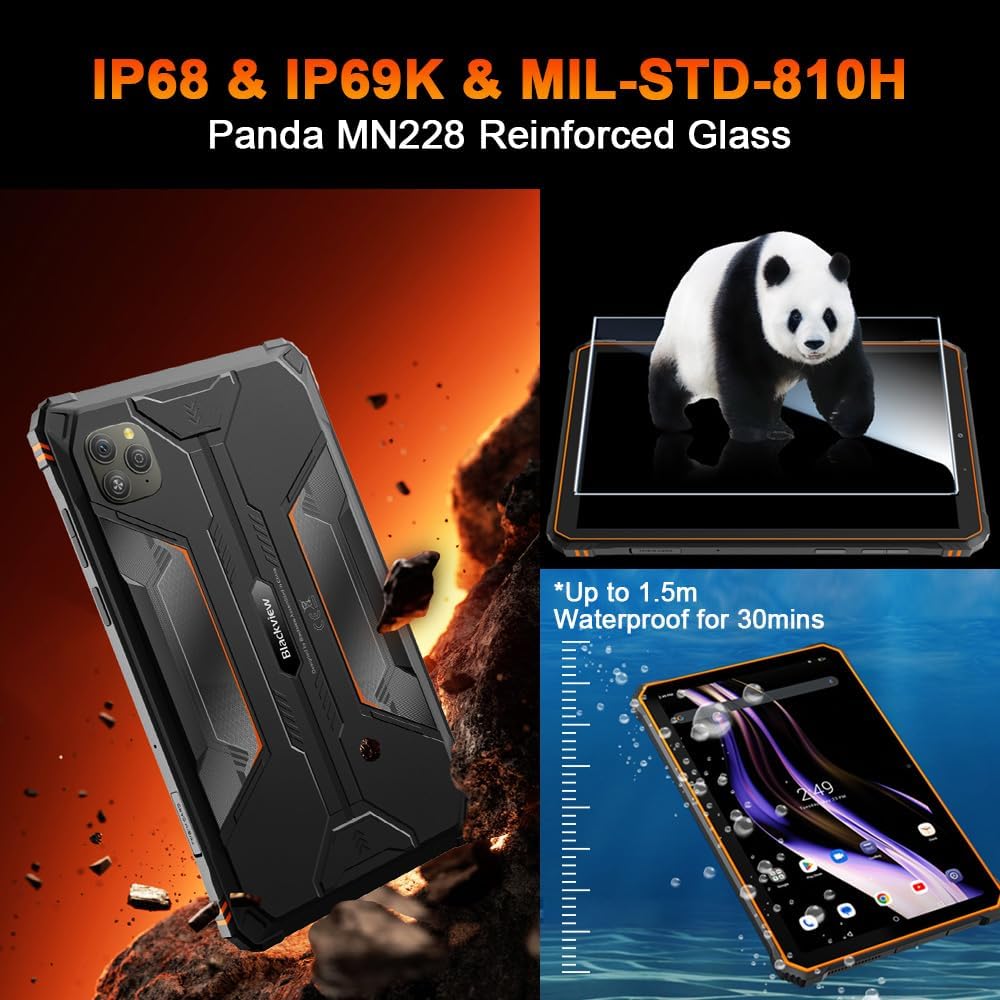
Image 3.2: Visual representation of the tablet's IP68/IP69K water and dust resistance, and MIL-STD-810H military standard compliance, including Panda MN228 Reinforced Glass.

Image 3.3: Details of the 8.68-inch Compact IPS Screen, highlighting its 800x1340 resolution, 90Hz Smart Refresh Rate, 360 nits brightness, and 85% screen-to-body ratio.
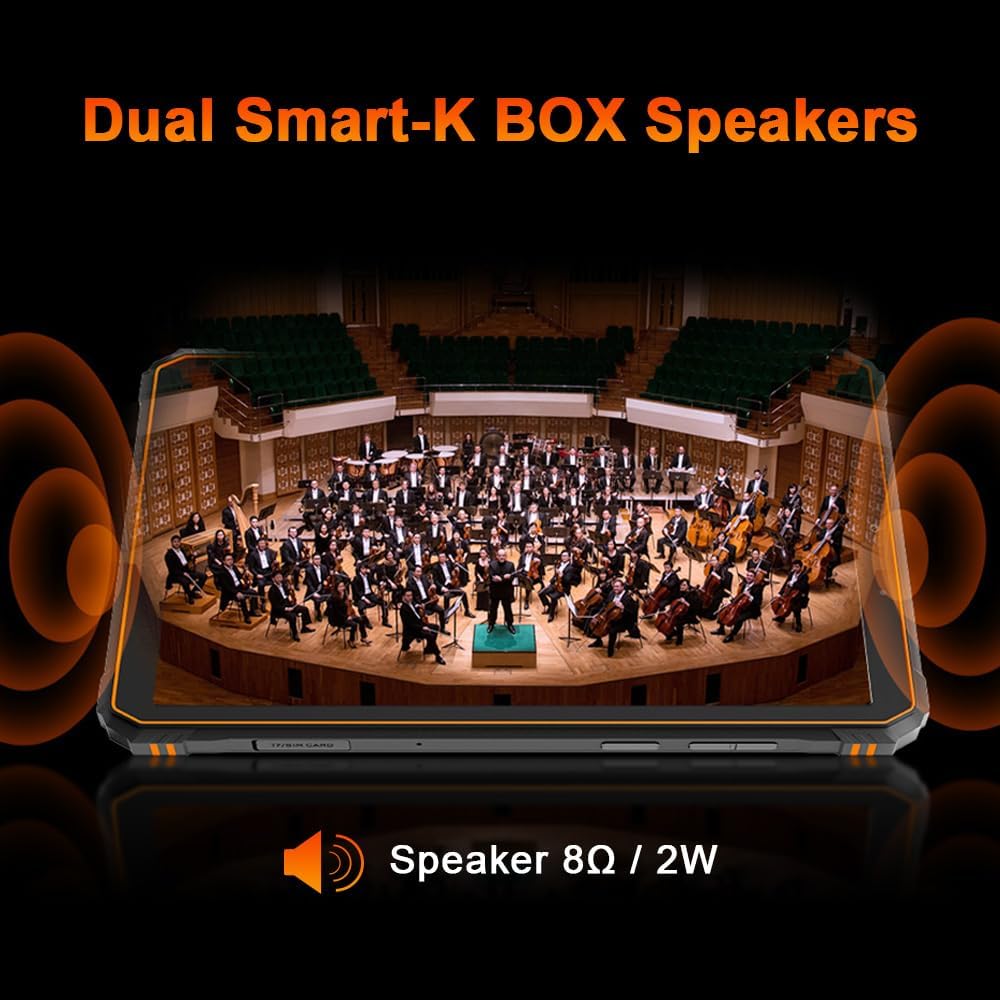
Image 3.4: Illustration of the tablet's Dual Smart-K BOX Speakers, indicating 8Ω / 2W output for enhanced audio.
4. Persediaan
4.1. Memasukkan Kad SIM dan SD
- Cari dulang kad SIM/SD di sisi tablet.
- Masukkan alat ejektor SIM ke dalam lubang kecil di sebelah dulang untuk membukanya.
- Place your Nano-SIM card(s) and/or microSD card (up to 2TB) into the designated slots, ensuring correct orientation.
- Tolak dulang kembali ke dalam tablet dengan lembut sehingga ia terpasang dengan klik di tempatnya.
4.2. Kuasa Awal Hidup
- Press and hold the Power button (usually on the side) until the Blackview logo muncul.
- Ikut arahan pada skrin untuk melengkapkan persediaan awal, termasuk pemilihan bahasa, sambungan Wi-Fi dan persediaan akaun Google.
5. Arahan Operasi
5.1. Navigasi Asas
Si Hitamview Active 5 runs on Android 15 with DokeOS P 4.2. Use touch gestures for navigation:
- Ketik: Pilih item atau buka apl.
- Leret: Tatal melalui skrin atau senarai.
- Cubit: Zum masuk atau keluar pada imej dan web muka surat.
- Tekan lama: Akses menu kontekstual atau alihkan ikon.
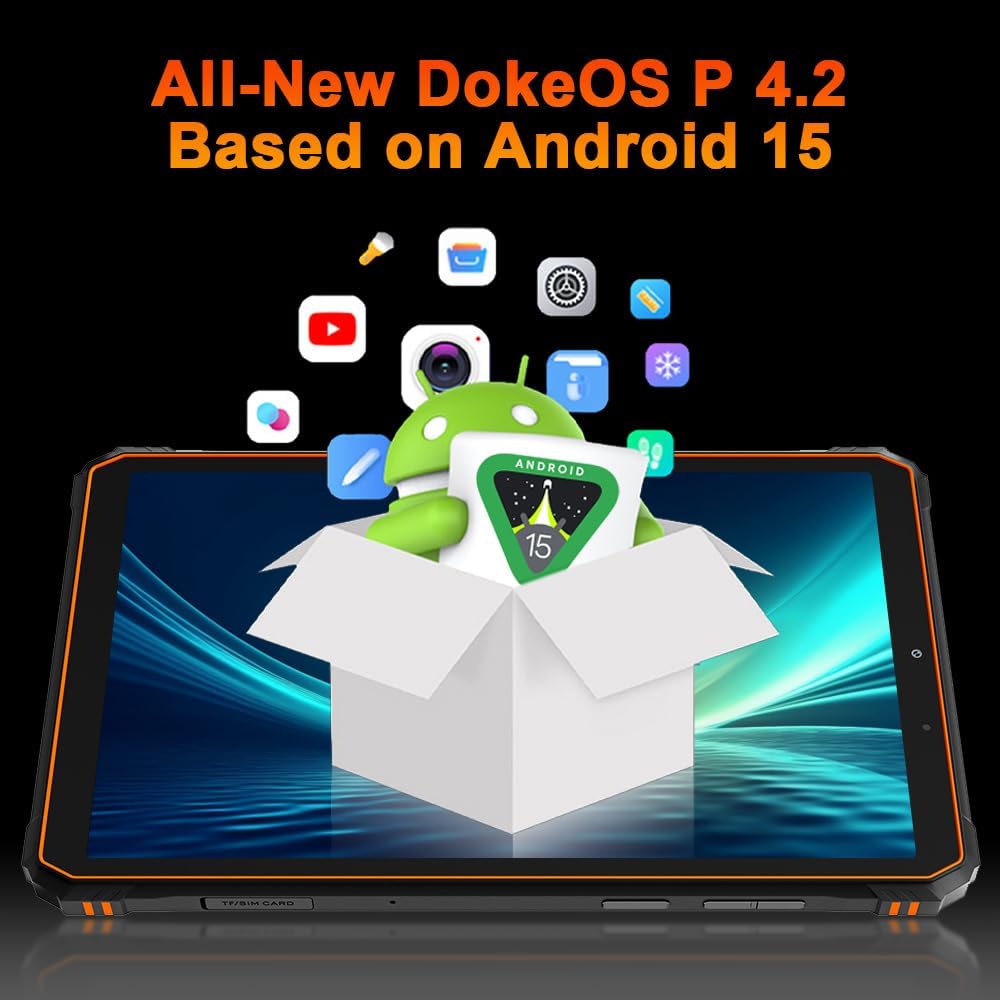
Image 5.1: The Blackview Active 5 tablet displaying the All-New DokeOS P 4.2 interface, built upon Android 15.
5.2. Prestasi dan Storan
The tablet is powered by an Octa-core Unisoc T615 processor, ensuring smooth performance for multitasking and applications. It features 8GB of base RAM, expandable with an additional 16GB of virtual RAM for a total of 24GB. Internal storage is 128GB, which can be expanded up to 2TB using a microSD card.
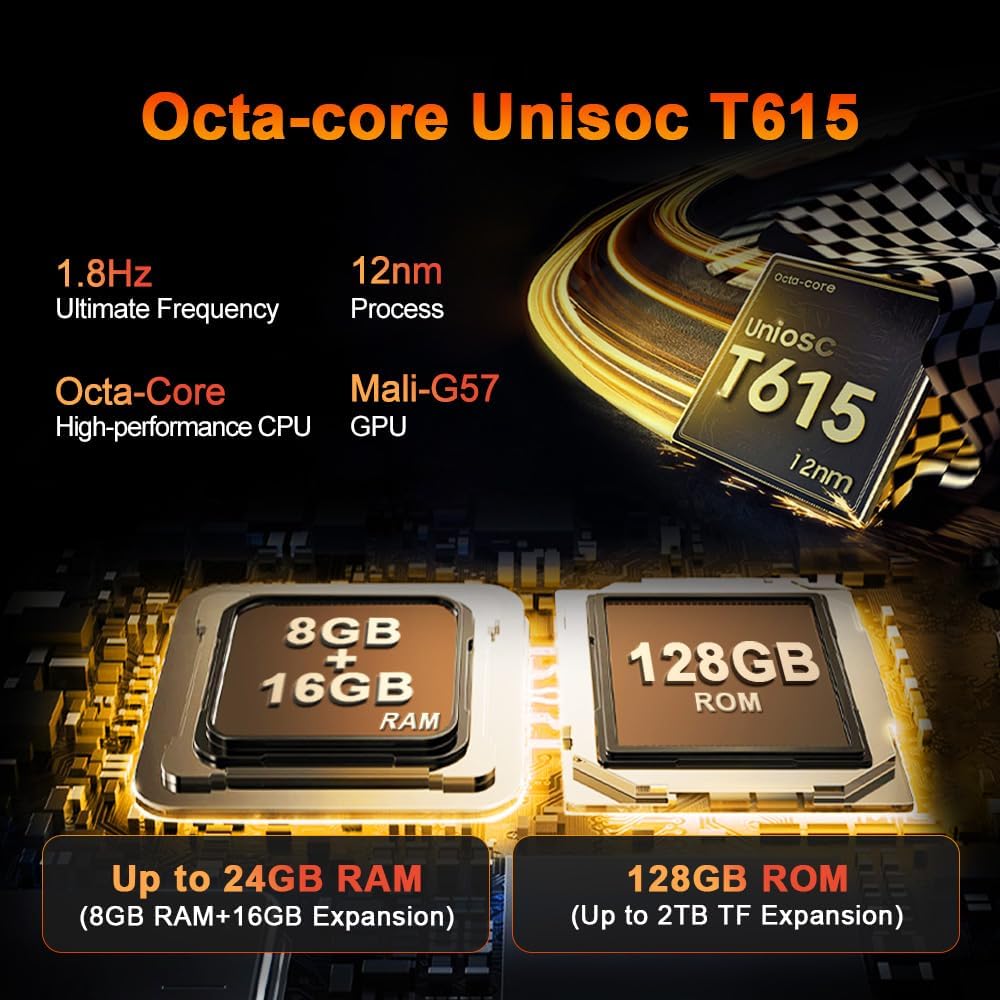
Imej 5.2: Terperinci view of the Octa-core Unisoc T615 processor (1.8Hz, 12nm process, Mali-G57 GPU) and memory configuration, showing 8GB+16GB RAM expansion and 128GB ROM with up to 2TB TF expansion.
5.3. Fungsi Kamera
Si Hitamview Active 5 is equipped with a 16MP AI rear camera and a 13MP AI front camera. These cameras are designed to capture clear images and videos in various lighting conditions.
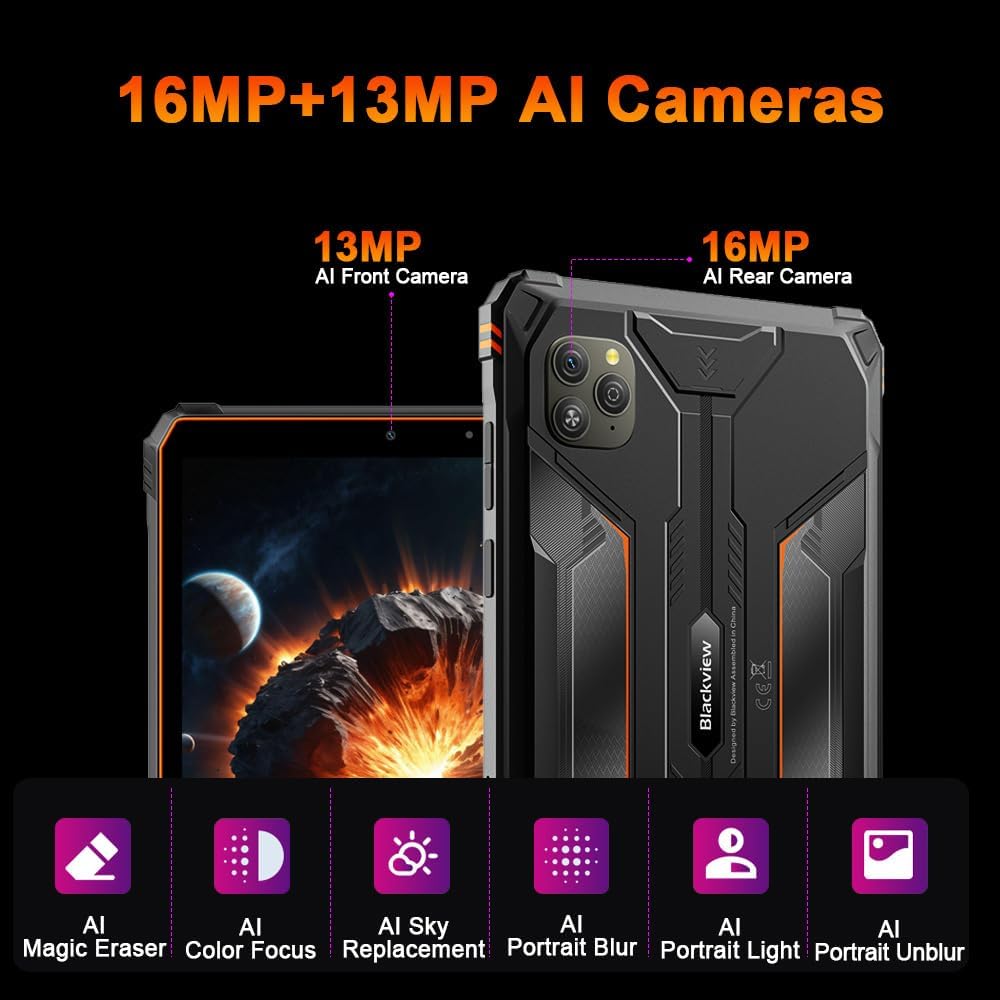
Imej 5.3: Selesaiview of the tablet's camera system, featuring a 13MP AI Front Camera and a 16MP AI Rear Camera, along with AI-powered features like Magic Eraser, Color Focus, Sky Replacement, Portrait Blur, Portrait Light, and Portrait Unblur.
5.4. Doke AI Features
The tablet integrates Blackview's Doke AI, offering various intelligent functionalities to enhance user experience.

Image 5.4: Representation of the Blackview Doke AI, showcasing integration with various applications and AI capabilities such as Deepseek DeepThinking(R1), ChatGPT-40 mini, and Gemini AI with FlashThinking Experimental.
6. Ketersambungan
Si Hitamview Active 5 supports a range of connectivity options:
- Dual 4G LTE: For cellular data and calls.
- WiFi 5G: Supports 802.11ax and 802.11g for fast wireless internet.
- Bluetooth: Untuk menyambung aksesori wayarles.
- NFC: Untuk pembayaran tanpa sentuh dan gandingan pantas.
- GPS: Untuk perkhidmatan navigasi dan lokasi.
- OTG (Semasa Bergerak): Allows the tablet to act as a host for USB devices, such as flash drives or keyboards.
7. Pengurusan Bateri
The tablet is equipped with a 6600mAh mega battery, providing extended usage times.

Imej 7.1: Selesaiview of the 6600mAh Mega Battery, indicating usage times such as 6 hours for gaming, 7 hours for video, 22 hours for calls, 9 hours for website browsing, 15 hours for music, and 360 hours standby.
7.1. Mengecas
Use the provided power adapter and USB cable to charge the tablet. Ensure the charging port is clean and dry before connecting the cable.
7.2. OTG Power Sharing
Si Hitamview Active 5 supports OTG functionality, allowing you to use it to charge other compatible devices. Connect the devices using an OTG cable (sold separately).
8. Ciri-ciri lasak
Si Hitamview Active 5 is built to withstand harsh conditions:
- IP68 & IP69K: Certified for water and dust resistance, allowing submersion in water up to 1.5 meters for 30 minutes and protection against high-pressure, high-temperature water jets.
- MIL-STD-810H: Complies with military standards for drop protection, shock, and extreme temperatures.
- Panda Glass: The display is protected by Panda Glass, offering enhanced scratch and breakage resistance.
9. Spesifikasi
| Ciri | Spesifikasi |
|---|---|
| Nama Model | Hitamview Aktif 5 |
| Sistem Operasi | Android 15 (DokeOS P 4.2) |
| Saiz Paparan | 8.68 Inci |
| Resolusi Paparan | 1340 x 800 Piksel |
| Pemproses | Teras Okta Unisoc T615 |
| RAM | 24 GB (8GB + 16GB Maya) |
| Storan Dalaman | 128 GB |
| Storan Boleh Dikembangkan | Sehingga 2 TB (microSD) |
| Kamera Belakang | 16 MP AI |
| Kamera Depan | 13 MP AI |
| Kapasiti Bateri | 6600 mAh |
| Ketersambungan | Dual 4G LTE, 5G Wi-Fi (802.11ax, 802.11g), Bluetooth, NFC, GPS, OTG |
| Kekasaran | IP68/IP69K, MIL-STD-810H |
| Ciri Khas | Cellular Connectivity, Phone Call Functionality, Stereo Speakers, USB OTG Support, Expandable Storage |
| Dimensi | 31.5 x 26.7 x 6.7 cm (Package); 840 grams |
10. Penyelenggaraan
Untuk memastikan ketahanan dan prestasi optimum Black andaview Active 5 tablet:
- Pembersihan: Gunakan yang lembut, damp cloth to clean the tablet. Avoid harsh chemicals or abrasive materials. Ensure all ports are closed before cleaning with water.
- Suhu: Avoid exposing the tablet to extreme temperatures (very hot or very cold) for prolonged periods.
- Storan: When not in use for an extended period, store the tablet in a cool, dry place with approximately 50% battery charge.
- Kemas Kini Perisian: Regularly check for and install software updates to benefit from performance improvements and security enhancements.
11. Penyelesaian masalah
If you encounter issues with your tablet, try the following common solutions:
- Peranti Tidak Responsif: Tekan dan tahan butang Kuasa selama kira-kira 10-15 saat untuk memaksa mulakan semula.
- Isu Rangkaian: Check if your SIM card is properly inserted. Toggle Airplane Mode on and off. Restart the tablet. For Wi-Fi, ensure you are within range and have the correct password.
- Bateri Habis Cepat: Reduce screen brightness, close unused apps, disable unnecessary connectivity features (Bluetooth, GPS, Wi-Fi) when not in use.
- Apl Ranap: Kosongkan cache dan data untuk aplikasi yang bermasalah dalam Tetapan > Aplikasi. Jika masalah berterusan, nyahpasang dan pasang semula aplikasi tersebut.
- Prestasi Perlahan: Close background apps, clear cache, and ensure sufficient storage space. A factory reset can resolve persistent performance issues (back up your data first).
For more complex issues, refer to the Blackview sokongan webtapak atau hubungi perkhidmatan pelanggan.
12. Waranti dan Sokongan
Si Hitamview Active 5 Rugged Tablet PC comes with a 24-month warranty. Blackview provides a warranty and repair center in Europe. For any questions or support needs, please contact Blackview customer service. They aim to respond within 24 hours.
For further assistance, please visit the official Blackview webtapak atau hubungi pusat perkhidmatan mereka yang dibenarkan.


