1. Pengenalan
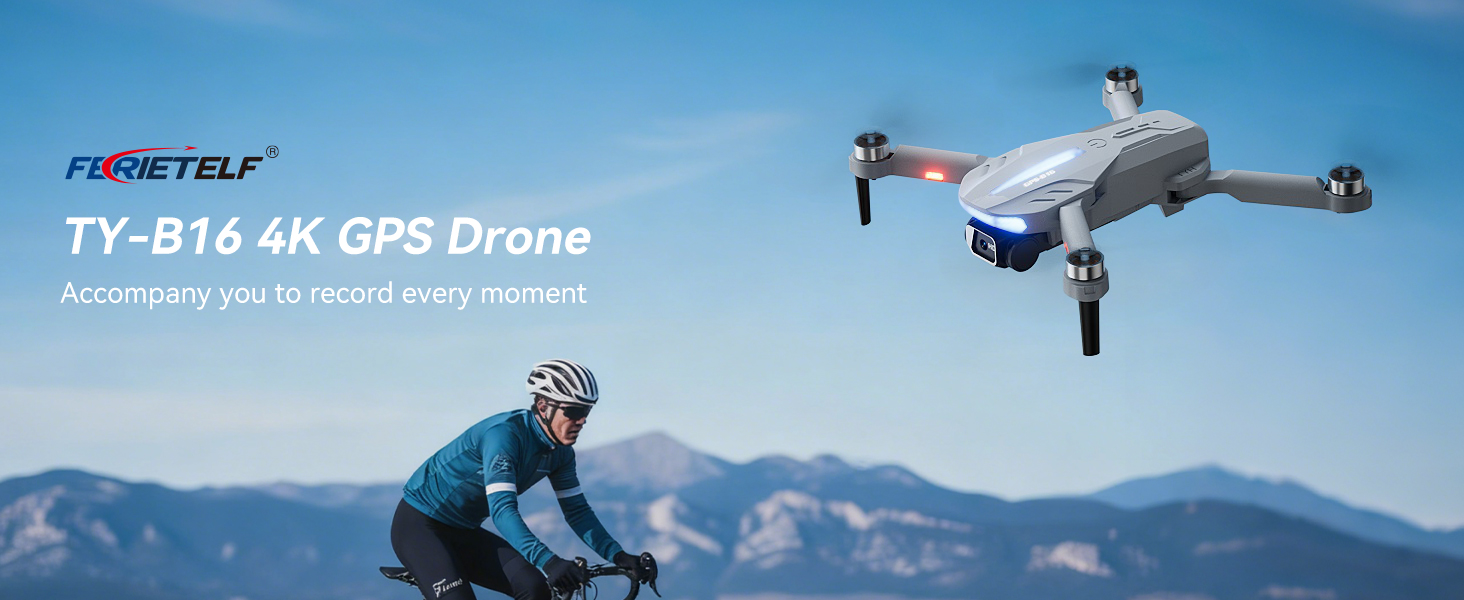
This manual provides essential instructions for the safe operation and maintenance of your FERIETELF B16 GPS Drone with Camera 4K. Please read this guide thoroughly before first use to ensure proper setup and optimal flight experience. The B16 drone is designed for ease of use, featuring a lightweight, foldable design and advanced flight capabilities.
2. Kandungan Pakej
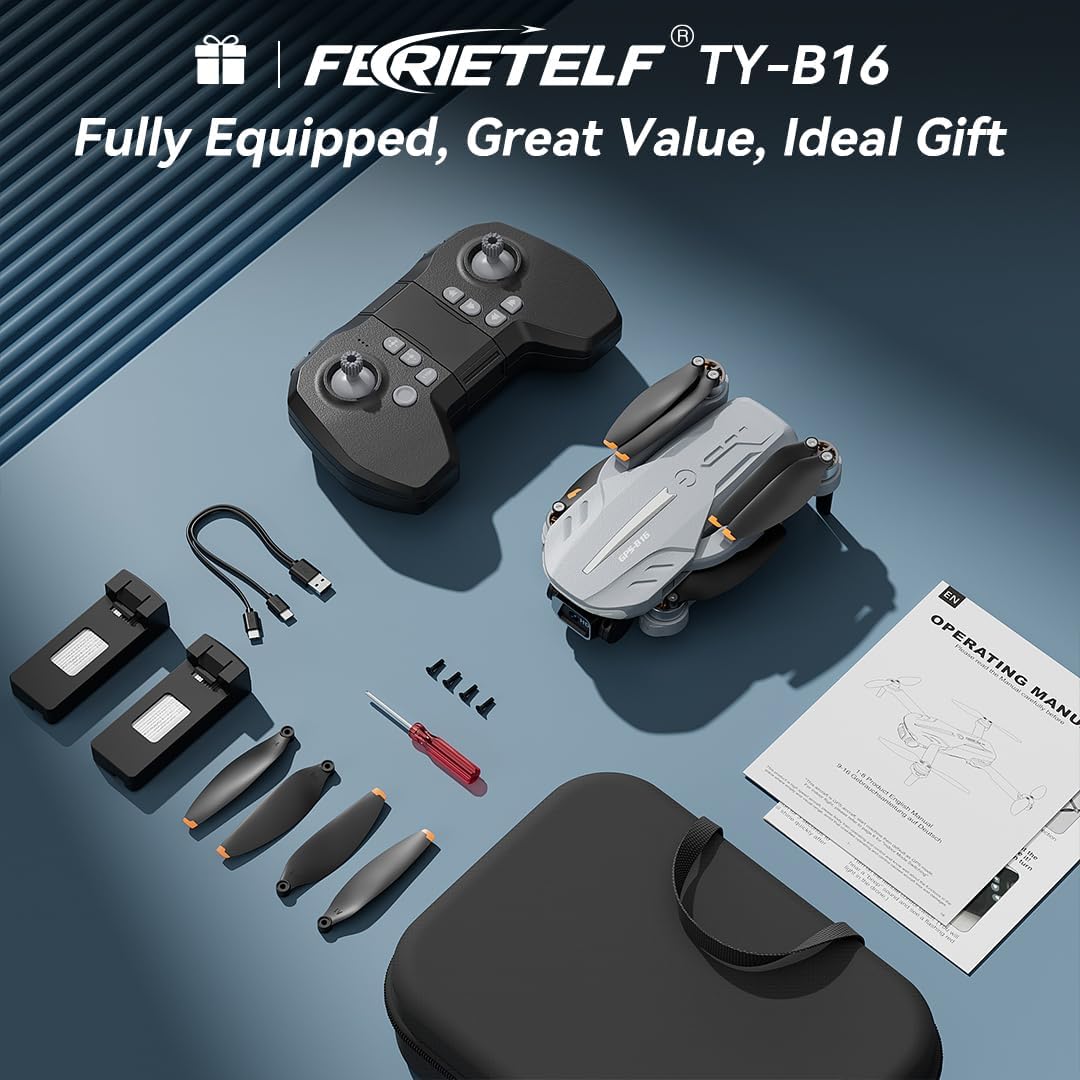
Sahkan bahawa semua item yang disenaraikan di bawah disertakan dalam pakej anda. Jika ada item yang hilang atau rosak, sila hubungi sokongan pelanggan.
- FERIETELF B16 Drone x 1
- Alat kawalan jauh x 1
- Bateri x 2
- Beg Simpanan Mudah Alih x 1
- Kabel USB x 1
- Kipas x 4 (ganti)
- Pemutar skru x 1
- Manual Pengguna x 1
- App Manual x 1
- Skru ganti x 4

3. Persediaan
3.1. Persediaan Dron
- Unfold the Drone: Carefully unfold the front arms of the drone, followed by the rear arms, until they lock into position.
- Keluarkan Filem Pelindung: Gently peel off any protective film from the camera lens.
- Masukkan Bateri: Insert a fully charged battery into the drone's battery compartment until it clicks securely into place.
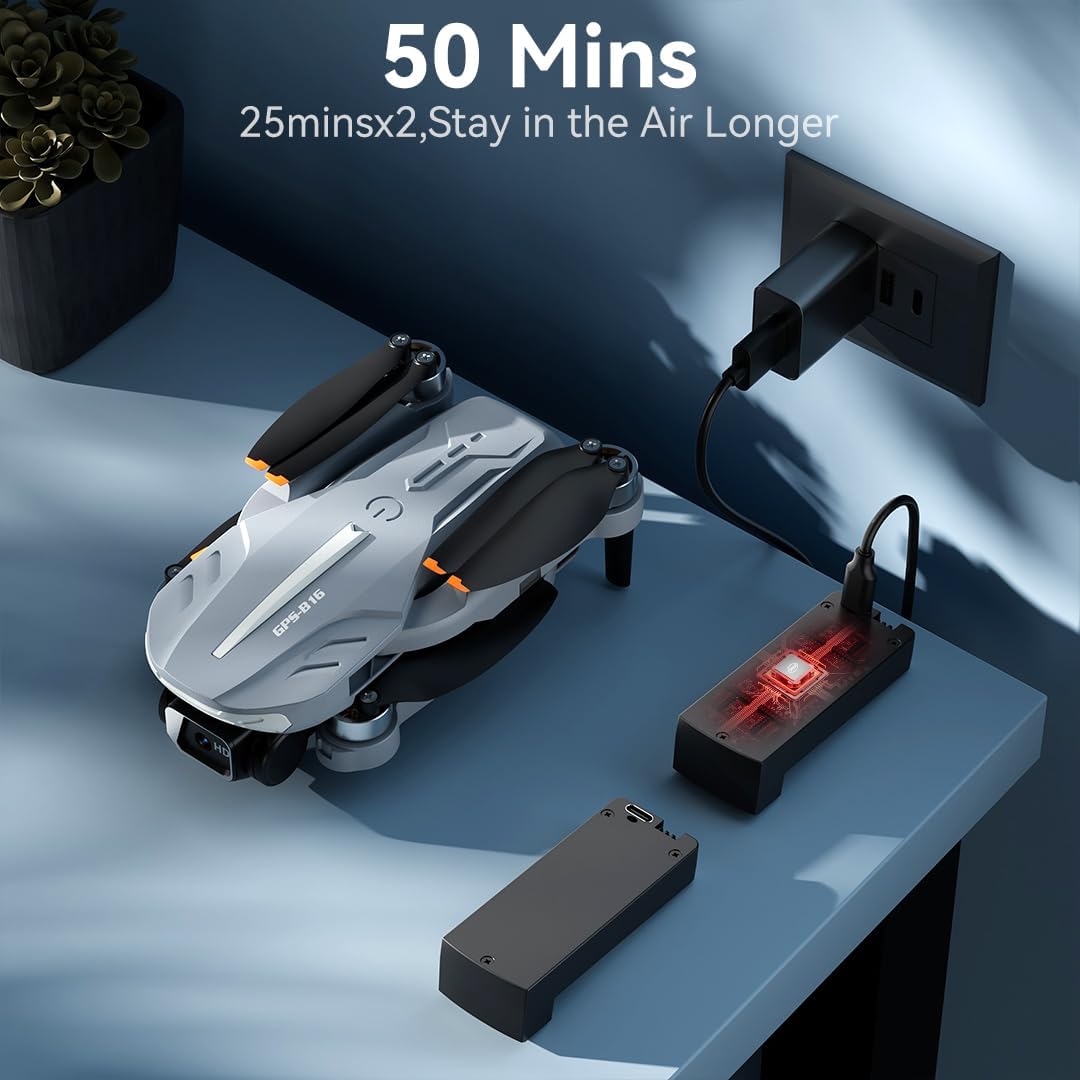
- Mengecas Bateri: Use the provided USB charging cable to charge the drone batteries. The cable connects to a 5V/2A plug. The indicator light on the drone changes from red (below 30%) to green (30% or more) and solid green when fully charged.
- Masukkan Kad Memori: Insert a compatible memory card (FAT32 or EXFAT format, up to 128GB, purchased separately) into the memory card slot on the drone.
3.2. Penyediaan Alat Kawalan Jauh
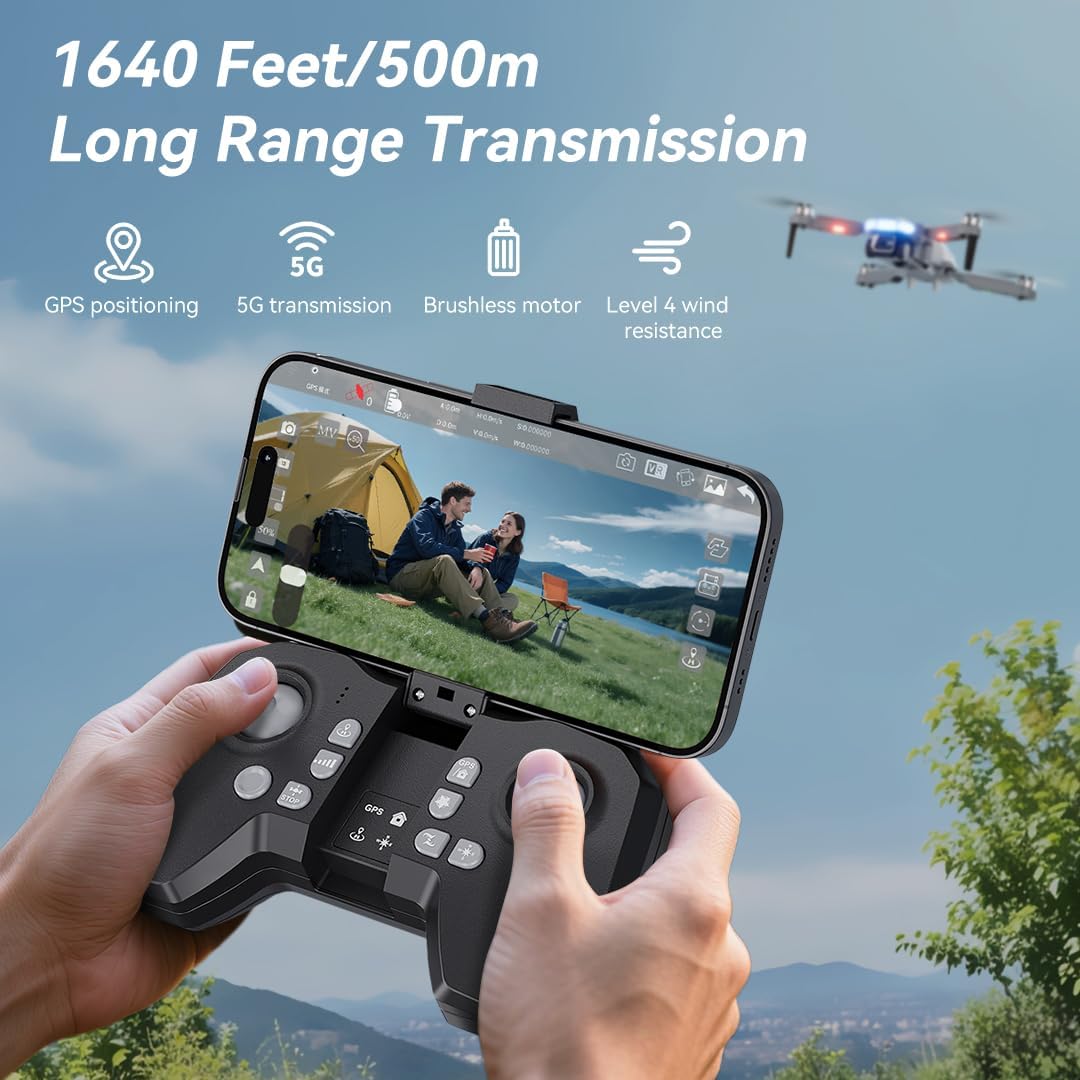
- Pasang Bateri: Use a screwdriver to open the battery compartment on the remote controller. Insert three AAA batteries (not included, purchased separately), ensuring correct polarity. Close the compartment and tighten the screw.
- Unfold Phone Holder: Unfold the phone holder and handles on the remote controller.
- Mount Mobile Phone: Mount your mobile phone onto the phone holder. The holder accommodates smartphones up to 80.01 mm (3.15 inches) wide.
3.3. Power On & Pairing
- Dron Hidupkan Kuasa: Place the drone on a flat, level surface. Press and hold the power button on the drone for 2 seconds to power it on.
- Hidupkan Alat Jauh: Press and hold the power button on the remote controller for 2 seconds to power it on. The drone and remote will automatically attempt to pair.
- Pairing Indication: During pairing, the status indicators on the drone's arms will flash red rapidly. Once successfully paired, the indicators will show two quick green flashes in a loop.
3.4. Muat Turun Apl dan Sambungan
- Muat turun Aplikasi: Download and install the "AMETA Drone" app from your mobile phone's app store (Google Play or App Store).
- Sambungkan Wi-Fi: Navigate to your mobile phone's Wi-Fi settings. Cari untuk and connect to the Wi-Fi network named "Ameta S20-XXXXXX" (where XXXXXX is a unique identifier).
- Lancarkan Apl: Launch the "AMETA Drone" app and tap "Start" to enter the main interface and view suapan kamera langsung.

4. Penentukuran
For the first-time use, it is recommended to calibrate the drone for stable flight.
4.1. Penentukuran Kompas
- Menggunakan Alat Jauh: Press and hold the Compass Calibration button on the remote for 3 seconds.
- Using App: Launch the app, go to "Control" and tap "Calibrate Compass." Follow the on-screen instructions to perform horizontal and vertical rotations of the drone. Ensure you are away from metal or electric objects during calibration.
4.2. Penentukuran Giroskop
- Menggunakan Alat Jauh: Simultaneously push the left control stick to the lower-left corner and the right control stick to the upper-right corner.
- Using App: Tap "Gyroscope Calibration" in the app and follow the on-screen instructions.
5. Pemerolehan Isyarat GPS
For optimal performance and intelligent flight features, ensure the drone acquires a strong GPS signal before takeoff. This function cannot be activated indoors.
- Penggunaan Luaran: Always operate the drone outdoors in an open area with a clear view dari langit.
- Wait for GPS Lock: After powering on and pairing, wait for the drone to search for GPS signals. The drone will enter GPS mode once a sufficient number of satellites are detected. The app will indicate "GPS located, ready for flight."
6. Mengendalikan Dron
6.1. Berlepas
Ensure the drone is on a level surface before attempting takeoff.
- Berlepas Manual: Push both control sticks inward at a 45-degree angle to unlock the motors. Then, push the left control stick forward to ascend.
- Berlepas Satu Kunci: Press and hold the One-Key Takeoff button on the remote for 1 second. The drone will automatically ascend and hover at a height of approximately 1.2 meters.
6.2. Arah Penerbangan
- Tongkat Kawalan Kiri: Adjusts flight altitude (up/down) and nose direction (rotate left/right).
- Kayu Kawalan Kanan: Controls forward, backward, left, and right movement.

6.3. Pelarasan Kelajuan
Toggle the speed switch on the remote controller to select between two speed levels (Speed I for slower, Speed II for faster) to match your flying skill and environmental conditions.
7. Operasi Kamera
The FERIETELF B16 is equipped with a 4K HD camera for capturing high-quality photos and videos.
7.1. Mengambil Foto dan Video
- Butang Foto: Press the photo button on the top-left of the remote controller, or tap the camera icon in the app, to take a photo.
- Butang Video: Press the video button on the top-left of the remote controller, or tap the video icon in the app, to start recording. Press again to stop.
- Mod Penangkapan: Tap the left shooting menu in the app to choose from multiple smart shooting modes, or swipe the shooting menu on the right to explore more options.

7.2. Melaraskan Sudut Kamera
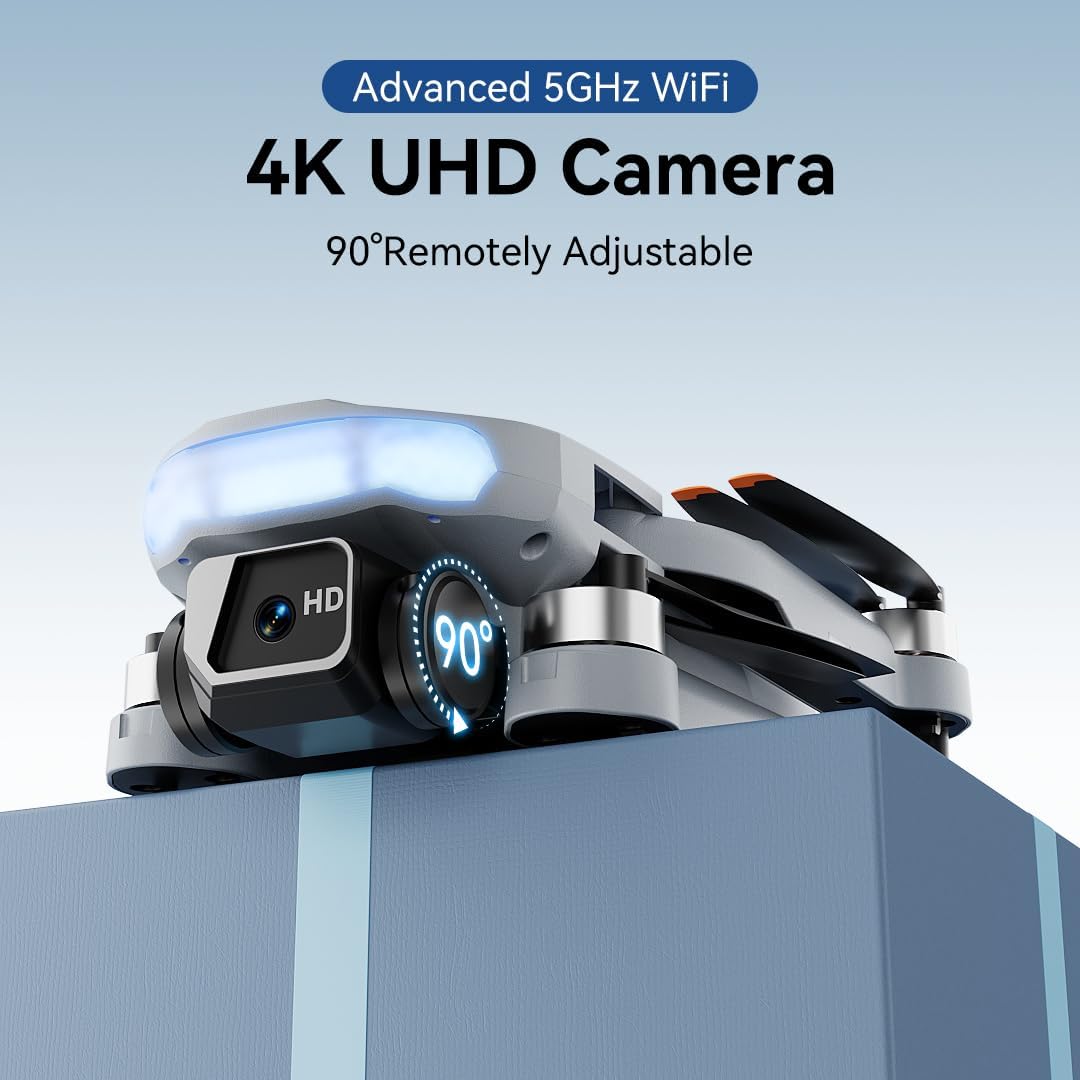
Use the camera up/down buttons located at the top-right corner of the remote controller to tilt the camera between 0 and 90 degrees during flight.
7.3. Viewdalam Media
Tap the album icon in the app to view your captured photos and videos. Media will be saved on both your mobile phone and the inserted memory card.
8. Mod Penerbangan Pintar
The B16 drone offers several intelligent flight modes for enhanced user experience and creative possibilities.
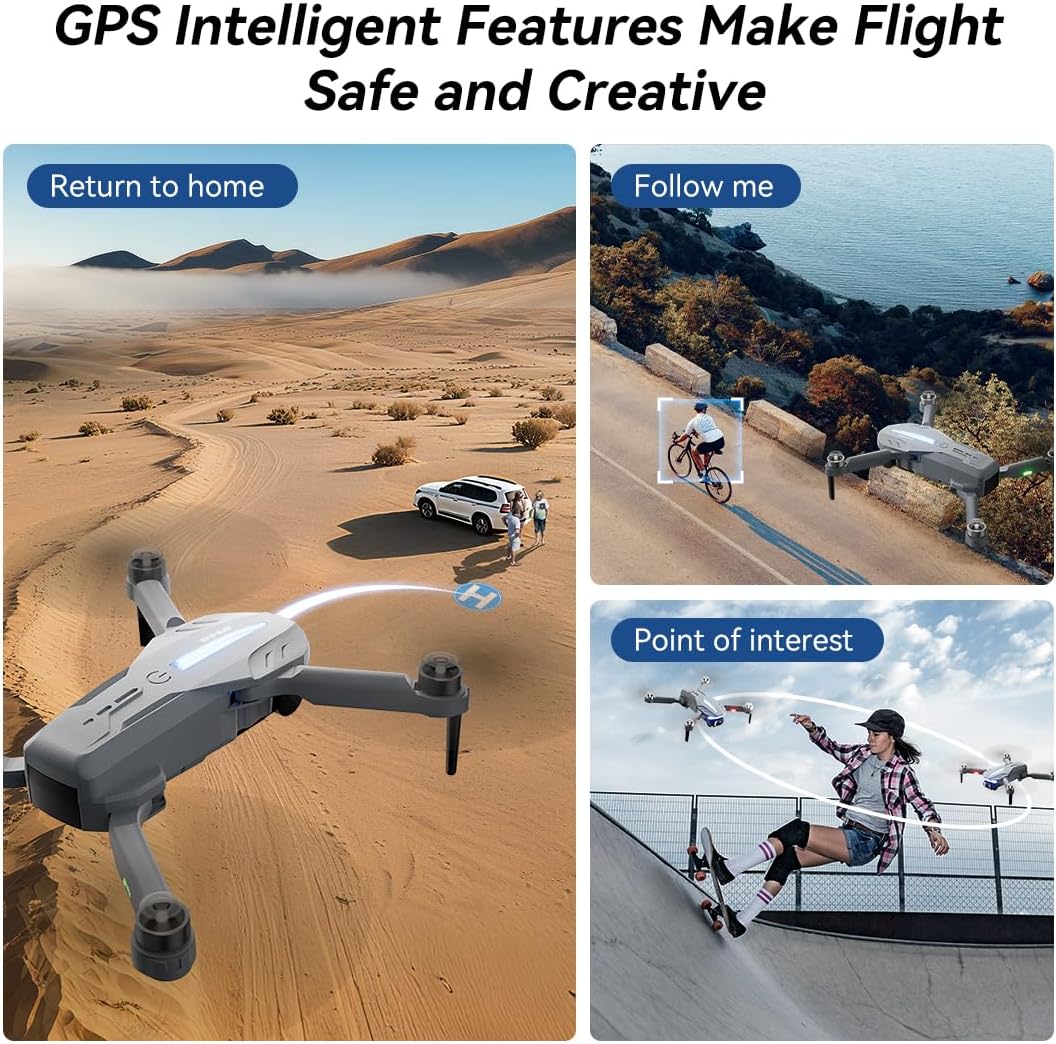
- Pulangan Automatik GPS: In GPS mode, the drone automatically returns to its takeoff point if the signal is lost, battery is low, or the "One-Key Return" button is pressed.
- Ikut Saya: Engage Follow Me mode to have the drone automatically track and follow you, freeing your hands for other activities.
- Tempat Menarik: Set a point of interest, and the drone will orbit around it, capturing dynamic footage.
- Triple-Stable Hover: Built with GPS, barometric pressure, and optical flow systems, the drone ensures steady hovering for stable shots.


9. Pendaratan
Ensure the landing area is clear of obstacles.
- Pendaratan Manual: Push the left control stick backward to make the drone descend and land.
- Pendaratan Satu Kunci: Press and hold the Landing button on the remote for 1 second. The drone will automatically descend and land until the propellers stop rotating.
10. Penyimpanan
Proper storage helps maintain the drone's longevity.
- Matikan: Press and hold the power button on both the drone and the remote controller to turn them off.
- Keluarkan Bateri: Remove the drone battery for better storage and to prevent discharge.
- Lipat Lengan: Fold the drone arms inward to their compact position.
- Pek Pergi: Place the drone and remote controller into the portable storage bag.
11. Spesifikasi
| Ciri | Spesifikasi |
|---|---|
| Jenama | FERIETELF |
| Model | B16 |
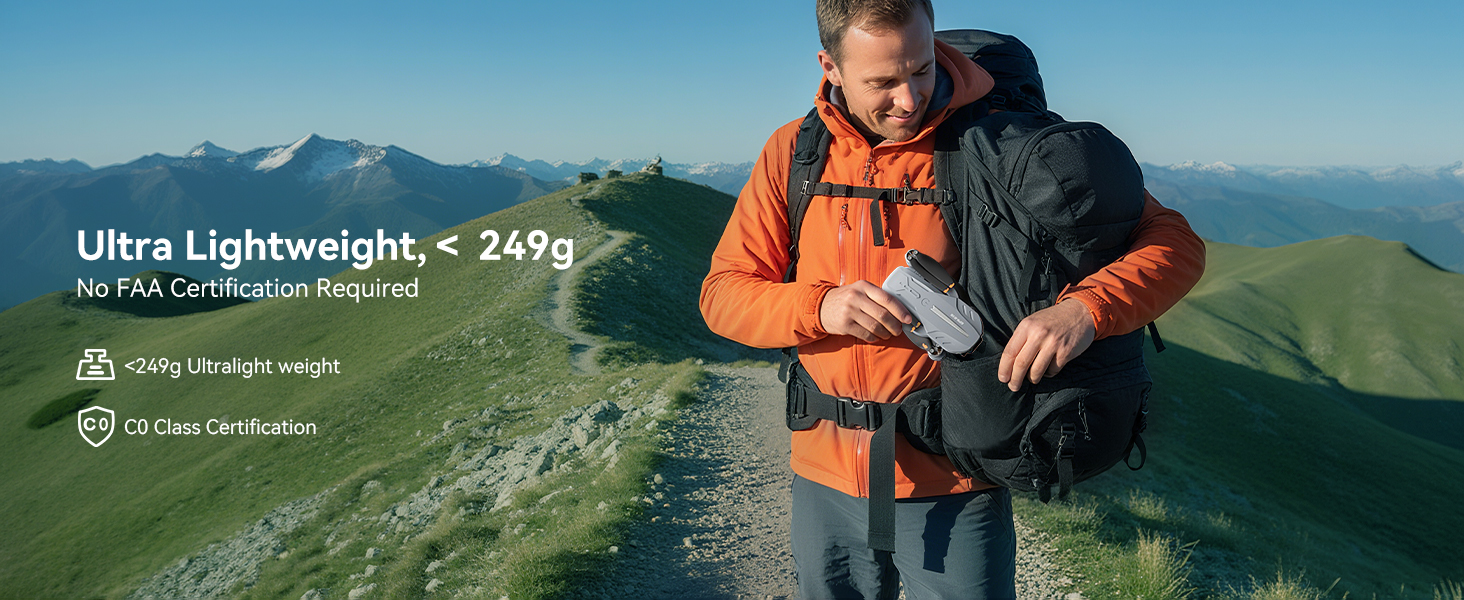
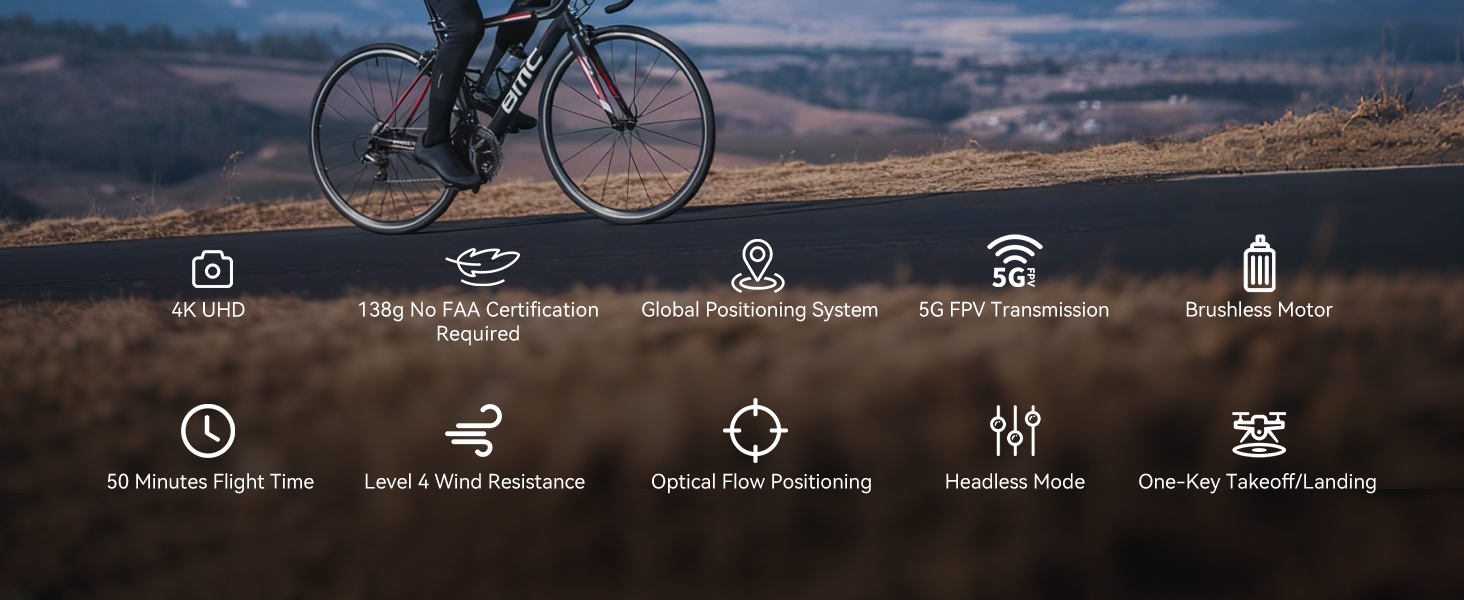
| Berat badan | 150 g (Under 249g) |
| Dimensi | 19.5 x 18.8 x 5 cm |
| Kamera | 4K HD, 120° Wide-Angle, 90° Motorized Adjustment |
| Penularan | 5GHz FPV Real-Time Transmission (up to 1640 feet/500m) |
| Jenis Motor | Motor tanpa berus |
| Masa Penerbangan | Up to 50 minutes (with 2 batteries, 20-25 mins each) |
| Sistem Kedudukan | GPS & Optical Flow Dual Positioning |
| Rintangan Angin | Tahap 4 |
| Mod Kawalan | Button Control, App Control, Gravity Control, Voice Control |


12. Penyelesaian masalah
- Dron tidak dapat dihidupkan: Pastikan bateri dicas sepenuhnya dan dimasukkan dengan betul.
- Alat kawalan jauh tidak berpasangan: Ensure both the drone and remote are powered on and within range. Re-attempt the pairing process.
- Tiada isyarat GPS: Fly the drone outdoors in an open area with a clear view of the sky. GPS function cannot be activated indoors.
- Penerbangan tidak stabil: Perform compass and gyroscope calibration as described in Section 4. Ensure propellers are correctly installed and undamaged.
- Isu sambungan aplikasi: Ensure your phone is connected to the drone's Wi-Fi network and the app is updated to the latest version.
- Masa penerbangan yang singkat: Pastikan bateri dicas sepenuhnya. Masa penerbangan boleh dipengaruhi oleh keadaan angin dan penerbangan yang agresif.
13. Garis Panduan Keselamatan
- Always fly in open areas, away from people, animals, buildings, and trees.
- Jangan terbang dalam keadaan angin kencang atau keadaan cuaca buruk.
- Maintain a safe distance from high-voltage wayar dan halangan lain.
- Ensure the drone is always within your line of sight.
- Regularly check the drone and its components for any damage before and after each flight.
- Do not operate the drone under the influence of drugs or alcohol.
- Patuhi semua peraturan dan undang-undang tempatan mengenai operasi dron.
14. Video Produk Rasmi
Watch the official first-use guide for the Ameta S20 drone, which shares similar operational principles with the FERIETELF B16, to assist with initial setup and flight.


