1. Pengenalan
Thank you for choosing LC-dolida Bluetooth Headphones. This manual provides essential information for setting up, operating, and maintaining your device. Please read it carefully to ensure optimal performance and longevity of your headphones.
These wireless headphones are designed for comfort and extended use, featuring a long battery life and Bluetooth 5.4 connectivity for stable audio transmission.
2. Kandungan Pakej
- LC-dolida Bluetooth Headphones
- Kabel Pengecas USB
- Manual Pengguna
3. Produk Lebihview
Familiarize yourself with the components of your LC-dolida Bluetooth Headphones.

Rajah 3.1: LC-dolida Bluetooth Headphones in use, showcasing the comfortable headband and integrated audio components.

Rajah 3.2: Design features for comfort, including dispersed pressure and a secure wrap around the head.
The headphones feature a soft, breathable headband with integrated speakers. Control buttons are typically located on the side of the headband for easy access to power, volume, and playback functions. A charging port is also integrated for convenient power replenishment.
4. Persediaan
4.1 Mengecas Fon Kepala
Before first use, fully charge your headphones. Connect the provided USB charging cable to the charging port on the headphones and to a USB power source (e.g., computer, wall adapter).
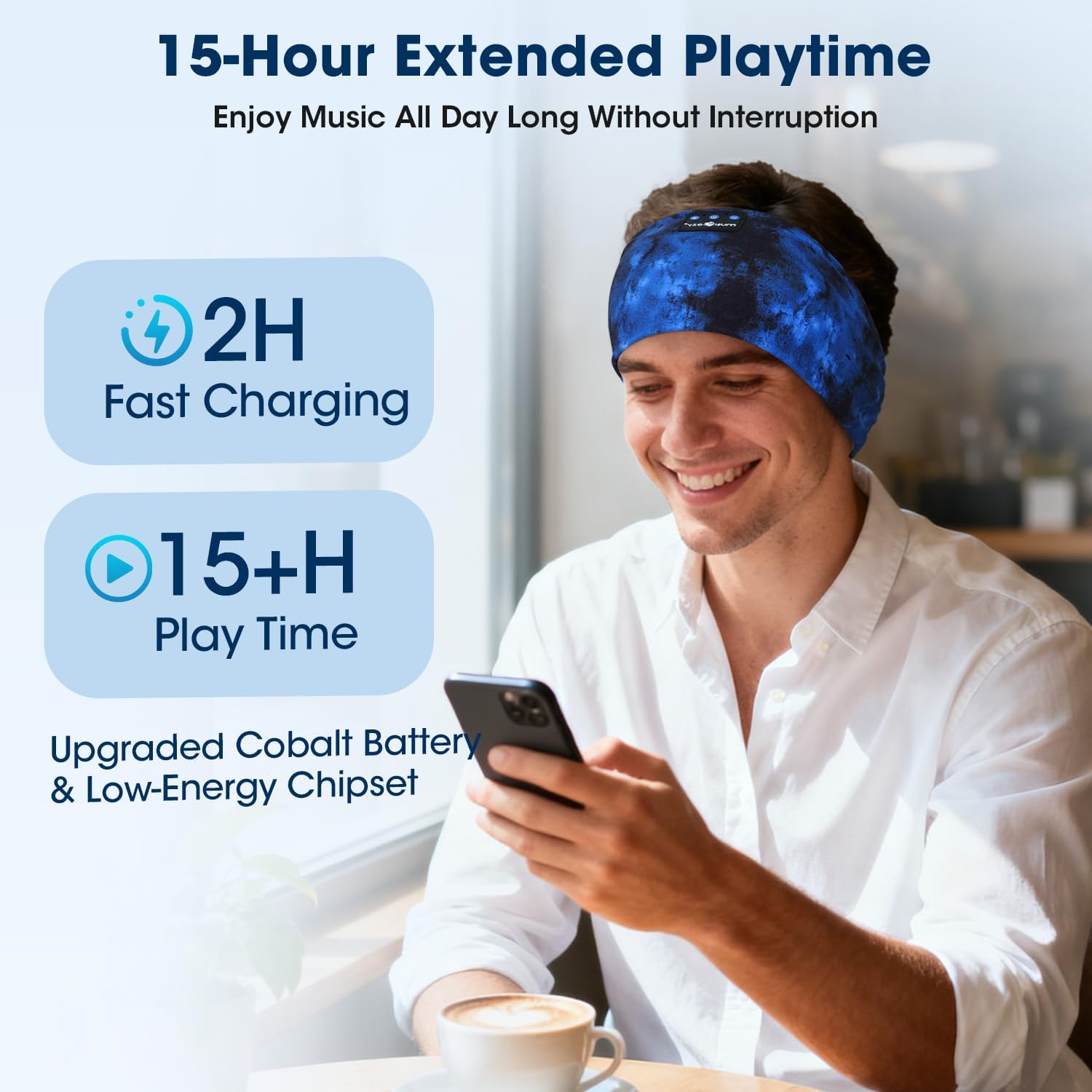
- Pengecasan penuh mengambil masa kira-kira 2 jam.
- A 3-minute quick charge provides up to 1.5 hours of listening time.
- Penunjuk LED akan menunjukkan status pengecasan (cth, merah untuk mengecas, biru untuk dicas penuh).
Rajah 4.1: Charging and battery life details, showing 2 hours for a full charge and over 15 hours of playtime.
4.2 Berpasangan Bluetooth
Untuk menyambungkan fon kepala anda ke peranti:
- Pastikan fon kepala dicas dan dimatikan.
- Tekan dan tahan butang Kuasa sehingga penunjuk LED berkelip biru dan merah, menunjukkan mod berpasangan.
- Pada peranti anda (telefon pintar, tablet, dll.), dayakan Bluetooth dan cari peranti yang tersedia.
- Select "LC-dolida B0FLX7FYB2" (or similar name) from the list of found devices.
- Once connected, the LED indicator will typically flash blue slowly or turn solid blue.
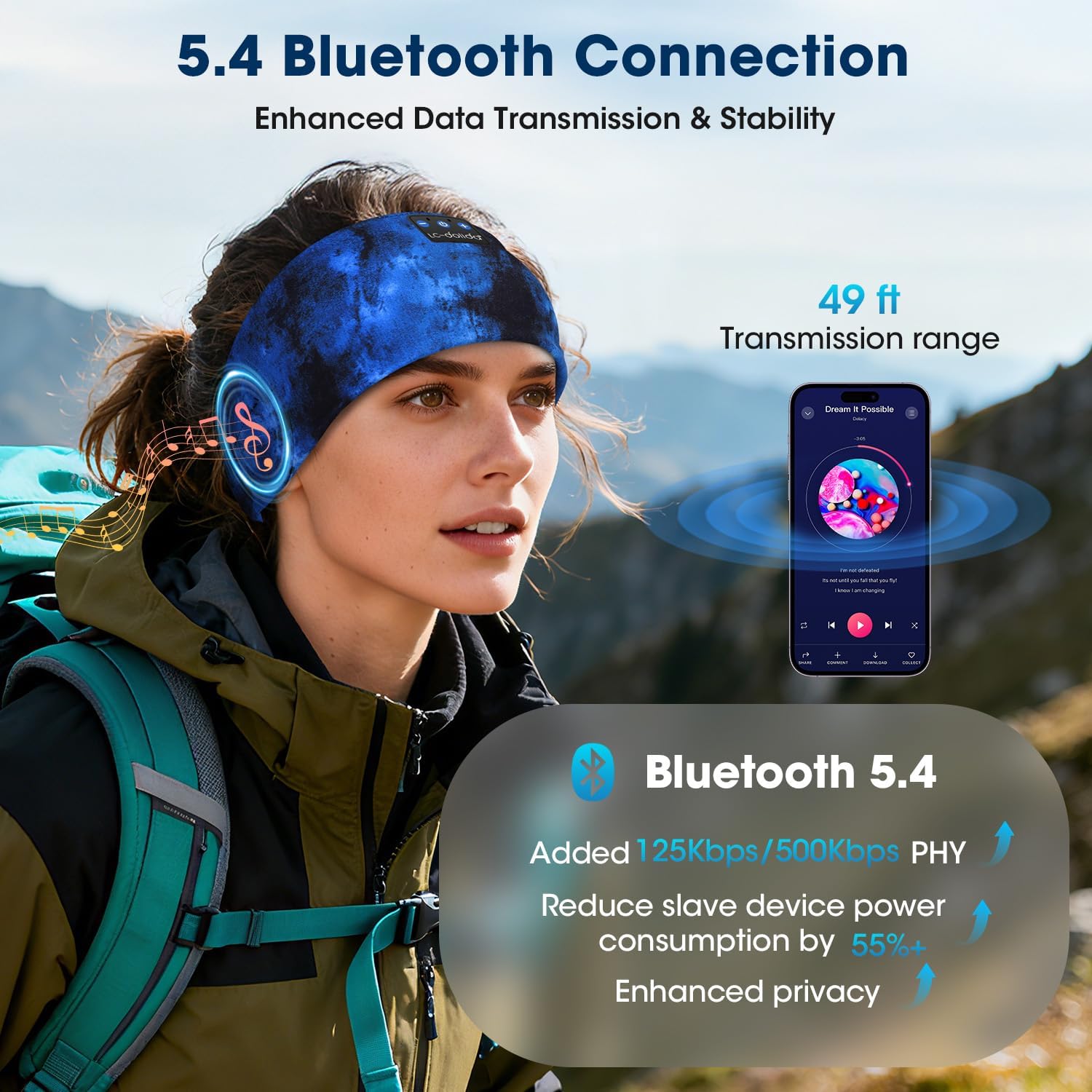
The headphones utilize Bluetooth 5.4 for enhanced data transmission and stability, offering a transmission range of up to 49 feet (approximately 15 meters).

Rajah 4.2: Bluetooth 5.4 connectivity details, highlighting improved data rates and power efficiency.
5. Arahan Operasi
5.1 Hidupkan/Mati Kuasa
- Hidupkan kuasa: Tekan dan tahan butang Kuasa selama 3 saat. Penunjuk LED akan berkelip biru.
- Matikan: Tekan dan tahan butang Kuasa selama 3 saat. Penunjuk LED akan berkelip merah dan kemudian padam.
5.2 Main balik Muzik
- Main/Jeda: Tekan butang Pelbagai fungsi sekali.
- Lagu Seterusnya: Tekan dan tahan butang Naik Kelantangan.
- Trek Sebelumnya: Tekan dan tahan butang Kurangkan Kelantangan.
- Kelantangan: Tekan pendek butang Kelantangan Naik.
- Perlahankan suara: Tekan pendek butang Kurangkan Kelantangan.
5.3 Pengurusan Panggilan
Mikrofon terbina dalam membolehkan panggilan bebas tangan.
- Jawab Panggilan: Tekan butang Pelbagai fungsi sekali.
- Tamatkan Panggilan: Tekan butang Berbilang fungsi sekali semasa panggilan.
- Tolak Panggilan: Tekan dan tahan butang Berbilang fungsi selama 2 saat.
- Aktifkan Pembantu Suara: Tekan dua kali butang Berbilang fungsi.
Rajah 5.1: Hands-free calling functionality with the built-in microphone.
5.4 Memakai Fon Kepala
The headband is designed for an ergonomic fit and is adjustable to accommodate various head sizes, typically ranging from 20.5 to 23.6 inches in circumference. Position the headband comfortably over your head, ensuring the speakers are aligned with your ears for optimal sound.

Rajah 5.2: Adjustable headband size for a comfortable fit.
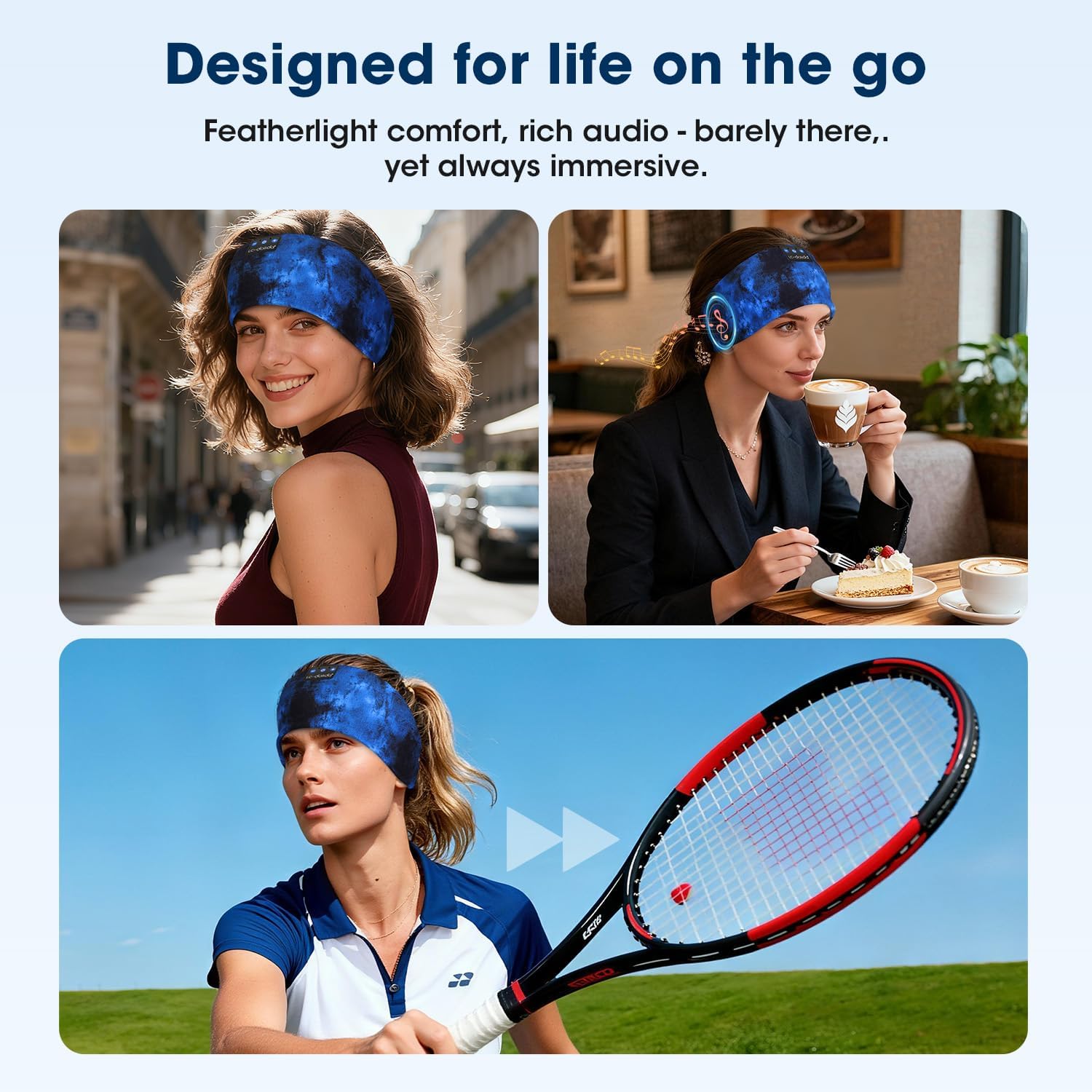
Rajah 5.3: Headphones designed for versatile use in different environments.
6. Penyelenggaraan
6.1 Pembersihan
The headband is made from advanced breathable, moisture-wicking, and quick-dry material. For cleaning, gently wipe the headband with a damp cloth. Ensure the electronic components (speakers, control panel) do not come into contact with excessive moisture. Allow to air dry completely before use.
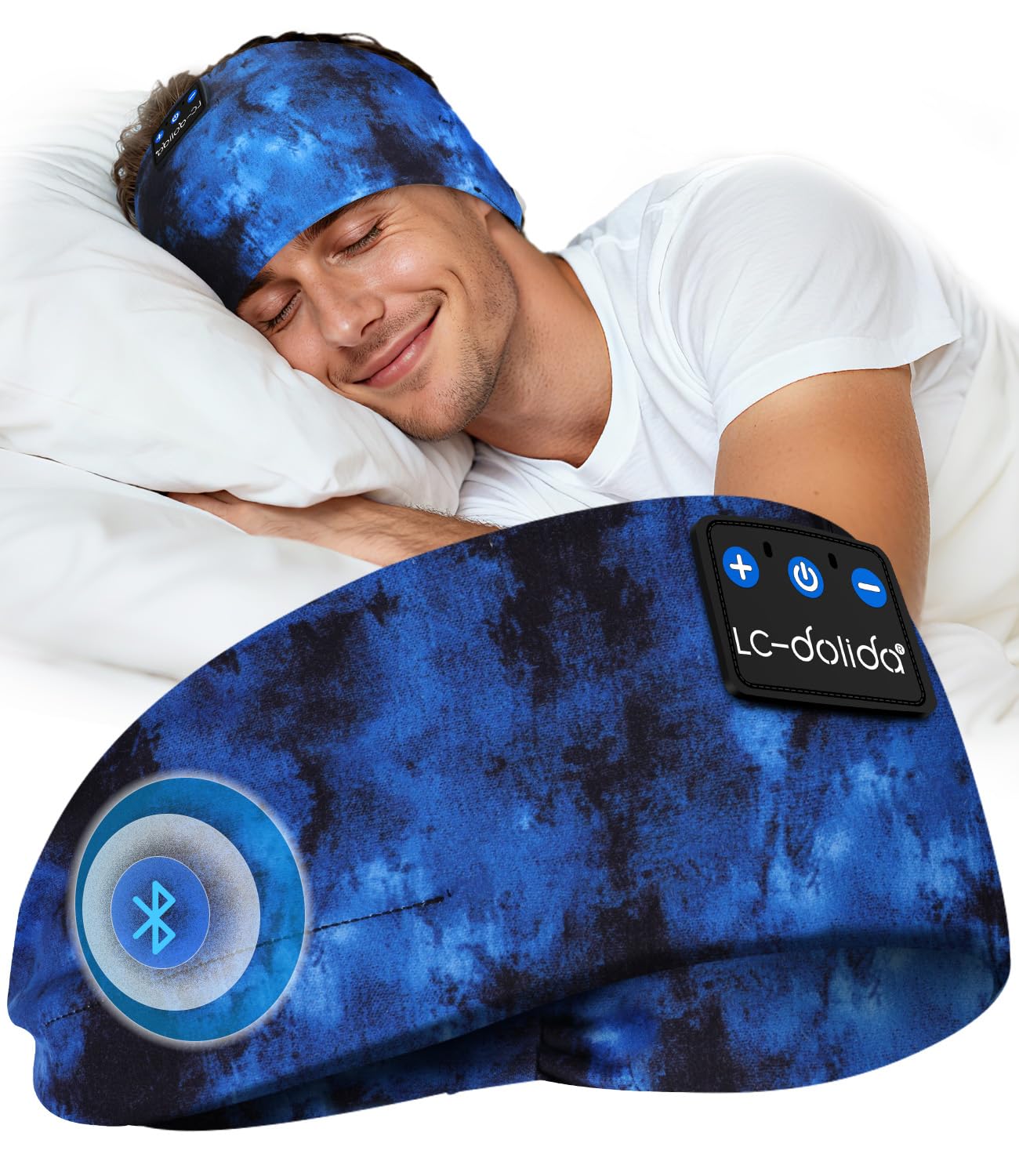
Rajah 6.1: Close-up of the breathable fabric used in the headband.
6.2 Penyimpanan
Store the headphones in a cool, dry place away from direct sunlight and extreme temperatures. Avoid placing heavy objects on top of the headphones to prevent damage.
7. Penyelesaian masalah
- Fon kepala tidak dihidupkan: Pastikan fon kepala dicas sepenuhnya. Sambungkan ke sumber kuasa dan cuba lagi.
- Tidak boleh berpasangan dengan peranti:
- Pastikan Bluetooth didayakan pada peranti anda.
- Pastikan fon kepala berada dalam mod berpasangan (LED berkelip biru dan merah).
- Gerakkan fon kepala lebih dekat dengan peranti anda.
- Matikan dan hidupkan kedua-dua fon kepala dan peranti anda, kemudian cuba pasangkan sekali lagi.
- Tiada bunyi:
- Semak tahap kelantangan pada kedua-dua fon kepala dan peranti anda yang disambungkan.
- Pastikan fon kepala disambungkan dengan betul melalui Bluetooth.
- Cuba mainkan audio daripada aplikasi atau sumber lain.
- Kualiti bunyi yang lemah atau sambungan terputus-putus:
- Pastikan tiada halangan antara fon kepala dan peranti anda.
- Beralih dari peranti wayarles lain yang mungkin menyebabkan gangguan.
- Ensure the headphones are within the 49-foot transmission range.
8. Spesifikasi
| Jenama | LC-dolida |
| Nombor Model | B0FLX7FYB2 |
| Teknologi Ketersambungan | Wayarles (Bluetooth) |
| Teknologi Tanpa Wayar | Bluetooth 5.4 |
| Penempatan Telinga | On-Ear (integrated into headband) |
| Tahap Ketahanan Air | Tahan Air |
| Kaedah Kawalan | Suara |
| Hayat Bateri | Sehingga 15 jam |
| Caj Cepat | 3 minit untuk 1.5 jam main balik |
| Dimensi | 20 x 10.1 x 2.7 cm |
| Berat badan | 90 gram |
9. Maklumat Keselamatan
- Jangan dedahkan fon kepala kepada suhu atau kelembapan yang melampau.
- Elakkan daripada menjatuhkan atau meletakkan fon kepala kepada kesan yang kuat.
- Jangan cuba membuka atau mengubah suai fon kepala, kerana ini boleh membatalkan jaminan dan menyebabkan kerosakan.
- Jauhkan daripada kanak-kanak.
- Buang produk secara bertanggungjawab mengikut peraturan tempatan.
10. Waranti dan Sokongan
For warranty information or technical support, please refer to the documentation included with your purchase or contact LC-dolida customer service through their official webtapak atau peruncit tempat produk itu dibeli.


