Tecno Spark GO 5G Smartphone User Manual
Model: KM8
1. Bermula
1.1. Apa yang ada di dalam Kotak
Upon unboxing your Tecno Spark GO 5G, ensure all components are present:
- Tecno Spark GO 5G Smartphone
- Sarung Telefon Pelindung
- Penyesuai Kuasa
- Kabel USB
- Ejector Dulang SIM

The retail package includes the Tecno Spark GO 5G smartphone, a protective phone case, a power adapter for charging, a USB cable, and a SIM tray ejector tool.
1.2. Peranti Lebihview
Familiarize yourself with the physical layout of your Tecno Spark GO 5G.

This image shows the Tecno Spark GO 5G smartphone in Ink Black, highlighting its sleek design and dual camera setup on the rear.
1.3. Memasukkan Kad SIM dan Menghidupkan
- Cari dulang kad SIM di sisi peranti.
- Masukkan alat ejektor dulang SIM ke dalam lubang kecil di sebelah dulang dan tolak perlahan-lahan sehingga dulang terkeluar.
- Letakkan kad Nano-SIM dan/atau kad microSD anda ke dalam dulang dengan sesentuh emas menghadap ke bawah.
- Masukkan semula dulang dengan berhati-hati ke dalam telefon.
- Tekan dan tahan butang Kuasa (biasanya di sebelah kanan) sehingga logo Tecno muncul.
- Ikut arahan pada skrin untuk melengkapkan persediaan awal, termasuk pemilihan bahasa dan sambungan Wi-Fi.
1.4. Mengecas Bateri
Before first use, it is recommended to fully charge the device. Connect the USB cable to the power adapter and then to your phone's charging port. Plug the adapter into a power outlet. The battery indicator on the screen will show charging progress.
The image prominently displays the 6000mAh battery capacity of the Tecno Spark GO 5G, indicating long-lasting power.
2. Mengendalikan Peranti Anda
2.1. Navigasi Asas
Your Tecno Spark GO 5G features a responsive touchscreen for interaction. Use gestures such as tapping, swiping, pinching, and spreading to navigate the interface.

A close-up of the Tecno Spark GO 5G's display, illustrating the vibrant user interface and screen layout.
2.2. Ketersambungan
- Wi-Fi: Pergi ke Tetapan > Rangkaian & internet > Wi-Fi untuk bersambung ke rangkaian yang tersedia.
- Bluetooth: Pergi ke Tetapan > Peranti yang disambungkan > Bluetooth untuk berpasangan dengan peranti Bluetooth lain.
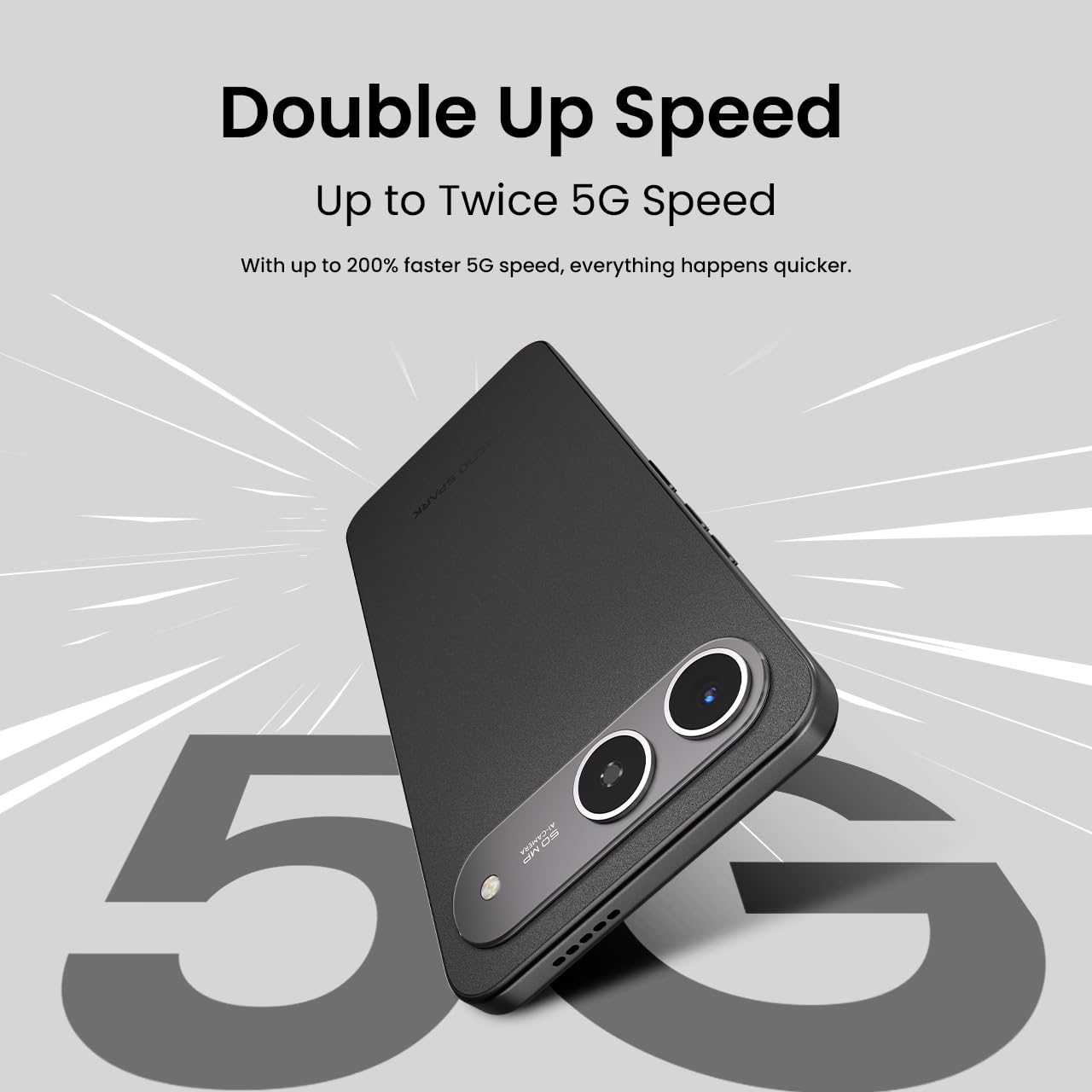
- Rangkaian 5G: The device supports 5G Carrier Aggregation for enhanced speed and signal strength.

This image emphasizes the smartphone's capability for up to double 5G speed, indicating enhanced network performance.

The image illustrates the 4x4 MIMO technology integrated into the Tecno Spark GO 5G, which uses four antennas for faster and stronger network connectivity.
2.3. Fungsi Kamera
The Tecno Spark GO 5G is equipped with a 50MP AI Camera. Open the Camera app from your home screen or app drawer. Select different modes like Photo, Video, Portrait, or Night mode. Tap the shutter button to capture images or start/stop video recording.

A terperinci view of the Tecno Spark GO 5G's 50MP AI Camera, designed for capturing high-resolution images.
2.4. Ella AI Features
Your device includes Ella AI with support for Indian languages, enhancing daily tasks and interactions.
- Sokongan Suara: Use voice commands in supported Indian languages for various tasks.
- Bulatan untuk Carian: Draw a circle around any object or text on your screen to initiate a search.
- AI Writing Assistant: Utilize AI to help draft messages, emails, or other text content.
A visual representation of the Ella AI interface on the Tecno Spark GO 5G, showcasing its support for various Indian languages.

This image demonstrates Ella AI's productivity tools, such as 'Circle to Search' for quick information retrieval and an 'AI Writing Assistant' for drafting content.
3. Penyelenggaraan dan Penjagaan
3.1. Membersihkan Peranti Anda
Gunakan kain lembut dan tidak berbulu untuk membersihkan skrin dan badan telefon anda. Elakkan menggunakan bahan kimia yang keras atau bahan kasar yang boleh merosakkan kemasan.
3.2. Penjagaan Bateri
To prolong battery life, avoid exposing your phone to extreme temperatures. It is generally recommended to keep the battery charge between 20% and 80% for optimal longevity. The 6000mAh battery is designed for extended use.
3.3. Kemas Kini Perisian
Semak dan pasang kemas kini perisian secara berkala untuk memastikan peranti anda mempunyai ciri terkini, tampalan keselamatan dan penambahbaikan prestasi. Pergi ke Tetapan > Sistem > Kemas kini sistem.
3.4. Dust and Water Resistance
The Tecno Spark GO 5G has an IP64 rating, meaning it is resistant to dust ingress and splashes of water. While it can withstand splashes, it is not designed for submersion in water. Avoid intentional exposure to water or dust.

This image visually represents the IP64 rating of the Tecno Spark GO 5G, signifying its resistance to dust and water splashes.
4. Penyelesaian masalah
Jika anda menghadapi masalah dengan peranti anda, cuba langkah penyelesaian masalah biasa berikut:
- Peranti Tidak Dihidupkan: Pastikan bateri telah dicas. Sambungkan telefon ke pengecasnya dan tunggu beberapa minit sebelum cuba menghidupkannya semula.
- Apl Ranap atau Membeku: Close the problematic app and reopen it. If the issue persists, restart your phone. You can also clear the app's cache or data via Settings > Apps > [App Name] > Storage.
- Isu Ketersambungan Rangkaian: Check if Airplane Mode is off. Restart your phone. Verify your SIM card is properly inserted. If using Wi-Fi, restart your router.
- Prestasi Perlahan: Tutup apl yang tidak digunakan. Kosongkan cache dan sementara files. Consider uninstalling apps you no longer use.
- Tetapan semula kilang: As a last resort, if software issues persist, you may perform a factory reset. This will erase all data on your phone, so back up important information first. Go to Settings > System > Reset options > Erase all data (factory reset).
5. Spesifikasi
Key technical specifications for the Tecno Spark GO 5G (Model: KM8):
| Ciri | Spesifikasi |
|---|---|
| Sistem Operasi | Android 15 |
| Nombor Model Item | KM8 |
| Dimensi Produk | 16.8 x 7.8 x 0.8 cm |
| Berat Barang | 194 g |
| Penilaian Kuasa Bateri | 6000 mAh |
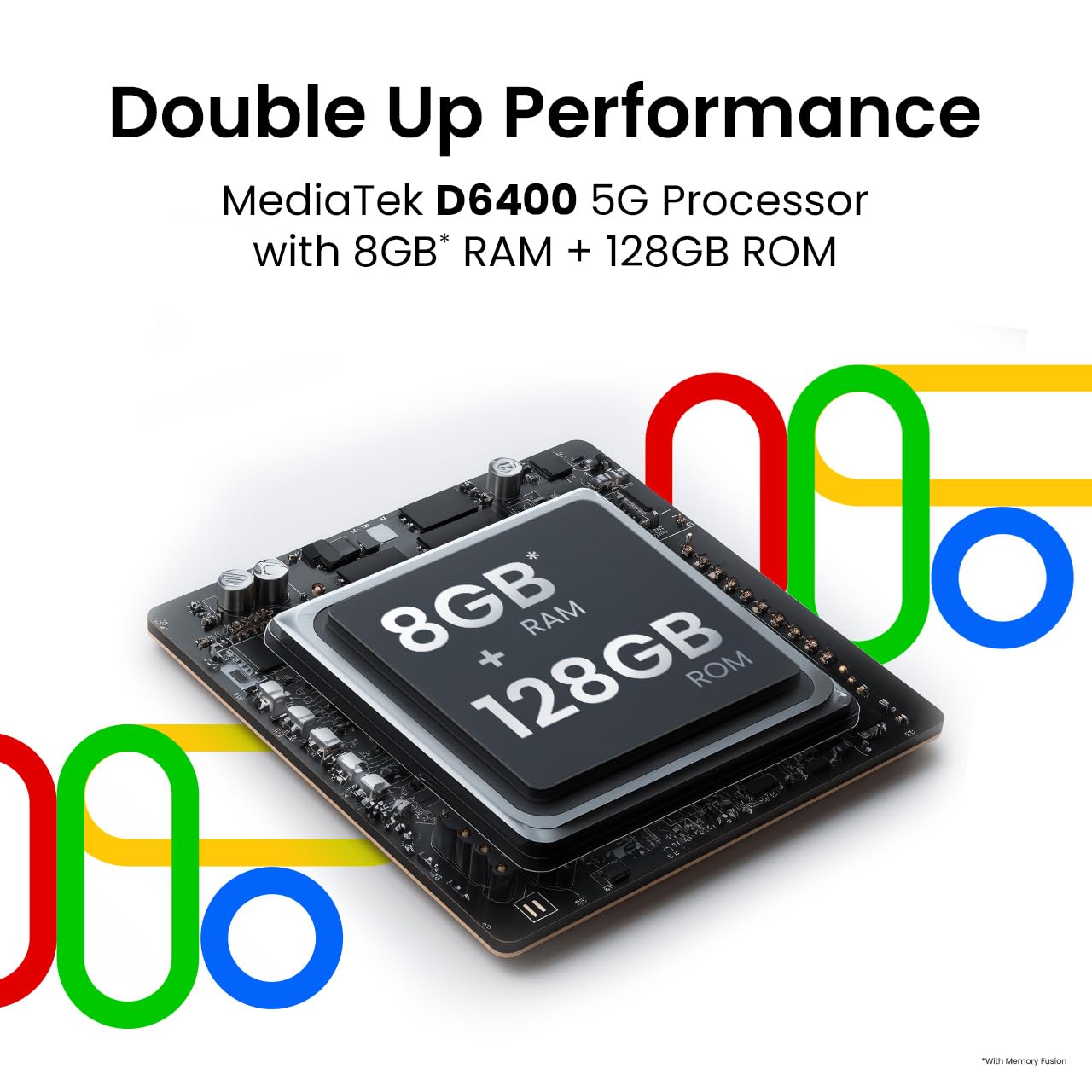
| Saiz Terpasang Memori RAM | 4 GB (sehingga 8GB dengan Memory Fusion) |
| Storan Dalaman | 128 GB ROM |
| Model CPU | MediaTek D6400 5G Processor |
| Kelajuan CPU | 3.4 GHz |
| Teknologi Ketersambungan | Bluetooth, Infrared, USB, Wi-Fi |
| Ciri Paparan Lain | Tanpa wayar |
| Antara Muka Peranti - Utama | Skrin sentuh |
| Bicu Audio | Tiada bicu fon kepala |
| Faktor Bentuk | Sentuh |
| warna | Dakwat hitam |
| Pengeluar | G Mobiles India |
| Negara Asal | India |

This image highlights the MediaTek D6400 5G Processor, 8GB RAM (with Memory Fusion), and 128GB ROM of the Tecno Spark GO 5G.

This image highlights the Tecno Spark GO 5G's slim 7.99mm body and light 194g weight, emphasizing its ergonomic design.
6. Waranti dan Sokongan
6.1. Maklumat Waranti
Your Tecno Spark GO 5G smartphone comes with a manufacturer's warranty. Please refer to the warranty card included in your product packaging or visit the official Tecno website for detailed terms and conditions regarding warranty coverage, duration, and service procedures. Keep your proof of purchase for warranty claims.
6.2. Sokongan Pelanggan
For further assistance, technical support, or service inquiries, please contact Tecno customer support. You can find contact details, FAQs, and service center locations on the official Tecno webtapak: Tecno Mobile India.


