1. Pengenalan
Terima kasih kerana membeliasing the WOLFANG Portable Projector WP05. This device is designed to provide a versatile and immersive viewing experience with its Android 11 operating system, high-definition resolution, and portable design. This manual provides essential information for setting up, operating, and maintaining your projector. Please read it thoroughly before use to ensure optimal performance and safety.
2. Maklumat Keselamatan
Please observe the following safety precautions to prevent damage to the projector and ensure user safety:
- Jangan lihat terus ke dalam kanta projektor apabila lamp sedang aktif.
- Pastikan pengudaraan yang betul di sekeliling projektor untuk mengelakkan terlalu panas.
- Gunakan hanya penyesuai kuasa yang dibekalkan dengan projektor.
- Jauhkan projektor daripada air, kelembapan dan bahan mudah terbakar.
- Jangan cuba membuka atau membaiki projektor sendiri. Hubungi kakitangan servis yang berkelayakan untuk mendapatkan bantuan.
- Jauhkan daripada kanak-kanak.
3. Kandungan Pakej
Sahkan bahawa semua item terdapat dalam pakej anda:
- WOLFANG Portable Projector WP05
- Remote Control (with Air Mouse function)
- Penyesuai Kuasa
- Manual Pengguna

Imej: Depan view of the WOLFANG Portable Projector WP05 retail box, showing the product name and a graphic of the projector.
4. Produk Lebihview
Familiarize yourself with the components of your WOLFANG Portable Projector WP05.
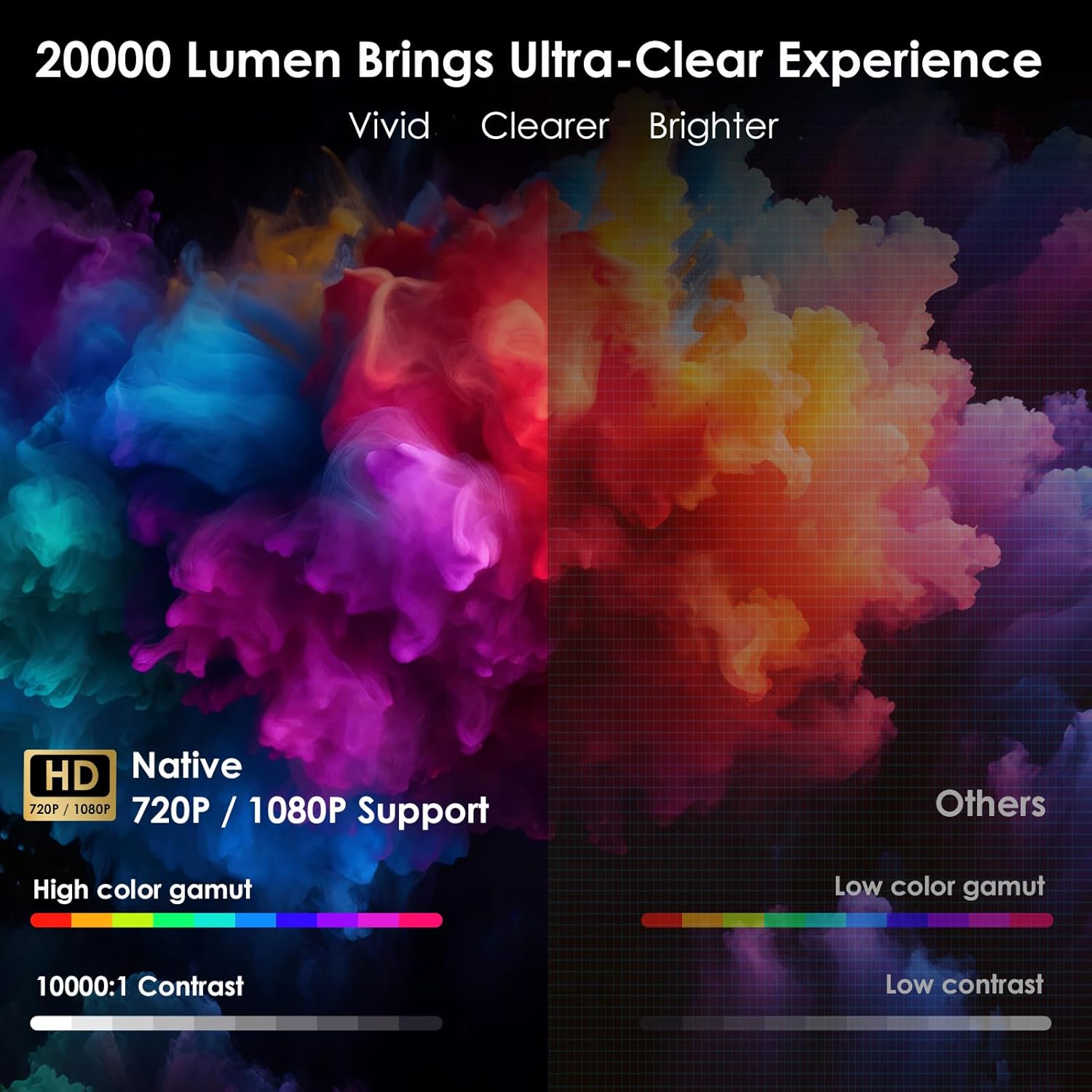
Image: The WOLFANG Portable Projector WP05 shown from the front, highlighting its compact cylindrical design and lens.
Ciri-ciri Utama:
- Resolusi HD 1080P: Supports 1920 x 1080P resolution for clear visuals.
- OS Android 11: Built-in operating system with access to over 5,000 applications.
- Pembetulan Keystone Automatik: ±45° auto vertical keystone correction for image alignment.
- Pendirian Boleh Putar 180°: Flexible projection angle for walls, ceilings, or floors.
- Dual-band Wi-Fi 6: Supports 2.4G and 5G networks for stable and fast streaming.
- Bluetooth 5.2: Untuk menyambungkan peranti audio luaran.
- Pembesar Suara Hi-Fi Terbina dalam: Integrated 3W speaker for audio output.
- Padat dan Mudah Alih: Weighs approximately 0.6KG for easy transport.

Image: The WOLFANG Portable Projector WP05 being placed into a backpack, illustrating its compact and portable design with dimensions of 6.14 inches in length and 3.74 inches in width.
5. Persediaan
5.1 Penempatan
Position the projector on a stable, flat surface. The 180° rotatable stand allows for flexible projection angles, including walls, ceilings, or floors.

Image: The WOLFANG Portable Projector WP05 projecting onto a ceiling, demonstrating its 180-degree rotatable stand for versatile viewkedudukan.
5.2 Sambungan Kuasa
- Sambungkan penyesuai kuasa ke port input kuasa projektor.
- Palamkan penyesuai kuasa ke salur keluar dinding.
- Tekan butang kuasa pada projektor atau alat kawalan jauh untuk menghidupkannya.
5.3 Fokus dan Pembetulan Keystone
The projector features automatic vertical keystone correction and manual focus adjustment.
- Batu Kunci Menegak Automatik: The projector automatically adjusts vertical image distortion.
- Fokus Manual: Rotate the focus ring on the projector to achieve a clear image.
- Manual 4-Corner Correction: For more precise adjustments, navigate to the settings menu to manually adjust each corner of the projection.
- Fungsi Zum: Adjust the projection size from 50% to 100% via the settings.

Image: A diagram illustrating the auto vertical keystone correction, manual 4-corner correction, and 50-100% zoom features of the WOLFANG Portable Projector WP05, along with a close-up of the manual focus ring.
6. Arahan Operasi
6.1 Remote Control with Air Mouse
The included remote control features an Air Mouse function for easy navigation.
- Turn on the remote control's Air Mouse mode (refer to remote control instructions for specific button).
- Shake the remote control to activate the on-screen cursor.
- Use the directional buttons and OK button for menu navigation and selection.

Image: A hand holding the WOLFANG Portable Projector WP05 remote control, with an inset showing how to activate the Air Mouse function and use the OK and arrow buttons for navigation on a projected Netflix screen.
6.2 Android 11 OS and Built-in Apps
The projector runs on Android 11, providing access to a wide range of applications.
- Upon startup, you will see the Android home screen.
- Pre-installed apps include Netflix, YouTube, Prime Video, and access to the Google Play Store for additional downloads.
- Customize your desktop wallpaper and organize your apps as desired.

Image: The WOLFANG Portable Projector WP05 projecting a screen displaying various streaming service logos like Netflix, YouTube, Prime Video, HBO Max, and the Google Play Store icon, indicating built-in Android app functionality.
Image: A projected screen from the WOLFANG Portable Projector WP05 showing a customizable Android interface with icons for Netflix, YouTube, ScreenCast, File Manager, HDMI, Settings, App Store, Music, and Play Store, emphasizing its 'Customized Personal Cinema' capabilities.
6.3 Pencerminan Skrin
The projector supports fast screen mirroring via Wi-Fi 6 for iOS, Android, and Windows devices.
- Miracast: For Android and Windows devices.
- Airplay: Untuk peranti iOS.
- Pastikan peranti dan projektor anda disambungkan ke rangkaian Wi-Fi yang sama.
- Select the appropriate screen mirroring option from the projector's menu.
- Initiate screen mirroring from your mobile device or computer.

Image: The WOLFANG Portable Projector WP05 projecting a dynamic image, with icons for Miracast and Airplay, and a smartphone displaying content being mirrored to the projector, highlighting its WiFi 6 fast screen mirroring capability.
7. Ketersambungan
7.1 Sambungan Wi-Fi
The projector supports dual-band Wi-Fi 6 (2.4G and 5G) for stable internet access and screen mirroring.
- Pergi ke tetapan on the projector's home screen.
- Pilih Rangkaian & Internet.
- Hidupkan Wi-Fi dan pilih rangkaian yang anda inginkan daripada senarai.
- Masukkan kata laluan jika digesa dan sambungkan.
7.2 Sambungan Bluetooth
Sambungkan pembesar suara atau fon kepala Bluetooth luaran untuk audio yang dipertingkatkan.
- Pergi ke tetapan on the projector's home screen.
- Pilih Peranti Bersambung or Bluetooth.
- Hidupkan Bluetooth.
- Masukkan peranti Bluetooth anda ke mod pasangan.
- Pilih peranti anda daripada senarai peranti yang tersedia untuk dipasangkan.
7.3 HDMI and USB Connections
The projector includes HDMI and USB ports for connecting various external devices.
- HDMI: Connect devices such as laptops, gaming consoles, TV sticks, or Blu-ray players. Select the HDMI input source from the projector's menu.
- USB: Sambungkan pemacu USB untuk memainkan media files directly. Select the USB input source from the projector's menu.
8. Penyelenggaraan
Regular maintenance helps prolong the life of your projector.
- Pembersihan Kanta: Use a soft, lint-free cloth specifically designed for optical lenses to gently wipe the projector lens. Do not use abrasive cleaners.
- Penyingkiran habuk: Use a soft brush or compressed air to clean dust from the ventilation openings.
- Storan: Apabila tidak digunakan, simpan projektor di tempat yang sejuk dan kering, jauh dari cahaya matahari langsung dan suhu yang melampau.
9. Penyelesaian masalah
Jika anda menghadapi masalah, rujuk kepada masalah dan penyelesaian biasa berikut:
| Masalah | Penyelesaian yang Mungkin |
|---|---|
| Tiada kuasa | Ensure the power adapter is securely connected to the projector and a working power outlet. |
| Tiada imej | Check if the projector is powered on. Verify the input source (HDMI, USB, etc.) is correctly selected. |
| Imej kabur | Adjust the manual focus ring on the projector. Ensure the projection surface is flat. |
| Image distorted | The projector has auto vertical keystone correction. For further adjustment, use manual 4-corner correction in settings. |
| Tiada bunyi | Check the volume settings on the projector and the connected source device. Ensure external Bluetooth speakers are properly paired. |
| Alat kawalan jauh tidak berfungsi | Check the remote control batteries. Ensure there are no obstructions between the remote and the projector. |
10. Spesifikasi
Technical specifications for the WOLFANG Portable Projector WP05:
| Ciri | Perincian |
|---|---|
| Jenama | WOLFANG |
| Model | WP05 |
| Resolusi Paparan | 1920 x 1080 (HD Penuh) |
| Nisbah Aspek | 16:9, 4:3 |
| Sistem Operasi | Android 11 |
| Teknologi Ketersambungan | Wi-Fi 6 (2.4G/5G), Bluetooth 5.2 |
| Antara Muka Perkakasan | HDMI, USB |
| Ciri Khas | Built-in Smart System, Auto Keystone Correction, 180° Rotation |
| Saiz Imej Maksimum | 300 Inci |
| Berat Barang | 635 Gram |
| Dimensi Pakej | 17.8 x 16.4 x 11.3 cm |
11. Waranti dan Sokongan
11.1 Maklumat Waranti
The WOLFANG Portable Projector WP05 comes with a Waranti 24 bulan from the date of purchase. Please retain your proof of purchase for warranty claims. The warranty covers manufacturing defects and malfunctions under normal use. It does not cover damage caused by misuse, accidents, unauthorized repairs, or natural disasters.
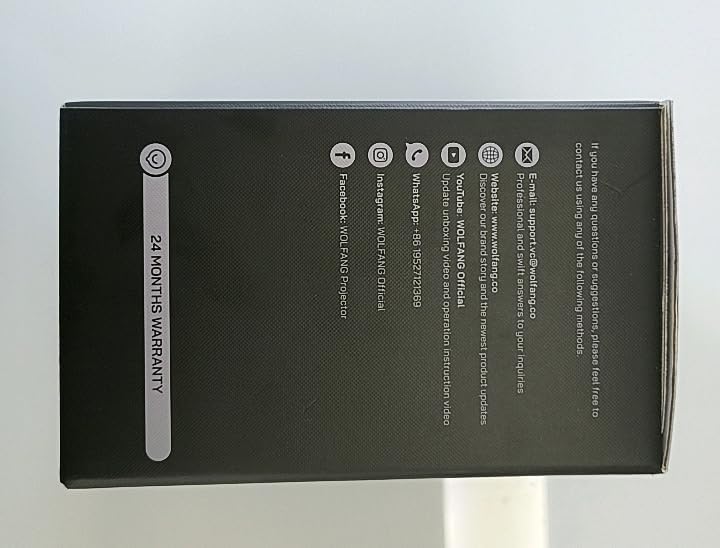
Imej: Sisi view of the WOLFANG Portable Projector WP05 box, clearly displaying a '24 MONTHS WARRANTY' badge and contact information.
11.2 Sokongan Pelanggan
For any questions, suggestions, or support needs, please contact WOLFANG customer service using the following methods:
- E-mel: support.tvc@wolfang.co
- Webtapak: www.wolfang.co
- YouTube: WOLFANG Official (for instruction videos and product updates)
- WhatsApp: +86 19527121353
- InstagRam: WOLFANG Official
- Facebook: WOLFANG Projector


