pengenalan
Terima kasih kerana membeliasing the CHEREEKI Digital LED Alarm Clock. This manual provides detailed instructions for setting up and operating your new alarm clock. Please read it thoroughly before use and keep it for future reference.
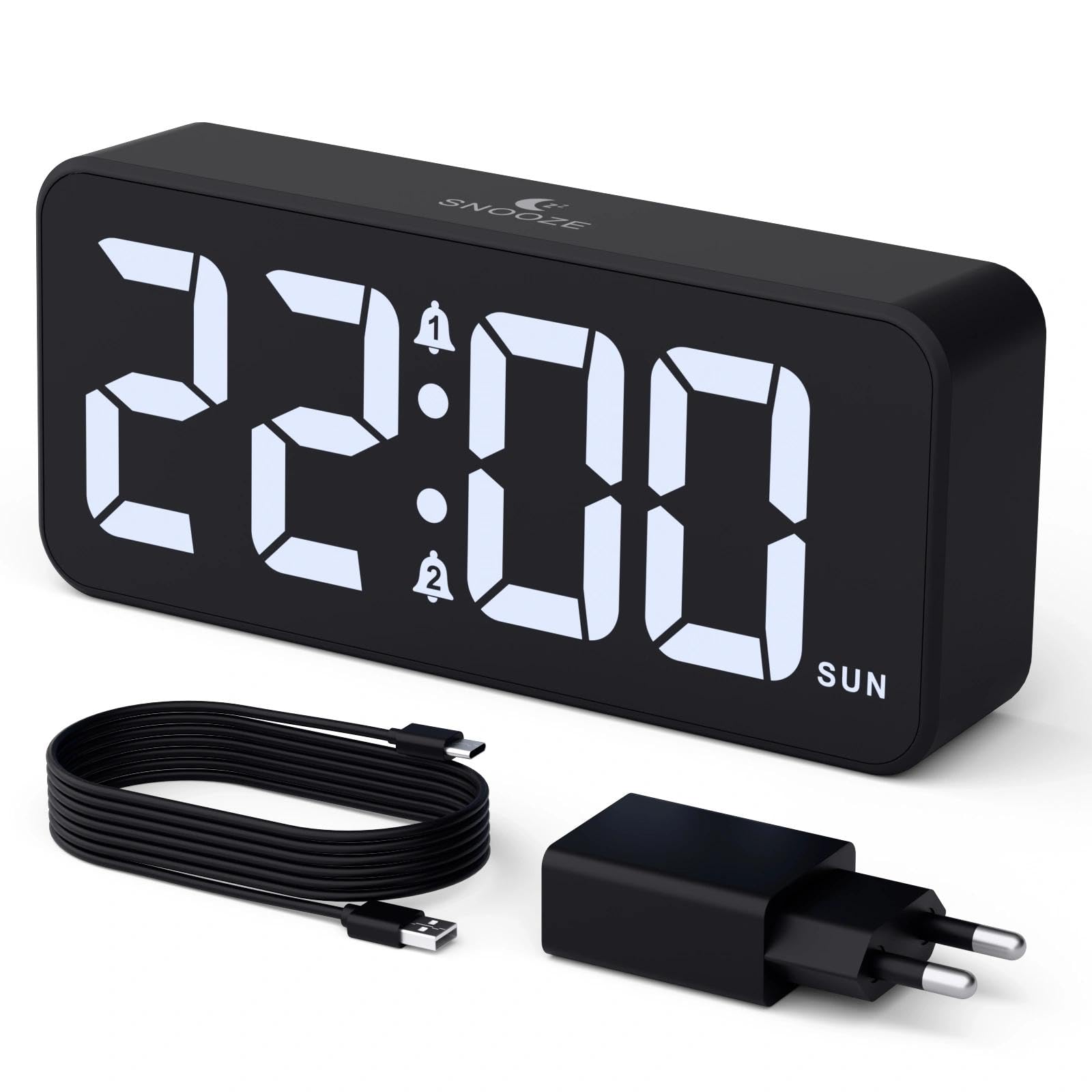
Image: The CHEREEKI Digital LED Alarm Clock, showcasing its large LED display and key features.
Maklumat Keselamatan
- Ensure the power adapter and cable are compatible with the device's voltage requirements (5V/1A or 5V/2A).
- Jangan dedahkan peranti kepada air atau kelembapan berlebihan.
- Elakkan meletakkan peranti berhampiran sumber haba atau di bawah cahaya matahari langsung.
- Jangan cuba membuka atau membaiki peranti sendiri. Hubungi sokongan pelanggan jika timbul masalah.
- Jauhkan daripada kanak-kanak.
Kandungan Pakej
- CHEREEKI Digital LED Alarm Clock
- Power Adapter (5V/1A or 5V/2A)
- USB Charging Cable (1.5m)
- Manual Pengguna
- CR2032 Backup Battery (pre-installed or included)

Imej: Ilustrasi barang-barang yang disertakan dalam pakej produk.
Susun Atur dan Kawalan Produk

Image: Rear panel of the alarm clock with labels for all buttons and ports.
- Butang Tetapan Masa: Tekan untuk memasuki mod tetapan masa.
- Butang penggera 1: Press to set Alarm 1.
- Butang penggera 2: Press to set Alarm 2.
- Butang Naik / Turun: Adjust values during setting.
- Tombol Pemalap: Rotate to adjust display brightness (0-100%).
- Tombol Kelantangan: Rotate to adjust alarm volume (10 levels).
- Port Keluaran USB: Untuk mengecas peranti luaran.
- Port Input Jenis-C: For power supply to the alarm clock.
- Butang DST: For Daylight Saving Time adjustment.
- Petak Bateri: Houses the CR2032 backup battery.
Persediaan
1. Sambungan Kuasa
The alarm clock operates solely on AC power. Connect the provided USB cable to the Type-C input port on the back of the clock and plug the adapter into a standard wall outlet (5V/1A or 5V/2A). The display will light up.

Image: The alarm clock connected to a power source via its adapter.
2. Bateri Sandaran
A CR2032 backup battery is included to retain time and alarm settings during power outages. This battery does not power the display or alarm functions; it only preserves memory. Ensure the battery is correctly installed in the compartment on the back of the clock.

Image: Close-up of the backup battery compartment, indicating its purpose to retain settings during power loss.
Arahan Operasi
Menetapkan Masa
- Press the "TIME SET" button. The hour digits will flash.
- Use the "UP" or "DOWN" buttons to adjust the hour.
- Press "TIME SET" again to confirm the hour and move to minute setting. The minute digits will flash.
- Use the "UP" or "DOWN" buttons to adjust the minutes.
- Press "TIME SET" once more to confirm the minutes and exit time setting mode.
Menetapkan Penggera (Penggera 1 dan Penggera 2)
This clock supports two independent alarms with three scheduling options.
- Press the "ALARM 1" or "ALARM 2" button. The alarm hour digits will flash.
- Use the "UP" or "DOWN" buttons to adjust the alarm hour.
- Tekan butang penggera masing-masing sekali lagi untuk mengesahkan jam dan beralih ke tetapan minit. Digit minit akan berkelip.
- Use the "UP" or "DOWN" buttons to adjust the alarm minutes.
- Press the alarm button again to select the alarm schedule:
- Hari minggu: Isnin hingga Jumaat
- Hujung minggu: Sabtu hingga Ahad
- Harian: Isnin hingga Ahad
- Press the alarm button once more to confirm the schedule and exit alarm setting mode.
- To enable/disable an alarm, press the "ALARM 1" or "ALARM 2" button briefly outside of setting mode. An alarm icon will appear/disappear on the display.

Image: The alarm clock demonstrating dual alarm settings with various scheduling options.
Fungsi Tunda
When the alarm sounds, touch the top of the clock to activate the 5-minute snooze function. The alarm will temporarily stop and sound again after 5 minutes. To turn off the alarm completely, press any other button on the back of the clock.
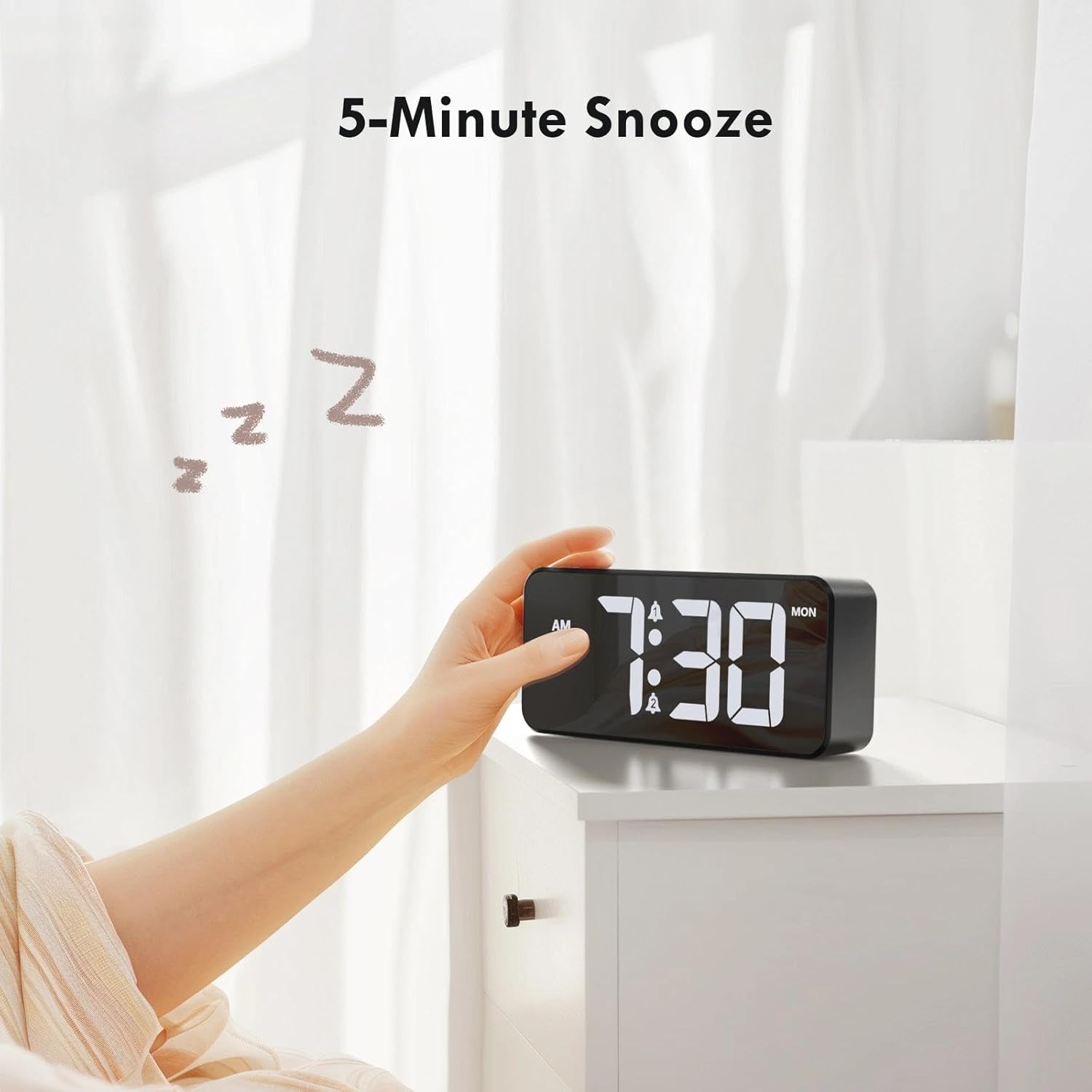
Image: A user activating the snooze function by touching the top of the alarm clock.
Melaraskan Kecerahan Paparan
Rotate the "DIMMER" knob on the back of the clock to adjust the display brightness from 0% (off) to 100% (maximum brightness). This allows for comfortable viewdalam sebarang keadaan pencahayaan.

Image: Visual representation of the adjustable brightness feature and the dimmer knob.
Melaraskan Kelantangan Penggera
Rotate the "VOLUME" knob on the back of the clock to select one of the 10 available alarm volume levels. Choose a volume that suits your preference.

Image: The volume control knob and a visual scale indicating adjustable volume levels.
Format 12/24 Jam
To switch between 12-hour and 24-hour time formats, press and hold the "TIME SET" button for a few seconds until the format changes. In 12-hour format, "AM" or "PM" indicators will be displayed.

Image: The alarm clock showing both 12-hour and 24-hour time display options.
Port Pengecasan USB
The USB-A output port on the back of the clock allows you to charge other devices, such as smartphones or tablets. Simply connect your device's charging cable to this port.

Image: The alarm clock charging a smartphone via its integrated USB port.
Waktu Jimat Siang (DST)
To adjust for Daylight Saving Time, press the "DST" button on the back of the clock. This will advance or set back the time by one hour. Press it again to revert.
Penyelenggaraan
- Clean the clock's surface with a soft, dry cloth. Do not use abrasive cleaners or solvents.
- Pastikan peranti bebas daripada habuk dan serpihan.
- If the backup battery needs replacement, use a CR2032 coin cell battery. Ensure correct polarity.
Menyelesaikan masalah
| Masalah | Kemungkinan Punca | Penyelesaian |
|---|---|---|
| Paparan dimatikan. | Not connected to power; Dimmer set to 0%. | Ensure the clock is plugged into a working power outlet. Rotate the Dimmer knob to increase brightness. |
| Penggera tidak berbunyi. | Alarm not activated; Volume set to minimum. | Press the ALARM 1/2 button to activate the alarm (icon should appear). Rotate the Volume knob to increase volume. |
| Tetapan hilang selepas kuasa outage. | Bateri sandaran mati atau hilang. | Gantikan bateri sandaran CR2032. |
| Pengecasan USB tidak berfungsi. | Clock not powered; Device cable faulty. | Ensure the alarm clock is powered. Try a different USB cable or device. |
Spesifikasi
- Jenama: CHEREEKI
- model: B0FHHKMP1X
- warna: Hitam
- Jenis Paparan: LED digital
- Bahan: Akrilonitril Butadiena Stirena (ABS)
- Dimensi Produk: 14.5 x 3.81 x 6.5 cm (5.7 x 1.5 x 2.5 inci)
- Berat Barang: 230 gram (0.5 lbs)
- Sumber Kuasa: Wired Electric (5V/1A or 5V/2A adapter)
- Bateri Sandaran: CR2032 (for memory retention only)
- Ciri Khas: Adjustable Brightness, Dual Alarm, Snooze, USB Charging Port, 12/24H Format, Adjustable Volume, Day of Week Display
Waranti dan Sokongan
This CHEREEKI Digital LED Alarm Clock comes with a Waranti Seumur Hidup. For any product inquiries, technical support, or warranty claims, please contact CHEREEKI customer service through the retailer where you purchased the product or visit the official CHEREEKI webtapak untuk maklumat hubungan.
Sila simpan bukti pembelian anda untuk tujuan waranti.
