1. Pengenalan
The QCY MeloBuds N70 are advanced wireless earbuds designed to deliver a superior audio experience with adaptive hybrid active noise cancellation, high-resolution audio support, and extended battery life. This manual provides detailed instructions for setting up, operating, and maintaining your earbuds.
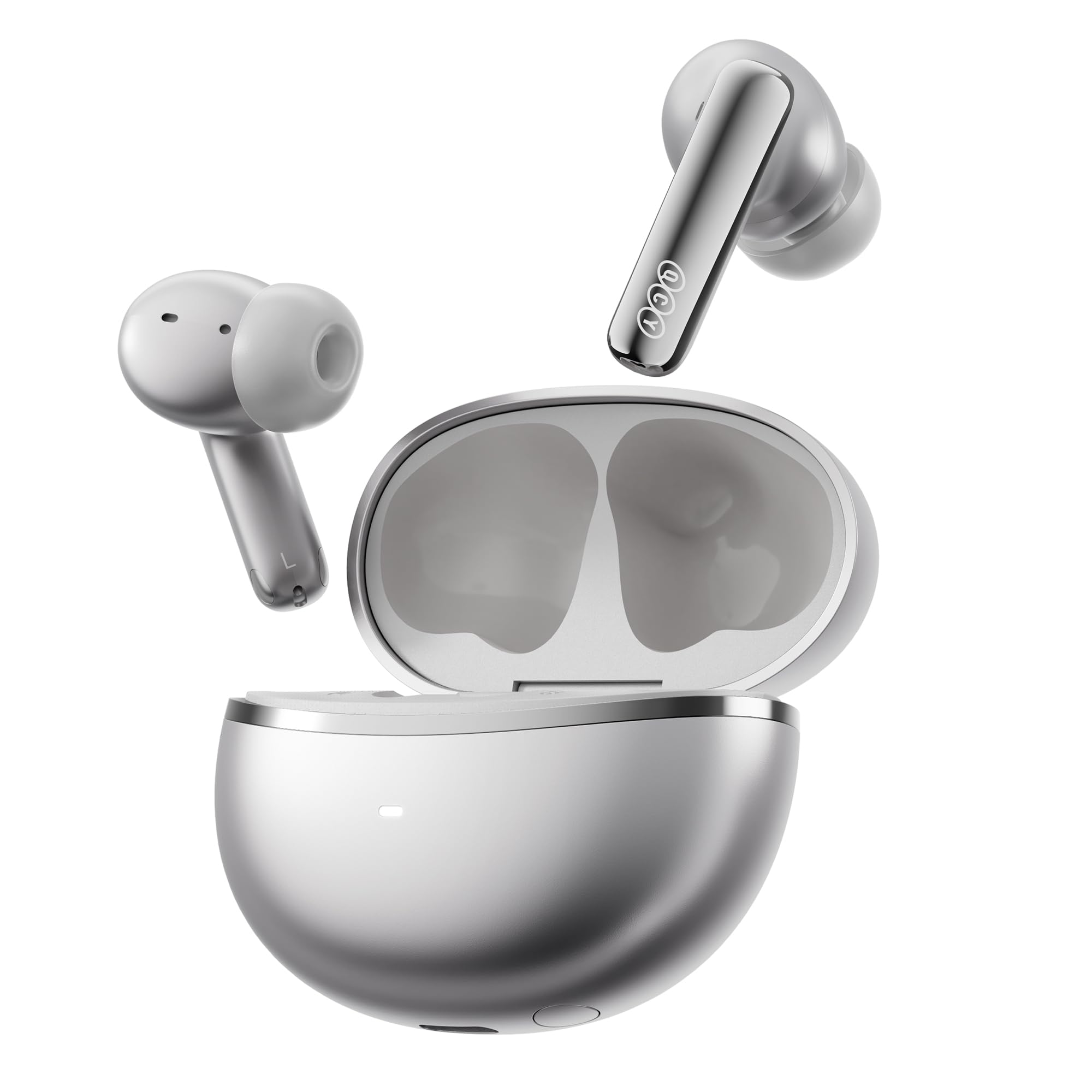
Image: QCY MeloBuds N70 earbuds and charging case in Titanium Gold.
2. Apa yang ada di dalam Kotak
- QCY MeloBuds N70 Earbuds
- Sarung Pengecas Tanpa Wayar
- Eartips (XS/S/M/L/XL) - 5 sizes for optimal fit
- Kabel Pengecas USB-C
- Manual Pengguna
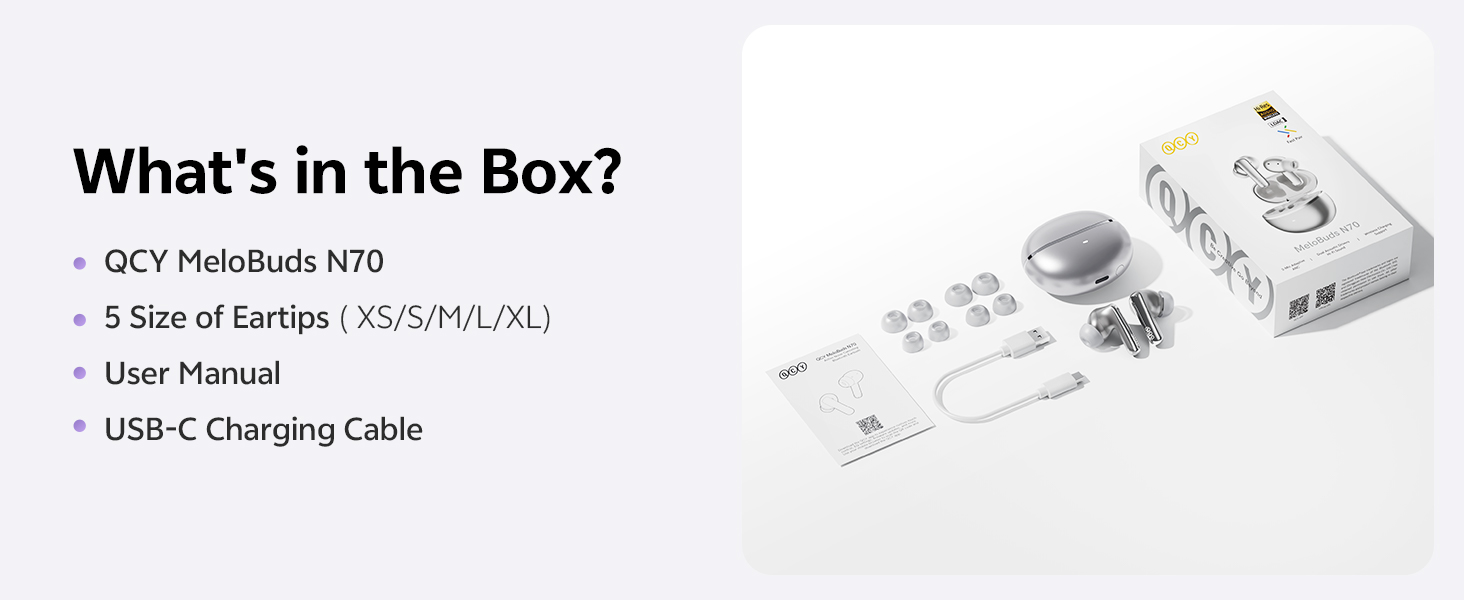
Image: All items included in the QCY MeloBuds N70 package.
3. Produk Lebihview
3.1 Komponen Earbud
- DualCore Acoustic System: Features a ring-shape dynamic driver for bass and mids, and a MEMS tweeter for clear highs.
- 6 Mikrofon: Integrated for clear calls and effective noise cancellation.
- Kawasan Kawalan Sentuh: Terletak pada batang setiap fon telinga untuk pelbagai fungsi.
- Tuning Vent: Optimizes sound performance.
- Mengecas Kenalan: Untuk mengecas dalam kes.
3.2 Komponen Kes Pengecasan
- Butang Kes: For pairing and resetting.
- LED Penunjuk: Memaparkan status pengecasan dan tahap bateri.
- Port Pengecasan Jenis-C: For wired charging.
- Sokongan Pengecasan Tanpa Wayar: Allows for convenient wireless charging.
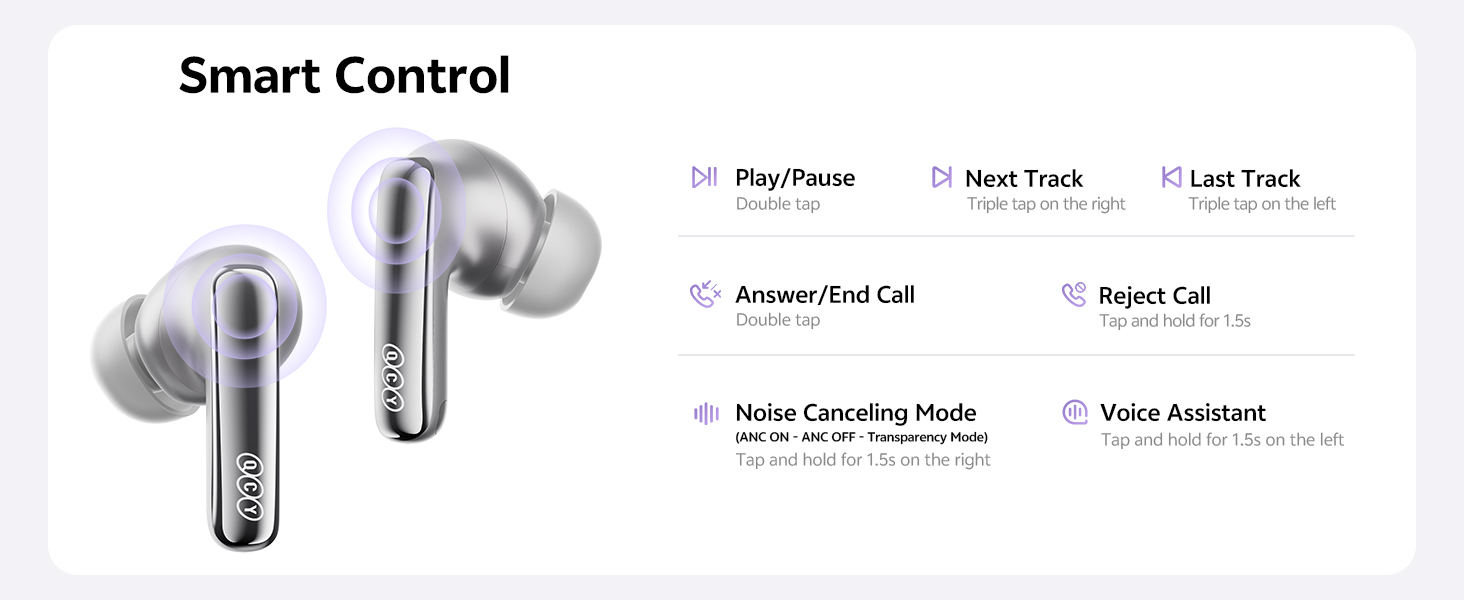
Image: Diagram illustrating the control areas and components of the earbuds and charging case.
4. Persediaan
4.1 Gandingan Awal
- Buka penutup bekas pengecasan. Fon telinga akan dihidupkan secara automatik.
- Pada peranti anda (telefon pintar, tablet, dll.), dayakan Bluetooth.
- Cari untuk "QCY MeloBuds N70" in the list of available Bluetooth devices and select it to pair.
- Setelah dipasangkan, fon telinga sedia untuk digunakan.
4.2 Sambungan Dwi Peranti
The MeloBuds N70 supports multipoint connection, allowing you to connect to two Bluetooth devices simultaneously (e.g., a phone and a laptop) and switch between them seamlessly.
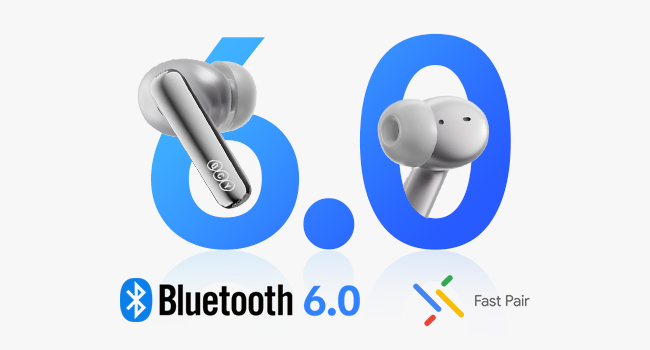
Image: Illustration of Bluetooth 6.0 and Google Fast Pair for quick connectivity.
4.3 QCY App Installation
For enhanced features and customization, download the official QCY App from the Google Play Store or Apple App Store. The app allows for EQ customization, firmware updates, and more.
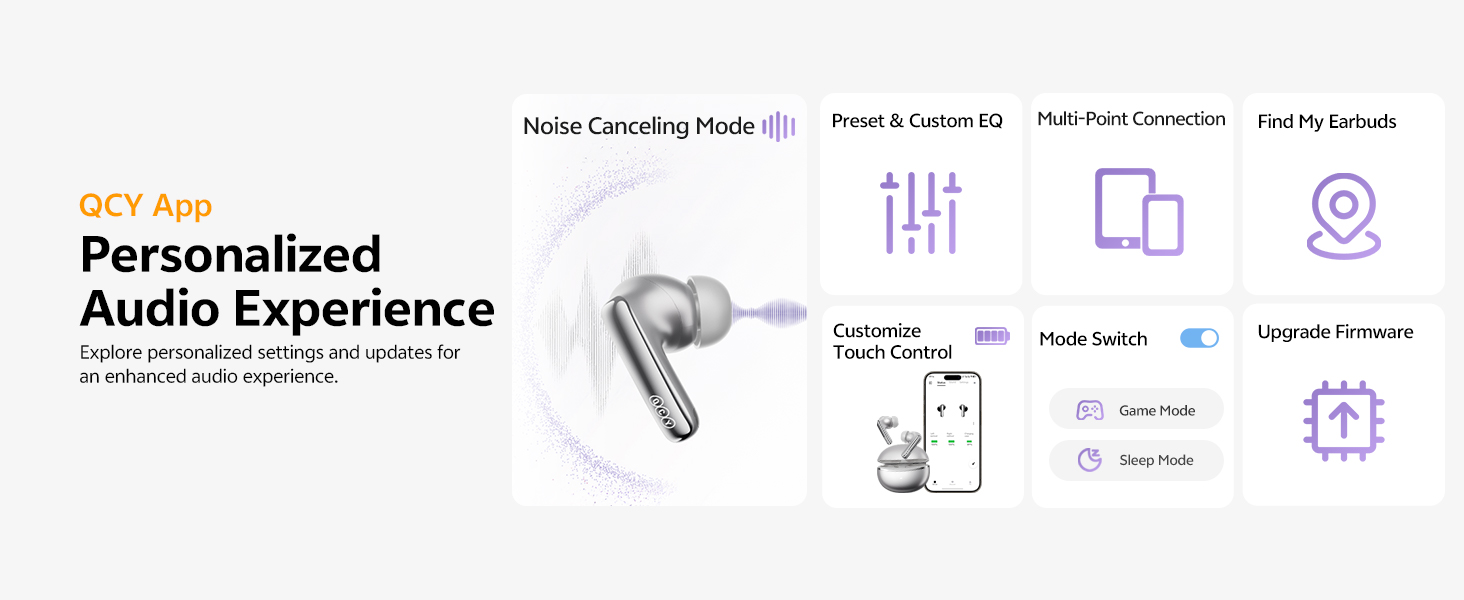
Image: QCY App interface demonstrating various control and customization options.
5. Arahan Operasi
5.1 Kawalan Sentuhan
- Main/Jeda: Ketik dua kali sama ada fon telinga.
- Lagu Seterusnya: Ketik tiga kali pada fon telinga kanan.
- Trek Sebelumnya: Ketik tiga kali pada fon telinga kiri.
- Jawab/Tamatkan Panggilan: Ketik dua kali sama ada fon telinga.
- Tolak Panggilan: Ketik dan tahan salah satu fon telinga selama 1.5 saat.
- Pembantu Suara: Ketik dan tahan fon telinga kiri selama 1.5 saat.
- ANC ON/OFF / Pass-Through: Tap and hold the right earbud for 1.5 seconds to cycle through modes.
5.2 Pembatalan Bising Aktif (ANC)
The MeloBuds N70 feature Adaptive Hybrid ANC, reducing noise by up to 56dB. You can switch between ANC ON, ANC OFF, and Pass-Through (Transparency) modes using the touch controls or the QCY App.
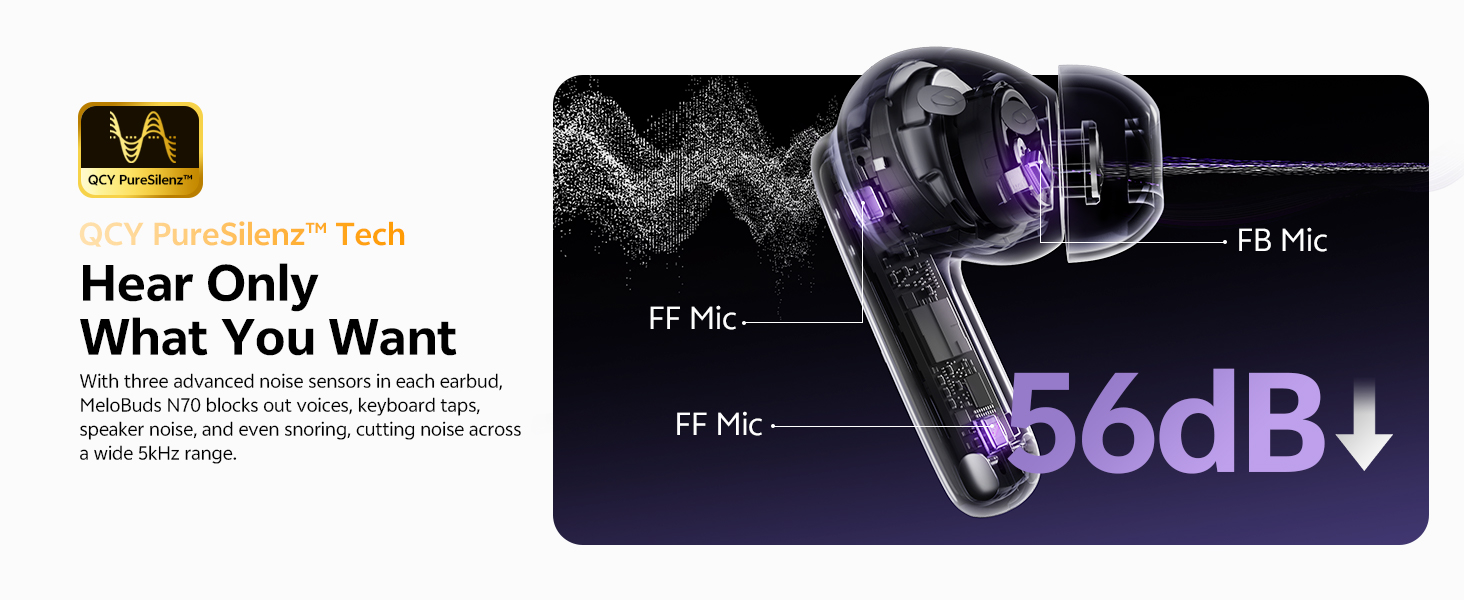
Image: Visual representation of the 56dB noise cancellation capability.
5.3 Pengesanan Dalam Telinga
Music automatically pauses when you remove an earbud and resumes when you put it back on. This feature can be managed via the QCY App.

Image: Smart wearing detection feature, showing automatic play and pause.
6. Pengecasan & Bateri
6.1 Hayat Bateri
- ANC Dimatikan: Up to 10 hours of single playtime; up to 50 hours total with the charging case.
- ANC Hidupkan: Up to 7 hours of single playtime; up to 35 hours total with the charging case.
6.2 Mengecas Kes
- Pengecasan Berwayar: Connect the USB-C cable to the charging port on the case and a power source.
- Pengecasan Tanpa Wayar: Letakkan bekas pengecas pada pad pengecasan wayarles yang serasi.
- Pengecasan Cepat: Cas selama 10 minit memberikan masa penggunaan selama lebih kurang 2 jam.
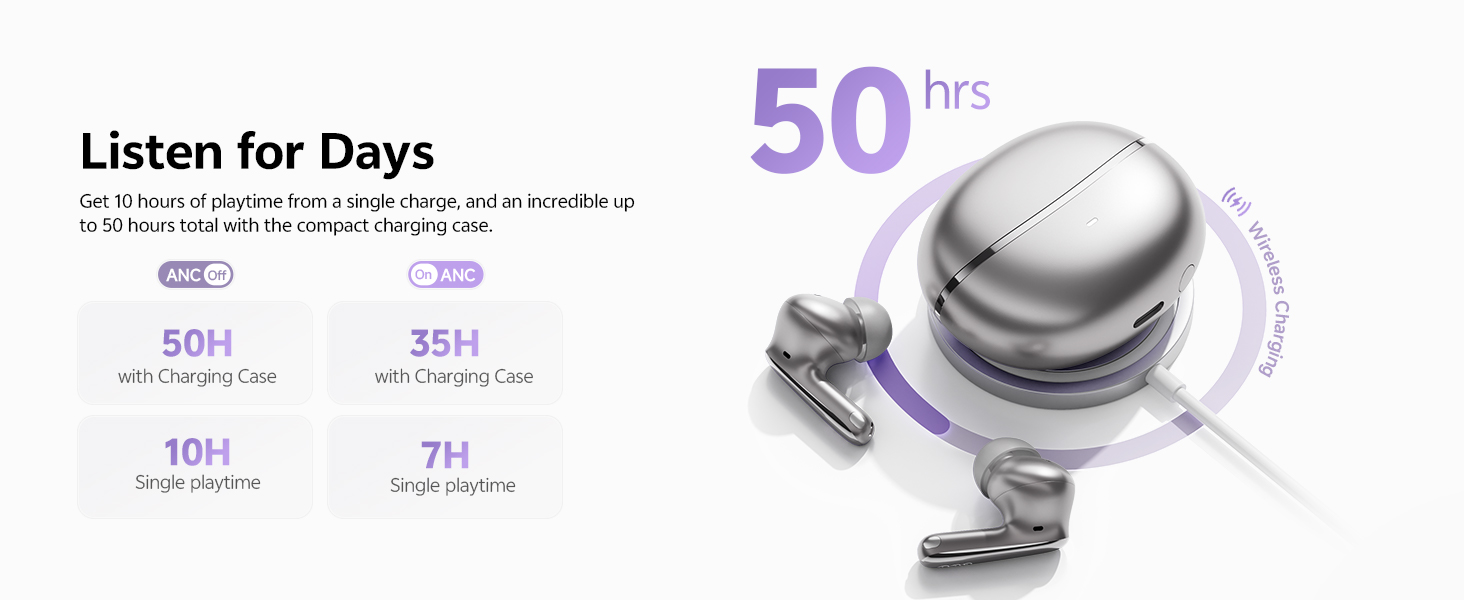
Imej: Selesaiview of the 50-hour total playtime with the charging case.
7. Penyelenggaraan
7.1 Eartip Selection and Replacement
Choose the eartip size (XS/S/M/L/XL) that provides the most comfortable and secure fit for optimal sound quality and noise cancellation. Gently twist and pull to remove existing eartips, then push new ones onto the earbud nozzle.
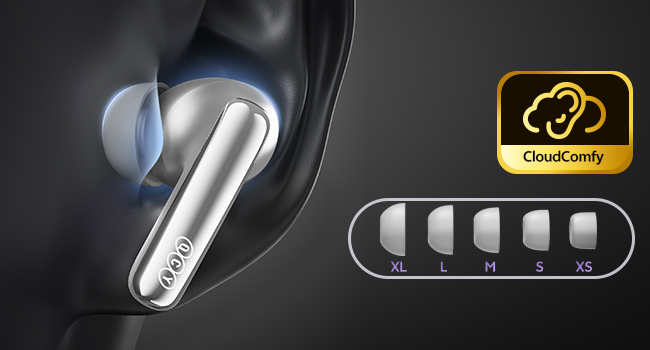
Image: Display of the five different sizes of ultra-soft silicone eartips.
7.2 Tahan Air
The earbuds are IPX5 waterproof, meaning they are protected from sweat and splashes. They are not designed for submersion in water.
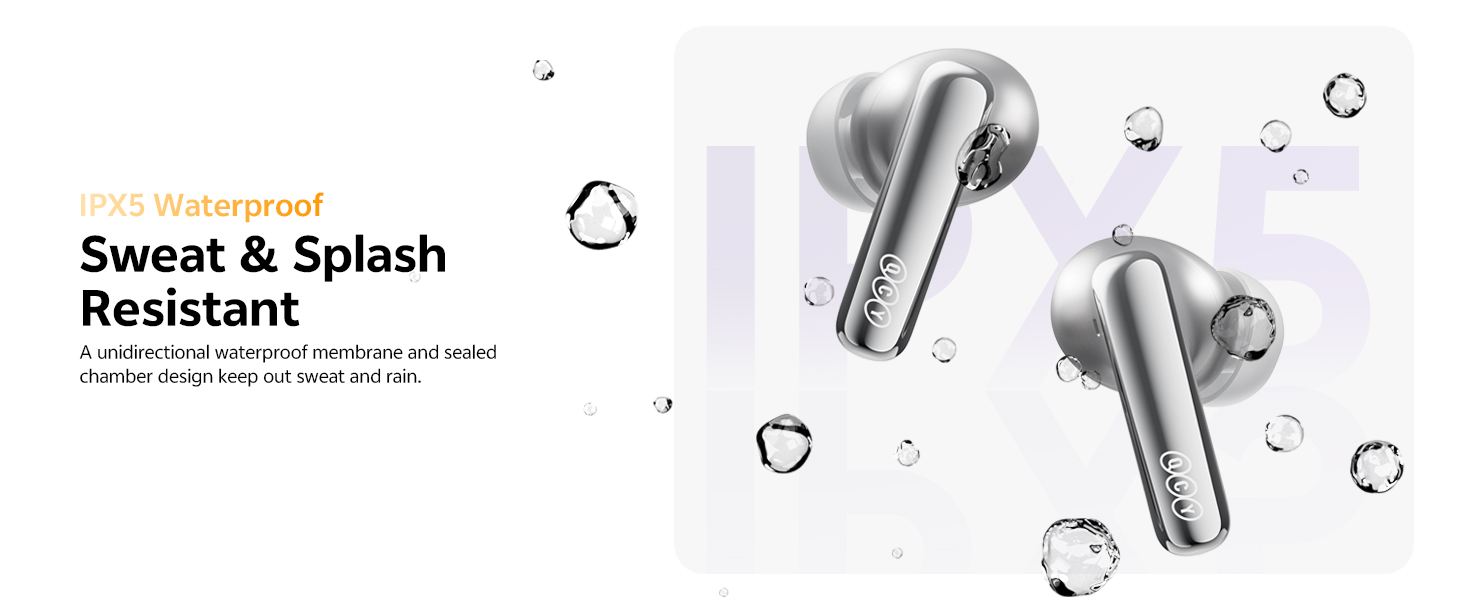
Image: Earbuds shown with water droplets, highlighting their IPX5 waterproof rating.
8. Penyelesaian masalah
- Fon telinga tidak berpasangan: Ensure both earbuds are in the charging case, close the lid, then open it again. Check your device's Bluetooth settings.
- Isu bunyi: Adjust the eartips for a secure fit. Check the QCY App for personalized EQ settings or firmware updates.
- ANC not working: Ensure the ANC mode is activated via touch control or the QCY App.
- Isu pengecasan: Verify the USB-C cable is properly connected or that the wireless charging pad is functional.
- Bunyi angin semasa panggilan: The earbuds feature a patented wind shielding design to minimize wind noise. Ensure earbuds are properly seated.
9. Spesifikasi
| Ciri | Spesifikasi |
|---|---|
| Nama Model | MeloBuds N70 (HT18) |
| Kawalan Bunyi | Pembatalan Bunyi Aktif Hibrid Adaptif (sehingga 56dB) |
| Jenis Pemacu Audio | Ring Shape Dynamic Driver + MEMS Tweeter |
| Codec Audio | LDAC Hi-Res Audio Wireless Certified |
| Versi Bluetooth | 6.0 |
| Ketersambungan | Wireless, Multipoint Pairing, Google Fast Pair |
| Mikrofon | 6-Mic AI Calls with Wind-Resistant Algorithm |
| Hayat Bateri (Earbud) | 10 jam (ANC dimatikan), 7 jam (ANC dihidupkan) |
| Jumlah Masa Main (dengan Kes) | 50 jam (ANC dimatikan), 35 jam (ANC dihidupkan) |
| Mengecas | USB-C Fast Charging (10 min for 2 hrs use), Wireless Charging |
| Tahan Air | IPX5 |
| Kaedah Kawalan | Apl, Sentuh |
| bahan | plastik |
| Berat badan | 4.9 auns |
| Warna (varian ini) | Titanium Gold |
10. Waranti & Sokongan
10.1 Waranti Pengeluar
Your QCY product is covered by a manufacturer's warranty. Please refer to the warranty card included in your package for specific terms and conditions. The warranty typically covers defects in materials and workmanship under normal use.
To claim warranty service, you may need to provide proof of purchase (date of purchase, user's name, user's phone, user's address, shop's name, shop's address, and comments).
The manufacturer's warranty is void under certain circumstances, including but not limited to:
- Penyelenggaraan atau pengubahsuaian yang tidak betul atau tidak mencukupi.
- Kemalangan, penyalahgunaan, penyalahgunaan, pencemaran atau sebab luaran yang lain.
- Penggunaan penyesuai dan aksesori yang tidak ditentukan.
- Malfunctions or damage resulting from natural disasters (e.g., lightning, earthquake, typhoon), abnormal voltage, dll.
- Damages that occur due to failure to follow the instructions.
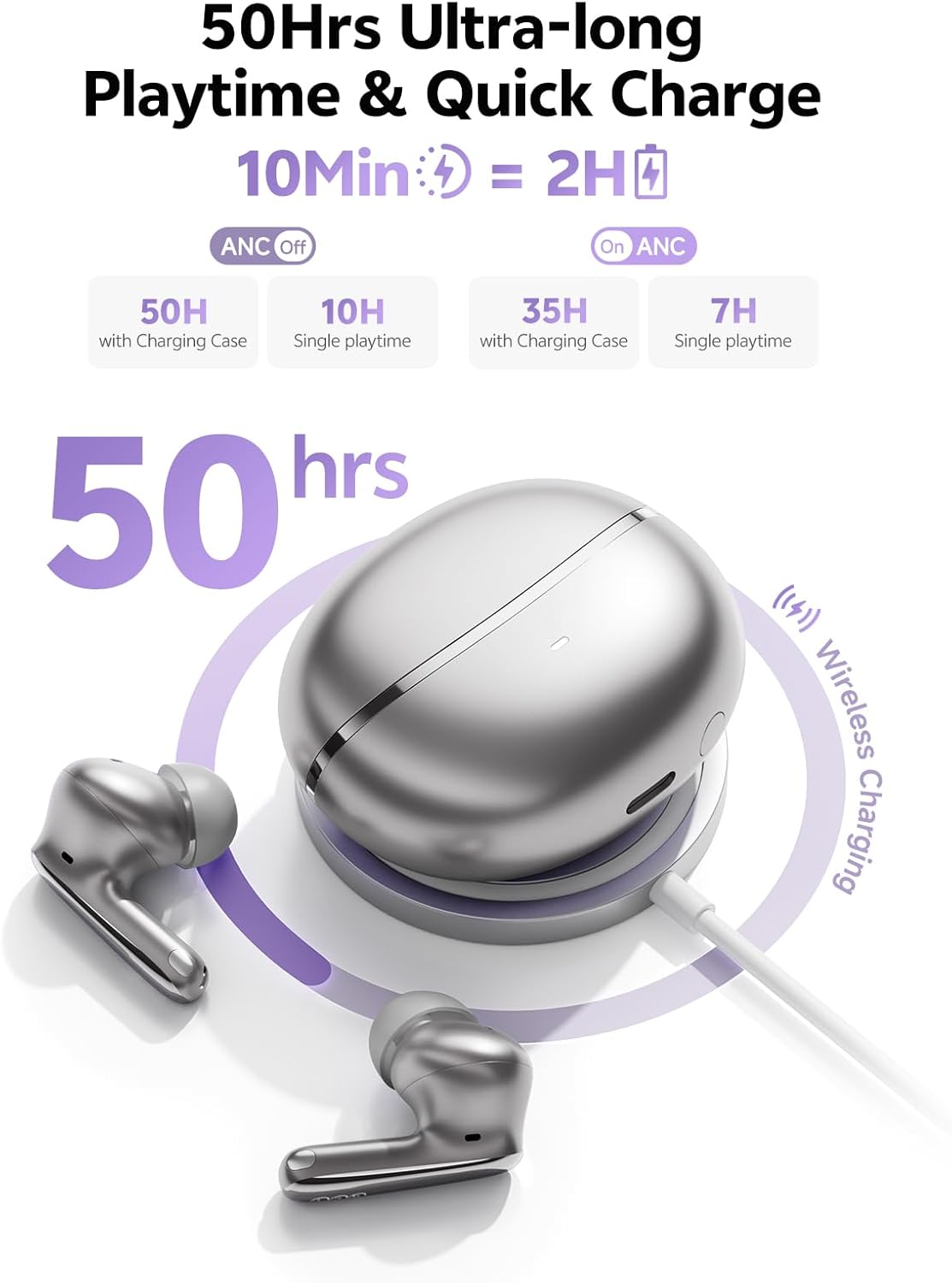
Image: A section of the user manual showing the warranty information and control diagram.
10.2 Sokongan Pelanggan
For further assistance, technical support, or to provide feedback, please visit the official QCY website or contact their customer service through the QCY App.
11. Video Produk Tamatview
Video: Official QCY MeloBuds N70 product overview, tunjukkancasing key features like dual drivers, noise cancellation, eartips, call quality, water resistance, multipoint pairing, and battery life.


