pengenalan
Welcome to your VTech Smart HQ Max Twin 7-inch WiFi Baby Monitor. This system is designed to help you monitor your baby with high-definition video and advanced features. This manual provides essential information for the safe and efficient use of your monitor.
Kandungan Pakej
Pastikan semua item ada dalam pakej anda:
- 1 x Parent Unit (7-inch IPS Display)
- 2 x Baby Units (1080p FHD Cameras)
- 2 x Pendakap Dinding
- Skru dan Sauh
- Panduan Mula Pantas
- Power Adapters (for Parent Unit and Baby Units)
Persediaan
1. Parent Unit Setup
Connect the power adapter to the Parent Unit and a power outlet. The unit will automatically power on. Charge the Parent Unit for at least 12 hours before initial use.
2. Baby Unit (Camera) Setup
Place the Baby Unit in your baby's room, ensuring a clear view of the crib or play area. For optimal viewing, position the camera at least 3 feet (1 meter) away from your baby. Connect the power adapter to the Baby Unit and a power outlet.
The Baby Unit can be placed on a flat surface or wall-mounted using the included bracket.

Image: A VTech baby unit camera is shown wall-mounted, illustrating its ability to pan 360 degrees and tilt 105 degrees for comprehensive room coverage.
3. App Installation and Pairing (MyVTech Baby Plus App)
Download the "MyVTech Baby Plus" app from your smartphone's app store (iOS or Android).
Follow the in-app instructions to pair your Baby Units with your smartphone. Ensure your smartphone is connected to a 2.4GHz Wi-Fi network during the pairing process.

Image: A collage of smartphone screens displaying the MyVTech Baby Plus app interface. Features shown include live camera feeds, motion-triggered video playback, and options for sharing camera access with other users.
Mengendalikan Monitor
Parent Unit Controls
The Parent Unit features a 7-inch IPS display and various control buttons:
- MENU/PILIH: Access menu options and confirm selections.
- Butang Anak Panah (Atas/Bawah/Kiri/Kanan): Navigate menus and control camera pan/tilt.
- BICARA: Press and hold to speak to your baby through the Baby Unit.
- VOL +/-: Laraskan kelantangan pembesar suara.
- ZOMAN: Zoom in or out on the camera feed.
- LCD HIDUP/MATI: Turn the screen on or off while audio monitoring continues.
- Butang Kuasa: Turn the Parent Unit on or off.

Image: The complete VTech Smart HQ Max Twin baby monitor system, featuring the 7-inch parent unit displaying two babies in split-screen, two baby unit cameras with night lights, and a smartphone showing the app interface.
ViewMod Pengambilan
The Parent Unit supports single camera view and split-screen view for monitoring both Baby Units simultaneously.

Image: The 7-inch IPS display of the parent unit shows a split-screen view of two different rooms. A smartphone screen next to it also displays multiple camera feeds from the MyVTech Baby Plus app.
Sorot, Condongkan dan Zum
Use the arrow buttons on the Parent Unit to remotely pan (360 degrees) and tilt (105 degrees) the Baby Unit cameras. The zoom function allows for up to 24x local zoom via the Parent Unit and 10x remote zoom via the mobile app.

Image: A VTech baby unit camera is positioned next to a crib, with arrows indicating its 360-degree panoramic rotation and 105-degree vertical tilt capabilities.
Ceramah Dua Hala
Tekan dan tahan butang CAKAP button on the Parent Unit to speak to your baby. Your voice will be transmitted through the Baby Unit's speaker. This feature is also available via the MyVTech Baby Plus app.

Image: Three panels illustrate key features: a parent talking to a baby via the monitor's two-way talk, a diagram showing the secure transmission range of up to 1000ft, and the parent unit displaying the nursery temperature (77°F).
Penglihatan Malam
The Baby Unit automatically activates infrared night vision in low-light conditions, providing a clear black-and-white video feed.
Night Light, Lullabies, and Soothing Sounds
The Baby Unit features a touch-controlled, dimmable 7-color night light. You can also play five calming melodies and five soft ambient sounds to soothe your baby. These features can be controlled from both the Parent Unit and the mobile app.

Image: A VTech baby unit camera with a glowing multi-color night light is shown above a sleeping baby. Icons representing various lullabies and soothing sounds (music note, white noise, birds, waves, heartbeat) are displayed.
Pemantauan Suhu
The Baby Unit includes a temperature sensor that monitors the nursery's ambient temperature. The temperature reading is displayed on the Parent Unit and in the MyVTech Baby Plus app.
Pengesanan Pergerakan dan Bunyi
The monitor provides instant notifications for detected sound, motion, or temperature changes. Motion-triggered video clips can be played back from the MyVTech Baby Plus app. The Parent Unit also features a 3-level sound indicator.

Image: The VTech parent unit screen shows a baby sleeping in a crib, with an overlay indicating "Sound Activation Screen Mode," suggesting the screen activates upon detecting sound.
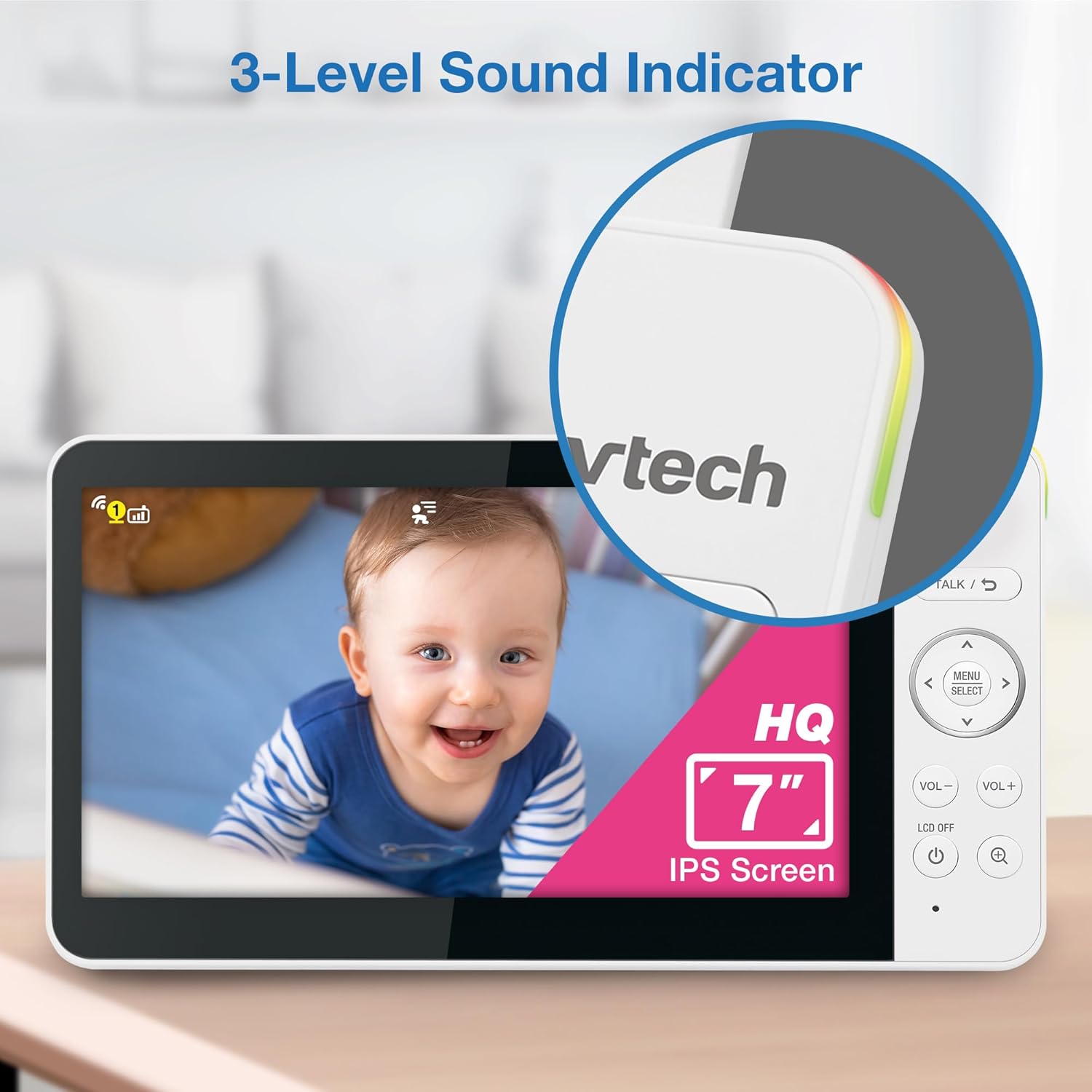
Image: The VTech parent unit displays a close-up of a smiling baby's face. On the right side of the unit, a vertical bar with three colored segments (green, yellow, red) indicates a 3-level sound indicator, showing the intensity of detected sound.
Penyelenggaraan
Pembersihan
Wipe the Parent Unit and Baby Units with a soft, damp cloth. Do not use cleaning sprays or liquid cleaners.
Penjagaan Bateri
The Parent Unit contains a rechargeable 5,000mAh battery. For optimal battery life, fully charge the unit before first use and avoid extreme temperatures.
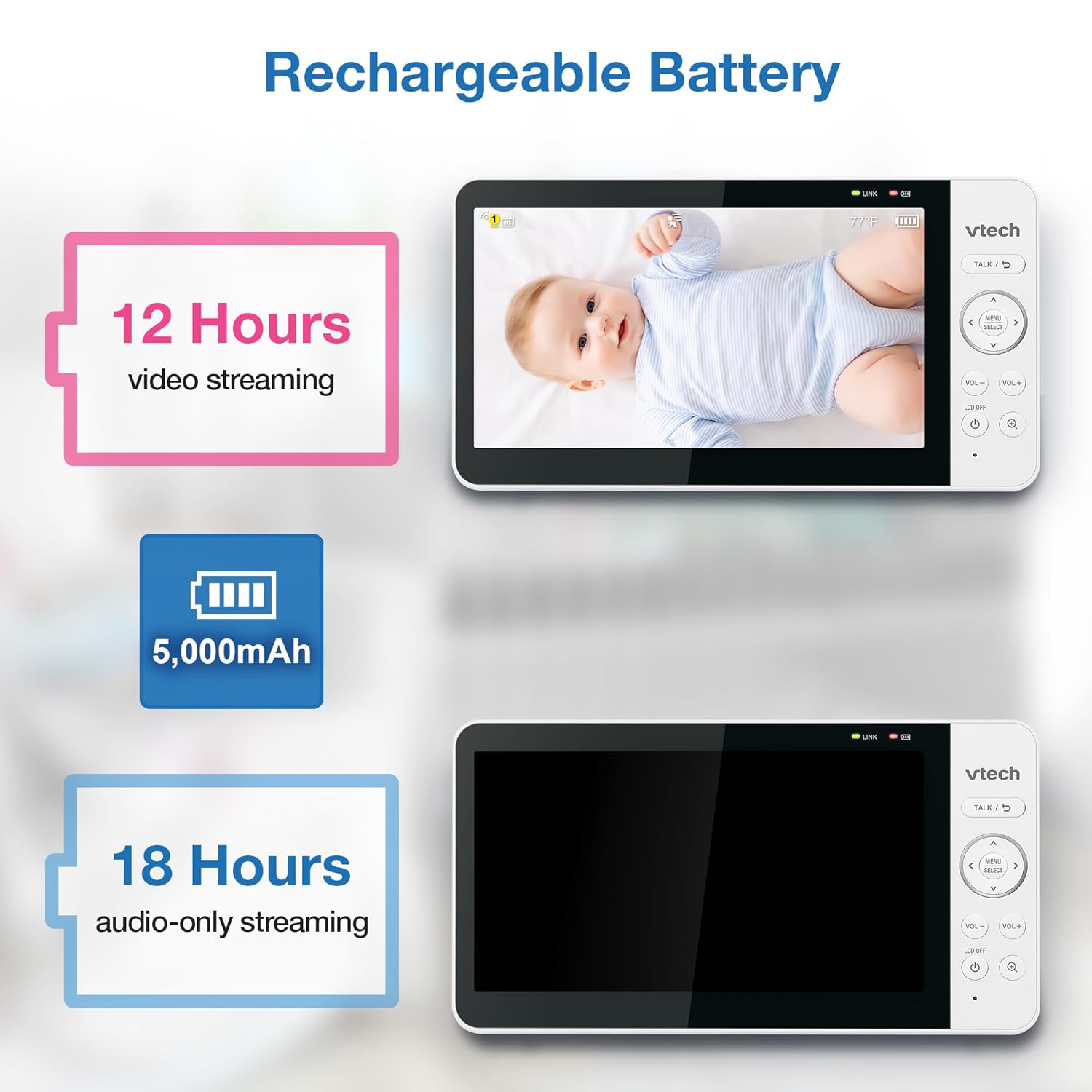
Image: A diagram illustrates the battery performance of the VTech parent unit. It shows a 5,000mAh battery providing up to 12 hours of continuous video streaming or up to 18 hours of audio-only streaming.
Menyelesaikan masalah
No Link/Signal
- Ensure both Parent Unit and Baby Units are powered on and within range.
- Gerakkan Unit Bayi lebih dekat dengan Unit Induk.
- Check for obstructions between the units (e.g., thick walls, electronic devices).
- Reset both units by disconnecting and reconnecting power.
Poor Video/Audio Quality
- Ensure Baby Unit lens is clean.
- Check for strong Wi-Fi signal if using the app.
- Reduce interference from other 2.4GHz devices.
Isu Ketersambungan Apl
- Verify your smartphone is connected to a stable 2.4GHz Wi-Fi network.
- Ensure the MyVTech Baby Plus app is updated to the latest version.
- Restart your router and the Baby Units.
Spesifikasi
| Ciri | Perincian |
|---|---|
| Model | Smart HQ Max Twin |
| Paparan Unit Induk | Skrin Warna IPS 7 inci |
| Resolusi Video | 1080p FHD (Remote Access) |
| Sensor Kamera | 2K CMOS |
| Viewsudut | 135 Degrees (Ultra Wide-Angle) |
| Kuali/Condongkan | 360° Panoramic / 105° Vertical |
| Zum | 24x Local / 10x Remote |
| Ketersambungan | 2.4G Wi-Fi, 2.4G FHSS |
| Bateri Unit Induk | 5,000mAh Boleh dicas semula |
| Hayat Bateri (Video) | Sehingga 12 jam |
| Battery Life (Audio-only) | Sehingga 18 jam |
| Ciri Khas | 2-Way Audio, Free App, Night Light, Lullabies, VOX Mode, Temperature Sensor |
Waranti dan Sokongan
For warranty information and technical support, please visit the official VTech Baby Care webtapak atau hubungi perkhidmatan pelanggan.
- Webtapak: www.vtechbabycare.com
- e-mel: support@vtechbabycare.com


