1. Produk Lebihview
The QONBINK K62 Smart Watch is a versatile fitness tracker designed for both men and women, offering a wide range of features to support an active and healthy lifestyle. It includes Bluetooth calling capabilities, a voice assistant, comprehensive health monitoring, and various sport modes, all presented on a vibrant 1.85-inch HD display.

Image: QONBINK K62 Smart Watch in Pink, showcasing paparan dan talinya.
2. Apa yang ada di dalam Kotak
- Jam Tangan Pintar QONBINK K62
- Kabel Pengecasan
- Manual Pengguna
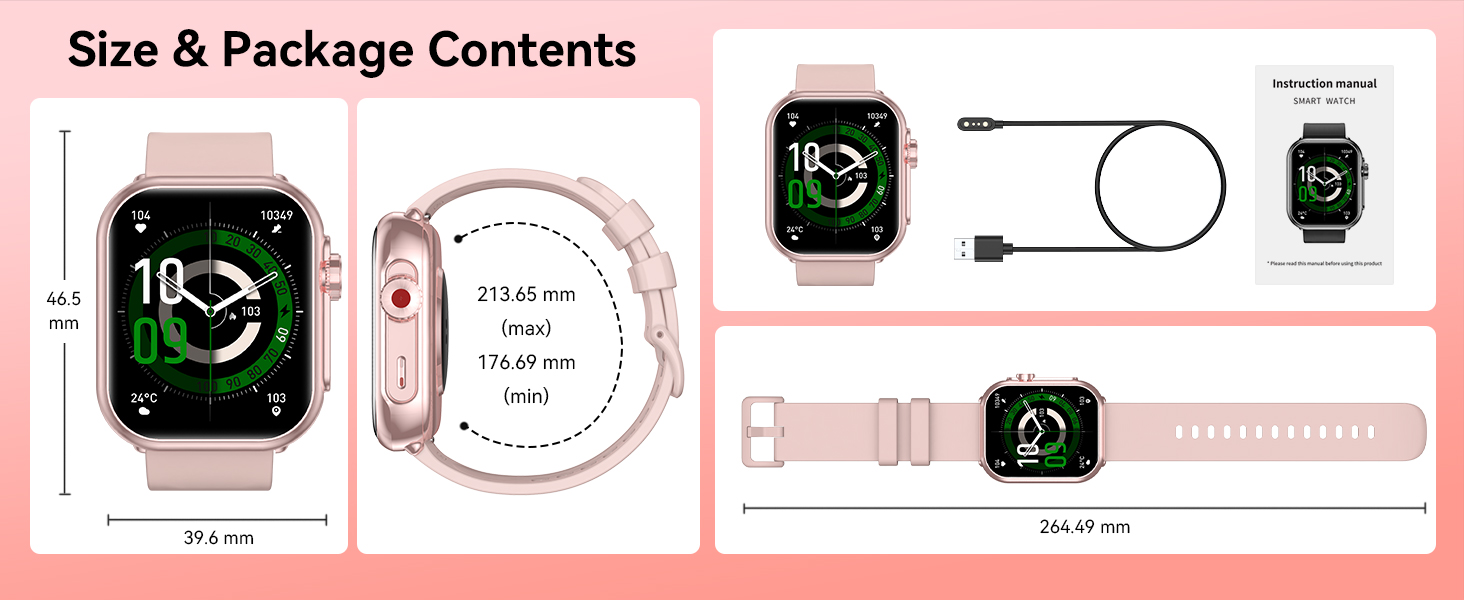
Image: Contents of the QONBINK K62 Smart Watch package, including the watch, charging cable, and user manual.
3. Panduan Persediaan
3.1 Pengecasan Awal
Before first use, fully charge your QONBINK K62 Smart Watch. Connect the magnetic charging cable to the charging points on the back of the watch and plug the USB-A end into a compatible power adapter (not included) or a computer's USB port. A full charge typically takes approximately 2.5 hours.
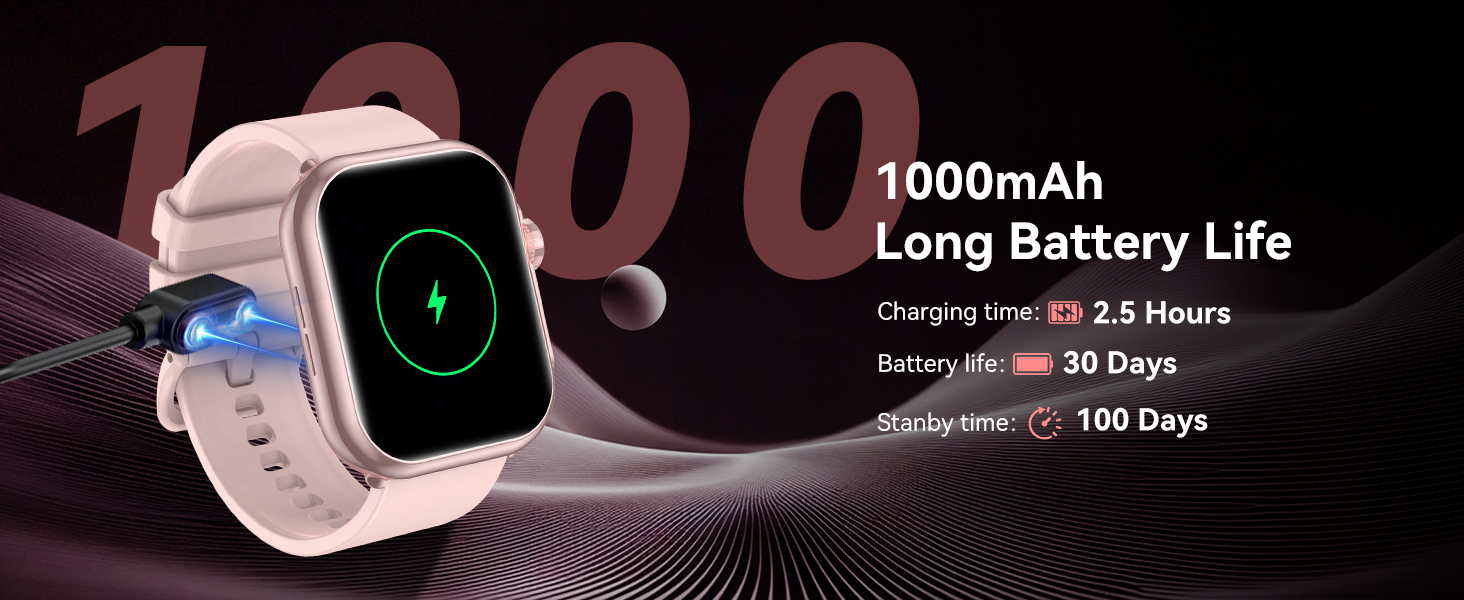
Image: The QONBINK K62 Smart Watch being charged with its magnetic cable.
3.2 Hidupkan/Mati Kuasa
- Untuk Menghidupkan: Long press the side button until the screen illuminates.
- Untuk Mematikan: Long press the side button, then select the power off option on the screen.
3.3 Muat Turun Apl dan Berpasangan
The QONBINK K62 Smart Watch requires the 'FitCloudPro' application for full functionality and data synchronization. The app is compatible with Android 4.4+ and iOS 9.0+ devices.
- Download the 'FitCloudPro' app from your device's app store (Google Play Store for Android, Apple App Store for iOS).
- Pastikan Bluetooth didayakan pada telefon pintar anda.
- Open the 'FitCloudPro' app and follow the on-screen instructions to create an account and set up your personal profile (gender, birth date, height, weight).
- Within the app, navigate to the device pairing section and search for 'K62' to connect your smartwatch.
- Sahkan permintaan berpasangan pada telefon pintar anda dan jam tangan pintar.
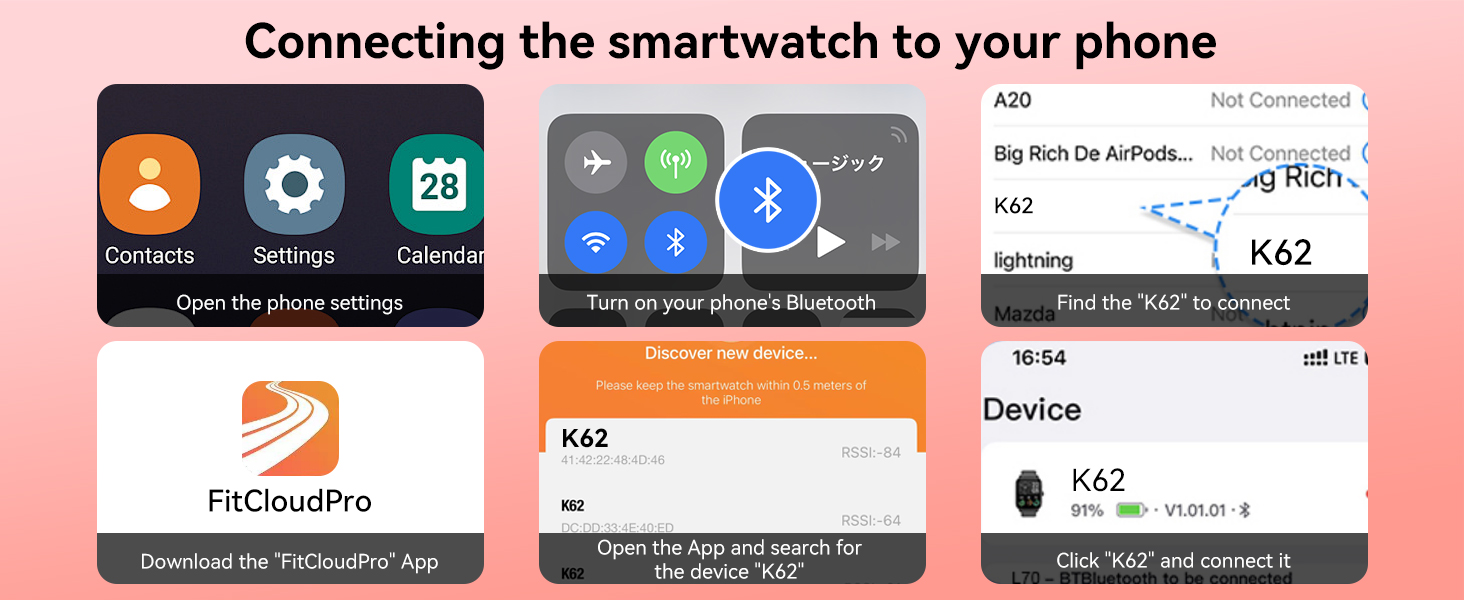
Image: Visual guide for connecting the smartwatch to a phone using the FitCloudPro app.
4. Ciri dan Fungsi
4.1 Bluetooth Calling and Voice Assistant
The K62 Smart Watch features a built-in microphone and speaker, enabling direct Bluetooth calls from your wrist. You can answer, make calls, and access your call records and frequent contacts. Additionally, the integrated smart voice assistant allows for hands-free control, such as playing music or setting alarms, by simply speaking commands to your watch.
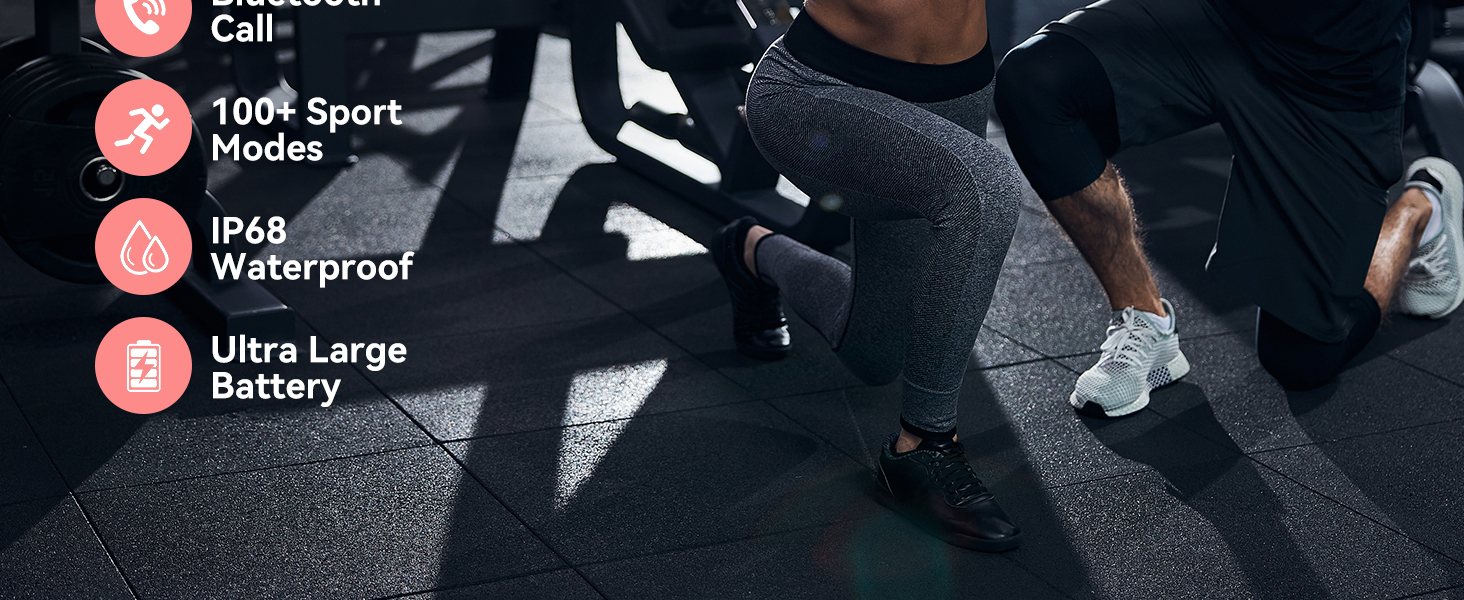
Image: The smartwatch displaying call functions and voice assistant prompts.
4.2 Smart Message Reminders
Stay informed with real-time notifications for SMS, social media messages, and app alerts directly on your watch. Ensure 'Message Push' and 'APP Alerts' are enabled in the 'FitCloudPro' app to receive these reminders. Please note that replying to messages directly from the watch is not supported.
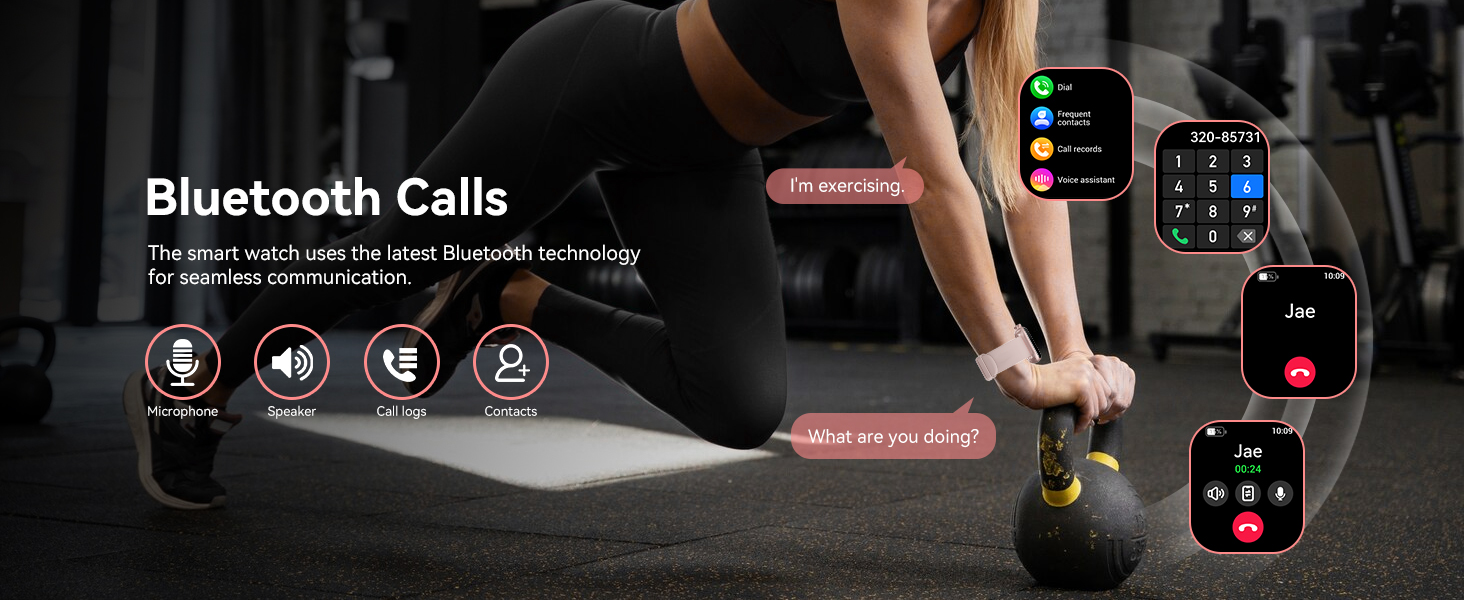
Image: The smartwatch showing notifications from different messaging and social media applications.
4.3 HD Display and Custom Dials
The watch features a 1.85-inch HD TFT color screen with high contrast and fast response. Personalize your watch face by choosing from over 100+ dials available in the 'FitCloudPro' app, or upload your favorite photo to create a custom wallpaper.
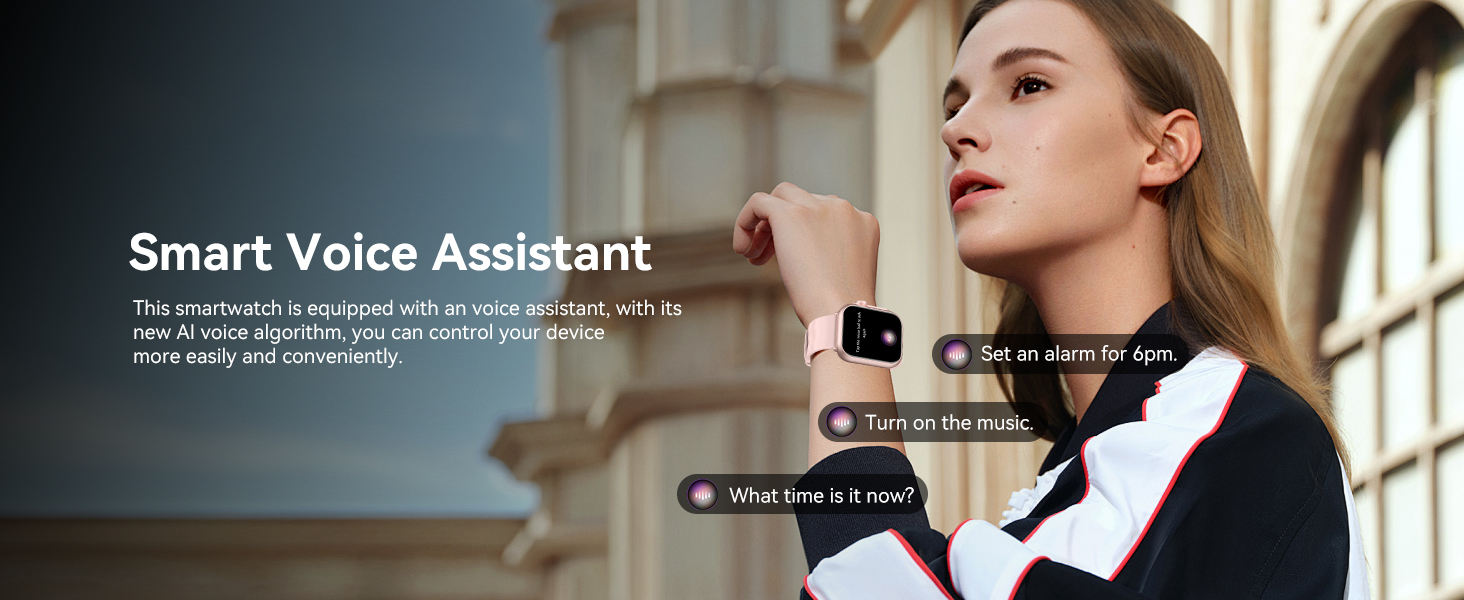
Image: The smartwatch display with multiple watch face options and a large, clear screen.
4.4 Continuous Health Monitoring
The K62 Smart Watch provides 24/7 monitoring of key health parameters:
- Pemantau Kadar Jantung: Tracks your heart rate in real-time, providing data on your cardiovascular health.
- Pemantau Oksigen Darah: Mengukur tahap ketepuan oksigen darah anda.
- Monitor Tidur: Analyzes your sleep patterns, including different sleep stages, to help you understand and improve sleep quality.

Image: The smartwatch showing health data for blood oxygen, sleep time, and heart rate.
4.5 120+ Sport Modes and IP68 Waterproofing
With over 120 built-in sport modes, the fitness watch caters to a wide range of activities, from outdoor sports to indoor exercises. It precisely tracks performance metrics during your workouts. The smartwatch is rated IP68 waterproof, making it suitable for daily use and various water-related activities, though it is not recommended for diving or hot water exposure.
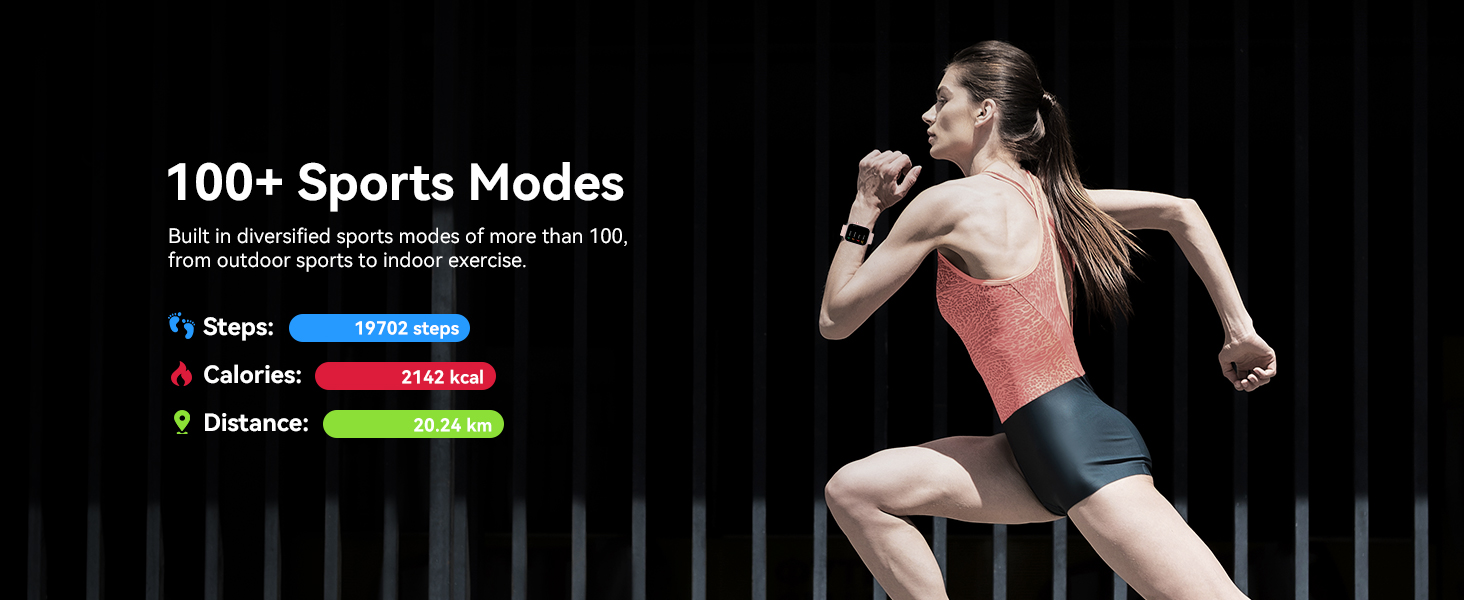
Image: The smartwatch showing tracked steps, calories, and distance during a workout.
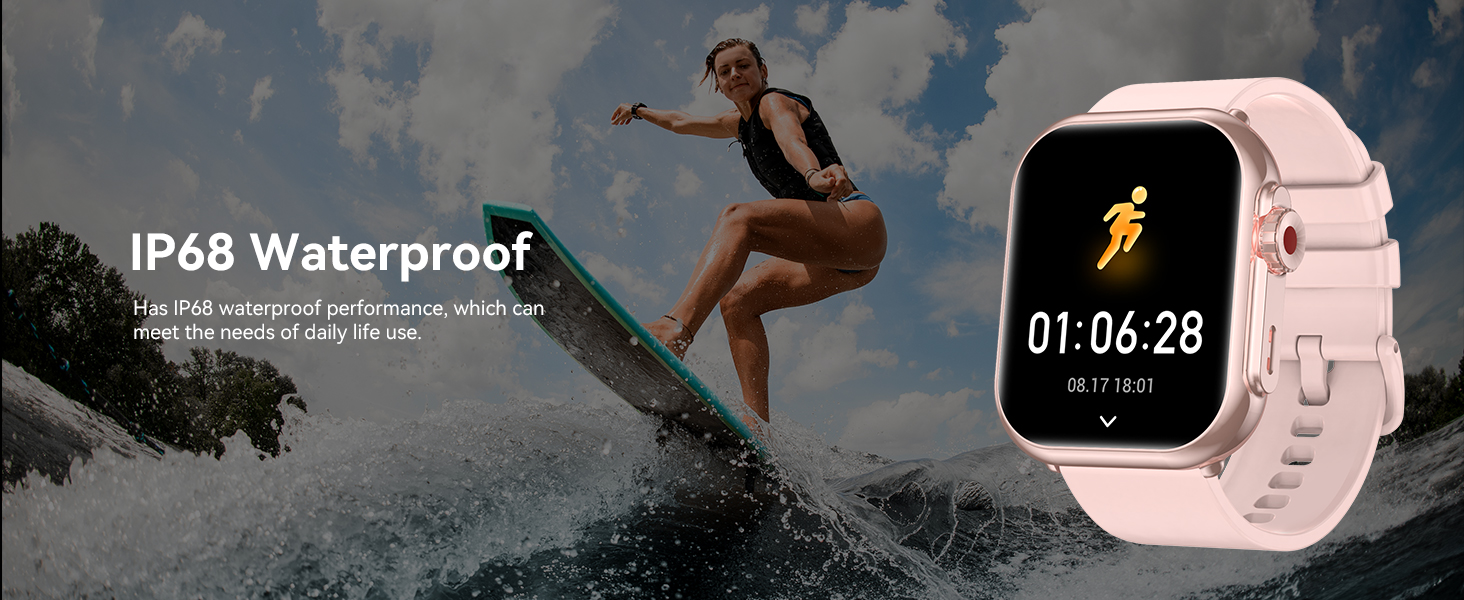
Image: The smartwatch highlighting its IP68 waterproof rating.
4.6 Hayat Bateri yang Panjang
Equipped with a 1000 mAh battery, the K62 Smart Watch offers extended usage. A single 2.5-hour charge can provide up to 30 days of typical use and an impressive 100 days of standby time, reducing the need for frequent recharging.
4.7 Multi-Functions and Practical Tools
The smartwatch integrates various useful tools for daily convenience, including:
- Jam Penggera
- Kawalan Muzik
- Kawalan Kamera
- Kalkulator
- Lampu suluh
- Jam randik
- Memo Suara
- Peringatan Minum
- Ramalan Cuaca
- Latihan Pernafasan
- Peringatan Sedentari
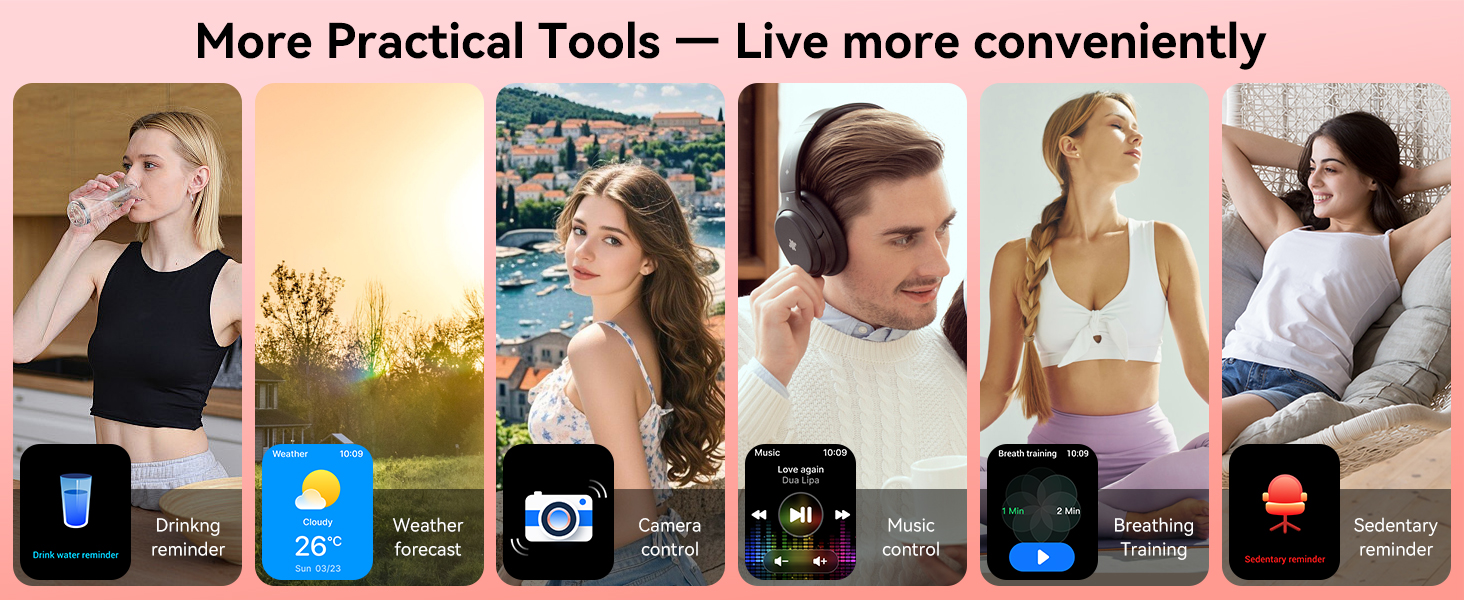
Image: The smartwatch interface showing a selection of its practical tools.
5. Arahan Operasi
5.1 Navigasi Asas
- Skrin Sentuh: Swipe left, right, up, or down to navigate through menus and features.
- Butang Sisi: Tekan untuk kembali ke skrin utama atau mengaktifkan peranti. Tekan lama untuk pilihan kuasa.
5.2 Menukar Muka Jam Tangan
To change the watch face, long press on the current watch face on the screen. Swipe left or right to browse available faces. Tap to select your preferred watch face. More options are available in the 'FitCloudPro' app.
5.3 Accessing Settings and Features
From the home screen, swipe down to access quick settings (e.g., brightness, do not disturb). Swipe up to view notifications. Swipe left or right to access various features like activity tracking, heart rate, blood oxygen, and more.
6. Penyelenggaraan
- Pembersihan: Lap skrin dan tali jam tangan dengan kerap menggunakan kain lembut dan kering. Untuk kotoran degil, lap sedikitamp kain boleh digunakan. Elakkan bahan kimia yang keras.
- mengecas: Gunakan hanya kabel pengecas magnet yang disediakan. Pastikan sentuhan pengecasan pada jam tangan dan kabel bersih dan kering sebelum mengecas.
- Tahan Air: While IP68 waterproof, avoid prolonged submersion, hot water, or steam, which can compromise the seal. Dry the watch thoroughly after exposure to water.
- Storan: Simpan jam tangan di tempat yang sejuk dan kering apabila tidak digunakan. Elakkan suhu yang melampau.
7. Penyelesaian masalah
- Tonton tidak dihidupkan: Ensure the watch is fully charged. Long press the side button for several seconds.
- Tidak boleh berpasangan dengan telefon: Make sure Bluetooth is enabled on your phone and the watch is within range. Restart both devices and try pairing again through the 'FitCloudPro' app.
- Pemberitahuan tidak diterima: Check that 'Message Push' and 'APP Alerts' are enabled in the 'FitCloudPro' app settings. Ensure the app is running in the background and your phone's notification permissions are granted to the app.
- Data kesihatan tidak tepat: Ensure the watch is worn snugly on your wrist, not too tight or too loose. Clean the sensor on the back of the watch. For best results, remain still during measurements.
- Hayat bateri pendek: Kurangkan kecerahan skrin, lumpuhkan pemberitahuan yang tidak perlu dan hadkan pemantauan kadar denyutan jantung berterusan jika tidak diperlukan.
8. Spesifikasi
| Ciri | Spesifikasi |
|---|---|
| Nombor Model | K62 |
| Saiz Paparan | 1.85 Inci |
| Resolusi Paparan | 240 x 286 |
| Kapasiti Bateri | 1000 mAh (Lithium Polimer) |
| Hayat Bateri (Penggunaan Biasa) | Sehingga 30 hari |
| Masa Tunggu Sedia | Sehingga 100 hari |
| Masa Mengecas | lebih kurang 2.5 jam |
| Penilaian Kalis Air | IP68 |
| Ketersambungan | Bluetooth |
| Keserasian Sistem Pengendalian | Android 4.4+, iOS 9.0+ |
| Ciri Khas | Bluetooth Call, Message Reminder, Custom Wallpaper, Health Monitoring, Fitness Tracker, 110+ Sports Modes, Voice Assistant |
| Berat Barang | 3.84 auns |
| Dimensi | 10.91 x 3.58 x 0.67 inci (Pakej) |
9. Waranti dan Sokongan
QONBINK is committed to product quality and customer satisfaction. Your K62 Smart Watch comes with:
- Polisi Pemulangan 30 Hari: For any reason, you may return the product within 30 days of purchase.
- Penggantian Percuma 1 Tahun: Enjoy a 1-year free replacement warranty for manufacturing defects or functional issues.
For further assistance, technical support, or warranty claims, please contact QONBINK customer service through the contact information provided on your purchase platform or the official QONBINK webtapak.


