1. Pengenalan
This manual provides instructions for the safe and efficient operation, maintenance, and troubleshooting of your CREATE THERA MOVE Portable Espresso Machine. Please read this manual thoroughly before first use and retain it for future reference.
Maklumat Keselamatan
- Pastikan peranti dicas sepenuhnya sebelum digunakan.
- Jangan rendam unit utama dalam air.
- Jauhkan daripada kanak-kanak.
- Use only clean drinking water.
- Do not operate if any part is damaged.
- Elakkan menyentuh permukaan panas semasa dan sebaik sahaja selepas operasi.
2. Produk Lebihview
The CREATE THERA MOVE is a portable espresso machine designed for convenience, allowing you to prepare espresso using either ground coffee or capsules, with options for hot or cold brewing.
Komponen

Image: All components of the CREATE THERA MOVE Portable Espresso Machine, including the main unit, water tank, coffee basket, capsule adapter, USB charging cable, and the carrying case.
- Unit Utama: Contains the heating element, pump, and control panel.
- Tangki Air: Detachable tank for water, maximum capacity 80ml.
- Bakul Kopi: For ground coffee (12-15g capacity).
- Capsule Adapter: For use with compatible coffee capsules.
- Kabel Pengecas USB: Untuk mengecas semula bateri dalaman.
- Sarung pembawa: (Included with this model) Provides protection and storage for the machine and accessories.
Panel Kawalan
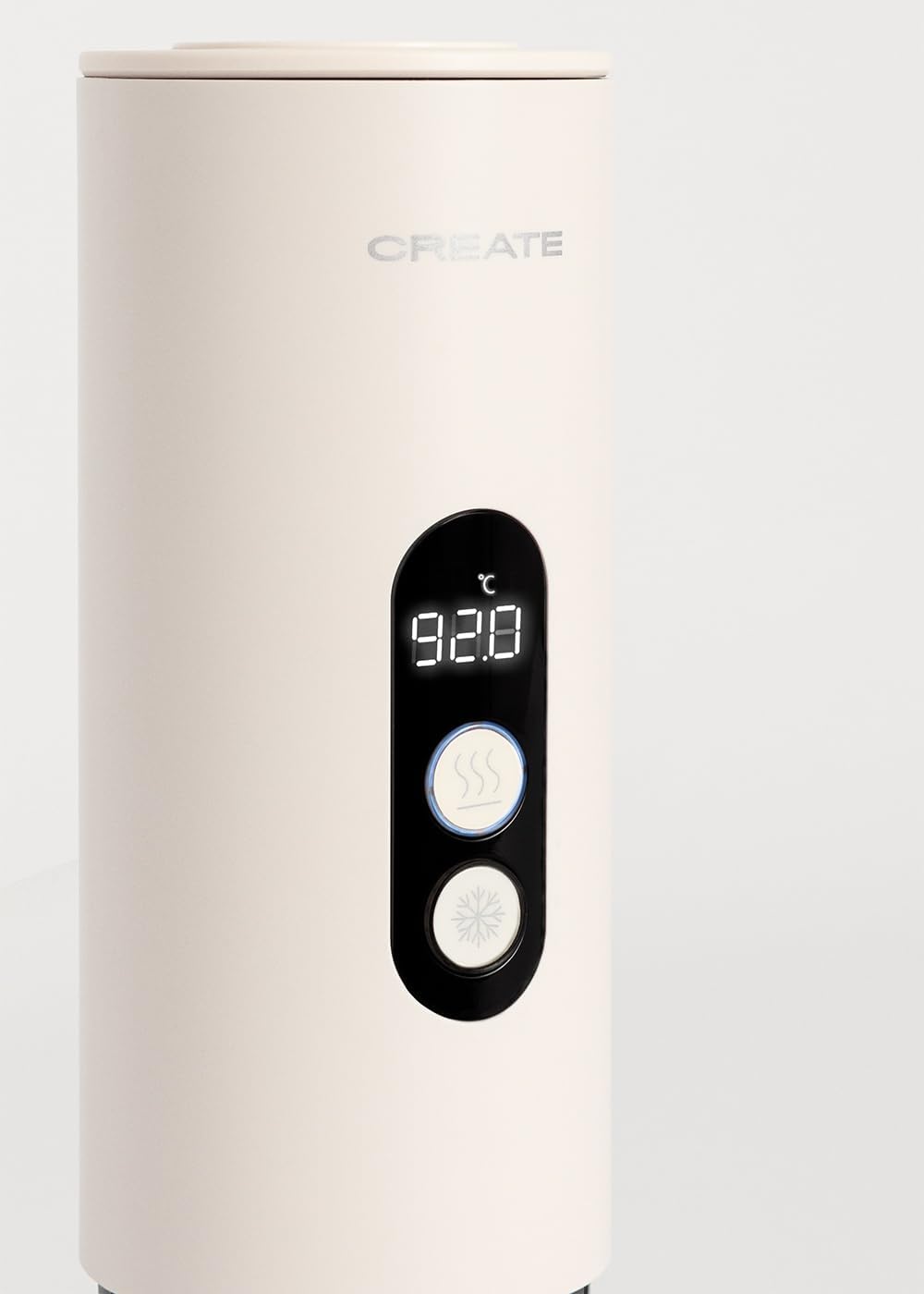
Image: Close-up of the control panel with temperature display and hot/cold brew buttons.
- Paparan Digital: Shows current temperature or status.
- Hot Brew Button: Initiates hot coffee preparation.
- Cold Brew Button: Initiates cold coffee preparation.
3. Persediaan
Caj Permulaan
Before first use, fully charge the device using the provided USB cable. The charging indicator will show status. A full charge ensures optimal performance.
First Use Cleaning
Before preparing coffee, perform a cleaning cycle. Fill the water tank with clean water, assemble the unit without coffee, and run a hot brew cycle. Discard the water.
4. Arahan Operasi
Preparing Coffee with Ground Coffee
- Unscrew the coffee basket from the main unit.
- Fill the coffee basket with 12-15g of finely ground coffee. Do not overfill.
- Screw the coffee basket back onto the main unit securely.
- Unscrew the water tank and fill it with up to 80ml of clean water.
- Screw the water tank onto the main unit.
- Place a cup or mug beneath the dispenser.
- Press the appropriate button for hot or cold brew.
- Mesin akan berhenti secara automatik apabila kitaran pembuatan bir selesai.

Image: Adding ground coffee to the coffee basket.

Image: Filling the water tank with water.

Image: The machine dispensing espresso into a cup.
Preparing Coffee with Capsules
- Unscrew the coffee basket and attach the capsule adapter.
- Insert a compatible coffee capsule into the adapter.
- Screw the capsule adapter with the capsule back onto the main unit.
- Follow steps 4-8 from the "Preparing Coffee with Ground Coffee" section.
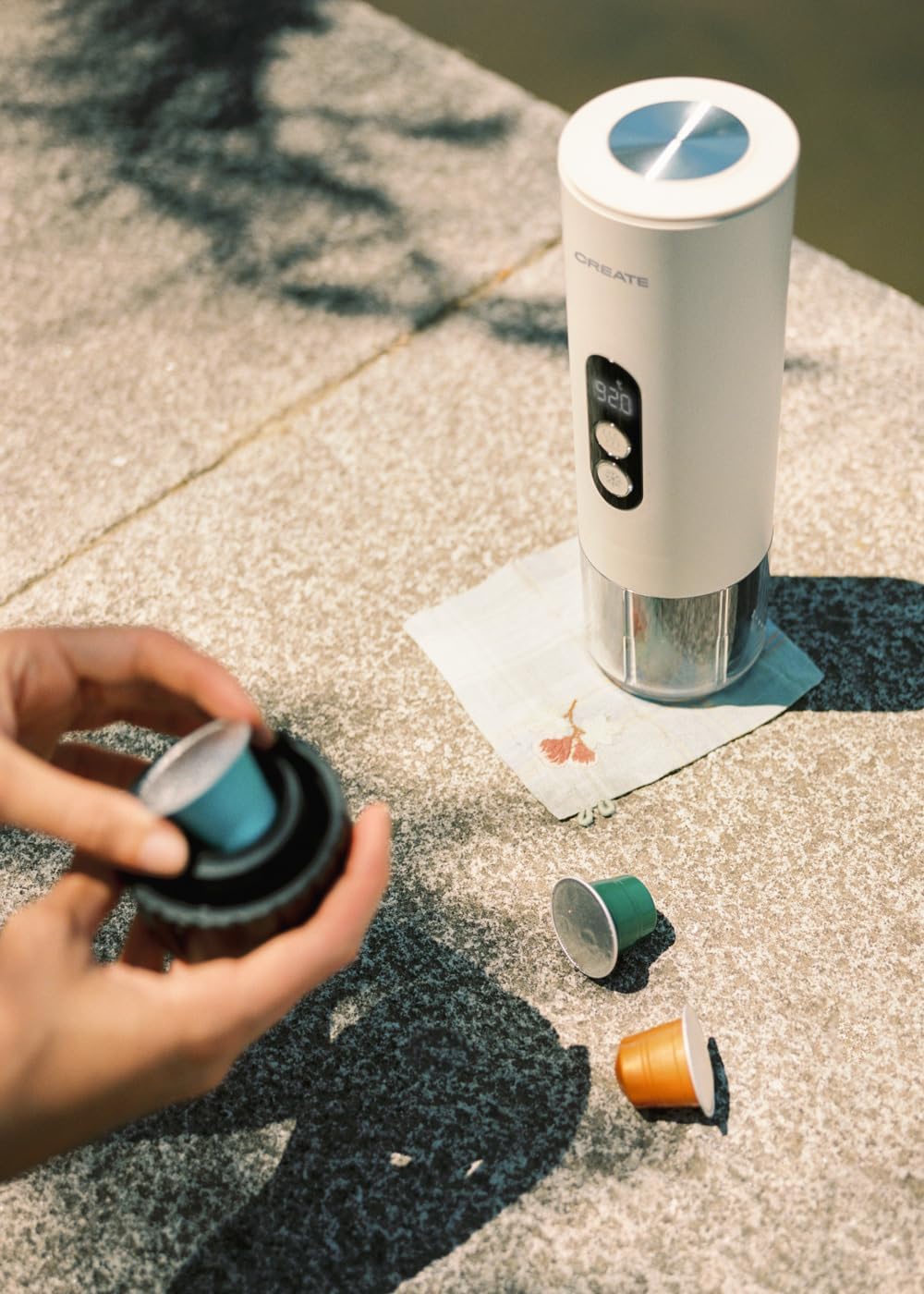
Image: Inserting a coffee capsule into the adapter.
Hot Brew Function
For hot espresso, ensure the water tank is filled with cold or room temperature water. Press the hot brew button. The machine will heat the water to the optimal temperature (approximately 92°C) and then extract the coffee. The digital display will show the temperature during heating.
Fungsi Minuman Sejuk
For cold espresso, fill the water tank with cold water. Press the cold brew button. The machine will extract the coffee without heating the water, producing a cold brew concentrate.
5. Penyelenggaraan dan Pembersihan
Pembersihan Harian
- After each use, disassemble the coffee basket/capsule adapter and water tank.
- Bilas semua bahagian yang boleh ditanggalkan di bawah air yang mengalir.
- Lap unit utama dengan iklanamp kain. Jangan rendam.
- Pastikan semua bahagian kering sebelum memasang semula atau menyimpannya.
Pembersihan Dalam / Penyahkerak
Periodically, depending on water hardness and frequency of use, descaling may be necessary. Refer to the manufacturer's website or contact support for specific descaling instructions and recommended descaling solutions.
6. Penyelesaian masalah
| Masalah | Kemungkinan Punca | Penyelesaian |
|---|---|---|
| Mesin tidak dihidupkan. | Bateri lemah. | Charge the machine fully. |
| Tiada kopi yang dikeluarkan. | No water in tank; coffee basket/capsule adapter not properly sealed; clogged filter. | Fill water tank; ensure parts are securely screwed; clean filter. |
| Kopi terlalu lemah/kuat. | Incorrect coffee grind size; incorrect coffee quantity; capsule issue. | Adjust grind size or quantity; ensure capsule is compatible and correctly inserted. |
| Air bocor. | Parts not securely tightened; damaged seal. | Ensure all parts are tightly screwed; inspect seals for damage and replace if necessary. |
7. Spesifikasi
- model: THERA MOVE
- Jenama: CIPTA
- Tekanan: 15 Bar
- Kuasa: 150W
- Kapasiti Air: 80ml (maks)
- Kapasiti Penapis Kopi: 12-15g (ground coffee)
- Keserasian: Ground coffee, 44mm capsules
- Dimensi: Kira-kira 7.3 x 7.3 x 23 cm
- Berat: Approximately 0.95 kg (machine only)
- Fungsi: Hot and Cold Brew
8. Waranti dan Sokongan
The CREATE THERA MOVE Portable Espresso Machine comes with a standard manufacturer's warranty. For detailed warranty terms, registration, or technical support, please refer to the official CREATE website or contact their customer service department. Please retain your proof of purchase for warranty claims.
Untuk bantuan lanjut, layari: www.create.es