1. Pengenalan
This manual provides detailed instructions for the setup, operation, and maintenance of your PUSOKEI 5G Mobile Hotspot (Model M5 E). This portable device allows you to create a Wi-Fi network using a 4G/5G SIM card, providing internet access for up to 10 devices simultaneously. Please read this manual thoroughly before using the device to ensure proper functionality and safety.
2. Maklumat Keselamatan
- Jangan dedahkan peranti kepada suhu yang melampau, cahaya matahari langsung atau kelembapan yang tinggi.
- Elakkan daripada menjatuhkan atau meletakkan peranti kepada kesan yang kuat.
- Gunakan hanya kabel pengecasan yang disediakan atau pengecas yang serasi.
- Jangan cuba membuka atau mengubah suai peranti. Ini akan membatalkan jaminan.
- Jauhkan peranti daripada air dan cecair lain.
- Ensure adequate ventilation during extended use to prevent overheating.
3. Kandungan Pakej
Sila semak pakej untuk item berikut:
- 1 x PUSOKEI Portable Router (Model M5 E)
- 1 x Kabel Pengecas USB
- 1 x Manual Arahan (Dokumen ini)
4. Produk Lebihview
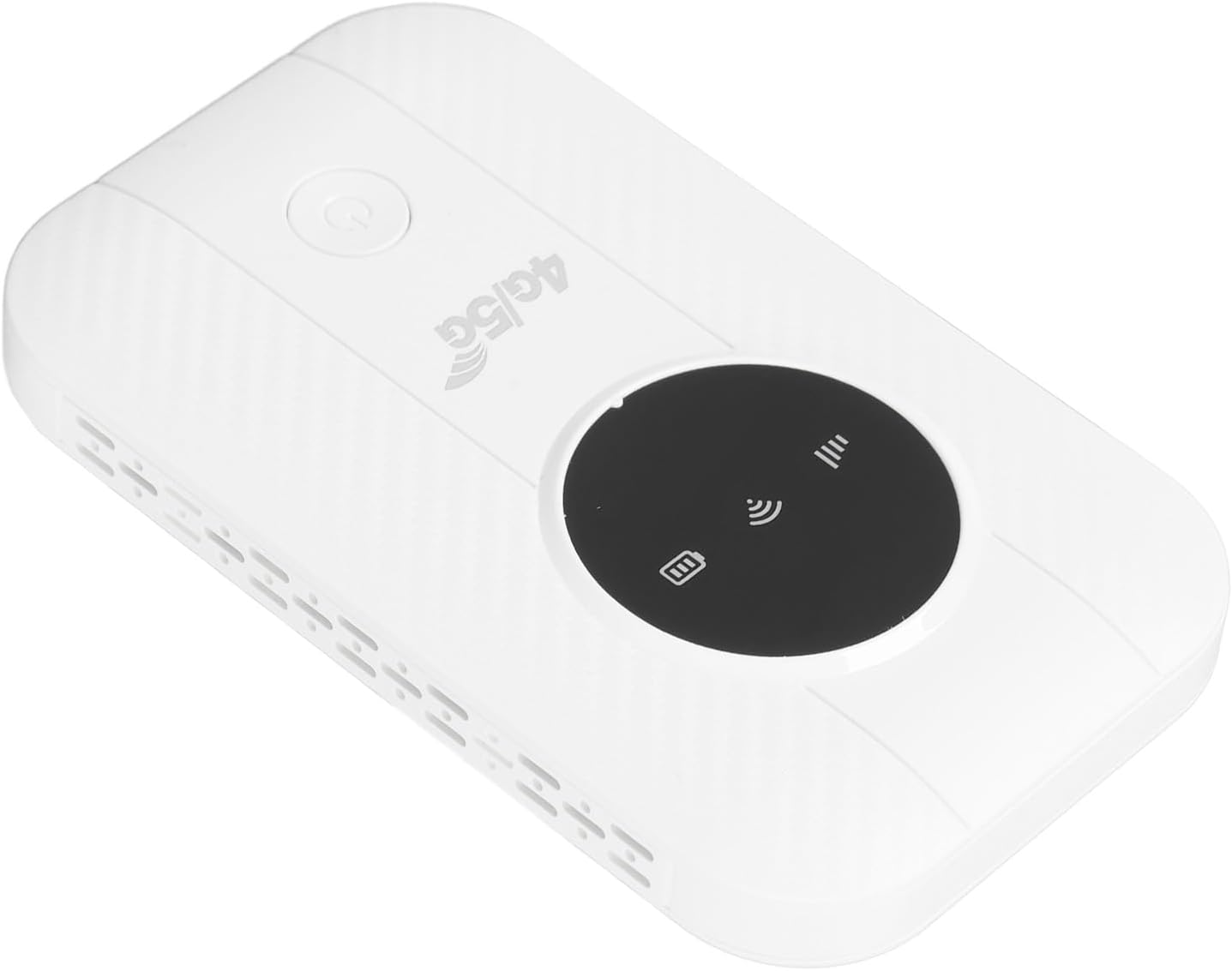
The PUSOKEI 5G Mobile Hotspot is designed for portability and ease of use. It features a compact design with indicator lights for signal strength, Wi-Fi status, and battery.

Image of the PUSOKEI 5G Mobile Hotspot, showing its compact white design with a black display area and power button.

Close-up image of the PUSOKEI 5G Mobile Hotspot, highlighting the '4G/5G' branding and indicator lights.
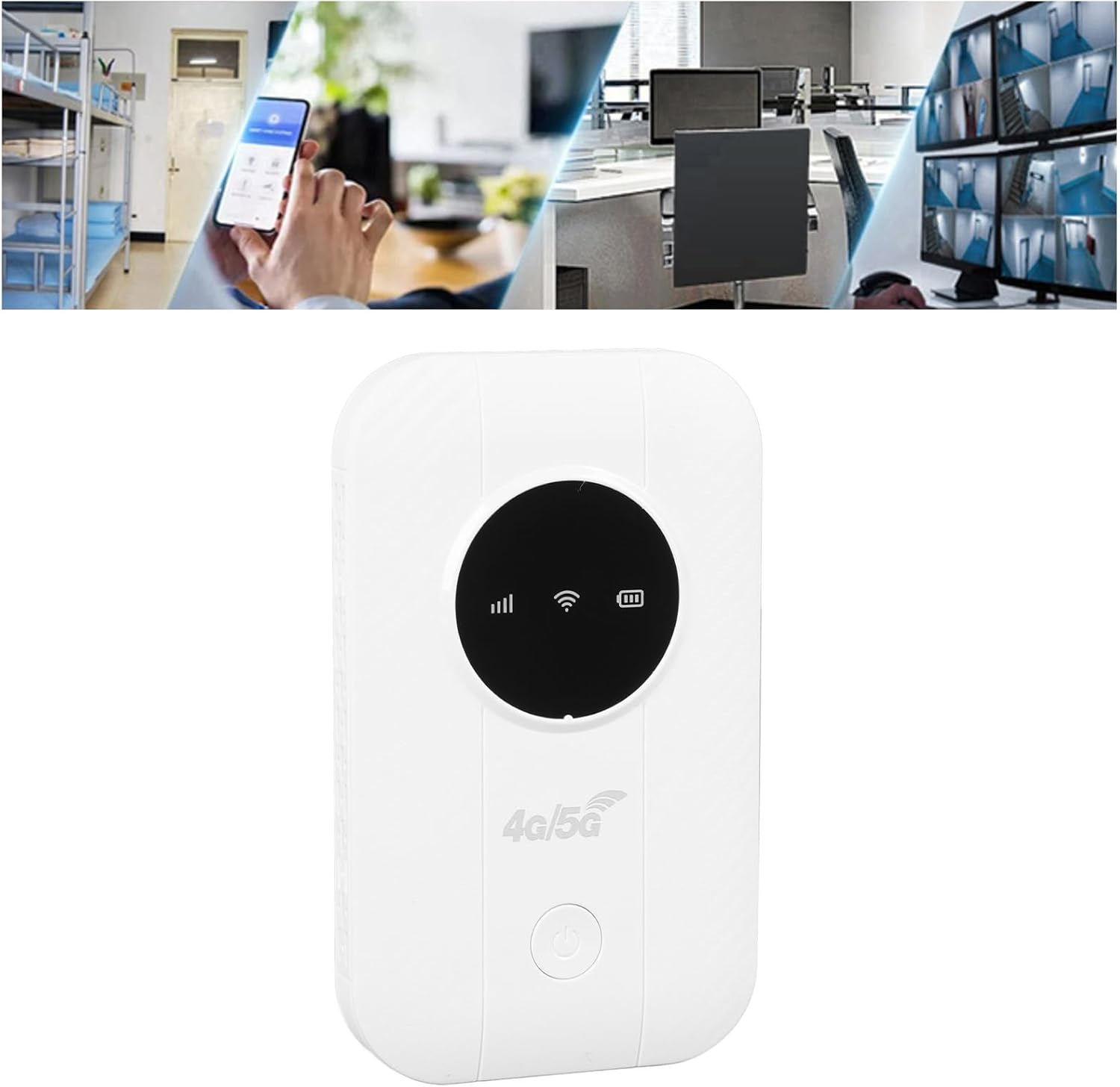
Image showing the PUSOKEI 5G Mobile Hotspot alongside its included USB charging cable.
5. Persediaan
5.1. Mengecas Peranti
Before initial use, fully charge the hotspot. Connect the provided USB charging cable to the device's charging port and plug the other end into a computer USB port, a mobile power source, or a car USB charger. The battery indicator will show charging status.
Graphic representation of a battery cell, symbolizing the long-lasting performance and 2100mAh battery capacity of the PUSOKEI 5G Mobile Hotspot.
5.2. Memasukkan Kad SIM
- Pastikan peranti dimatikan.
- Locate the SIM card slot on the device. This device uses a Micro SIM card.
- Carefully insert your Micro SIM card into the slot until it clicks into place. Ensure the SIM card is activated by your service provider and any PIN code is disabled before insertion.
- If necessary, you may need to configure the Access Point Name (APN) settings. Refer to your SIM card provider for the correct APN details. You can typically access the router's settings via its IP address (usually printed on the device or found in the manual).
6. Arahan Operasi
6.1. Menghidupkan/Mematikan
- Untuk menghidupkan: Tekan dan tahan butang kuasa sehingga lampu penunjuk menyala.
- Untuk mematikan: Tekan dan tahan butang kuasa sehingga lampu penunjuk padam.
6.2. Menyambungkan Peranti ke Wi-Fi
Once the hotspot is powered on and has established a network connection (indicated by the signal light), you can connect your devices:
- On your smartphone, tablet, laptop, or other Wi-Fi enabled device, go to the Wi-Fi settings.
- Cari untuk rangkaian Wi-Fi yang tersedia.
- Select the network name (SSID) of your PUSOKEI Mobile Hotspot. The SSID and default password are usually printed on a label inside the device or on the packaging.
- Masukkan kata laluan Wi-Fi apabila digesa.
- Your device should now be connected to the internet. The hotspot supports connecting up to 10 devices simultaneously.

Illustration demonstrating the PUSOKEI 5G Mobile Hotspot connecting up to 10 devices simultaneously, including monitors, desktop PCs, laptops, and phones.
6.3. Prestasi Rangkaian
- Kelajuan: The hotspot supports the LTE CAT4 standard, delivering theoretical speeds up to 300Mbps. Actual speeds may vary based on network conditions and service provider.
- Jalur Rangkaian: This device is compatible with FDD bands B1, B3, B5, B7, B8, B20 and TDD bands B40, B41. Ensure your SIM card's network provider operates on these bands for optimal performance.
- Hayat Bateri: Equipped with a 2100mAh Li-Polymer battery, the device offers over 10 hours of continuous use on a full charge.

Diagram illustrating the PUSOKEI 5G Mobile Hotspot providing Wi-Fi signal coverage throughout a multi-room house.

Collage of images showing the PUSOKEI 5G Mobile Hotspot being used in various scenarios: business office, playing games, binge-watching, travel, outdoor internet access, and live streaming.
7. Penyelenggaraan
- Pembersihan: Gunakan kain lembut dan kering untuk membersihkan peranti. Jangan gunakan pembersih cecair atau aerosol.
- Storan: Store the device in a cool, dry place when not in use. Avoid storing it in areas with extreme temperatures or high humidity.
- penyejukan: For prolonged use, ensure the device has adequate airflow to prevent overheating and maintain optimal performance.
8. Penyelesaian masalah
| Masalah | Kemungkinan Punca | Penyelesaian |
|---|---|---|
| No internet connection after SIM card insertion | SIM card PIN enabled; Incorrect APN settings; SIM card not activated; Poor network signal. | Disable SIM card PIN via another device or your service provider. Configure correct APN settings via the router's web interface. Ensure SIM card is active. Move to an area with better network coverage. |
| Peranti tidak dihidupkan | Bateri lemah; Kerosakan peranti. | Charge the device fully. If the problem persists, contact customer support. |
| Kelajuan internet perlahan | Weak network signal; Too many connected devices; Network congestion. | Move to an area with stronger signal. Disconnect some devices. Try again during off-peak hours. |
| Peranti terlalu panas | Prolonged heavy use; Poor ventilation. | Ensure the device is in a well-ventilated area. Reduce usage if necessary. |
9. Spesifikasi
| Ciri | Perincian |
|---|---|
| Model | M5 E (PUSOKEIbm5w9s1f0t) |
| bahan | ABS |
| Cip | Untuk 8916 |
| Network Bands (Eurasian Version) | FDD: B1, B3, B5, B7, B8, B20; TDD: B40, B41 |
| Kelajuan Maks | Up to 300Mbps (LTE CAT4) |
| Slot Kad SIM | Micro SIM (Excluded) |
| Jenis Bateri | Li-Polymer, 2100mAh (Built-in) |
| Teknologi Ketersambungan | Wireless (4G/5G cellular to Wi-Fi) |
| Standard Komunikasi Tanpa Wayar | 802.11ac |
| Peranti Bersambung Maks | 10 |
| Berat Barang | 4.2 auns |
| Dimensi Pakej | 5.12 x 4.33 x 1.18 inci |
10. Maklumat Waranti
This PUSOKEI product is covered by a standard manufacturer's warranty. Please refer to the warranty card included in your package or contact your retailer for specific warranty terms and conditions. Keep your purchase receipt as proof of purchase for warranty claims.
11. Sokongan
For technical assistance, troubleshooting, or product inquiries, please contact PUSOKEI customer support through the retailer where you purchased the device or visit the official PUSOKEI webtapak untuk maklumat hubungan.


