1. Pengenalan
The LIGE Military Smart Watch EF12-H is a robust and feature-rich wearable designed for active lifestyles. This manual provides detailed instructions for setup, operation, and maintenance to ensure optimal performance and longevity of your device. It combines durability with advanced smart features, including health monitoring, extensive sports modes, and communication capabilities.
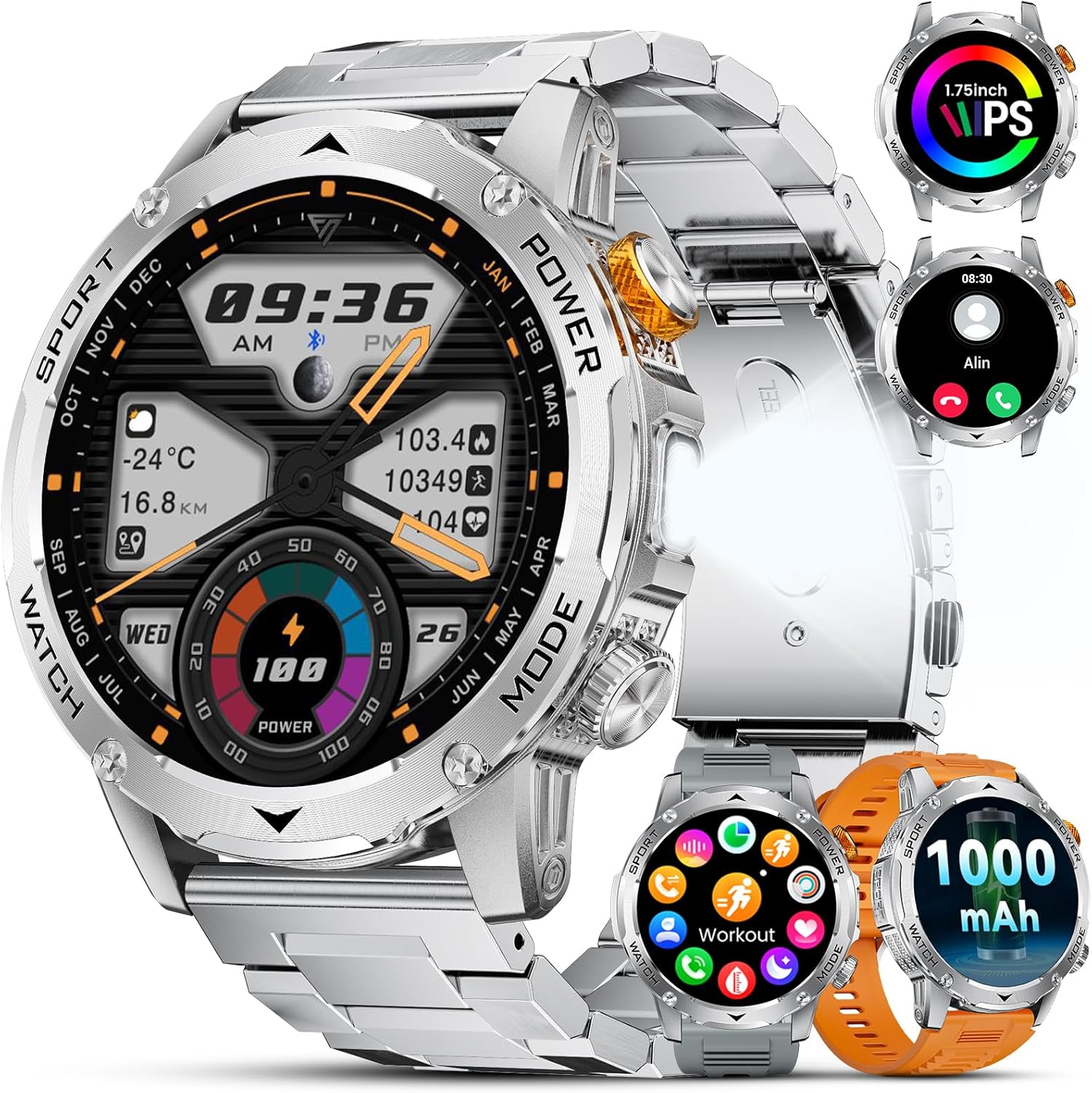
Image 1.1: LIGE Military Smart Watch EF12-H showcasing its design and multiple watch face options.
2. Apa yang ada di dalam Kotak
Upon unboxing your LIGE Military Smart Watch EF12-H, please verify that all the following items are included:
- 1x LIGE Military Smart Watch EF12-H
- 1x Heavy Duty Metal Band
- 1x Grey Silicone Band
- 1x Orange Silicone Band
- 1x Manual Pengguna
- 1x Kabel Pengecasan
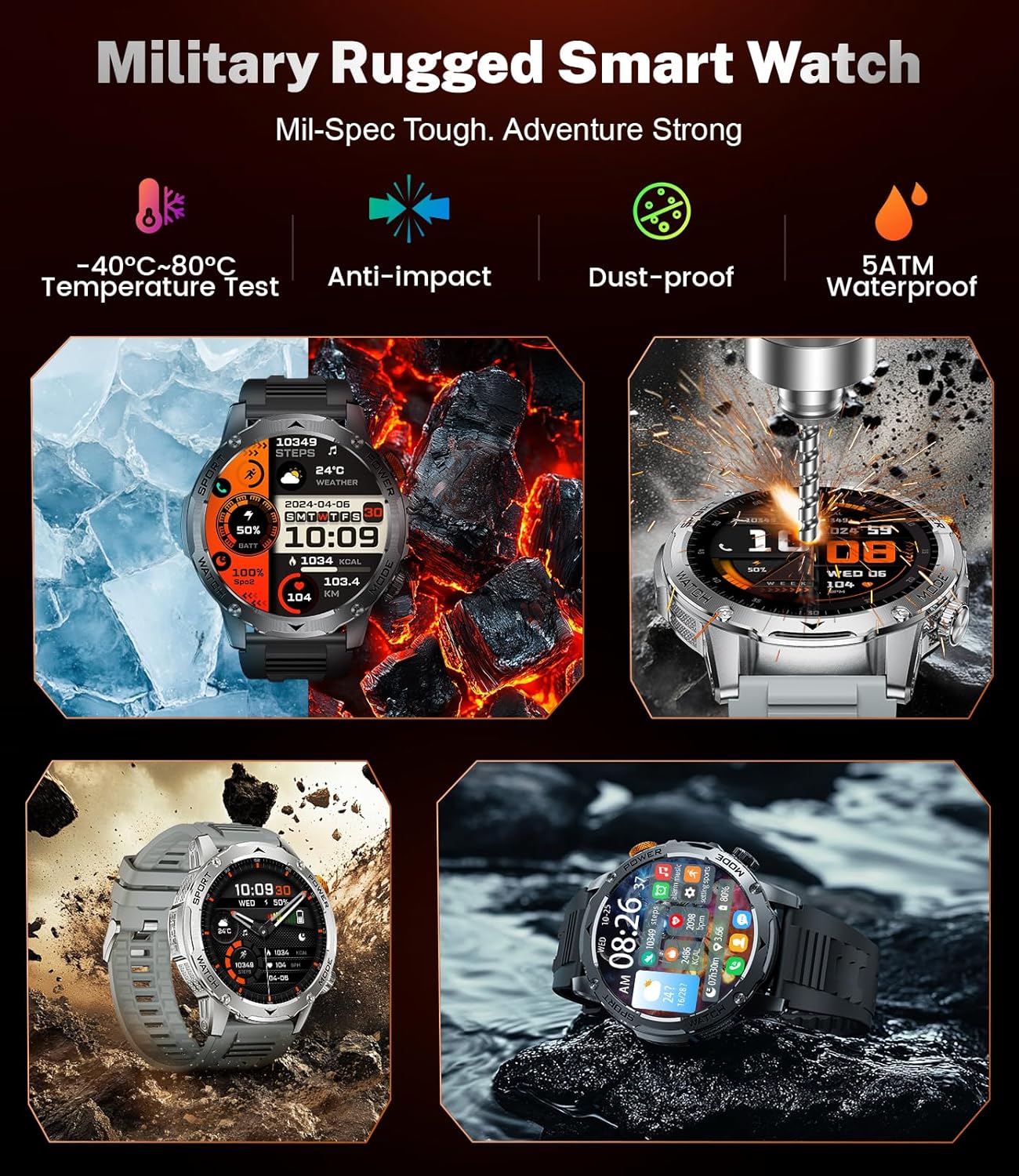
Image 2.1: The LIGE Military Smart Watch EF12-H package contents, including the watch and its three distinct bands.
3. Persediaan
3.1. Mengecas Jam Tangan
Before initial use, fully charge your smartwatch. The device features a 1000mAh battery, providing extended usage. A full charge typically takes approximately 2.5 hours.
- Sambungkan kabel pengecas magnet ke kenalan pengecas di bahagian belakang jam tangan.
- Palamkan hujung USB kabel ke dalam penyesuai kuasa USB standard (tidak disertakan) atau port USB komputer.
- Skrin jam tangan akan memaparkan penunjuk pengecasan.

Image 3.1: The LIGE Smart Watch EF12-H being charged using its magnetic charging cable.
3.2. Connecting to the App (FitcloudPro)
To unlock the full potential of your smartwatch, connect it to your smartphone via the FitcloudPro app.
- Muat turun FitcloudPro aplikasi daripada gedung aplikasi telefon pintar anda (iOS atau Android).
- Pastikan Bluetooth didayakan pada telefon pintar anda.
- Open the FitcloudPro app and follow the on-screen instructions to search for and pair your LIGE EF12-H smartwatch.
- Grant all necessary permissions requested by the app for full functionality.
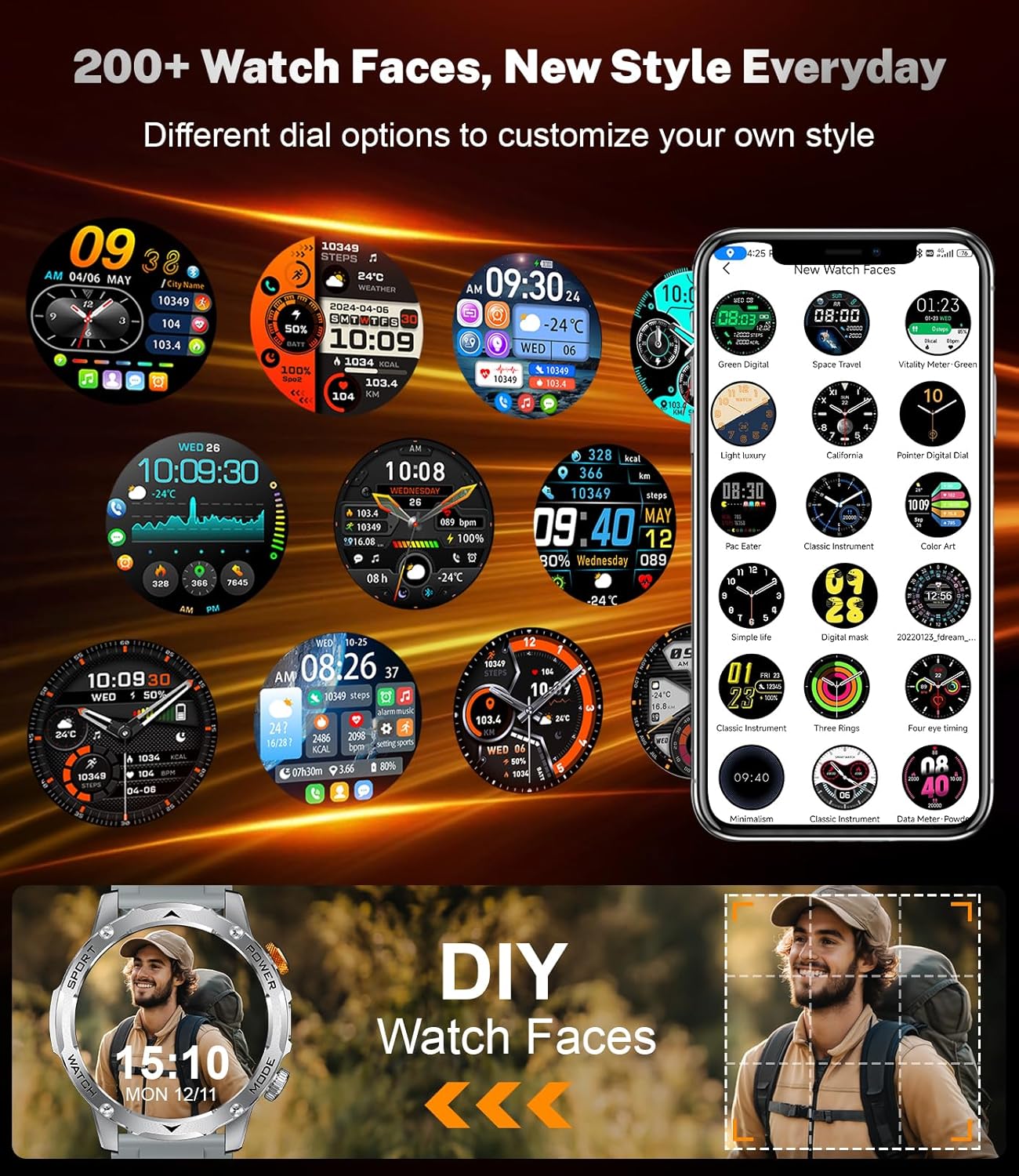
Image 3.2: The FitcloudPro application interface on a smartphone, demonstrating connectivity with the LIGE Smart Watch EF12-H.
3.3. Changing Watch Bands
Your LIGE EF12-H comes with three interchangeable bands to suit different occasions and preferences.
- Locate the quick-release pins on the underside of the watch band where it connects to the watch body.
- Slide the pin inwards to detach the current band.
- Align the new band with the watch lugs and slide the quick-release pin inwards, then release it into the corresponding hole on the watch body. Ensure the band is securely attached.
3.4. Adjusting Metal Band Length
The metal band can be adjusted to fit your wrist using the included link removal tool.
- Place the band in the link removal tool with the pin facing the tool's pusher.
- Carefully turn the tool's screw to push out the pin from the link you wish to remove.
- Remove the desired number of links.
- Reassemble the band by inserting the pins back into the links, ensuring they are flush.
Video 3.1: A comprehensive guide on how to set up and use the LIGE EF12 Smartwatch, including band changes and app connection.
3.5. Menyesuaikan Muka Jam
Personalize your smartwatch with over 150 dynamic holographic dials or custom photos through the FitcloudPro app.
- Open the FitcloudPro app on your smartphone.
- Navigate to the 'Dial Center' or 'Watch Face' section.
- Browse the available dials or select an image from your phone's gallery to create a custom watch face.
- Follow the app's instructions to push the selected watch face to your smartwatch.

Image 3.3: A selection of customizable watch faces available for the LIGE Smart Watch EF12-H, including options for personalized backgrounds.
4. Arahan Operasi
4.1. Navigasi Asas
The LIGE EF12-H features a 1.75-inch HD full touchscreen for intuitive navigation. Swipe across the screen to access different functions and menus. The physical buttons on the side provide quick access to specific features or return to the home screen.
4.2. Membuat dan Menjawab Panggilan
With Bluetooth 5.2 connectivity, you can manage calls directly from your wrist.
- Membuat Panggilan: Access the 'Phone' or 'Dial Pad' function on the watch to dial a number or select from your synced contacts.
- Menjawab/Menolak Panggilan: When a call comes in, the watch will display the caller ID. You can answer or reject the call directly from the watch screen.
- Log Panggilan: View your recent call history on the watch.
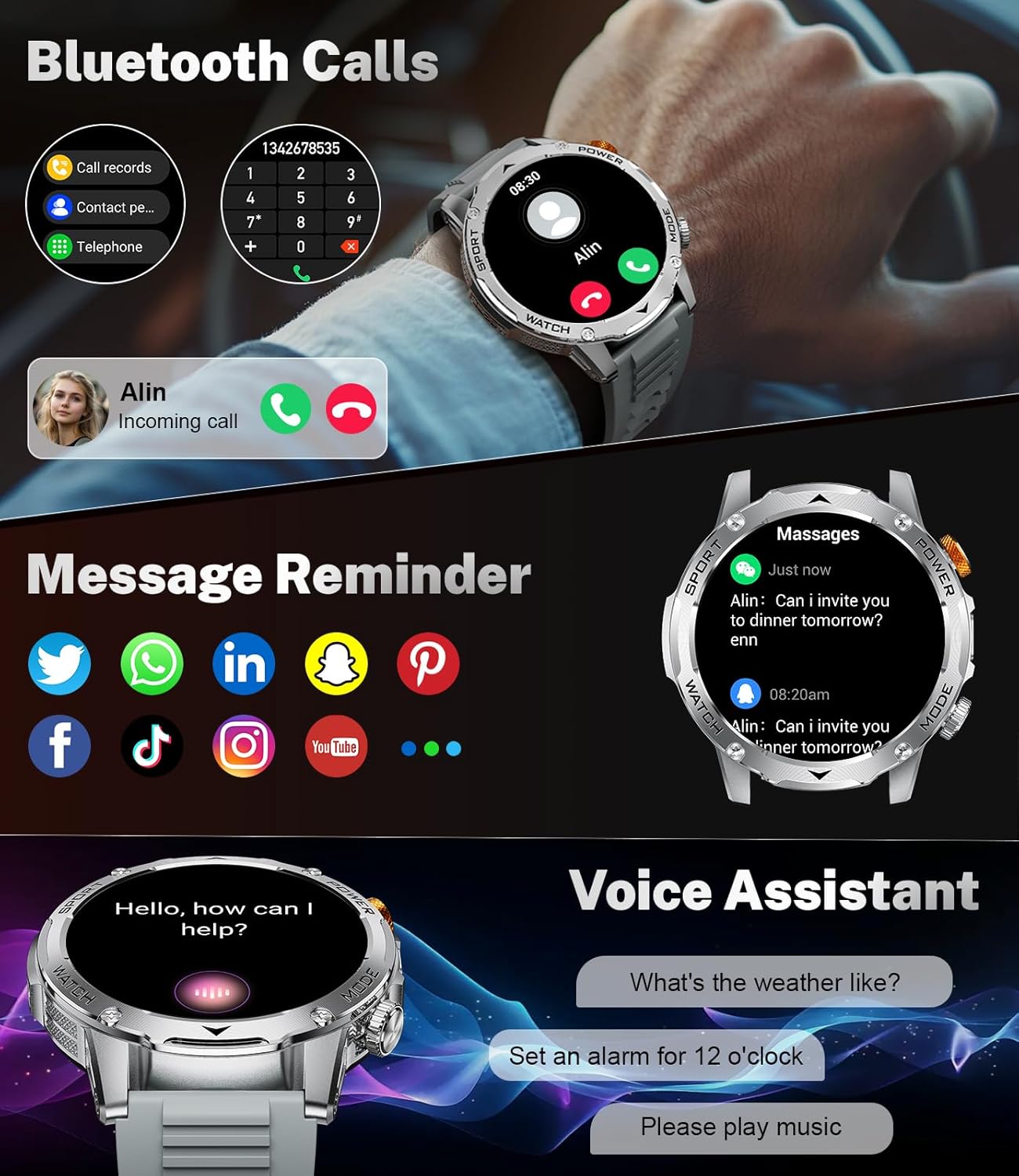
Image 4.1: The LIGE Smart Watch EF12-H showing an incoming call notification and various social media message icons.
4.3. Receiving Notifications
Stay informed with real-time notifications from your smartphone's social media apps and SMS messages. (Note: Messages are not replyable directly from the watch).
- Ensure the FitcloudPro app is running in the background on your phone.
- Enable desired app notifications within the FitcloudPro app settings.
- Notifications will appear on your watch screen as they arrive on your phone.
4.4. Pemantauan Kesihatan
The smartwatch is equipped with a low-power, accurate monitoring sensing chip for comprehensive health tracking.
- Kadar Jantung: Monitors your dynamic heart rate 24 hours a day. View your heart rate frequency anytime.
- Oksigen Darah (SpO2): Mengukur tahap oksigen darah anda.
- Pemantauan Tidur: Tracks your night sleep quality and provides multiple sleep indicators for better health understanding.
Penafian: Monitoring data is for reference only and not intended for medical use.

Image 4.2: The LIGE Smart Watch EF12-H showcasing its 24-hour health monitoring features, including heart rate, blood oxygen, and sleep tracking.
4.5. Sports Modes and Pedometer
Track your fitness activities with over 100 sports modes and a built-in pedometer.
- Mod Sukan: Choose from 20+ built-in training modes, with the option to add over 100 more via the FitcloudPro app (e.g., running, cycling, swimming, ball sports, fitness).
- Pedometer: The watch continuously tracks your daily steps, distance traveled, and calories burned in real-time.
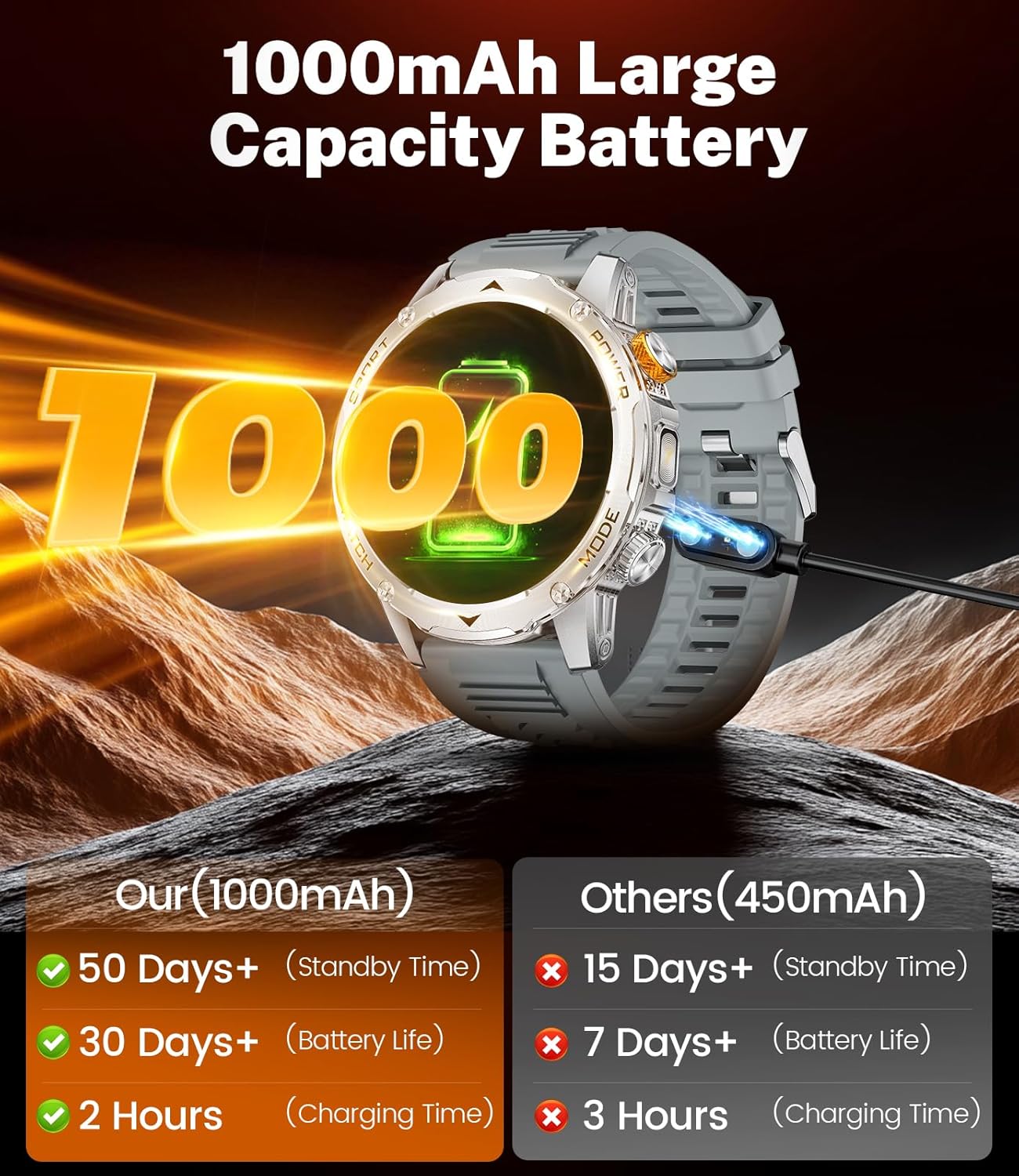
Image 4.3: The LIGE Smart Watch EF12-H displaying its diverse sports modes and real-time fitness data during an outdoor activity.
4.6. Fungsi Lampu Suluh
The integrated powerful flashlight can be activated instantly for various situations.
- Access the shortcut bar at the top of the screen (usually by swiping down from the top).
- Tap the flashlight icon to turn it on/off.

Image 4.4: The LIGE Smart Watch EF12-H demonstrating its powerful integrated flashlight feature.
Video 4.1: A short promotional video highlighting the LIGE Military Smartwatch's features, including its flashlight and rugged design.
4.7. Fungsi Lain
The smartwatch includes various daily functions for convenience:
- Cuaca: Dapatkan kemas kini cuaca masa nyata.
- Kalkulator: Lakukan pengiraan asas.
- Pemasa & Jam randik: Untuk aktiviti masa.
- Pembantu Suara: Berinteraksi dengan peranti anda menggunakan arahan suara.
- Kalendar: View tarikh dan jadual.
- Kawalan Muzik: Kawal main balik muzik pada telefon anda.
- Kawalan Kamera: Cetuskan kamera telefon anda dari jauh.
- Peringatan Sedentari: Menggesa anda untuk bergerak selepas tempoh tidak aktif.
- Peringatan Air: Membantu anda kekal terhidrat.

Image 4.5: The LIGE Smart Watch EF12-H showcasing its multi-functional capabilities, including music control, flashlight, camera control, weather, alarm clock, and drink reminder.
5. Penyelenggaraan
5.1. Rintangan Air (IP68)
The LIGE EF12-H is IP68 waterproof, allowing for normal use during daily activities such as hand washing, swimming, and in rainy or wet environments. It is designed to withstand immersion in water up to 1.5 meters for 30 minutes.
Penting: Avoid hot water, steam, or prolonged exposure to high-pressure water jets, as these can compromise the water resistance. Do not operate buttons underwater.
Video 5.1: A short video demonstrating the LIGE Military Smartwatch's IP68 water resistance by submerging it in water.
5.2. Pembersihan
Pembersihan berkala membantu mengekalkan penampilan dan fungsi jam tangan anda.
- Wipe the watch body and bands with a soft, damp kain.
- For silicone bands, mild soap and water can be used. Rinse thoroughly and dry completely.
- Avoid using harsh chemicals or abrasive materials, which can damage the watch's finish.
5.3. Penjagaan Bateri
Untuk memaksimumkan hayat bateri dan prestasi:
- Cas jam tangan sepenuhnya sebelum penggunaan pertama.
- Elakkan daripada mengalirkan bateri sepenuhnya dengan kerap.
- Simpan jam tangan di tempat yang sejuk dan kering apabila tidak digunakan untuk tempoh yang lama.
6. Penyelesaian masalah
If you encounter issues with your LIGE EF12-H smartwatch, try the following common troubleshooting steps:
- Tonton tidak dihidupkan: Pastikan jam tangan dicas sepenuhnya. Sambungkannya ke pengecas selama sekurang-kurangnya 30 minit.
- Tidak dapat bersambung ke aplikasi: Ensure Bluetooth is enabled on your phone and the watch. Restart both devices and try pairing again. Make sure the FitcloudPro app is up to date.
- Data kesihatan tidak tepat: Pastikan jam tangan dipakai dengan kemas pada pergelangan tangan anda, tidak terlalu ketat atau terlalu longgar. Bersihkan penderia di belakang jam tangan.
- Pemberitahuan tidak diterima: Check app permissions on your phone and ensure notifications are enabled for the FitcloudPro app and individual apps within the FitcloudPro settings.
- Hayat bateri pendek: Kurangkan kecerahan skrin, lumpuhkan ciri yang tidak diperlukan (contohnya, pemantauan kadar denyutan jantung berterusan jika tidak diperlukan) dan pastikan jam tangan dicas sepenuhnya.
7. Spesifikasi
| Ciri | Spesifikasi |
|---|---|
| Nombor Model | EF12-H |
| Saiz Skrin | 1.75 Inches HD Display |
| Kapasiti Bateri | Polimer Litium 1000 mAh |
| Ketersambungan | Bluetooth 5.2 |
| Tahan Air | IP68 |
| Sistem Operasi | Android Wear 2.0 (Compatible with Android 5.1 & iOS 9.0 and above) |
| Kapasiti Penyimpanan Memori | 128 MB |
| Berat Barang | 180 Gram (lebih kurang 6.3 auns) |
| Ciri Khas | Multisport Tracker, Fitness, Flashlight, Heart Rate, SpO2, Sleep Monitor, Bluetooth Call, Notifications, Activity Tracker, Alarm Clock, Lightweight, Music Player, Password Protection, Phone Call, Sedentary Reminder, Shockproof, Calendaring, Camera, Custom Activity Tracking, Cycle Tracking, Daily Workout Memory, GPS via Smartphone, Text Messaging, Time Display, Touchscreen, Voice Call, Voice Control, Weather Forecast |
8. Waranti dan Sokongan
LIGE offers 24-hour online service to address any questions or concerns you may have regarding your smartwatch. Please refer to the contact information provided in your product packaging or on the official LIGE webtapak untuk sokongan.


