1. Pengenalan
Thank you for choosing the boAt Rockerz 412 Wireless Over-Ear Headphones. This manual provides essential information for setting up, operating, and maintaining your headphones to ensure optimal performance and longevity. Please read these instructions carefully before using the product.
2. Apa yang ada di dalam Kotak
Upon unboxing your boAt Rockerz 412 headphones, please verify that all the following items are included:
- boAt Rockerz 412 Fon Kepala
- Kabel Pengecasan
3. Produk Lebihview dan Ciri
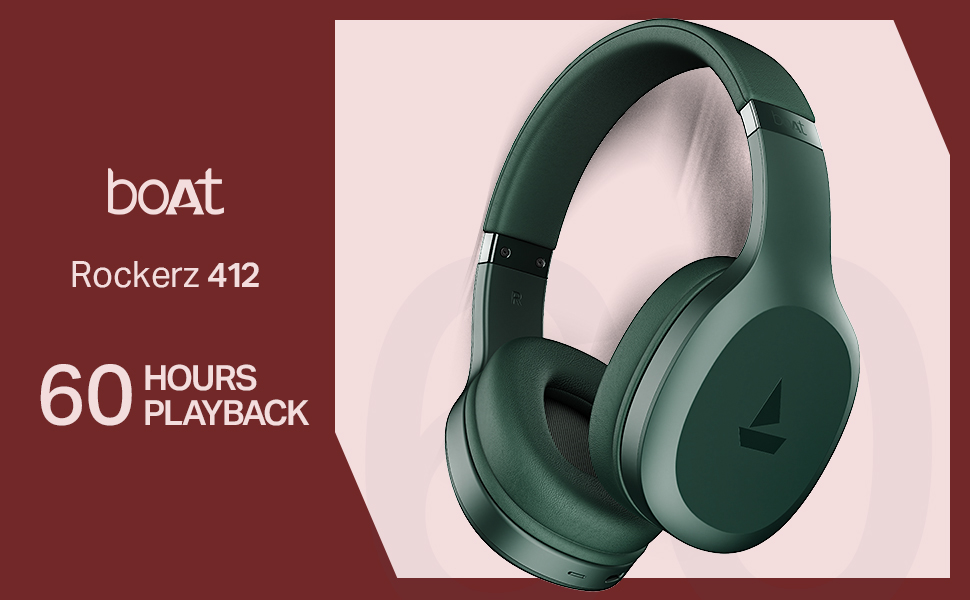
The boAt Rockerz 412 headphones are designed for an immersive audio experience with advanced features.
- 60 Hours of Playback: Enjoy extended listening sessions with up to 60 hours of battery life on a single charge.
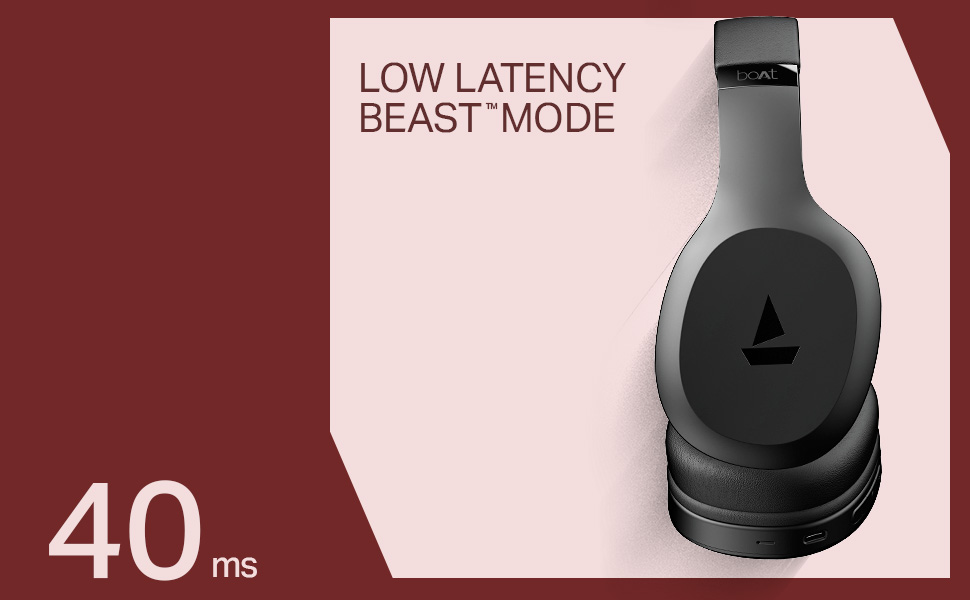
- 40ms Low Latency (BEAST Mode): Experience minimal audio lag, ideal for gaming and video streaming, providing a high degree of realism.
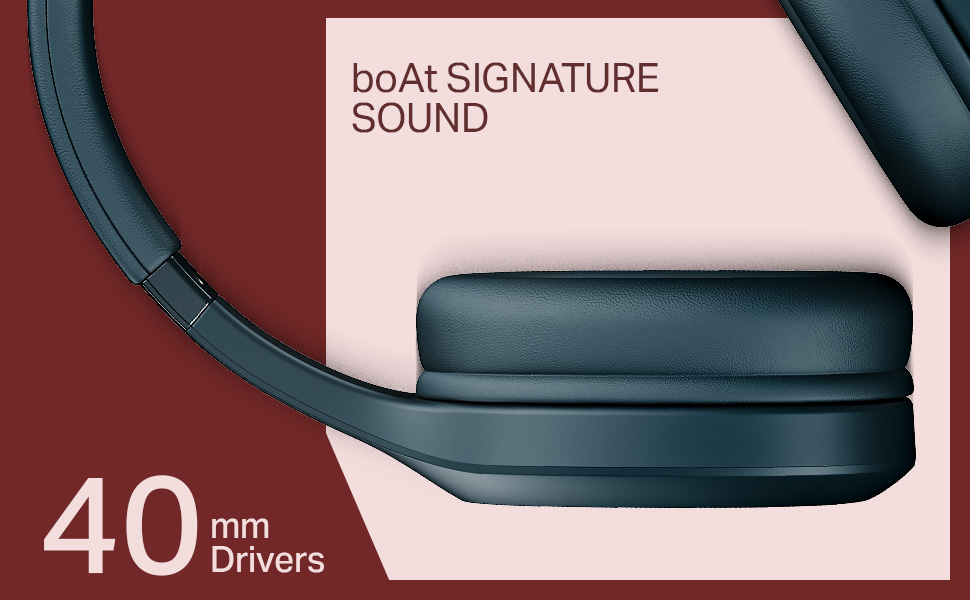
- Pemacu Dinamik 40mm: Delivers the signature boAt sound with powerful bass and clear audio.
- ENx Technology: Enhances call clarity by removing background noise, ensuring seamless conversations.
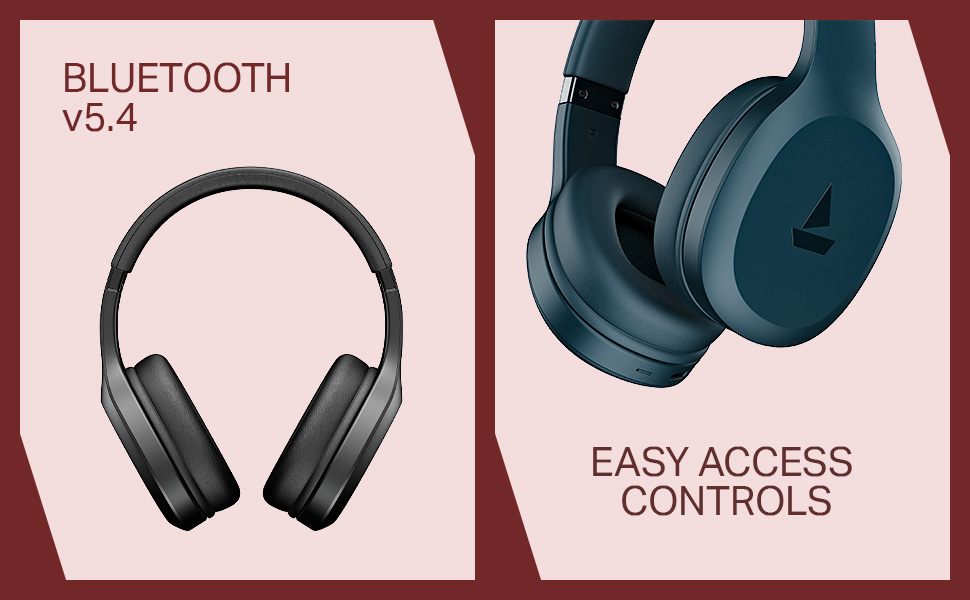
- Bluetooth v5.4 Compatibility: Provides stable and efficient wireless connectivity with compatible devices.
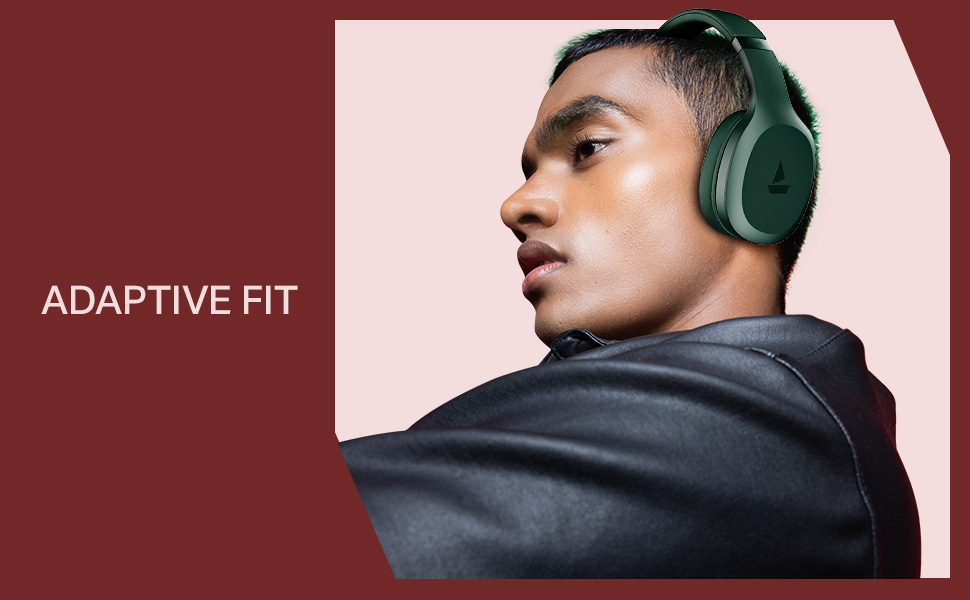
- Adaptive Fit: Designed for comfortable wear during prolonged use.
- Easy Access Controls: Intuitive buttons for managing music, calls, and voice assistant.

4. Persediaan
4.1 Mengecas Fon Kepala
Before initial use, fully charge your boAt Rockerz 412 headphones. A full charge takes approximately 2 hours.
- Sambungkan kabel pengecas yang disediakan ke port pengecasan pada fon kepala.
- Sambungkan hujung kabel yang satu lagi ke penyesuai kuasa USB (tidak disertakan) atau port USB komputer.
- Penunjuk LED akan menunjukkan status pengecasan (cth, merah untuk mengecas, biru/mati untuk dicas penuh).
4.2 Berpasangan Bluetooth
Untuk menyambungkan fon kepala anda ke peranti:
- Pastikan fon kepala dicas sepenuhnya dan dimatikan.
- Press and hold the multi-function button until the LED indicator flashes blue and red alternately, indicating pairing mode.
- Pada peranti anda (telefon pintar, tablet, komputer riba), dayakan Bluetooth dan cari peranti yang tersedia.
- Pilih "boAt Rockerz 412" daripada senarai peranti.
- Once connected, the LED indicator will flash blue periodically.
5. Arahan Operasi
5.1 Hidupkan/Mati Kuasa
- Hidupkan kuasa: Tekan dan tahan butang pelbagai fungsi selama 3 saat.
- Matikan: Tekan dan tahan butang pelbagai fungsi selama 5 saat.
5.2 Kawalan Main Semula Muzik
- Main/Jeda: Tekan butang berbilang fungsi sekali sahaja.
- Lagu Seterusnya: Tekan lama butang 'Kelantangan Naik'.
- Trek Sebelumnya: Tekan lama butang 'Kelantangan Turun'.
- Kelantangan: Tekan butang 'Kelantangan Naik' sebentar.
- Perlahankan suara: Tekan butang 'Kelantangan Turun' sebentar.
5.3 Pengurusan Panggilan
- Jawab/Tamatkan Panggilan: Tekan butang berbilang fungsi sekali sahaja.
- Tolak Panggilan: Tekan lama butang berbilang fungsi.
- Dail Semula Nombor Terakhir: Tekan dua kali butang berbilang fungsi.
5.4 Pembantu Suara
Activate your device's voice assistant (e.g., Google Assistant, Siri) by triple-pressing the multi-function button.
5.5 BEAST Mode (Low Latency)
Engage BEAST Mode for a low-latency audio experience, particularly beneficial for gaming. Refer to your device's settings or the boAt Hearables App for specific activation instructions if available.
5.6 boAt Hearables App Support
Enhance your experience by downloading the boAt Hearables App. The app may offer additional features, settings, and user guides.
6. Penyelenggaraan
To ensure the longevity and performance of your headphones:
- Keep the headphones dry. Avoid exposure to water or excessive moisture. While rated as 'Water Resistant', it is not waterproof.
- Clean the earcups and headband with a soft, dry cloth.
- Simpan fon kepala di tempat yang sejuk dan kering apabila tidak digunakan.
- Elakkan suhu yang melampau.
- Jangan cuba membuka atau mengubah suai fon kepala. Ini akan membatalkan jaminan.
7. Penyelesaian masalah
If you encounter issues with your boAt Rockerz 412 headphones, refer to the following common solutions:
- Fon kepala tidak dihidupkan: Pastikan fon kepala dicas sepenuhnya.
- Tidak boleh berpasangan dengan peranti: Make sure Bluetooth is enabled on your device and the headphones are in pairing mode (LED flashing blue and red). Try forgetting the device on your phone and re-pairing.
- Tiada bunyi: Semak tahap kelantangan pada kedua-dua fon kepala dan peranti anda yang disambungkan. Pastikan fon kepala dipasangkan dengan betul.
- Kualiti panggilan yang lemah: Ensure the microphone is not obstructed. ENx Technology helps reduce background noise, but ensure you are in a reasonably quiet environment for best results.
- Sambungan terputus-putus: Ensure your device is within the Bluetooth range (typically 10 meters) and there are no significant obstructions.
8. Spesifikasi
| Ciri | Perincian |
|---|---|
| Nama Model | Rockerz |
| Nombor Model | PB0009 |
| Teknologi Ketersambungan | Bluetooth v5.4 |
| Jenis Pemacu Audio | Pemandu Dinamik |
| Saiz Pemandu | 40 mm |
| Hayat Bateri | Sehingga 60 Jam |
| Masa Mengecas | 2 Jam |
| Berat Barang | 300 Gram |
| Dimensi Produk | 20 x 9 x 17 cm |
| Tahap Ketahanan Air | Tahan Air |
| Ciri Khas | Noise Cancellation (Passive), Voice Assistant Support, Low Latency (BEAST Mode) |
| Kaedah Kawalan | Apl, Butang Tekan |
| Bentuk alat dengar | bujur |
| bahan | Getah |
| Bateri | 1 bateri Lithium Ion (termasuk) |
9. Video Produk Tamatview
Watch this brief video for a visual overview of the boAt Rockerz 412 headphones and their key features.
Video: A short product overview of the boAt Rockerz 412 headphones, showcasing its design and features like 60 hours playback, 40mm drivers, 40ms low latency, and ENx Tech. This is a preview video.
10. Waranti dan Sokongan
The boAt Rockerz 412 headphones come with a standard brand warranty. For further information regarding warranty claims, technical support, or additional product details, please visit the official boAt website or refer to the product detail page on Amazon.in.
For customer service inquiries, you may contact Imagine Marketing Ltd, the manufacturer, at info@imaginemarketingindia.com.


