1. Pengenalan
This manual provides essential information for the proper setup, operation, and maintenance of your SANSUI 24 Inch Gaming Monitor. Please read this manual thoroughly before using the product to ensure optimal performance and safety.
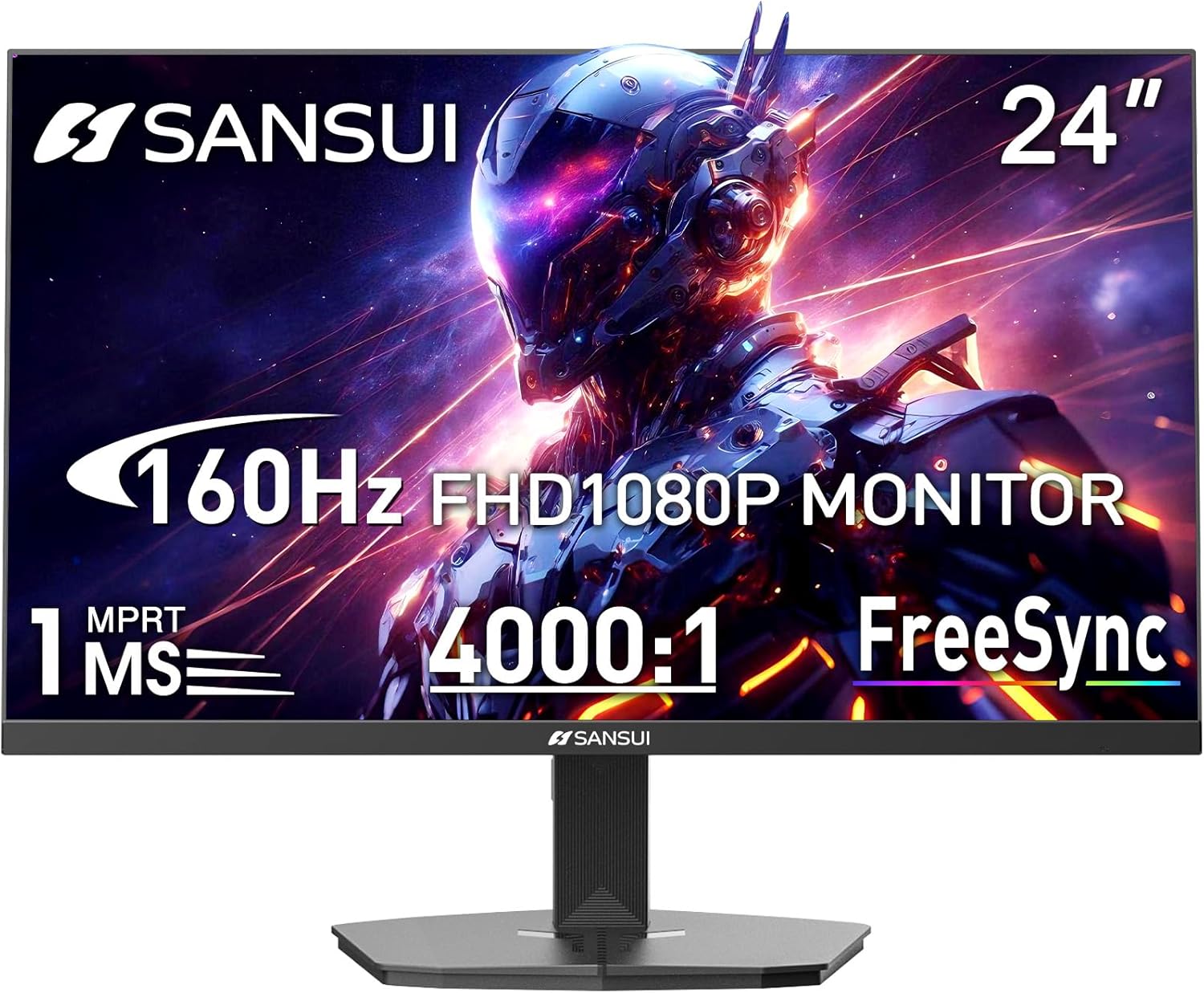
Image 1.1: SANSUI 24 Inch Gaming Monitor (Model ES-G24F4M)
2. Maklumat Keselamatan
- Pastikan monitor diletakkan pada permukaan yang stabil dan rata untuk mengelakkan terjatuh secara tidak sengaja.
- Jangan dedahkan monitor kepada hujan, kelembapan atau suhu yang melampau.
- Elakkan menyekat bukaan pengudaraan untuk mengelakkan terlalu panas.
- Gunakan hanya penyesuai kuasa yang disediakan bersama monitor.
- Disconnect the power cable from the outlet before cleaning or if the monitor will not be used for an extended period.
3. Kandungan Pakej
Sahkan bahawa semua item terdapat dalam pakej:
- SANSUI 24 Inch Gaming Monitor
- Kabel HDMI x 1
- Penyesuai Kuasa x 1
- Panduan Pemasangan Pantas
- Kad Waranti
4. Ciri-ciri Produk
- Saiz Paparan: 24 Inci
- Resolusi: FHD 1080p (1920 x 1080 Piksel)
- Kadar Segar Semula: 160Hz
- Masa Respons: 1ms MPRT
- Nisbah Kontras: 4000:1
- Kecerahan: 300 cd/m²
- Gamut Warna: 72% sRGB
- Teknologi: FreeSync, HDR, Anti-flicker, Anti-Glare, Low Blue Light Eye Care
- Pelabuhan: HDMI & DP Ports (HDMI Cable Included)
- Pemasangan: VESA Support (75x75mm)
- Dimensi: 21.2 x 7.95 x 16.28 inci
- Berat: 3.54 paun
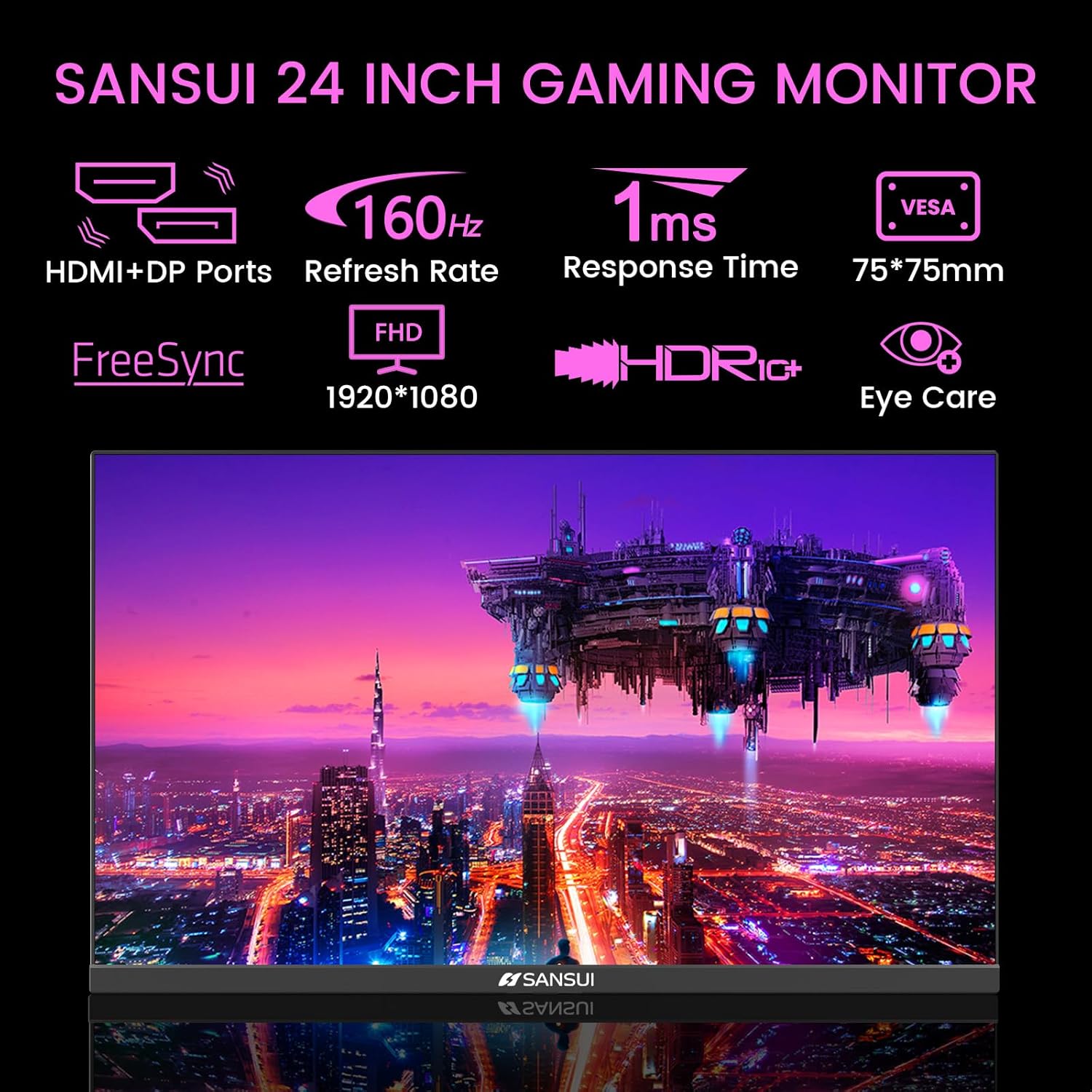
Image 4.1: Key Features of the SANSUI 24 Inch Gaming Monitor.
5. Persediaan
5.1. Memasang Pendirian
- Keluarkan komponen monitor dan berdiri dengan berhati-hati daripada pembungkusan.
- Pasangkan tapak dirian pada leher pendirian menggunakan skru yang disediakan.
- Secure the assembled stand to the back of the monitor. Ensure it clicks into place or is fastened securely with screws, depending on the design.
5.2. Pemasangan VESA (Pilihan)
The monitor supports VESA 75x75mm mounting. If using a VESA mount, remove the pre-attached stand and follow the instructions provided with your VESA mounting kit.
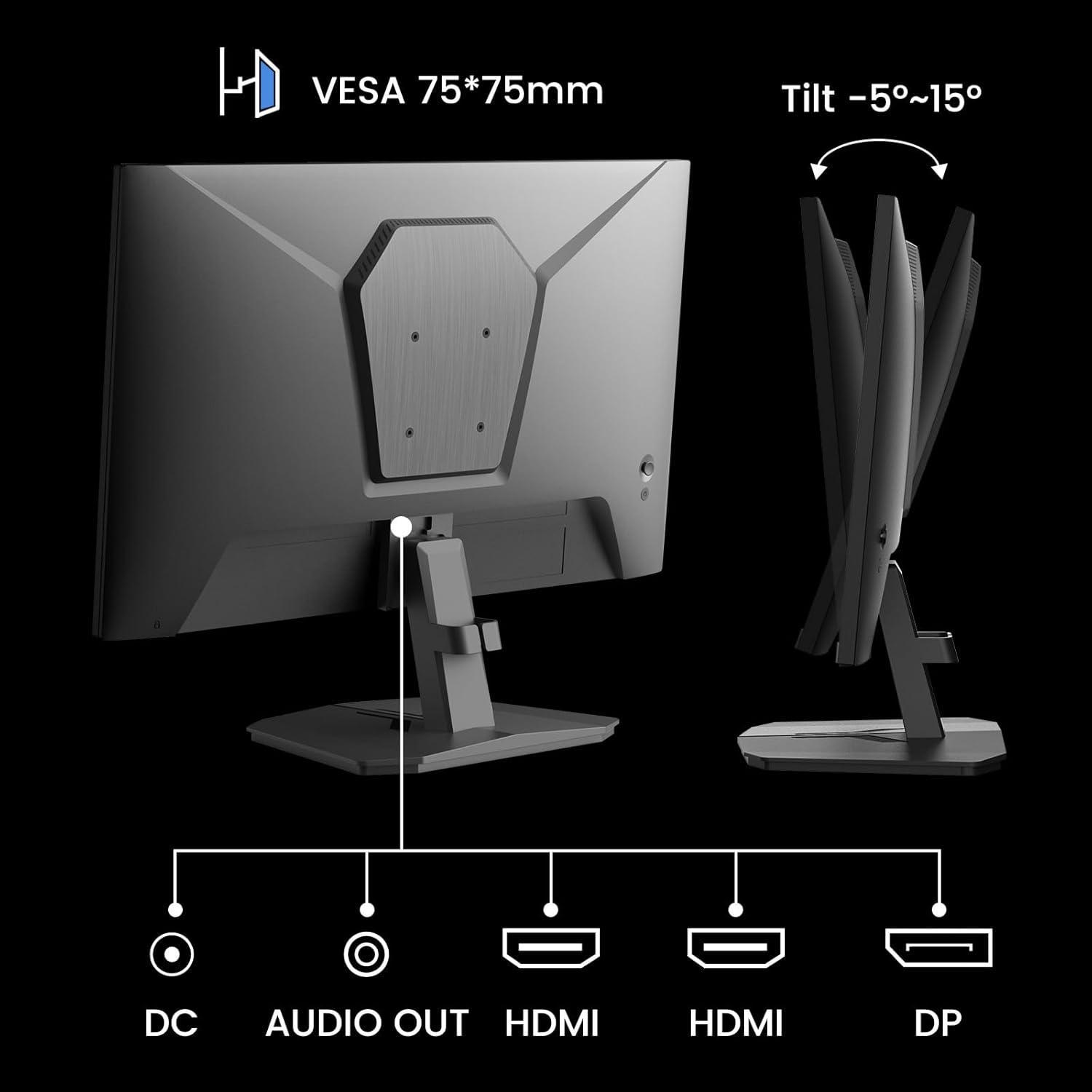
Imej 5.1: Belakang view showing VESA mount and input ports.
5.3. Menyambung ke Peranti
- Connect one end of the HDMI cable (included) or a DisplayPort (DP) cable to the corresponding port on your computer or gaming console.
- Connect the other end of the cable to the HDMI or DP input port on the SANSUI monitor.
- For audio output, connect external speakers or headphones to the 'AUDIO OUT' port on the monitor.
- Connect the power adapter to the 'DC IN' port on the monitor, then plug the adapter into a power outlet.
5.4. Kuasa Awal Hidup
Press the power button located on the underside of the monitor to turn it on. The monitor will automatically detect the active input source. If not, manually select the input source using the OSD menu.
6. Arahan Operasi
6.1. OSD (On-Screen Display) Menu Navigation
The OSD menu allows you to adjust various monitor settings. The control buttons are located on the underside of the monitor:
- Butang Menu: Press to open the OSD menu or enter a sub-menu.
- Anak panah atas/bawah: Navigasi melalui pilihan menu.
- Butang Masukkan: Confirm selection or adjust values.
- Butang Kuasa: Hidupkan/matikan monitor.
6.2. Tetapan Gambar
Access the 'Picture' section in the OSD menu to adjust:
- Kecerahan: Melaraskan kecerahan keseluruhan skrin.
- Kontras: Adjusts the difference between the brightest and darkest areas.
- Overdrive: Enhances pixel response time for reduced motion blur.
- HDR (Julat Dinamik Tinggi): When enabled, HDR provides a wider range of colors and contrast. Note: Some settings may be locked when HDR is active.
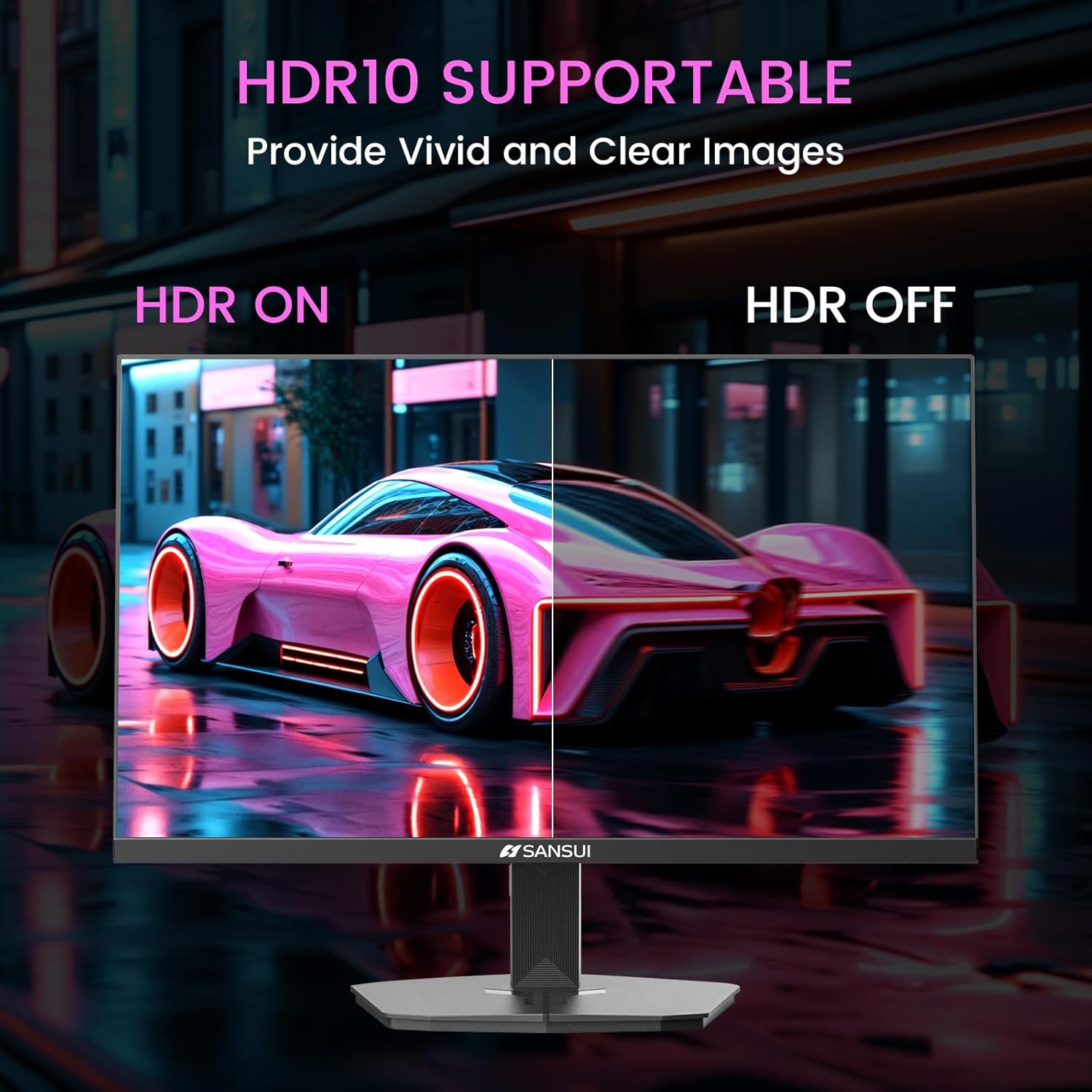
Image 6.1: HDR10 Support for vivid and clear images.
6.3. Tetapan Warna
In the 'Color Setup' menu, you can adjust color temperature and other color-related parameters when HDR is not active.
6.4. Game Modes and Assistants
The monitor includes exclusive gaming modes and assistants to enhance your gaming experience:
- CrossHair: Menyediakan silang pada skrin untuk sasaran yang lebih baik.
- Pemasa: Displays an on-screen timer.
- RTS/FPS/RACING: Pre-calibrated display modes optimized for specific game genres.
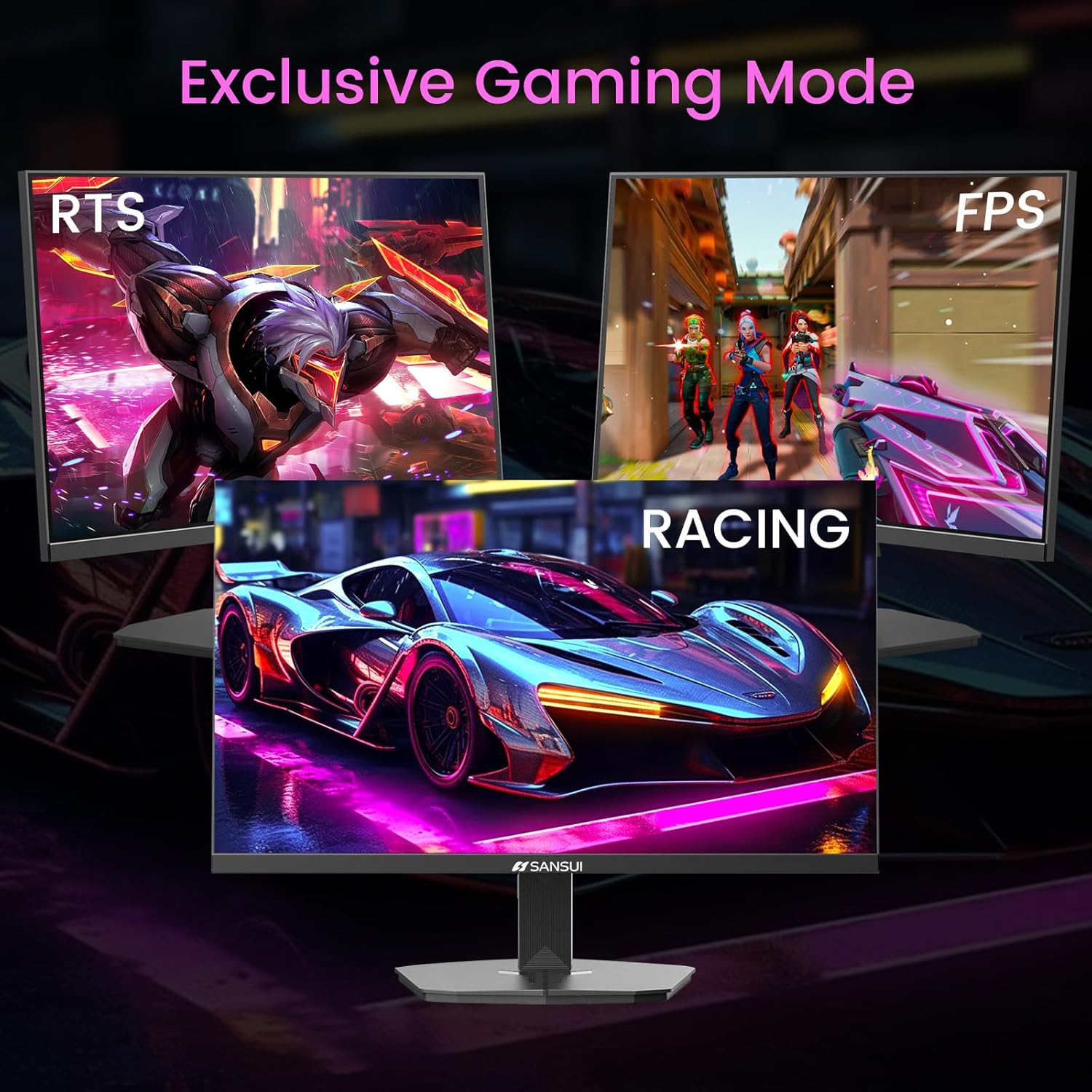
Image 6.2: Exclusive Gaming Modes for optimized visuals.
6.5. FreeSync Technology
FreeSync technology synchronizes the monitor's refresh rate with your graphics card's frame rate, eliminating screen tearing and stuttering for a smoother gaming experience. Enable or disable FreeSync through the OSD menu.
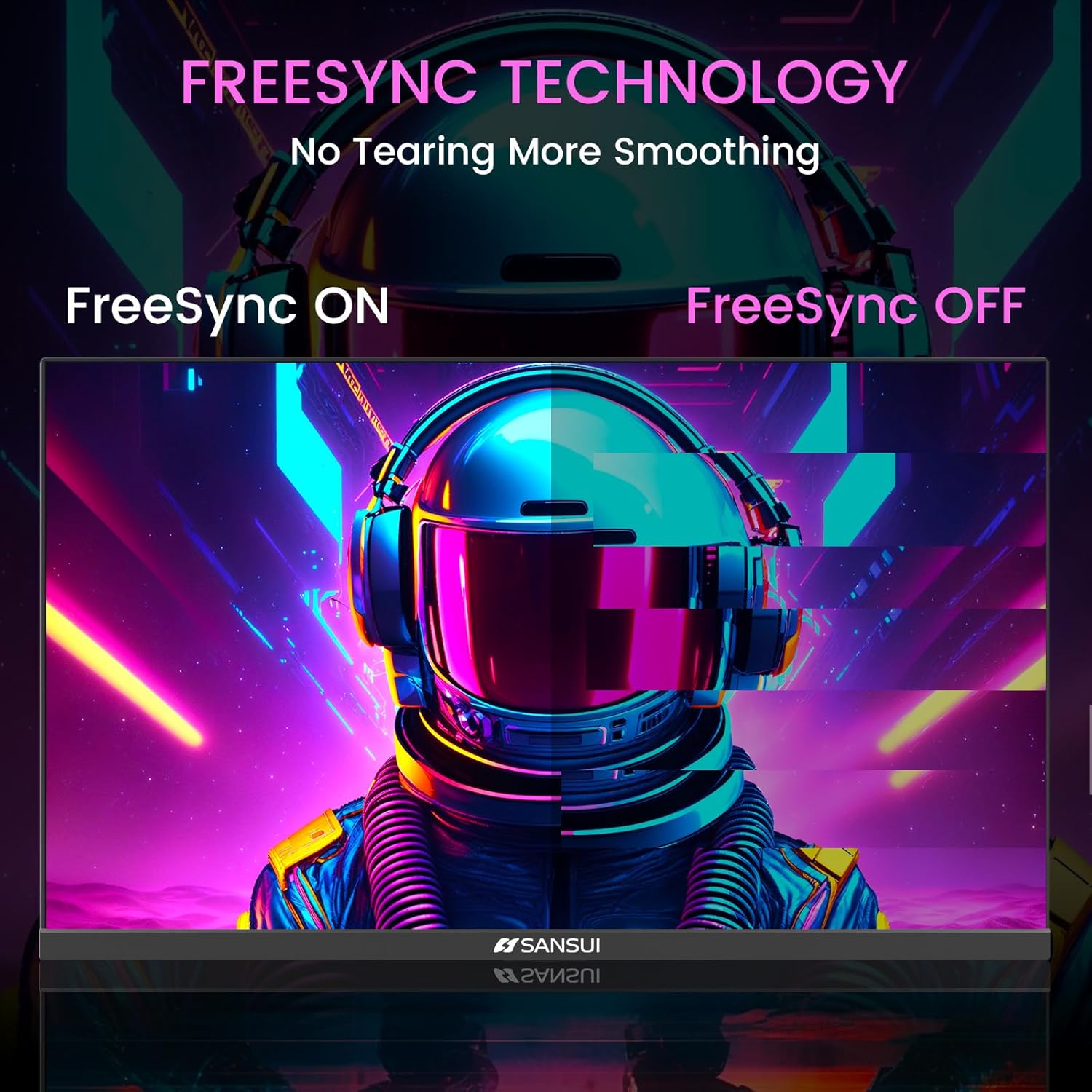
Image 6.3: FreeSync Technology for no tearing and smoother visuals.
6.6. Pemilihan Input
Use the OSD menu to manually select the input source (HDMI or DP) if the monitor does not automatically detect it.
Video 6.1: SANSUI FreeSync - 24-inch Gaming Monitor, 160Hz, FHD. This video demonstrates the monitor's features and performance, including its 160Hz refresh rate and FreeSync technology.
7. Penyelenggaraan
- Membersihkan Skrin: Gunakan kain lembut dan tidak berbulu sedikit dampdiisi dengan air atau pembersih skrin. Jangan sembur pembersih terus ke skrin.
- Membersihkan Casing: Gunakan kain lembut dan kering untuk mengelap monitor casing. Elakkan pembersih yang kasar.
- Storan: Jika menyimpan monitor untuk tempoh yang lama, cabut semua kabel dan simpan di tempat yang sejuk dan kering, sebaik-baiknya dalam pembungkusan asalnya.
8. Penyelesaian masalah
- Tiada Kuasa: Ensure the power cable is securely connected to both the monitor and the power outlet. Check if the power outlet is functioning.
- Tiada isyarat: Verify that the video cable (HDMI/DP) is correctly connected to both the monitor and the source device. Ensure the correct input source is selected in the OSD menu.
- Skrin berkelip: Check the video cable connection. Ensure the refresh rate is set correctly in your device's display settings.
- Herotan Imej: Reset the monitor to factory settings via the OSD menu. Check your device's display resolution settings.
- Butang Tidak Responsif: Disconnect the power for a few minutes, then reconnect. If the issue persists, contact customer support.
9. Spesifikasi
| Ciri | Spesifikasi |
|---|---|
| Dimensi Produk | 21.2 x 7.95 x 16.28 inci |
| Berat Barang | 3.54 paun |
| Pengeluar | EXPRESS LUCK INDUSTRIAL(ZHONGSHAN)LIMITED |
| Nombor Model Item | ES-G24F4M |
| Saiz Paparan Skrin Berdiri | 24 Inci |
| Nisbah Aspek | 16:9 |
| Resolusi | 1920 x 1080 Piksel (FHD 1080p) |
| Kecerahan Imej | 300 cd/m² |
| Penerangan Permukaan Skrin | Matte |
10. Waranti dan Sokongan
SANSUI offers a money-back and free replacement warranty from the order date within 30 days. Additionally, lifetime technical support is provided for the SANSUI 24 inch 160Hz 1ms gaming monitor. For any questions or support needs, please contact SANSUI's after-sales support team.


