pengenalan
This user manual provides detailed instructions for the C idea CM817 Pro Max 8-inch Tablet. Please read this manual thoroughly before using your device to ensure proper operation and to maximize its features. Keep this manual for future reference.
Kandungan Pakej
Sahkan bahawa semua item terdapat dalam pakej:
- C idea CM817 Pro Max 8-inch Tablet
- Penyesuai Pengecasan
- Kabel USB-C
- Manual Pengguna (dokumen ini)
- Stylus Pen (if included in your specific package)
- Keyboard (if included in your specific package)
- Mouse (if included in your specific package)

Image: The C idea CM817 Pro Max tablet shown with its common accessories, which may include a keyboard, mouse, charging adapter, USB-C cable, and stylus pen.
Produk Selesaiview
Familiarize yourself with the physical components of your C idea CM817 Pro Max tablet.

Image: A diagram illustrating the various ports and buttons on the C idea CM817 Pro Max tablet, including the front camera, rear camera, power button, volume controls, speakers, TF/SIM card slot, USB-C port, and headphone jack.
- Kamera Depan: Untuk panggilan video dan swafoto.
- Kamera Belakang: Untuk merakam foto dan video.
- Butang Hidup / Mati: Press and hold to power on/off or restart. Press briefly to wake/sleep the screen.
- Butang Kelantangan: Adjust the tablet's audio volume.
- Penceramah: Output audio.
- TF/SIM Slot: Insert a TF (MicroSD) card for expandable storage or a SIM card for cellular connectivity.
- Port USB-C: For charging the tablet and connecting to a computer for data transfer.
- Jack fon kepala: Sambungkan fon kepala 3.5mm.
Persediaan
1. Mengecas Tablet
Before first use, fully charge the tablet. Connect the USB-C cable to the tablet's USB-C port and the other end to the charging adapter. Plug the adapter into a power outlet. The battery indicator on the screen will show charging status.
2. Menghidupkan/Mematikan
- Hidupkan kuasa: Press and hold the Power On/Off button until the C idea logo appears.
- Matikan: Press and hold the Power On/Off button until the power options menu appears, then select "Power off".
- Mulakan semula: Daripada menu pilihan kuasa, pilih "Mulakan semula".
3. Persediaan Awal
Sebaik sahaja dihidupkan buat kali pertama, ikuti arahan pada skrin untuk mengkonfigurasi tablet anda:
- Pilih bahasa pilihan anda.
- Sambung ke rangkaian Wi-Fi.
- Log masuk dengan akaun Google anda atau buat yang baharu. Ini adalah perlu untuk memuat turun apl daripada Gedung Google Play.
- Sediakan kunci skrin (PIN, corak atau kata laluan).
- Review dan menerima terma dan syarat.
4. Memasukkan Kad SIM dan MicroSD
Locate the TF/SIM slot on the side of the tablet. Use the provided SIM ejector tool (if applicable) to open the tray. Carefully place your SIM card and/or MicroSD card into the designated slots, ensuring correct orientation. Close the tray securely.
Arahan Operasi
1. Navigasi Asas
- Sentuh: Ketik ikon untuk membuka apl atau memilih item.
- Leret: Seret jari anda merentasi skrin untuk menatal halaman atau kandungan.
- Cubit: Gunakan dua jari untuk mengezum masuk atau keluar pada imej dan web muka surat.
- Skrin Utama: Skrin utama di mana anda boleh mengakses apl dan widget.
- Panel Pemberitahuan: Leret ke bawah dari bahagian atas skrin untuk mengakses pemberitahuan dan tetapan pantas.

Image: The C idea CM817 Pro Max tablet showcasing its Android home screen, featuring various application icons and a clean user interface.
2. Wi-Fi and Cellular Connectivity
Untuk bersambung ke Wi-Fi, pergi ke Tetapan > Rangkaian & Internet > Wi-Fi. Turn Wi-Fi on and select your desired network. Enter the password if prompted. For cellular data, ensure a SIM card is inserted and go to Tetapan > Rangkaian & internet > Rangkaian mudah alih to configure data settings.
3. Menggunakan Kamera
Open the Camera app from the home screen or app drawer. Tap the shutter button to take a photo. Switch between the 5MP front camera and 8MP rear camera using the camera switch icon. You can also record videos.
4. Pengurusan Storan
Your tablet comes with 512GB of internal storage and supports up to 512GB expandable storage via a MicroSD card. To view storage usage, go to Tetapan > Storan. Regularly clear unnecessary files and uninstall unused apps to maintain performance.

Image: Multiple C idea tablets demonstrating the ample storage capacity, highlighting 8GB RAM, 512GB internal ROM, and support for an additional 512GB via TF (MicroSD) card.
5. Hayat Bateri
The 8000mAh battery provides extended usage. To optimize battery life, reduce screen brightness, disable Wi-Fi/Bluetooth when not in use, and close background apps. You can monitor battery usage in Tetapan > Bateri.
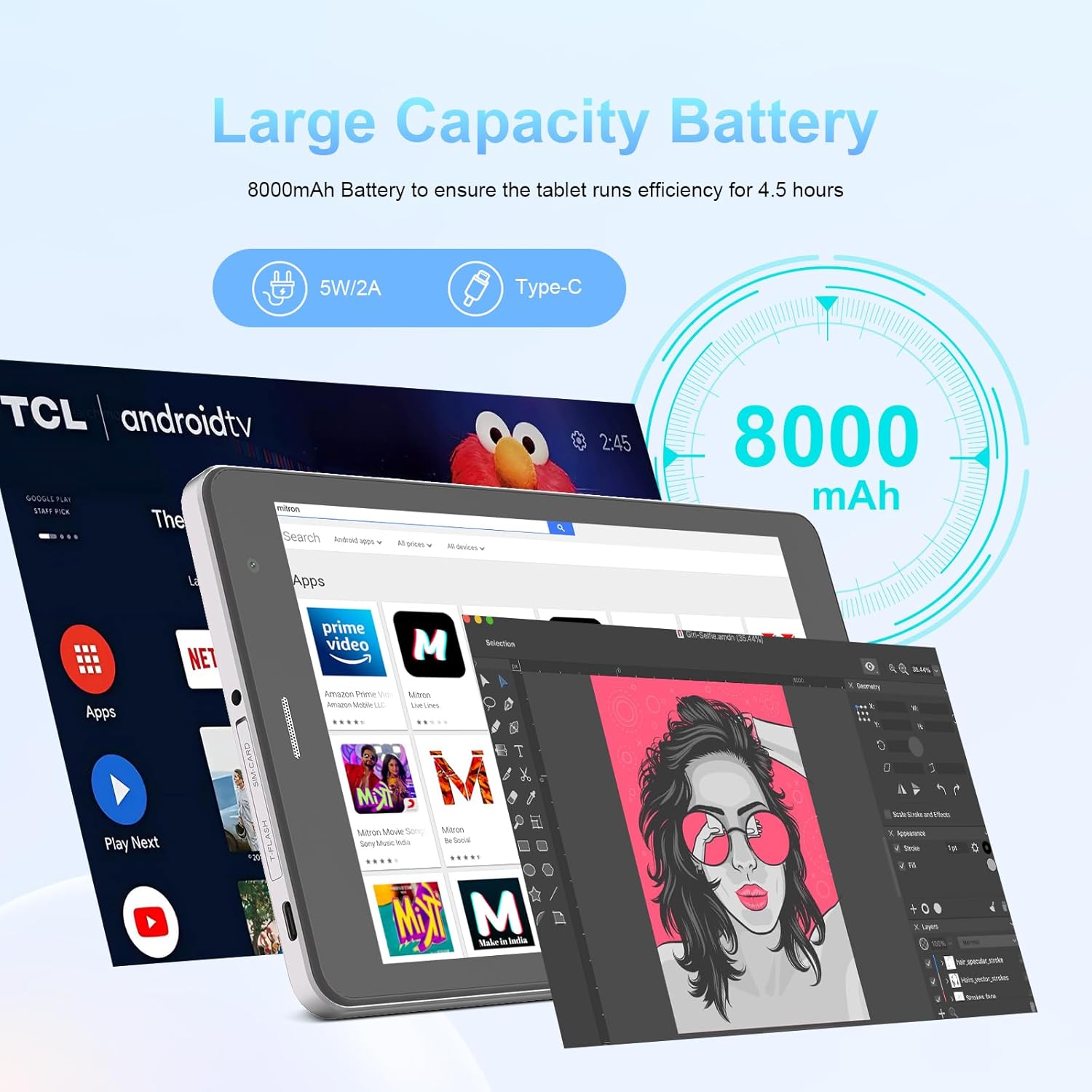
Image: The C idea CM817 Pro Max tablet, emphasizing its 8000mAh large capacity battery, designed for extended operational hours.
6. Tetapan Paparan
The tablet features an 8-inch 1280x800 IPS HD display. Adjust brightness, font size, and display timeout in Tetapan > Paparan untuk keselesaan viewpengalaman dalam.

Image: The C idea CM817 Pro Max tablet showcasing its 8-inch IPS HD screen with a resolution of 800x1280 pixels, providing clear visuals.
Penyelenggaraan
1. Pembersihan
Use a soft, lint-free cloth to clean the screen and body of the tablet. Do not use abrasive cleaners or solvents, as they may damage the surface. Avoid getting moisture into ports.
2. Kemas Kini Perisian
Regularly check for system updates to ensure your tablet has the latest features and security patches. Go to Tetapan > Sistem > Kemas kini sistem untuk menyemak dan memasang kemas kini.
3. Penjagaan Bateri
To prolong battery lifespan, avoid exposing the tablet to extreme temperatures. Do not let the battery completely drain frequently. Use the original charger or a certified compatible charger.
Menyelesaikan masalah
- Tablet tidak boleh dihidupkan: Ensure the tablet is charged. Press and hold the Power On/Off button for at least 10-15 seconds to force a restart.
- Isu sambungan Wi-Fi: Restart your Wi-Fi router and the tablet. Forget the network in Wi-Fi settings and reconnect.
- Prestasi perlahan: Close unused apps, clear cache (Settings > Storage), and restart the tablet. Consider uninstalling large or unnecessary applications.
- Kamera tidak berfungsi: Ensure the Camera app has necessary permissions (Settings > Apps > Camera > Permissions). Restart the tablet.
- Storan penuh: Delete old photos/videos, uninstall unused apps, or move files to an inserted MicroSD card.
- Apl ranap: Kosongkan cache dan data aplikasi (Tetapan > Aplikasi > [Nama Aplikasi] > Storan > Kosongkan cache/Kosongkan data). Jika masalah berterusan, nyahpasang dan pasang semula aplikasi.
Spesifikasi
| Ciri | Perincian |
|---|---|
| Jenama | C idea |
| Nama Model | CM817 Pro Max |
| Sistem Operasi | Android 15 |
| Pemproses | Octa-core (MediaTek) |
| RAM | 8GB |
| Storan Dalaman (ROM) | 512GB |
| Storan Boleh Dikembangkan | Up to 512GB (via TF/MicroSD card) |
| Saiz Skrin | 8 Inci |
| Resolusi Skrin | 1280 x 800 pixels (IPS HD) |
| Kamera Depan | 5MP |
| Kamera Belakang | 8MP |
| Kapasiti Bateri | 8000mAh (Litium Polimer) |
| Ketersambungan | Wi-Fi, 5G SIM, Bluetooth |
| Pelabuhan | Bicu Fon Kepala USB-C, 3.5mm |
| Berat Barang | 1 kg 80 g |
| Dimensi Pakej | 29.8 x 18 x 6.4 cm |
Waranti dan Sokongan
For warranty information and technical support, please refer to the warranty card included in your package or contact C idea customer service. Keep your purchase receipt as proof of purchase.


