1. Pengenalan
Welcome to the user manual for your new Ordtop Wireless Earbuds Model I13. This guide provides detailed instructions to help you set up, operate, and maintain your earbuds for the best audio experience. Please read this manual thoroughly before use.
Apa yang ada dalam Kotak
- 2x Fon Telinga Tanpa Wayar (Kiri dan Kanan)
- 1x Sarung Pengecasan Ringan
- 1x Kabel Pengecas USB-C
- 3x Sets of Ear Caps (S/M/L)
- 1x Manual Pengguna
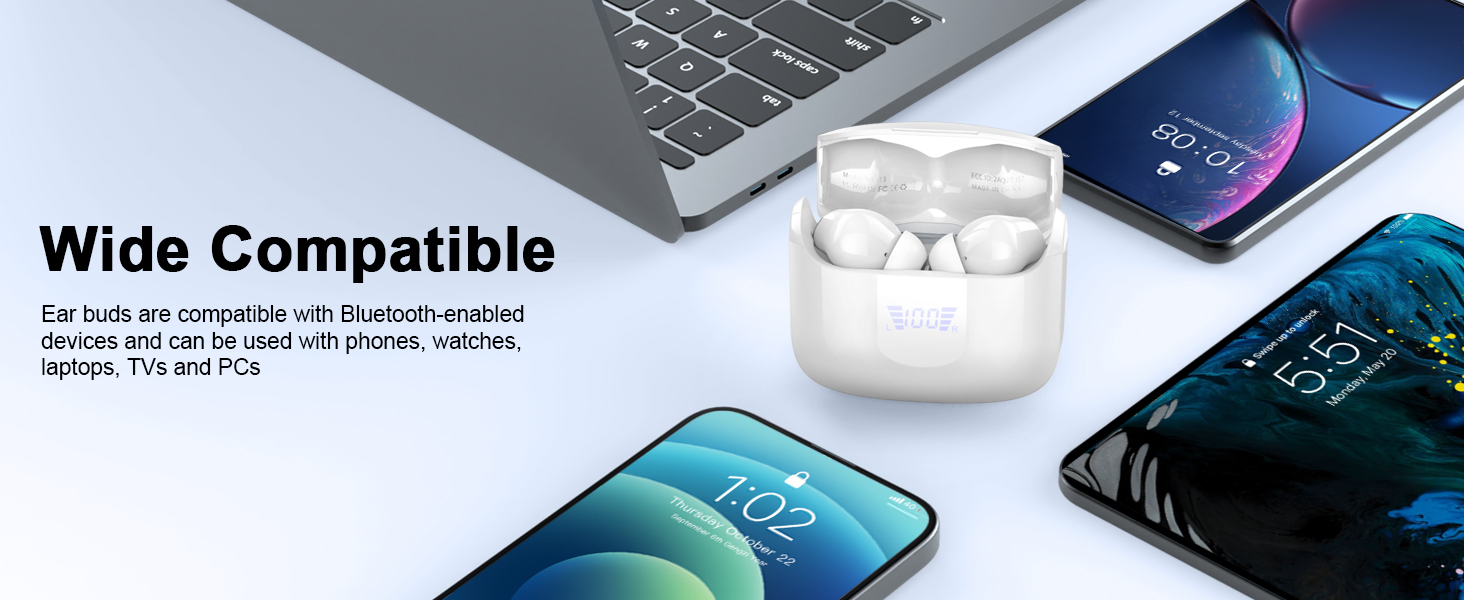
2. Produk Lebihview
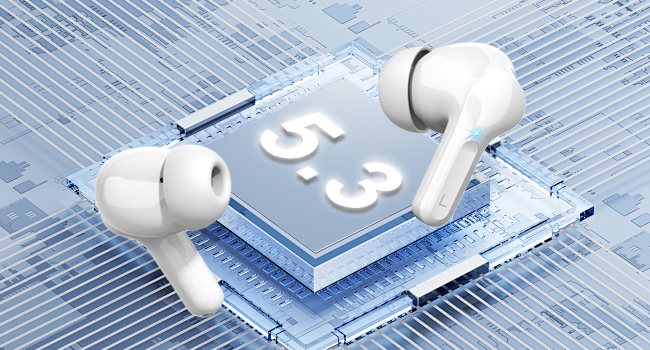
The Ordtop Wireless Earbuds Model I13 feature advanced Bluetooth 5.3 technology, a dual LED power display, and touch controls for a seamless audio experience. The ergonomic design ensures a comfortable and secure fit.
Komponen Fon Telinga
Sarung Pengecasan dengan Paparan LED

3. Persediaan
3.1 Mengecas Fon telinga dan Sarung
Before first use, fully charge both the earbuds and the charging case. Place the earbuds into the charging case. Connect the provided USB-C cable to the charging port on the case and the other end to a USB power source (e.g., wall adapter, computer USB port).
- Paparan LED pada casing akan menunjukkan peratusan bateritage of the case and individual earbud charge levels (L/R).
- Cas penuh untuk bekas ini biasanya mengambil masa kira-kira 1.5 jam.
- Earbuds provide up to 8 hours of playback on a single charge. The charging case provides an additional 4 charges, totaling up to 40 hours of continuous music time.

3.2 Berpasangan dengan Peranti Anda
The Ordtop I13 earbuds feature one-step auto-pairing for convenience.
- Berpasangan kali pertama: Buka bekas pengecas. Fon telinga akan memasuki mod berpasangan secara automatik.
- Pada peranti anda (telefon pintar, tablet, dll.), pergi ke tetapan Bluetooth dan pastikan Bluetooth diaktifkan.
- Look for "i13" in the list of available devices and select it to connect.
- Sebaik sahaja disambungkan, anda akan mendengar gesaan audio dan fon telinga akan sedia untuk digunakan.
- Penggunaan Seterusnya: After the initial pairing, simply open the charging case, and the earbuds will automatically connect to the last paired device.

4. Arahan Operasi
4.1 Kawalan Sentuh Pintar
The earbuds are equipped with touch sensors for easy control of music, calls, and voice assistant functions.
| Tindakan | Fungsi |
|---|---|
| Ketuk Panjang 1s (R) | Trek Seterusnya |
| Ketuk Panjang 1s (L) | Trek Sebelumnya |
| Ketik Pendek | Jawab / Tutup Panggilan |
| Once Click (R/L) | Main/Jeda Muzik |
| Ketuk Panjang | Tolak Panggilan |
| Triple Tap (R/L) | Aktifkan Pembantu Suara (Siri) |
| Ketik Dua Kali (L) | Kelantangan Kurang |
| Ketik Dua Kali (R) | Kelantangan Naik |
4.2 Memakai Fon Telinga
Select the ear tips that provide the most comfortable and secure fit for your ears. Gently insert the earbuds into your ear canal and rotate them slightly to ensure a snug fit. A proper fit is crucial for optimal sound quality and noise cancellation.

5. Penyelenggaraan
5.1 Pembersihan
- Bersihkan fon telinga dan bekas pengecas dengan kerap menggunakan kain yang lembut, kering dan tidak berbulu.
- Tanggalkan hujung telinga dan bersihkannya dengan sabun lembut dan air, kemudian keringkan dengan teliti sebelum disambungkan semula.
- Elakkan menggunakan bahan yang melelas atau bahan kimia yang keras.
5.2 Penyimpanan
When not in use, store the earbuds in their charging case to protect them from dust and damage. Store the case in a cool, dry place away from extreme temperatures.
5.3 Tahan Air
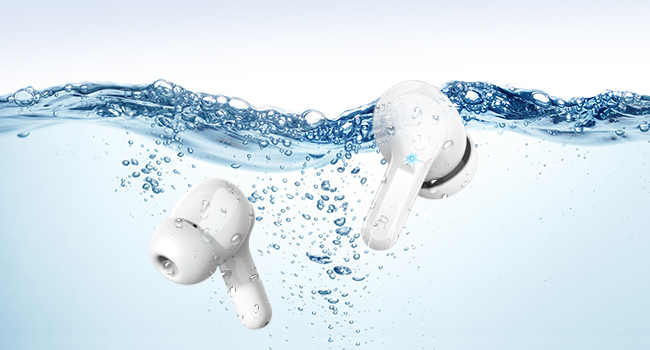
The earbuds are IP7 waterproof, offering protection against sweat, rain, and splashes. They are not designed for swimming or prolonged submersion in water.

6. Penyelesaian masalah
Jika anda menghadapi sebarang masalah dengan fon telinga anda, sila rujuk penyelesaian biasa berikut:
- Fon telinga tidak berpasangan: Ensure both earbuds are charged and placed in the case. Open the case, then check your device's Bluetooth settings to reconnect. If issues persist, try forgetting the device on your phone and re-pairing.
- Hanya satu fon telinga berfungsi: Letakkan kedua-dua fon telinga kembali ke dalam bekas pengecas, tutup penutup, tunggu beberapa saat, kemudian buka semula. Ini sering menetapkan semula sambungan antara mereka.
- Tiada bunyi: Periksa tahap kelantangan pada kedua-dua peranti dan fon telinga anda. Pastikan fon telinga disambungkan dengan betul ke peranti anda.
- Isu pengecasan: Verify the USB-C cable is securely connected to both the case and the power source. Ensure the power source is active. Clean the charging contacts on the earbuds and inside the case.
- Kualiti bunyi yang lemah: Ensure the ear tips provide a good seal in your ear. Try different sized ear tips. Check for any obstructions in the earbud's speaker mesh.
Untuk bantuan lanjut, sila hubungi khidmat pelanggan.
7. Spesifikasi
| Ciri | Perincian |
|---|---|
| Nama Model | I13 |
| Versi Bluetooth | 5.3 |
| Teknologi Ketersambungan | Wayarles (Bluetooth) |
| Saiz Pemacu Audio | Pemacu Dinamik 13 mm |
| Hayat Bateri (Earbud) | Hingga 8 jam setiap caj |
| Jumlah Masa Main Semula (dengan Kes) | Sehingga 40 jam |
| Masa Pengecasan (Kes) | lebih kurang 1.5 jam |
| Port Pengecasan | USB-C |
| Penilaian Ketahanan Air | IP7 Kalis Air |
| Kawalan Bunyi | ENC Noise Cancelling (Microphone) |
| Kaedah Kawalan | Sentuh |
| Peranti Serasi | iOS, Android smartphones, TV, computers, laptops |
| Berat Earbud | 3.8 grams (single earbud) |
8. Maklumat Keselamatan
- Jangan buka atau ubah suai produk.
- Jauhkan daripada suhu yang melampau dan cahaya matahari langsung.
- Elakkan daripada menjatuhkan atau mendedahkan fon telinga kepada hentaman yang kuat.
- Do not expose to fire or dispose of in fire.
- Jauhkan daripada kanak-kanak dan haiwan peliharaan.
- Gunakan hanya kabel pengecasan yang disediakan atau setara yang diperakui.
- Listening at high volumes for extended periods can cause hearing damage.
9. Waranti dan Sokongan
Your Ordtop Wireless Earbuds Model I13 come with a manufacturer's warranty. For specific warranty details, please refer to the warranty card included in your package or contact Ordtop customer support. If you have any questions, require technical assistance, or need to report an issue, please reach out to our support team through the contact information provided on the product packaging or the official Ordtop webtapak.


