1. Pengenalan
Thank you for choosing the Baseus Qi2 Certified 15W Wireless Magnetic Power Bank. This device is designed to provide convenient and efficient charging for your compatible mobile devices, featuring both wireless and wired charging capabilities. Please read this manual thoroughly before use to ensure proper operation and to maximize the product's lifespan.

Image 1.1: The Baseus Qi2 Certified 15W Wireless Magnetic Power Bank.
2. Produk Lebihview
2.1 Kandungan Pakej
- Baseus Qi2 Certified 15W Wireless Magnetic Power Bank (10000mAh)
- Kabel Pengecasan USB-C ke USB-C
- Manual Pengguna
2.2 Ciri-ciri Utama
- Qi2 Certified Wireless Charging: Provides up to 15W wireless charging for compatible devices.
- High-Speed Wired Charging: Features a USB-C port with up to 22.5W Power Delivery (PD) output.
- Lampiran Magnetik: Strong magnetic connection compatible with MagSafe-enabled devices (iPhone 12-17 series).
- Kapasiti 10000mAh: Offers substantial power for multiple charges.
- Ciri Keselamatan Lanjutan: Equipped with AI temperature monitoring and graphene for enhanced heat dissipation, preventing overheating.
- Reka bentuk padat dan mudah alih: Pro langsingfile untuk mudah dibawa.
- Pengecasan Laluan: Membenarkan pengecasan serentak bank kuasa dan peranti yang disambungkan.
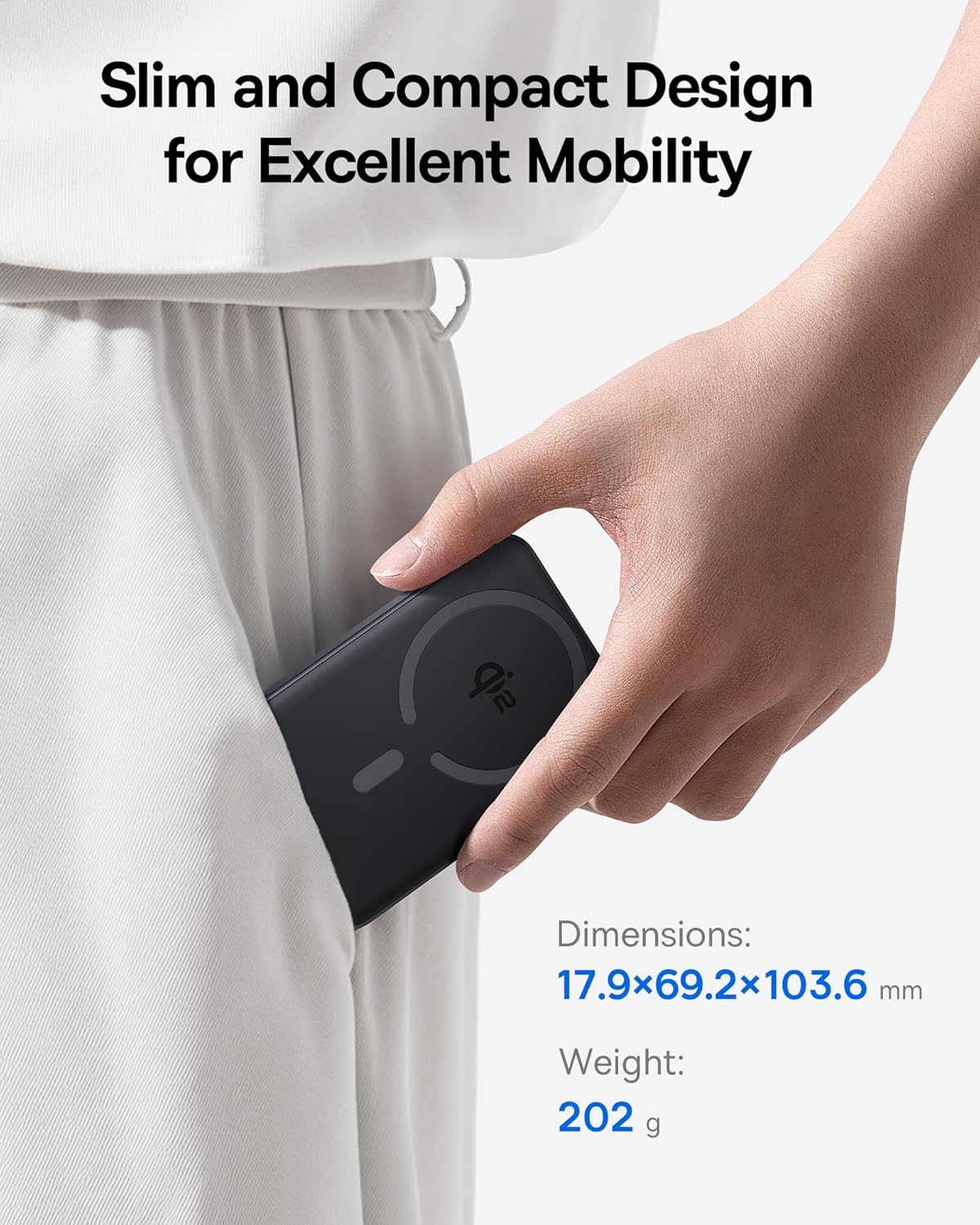
Image 2.1: The power bank's compact design allows for easy portability.
3. Persediaan
3.1 Caj Permulaan
- Sebelum penggunaan pertama, cas penuh bank kuasa.
- Connect the provided USB-C cable to the power bank's USB-C port.
- Sambungkan hujung kabel USB-C yang satu lagi kepada penyesuai kuasa USB yang serasi (tidak disertakan).
- The LED indicators on the power bank will illuminate to show the charging status. All LEDs will be solid when fully charged.
4. Arahan Operasi
4.1 Mengecas Power Bank
To recharge the power bank, use the included USB-C cable and connect it to a power source. The power bank supports fast input charging.
4.2 Wireless Charging Your Device
- Ensure your device is compatible with MagSafe or Qi2 wireless charging (e.g., iPhone 12-17 series).
- Align the back of your compatible device with the magnetic charging area of the power bank. The magnets will snap into place, securing the connection.
- Wireless charging will begin automatically. The power bank does not require a power button for wireless charging.

Image 4.1: Wireless charging in progress, demonstrating the magnetic connection.

Image 4.2: Magnetic attachment for effortless charging.
4.3 Wired Charging Your Device
- Connect one end of the USB-C cable to the power bank's USB-C port.
- Sambungkan hujung kabel USB-C yang satu lagi ke port pengecasan peranti anda.
- Bank kuasa akan secara automatik mengesan peranti yang disambungkan dan mula mengecas.
4.4 Pengecasan Laluan
The power bank supports pass-through charging, allowing you to charge both the power bank and a connected device simultaneously. Connect the power bank to a wall adapter, and then connect your device to the power bank via either wireless or wired connection.

Image 4.3: The power bank supports both wired and wireless charging simultaneously.
4.5 Keserasian Sejagat

Imej 4.4: Keserasian berakhirview for wireless and wired charging.
5. Maklumat Keselamatan
Untuk memastikan operasi yang selamat dan mencegah kerosakan pada peranti atau kecederaan, sila patuhi garis panduan keselamatan berikut:
- Jangan dedahkan bank kuasa kepada suhu yang melampau, cahaya matahari langsung atau api.
- Jangan buka, ubah suai atau baiki peranti.
- Jauhkan bank kuasa daripada air dan cecair lain.
- Elakkan daripada menjatuhkan atau meletakkan peranti kepada kesan yang kuat.
- Gunakan hanya kabel pengecasan dan penyesuai yang diperakui.
- Jauhkan daripada kanak-kanak.
- The power bank features multiple built-in protections, including over-voltage, bawah-voltage, overcharge, over-discharge, over-temperature, over-current, short circuit, recovery, and over-power protection.

Image 5.1: Advanced thermal management for safe charging.

Image 5.2: Comprehensive safety protections integrated into the power bank.
6. Penyelenggaraan
Proper maintenance ensures the longevity and optimal performance of your power bank:
- Bersihkan peranti dengan kain lembut dan kering. Jangan gunakan pembersih atau pelarut yang melelas.
- Simpan bank kuasa di tempat yang sejuk dan kering apabila tidak digunakan.
- If storing for extended periods, charge the power bank to approximately 50% every three months to maintain battery health.
7. Penyelesaian masalah
7.1 Peranti Tidak Mengecas Secara Wayarles
- Ensure your device is Qi2 or MagSafe compatible.
- Check for proper alignment of your device on the power bank's charging surface.
- Remove any thick cases or metallic objects between your device and the power bank.
- Verify the power bank has sufficient charge.
7.2 Peranti Tidak Mengecas Melalui USB-C
- Pastikan kabel USB-C disambungkan dengan selamat ke bank kuasa dan peranti anda.
- Cuba gunakan kabel USB-C yang berbeza untuk menolak kemungkinan kerosakan kabel.
- Verify the power bank has sufficient charge.
7.3 Bank Kuasa Tidak Mengecas Semula
- Ensure the USB-C cable is securely connected to the power bank and the wall adapter.
- Try a different wall adapter and/or USB-C cable.
- Ensure the wall adapter provides sufficient power output.
8. Spesifikasi
| Nombor Model | E00285 |
| Kapasiti Bateri | 10000mAh (3.7V/37Wj) |
| Input USB-C | 5V=3A; 9V=2.22A |
| Output USB-C | 5V=3A; 9V=2.22A; 12V=1.5A; 10V=2.25A (Maks 22.5W) |
| Output Tanpa Wayar | 5W/7.5W/15W (Max 15W) |
| Jumlah Output | 5V=3A |
| Dimensi Produk | 4.6 x 2.7 x 0.7 inci (17.9 x 69.2 x 103.6 mm) |
| Berat Barang | 8.8 auns (202g) |
| warna | Black (also available in Moon White, Baby Pink) |
9. Waranti dan Sokongan
Baseus products are designed and manufactured to the highest quality standards. This product is covered by a limited warranty from the date of purchase. For detailed warranty information, product support, or to register your product, please visit the official Baseus webtapak atau hubungi perkhidmatan pelanggan mereka.
Sila simpan bukti pembelian anda untuk tuntutan waranti.