1. Produk Lebihview
The AstroAI P12 Jump Starter is a portable device designed to jump start vehicles with dead batteries. It also functions as a power bank for electronic devices and includes an LED flashlight. This unit is compatible with all gas engines and diesel engines up to 12L.
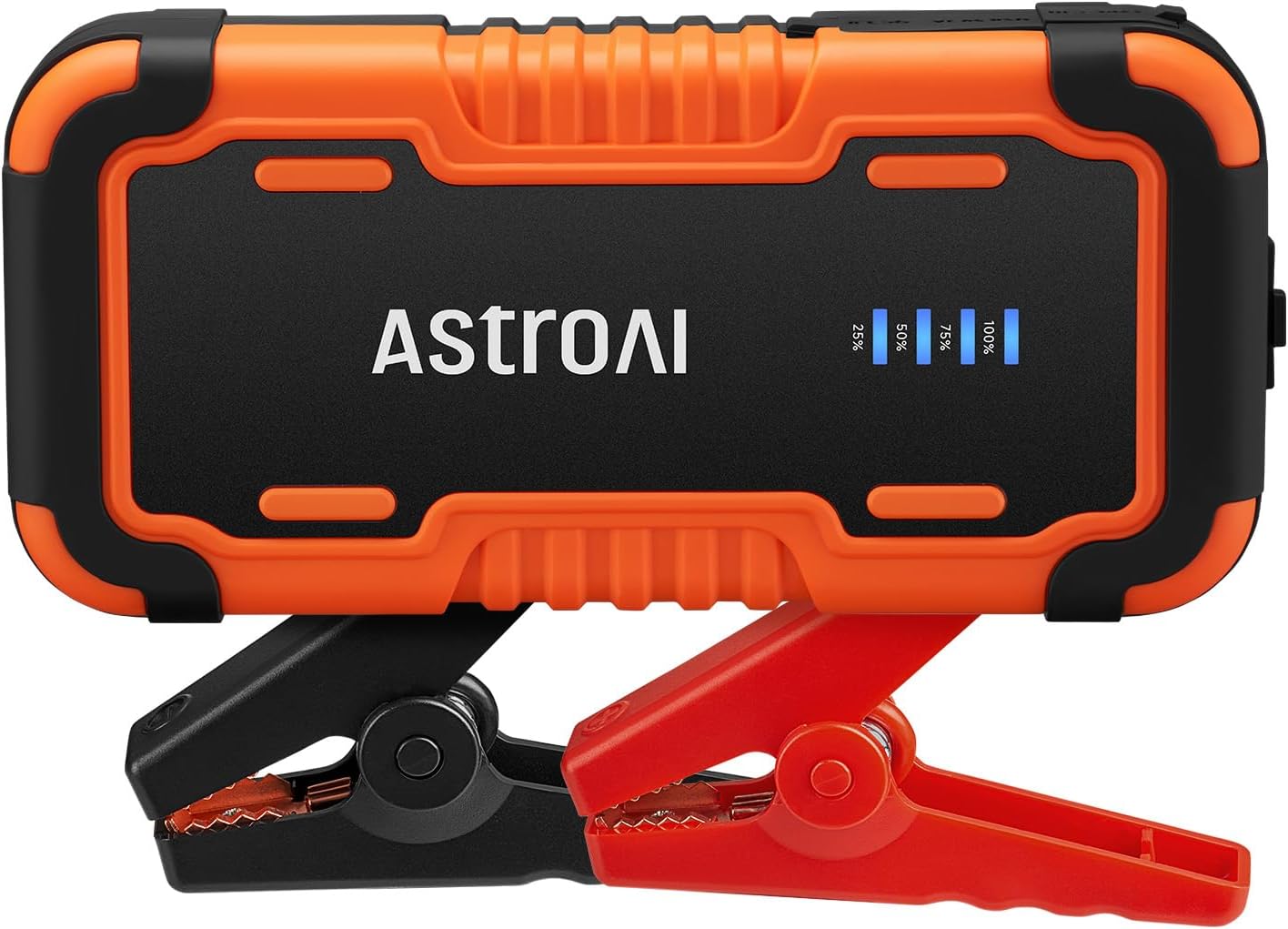
Image 1.1: AstroAI P12 Jump Starter with attached smart battery clamps.
2. Apa yang Termasuk
Pakej mengandungi item berikut:
- AstroAI P12 Jump Starter Unit
- Bateri Pintar Clamps
- Beg Simpanan
- Kabel USB AC
- Manual Pengguna (dokumen ini)

Image 2.1: All components included in the AstroAI P12 Jump Starter package.
3. Maklumat Keselamatan
Baca semua amaran dan arahan keselamatan sebelum menggunakan produk ini. Kegagalan mematuhi amaran dan arahan boleh mengakibatkan renjatan elektrik, kebakaran dan/atau kecederaan serius.
Langkah Keselamatan Am:
- Do not operate the jump starter if it has been damaged or modified.
- Jangan dedahkan jump starter kepada hujan atau keadaan basah.
- Jangan gunakan lampiran yang tidak disyorkan atau dijual oleh pengilang.
- Pastikan pengudaraan yang betul semasa digunakan.
- Jauhkan daripada kanak-kanak.
- Wear eye protection when operating.
Perlindungan Terbina dalam:
The AstroAI P12 includes 10 comprehensive safety protections:
- Perlindungan Polariti Terbalik
- Perlindungan Arus Lebih
- Perlindungan Caj Terlebih
- Perlindungan berlebihan
- Perlindungan Suhu Tinggi & Rendah
- Perlindungan Sambungan Terbalik
- Lebih Voltage Perlindungan
- Perlindungan Lebihan
- Perlindungan Litar pintas
- Spark-Proof Clamps

Image 3.1: Visual representation of the 10 safety protections integrated into the device.
4. Mengecas Pemula Lompat
Before initial use, fully charge the AstroAI P12 Jump Starter. It is recommended to recharge the unit every few months to maintain battery health, especially if not used regularly.
- Connect the provided USB A-C cable to the USB-C input port on the jump starter.
- Connect the other end of the USB A-C cable to a compatible USB wall adapter (not included) or a powered USB port.
- The LED indicator on the jump starter will show the charging progress. Charge until the indicator shows 100% or full charge.
A full charge typically takes approximately 4-5 hours from empty.
5. Arahan Operasi
5.1. Lompat Memulakan Kenderaan
Ikuti langkah-langkah ini dengan teliti untuk menghidupkan kenderaan anda secara automatik:
- Pastikan jump starter dicas secukupnya (sekurang-kurangnya 75% disyorkan).
- Matikan pencucuh kenderaan dan semua aksesori (lampu, radio, dll.).
- Sambungkan bateri pintar clamps to the jump starter's output port. Ensure it is fully inserted.
- Lampirkan merah positif (+) clamp ke terminal positif (+) bateri kenderaan.
- Lampirkan hitam negatif (-) clamp ke terminal negatif (-) bateri kenderaan.
- Observe the indicator on the smart battery clamps. If it glows hijau pejal, the connection is correct and safe to proceed. If it flashes red/green or shows an error, recheck connections and refer to the troubleshooting section.
- Once the indicator is solid green, start the vehicle's engine.
- After the engine starts, immediately remove the smart battery clamps from the vehicle battery, first the negative (-) clamp, then the positive (+) clamp.
- Disconnect the smart battery clamps daripada pemula lompat.

Image 5.1: Step-by-step visual guide for jump starting a vehicle.

Image 5.2: AstroAI P12 Jump Starter connected to a vehicle battery.
5.2. Menggunakan sebagai Power Bank
The AstroAI P12 can charge electronic devices via its USB-A output ports.
- Output USB-A (QC 3.0): 5V;3A, 9V;2A, 12V;1.5A (18W Max)
- Keluaran USB-A: 5V;2A
- Connect your device's charging cable to one of the USB-A output ports on the jump starter.
- Connect the other end of the cable to your electronic device.
- Pemula lompat akan mula mengecas peranti anda secara automatik.

Image 5.3: The jump starter functioning as a power bank for various electronic devices.
5.3. Menggunakan Lampu Suluh LED
The built-in LED flashlight offers three modes: illumination, SOS, and strobe.
- Press and hold the power button for approximately 3 seconds to turn on the flashlight (illumination mode).
- Press the power button again to cycle through the modes: SOS (flashing) and Strobe.
- Press and hold the power button again for 3 seconds to turn off the flashlight.

Image 5.4: The AstroAI P12 Jump Starter's LED flashlight in use.
6. Penyelenggaraan
- Pembersihan: Lap unit dengan kain kering dan lembut. Jangan gunakan bahan kimia yang keras atau bahan yang melelas.
- Storan: Store the jump starter in a cool, dry place, away from direct sunlight and extreme temperatures. The operating temperature range is -20°C to 50°C (-4°F to 122°F).
- Mengecas semula: Recharge the unit every 3-6 months, even if not used, to prolong battery life.
- Bateri Clamps: Periksa clamps and cables for any damage before each use.

Image 6.1: The AstroAI P12 Jump Starter is designed to operate in a wide range of temperatures.
7. Penyelesaian masalah
| Masalah | Kemungkinan Punca | Penyelesaian |
|---|---|---|
| Vehicle does not start after jump start attempt. |
|
|
| Pintar clamps indicator shows red/flashing. |
|
|
| Penghidup lompat tidak mengecas peranti. |
|
|
8. Spesifikasi
| Ciri | Perincian |
|---|---|
| Model | P12 |
| Arus Puncak | 6000 Amps |
| Voltage | 12 Volt |
| Keserasian Enjin | All Gas, up to 12L Diesel |
| Jenis Bateri | Lithium Polymer (Lithium-Nickel Manganese Cobalt - NMC) |
| Output USB-A (QC 3.0) | 5V;3A, 9V;2A, 12V;1.5A (18W Max) |
| Keluaran USB-A | 5V;2A |
| Dimensi | 183mm x 88mm x 39mm (7.20in x 3.45in x 1.53in) |
| Berat Barang | 800 g |
| Suhu Operasi | -20°C hingga 50°C (-4°F hingga 122°F) |

Image 8.1: The compact size of the AstroAI P12 Jump Starter.
9. Waranti dan Sokongan
For warranty information or technical support, please contact AstroAI customer service.
- Pengeluar: Astro AI
- E-mel hubungan: Support@astroai.com
- Refer to the official AstroAI webtapak untuk polisi jaminan terkini.