pengenalan
Thank you for choosing the Wentronic Y05 Bluetooth Headphones. This manual provides essential information for setting up, operating, and maintaining your headphones to ensure optimal performance and longevity. Please read this manual thoroughly before using the product.
Kandungan Pakej
Sahkan bahawa semua item yang disenaraikan di bawah disertakan dalam pakej anda:
- Fon Kepala Wayarles Y05
- Kabel Pengecas USB-C
- Kabel Audio 3.5mm
- Manual Pengguna

Image: Contents of the Wentronic Y05 headphone package, showing the headphones, charging cable, audio cable, and user manual.
Produk SelesaiviewKawalan dan Port
Familiarize yourself with the various buttons and ports on your Y05 headphones:

Image: A close-up of the right earcup of the Wentronic Y05 headphones, illustrating the control buttons and ports. Labels indicate functions such as power on/off, volume up/previous track, play/pause/callback, volume down/next track, Type-C charging port, and 3.5mm jack for wired mode.
- Butang Kuasa: Tekan lama untuk menghidupkan/mematikan kuasa.
- Kelantangan Naik / Butang Trek Sebelumnya: Short press for previous track, long press for volume up.
- Butang Main/Jeda / Panggil: Short press to play/pause music. Double press to initiate callback.
- Butang Kelantangan Kurang / Trek Seterusnya: Short press for next track, long press for volume down.
- Port Pengecasan Jenis-C: Untuk mengecas fon kepala.
- Bicu Audio 3.5mm: Untuk sambungan audio berwayar.
- mikrofon: Bersepadu untuk panggilan.
Persediaan
1. Mengecas Fon Kepala
Before first use, fully charge your headphones. Connect the supplied USB-C charging cable to the Type-C port on the headphones and the other end to a USB power source (e.g., computer USB port, wall adapter). The indicator light will show charging status and turn off when fully charged. A full charge provides approximately 48 hours of listening time.

Image: Wentronic Y05 headphones displayed on a desk, highlighting the 48-hour battery life for extended listening. The image also shows the headphones in a folded position.
2. Menghidupkan/Mematikan
- Hidupkan kuasa: Long press the Power button until the indicator light flashes.
- Matikan: Tekan lama butang Kuasa sehingga lampu penunjuk padam.
3. Berpasangan Bluetooth
- Pastikan fon kepala dimatikan.
- Long press the Power button until the indicator light flashes blue and red alternately, indicating pairing mode.
- Pada peranti anda (telefon pintar, tablet, komputer riba), dayakan Bluetooth dan cari peranti yang tersedia.
- Select "Y05" from the list of found devices.
- Once paired, the indicator light will flash blue slowly.
The headphones feature Bluetooth 5.3 for stable, low-latency connections up to 50 feet. After the initial pairing, the headphones will automatically connect to your device when powered on, if Bluetooth is enabled on your device.
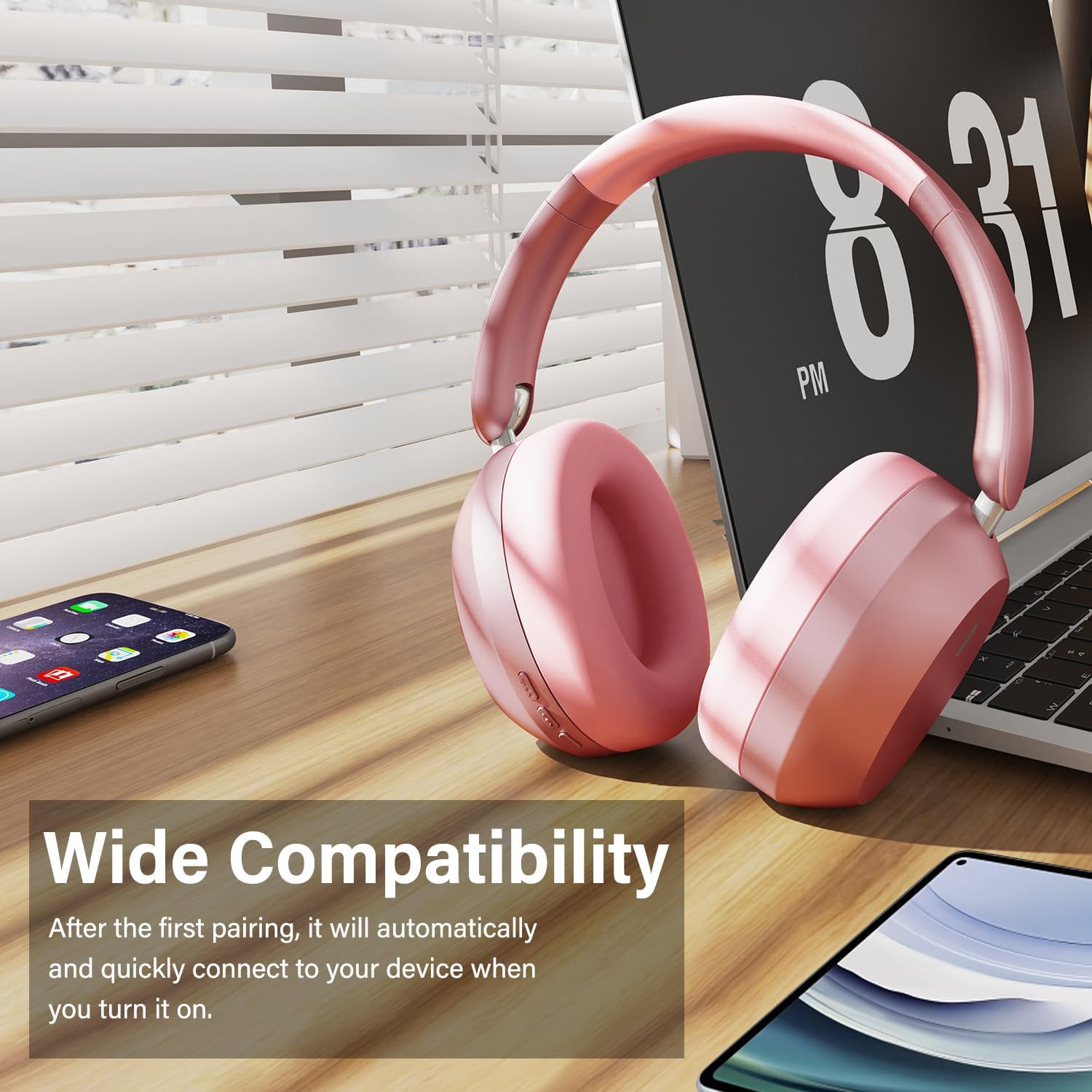
Image: Wentronic Y05 headphones positioned near a laptop, smartphone, and tablet, illustrating their wide compatibility with various Bluetooth-enabled devices.
4. Wired Mode Connection
To use the headphones in wired mode, connect one end of the 3.5mm audio cable to the audio jack on the headphones and the other end to your audio source. Wired mode can be used when the battery is low or when Bluetooth is not desired.
Arahan Operasi
Main balik Muzik
- Main/Jeda: Tekan sebentar butang Main/Jeda.
- Lagu Seterusnya: Short press the Volume Down / Next Track button.
- Trek Sebelumnya: Short press the Volume Up / Previous Track button.
- Kelantangan: Long press the Volume Up / Previous Track button.
- Perlahankan suara: Long press the Volume Down / Next Track button.
Pengurusan Panggilan
- Jawab/Tamatkan Panggilan: Tekan sebentar butang Main/Jeda.
- Tolak Panggilan: Tekan lama butang Main/Jeda.
- Panggilan balik: Tekan dua kali butang Main/Jeda.
The built-in microphone helps isolate your voice for clear phone calls by canceling unwanted external sound.

Image: A woman smiling while wearing white Wentronic Y05 headphones and holding a smartphone, illustrating the clear call quality provided by the built-in microphone.
Pembatalan Bising Aktif (ANC)
The Y05 headphones feature Active Noise Cancellation. To activate or deactivate ANC, locate the dedicated ANC button (refer to the Product Overview section for button location). Press the button to toggle the ANC function. When ANC is active, it helps reduce ambient noise for a more immersive listening experience.

Image: A person wearing pink Wentronic Y05 headphones while using a tablet, with text indicating 'Active Noise Cancellation' and the ability to immerse oneself in their own world.
Penyelenggaraan dan Penjagaan
- Pembersihan: Gunakan kain lembut dan kering untuk membersihkan fon kepala. Jangan gunakan pembersih atau pelarut yang melelas.
- Storan: Apabila tidak digunakan, simpan fon kepala di tempat yang sejuk dan kering, jauh dari cahaya matahari langsung dan suhu yang melampau. Reka bentuk boleh lipat membolehkan storan padat.
- Penjagaan Bateri: Untuk menjimatkan hayat bateri, elakkan daripada kerap mengecas fon kepala sepenuhnya. Caskannya secara berkala, walaupun tidak digunakan untuk tempoh yang lama.
- Pendedahan Air: Fon kepala ini tidak kalis air. Elakkan pendedahan kepada air atau kelembapan berlebihan.

Image: Hands folding the Wentronic Y05 headphones to fit into a bag, illustrating the travel-ready and space-saving design.
Menyelesaikan masalah
If you encounter issues with your Wentronic Y05 headphones, refer to the following common problems and solutions:
| Masalah | Penyelesaian |
|---|---|
| Fon kepala tidak dihidupkan. | Pastikan fon kepala dicas. Sambungkan kepada sumber kuasa menggunakan kabel USB-C. |
| Tidak boleh berpasangan dengan peranti Bluetooth. | Ensure headphones are in pairing mode (flashing blue/red). Turn off and on Bluetooth on your device. Move closer to the headphones. Clear previous Bluetooth connections on your device. |
| Tiada bunyi atau kelantangan rendah. | Check volume levels on both headphones and your connected device. Ensure headphones are properly paired or the 3.5mm cable is fully inserted. |
| Kualiti bunyi kurang baik. | Bergerak lebih dekat ke peranti Bluetooth anda untuk mengelakkan gangguan. Cuba sumber audio yang berbeza atau file. Ensure the 3.5mm cable is not damaged if in wired mode. |
| Mikrofon tidak berfungsi. | Ensure the headphones are connected and selected as the input device on your computer/phone. Check application microphone settings. |
Spesifikasi
| Ciri | Perincian |
|---|---|
| Nama Model | Y05 |
| Teknologi Ketersambungan | Wireless (Bluetooth 5.3) / Wired (3.5 mm Jack) |
| Jack Fon Kepala | Jack 3.5 mm |
| Teknologi Komunikasi Tanpa Wayar | Bluetooth |
| Jenis Kawalan | Kawalan Butang |
| Penempatan Telinga | Atas Telinga |
| Faktor Bentuk | Atas Telinga |
| Kawalan Bunyi | Sound Isolation (Active Noise Cancellation mentioned in images) |
| Hayat Bateri | Up to 48 hours (listening time) |
| Saiz Pemandu | Pemacu Dinamik 40mm |
| bahan | Plastic (with memory-protein ear cushions) |
| Berat Barang | 2.89 auns (lebih kurang 0.08 Kilogram) |
| Peranti Serasi | Telefon bimbit, Desktop, Komputer riba |
Waranti dan Sokongan
Wentronic products are designed for reliability and performance. For information regarding warranty coverage, please refer to the warranty card included with your purchase or the retailer's return policy. For technical support or further assistance, please contact Wentronic customer service through the official webtapak atau tempat pembelian anda.
You can visit the Wentronic Store for more information: Wentronic Store on Amazon.


