FIREBAT AR1 Android Tablet User Manual
Model: AR1 | Brand: FIREBAT
1. Pengenalan
This manual provides detailed instructions for the setup, operation, and maintenance of your FIREBAT AR1 Android Tablet. Please read this manual thoroughly to ensure proper use and to maximize the performance and longevity of your device.

The FIREBAT AR1 Android Tablet, shown with its included protective case and screen protector, is designed for versatile use.
2. Kandungan Pakej
Selepas membuka pakej, sila sahkan bahawa semua item berikut disertakan:
- 1 x FIREBAT AR1 Tablet
- 1 x Protective Film (Installed)
- 1 x Protective Case (Installed)
- 1 x 9V/2A 18W US Power Charger
- 1 x Manual Pengguna
The complete package contents of the FIREBAT AR1 Tablet.
3. Produk Lebihview
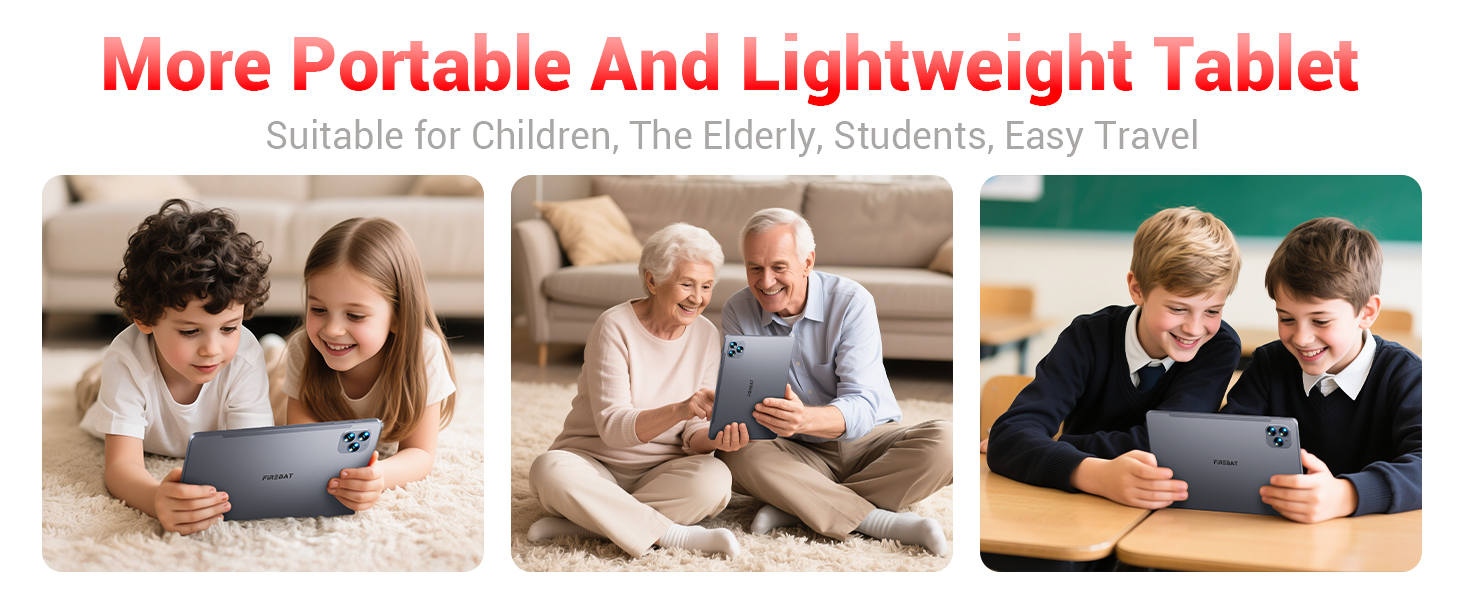
The FIREBAT AR1 Tablet is equipped with advanced features for a smooth user experience. Its design focuses on portability and performance, making it suitable for various applications from entertainment to productivity.
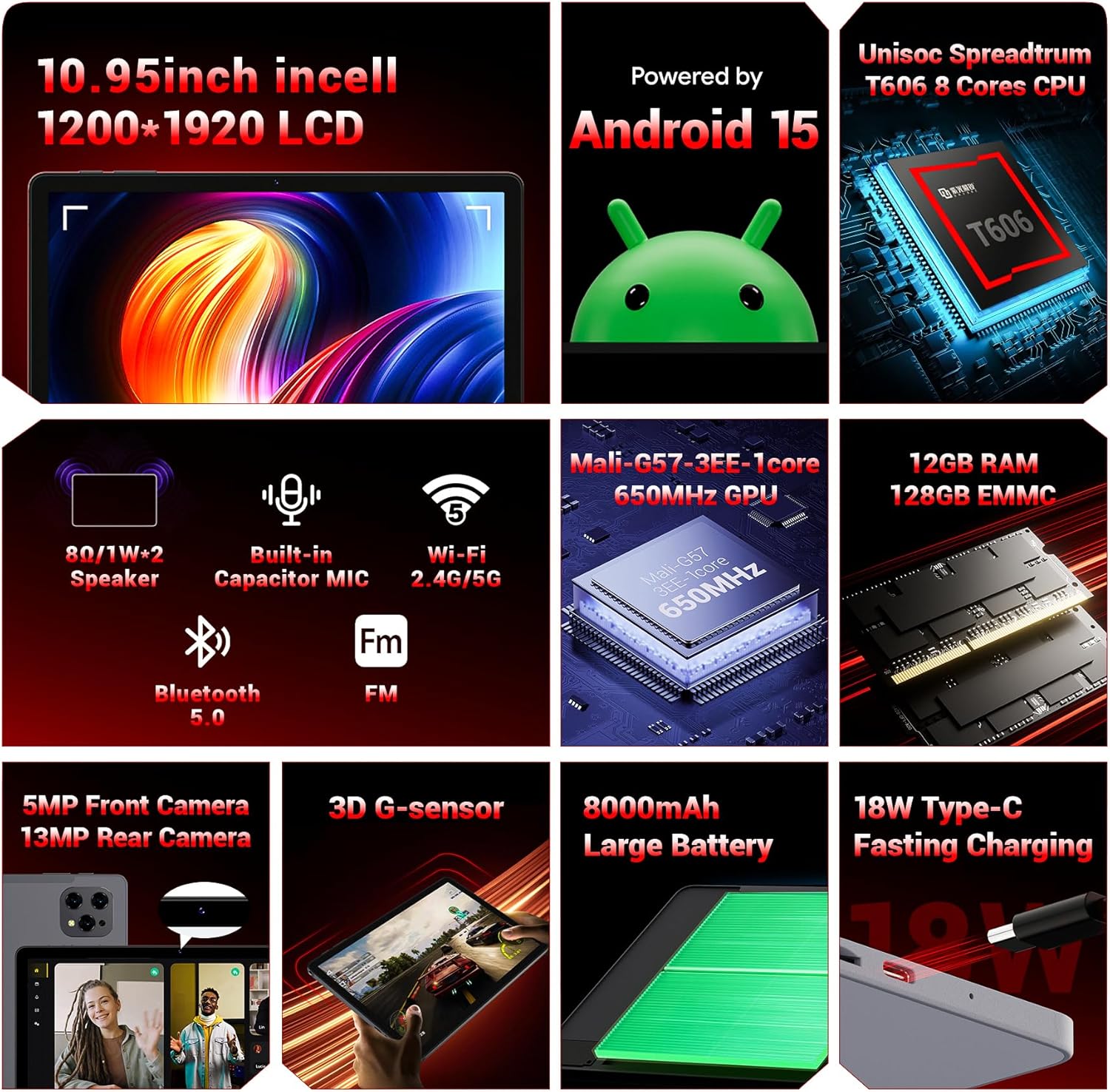
Berakhirview of the key technical specifications and features of the FIREBAT AR1 Tablet.
Ciri-ciri Utama:
- paparan: 10.95-inch In-Cell 1920x1200 Touchscreen
- Pemproses: Unisoc Spreadtrum T606 Octa-Core CPU
- Ingatan: 12GB RAM, 128GB ROM (Expandable via SD card)
- Bateri: 8000mAh Large Capacity Battery with 18W Fast Charging
- Kamera: Kamera Depan 5MP, Kamera Belakang 13MP
- Ketersambungan: Wi-Fi 5 (2.4G/5G), Bluetooth 5.0, FM
- Sistem pengendalian: Android 15
- Keselamatan: Widevine L1 Support for high-definition streaming
- Reka bentuk: Upgraded Thinner In-Cell Technology, Narrow Bezel, Delicate Texture Metal Shell

The powerful Unisoc Spreadtrum T606 Octa-Core Processor ensures smooth operation.

Experience vibrant visuals with the 10.95-inch In-Cell 1920x1200 LCD.

The narrow bezel design maximizes screen space for an immersive viewpengalaman dalam.

Designed to be lighter and less hand-consuming, ideal for convenient travel.

The newly upgraded delicate texture metal shell enhances heat dissipation and improves protection.
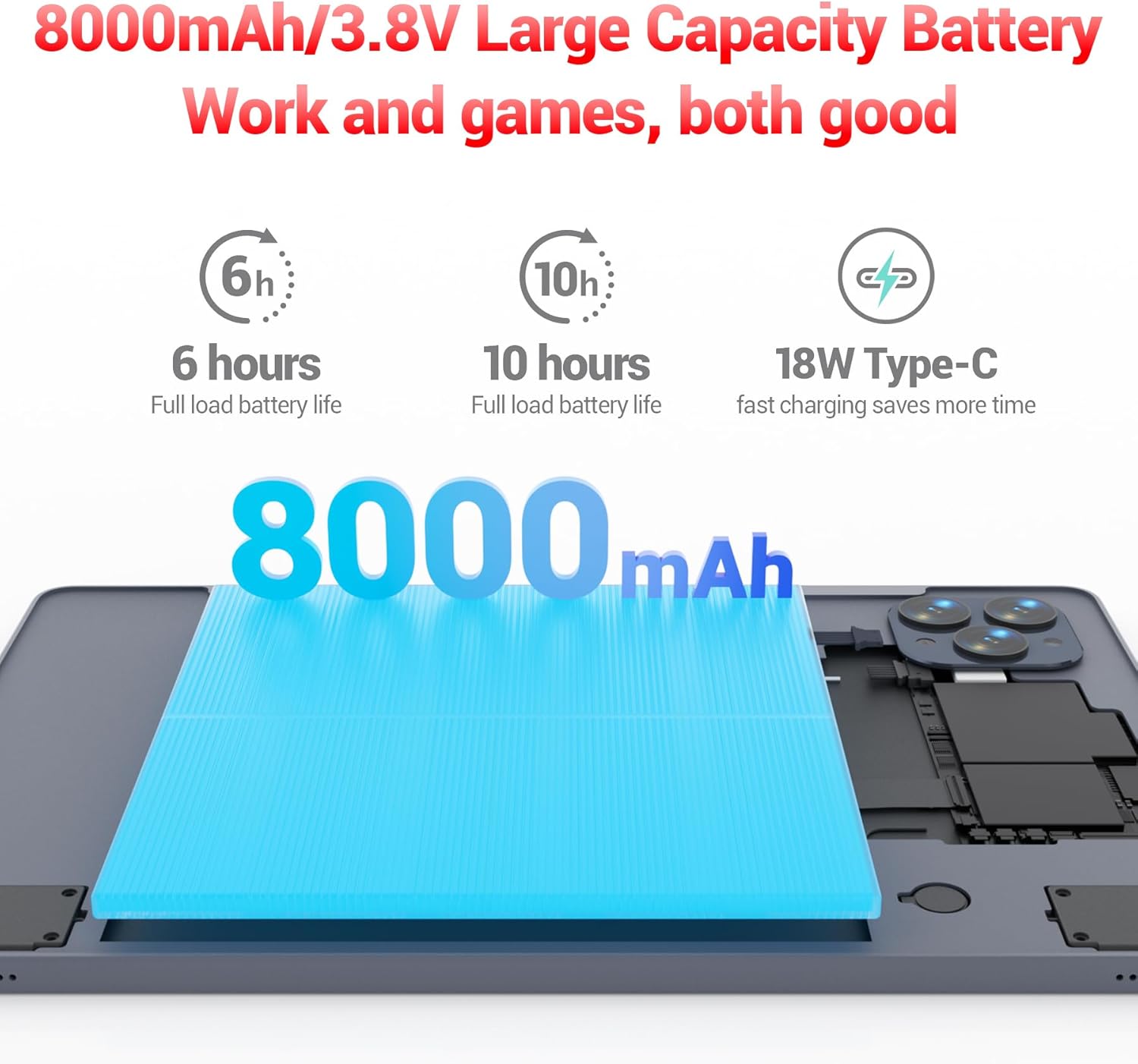
The 8000mAh large capacity battery provides extended usage time.

Capture moments and make video calls with the 5MP front and 13MP rear cameras.
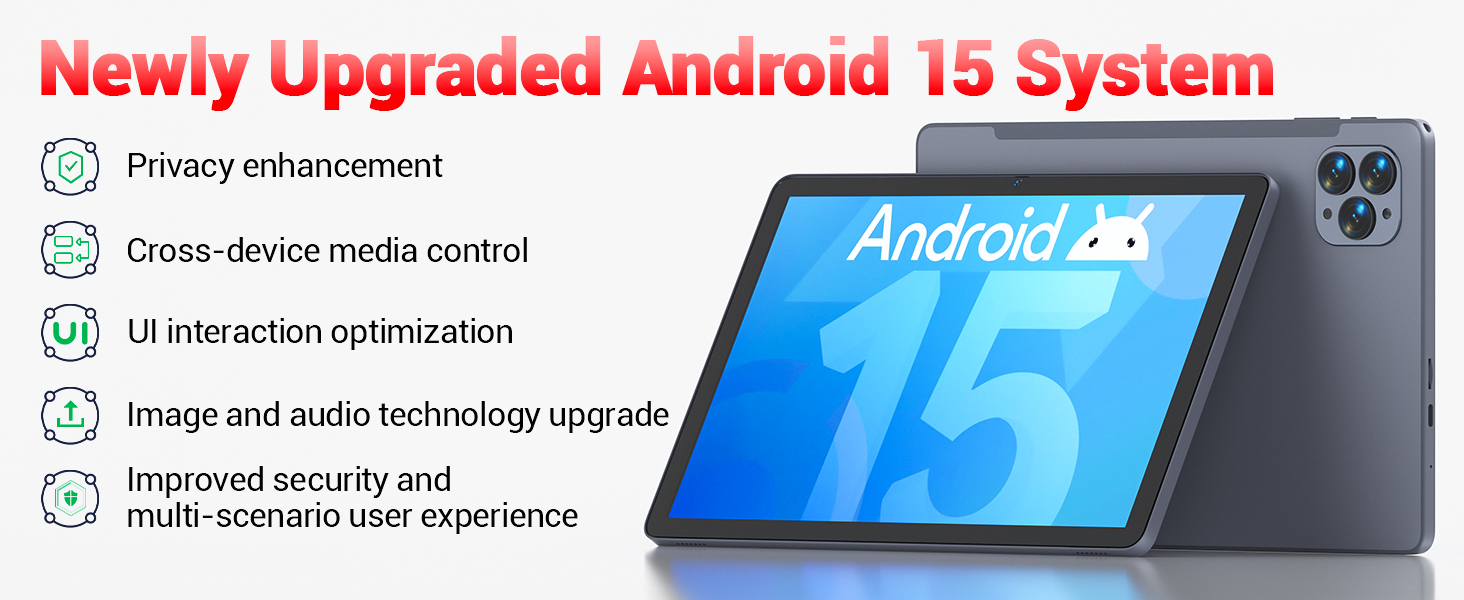
Powered by the newly upgraded Android 15 system for enhanced performance and user experience.
4. Persediaan
4.1 Kuasa Awal Hidup
- Press and hold the Power button located on the side of the tablet until the FIREBAT logo appears.
- Ikut gesaan pada skrin untuk memilih bahasa anda, menyambung ke rangkaian Wi-Fi dan menyediakan akaun Google anda.
4.2 Mengecas Tablet
Before first use, fully charge the tablet using the provided 9V/2A 18W US Power Charger and USB-C cable.
- Sambungkan kabel USB-C ke port USB-C tablet.
- Palamkan penyesuai kuasa ke salur keluar dinding.
- Penunjuk bateri pada skrin akan menunjukkan status pengecasan.
4.3 Memasukkan Kad SD (Pilihan)
The tablet supports SD card expansion up to 1TB for additional storage.
- Locate the TF Card Slot on the side of the tablet.
- Gently insert the SD card into the slot until it clicks into place.
- The tablet will prompt you to format the SD card for use, if necessary.
5. Arahan Operasi
5.1 Navigasi Asas
- Skrin sentuh: Ketik untuk memilih, leret untuk menatal, cubit untuk mengezum.
- Skrin Utama: Akses apl dan widget anda.
- Panel Pemberitahuan: Leret ke bawah dari bahagian atas skrin ke view pemberitahuan dan tetapan pantas.
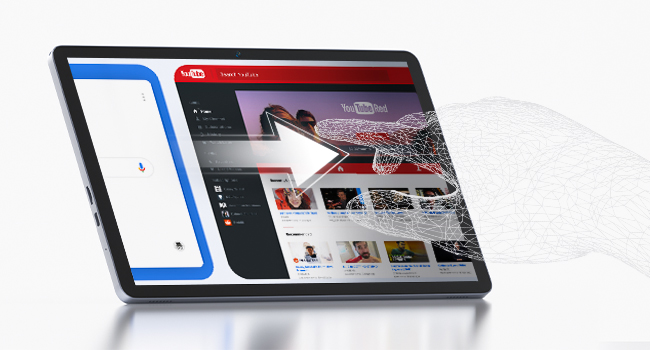
The responsive touchscreen allows for intuitive interaction.
5.2 Menyambung ke Wi-Fi
- Pergi ke tetapan > Rangkaian & internet > Wi-Fi.
- Togol Wi-Fi hidup.
- Pilih rangkaian yang anda inginkan daripada senarai dan masukkan kata laluan jika digesa.
5.3 Berpasangan Bluetooth
- Pergi ke tetapan > Peranti yang disambungkan > Bluetooth.
- Hidupkan Bluetooth.
- Select the device you wish to pair from the list of available devices.
5.4 Menggunakan Kamera
The tablet features a 5MP front camera and a 13MP rear camera.
- Buka Kamera app from the home screen or app drawer.
- Tap the shutter button to take photos or switch to video mode.
- Use the front camera for video calls and selfies, and the rear camera for higher-quality photos.
5.5 Media Playback and Productivity
The tablet supports multiple video and audio formats, and is compatible with various e-book and office software applications.
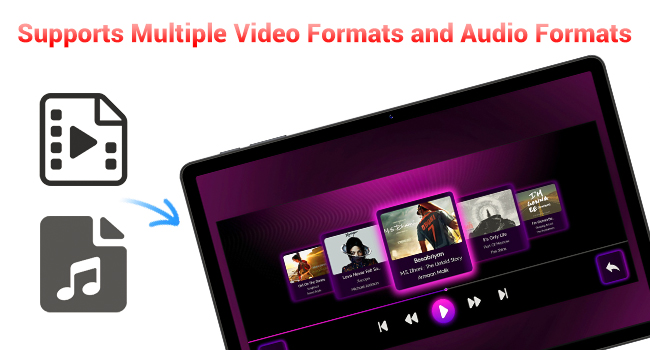
Enjoy your favorite videos and music with broad format support.
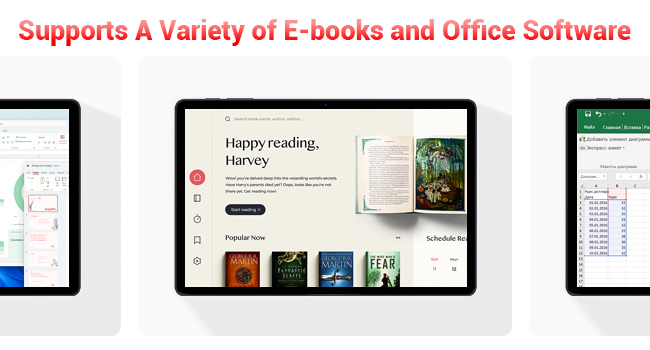
The tablet supports a variety of e-books and office software for productivity.
5.6 Using the Protective Case
The included protective case not only safeguards your tablet but also functions as a stand for hands-free viewing.
- To use as a stand, fold the front cover into a triangular shape and position the tablet securely.
- Ensure the tablet is fully encased to protect against scratches and minor impacts.

The included protective case can be folded to serve as a convenient stand.
6. Penyelenggaraan
6.1 Membersihkan Tablet
- Gunakan kain lembut dan tidak berbulu untuk membersihkan skrin dan badan tablet.
- Elakkan menggunakan bahan kimia yang keras atau bahan yang melelas.
6.2 Penjagaan Bateri
- Elakkan daripada mendedahkan tablet kepada suhu yang melampau.
- Jangan biarkan bateri habis sepenuhnya dengan kerap.
- Gunakan hanya pengecas yang disediakan atau pengecas serasi yang diperakui.
6.3 Kemas Kini Perisian
- Semak kemas kini sistem secara berkala dalam tetapan > Sistem > Kemas kini sistem.
- Updates can improve performance, add new features, and enhance security.
7. Penyelesaian masalah
If you encounter any issues with your FIREBAT AR1 Tablet, please refer to the following common solutions:
| Masalah | Penyelesaian yang Mungkin |
|---|---|
| Tablet tidak boleh dihidupkan | Pastikan bateri telah dicas. Sambungkan pengecas dan tunggu beberapa minit sebelum cuba menghidupkannya semula. Jika tidak responsif, lakukan mula semula secara paksa dengan menekan butang Kuasa selama 10-15 saat. |
| Isu sambungan Wi-Fi | Mulakan semula penghala Wi-Fi anda. Lupakan rangkaian pada tablet anda dan sambung semula. Pastikan anda berada dalam lingkungan isyarat Wi-Fi. |
| Prestasi perlahan | Close unused applications. Clear cache from apps in Settings > Apps. Restart the tablet. Consider freeing up storage space. |
| Bateri cepat habis | Reduce screen brightness. Close background apps. Disable Wi-Fi/Bluetooth when not in use. Limit location services. |
8. Spesifikasi
| Ciri | Perincian |
|---|---|
| Jenama | BAJU API |
| Nombor Model | AR1 |
| Sistem Operasi | Android 15 |
| Saiz Skrin | 10.95 Inches (In-Cell 1920x1200 Touchscreen) |
| Pemproses | T606 Octa-Core |
| RAM | 12GB |
| Memori Denyar (ROM) | 128GB |
| Kamera Depan | 5MP |
| Kamera Belakang | 13MP |
| Kapasiti Bateri | 8000mAh |
| Mengecas | Pengecasan Pantas Jenis-C 18W |
| Ketersambungan | Wi-Fi 5, BT5.0, FM |
| Dimensi Produk | 10 x 6.6 x 0.3 inci |
| Berat Barang | 2.49 paun |
9. Waranti dan Sokongan
FIREBAT products are manufactured with high standards of quality and performance. For any warranty claims or technical support, please contact FIREBAT customer service.
Maklumat Hubungan:
- e-mel: support@firebatpc.com
- Webtapak: www.firebatpc.com
Sila simpan bukti pembelian anda untuk tujuan waranti.