1. Maklumat Keselamatan
Sila baca semua arahan dengan teliti sebelum menggunakan monitor ini. Simpan manual ini untuk rujukan pada masa hadapan.
- Jangan dedahkan monitor kepada hujan atau lembapan untuk mengelakkan bahaya kebakaran atau kejutan.
- Jangan buka monitor casing. Tiada bahagian yang boleh diservis pengguna di dalamnya. Rujuk semua servis kepada kakitangan yang berkelayakan.
- Letakkan monitor pada permukaan yang stabil dan rata untuk mengelakkannya daripada jatuh.
- Pastikan pengudaraan yang betul di sekeliling monitor. Jangan sekat bukaan pengudaraan.
- Use only the power adapter and cables provided with the monitor.
- Cabut palam monitor daripada soket kuasa semasa ribut petir atau apabila tidak digunakan untuk tempoh yang lama.
2. Kandungan Pakej
Sahkan bahawa semua item terdapat dalam pakej anda:
- CRUA 32-inch Curved Monitor (CR320C)
- Monitor Base and Support
- DP Cable (1.5m/4.92ft)
- Power Cord (1.5m/4.92ft)
- Manual Pengguna
3. Persediaan
3.1 Perhimpunan Monitor
- Tanggalkan monitor dari pembungkusannya dengan berhati-hati, pastikan skrinnya dilindungi.
- Attach the monitor support to the monitor panel.
- Attach the base to the monitor support and secure it with the provided screws.

Figure 3.1: Assembled CRUA 32-inch Curved Monitor.
3.2 Ketersambungan
Sambungkan monitor ke komputer anda atau peranti lain menggunakan kabel yang sesuai.
- Sambungan HDMI: Use an HDMI 2.0 cable to connect the monitor's HDMI port to your device's HDMI output.
- Sambungan DisplayPort: Use the provided DP 1.4 cable to connect the monitor's DP port to your device's DisplayPort output.
- Output Audio: Connect external speakers or headphones to the 3.5mm audio output jack if desired. The monitor also has built-in speakers.
- Sambungan Kuasa: Sambungkan kord kuasa ke input kuasa monitor dan kemudian ke soket kuasa.

Figure 3.2: Monitor rear panel with connectivity ports.
3.3 Pemasangan Dinding
The monitor supports VESA wall mounting (75mm x 75mm). Ensure you use appropriate wall mount hardware (not included) and follow the wall mount manufacturer's instructions.

Rajah 3.3: Belakang view highlighting the VESA mount compatibility.
3.4 Pelarasan Kecondongan
The monitor stand allows for tilt adjustment from -5° to 15° for optimal viewing comfort. Gently adjust the monitor panel to your desired angle.
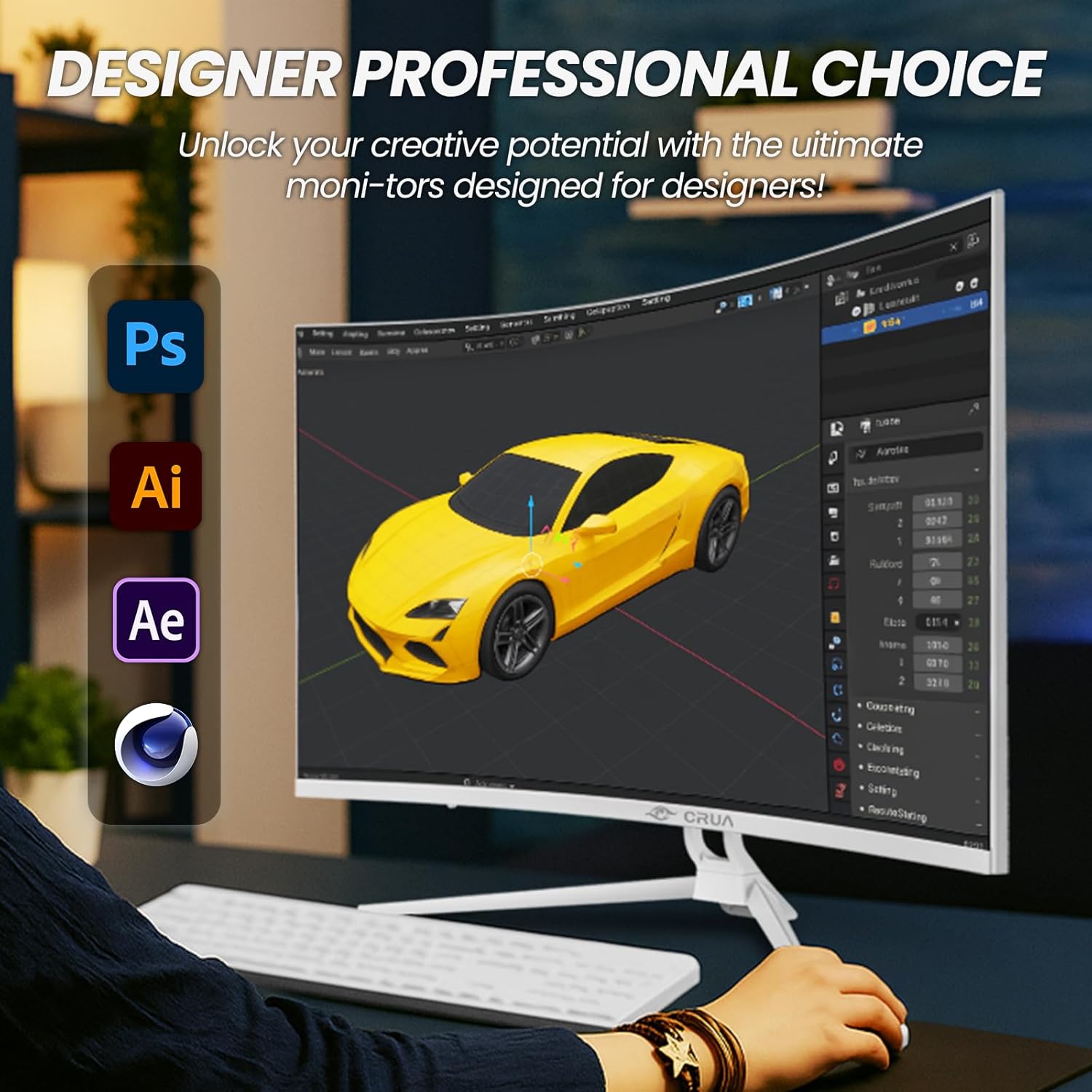
Figure 3.4: Monitor tilt adjustment in an office setting.
4. Arahan Operasi
4.1 Hidupkan/Mati Kuasa
Tekan butang kuasa yang terletak pada monitor untuk menghidupkan atau mematikannya. Lampu penunjuk kuasa akan menyala apabila monitor dihidupkan.
4.2 Pemilihan Sumber Input
Use the monitor's control buttons (typically located on the back or bottom right) to access the On-Screen Display (OSD) menu. Navigate to the 'Input Source' option to select between HDMI and DisplayPort inputs.
4.3 Navigasi Menu OSD
The OSD menu allows you to adjust various monitor settings:
- Tetapan Gambar: Kecerahan, Kontras, Ketajaman, Suhu Warna.
- Tetapan Paparan: Aspect Ratio, Blue Light Filter.
- Tetapan Audio: Volume control for built-in speakers or 3.5mm output.
- Tetapan Sistem: Language, OSD Timeout, RGB atmosphere light modes.
4.4 Ciri-ciri Utama
- Resolusi UHD 4K (3840x2160): Provides sharp and detailed visuals.
- Kadar Refresh 75Hz: Offers smoother motion compared to standard 60Hz monitors.
- Sokongan FreeSync: Synchronizes the monitor's refresh rate with compatible graphics cards to reduce screen tearing and stuttering.
- 1500R Curved VA Panel: Delivers an immersive viewing experience with wide viewsudut-sudut.
- Ketepatan Warna 120% sRGB: Ensures vibrant and accurate color reproduction.
- Pembesar Suara Terbina dalam: Provides integrated audio for convenience.
- Penapis Cahaya Biru: Mengurangkan ketegangan mata semasa penggunaan berpanjangan.
- RGB Atmosphere Light: Customizable lighting on the rear of the monitor.

Figure 4.1: Visual clarity of 4K UHD resolution.
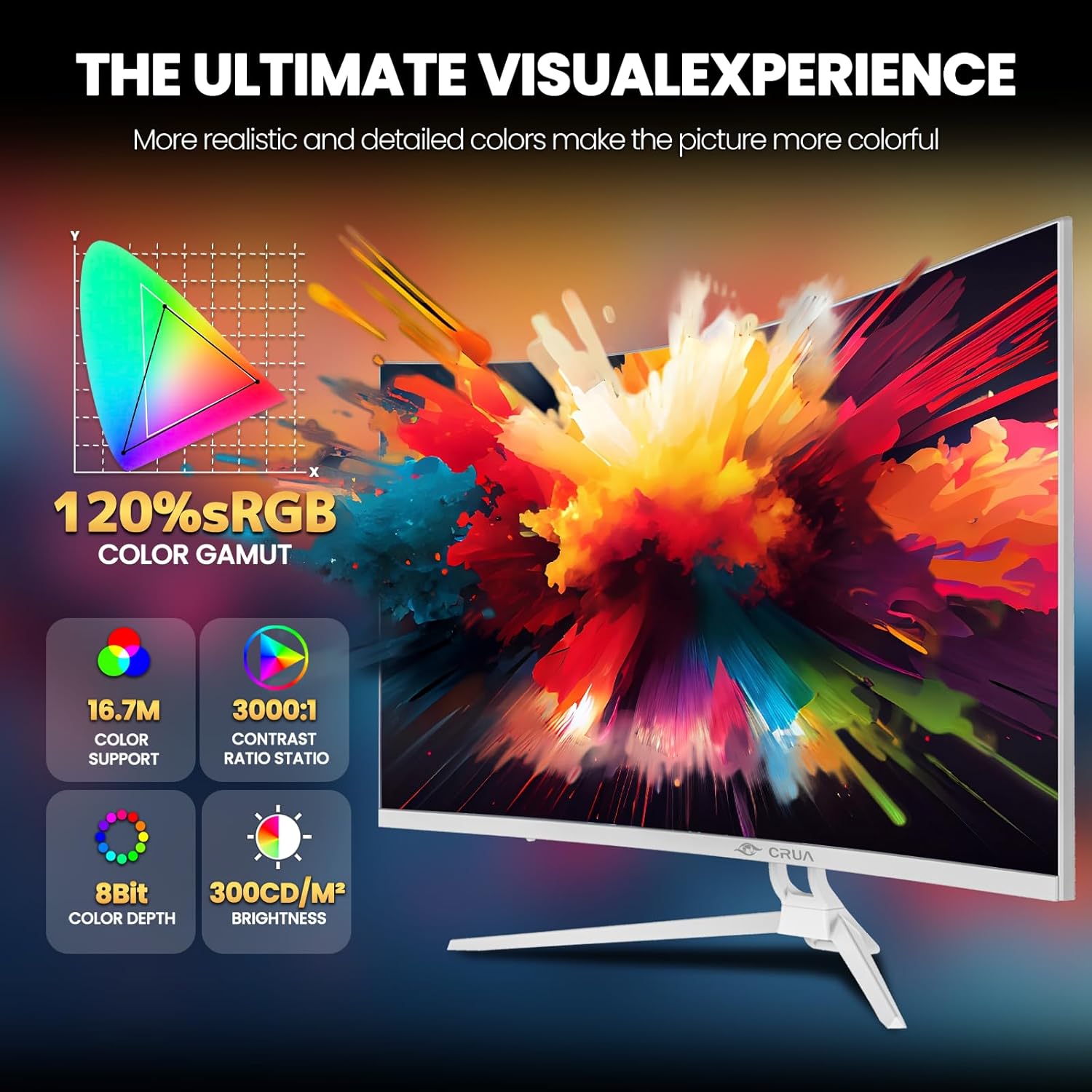
Figure 4.2: Color and display specifications.
5. Penyelenggaraan
5.1 Membersihkan Monitor
Untuk membersihkan skrin monitor dan casing:
- Matikan monitor dan cabut palam kuasa.
- Gunakan kain lembut dan tidak berbulu sedikit dampdisapu dengan air atau pembersih skrin yang lembut dan tidak melelas.
- Jangan sembur pembersih terus ke skrin.
- Avoid using benzene, thinner, ammonia-based cleaners, or abrasive materials, as these can damage the monitor surface.
5.2 Penjagaan Am
- Elakkan meletakkan objek berat pada monitor atau kabelnya.
- Jauhkan monitor daripada cahaya matahari langsung, sumber haba dan habuk yang berlebihan.
- Do not block the ventilation holes on the monitor.
6. Penyelesaian masalah
Jika anda menghadapi masalah dengan monitor anda, rujuk kepada masalah dan penyelesaian biasa berikut:
| Masalah | Penyelesaian yang Mungkin |
|---|---|
| Tiada gambar di skrin | Ensure the power cable is securely connected and the monitor is turned on. Check that the video cable (HDMI/DP) is properly connected to both the monitor and the computer. Select the correct input source via the OSD menu. |
| Imej kabur atau herot | Check the video cable connection. Ensure the display resolution and refresh rate are set correctly in your computer's display settings. |
| Tiada suara dari pembesar suara | Increase the volume via the OSD menu or your computer's sound settings. Ensure the correct audio output device is selected on your computer. If using external speakers, check their connection. |
| Skrin berkelip | Check the video cable connection. Ensure the refresh rate is set to 75Hz in your computer's display settings. Update your graphics card drivers. |
If the problem persists after trying these solutions, please contact CRUA customer support.
7. Spesifikasi
| Ciri | Spesifikasi |
|---|---|
| Model | CR320C |
| Saiz Skrin | 31.5 Inci |
| Jenis Panel | VA, 1500R Curved |
| Resolusi | 3840 x 2160 (4K UHD) |
| Kadar Segar Semula | 75 Hz |
| Masa Tindak Balas | 3 milisaat |
| Kecerahan | 300 cd/m² |
| Nisbah Kontras | 3000:1 |
| Warna Gamut | 120% sRGB |
| Viewsudut | 178° (H) / 178° (V) |
| Ketersambungan | 1x HDMI 2.0, 1x DisplayPort 1.4, 1x 3.5mm Audio Out |
| Ciri Khas | FreeSync, Built-In Speakers, Blue Light Filter, RGB Atmosphere Light, Tilt Adjustment, Wall Mountable (75x75mm VESA) |
| Dimensi Produk (dengan pendirian) | 71.12 x 10.16 x 50.8 cm (W x D x H) |
| Berat (dengan pendirian) | 7.46 kg |

Rajah 7.1: Memantau dimensi.
8. Waranti dan Sokongan
8.1 Maklumat Waranti
The CRUA 32-inch 4K Curved Monitor (CR320C) includes a 1-3 year warranty. Please refer to your purchase documentation for specific warranty terms and duration.
8.2 Sokongan Pelanggan
For any questions, technical assistance, or warranty claims, please contact CRUA customer support. We are committed to providing high-quality service and resolving any issues you may encounter.
Contact information can typically be found on the CRUA official webtapak atau melalui platform pembelian anda.