1. Pengenalan
Thank you for choosing the Xtrem Bots Bruce Motion Bot. This remote-controlled robot is designed to provide an engaging and educational experience, introducing users to basic robotics concepts through interactive play. Please read this manual thoroughly before operating the robot to ensure proper use and to maximize your enjoyment.

Image 1: The Xtrem Bots Bruce Motion Bot robot and its accompanying remote control unit.
Kandungan Pakej:
- Xtrem Bots Bruce Motion Bot
- Alat Kawalan Jauh
- Manual Arahan (dokumen ini)
- Robot battery (pre-installed or included separately)
2. Maklumat Keselamatan
Sila patuhi langkah keselamatan berikut untuk mengelakkan kecederaan atau kerosakan pada produk:
- Produk ini disyorkan untuk umur 5 tahun ke atas.
- Do not attempt to disassemble or modify the robot or remote control.
- Keep the robot away from water and moisture.
- Avoid operating the robot near stairs, furniture, or other obstacles that could cause falls or collisions.
- Ensure adult supervision for younger children during operation.
- Use only the specified batteries and ensure correct polarity during installation.
- Jangan campurkan bateri lama dan baharu, atau jenis bateri yang berlainan.
- Remove batteries if the robot will not be used for an extended period.
- Buang bateri secara bertanggungjawab mengikut peraturan tempatan.
3. Persediaan dan Pemasangan Bateri
3.1 Robot Battery Installation:
The robot's internal battery is typically included and may be pre-installed. Refer to the robot's battery compartment for specific instructions on charging or replacing the robot's battery if applicable. Ensure the robot is powered off before handling batteries.
3.2 Remote Control Battery Installation:
The remote control requires two (2) AA batteries (not included). Follow these steps:
- Cari petak bateri di belakang alat kawalan jauh.
- Menggunakan pemutar skru kecil, buka penutup petak bateri.
- Masukkan dua (2) bateri AA, pastikan kekutuban (+/-) yang betul.
- Gantikan penutup petak bateri dan kencangkannya dengan skru.
3.3 Menghidupkan:
Turn on the robot using the power switch, usually located on its back or base. Then, turn on the remote control. The robot and remote should automatically pair. If not, refer to the troubleshooting section.
4. Operating the Bruce Motion Bot
4.1 Fungsi Alat Kawalan Jauh:
The remote control allows for various movements and actions. Familiarize yourself with the buttons:
- Kawalan Arah: Move the robot forward, backward, left, and right.
- Kawalan Kelajuan: Adjust the robot's movement speed.
- Kawalan Kelantangan: Adjust the robot's sound output.
- Butang Mod Tarian: Activates the robot's pre-programmed dance routine.
- Butang Pengaturcaraan: Initiates programming mode (see section 4.3).
- Sound/Light Buttons: Trigger various robotic sounds and LED facial expressions.

Image 2: A child using the remote control to operate the Bruce Motion Bot, demonstrating interactive play.
4.2 Kawalan Gerak Isyarat:
The Bruce Motion Bot features intelligent gesture control. Wave your hand in front of the robot's sensors to command it to move in different directions. Experiment with various hand gestures to discover all available commands.
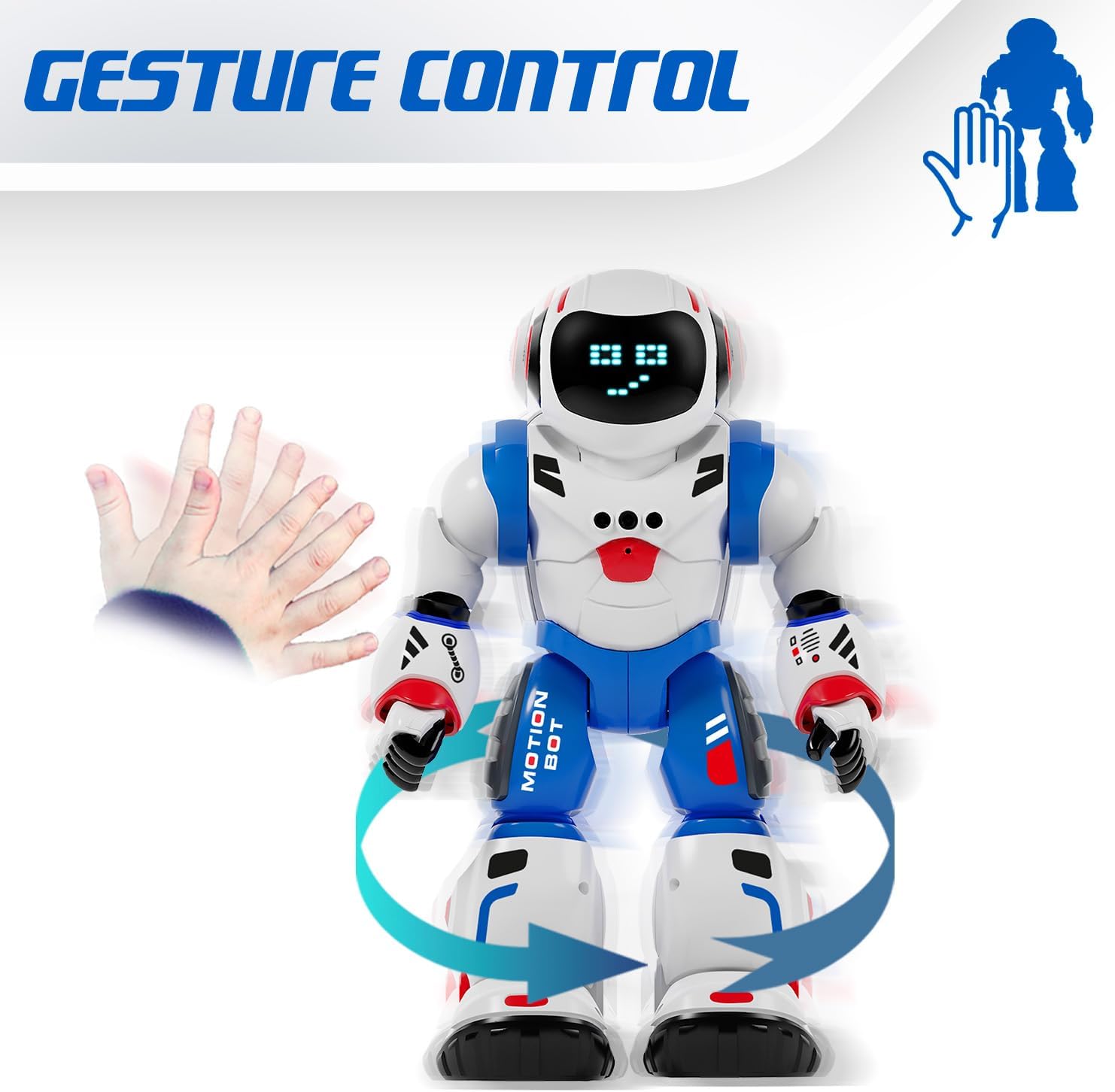
Image 3: The Bruce Motion Bot reacting to a hand gesture, illustrating its gesture control capability.
4.3 Mod Pengaturcaraan:
You can program the Bruce Motion Bot to perform a sequence of up to 50 movements. To enter programming mode, press the dedicated programming button on the remote control. Input your desired sequence of movements using the directional buttons, then press the programming button again to execute the sequence. The robot will store and repeat these actions.

Image 4: A visual representation of programming the robot with a sequence of movements to navigate a path.
4.4 Sounds and LED Expressions:
The robot emits various robotic sounds and displays up to 20 different facial expressions through its 26 blue LED lights. These expressions change based on actions or can be triggered manually via the remote control.

Image 5: Close-up of the robot's head showing different LED eye patterns and facial expressions.
4.5 Head Movement and Voice Recognition:
The Bruce Motion Bot can move its head and features a voice recognition function. Use the remote to control head movements or interact with its voice recognition capabilities.
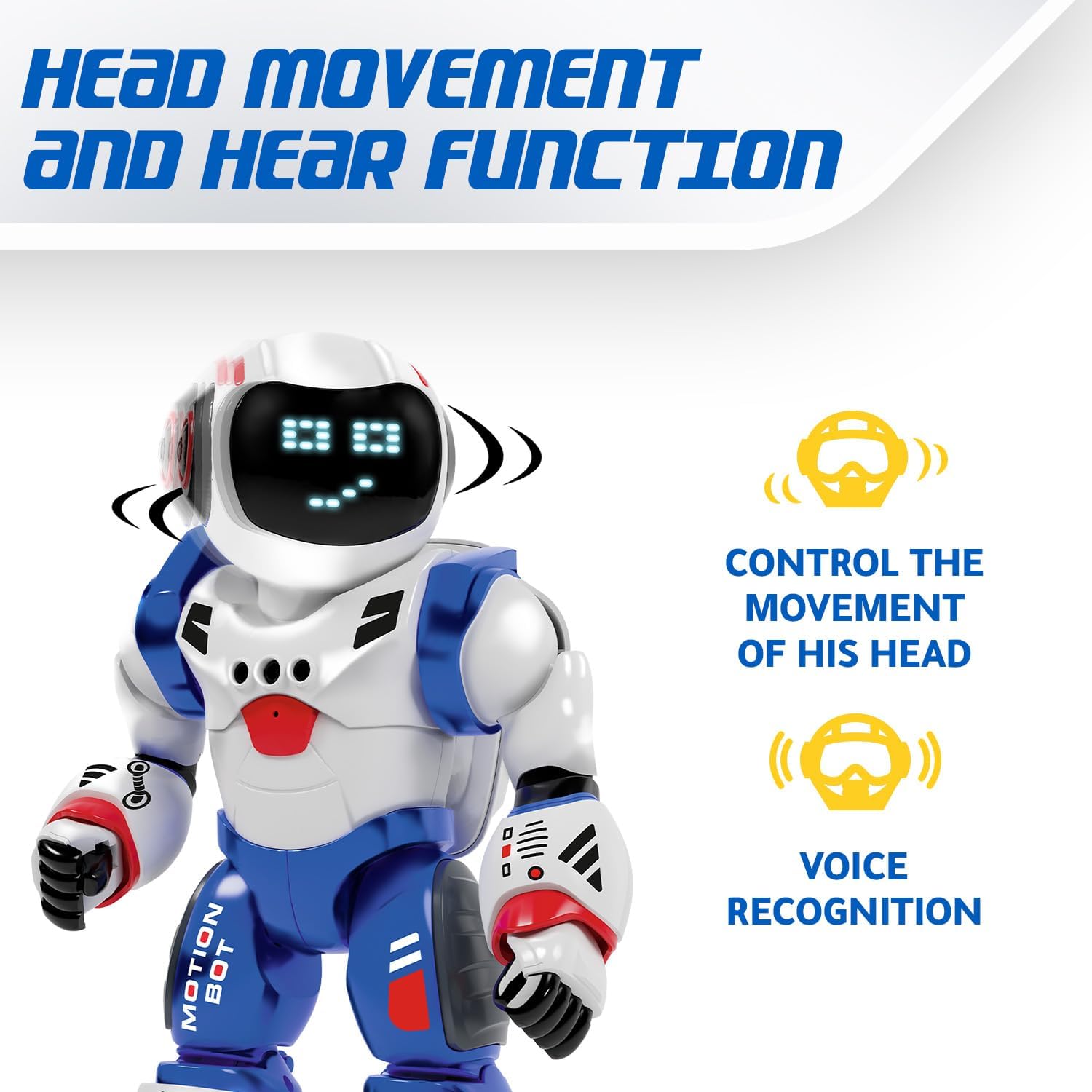
Image 6: The robot's head rotating, with icons indicating head movement control and voice recognition features.
4.6 Dancing Mode:
Activate the dancing mode by pressing the dedicated button on the remote. The robot will perform a series of movements and sounds, providing entertainment.
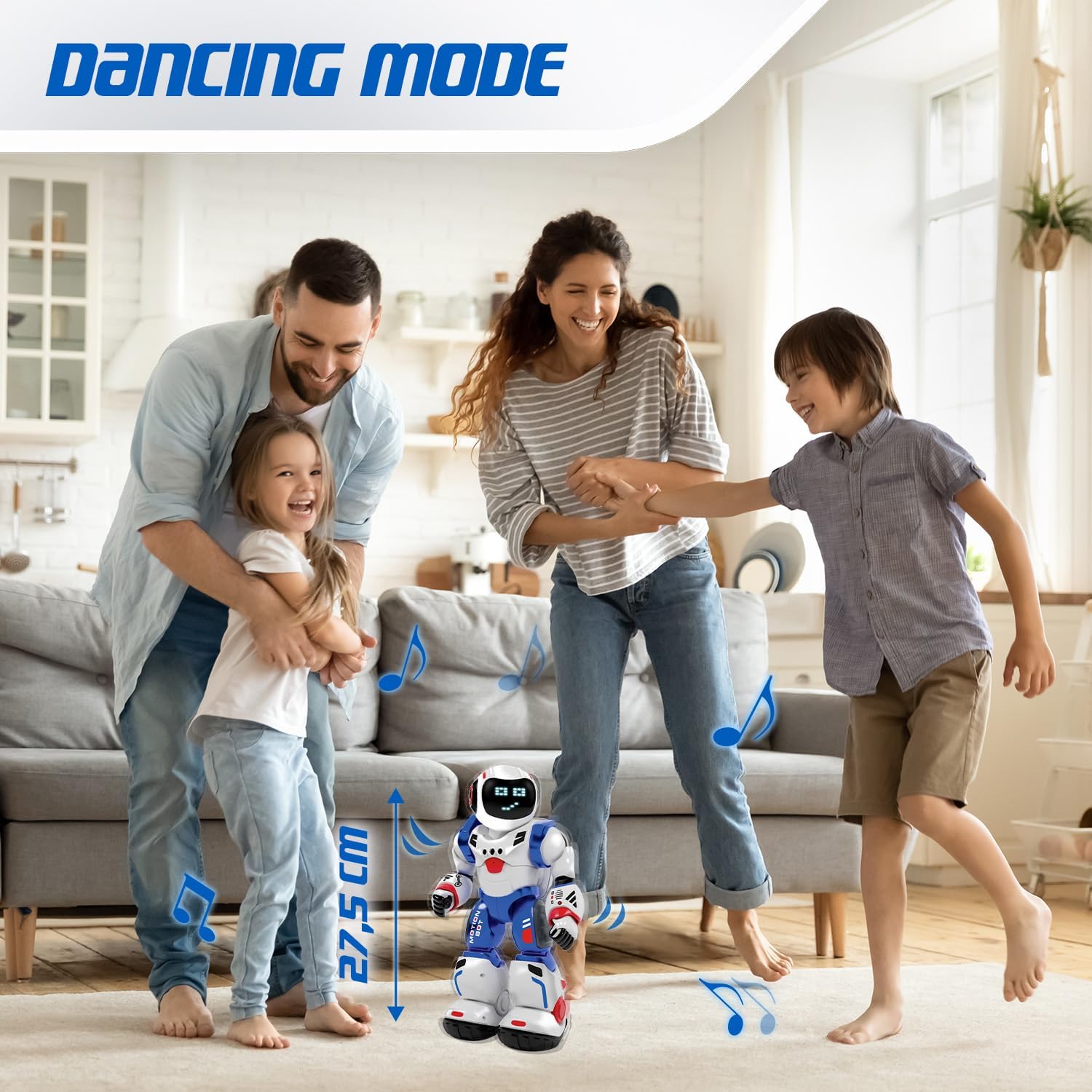
Image 7: The Bruce Motion Bot dancing in a home setting, illustrating its entertainment function.
5. Penyelenggaraan
- Pembersihan: Lap robot dan alat kawalan jauh dengan kain lembut dan kering. Jangan gunakan bahan kimia yang keras atau pembersih yang kasar.
- Storan: Store the robot and remote in a cool, dry place away from direct sunlight when not in use.
- Penjagaan Bateri: Remove batteries from the remote control if storing for extended periods to prevent leakage.
6. Penyelesaian masalah
| Masalah | Kemungkinan Punca | Penyelesaian |
|---|---|---|
| Robot tidak dihidupkan. | Low or dead batteries in robot. | Ensure robot's battery is charged or replaced. |
| Alat kawalan jauh tidak berfungsi. | Low or dead batteries in remote; incorrect polarity. | Gantikan bateri kawalan jauh, memastikan polariti yang betul. |
| Robot not responding to commands. | Robot and remote not paired; interference. | Turn both robot and remote off, then on again to re-pair. Ensure no strong interference sources are nearby. |
| Gesture control is inconsistent. | Insufficient lighting; sensor obstruction. | Ensure adequate lighting and clear the robot's sensors of any obstructions. |
7. Spesifikasi
| Ciri | Perincian |
|---|---|
| Jenama | Xtrem Bots |
| Nama Model | Bruce Motion Bot |
| Nombor Model | 843662189 |
| Dimensi (L x W x H) | 15 x 13 x 31.5 cm |
| Berat badan | 1 kilogram |
| Umur Disyorkan | 5 tahun dan ke atas |
| Nilai Pendidikan | Fosters imagination, learning, creativity, problem-solving skills |
| Bahan Utama | plastik |
| Bateri Robot | Termasuk |
| Bateri Kawalan Jauh | 2 x AA (tidak termasuk) |
| Programmable Movements | Up to 50 actions |
| Facial Expressions | Up to 20 via 26 blue LEDs |
| Kaedah Kawalan | Remote control, Gesture control |
8. Waranti dan Sokongan
For warranty information and customer support, please refer to the documentation provided with your purchase or contact the retailer where the product was acquired. You may also visit the official Xtrem Bots webtapak untuk bantuan lanjut.
Rujukan Pengilang: B09HHNV8BW
ASIN: B0F3J3KWRC


