1. Pengenalan
This manual provides detailed instructions for the Amazon Basics Pro Series Triple Mode Ergonomic Mouse. This device offers versatile connectivity options, high precision, and an ergonomic design for comfortable use. Please read this manual thoroughly before operating the mouse to ensure proper functionality and to maximize your user experience.
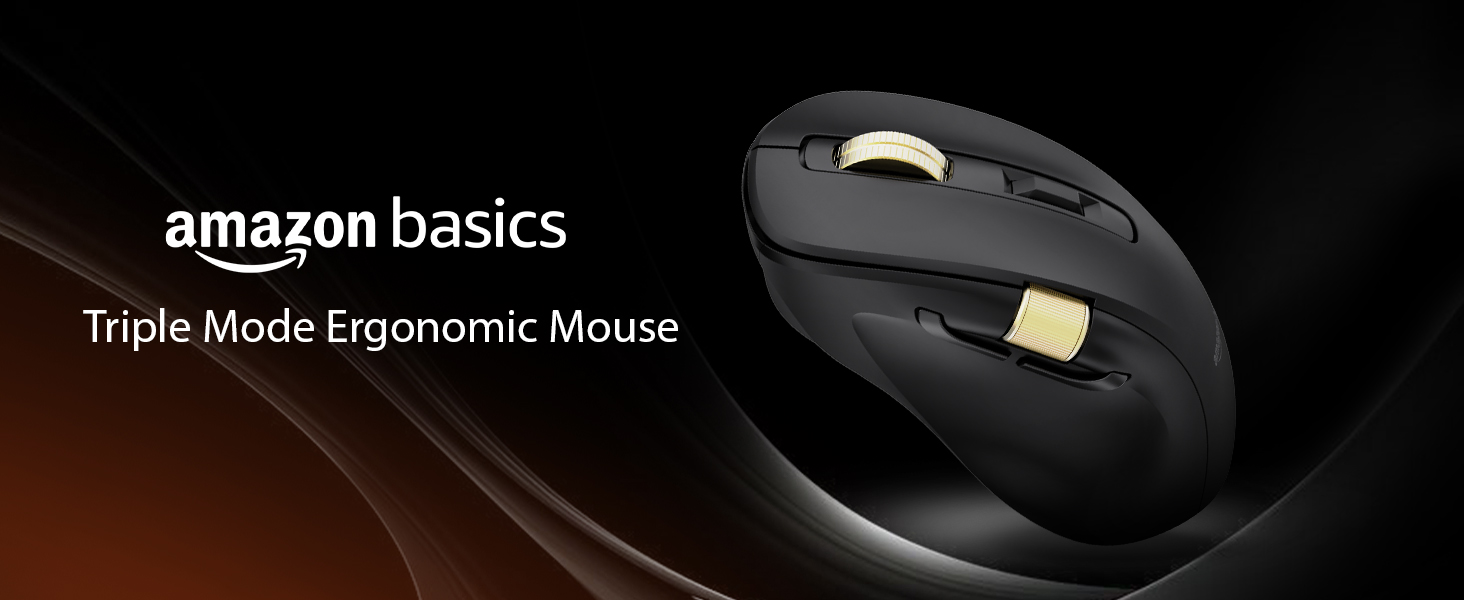
Image 1.1: The Amazon Basics Pro Series Triple Mode Ergonomic Mouse, showcasing reka bentuknya yang anggun.
2. Kandungan Pakej
Sahkan bahawa semua item terdapat dalam pakej:
- Amazon Basics Pro Series Triple Mode Ergonomic Mouse
- USB-C Charging Cable (1.8M)
- Penerima USB 2.4G
- Manual Pengguna (dokumen ini)
3. Produk Lebihview
Familiarize yourself with the various components of your ergonomic mouse.

Imej 3.1: Atas-bawah view of the mouse, highlighting its ergonomic shape and controls.
Komponen Utama:
- Butang Klik Kiri: Standard mouse function.
- Butang Klik Kanan: Standard mouse function.
- Scroll Wheel (Vertical): Untuk fungsi tatal menegak dan klik tengah.
- Butang Pelarasan DPI: Kitaran melalui tetapan DPI.
- Butang ke hadapan: Navigasi ke hadapan web pelayar atau file penjelajah.
- Butang ke belakang: Navigasi ke belakang web pelayar atau file penjelajah.
- Roda Tatal Sisi: Dual-function for volume control and horizontal scrolling.
- Suis Mod: Selects between 2.4G, Bluetooth (BT1/BT2), and USB wired modes.
- RGB Backlighting Switch: Toggles dynamic lighting modes or turns off for battery saving.
- Port Pengecasan USB-C: Untuk mengecas semula bateri dalaman.

Image 3.2: Illustration of the mouse's contoured shape and the dual-function side scroll wheel.
4. Persediaan
4.1. Mengecas Tetikus
Before first use, fully charge the mouse. A red light indicates low battery and charging in progress.
- Connect the provided USB-C charging cable to the mouse's USB-C port.
- Sambungkan hujung kabel yang satu lagi ke sumber kuasa USB (cth, port USB komputer, penyesuai dinding USB).
- Penunjuk pengecasan akan menyala. Setelah dicas sepenuhnya, penunjuk mungkin berubah warna atau padam.
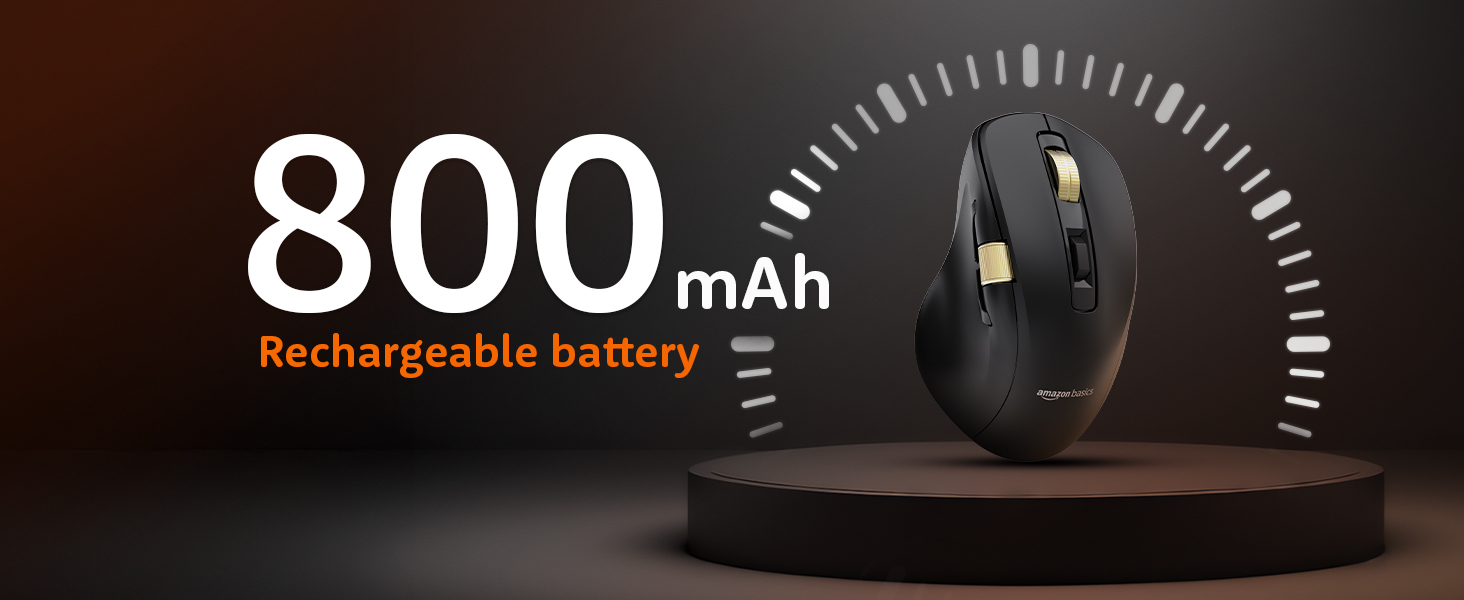
Image 4.1: The mouse features an 800mAh rechargeable battery, charged via USB-C.
4.2. Menyambung melalui Mod Wayarles 2.4G
This mode provides a stable and fast wireless connection using the included USB receiver.
- Locate the 2.4G USB receiver, typically stored in a compartment on the underside of the mouse.
- Pasangkan penerima USB 2.4G ke port USB yang tersedia pada komputer anda.
- Set the mode switch on the underside of the mouse to the '2.4G' position.
- The mouse should automatically connect to your computer. An LED indicator will confirm the active mode.
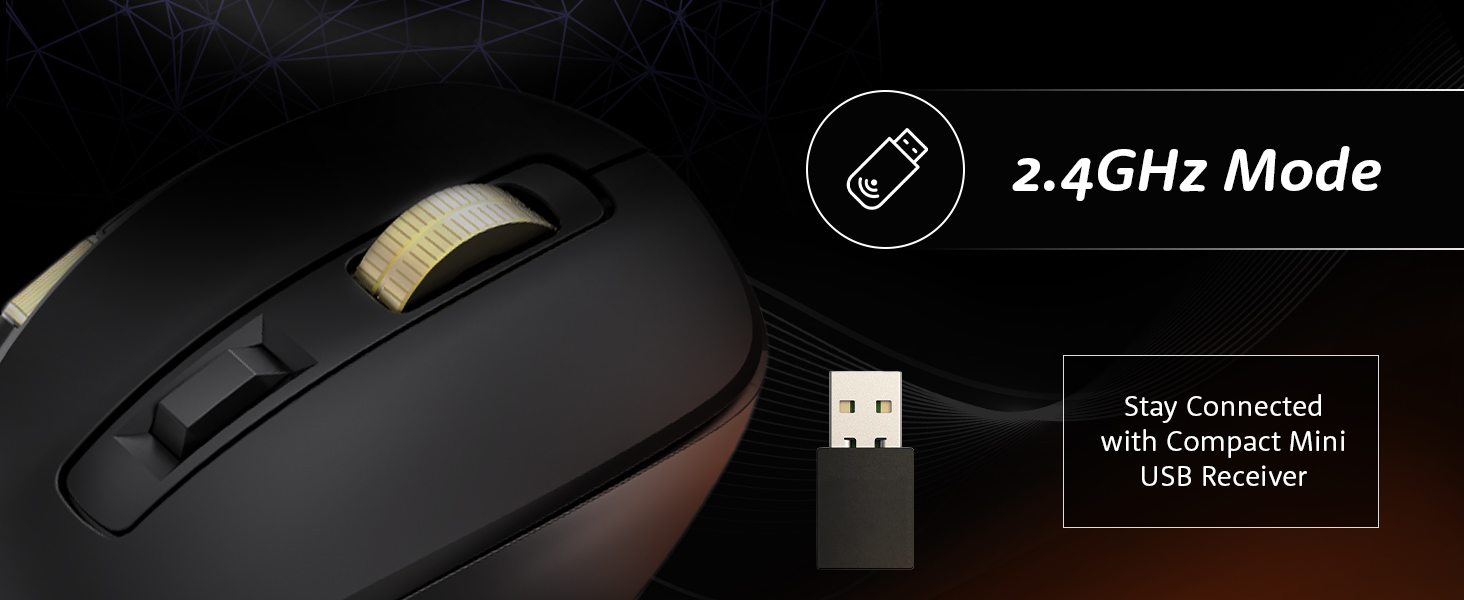
Image 4.2: Connecting the mouse using the 2.4GHz USB receiver.
4.3. Menyambung melalui Mod Bluetooth
The mouse supports dual Bluetooth connections (BT1 and BT2).
- Set the mode switch on the underside of the mouse to either 'BT1' or 'BT2' position.
- The LED indicator for the selected Bluetooth channel will flash, indicating pairing mode.
- Pada komputer atau peranti anda, buka tetapan Bluetooth dan cari peranti baharu.
- Select "Amazon Basics Mouse" (or similar name) from the list of available devices to pair.
- Once paired, the LED indicator will stop flashing and remain solid.
- To switch between BT1 and BT2, simply move the mode switch to the desired channel.
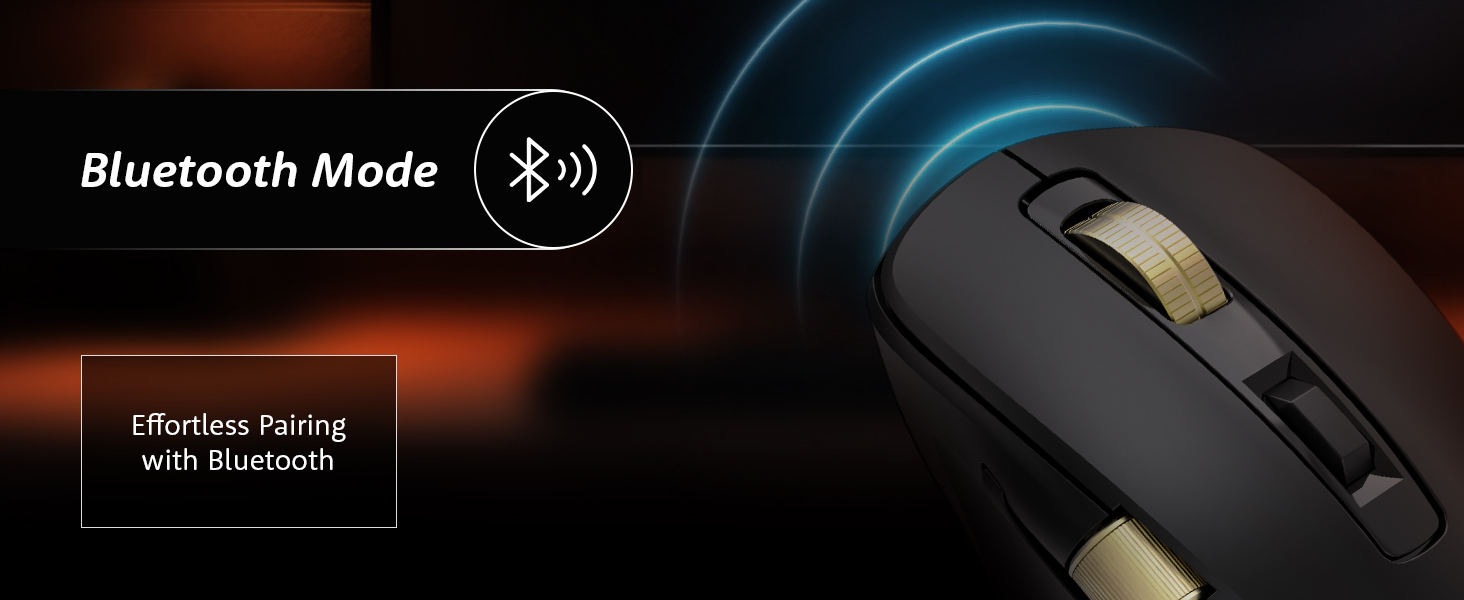
Image 4.3: Effortless pairing with Bluetooth-enabled devices.
4.4. Connecting via USB Wired Mode
For a direct and reliable connection, use the USB wired mode.
- Connect the provided USB-C charging cable to the mouse's USB-C port.
- Sambungkan hujung kabel yang lain ke port USB pada komputer anda.
- Set the mode switch on the underside of the mouse to the 'USB' or 'Wired' position.
- The mouse will function immediately as a wired device.
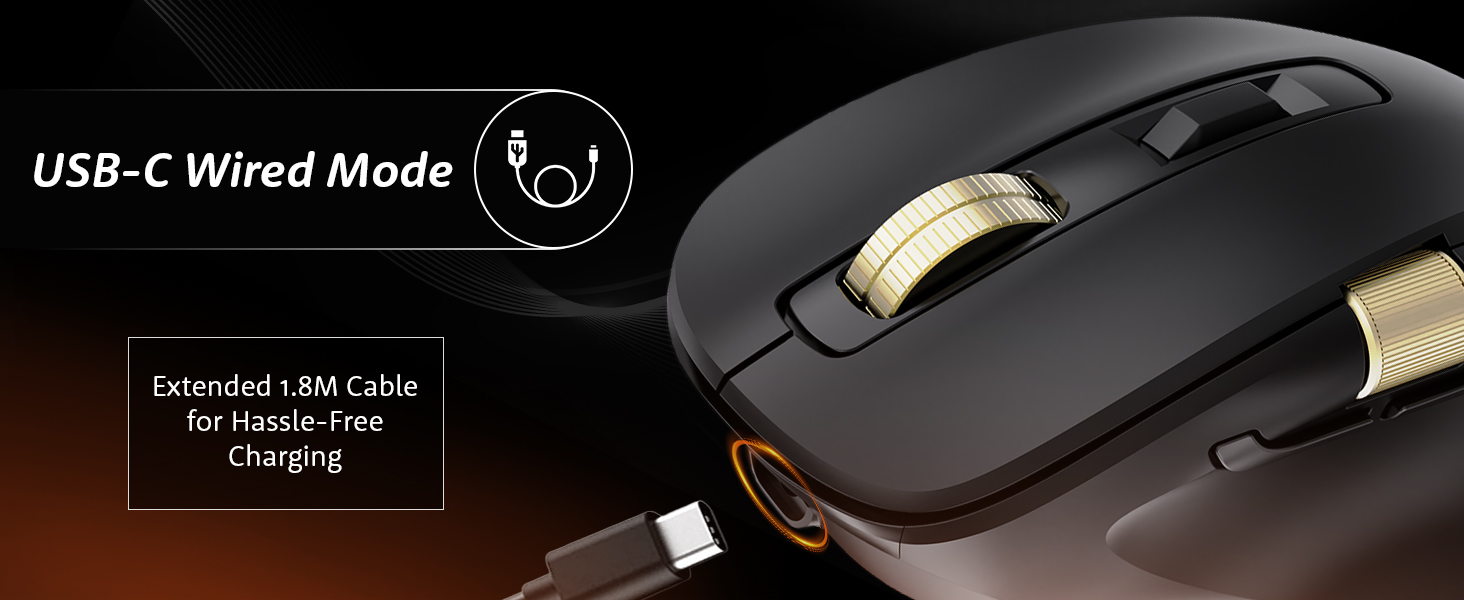
Image 4.4: The mouse connected via its USB-C cable for wired operation and charging.
5. Arahan Operasi
5.1. Pelarasan DPI
Adjust the mouse sensitivity (DPI) to suit your preference and task requirements.
- Tekan ke Butang Pelarasan DPI (located behind the vertical scroll wheel) to cycle through available DPI settings.
- The mouse supports DPI settings from 800 to 5000. With the companion application, DPI can be adjusted up to 8000.
- Polling rates are 1000Hz in wired/2.4G modes and 125Hz in Bluetooth mode.
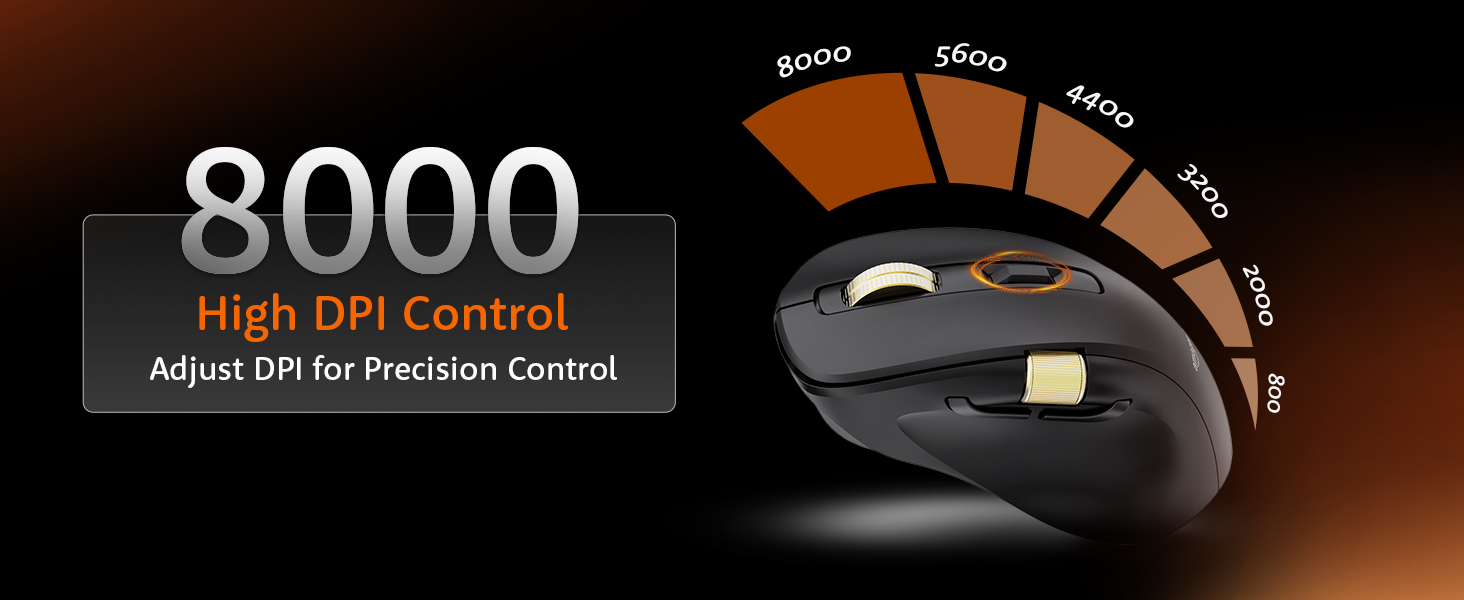
Image 5.1: Adjusting DPI for precision control, with settings up to 8000.
5.2. Kawalan Pencahayaan Latar RGB
Customize or disable the RGB backlighting.
- Gunakan RGB Backlighting Switch on the underside of the mouse to toggle dynamic lighting.
- You can choose between various lighting modes or turn off the lighting to conserve battery life.
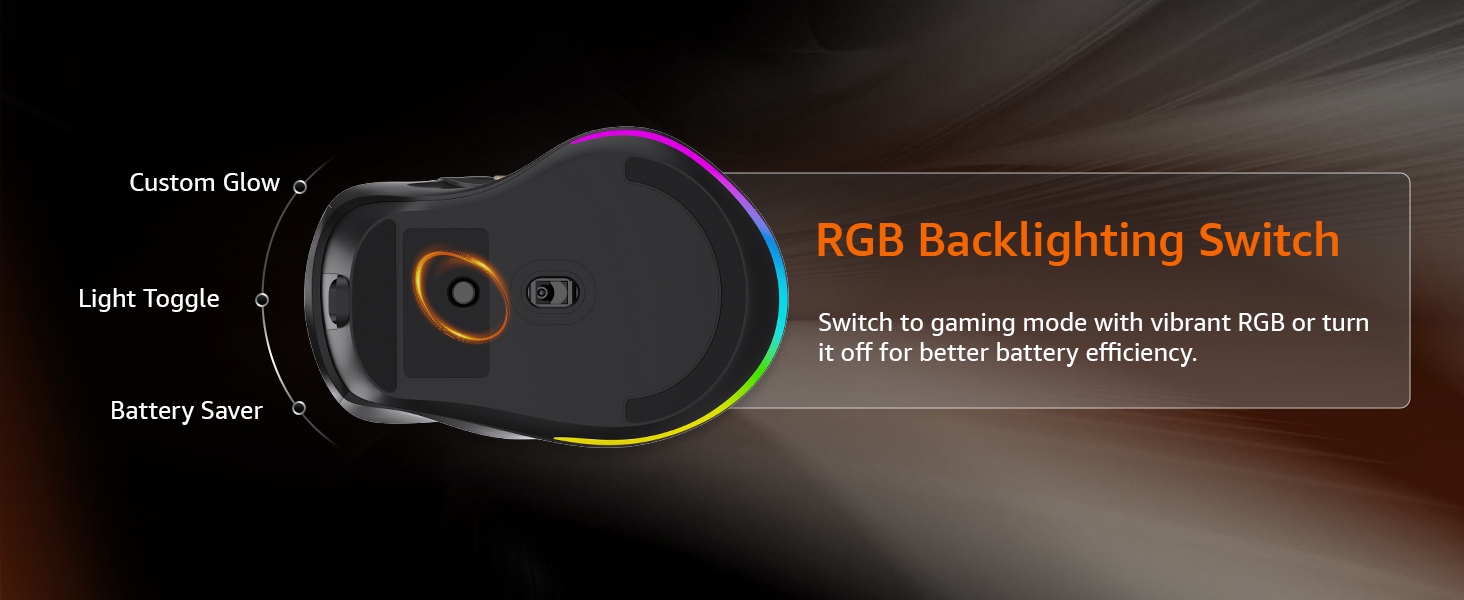
Image 5.2: The RGB backlighting switch allows optimization for performance or battery saving.
5.3. Side Scroll Wheel Functionality
The side scroll wheel offers dual functions for enhanced control.
- Kawalan Kelantangan: Scroll the wheel to adjust system volume.
- Menatal Mendatar: In applications like Excel, web browsers, or email clients, the side scroll wheel enables horizontal scrolling.
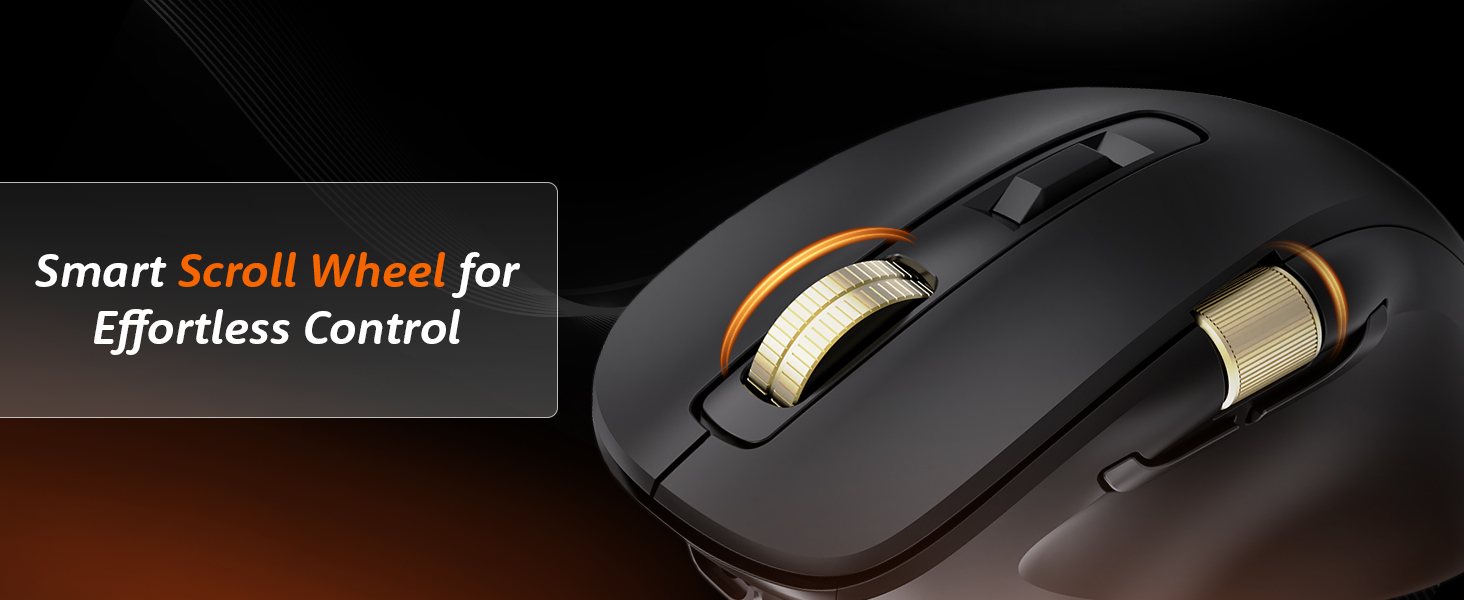
Image 5.3: The smart scroll wheel provides effortless control for various functions.
5.4. Kekunci Boleh Diprogram
The mouse features 7 programmable keys, including the forward and backward buttons, which can be customized using the dedicated software (if available).
- The Butang Maju dan Butang ke belakang (located on the side) provide quick navigation.
- Rujuk kepada pengilang website for software downloads and instructions on customizing key functions.
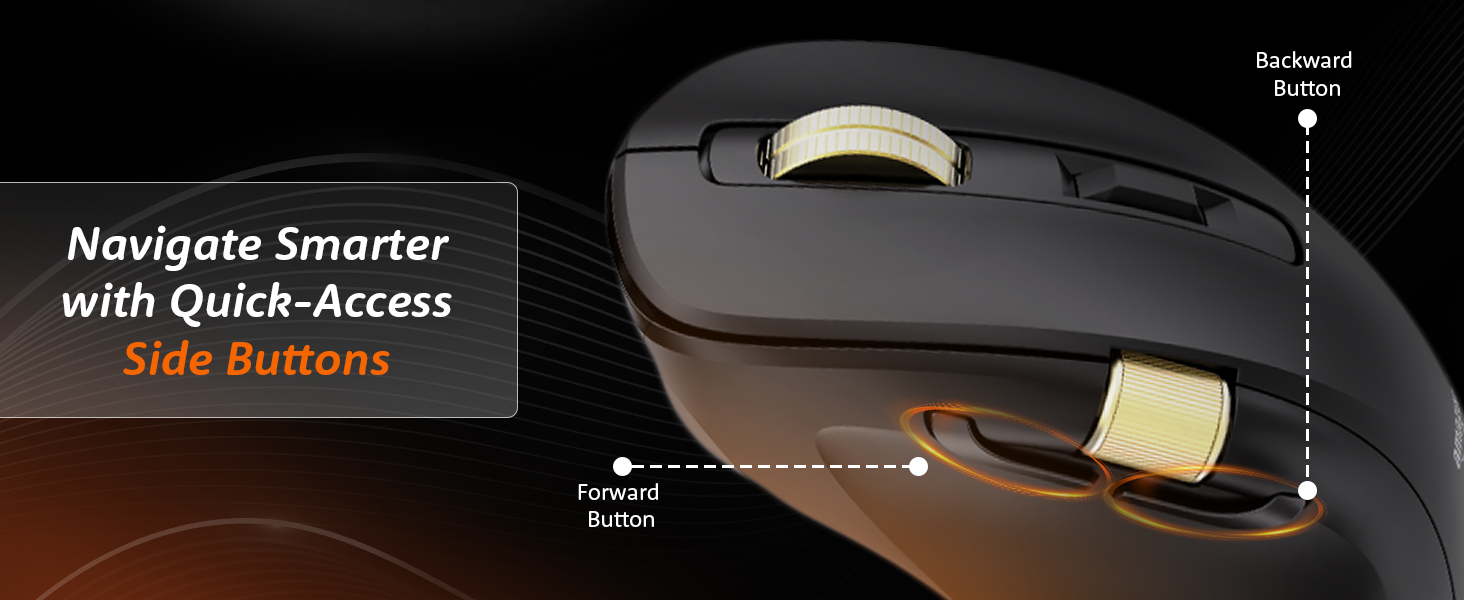
Image 5.4: Quick-access side buttons for smarter navigation.
6. Penyelenggaraan
6.1. Pembersihan
Untuk mengekalkan prestasi dan penampilan yang optimum:
- Disconnect the mouse from all power sources and devices before cleaning.
- Gunakan kain yang lembut, kering dan tidak berbulu untuk mengelap permukaan tetikus.
- Untuk kotoran degil, ringankan dampen kain dengan air atau larutan pembersih lembut. Elakkan bahan kimia yang keras atau bahan yang melelas.
- Do not allow moisture to enter any openings.
6.2. Penjagaan Bateri
The mouse features a built-in rechargeable 800mAh lithium-ion battery.
- Elakkan menyahcas sepenuhnya bateri dengan kerap untuk memanjangkan jangka hayatnya.
- Recharge the mouse when the low battery indicator appears.
- Simpan tetikus di tempat yang sejuk dan kering apabila tidak digunakan untuk tempoh yang lama.
7. Penyelesaian masalah
Jika anda menghadapi masalah dengan tetikus anda, rujuk masalah dan penyelesaian biasa berikut:
| Masalah | Kemungkinan Punca | Penyelesaian |
|---|---|---|
| Tetikus tidak bertindak balas | Low battery, incorrect mode, connection issue | Charge the mouse. Ensure the mode switch is set correctly (2.4G, BT1/BT2, or USB). Re-pair Bluetooth or re-insert 2.4G receiver. |
| Sambungan ketinggalan atau terputus-putus | Interference, distance, low battery | Move closer to the receiver/device. Ensure no strong interference sources (e.g., Wi-Fi routers). Charge the mouse. Try a different USB port. |
| Pelarasan DPI tidak berfungsi | Button malfunction, software conflict | Ensure the mouse is powered on. Restart your computer. If using custom software, check its settings. |
| Pencahayaan RGB tidak berfungsi | Lighting switch off, low battery | Toggle the RGB Backlighting Switch. Charge the mouse. |
| Side scroll wheel not functioning | Application specific, driver issue | Ensure the application supports horizontal scrolling or volume control via mouse. Restart the application or computer. Check for updated mouse drivers. |
8. Spesifikasi
Technical details for the Amazon Basics Pro Series Triple Mode Ergonomic Mouse:
| Ciri | Perincian |
|---|---|
| Jenama | Asas Amazon |
| Model | Pro Series Triple Mode Ergonomic Mouse (DPI 8000) |
| Ketersambungan | 2.4G Wireless, Bluetooth (BT1/BT2), USB Wired |
| Julat DPI | 800 - 5000 (up to 8000 with app) |
| Kadar Mengundi | 1000Hz (Wired/2.4G), 125Hz (Bluetooth) |
| Kekunci Boleh Aturcara | 7 |
| Jenis Bateri | Built-in 800mAh Lithium-Ion |
| Port Pengecasan | USB-C |
| Purata Hayat Bateri | 35 Jam |
| warna | Hitam |
| Dimensi (LxWxH) | 11.7 x 7.5 x 0.1 cm |
| Berat Barang | 107 g |
| Ciri Khas | Ergonomic Design, Portable, Rechargeable, Wireless, RGB Backlit, Side Scroll Wheel |
9. Waranti dan Sokongan
Untuk maklumat jaminan dan sokongan pelanggan, sila rujuk dokumentasi yang disertakan dengan pembelian anda atau lawati Asas Amazon rasmi webtapak. Simpan bukti pembelian anda untuk tuntutan waranti.
Pengeluar: Syarikat YAS Sdn. Bhd.
Pengimport/Pembungkus: Your Accessories Store, B-36, 3rd Floor, Mayapuri Industrial Area, Phase 1, New Delhi - 110064, India
Untuk bantuan lanjut, sila hubungi khidmat pelanggan Amazon.