pengenalan
Thank you for choosing the GOBOULT Flex On-Ear Bluetooth Headphones. This manual provides essential information for setting up, operating, and maintaining your headphones to ensure optimal performance and longevity. Please read this manual thoroughly before using the product.
Apa yang ada dalam Kotak
- Fon Kepala Bluetooth Pada Telinga GOBOULT Flex
- Kabel Pengecas Cepat Jenis-C
- Manual Pengguna
- Kad Waranti
Produk Selesaiview
The GOBOULT Flex headphones are designed for comfort and high-quality audio. They feature 40mm bass-boosted drivers, Bluetooth 5.4 connectivity, and an adjustable, foldable design.

Imej: Selesaiview of GOBOULT Flex features including 40mm drivers, Bluetooth 5.4, 4 EQ modes, 60ms low latency, 80-hour battery, and ENC calling.
Komponen Utama:
- Earcup: Soft, cushioned earcups for comfort.
- Destar boleh laras: Membolehkan padanan tersuai.
- Butang Kawalan: Located on the earcups for power, volume, playback, and call management.
- Port Pengecasan Jenis-C: Untuk mengecas fon kepala.
- Input AUX: Untuk sambungan audio berwayar.
- mikrofon: Mikrofon Zen™ ENC bersepadu untuk panggilan yang jelas.

Image: The adjustable headband and earcups of the GOBOULT Flex headphones, designed for a comfortable fit.
Persediaan
1. Mengecas Fon Kepala
Before first use, fully charge your GOBOULT Flex headphones. Use the provided Type-C charging cable.
- Connect the Type-C cable to the charging port on the headphones.
- Sambungkan hujung kabel yang satu lagi ke sumber kuasa USB (cth, penyesuai dinding, port USB komputer).
- The LED indicator will show charging status (refer to product for specific light patterns).
- Cas penuh mengambil masa kira-kira 60 minit dan menyediakan sehingga 80 jam masa bermain.
- Fast charging provides 5 hours of playtime with just 10 minutes of charging.
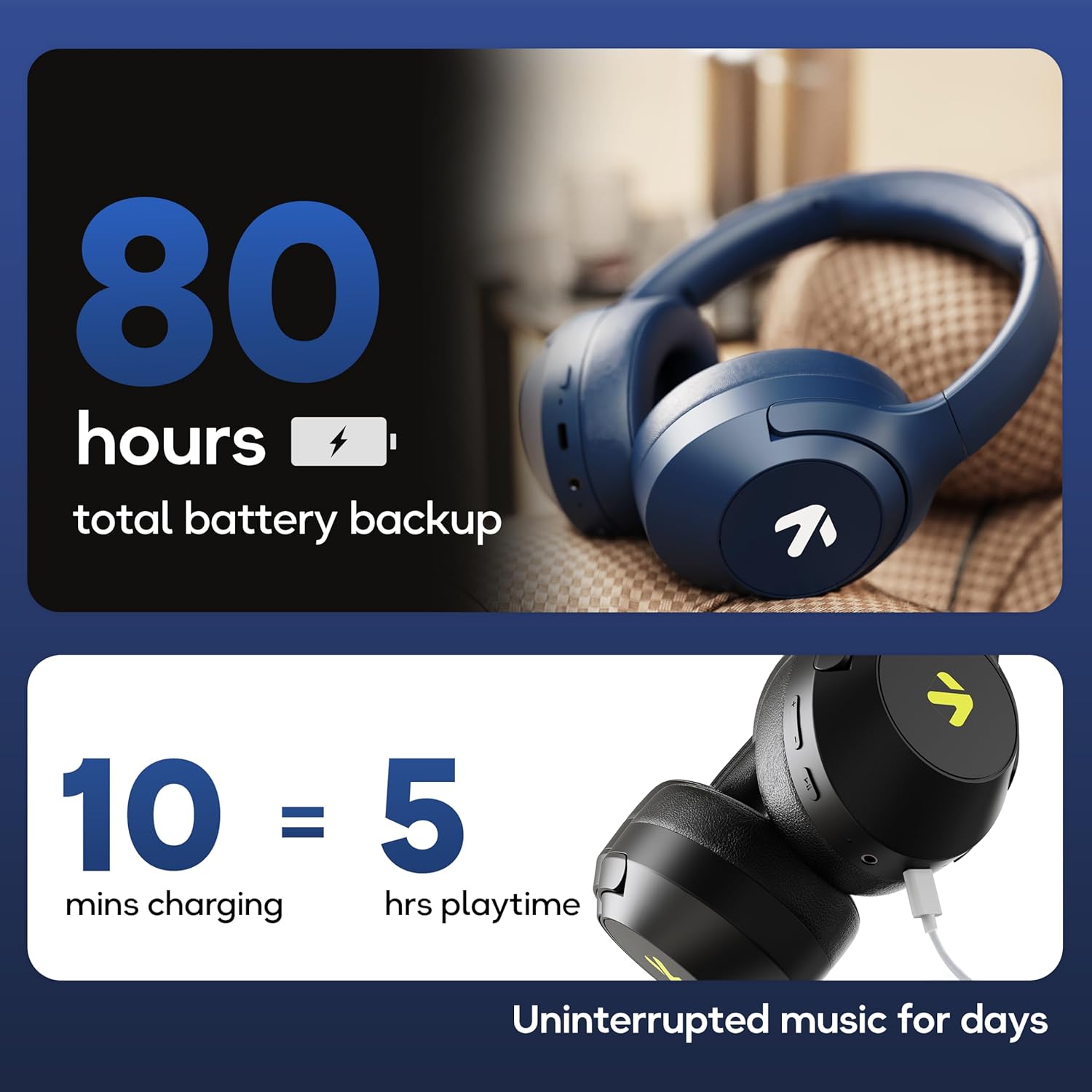
Image: Visual representation of the 80-hour battery life and fast charging capability (10 minutes charge for 5 hours playback).
2. Berpasangan Bluetooth
Pasangkan fon kepala anda dengan peranti anda untuk audio tanpa wayar.
- Pastikan fon kepala dicas dan dimatikan.
- Press and hold the Power button until the LED indicator flashes (usually blue and red alternately), indicating pairing mode.
- Pada peranti anda (telefon pintar, tablet, komputer riba), dayakan Bluetooth dan cari peranti yang tersedia.
- Pilih "GOBOULT Flex" daripada senarai peranti.
- Sebaik sahaja disambungkan, penunjuk LED biasanya akan menunjukkan cahaya biru pekat atau berkelip perlahan-lahan.
- The headphones feature Bluetooth 5.4 and Blink & Pair™ technology for fast and stable connections.

Image: The headphones connected via Bluetooth 5.4, highlighting the Blink & Pair feature for quick device connection.
Arahan Operasi
Hidupkan/Mati Kuasa
- Hidupkan kuasa: Tekan dan tahan butang Kuasa selama lebih kurang 3 saat.
- Matikan: Tekan dan tahan butang Kuasa selama lebih kurang 5 saat.
Kawalan Muzik
- Main/Jeda: Tekan butang Pelbagai fungsi sekali.
- Lagu Seterusnya: Tekan dan tahan butang Naik Kelantangan.
- Trek Sebelumnya: Tekan dan tahan butang Kurangkan Kelantangan.
- Kelantangan: Tekan pendek butang Kelantangan Naik.
- Perlahankan suara: Tekan pendek butang Kurangkan Kelantangan.
Kawalan Panggilan
The Zen™ ENC mic ensures clear communication by reducing environmental noise.

Imej: Terperinci view of the Zen™ ENC microphone technology for effective environmental noise cancellation during calls.
- Jawab/Tamatkan Panggilan: Tekan butang Pelbagai fungsi sekali.
- Tolak Panggilan: Tekan dan tahan butang Berbilang fungsi selama 2 saat.
- Dail Semula Nombor Terakhir: Tekan dua kali butang Berbilang fungsi.
Pembantu Suara
Activate your device's voice assistant (e.g., Google Assistant) directly from the headphones.
- Aktifkan Pembantu Suara: Tekan tiga kali butang Berbilang fungsi.

Image: The headphones featuring voice assistant compatibility and IPX5 water resistance for protection against sweat and splashes.
Mod Permainan (60ms Kependaman Rendah)
Engage Combat™ Gaming Mode for ultra-low latency audio, ideal for gaming.
- Aktifkan Mod Permainan: Refer to the specific button combination in your quick start guide (often a dedicated button or a long press of a volume button).
- This mode reduces audio latency to 60ms for a synchronized gaming experience.
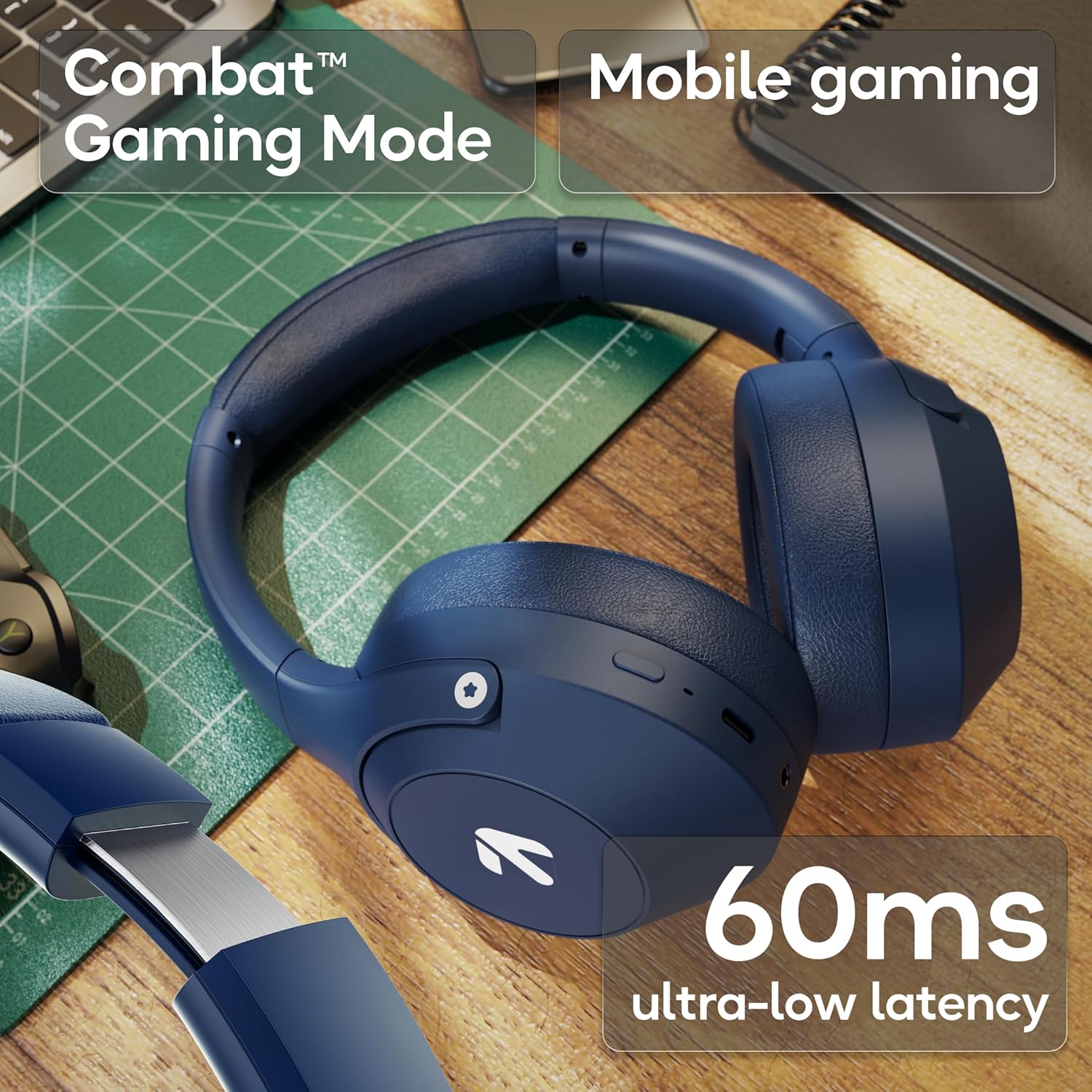
Image: The headphones highlighting the Combat™ Gaming Mode with 60ms ultra-low latency for an enhanced gaming experience.
Mod Berwayar
Use the included AUX cable for a wired connection when wireless is not preferred or the battery is low. Note that the microphone is typically off in wired mode.
- Connect one end of the 3.5mm AUX cable to the headphone's AUX port.
- Connect the other end to your audio source's 3.5mm jack.
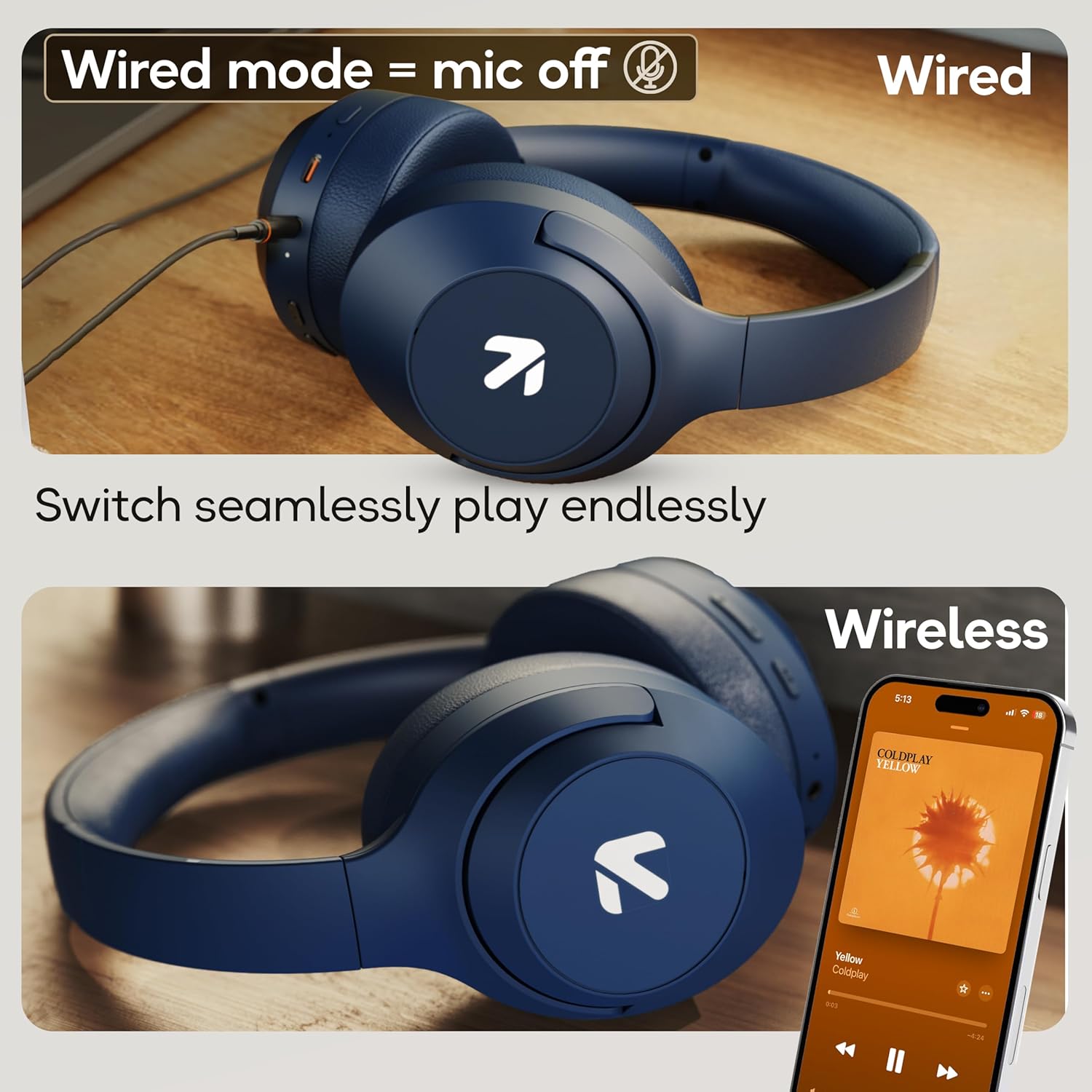
Image: Comparison of wired mode (with mic off) and wireless mode, demonstrating the flexibility of connection options.
Mod EQ
The headphones offer 4 Equalizer (EQ) modes to customize your audio experience.
- Mod Tersedia: Bass, Rock, Pop, Vocal.
- Menukar Mod: Refer to the specific button combination in your quick start guide (often a dedicated EQ button or a combination press).

Image: The headphones emphasizing powerful bass delivered by 40mm boosted drivers with Boomx™ technology, and support for AAC/SBC codecs.

Imej: Dalaman view of the headphones showing the DSP processor, indicating features like seamless VoIP calls, adaptive audio equalization, and 16-bit dual-audio processing.
Penyelenggaraan
Proper maintenance ensures the longevity of your headphones.
- Pembersihan: Lap fon kepala dengan kain lembut dan kering. Jangan gunakan bahan kimia yang keras atau bahan yang melelas.
- Storan: Simpan fon kepala di tempat yang sejuk dan kering jauh dari cahaya matahari langsung dan suhu yang melampau. Reka bentuk boleh lipat membolehkan storan padat.
- Tahan Air: The headphones are IPX5 rated, meaning they are resistant to sweat and light splashes. Do not submerge them in water or expose them to heavy rain.
Menyelesaikan masalah
Tiada Kuasa
- Pastikan fon kepala dicas sepenuhnya.
- Periksa kabel pengecasan dan sumber kuasa.
Tidak Dapat Berpasangan melalui Bluetooth
- Pastikan fon kepala berada dalam mod berpasangan (LED berkelip biru/merah).
- Make sure Bluetooth is enabled on your device and it is within 10 meters of the headphones.
- Forget "GOBOULT Flex" from your device's Bluetooth list and try pairing again.
- Mulakan semula kedua-dua fon kepala dan peranti anda.
Tiada Bunyi
- Semak tahap kelantangan pada kedua-dua fon kepala dan peranti anda yang disambungkan.
- Pastikan fon kepala dipasangkan dan disambungkan dengan betul.
- If using wired mode, ensure the AUX cable is fully inserted into both the headphones and the audio source.
Kualiti Panggilan Lemah
- Pastikan mikrofon tidak terhalang.
- Move to a quieter environment to allow the ENC mic to function optimally.
- Semak tetapan panggilan peranti anda.
Spesifikasi
| Ciri | Spesifikasi |
|---|---|
| Nama Model | Lentur |
| Jenama | GOBOULT |
| Teknologi Ketersambungan | Bluetooth, Wayarles |
| Versi Bluetooth | 5.4 (Product Title says 5.4, Specs say 5.3, using 5.4 as per title) |
| Julat Bluetooth | 10 Meter |
| Saiz Pemacu Audio | 40 Milimeter |
| Jenis Pemacu Audio | Pemandu Dinamik |
| Hayat Bateri | 80 Hours (Playtime) |
| Masa Mengecas | 60 Minit |
| Pengecasan Cepat | 10 minit untuk 5 jam masa bermain |
| Jack Fon Kepala | Bicu Pengecasan Pantas Jenis-C, AUX 3.5mm |
| Mikrofon | Zen™ ENC Mic |
| Mod Kependaman Rendah | 60ms (Mod Permainan Combat™) |
| Tahap Ketahanan Air | IPX5 (Sweatproof, Water-resistant, Splashproof) |
| Kawalan Bunyi | Pembatalan Bunyi Pasif |
| Berat Barang | 214 Gram |
| Dimensi Produk | 5 x 19 x 20 cm |
| Komponen yang Disertakan | Cable, Headphone, Type-C Fast Charging Cable, User Manual, Warranty Card |
Waranti dan Sokongan
The GOBOULT Flex On-Ear Bluetooth Headphones come with a Waranti 1 Tahun.
For warranty registration, technical support, or customer service inquiries, please visit the official GOBOULT website or contact their customer support team using the information provided on the warranty card.


