pengenalan
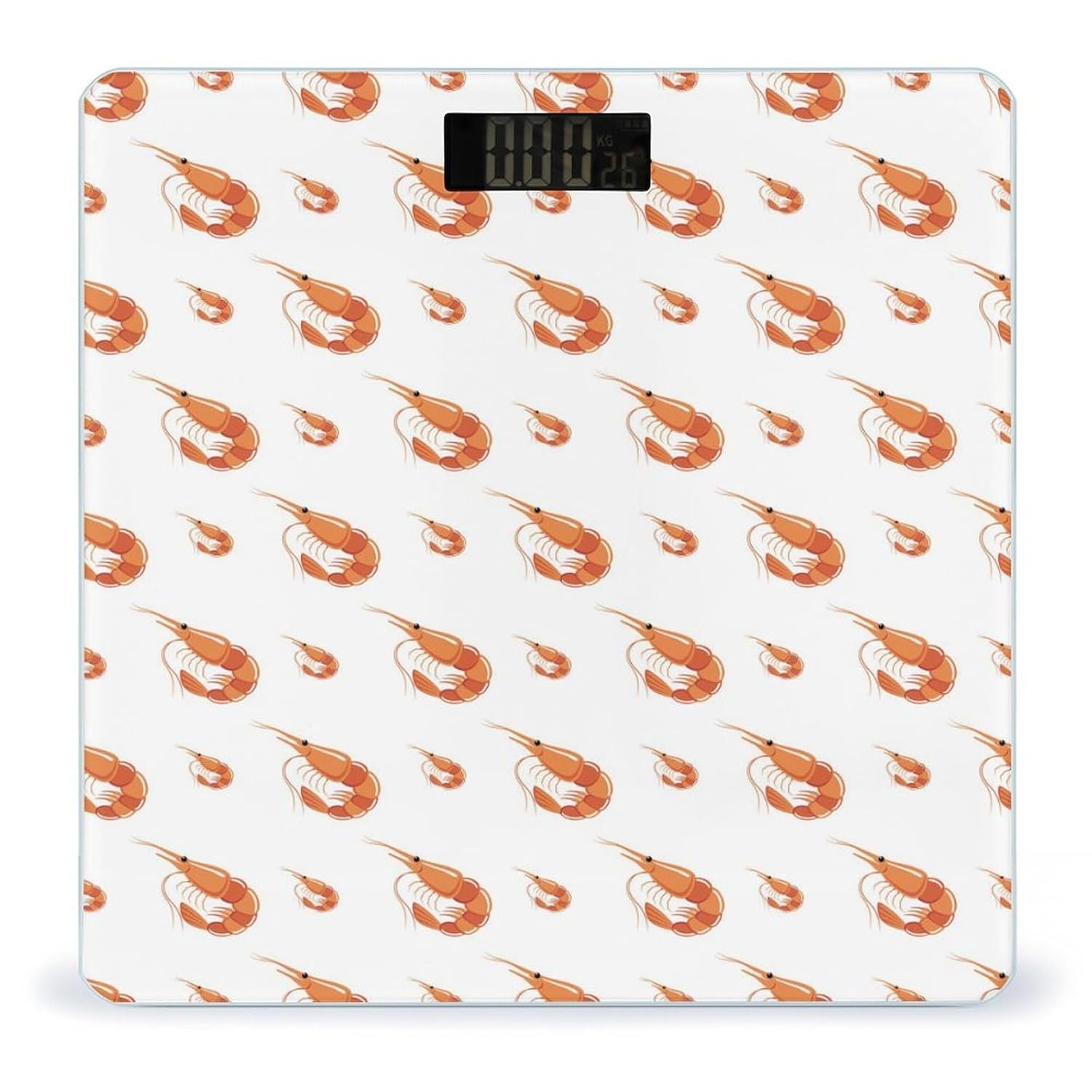
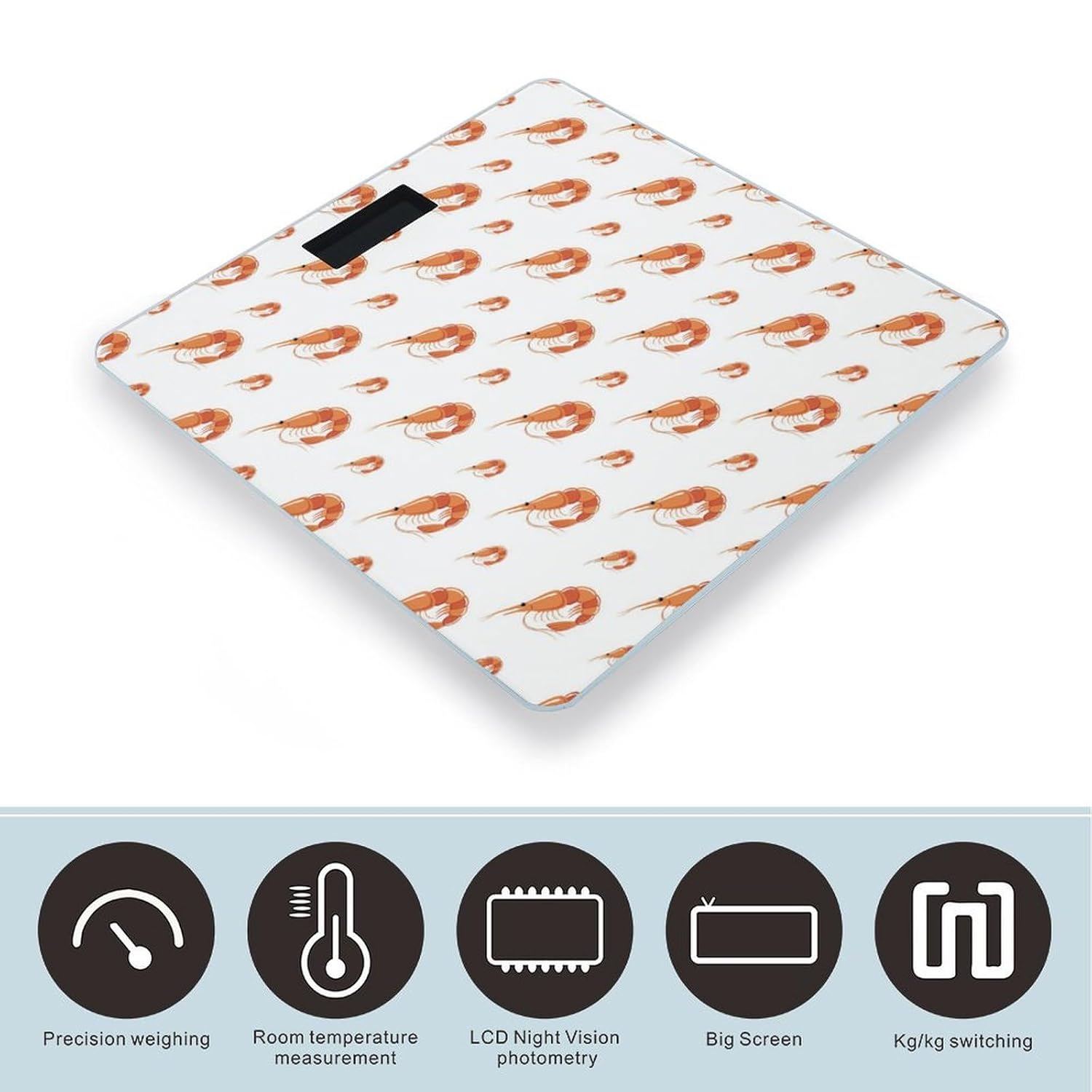
The Novastar Shrimp No.901 Digital Body Weight Scale is designed for accurate and consistent weight tracking in a home environment. Featuring a durable tempered glass surface and an ultra-bright LCD display, this scale provides reliable measurements for monitoring your health and fitness progress. Its user-friendly design includes automatic power on/off, zero-reset, and calibration functions for a seamless experience.
Persediaan
- Buka Pembungkusan Skala: Keluarkan penimbang dari pembungkusannya dengan berhati-hati.
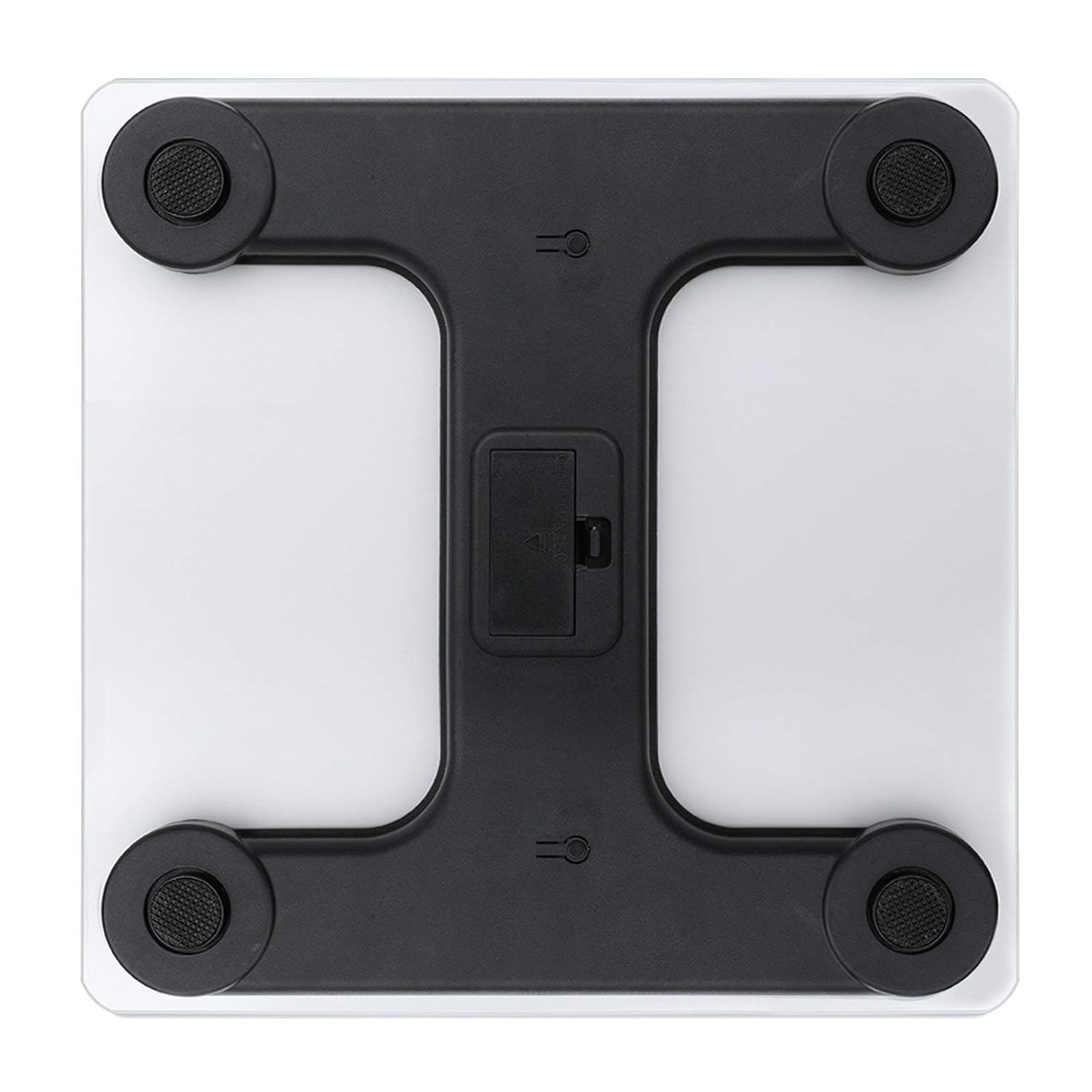
- Pasang Bateri: Open the battery compartment located on the underside of the scale. Insert the required batteries (typically AAA, not included) according to the polarity indicators. Close the compartment securely.
- penempatan: Letakkan penimbang di atas permukaan yang keras, rata dan stabil. Elakkan permaidani atau lantai yang tidak rata, kerana ini boleh menjejaskan ketepatan.
- Penentukuran Awal: For first-time use or after moving the scale, gently step on the scale until the display shows a reading, then step off. The scale will display '0.0' or 'CAL' and then turn off, indicating it is calibrated and ready for use.
Arahan Operasi
- Pengaktifan Langkah-Langkah: Gently step onto the center of the scale platform with bare feet. The scale will automatically turn on.
- Reading Your Weight: Stand still on the scale. Your weight will be displayed on the ultra-bright LCD screen within a few seconds.
- Penukaran Unit: If your scale supports unit switching (e.g., kg/lb), there may be a button on the underside or side of the scale to toggle between units. Refer to the specific markings on your device.
- Matikan Automatik: Penimbang akan dimatikan secara automatik selepas beberapa saat tidak aktif untuk menjimatkan hayat bateri.

Penjagaan dan Penyelenggaraan
- Pembersihan: Lap permukaan skala dengan damp kain dan detergen ringan. Jangan gunakan pembersih yang kasar atau rendam penimbang di dalam air.
- Storan: Store the scale in a cool, dry place. Avoid extreme temperatures or high humidity.
- Penggantian Bateri: If the display shows a 'Lo' indicator or becomes dim, replace the batteries promptly.
- Elakkan Kesan: While the tempered glass is sturdy, avoid dropping heavy objects on the scale or subjecting it to strong impacts.
Menyelesaikan masalah
- Bacaan Tidak Tepat:
- Pastikan penimbang berada di atas permukaan yang keras, rata dan stabil.
- Re-calibrate the scale by stepping on and off once before weighing.
- Periksa tahap bateri dan ganti jika perlu.
- 'Lo' Display: Indicates low battery. Replace batteries.
- 'Err' or Overload Display: Indicates the maximum weight capacity has been exceeded. Step off the scale immediately.
- Tiada Paparan: Check if batteries are correctly installed or need replacement.
Spesifikasi
| Ciri | Perincian |
|---|---|
| Model | No.901 |
| Jenama | Novastar |
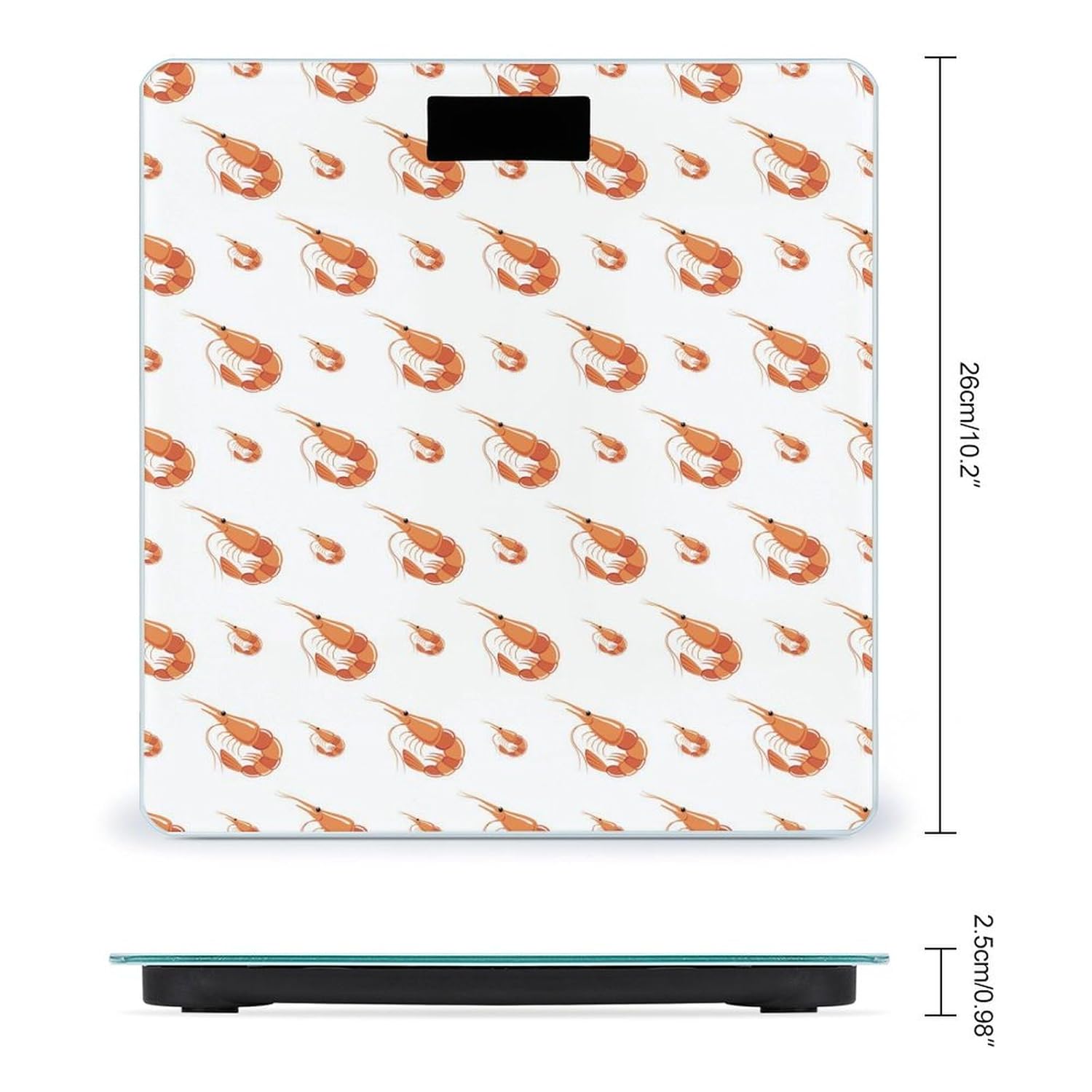
| Dimensi Produk | 10.2 x 10.2 x 0.98 inci (26 x 26 x 2.5 cm) |
| bahan | Permukaan Kaca Terbaja |
| Penderia | 4 High-Sensitivity Sensors |
| Paparan | Ultra-Bright LCD |
| Fungsi | Automatic On/Off, Zero-Reset, Calibration, Unit Switching (kg/lb) |
| Pengeluar | NOVASTAR |
Maklumat Waranti
Specific warranty details for the Novastar Shrimp No.901 Digital Body Weight Scale are not provided in this manual. Please refer to the product packaging or contact the retailer/manufacturer for warranty terms and conditions.
Sokongan Pelanggan
For further assistance, technical support, or inquiries regarding your Novastar Shrimp No.901 Digital Body Weight Scale, please contact Novastar customer service through their official webtapak atau maklumat hubungan yang diberikan bersama pembelian anda.