1. Pengenalan
This manual provides essential information for the safe and effective use of your Rsqqact 9V AC-DC Adapter, model O2503170125. This adapter is designed to provide stable and reliable power for compatible electronic devices, including Logitech MXMX Laser 832-852 Mouse Chargers and other devices requiring a 9V AC-DC power source.
Please read this manual thoroughly before using the product to ensure proper operation and to prevent damage to the adapter or your connected devices.

Figure 1: Rsqqact 9V AC-DC Adapter. This image shows the main body of the black adapter with its integrated power cord ending in a barrel connector.
2. Maklumat Keselamatan
Your safety and the safety of others are very important. Please observe all safety warnings and precautions. Failure to do so may result in electric shock, fire, or serious injury.
- Do not expose the adapter to rain, moisture, or extreme temperatures.
- Do not disassemble or modify the adapter. Refer all servicing to qualified personnel.
- Ensure the adapter is used with devices that match its voltage dan spesifikasi semasa.
- Unplug the adapter from the power outlet when not in use or during electrical storms.
- Jauhkan daripada kanak-kanak.
This product is CE / FCC / RoHS certified, ensuring it meets safety and environmental standards. It includes OVP (Over Voltage Protection), OCP (Over Current Protection), and SCP (Short Circuit Protection) to safeguard your devices.
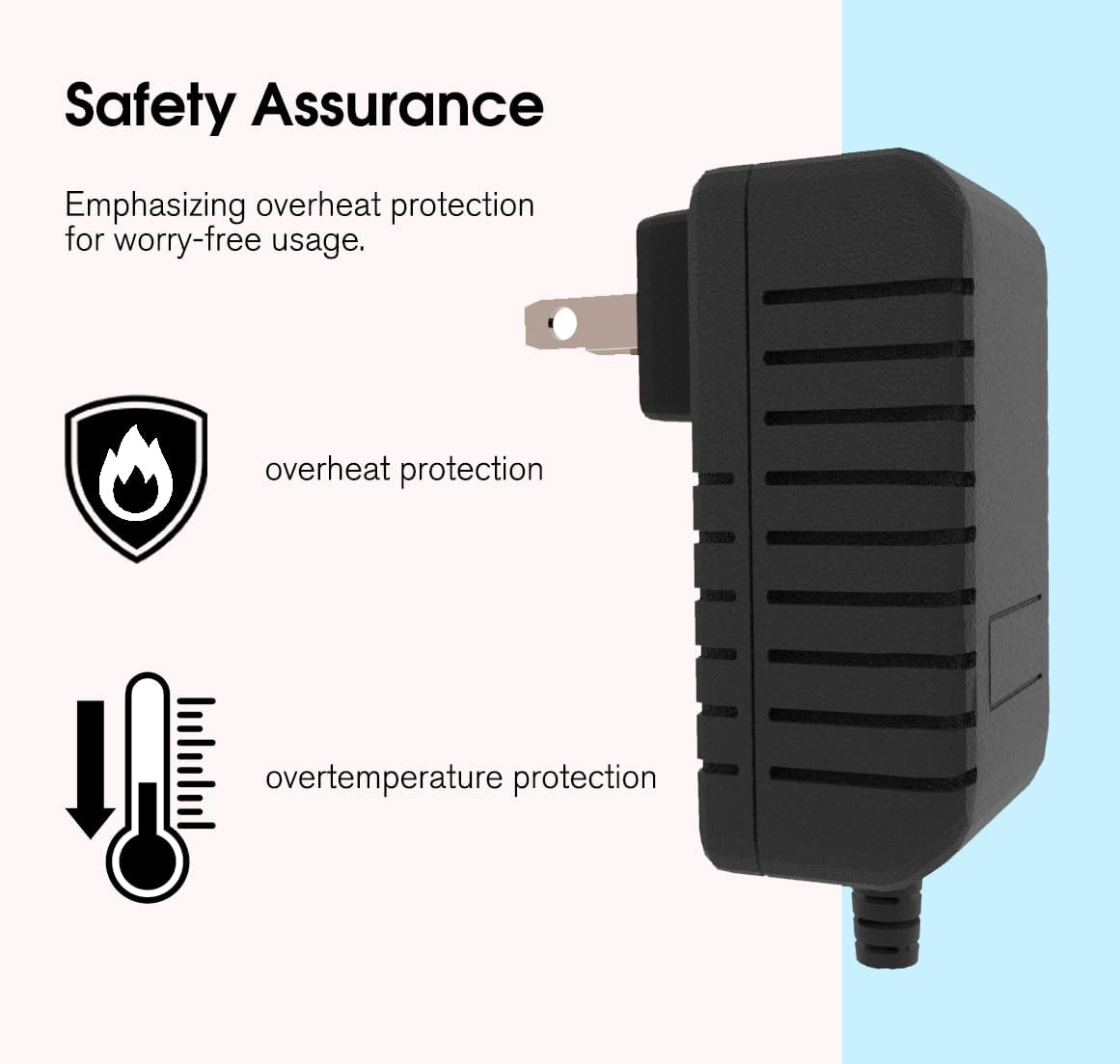
Figure 2: Safety Assurance. This graphic highlights the adapter's built-in overheat and overtemperature protection features, represented by flame and thermometer icons.
3. Persediaan
- Sahkan Keserasian: Before connecting, ensure your device requires a 9V DC input and that its power port is compatible with the adapter's barrel connector. This adapter is specifically designed for Logitech MXMX Laser 832-852 Mouse Chargers and other devices with similar power requirements.
- Sambung ke Peranti: Insert the barrel connector of the Rsqqact adapter firmly into the power input port of your electronic device.
- Sambung ke Alur Kuasa: Plug the adapter's AC prongs into a standard AC 100V - 240V wall outlet.
- Hidupkan Peranti: Once connected, your device should receive power. If applicable, turn on your device.
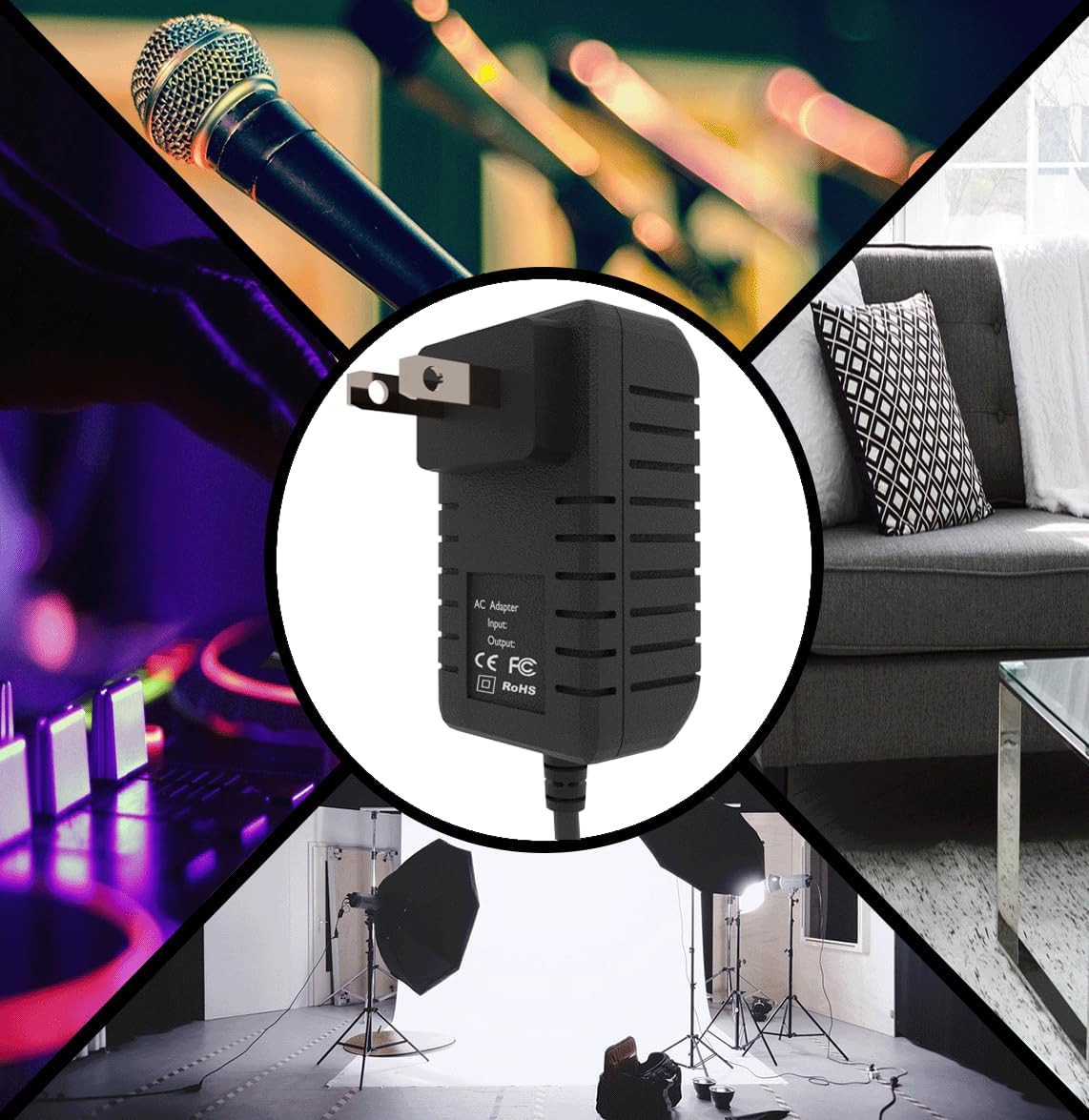
Figure 3: Versatile Compatibility. This image shows the Rsqqact adapter centrally placed within a collage of various electronic devices, including a microphone, a DJ mixer, studio lighting, and home furniture, illustrating its broad compatibility.
4. Arahan Operasi
The Rsqqact 9V AC-DC Adapter operates automatically once connected to a power source and a compatible device. It provides a stable and consistent power output to ensure efficient and safe charging or operation of your electronics.
- The adapter is designed for continuous operation within its specified input voltage range (AC 100V - 240V).
- It features low interference and noise, ensuring a clean power supply to your devices.
- High efficiency and reliability are built into the design for long-term performance.
Figure 4: Stable Charging. This graphic illustrates the internal circuitry of the adapter, emphasizing its ability to provide stable charging, optimize device charging experience, and extend battery life.
5. Penyelenggaraan
The Rsqqact 9V AC-DC Adapter requires minimal maintenance. Following these guidelines will help ensure its longevity and optimal performance:
- Pembersihan: Disconnect the adapter from both the power outlet and your device before cleaning. Use a soft, dry cloth to wipe the exterior. Do not use liquid cleaners or aerosols.
- Storan: When not in use, store the adapter in a cool, dry place away from direct sunlight and extreme temperatures. Avoid tightly winding the cable to prevent damage.
- Pemeriksaan: Periodically inspect the adapter and its cable for any signs of damage, such as cuts, fraying, or bent prongs. If damage is found, discontinue use and replace the adapter.

Figure 5: Durable Build. This graphic illustrates the robust construction of the adapter's cable, showing a cross-section of multiple insulated wires, signifying longevity and reliability.
6. Penyelesaian masalah
If you encounter issues with your Rsqqact 9V AC-DC Adapter, please refer to the following common troubleshooting steps:
| Masalah | Kemungkinan Punca | Penyelesaian |
|---|---|---|
| Peranti tidak dihidupkan/dicas. |
|
|
| Penyesuai berasa hangat semasa digunakan. | Operasi biasa. | A slight warmth is normal during operation. If the adapter becomes excessively hot or emits a burning smell, unplug it immediately and discontinue use. |
7. Spesifikasi
| Ciri | Perincian |
|---|---|
| Nombor Model | O2503170125 |
| Input Voltage | AC 100V - 240V |
| Keluaran Voltage | 9V DC |
| warna | Hitam |
| Peranti Serasi | Logitech MXMX Laser 832-852 Mouse Charger, Gaming Console, Monitor, Printer, Speaker, Tablet |
| Pensijilan | CE / FCC / RoHS |
| Ciri-ciri Perlindungan | OVP (Lebih Voltage Protection), OCP (Over Current Protection), SCP (Short Circuit Protection) |
| Pengeluar | Rsqqact |
8. Waranti dan Sokongan
This Rsqqact product is backed by a commitment to quality. For specific warranty details, including duration and coverage, please refer to the documentation provided with your purchase or contact the manufacturer directly.
For technical support, troubleshooting assistance beyond this manual, or warranty claims, please contact Rsqqact customer service. Contact information may be available on the product packaging or the manufacturer's official webtapak.
Note: The manufacturer focuses on providing stable and secure power adapters, ensuring no noise, low temperature operation, and protection against hazards like spontaneous combustion or explosion.