1. Pengenalan
Thank you for choosing the Intex IT-2401 21.5-inch HD LED Monitor. This manual provides essential information for setting up, operating, and maintaining your monitor. Please read this manual thoroughly before use to ensure proper installation and functionality. Keep this manual for future reference.
2. Kandungan Pakej
Sahkan bahawa semua item yang disenaraikan di bawah terdapat dalam pakej anda:
- Intex IT-2401 Monitor (1 unit)
- Base Stand (1 unit)
- Kabel HDMI (1 unit)
- Kabel Kuasa (1 unit)
- Stud Screw (for base stand assembly)
- Manual Pengguna (dokumen ini)

Image: The Intex IT-2401 monitor with its base stand, accompanied by the HDMI cable, power cable, and stud screw, representing the typical package contents.
3. Arahan Persediaan
3.1. Memasang Pendirian Asas
- Letakkan monitor menghadap ke bawah dengan berhati-hati pada permukaan yang lembut dan bersih untuk mengelakkan calar.
- Align the base stand with the mounting slot on the back of the monitor.
- Secure the base stand to the monitor using the provided stud screw. Ensure it is tightened firmly.
- Gently lift the monitor and place it upright on a stable, flat surface.
3.2. Menyambung ke Komputer
The Intex IT-2401 monitor supports both HDMI and VGA connections.
- Sambungan HDMI: Connect one end of the provided HDMI cable to the HDMI port on your monitor and the other end to the HDMI output port on your computer.
- Sambungan VGA: Connect a VGA cable (not included) to the VGA port on your monitor and the other end to the VGA output port on your computer.

Imej: Belakang view of the monitor highlighting the HDMI and VGA input ports for connecting to various devices.
3.3. Sambungan Kuasa
- Sambungkan kabel kuasa ke port input kuasa di bahagian belakang monitor.
- Palamkan hujung kabel kuasa yang lain ke dalam salur keluar elektrik yang dibumikan.
4. Arahan Operasi
4.1. Hidupkan/Mati Kuasa
Tekan butang kuasa yang terletak di bahagian bawah sebelah kanan monitor untuk menghidupkan atau mematikannya. Lampu penunjuk kuasa akan menyala apabila monitor dihidupkan.
4.2. Menu Paparan Pada Skrin (OSD).
The OSD menu allows you to adjust various monitor settings. Use the control buttons (usually located on the bottom right or rear of the monitor) to navigate and select options.
- Butang Menu: Membuka menu OSD.
- Butang Naik / Turun: Navigasi melalui pilihan menu.
- Butang Masukkan/Pilih: Mengesahkan pilihan atau memasuki sub-menu.
- Butang Keluar: Keluar dari menu semasa atau OSD.
4.3. Tetapan Gambar
Dalam menu OSD, anda boleh melaraskan tetapan seperti:
- Kecerahan: Melaraskan kecerahan keseluruhan skrin.
- Kontras: Melaraskan perbezaan antara kawasan terang dan gelap.
- Suhu Warna: Mengubah kehangatan atau kesejukan warna.
- Nisbah Aspek: Selects between 16:9 or other available display modes.
4.4. Pemilihan Input
If you have multiple devices connected, use the input selection option in the OSD menu or a dedicated input button (if available) to switch between HDMI and VGA inputs.
5. Ciri-ciri Utama
5.1. Paparan Definisi Tinggi
The Intex IT-2401 features a 21.5-inch HD LED display with a resolution of 1920x1080 pixels. This provides clear and sharp visuals for various applications, from office work to multimedia consumption.
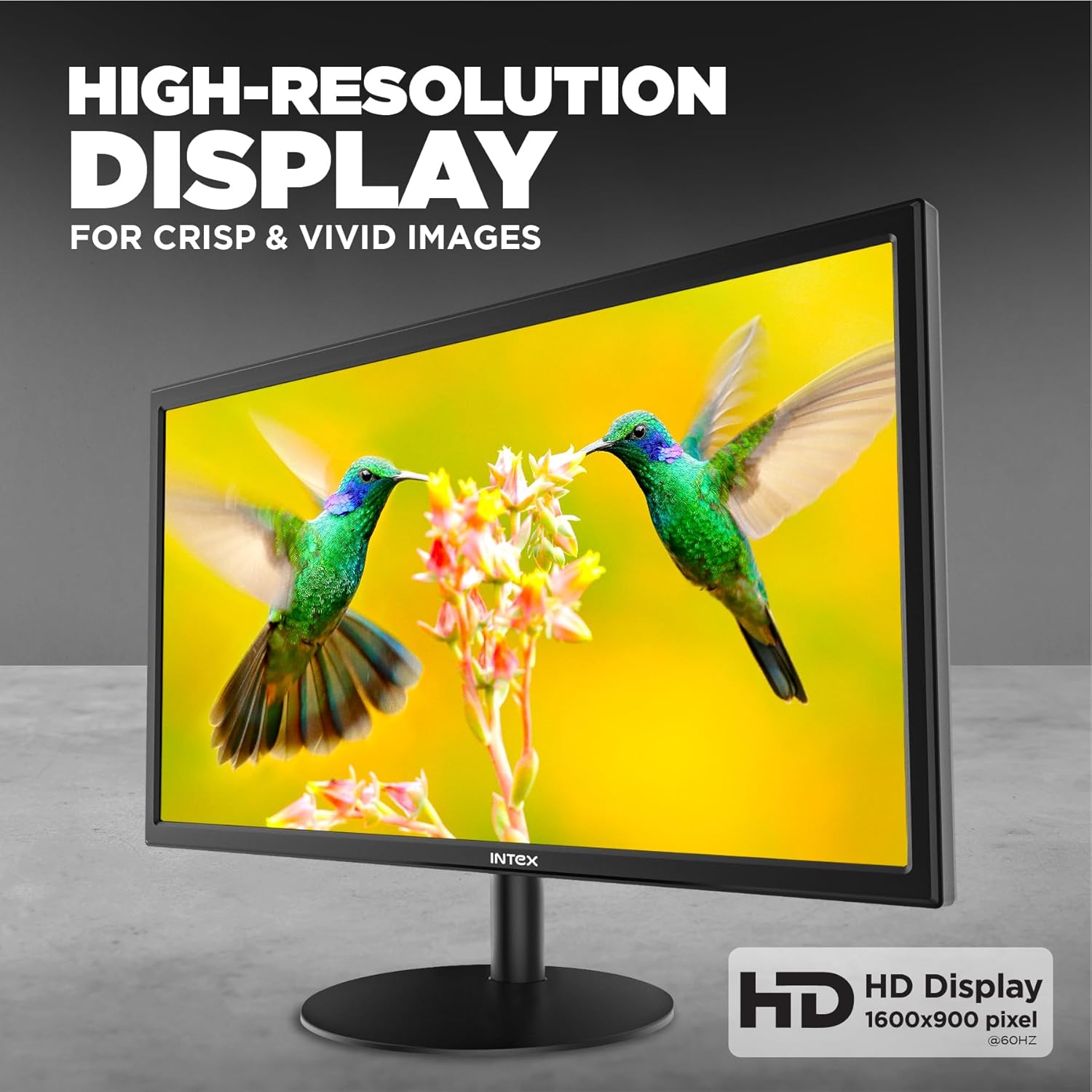
Imej: Skrin monitor menunjukkanasing high-resolution content, emphasizing clarity and vividness.

Image: A close-up of the monitor displaying a colorful image, illustrating the visual quality of the 21.5-inch display.
5.2. VA Panel Technology
Equipped with a VA (Vertical Alignment) panel, the monitor delivers excellent contrast ratios and deep blacks, enhancing the overall visual experience.
5.3. Fast Response Time and Refresh Rate
With a 5ms response time and a 60Hz refresh rate, the monitor provides smooth motion and reduces ghosting, suitable for everyday computing and casual entertainment.

Image: The monitor displaying a dynamic scene, illustrating the smooth motion provided by its response time and refresh rate.
5.4. Anti-Glare Screen
The anti-glare coating on the screen minimizes reflections from ambient light, reducing eye strain and improving visibility, especially in brightly lit environments.
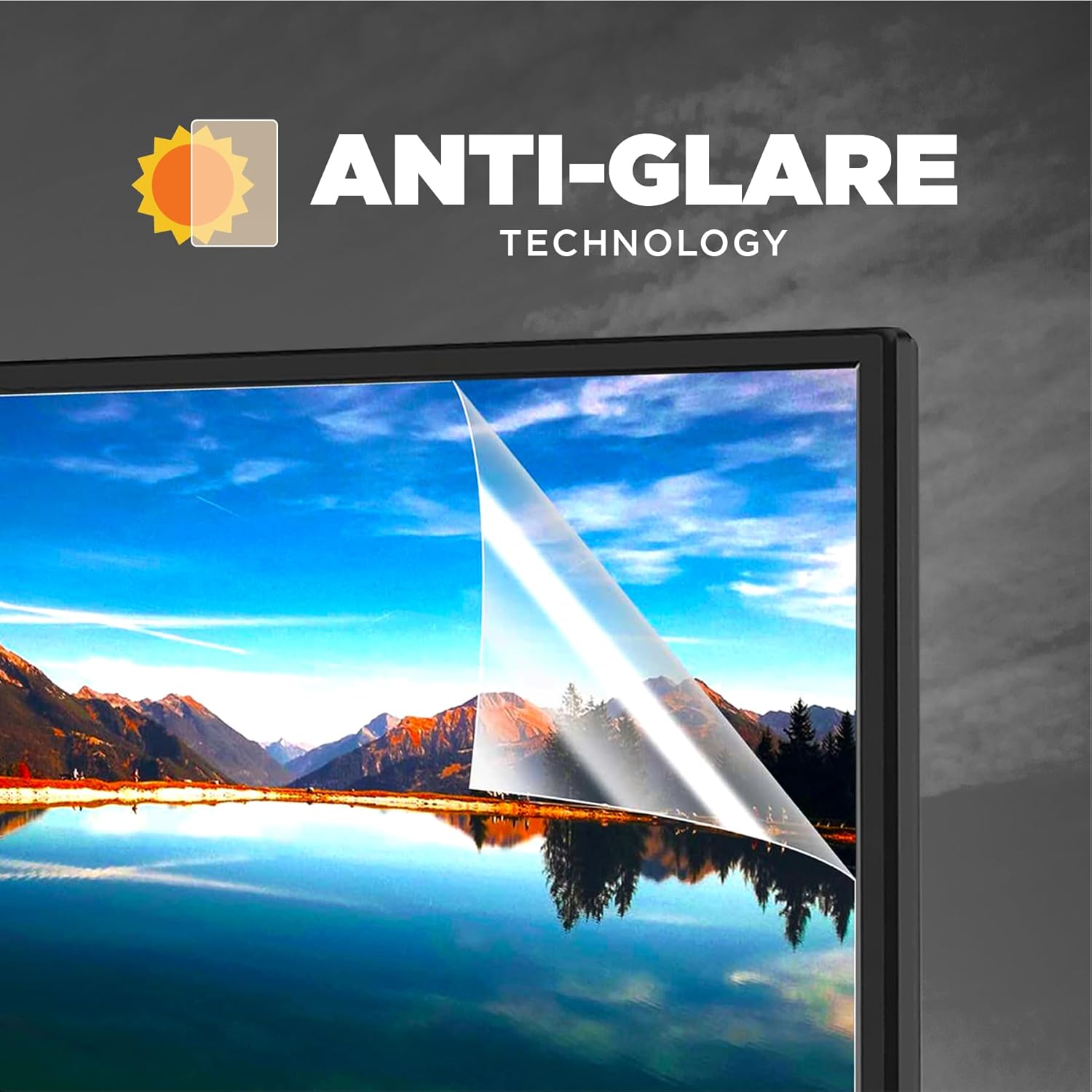
Image: A visual representation of the anti-glare technology, showing how it reduces reflections on the screen surface.

Image: A close-up of the monitor screen demonstrating the anti-glare feature, designed to enhance eye comfort during prolonged use.
5.5. Realistic Color Reproduction
The monitor is designed to reproduce realistic and vibrant colors, offering an enhanced viewing experience for images, videos, and other visual content.

Image: The monitor displaying an image with rich and accurate colors, highlighting its color reproduction capabilities.

Image: A vibrant display on the monitor, illustrating its ability to render a wide spectrum of colors for ultra-real visuals.
5.6. Lampu Belakang LED
The LED backlight technology contributes to the monitor's high brightness levels and energy efficiency, ensuring vivid clarity across the screen.

Image: A conceptual diagram illustrating the layers of LED backlighting that contribute to the monitor's vivid clarity and brightness.
6. Penyelesaian masalah
Jika anda menghadapi masalah dengan monitor anda, rujuk kepada masalah dan penyelesaian biasa berikut:
| Masalah | Penyelesaian yang Mungkin |
|---|---|
| Tiada gambar di skrin |
|
| Mesej "Tiada Isyarat" |
|
| Imej terlalu gelap/terang | Laraskan tetapan Kecerahan dan Kontras dalam menu OSD. |
| Imej berkelip atau tidak stabil |
|
7. Spesifikasi
| Jenama | Intex |
| Model | IT-2401 |
| Saiz Skrin | 21.5 Inci (54.61 cm) |
| Jenis Paparan | LED Backlit VA Panel |
| Resolusi | 1920 x 1080 Piksel (HD) |
| Nisbah Aspek | 16:9 |
| Masa Tindak Balas | 5 milisaat |
| Kadar Segar Semula | 60 Hz |
| Ciri Khas | Salutan Anti-Silau |
| Ketersambungan | HDMI, VGA |
| Input Kuasa | 180 Volt (AC) |
| Dimensi Produk (LxWxH) | 44.3 x 50.6 x 9.8 cm |
| Berat Barang | 4.1 kg |
| Negara Asal | China |
8. Penjagaan dan Penyelenggaraan
- Membersihkan Skrin: Lap skrin perlahan-lahan dengan kain lembut yang tidak berbulu. Untuk tanda degil, dampen the cloth slightly with water or a monitor-specific cleaning solution. Never spray liquid directly onto the screen.
- Membersihkan Casing: Gunakan kain lembut dan kering untuk membersihkan monitor casing. Elakkan menggunakan pembersih atau pelarut yang kasar.
- Storan: Apabila tidak digunakan untuk tempoh yang lama, simpan monitor di tempat yang sejuk dan kering, jauh dari cahaya matahari langsung dan suhu yang melampau.
- Pengendalian: Always handle the monitor by its edges or base. Avoid pressing on the screen surface.
9. Waranti dan Sokongan
For warranty information, technical support, or service inquiries, please refer to the warranty card included with your product or visit the official Intex webtapak. Simpan resit pembelian anda sebagai bukti pembelian untuk tuntutan waranti.
Pengeluar: DongGuan LeTu Electronic Technology Co Ltd
Pengimport: DongGuan LeTu Electronic Technology Co Ltd
Tarikh Mula-mula Tersedia: 13 Mac 2025


