1. Pengenalan
This manual provides essential instructions for the safe and effective use of your Rsqqact Replacement Wall Charger, designed for various Braun Shaver models. Please read this manual thoroughly before use and retain it for future reference.
2. Maklumat Keselamatan
Observe the following safety guidelines to prevent damage to the charger, your shaver, or personal injury:
- Pensijilan: Our products are CE / FCC / RoHS certified, ensuring compliance with safety standards.
- Ciri-ciri perlindungan: The charger includes OVP (Over Voltage Protection), OCP (Over Current Protection), and SCP (Short Circuit Protection) to safeguard your devices.
- Input Voltage: Pastikan input voltage is within AC 100V - 240V.
- Persekitaran: Use the charger in a dry environment. Avoid exposure to water or high humidity.
- kerosakan: Jangan gunakan pengecas jika kabel atau palamnya rosak.
- Keserasian: Verify your device model matches the charger's specifications before use.
3. Produk Lebihview
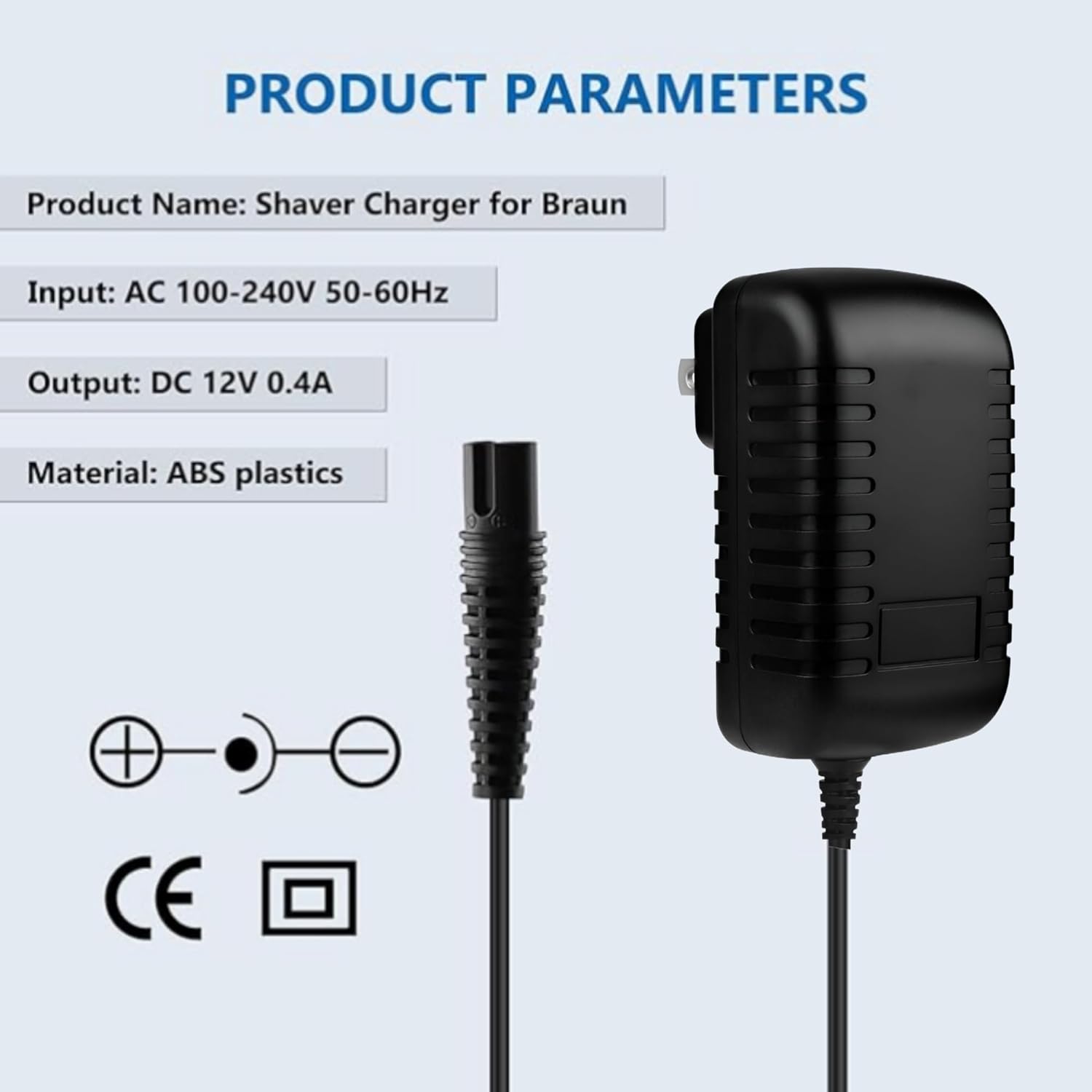
The Rsqqact Replacement Wall Charger is designed to provide reliable power to compatible Braun Shavers. It features a compact design and incorporates multiple safety protections.
3.1 Parameter Produk
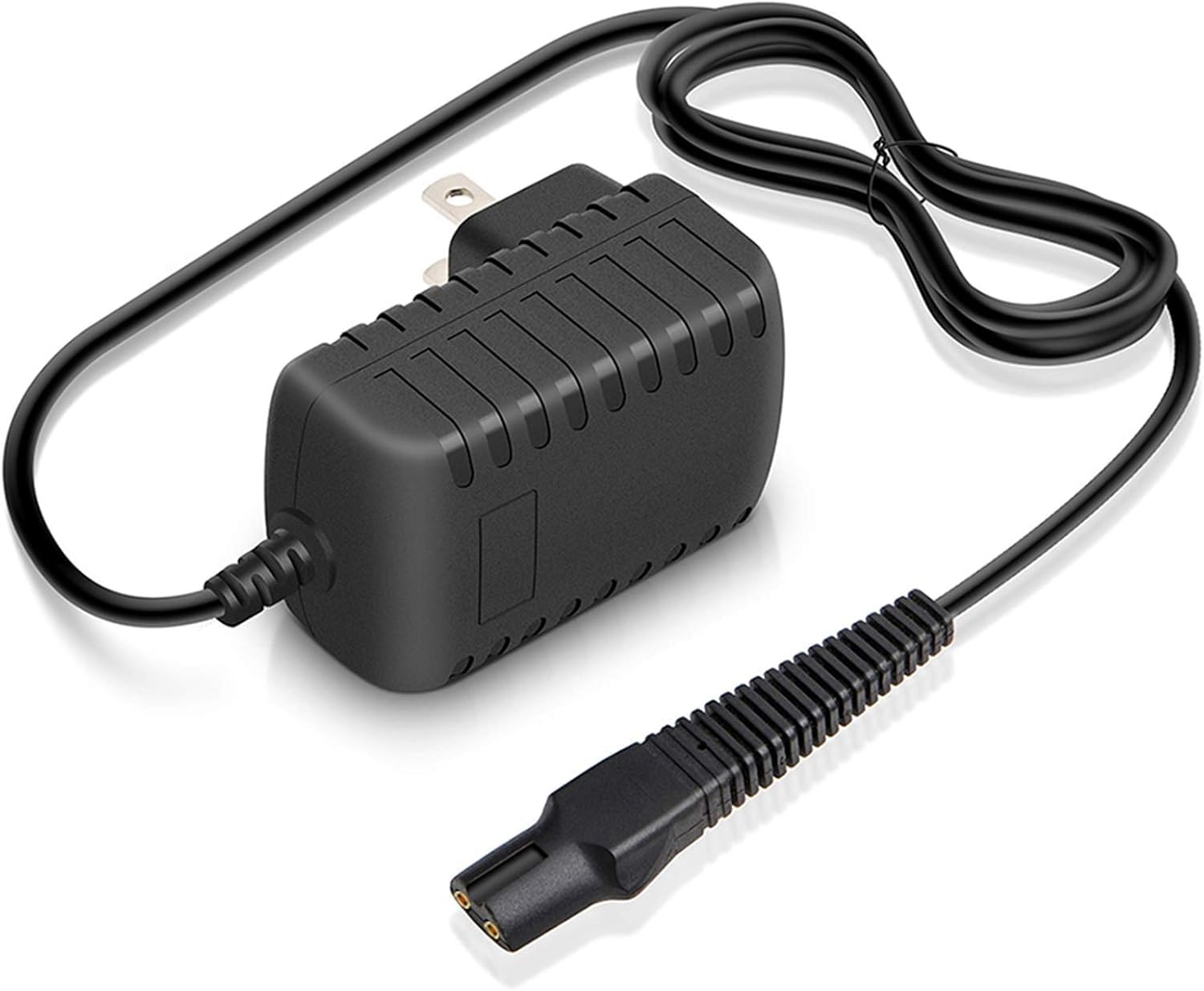
- Nama Produk: Shaver Charger for Braun
- Input: AC 100-240V 50-60Hz
- Output: DC 12V 0.4A
- Bahan: Plastik ABS
4. Persediaan
Follow these steps to set up your Rsqqact Replacement Wall Charger:
- Sahkan Keserasian: Ensure your Braun Shaver requires a 12V 400mA charger and is compatible with Type 492-5214 or 492-5217.
- Periksa Pengecas: Before first use, visually inspect the charger and cable for any signs of damage.
- Connect to Shaver: Insert the charger's output plug firmly into the charging port of your Braun Shaver.
- Sambung ke Alur Kuasa: Plug the charger's wall adapter into a standard AC 100-240V electrical outlet.

5. Arahan Operasi
Once connected, the charger will begin supplying power to your Braun Shaver. Most Braun Shavers indicate charging status via an LED light or display on the shaver itself.
- Masa Pengecasan: Refer to your Braun Shaver's original manual for specific charging times.
- Mencabut plag: Disconnect the charger from the power outlet and then from the shaver once charging is complete or when not in use.
- Storan: Simpan pengecas di tempat yang sejuk dan kering apabila tidak digunakan.

6. Penyelenggaraan
To ensure the longevity and proper function of your charger:
- Pembersihan: Disconnect the charger from the power source before cleaning. Use a dry, soft cloth to wipe the surface. Do not use liquid cleaners.
- Penjagaan Kabel: Avoid bending or twisting the cable excessively. Do not place heavy objects on the cable.
- Storan: Store the charger in a clean, dry place away from direct sunlight and extreme temperatures.
7. Penyelesaian masalah
| Masalah | Kemungkinan Punca | Penyelesaian |
|---|---|---|
| Pencukur tidak mengecas. |
|
|
| Pengecas berasa hangat semasa digunakan. | Operasi biasa. | A slight warmth is normal during charging. If it becomes excessively hot or emits smoke/odor, unplug immediately and discontinue use. |
8. Spesifikasi
| Ciri | Perincian |
|---|---|
| Jenama | Rsqqact |
| Nombor Model | Type 492-5214 / 492-5217 (Part-No.: 81719643) |
| Input Voltage | AC 100V - 240V, 50/60Hz |
| Keluaran Voltage | DC 12V |
| Arus Keluaran | 400mA |
| Jenis Penyambung | 2-Pin |
| Ciri Khas | OVP, OCP, SCP Protection (Over Voltage, Over Current, Short Circuit Protection) |
| bahan | Plastik ABS |
9. Waranti dan Sokongan
For warranty information or technical support, please refer to the seller's policy or contact the manufacturer directly. Keep your purchase receipt for warranty claims.


