1. Pengenalan
This manual provides detailed instructions for the setup, operation, and maintenance of your CANYON HEXAGON 7 True Wireless Earbuds. Please read this manual thoroughly before using the product to ensure proper function and longevity. The HEXAGON 7 earbuds feature Bluetooth 5.4 connectivity, Active Noise Cancellation (ANC), Environmental Noise Cancellation (ENC), and wireless charging capabilities.
2. Kandungan Pakej
Sahkan bahawa semua item terdapat dalam pakej:
- CANYON HEXAGON 7 True Wireless Earbuds (Left and Right)
- Kes Pengecasan
- Kabel Pengecasan USB Jenis-C
- Manual Pengguna
3. Produk Lebihview
The CANYON HEXAGON 7 earbuds are designed for comfort and high-quality audio, featuring a distinctive hexagonal design. The charging case provides extended battery life and supports wireless charging.

Image 3.1: CANYON HEXAGON 7 True Wireless Earbuds and Charging Case. The earbuds are white with beige ear tips, resting inside their matching white and beige charging case.
3.1 Unique Design
The Hexagon 7 series features an elegant and angular design, ensuring a comfortable and secure fit while providing a distinct aesthetic.

Image 3.2: The CANYON HEXAGON 7 earbuds and their open charging case are displayed on a laptop keyboard, highlighting their unique hexagonal design.
3.2 Sentuhan Kawalan
The earbuds are equipped with intuitive touch controls for managing playback, calls, and other functions.

Image 3.3: The CANYON HEXAGON 7 earbuds and their charging case are shown on a notebook with design sketches, illustrating their compact form factor and touch-sensitive surfaces.
3.3 Active Noise Cancelling (ANC)
The Active Noise Cancelling feature reduces ambient noise, allowing for a more immersive audio experience.
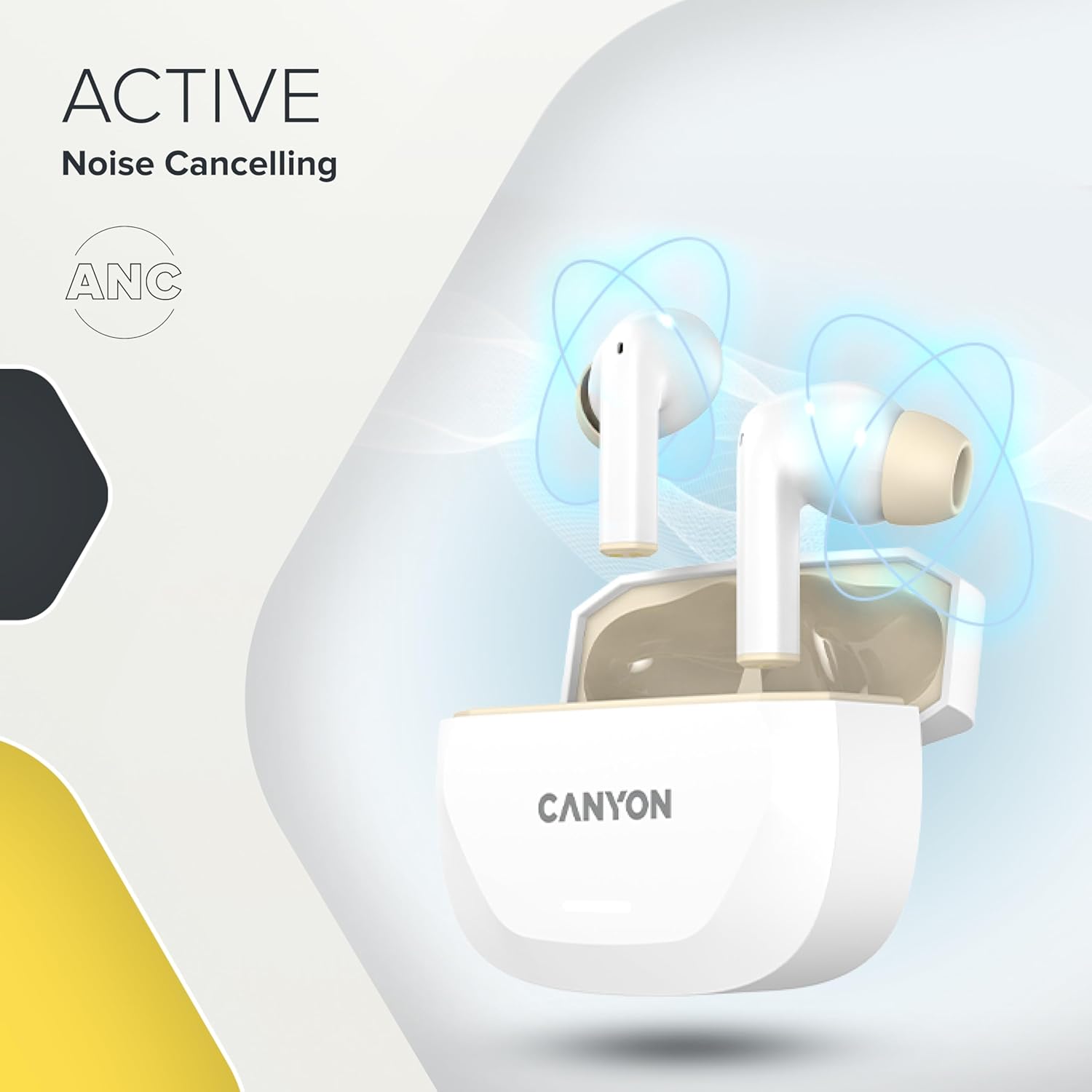
Image 3.4: A visual representation of Active Noise Cancelling (ANC) technology, showing sound waves being canceled around the CANYON HEXAGON 7 earbuds in their open case.
4. Persediaan
4.1 Mengecas Fon telinga dan Sarung
Sebelum penggunaan pertama, cas sepenuhnya fon telinga dan bekas pengecas.
- Menggunakan Kabel USB-C: Connect the provided USB Type-C cable to the charging port on the case and to a power source. The charging indicator will show the charging status. A full charge takes approximately 1.5 hours for the earbuds and 2 hours for the case.
- Pengecasan Tanpa Wayar: Place the charging case on any Qi-compatible wireless charging pad. Ensure the case is properly aligned for efficient charging.

Image 4.1: The CANYON HEXAGON 7 charging case is shown resting on a wireless charging pad, indicating its wireless charging capability.

Image 4.2: A graphic illustrating the quick recharge feature of the CANYON HEXAGON 7 earbuds, with a battery icon showing rapid charging progress.
4.2 Berpasangan dengan Peranti
- Buka bekas pengecas. Fon telinga akan memasuki mod berpasangan secara automatik.
- Pada peranti anda (telefon pintar, tablet, dll.), dayakan Bluetooth.
- Cari untuk available Bluetooth devices and select "CANYON HEXAGON 7".
- Once connected, a confirmation sound will play, and the indicator light on the earbuds will change.
4.3 Sambungan Berbilang Titik
The HEXAGON 7 supports connecting to two devices simultaneously. To use this feature:
- Pasangkan fon telinga dengan peranti pertama seperti yang diterangkan di atas.
- Lumpuhkan Bluetooth pada peranti pertama. Fon telinga akan memasuki semula mod berpasangan.
- Pasangkan fon telinga dengan peranti kedua.
- Re-enable Bluetooth on the first device. The earbuds should automatically connect to both devices. You can then switch between them seamlessly.
5. Arahan Operasi
5.1 Kawalan Sentuhan
The touch-sensitive areas on the earbuds allow for various functions:
- Main/Jeda: Ketik sekali pada salah satu fon telinga.
- Lagu Seterusnya: Ketik dua kali pada fon telinga kanan.
- Trek Sebelumnya: Ketik dua kali pada fon telinga kiri.
- Kelantangan: Ketik tiga kali pada fon telinga kanan.
- Perlahankan suara: Ketik tiga kali pada fon telinga kiri.
- Jawab/Tamatkan Panggilan: Ketik sekali pada sama ada fon telinga semasa panggilan masuk atau panggilan aktif.
- Tolak Panggilan: Tekan dan tahan salah satu fon telinga selama 2 saat semasa panggilan masuk.
- Aktifkan Pembantu Suara: Tekan dan tahan salah satu fon telinga selama 3 saat (apabila tidak dalam panggilan).
5.2 ANC and ENC Functions
The HEXAGON 7 features Active Noise Cancellation (ANC) and Environmental Noise Cancellation (ENC) for calls.
- ANC Activation/Deactivation: Press and hold the touch area on the left earbud for 2 seconds to cycle through ANC On, ANC Off, and Transparency modes.
- ENC for Calls: Environmental Noise Cancellation is automatically active during phone calls, utilizing the 4 built-in microphones to filter out background noise and ensure clear voice transmission.
5.3 Hayat Bateri
The earbuds provide up to 6.5 hours of playback with ANC off, and 5.5 hours with ANC on. The charging case extends the total playtime to 27 hours.
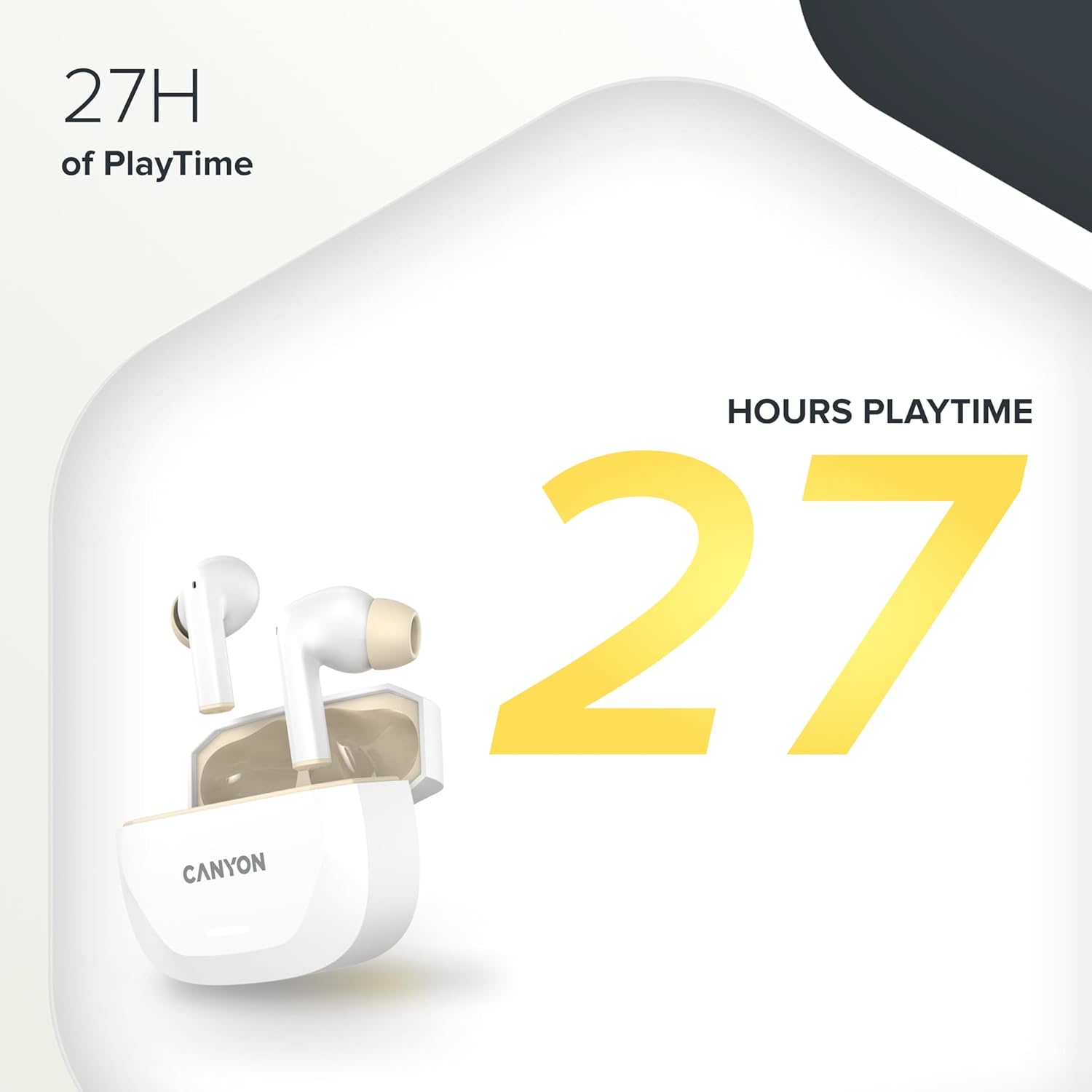
Image 5.1: A graphic highlighting the 27 hours of total playtime offered by the CANYON HEXAGON 7 earbuds with their charging case.
6. Penyelenggaraan
6.1 Pembersihan
- Bersihkan fon telinga dan bekas pengecas dengan kerap menggunakan kain yang lembut, kering dan tidak berbulu.
- Jangan gunakan pembersih yang melelas, alkohol atau pelarut kimia.
- Gently remove any earwax or debris from the ear tips and speaker grilles using a small, soft brush or cotton swab.
6.2 Penyimpanan
- Apabila tidak digunakan, simpan fon telinga dalam bekas pengecasnya untuk melindunginya dan memastikan ia dicas.
- Simpan peranti di tempat yang sejuk dan kering, jauh dari cahaya matahari langsung dan suhu yang melampau.
7. Penyelesaian masalah
If you encounter issues with your CANYON HEXAGON 7 earbuds, refer to the following common solutions:
| Masalah | Penyelesaian yang Mungkin |
|---|---|
| Fon telinga tidak berpasangan |
|
| Tiada suara atau kelantangan rendah |
|
| Isu pengecasan |
|
| ANC tidak berfungsi dengan berkesan |
|
8. Spesifikasi
| Ciri | Perincian |
|---|---|
| Nama Model | Heksagon 7 |
| Teknologi Tanpa Wayar | Bluetooth 5.4 |
| Pembatalan Bunyi | Active Noise Cancellation (ANC), Environmental Noise Cancellation (ENC) with 4 microphones |
| Hayat Bateri (Earbud) | Sehingga 6.5 jam (ANC dimatikan), 5.5 jam (ANC dihidupkan) |
| Jumlah Masa Main (dengan Kes) | Sehingga 27 jam |
| Masa Pengecasan (Earbud) | lebih kurang 1.5 jam |
| Masa Pengecasan (Kes) | lebih kurang 2 jam |
| Antara Muka Pengecasan | USB Type-C, Wireless (Qi-compatible) |
| Kaedah Kawalan | Kawalan Sentuh |
| Sambungan Berbilang Titik | Yes, connect to two devices simultaneously |
| bahan | plastik |
| Tahap Ketahanan Air | Waterproof (specific IP rating not provided) |
| Impedans | 32 ohm |
| Respons Kekerapan | 20 Hz (lower limit, upper limit not specified) |
| Peranti Serasi | Mobile phones, tablets, PCs |
9. Waranti dan Sokongan
CANYON products are designed for reliability and performance. For warranty information, technical support, or service inquiries, please refer to the official CANYON webtapak atau hubungi peruncit tempatan anda. Simpan bukti pembelian anda untuk tuntutan waranti.
Manufacturer: CANYON


