1. Pengenalan
Thank you for choosing the ZEBRONICS EnergiPod 10R1 Power Bank. This device is designed to provide portable power for your electronic devices. Please read this manual carefully before use to ensure proper operation and to maximize the lifespan of your power bank.
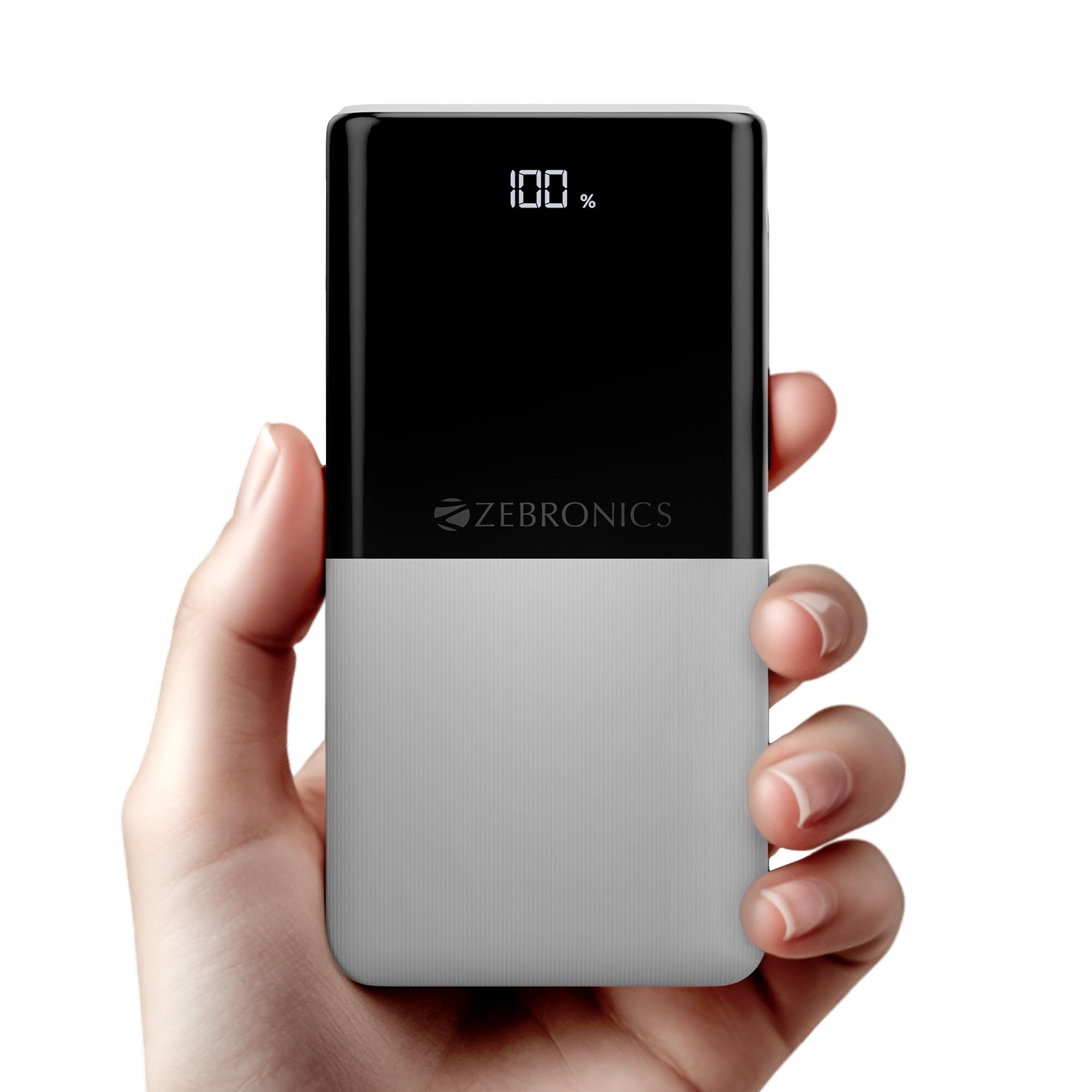
Image: The ZEBRONICS EnergiPod 10R1 Power Bank in white, highlighting its compact and modern design.
Apa yang ada di dalam Kotak:
- EnergiPod 10R1 Power Bank - 1 unit
- Charging Cable - 1 unit
- QR Code Guide - 1 unit
2. Maklumat Keselamatan
To prevent damage to the power bank or injury to yourself and others, please observe the following safety precautions:
- Jangan dedahkan bank kuasa kepada suhu yang melampau (di atas 45°C atau di bawah 0°C).
- Elakkan menjatuhkan, membuka atau cuba membaiki peranti sendiri.
- Jauhkan power bank daripada air, kelembapan dan bahan mudah terbakar.
- Gunakan hanya kabel pengecasan dan penyesuai yang diperakui.
- Jangan gunakan bank kuasa jika ia rosak atau bengkak.
- Jauhkan daripada kanak-kanak.
3. Ciri-ciri Produk
-
Kapasiti 10000mAh: Menyediakan ample power for multiple charges of smartphones and other devices.

Image: The power bank showing its 10000mAh capacity and 22.5W fast charging output.
- 22.5W Super Fast Charging (PD 3.0 PPS): Menyokong pengecasan pantas untuk peranti yang serasi.
-
Dual Type-C & USB Port: Equipped with multiple output options for versatile charging.

Imej: Terperinci view of the power bank's ports, including Type-C PD 3.0 (Input/Output), USB Output, and Type-C Input.
-
Peratus LEDtage Penunjuk: Paparan digital menunjukkan peratusan bateri yang tinggaltage dan status pengecasan.

Image: The power bank's LED display showing 100% charge, along with its physical dimensions.
-
Perlindungan Keselamatan: Built-in safeguards against overcharge, overload, and short-circuit.

Image: The power bank depicted with a protective shield, illustrating its short circuit, overcharge, and overload protection features.
- Metal Outlook: Sleek and compact design with a patterned finish for enhanced grip.
4. Persediaan
Pengecasan Awal Bank Kuasa:
- Connect the provided USB Type-C charging cable to the Type-C1 input port on the power bank.
- Connect the other end of the cable to a compatible USB wall adapter (not included) or a computer's USB port.
- Paparan LED akan menunjukkan peratus pengecasantage. Allow the power bank to charge until it reaches 100% for optimal initial use.
Adalah disyorkan untuk mengecas penuh bank kuasa sebelum penggunaan pertamanya.
5. Arahan Operasi
Mengecas Peranti Luaran:
- Connect your device's charging cable to one of the power bank's output ports (Type-C1 or USB-A).
- Sambungkan hujung kabel yang satu lagi ke telefon pintar anda, tablet atau peranti lain yang serasi.
- The power bank will automatically begin charging your device. The LED display will show the power bank's remaining charge.
- Disconnect your device once it is fully charged or when you wish to stop charging.
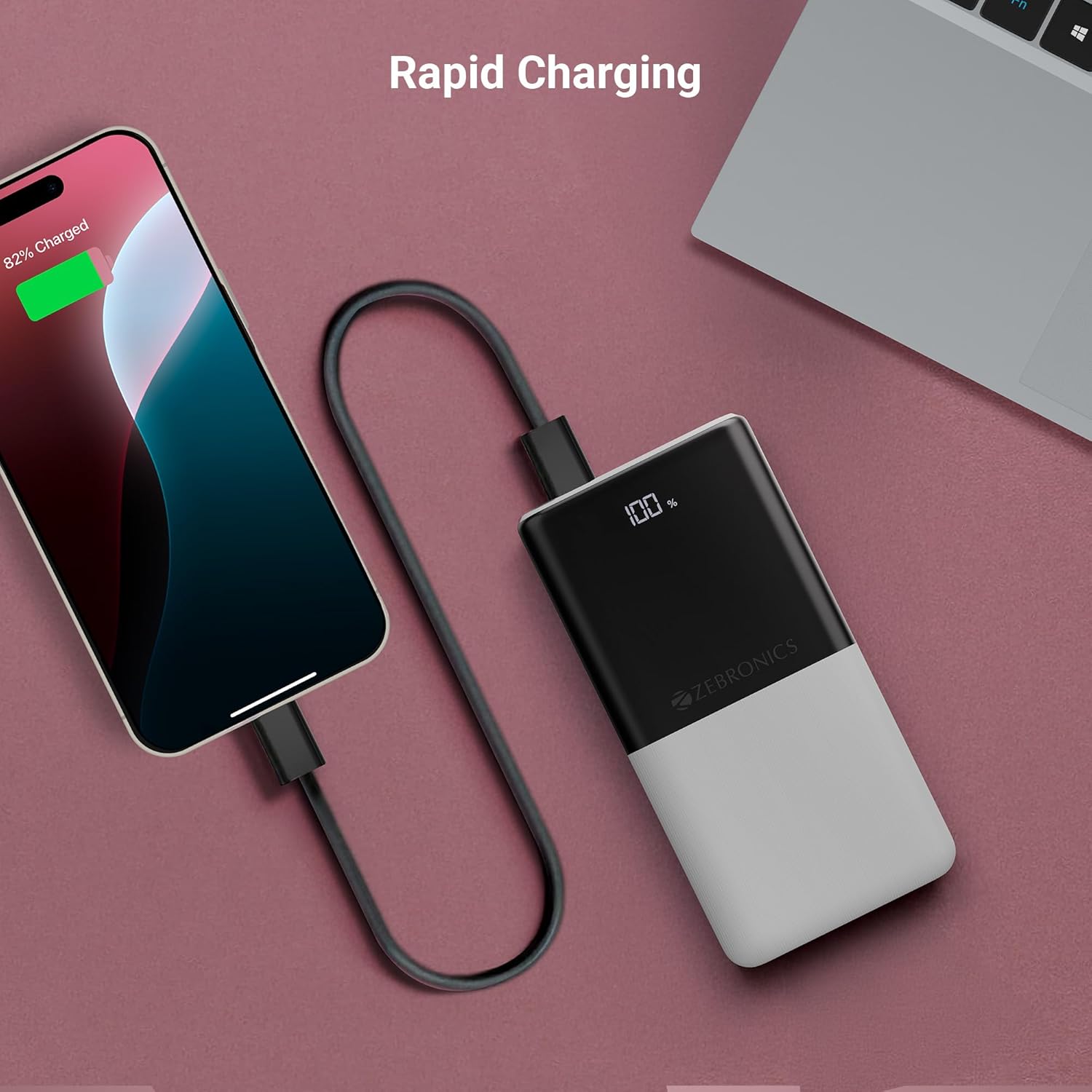
Image: The power bank actively charging a smartphone, demonstrating its rapid charging capability.
Mengecas semula Power Bank:
Refer to the "Initial Charging of the Power Bank" section (Section 4) for instructions on how to recharge your power bank.
6. Penyelenggaraan
- Pembersihan: Gunakan kain lembut dan kering untuk membersihkan permukaan power bank. Jangan gunakan pembersih cecair atau bahan yang kasar.
- Storan: Simpan bank kuasa di tempat yang sejuk dan kering jauh dari cahaya matahari langsung dan suhu yang melampau.
- Penjagaan Bateri: For optimal battery health, fully charge and discharge the power bank at least once every three months if not in regular use.
7. Penyelesaian masalah
Isu dan Penyelesaian Biasa:
-
Power Bank Tidak Mengecas:
- Pastikan kabel pengecasan disambungkan dengan selamat ke bank kuasa dan sumber kuasa.
- Cuba kabel pengecasan atau penyesuai dinding yang lain.
- Sahkan sumber kuasa aktif.
-
Peranti Tidak Mengecas daripada Power Bank:
- Periksa sama ada power bank mempunyai cas yang mencukupi (rujuk paparan LED).
- Ensure your device's charging cable is properly connected to both the power bank and your device.
- Cuba kabel pengecasan lain atau port keluaran lain pada bank kuasa.
- Sahkan peranti anda serasi dengan spesifikasi output bank kuasa.

Image: The power bank demonstrating its compatibility by charging both a tablet and a smartphone simultaneously.
-
LED Display Not Working or Inconsistent:
- Pastikan bank kuasa dicas secukupnya.
- Jika masalah berterusan selepas pengecasan, hubungi khidmat pelanggan.
8. Spesifikasi
| Jenama | ZEBRONIK |
| Nama Model | EnergiPod 10R1 |
| Nombor Model Item | ZEB-PB 12 |
| Kapasiti Bateri | 10000 mAh |
| Kuasa Keluaran | 22.5W (Maks) |
| Type-C1 Port Output | DC 5V/3A, 9V/2.22A, 12V/1.67A, 3.3~11V/2A (PPS) |
| Keluaran USB-A | DC 5V/3A, 9V/2A, 12V/1.85A |
| Type-C1 Input Port | DC 5V/3A, 9V/2A, 12V/1.5A |
| Type-C2 Input Port | DC 5V/2.4A |
| Jenis Penyambung | USB Jenis C |
| Penggunaan yang Disyorkan | Phone, Tablet |
| Berat Barang | 230 g |
| Dimensi Pakej | 16.8 x 9.9 x 2.4 cm |
| Negara Asal | India |
9. Waranti dan Sokongan
Maklumat Waranti:
The ZEBRONICS EnergiPod 10R1 Power Bank comes with a standard manufacturer's warranty. Please refer to the QR Code Guide included in the box or visit the official ZEBRONICS webtapak untuk terma dan syarat jaminan terperinci.
Sokongan Pelanggan:
If you encounter any issues or have questions regarding your power bank, please contact ZEBRONICS customer support. Contact details can typically be found on the official ZEBRONICS webtapak atau dalam pembungkusan produk.
Untuk sokongan dalam talian, anda boleh layari Kedai ZEBRONICS di Amazon.


