1. Pengenalan
Thank you for choosing the Biyoso X61 5.4 Bluetooth Earbuds. This manual provides essential information for setting up, operating, and maintaining your new wireless earphones. Please read it carefully to ensure optimal performance and longevity of your device.
Apa yang ada di dalam Kotak:
- 1 pair of Biyoso X61 Earbuds
- 1 Sarung Pengecas USB-C
- 1 Kabel Pengecas USB-C
- Manual Pengguna 1
2. Produk Lebihview
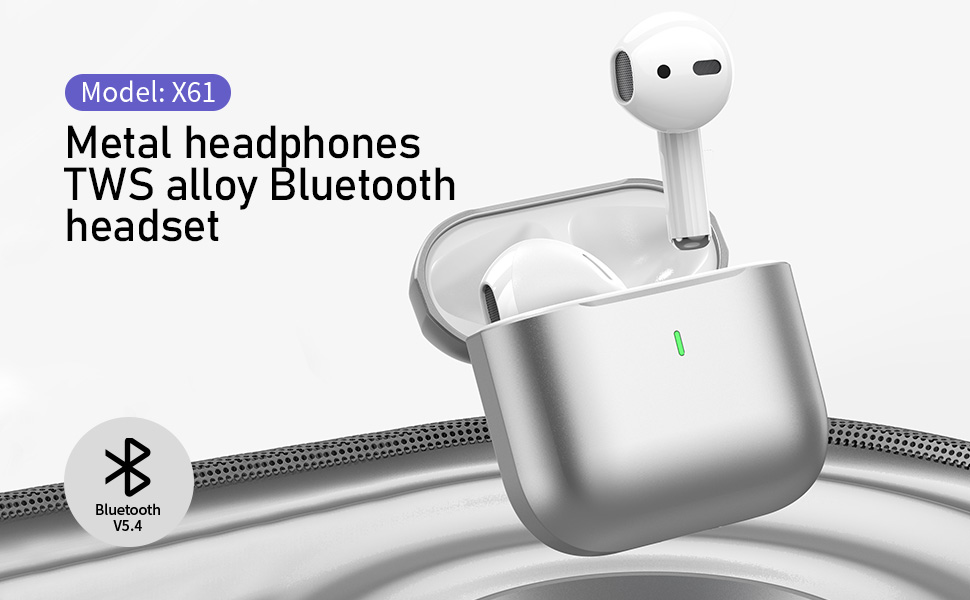
The Biyoso X61 earbuds feature Bluetooth 5.4 technology for stable connectivity and HiFi stereo sound. They are designed for comfortable semi-in-ear wear and offer intuitive touch controls for managing audio and calls.
Ciri-ciri Utama:
- TWS Bluetooth 5.4: Ensures stable, fast transmission with minimal signal loss.
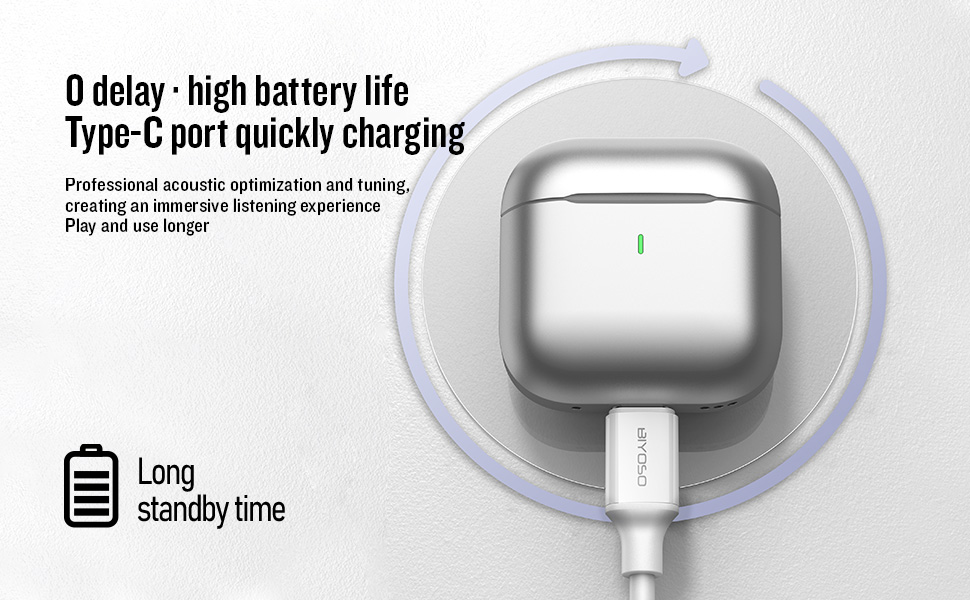
- Hayat Bateri yang Panjang: Up to 4.5 hours of listening time per charge, with the charging case providing up to 20 hours total.
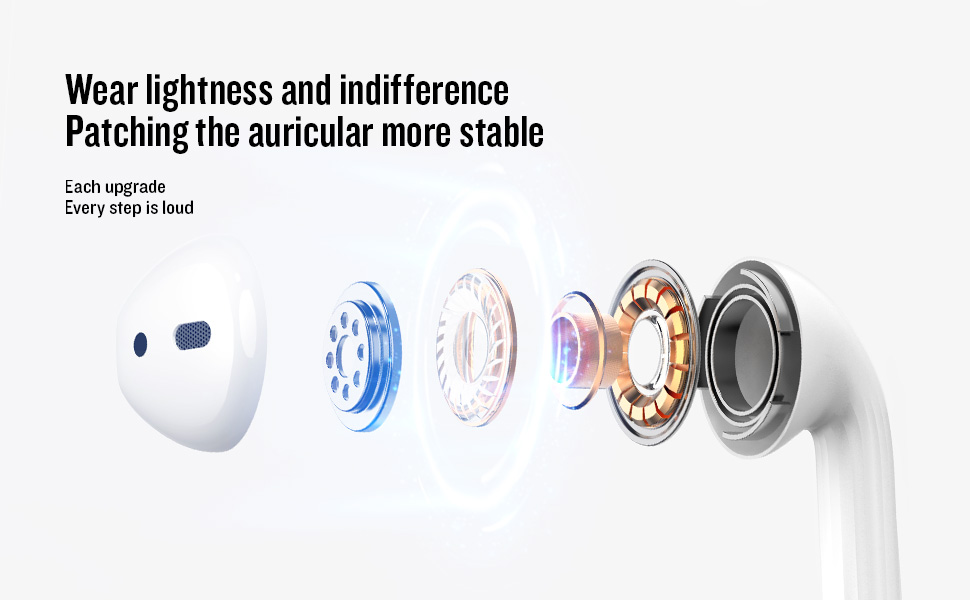
- Semi-In-Ear Design: Offers comfortable wear and non-destructive high-definition sound.
- Rintangan Air IPX5: Protects against dust, sweat, and water splashes.
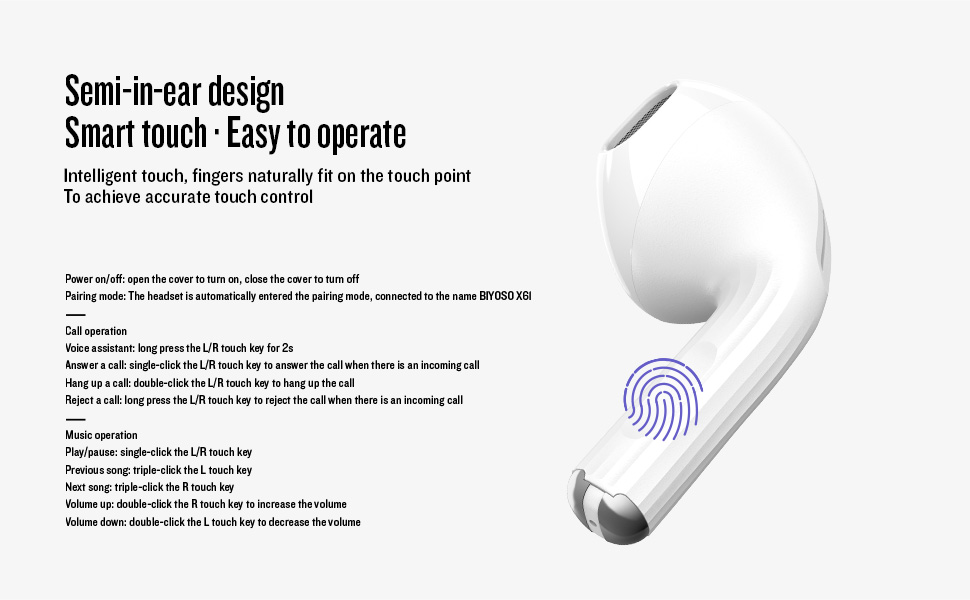
- Kawalan Sentuhan Intuitif: Manage playback, volume, and calls directly from the earbuds.
3. Persediaan
3.1 Mengecas Fon telinga dan Sarung
Before first use, fully charge the earbuds and the charging case. Connect the provided USB-C cable to the charging port on the case and a power source. The charging case battery full time is approximately 1.2 hours.
3.2 Berpasangan dengan Peranti Anda
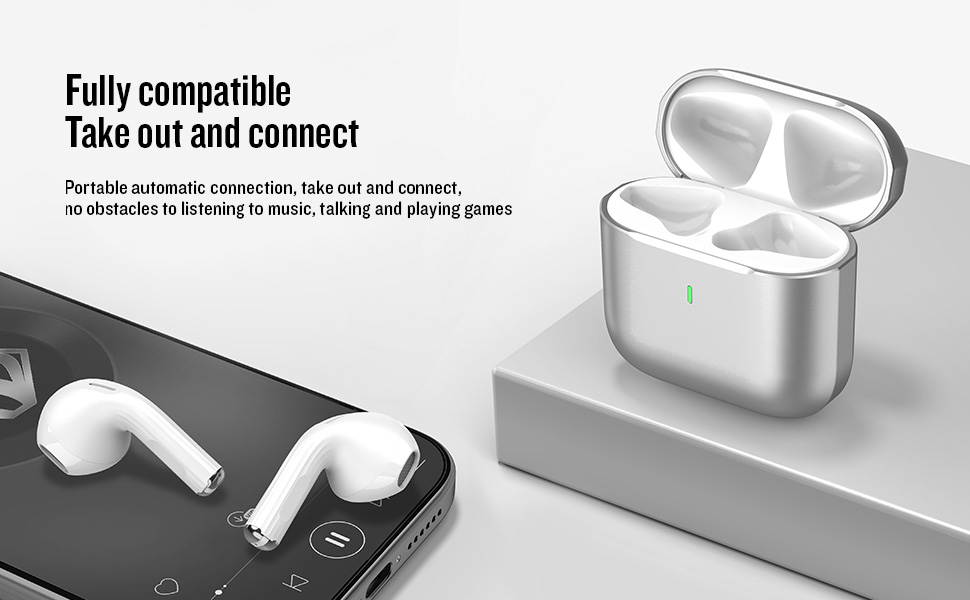
- Hidupkan/Mati Kuasa: Open the charging case cover to automatically power on the earbuds. Close the cover to power them off.
- Mod Berpasangan: The earbuds will automatically enter pairing mode when the case is opened.
- Sambung: On your device, enable Bluetooth and search for "BIYOSO X61" in the list of available devices. Select it to connect.
- Penyambungan Semula Automatik: Once paired, the earbuds will automatically connect to your device when removed from the charging case.
3.3 Video Pengenalan Produk
Watch this official product introduction video for a visual guide to the Biyoso X61 Earbuds.
Video 3.1: Official Biyoso X61 Earbuds Product Introduction. This video provides an overview of the earbuds' features and basic usage.
4. Arahan Operasi
4.1 Kawalan Sentuhan
The Biyoso X61 earbuds feature intuitive touch controls on the stem for easy management of audio and calls.
Call Operation:
- Pembantu Suara: Long press the L/R touch key for 2 seconds.
- Jawab Panggilan: Single-click the L/R touch key.
- Tutup Panggilan: Double-click the L/R touch key.
- Tolak Panggilan: Long press the L/R touch key.
Operasi Muzik:
- Main/Jeda: Single-click the L/R touch key.
- Lagu Sebelumnya: Triple-click the L touch key.
- Lagu Seterusnya: Triple-click the R touch key.
- Kelantangan: Double-click the R touch key.
- Perlahankan suara: Double-click the L touch key.
- Tukar Mod Mendengar: Hold the stem.
4.2 Memakai Fon Telinga
Gently insert the earbuds into your ears. The semi-in-ear design provides a comfortable and secure fit for various activities.
5. Penyelenggaraan
5.1 Pembersihan
Regularly clean your earbuds and charging case to ensure optimal performance and hygiene. Use a soft, dry, lint-free cloth. Do not use abrasive materials or harsh chemicals.
5.2 Penyimpanan
Apabila tidak digunakan, simpan fon telinga di dalam bekas pengecas untuk melindunginya daripada habuk dan kerosakan. Simpan bekas di tempat yang sejuk dan kering, jauh daripada suhu yang melampau.
5.3 Tahan Air
The Biyoso X61 earbuds and charging case are IPX5 rated, meaning they are resistant to dust, sweat, and water splashes. They are not designed for submersion in water. Avoid exposing them to heavy rain or showering with them.
6. Penyelesaian masalah
If you encounter any issues with your Biyoso X61 earbuds, please refer to the following common solutions:
- Tiada Bunyi/Kualiti Bunyi Lemah:
- Pastikan fon telinga diletakkan dengan betul di telinga anda.
- Semak tahap kelantangan pada kedua-dua peranti anda dan fon telinga.
- Pastikan fon telinga dicas sepenuhnya.
- Sambung semula fon telinga ke peranti anda.
- Fon telinga Tidak Berpasangan:
- Pastikan Bluetooth didayakan pada peranti anda.
- Ensure earbuds are removed from the charging case.
- Matikan Bluetooth pada peranti berdekatan yang lain untuk mengelakkan gangguan.
- Cuba tetapkan semula fon telinga (rujuk manual pengguna penuh untuk arahan tetapan semula khusus jika perlu).
- Isu Pengecasan:
- Sahkan kabel USB-C disambungkan dengan selamat pada kedua-dua bekas dan sumber kuasa.
- Pastikan sentuhan pengecas pada fon telinga dan bahagian dalam bekas bersih dan kering.
- Cuba kabel USB-C atau penyesuai kuasa yang lain.
Jika masalah berterusan, sila hubungi sokongan pelanggan.
7. Spesifikasi
| Ciri | Spesifikasi |
|---|---|
| Nama Model | X61 |
| Jenama | Biyoso |
| Teknologi Ketersambungan | Wayarles (Bluetooth 5.4) |
| Teknologi Komunikasi Tanpa Wayar | Bluetooth |
| Julat Bluetooth | 10 Meter |
| Penempatan Telinga | Di Telinga |
| Faktor Bentuk | Di Telinga |
| Kawalan Bunyi | Pembatalan Bunyi Pasif |
| Respons Kekerapan | 20 KHz |
| Sensitiviti | 90 dB |
| Impedans | 32 ohm |
| Saiz Pemacu Audio | 8 Milimeter |
| Kaedah Kawalan | Sentuh |
| Hayat Bateri (Earbud) | Hingga 4.5 jam (kelantangan 80%) |
| Jumlah Masa Mendengar (dengan kes) | Sehingga 20 jam |
| Charging Case Battery Full Time | 1.2 jam |
| Tahap Ketahanan Air | IPX5 |
| Berat Barang | 0.15 auns |
| bahan | Logam, Plastik |
8. Waranti dan Sokongan
8.1 Maklumat Waranti
Biyoso products are covered by a limited warranty against defects in materials and workmanship. Please refer to the warranty card included in your product packaging for specific terms and conditions. Keep your proof of purchase for warranty claims.
8.2 Sokongan Pelanggan
For technical assistance, troubleshooting, or warranty inquiries, please contact Biyoso customer support. Contact details can be found on the official Biyoso webtapak atau pada kad jaminan.


